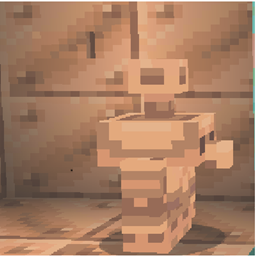
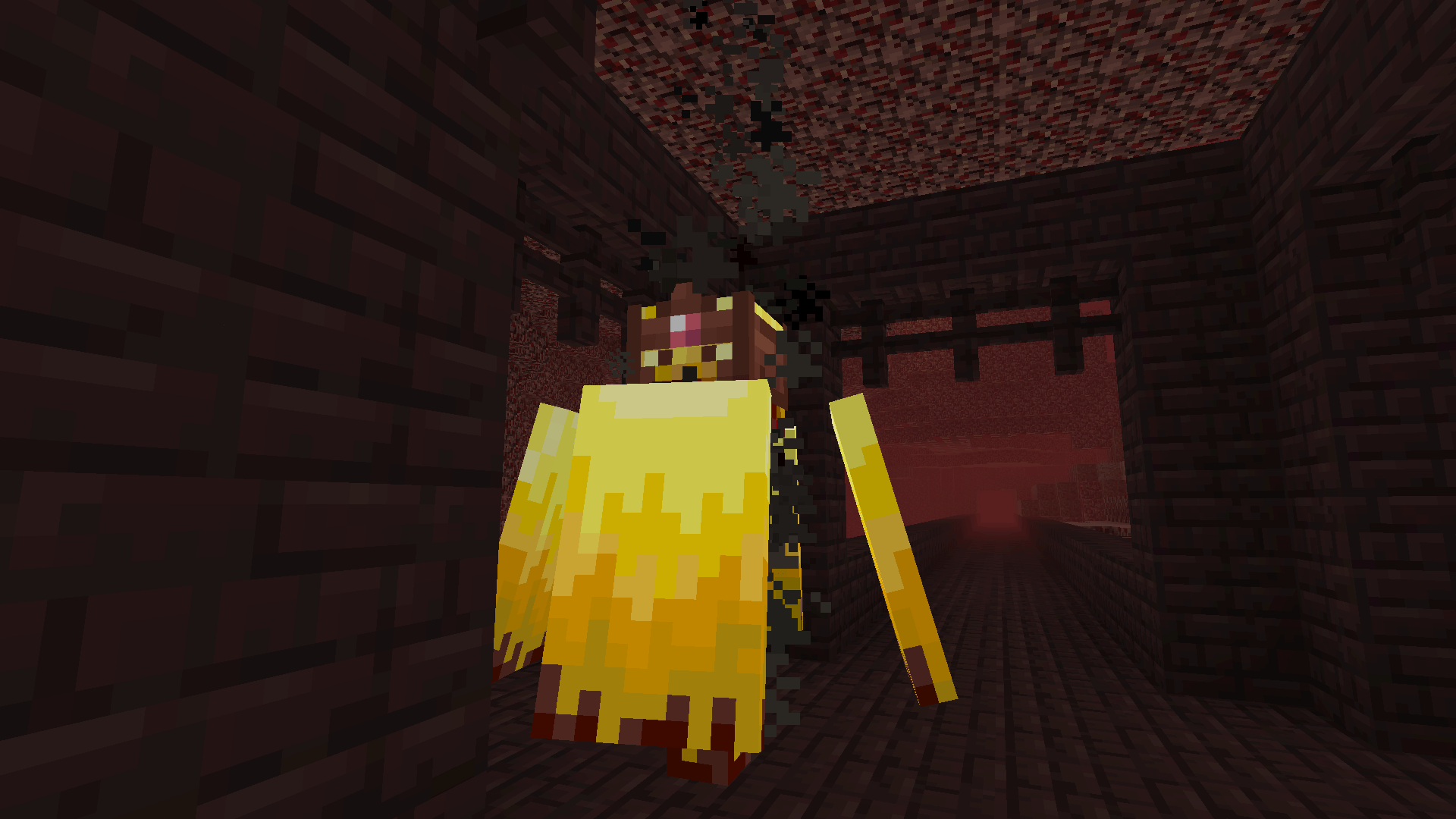
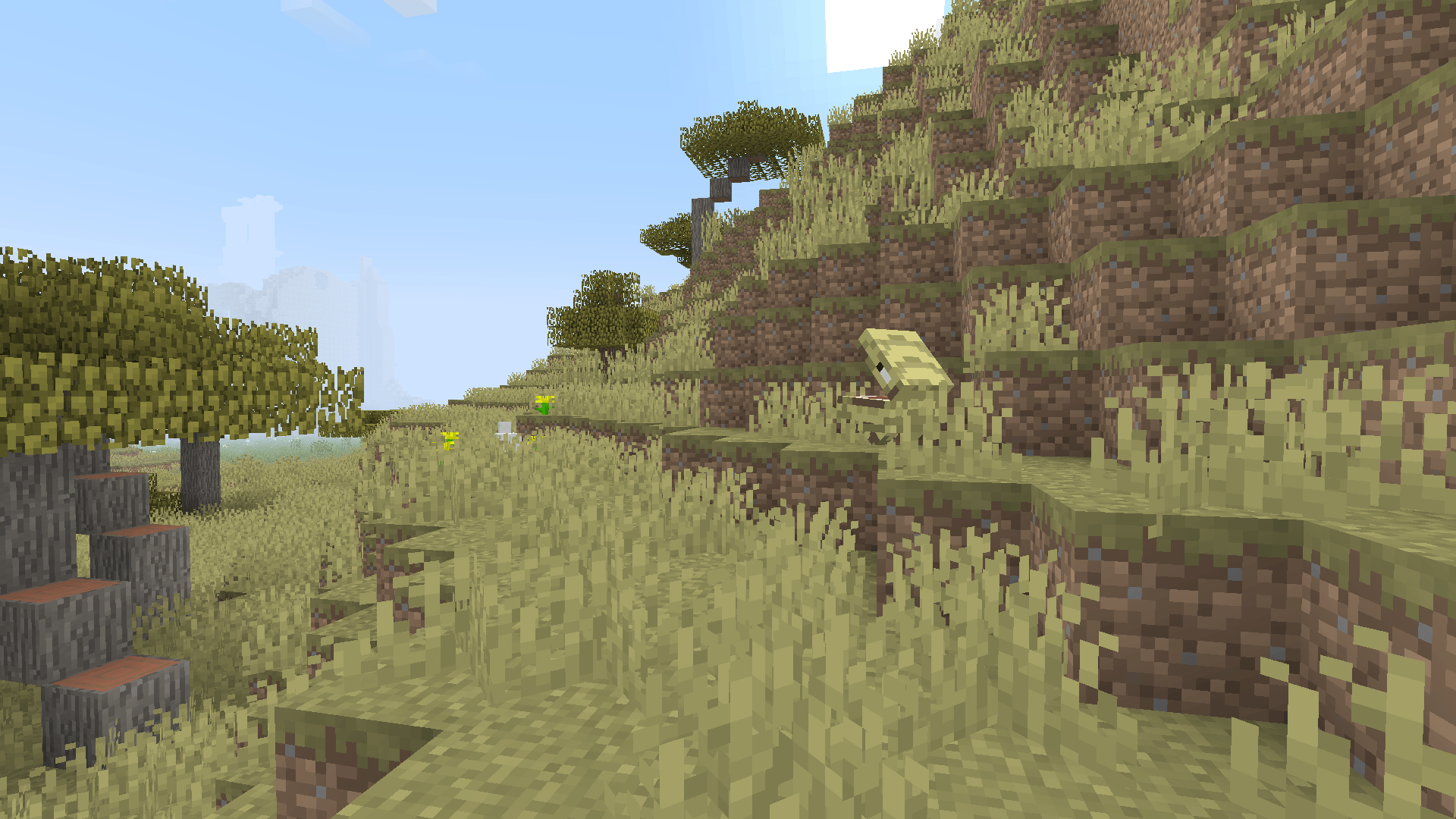
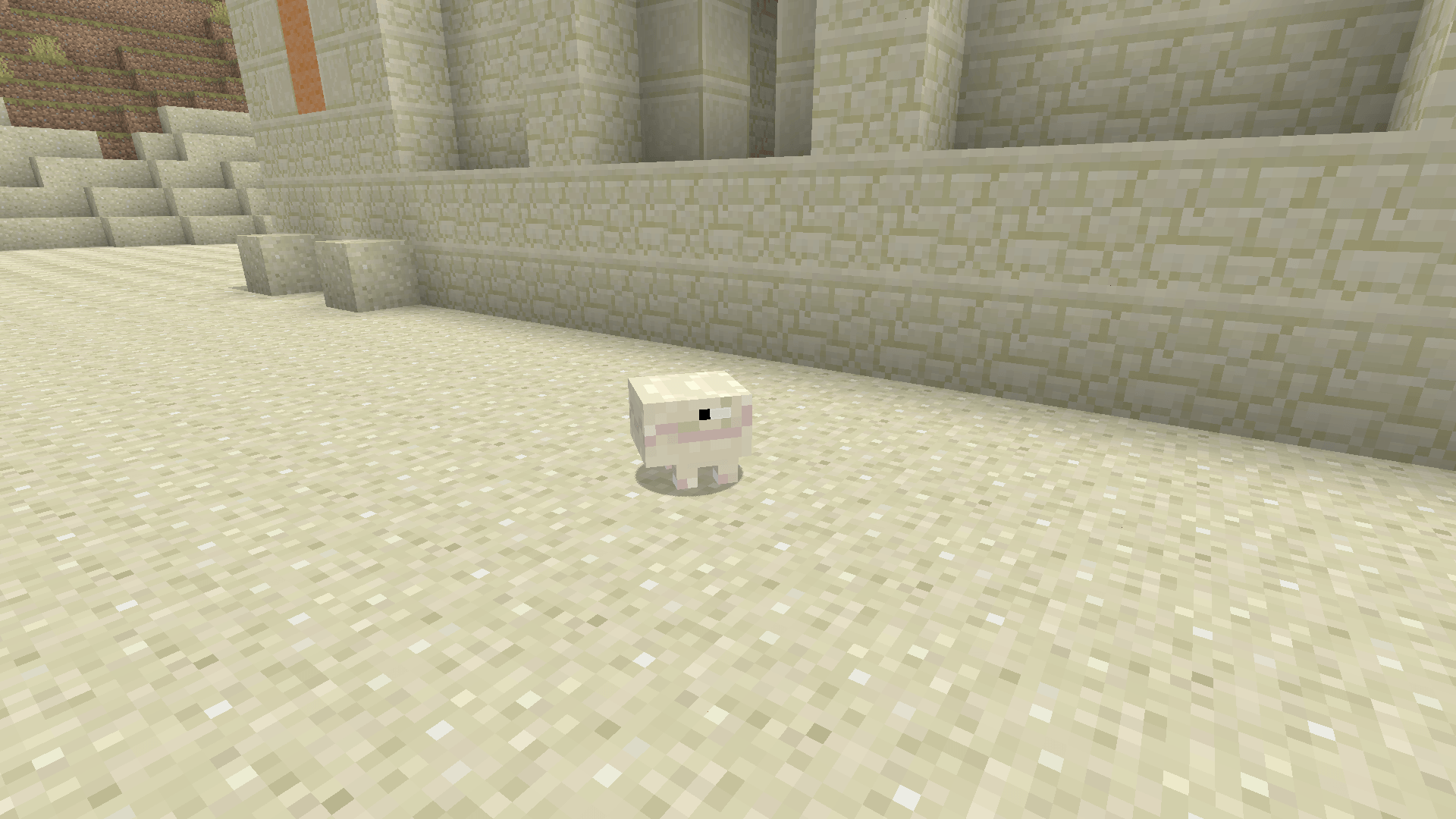
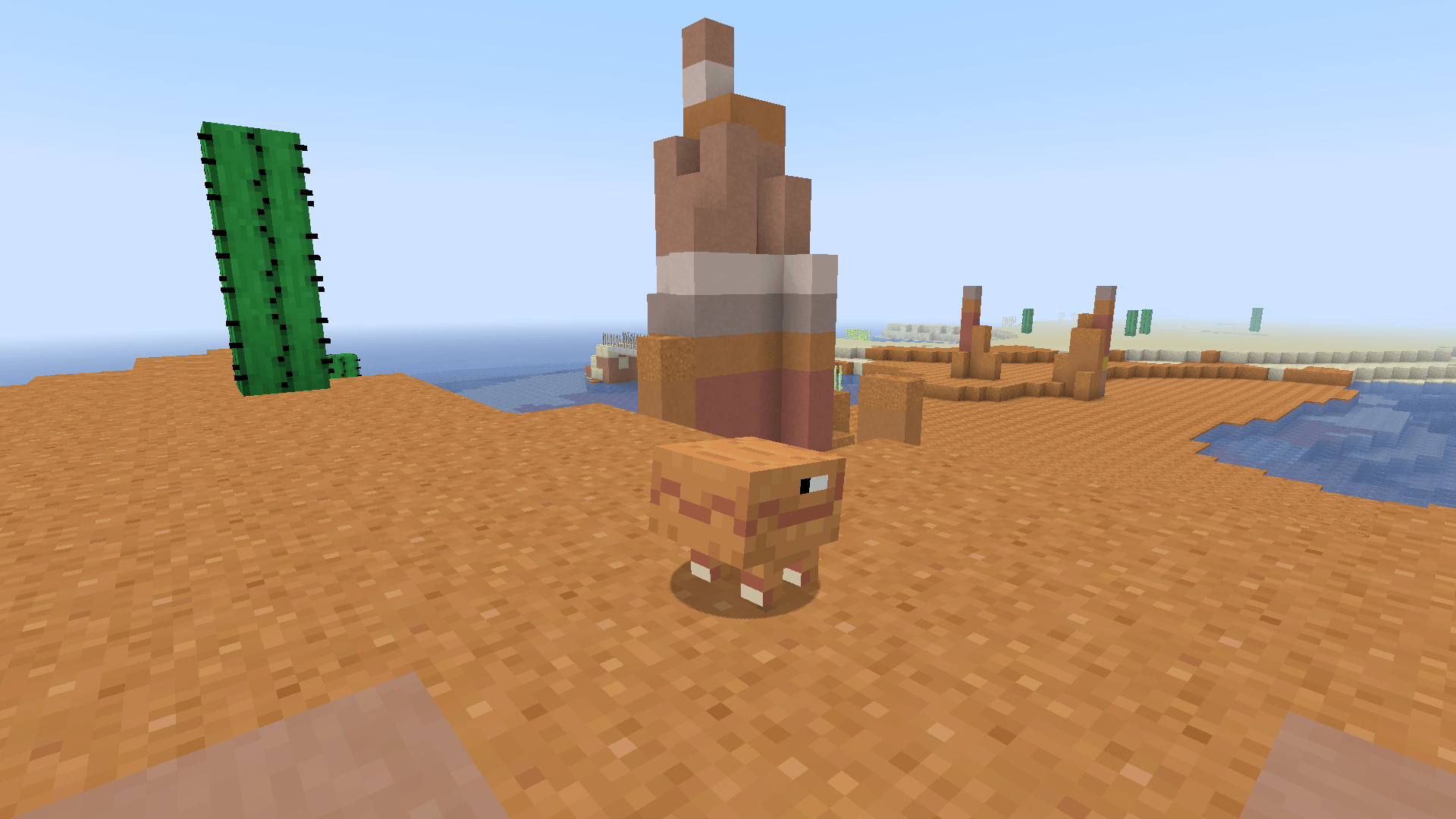
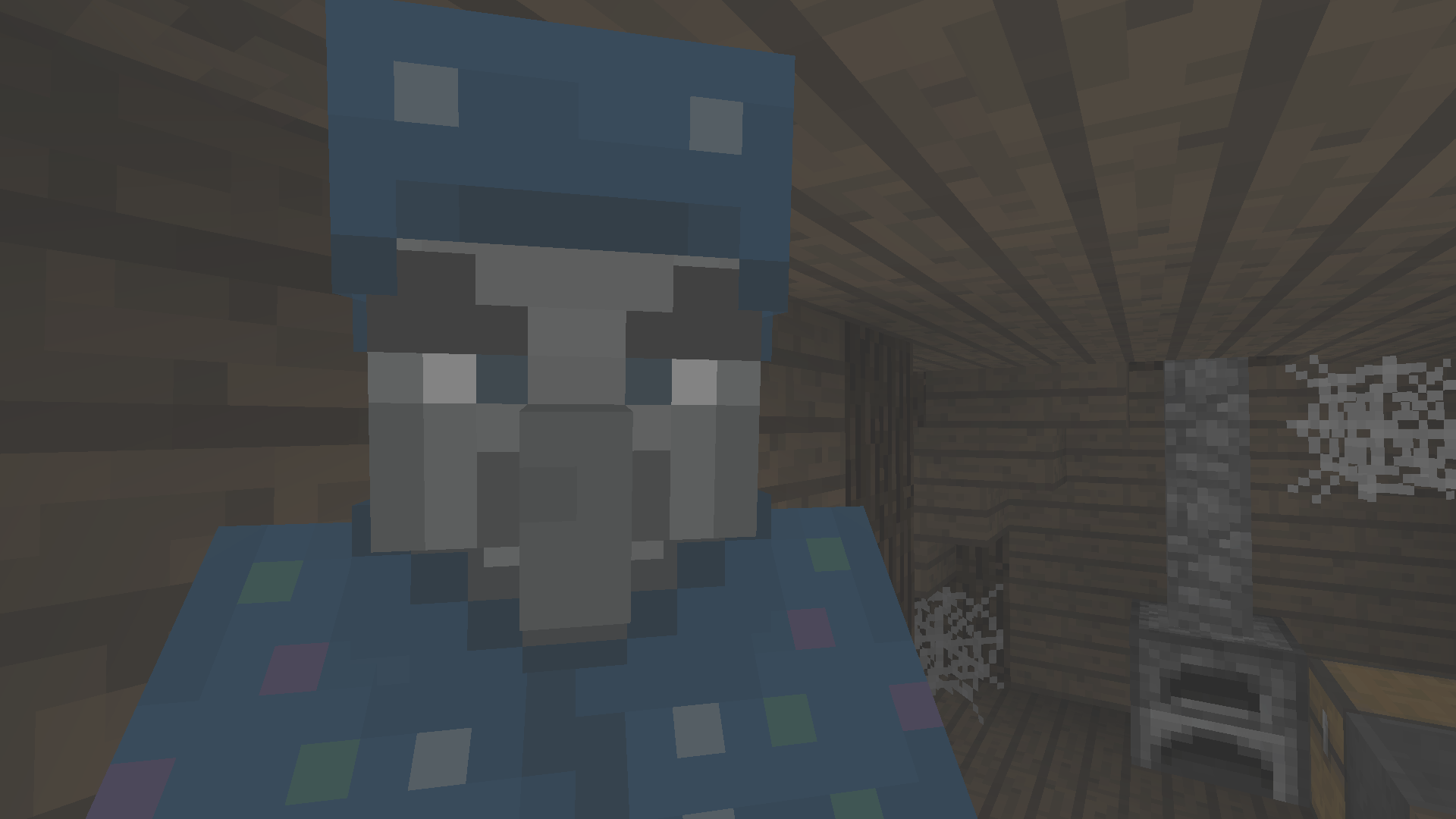
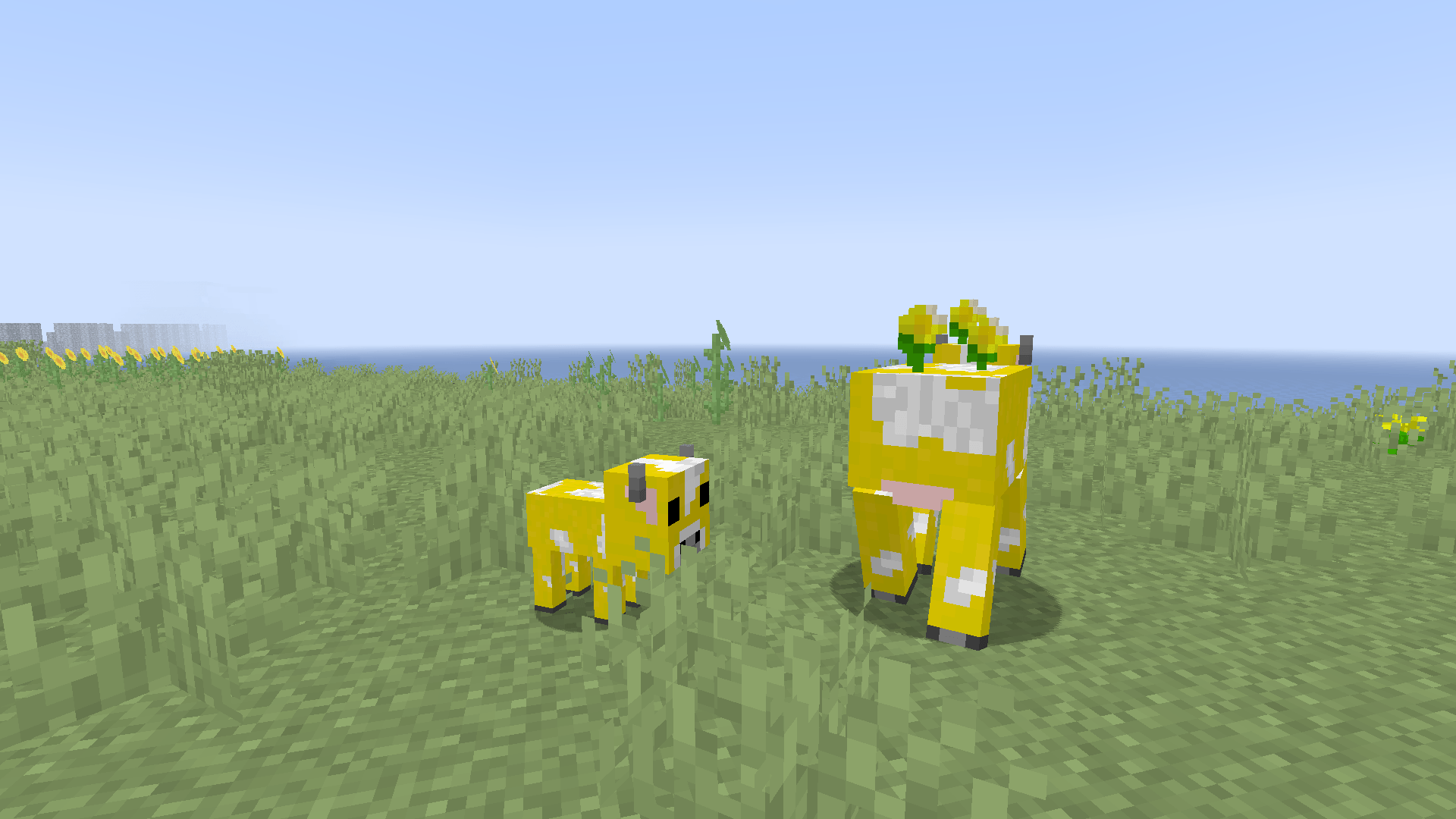
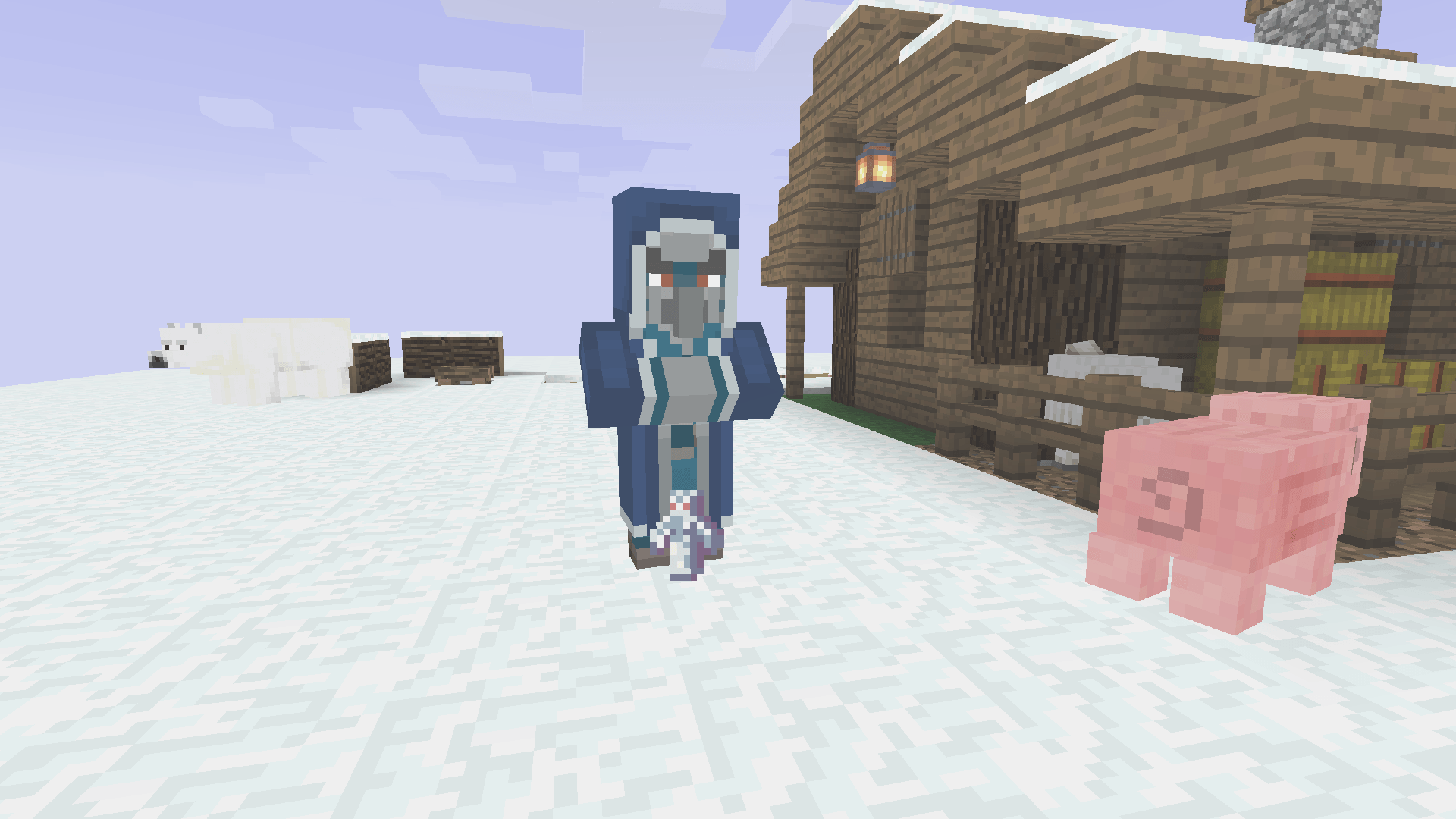
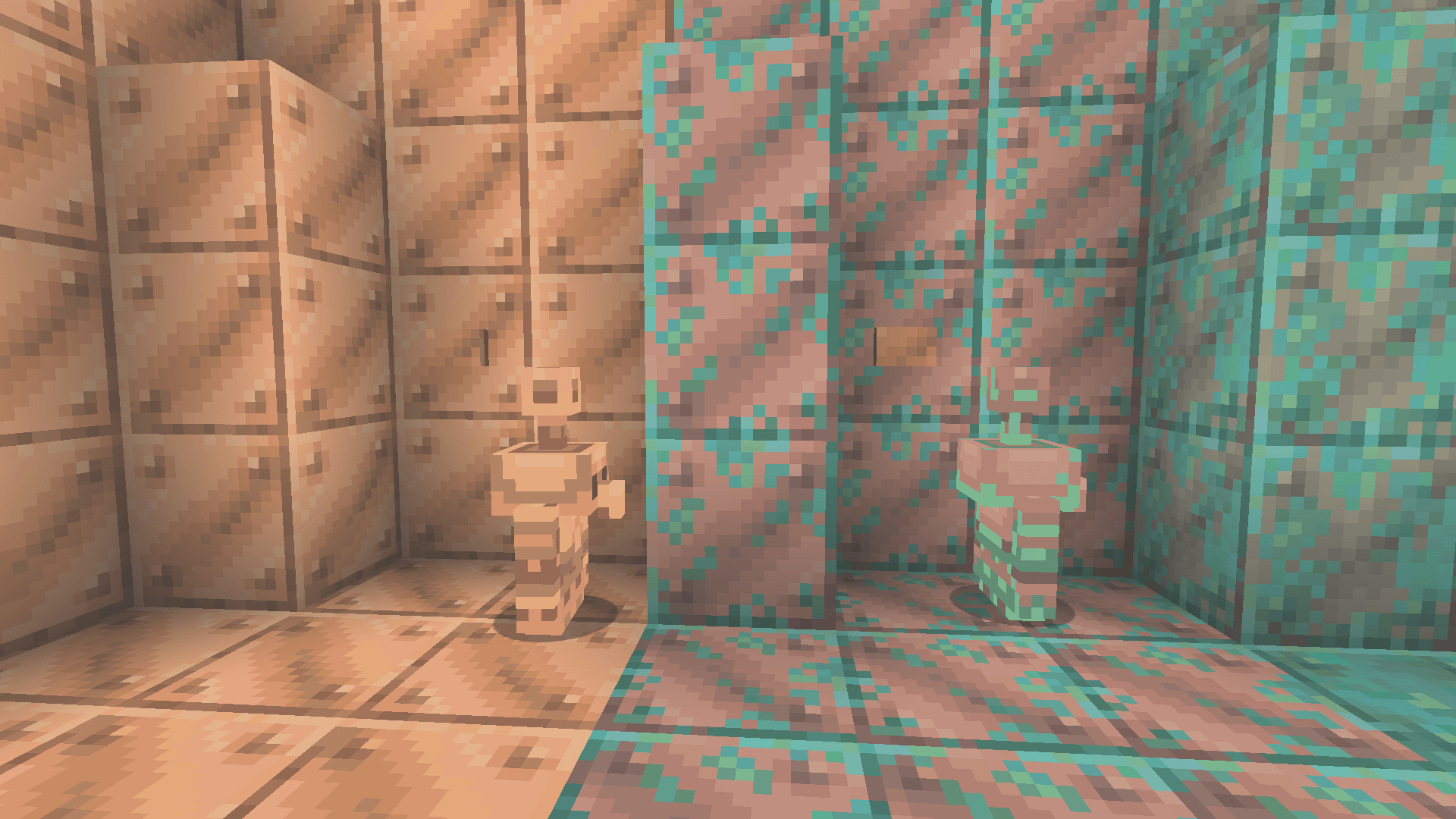
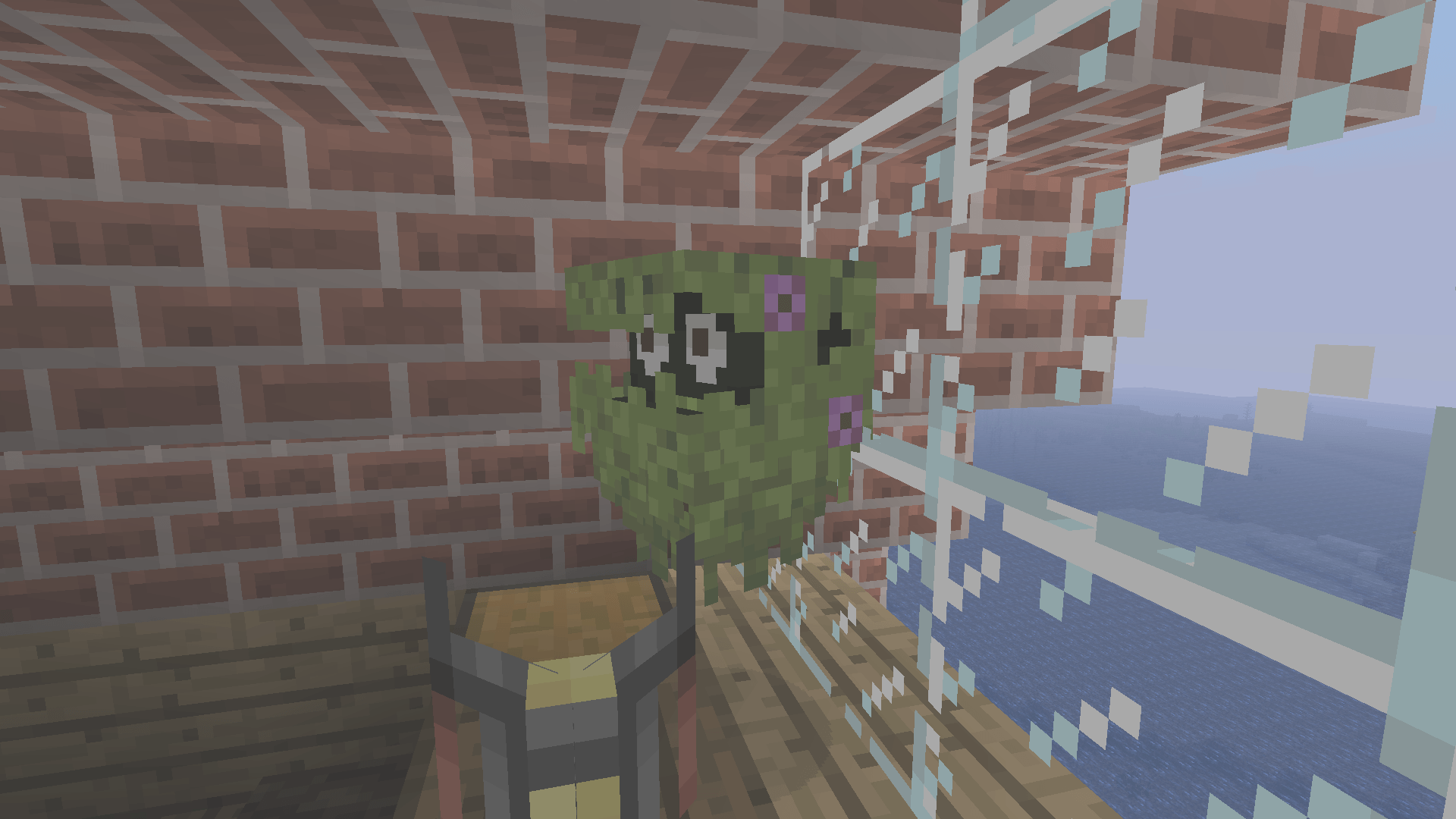
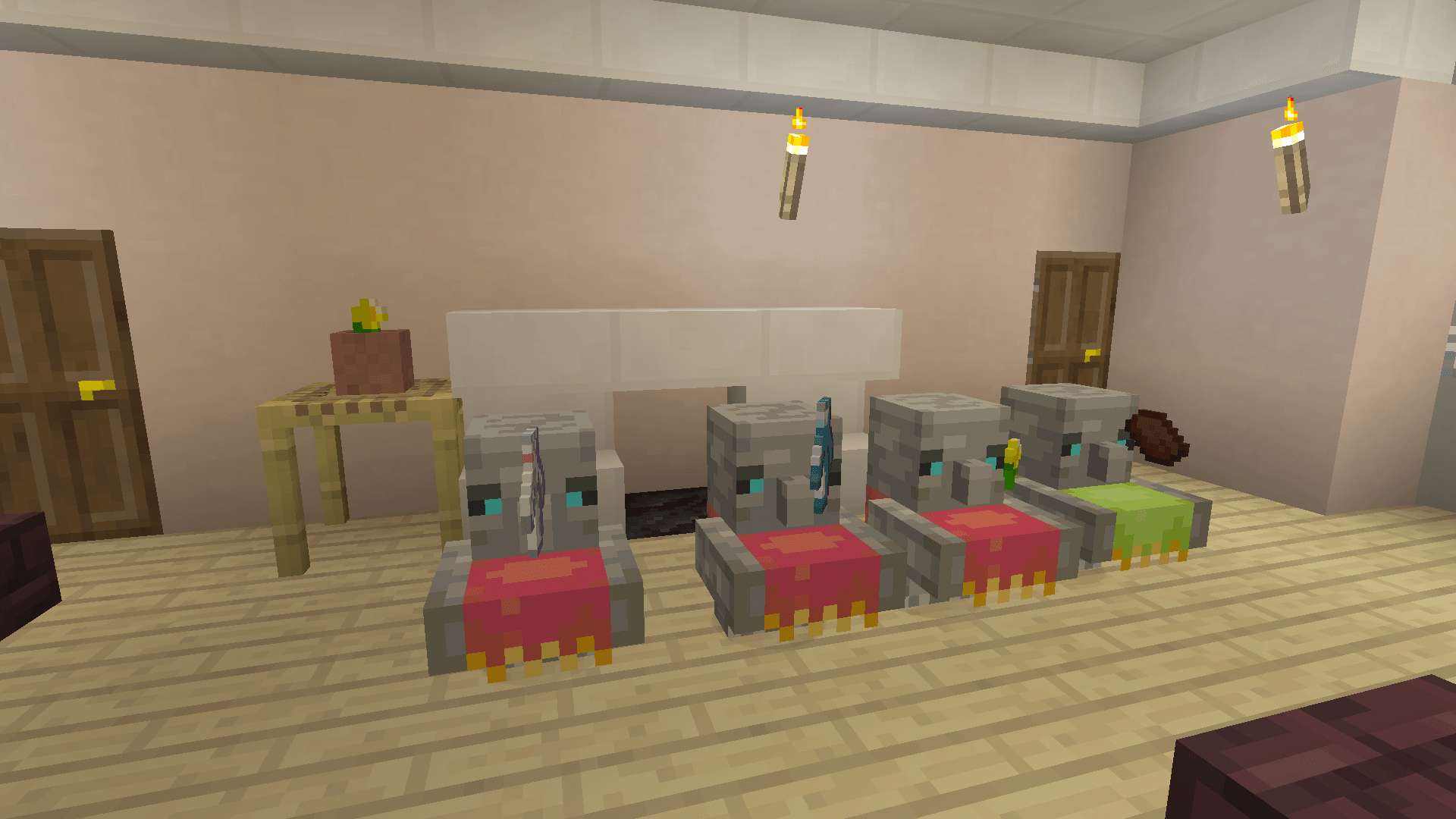
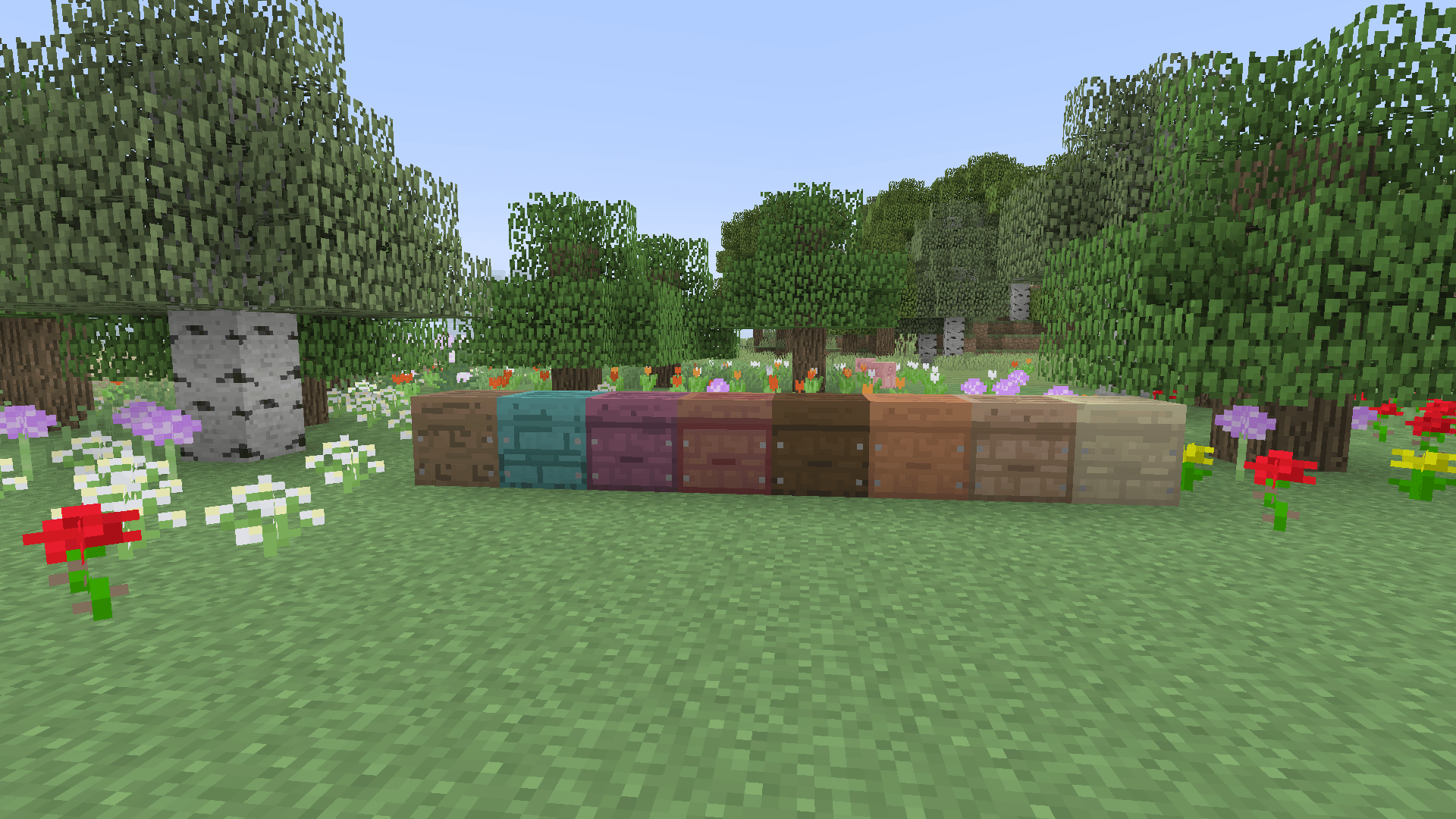
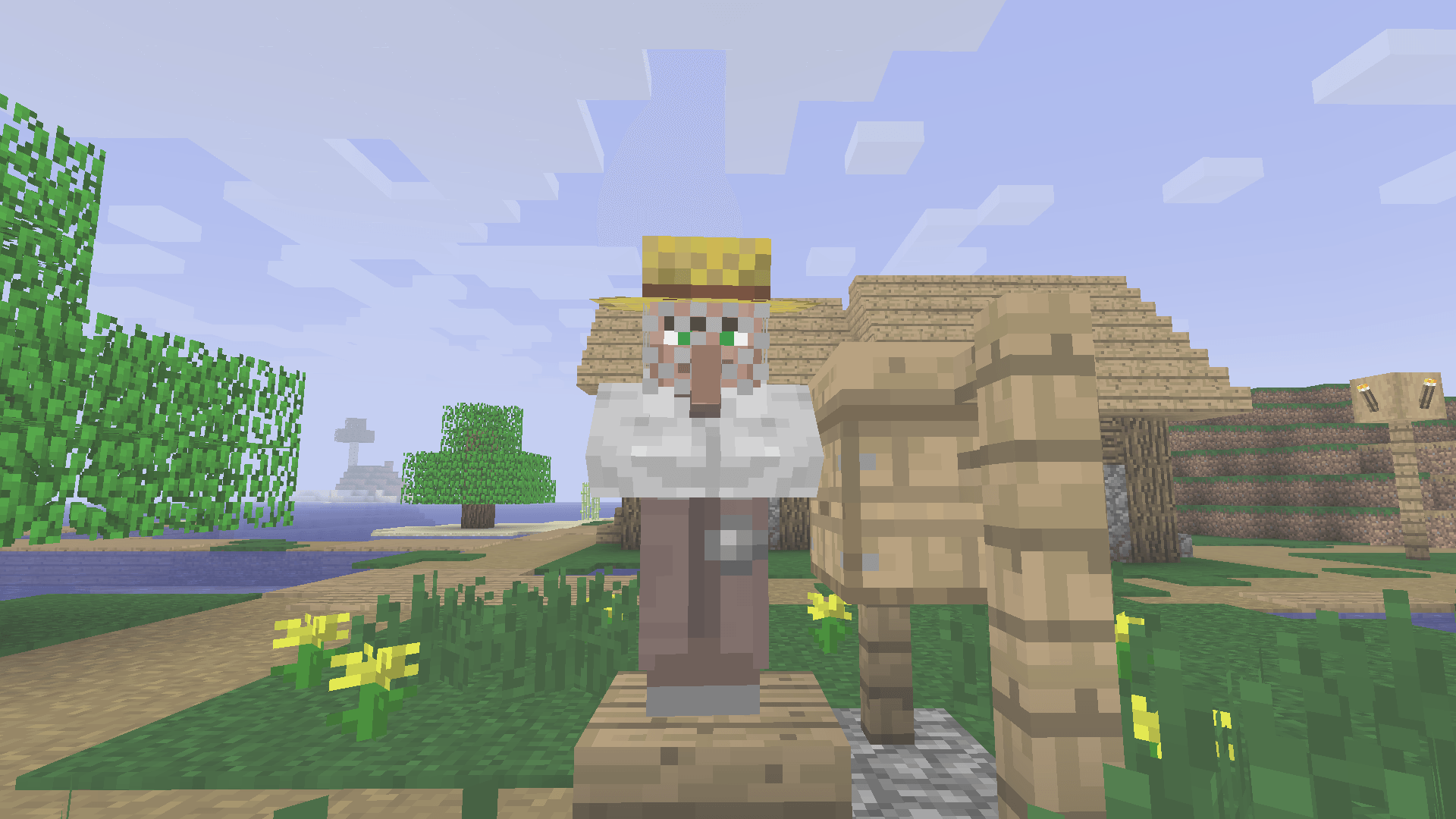
Do you like the Friends&Foes mod for your nostalgic modpacks, but dislike how its default textures clash with the old art style? This Resource Pack fixes that issue by providing Programmer Art-styled textures for almost every item, mob, and block in the mod. Using this with Programmer Art alongside a continued Programmer Art pack such as Legacy Edition, Golden Days, or Programmer Art Ultimate is heavily recommended. Friends&Foes is obviously required to make this work.
Friends&Foes Forge/NeoForge: Friends&Foes (Forge/NeoForge) (Copper Golem, Glare, Moobloom, Iceologer, Barnacle, Wildfire, Rascal, Tuff Golem) - Minecraft Mods - CurseForge
Friends&Foes Fabric/Quilt: Friends&Foes (Fabric/Quilt) (Copper Golem, Glare, Moobloom, Iceologer, Barnacle, Wildfire, Rascal, Tuff Golem) - Minecraft Mods - CurseForge
Golden Days: Golden Days - Minecraft Resource Packs - CurseForge
Legacy Edition: Legacy Edition [1.15.X] Minecraft Texture Pack (planetminecraft.com)
Programmer Art Ultimate: Programmer Art Ultimate for 1.20 - Programmer Art Ultimate (modrinth.com)
Credits:
Faboslav for this S+ mod.
Ustamedomz on Planet Minecraft for their Moobloom Texture
Mojang and Xbox Game Studios for the Zombie Horse, Illusionist, and Iceologer textures.
Future Plans:
Update the Pack.png and Project Icon
Update the pack alongside Friends&Foes (Barnacle, Crab, and Penguin, etc.)
Improve textures for Totem of Illusion and Savanna Mauler and add custom textures for Rascal and Wildfire Crown.