Mineuniverse
Resource Packs
Fresh Pixel Consistent Ghast

Fresh Pixel Consistent Ghast

RESOURCE PACK
Pixel Consistent Ghasts X Fresh Animations and more!
by marioz170
Download Claim this project
1,298 downloads
0 likes
0 followers
Updated Oct 14, 2026
0 hypes
Follow0
16x Animated Mod Support Traditional
Advertisement Remove ads with Premium →


ABOUT: 

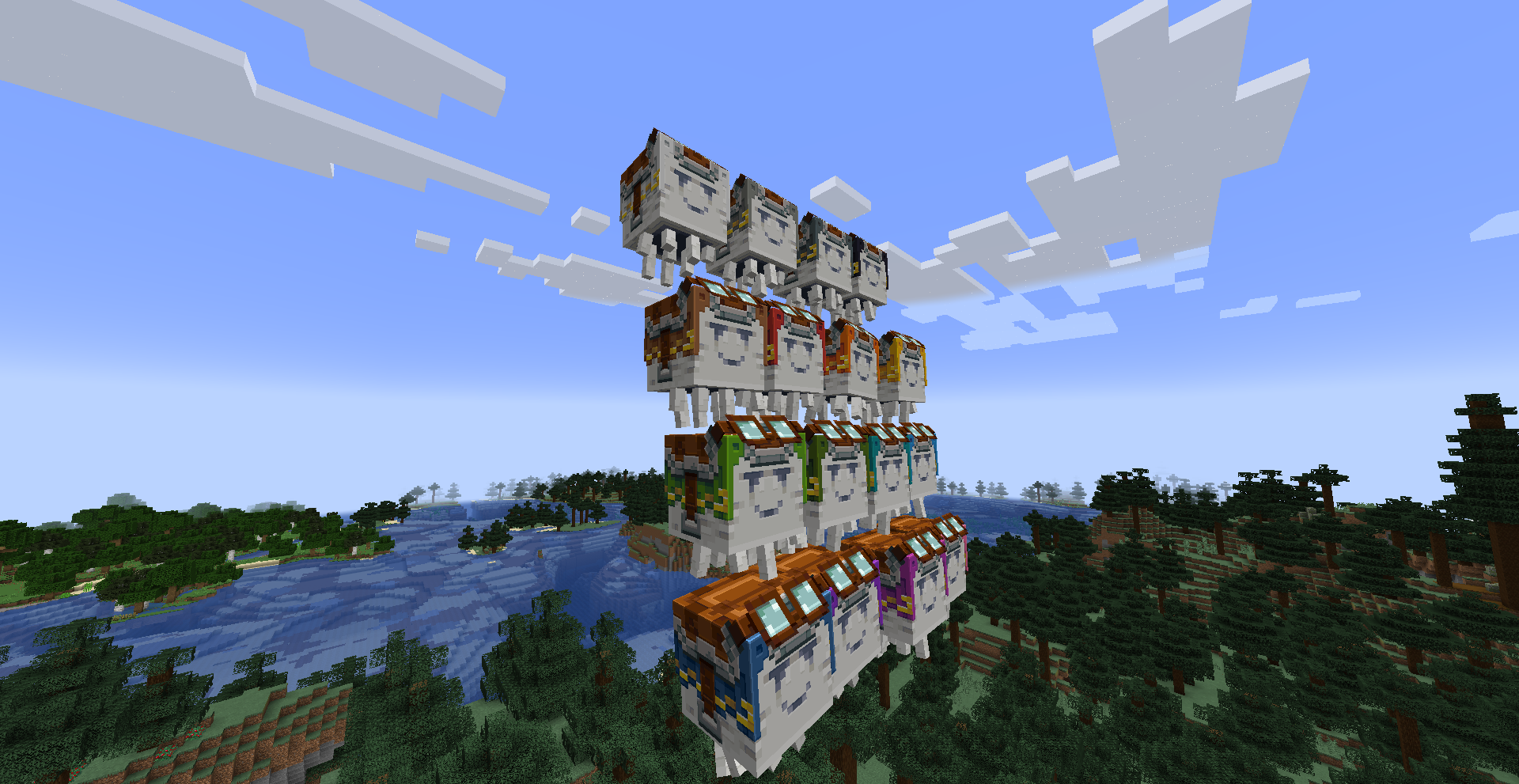
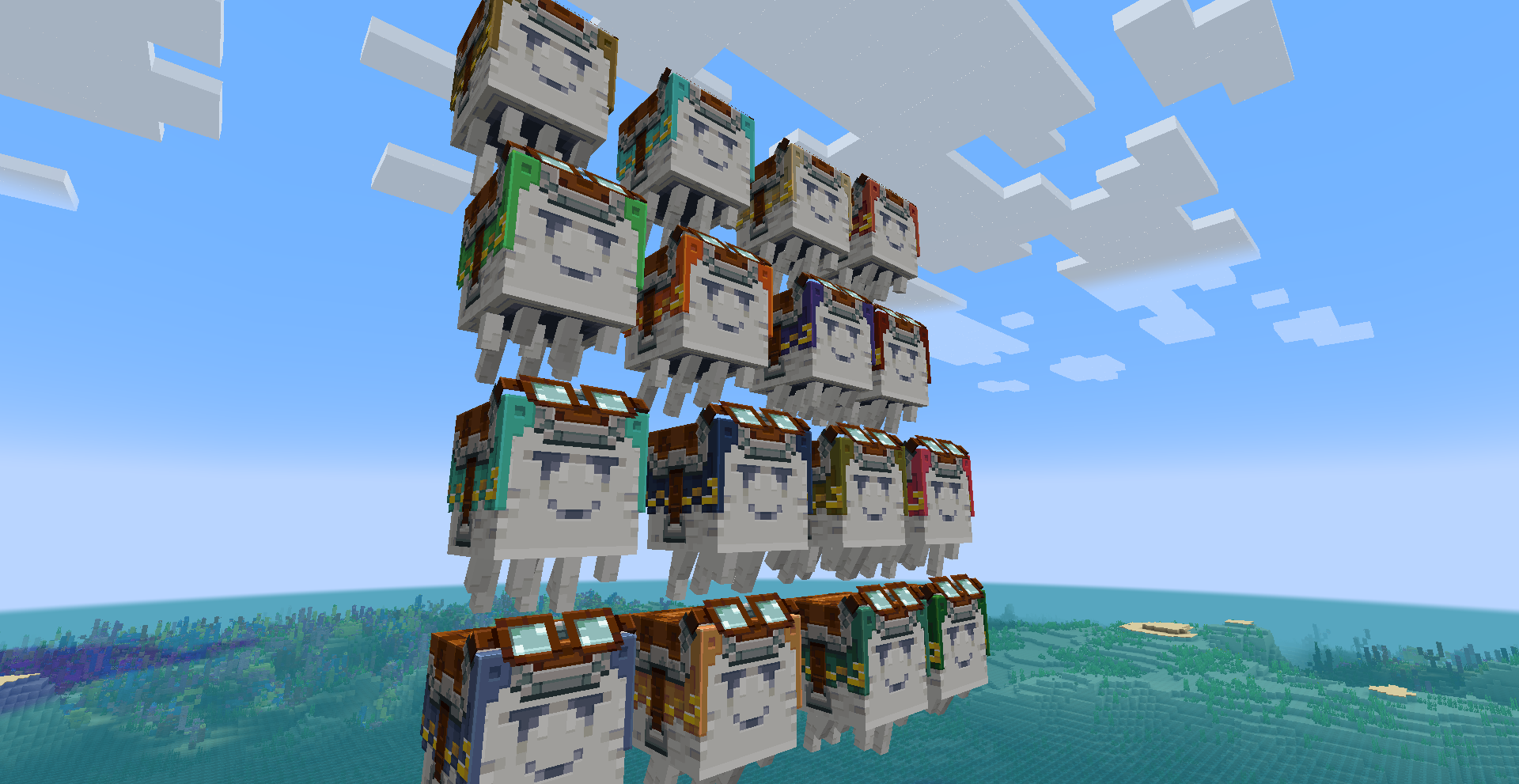
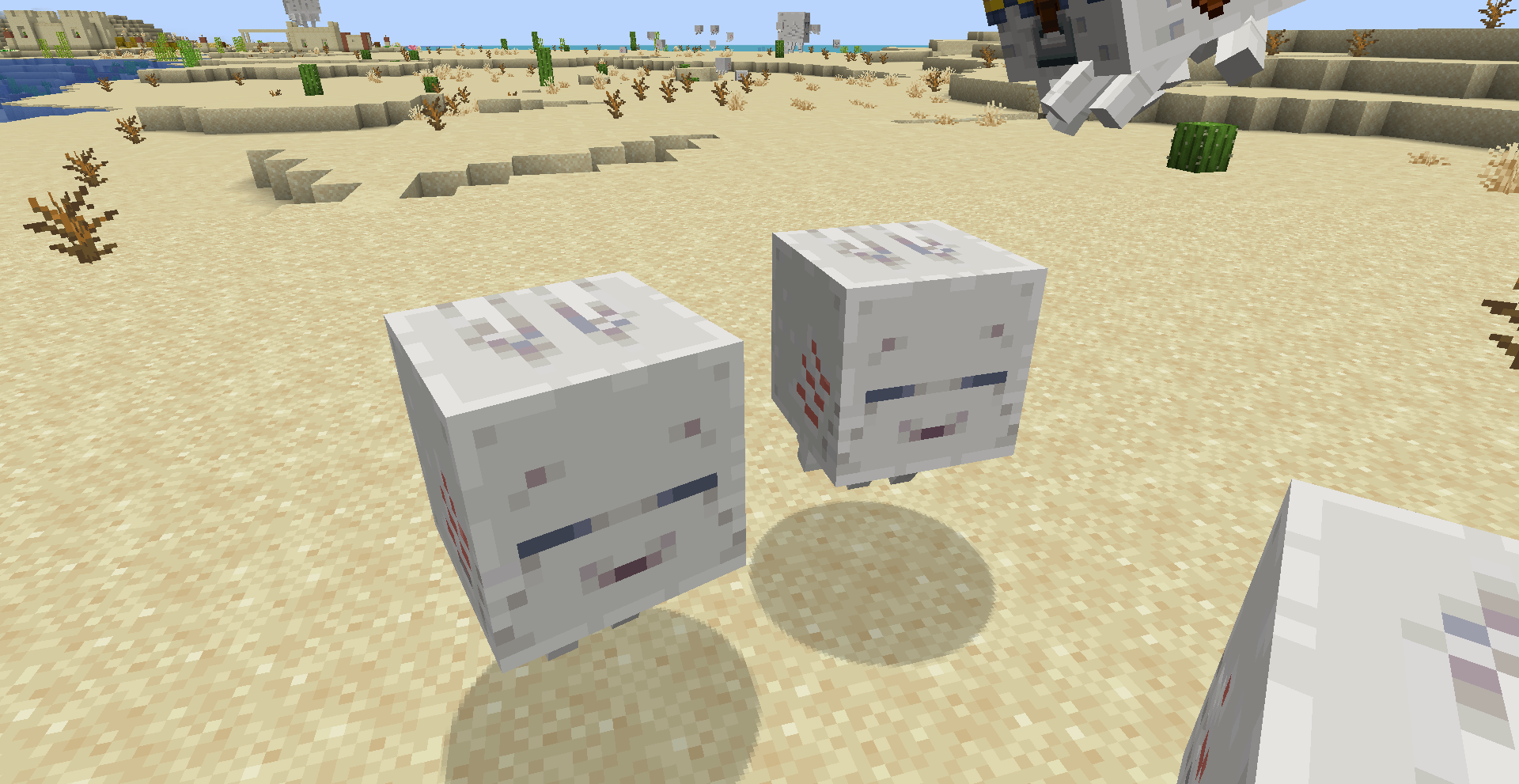
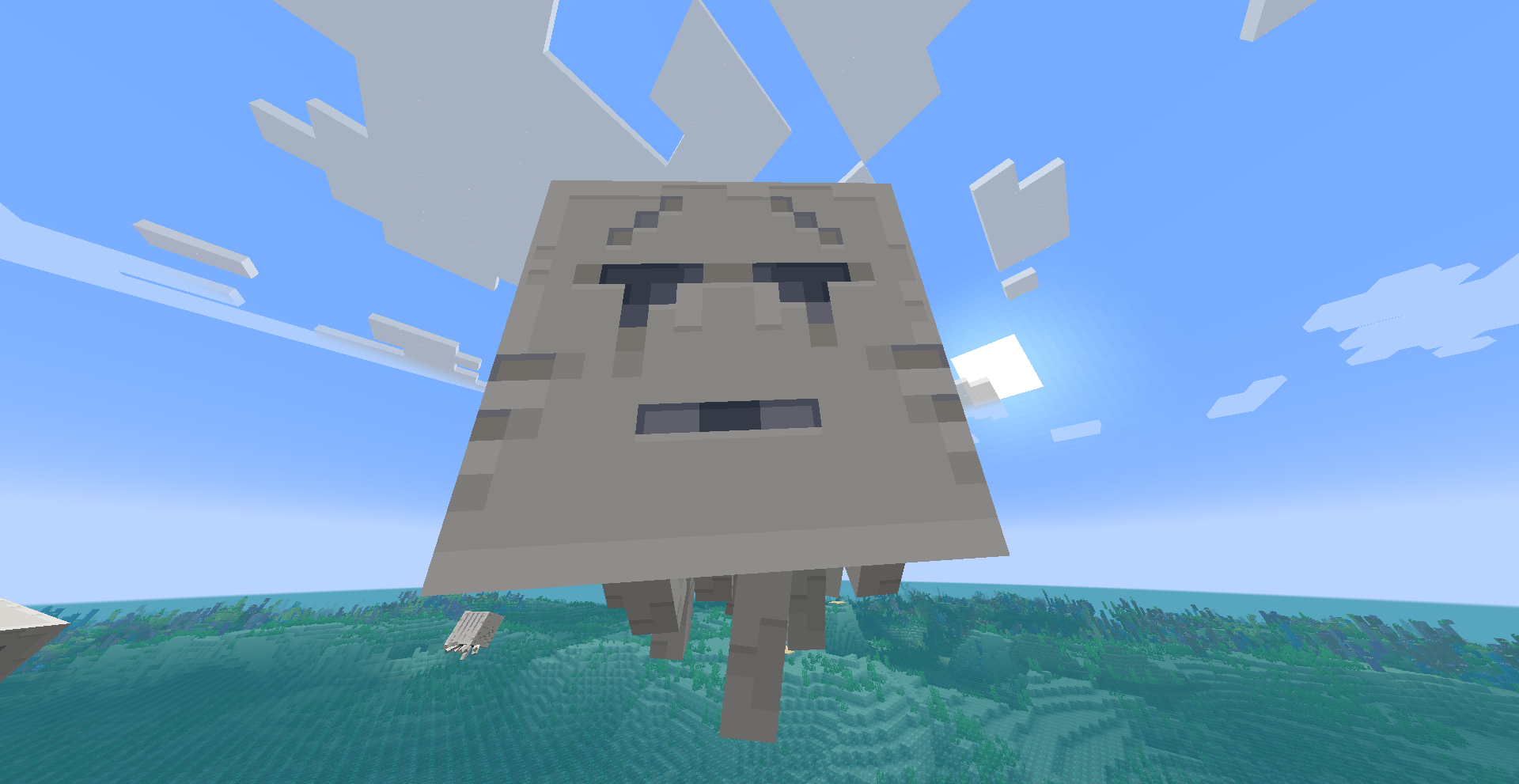
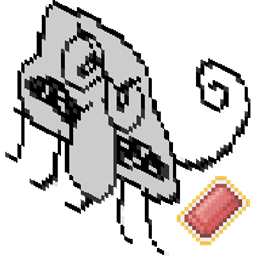
This resourcepack addon makes Floofhips resourcepack compatible with both Fresh Animations! Origionally this resourcepack I made privately for myself back in summer 2025 but I decided to finalize it and release to the public with permissions. It gives the happy Ghast some new expressions as well as a new texture for Happy Ghastling! The resourcepack also has compat with the mod Dye Depot + Dye the World are installed!


The resourcepack includes includes:

Features:
-Expressions to Happy Ghast depending on mood
-New Happy Ghastling Texture
-Dye the world compat with custom Harness textures  (Dye Depot is needed too work)
-Vanilla Backport Compat for all features (also works with 1.20.1 Dye the world!)

Planned Features:
- Baby Happy Ghastling Expressions 


HOW TO USE:

Make sure that you have this resourcepack above Fresh Animations resourcepack for the resource pack to work properly. Base Pixel Consistent Ghast is not needed and advized not to be used with this resourcpack as it could cause conflicts. 


Credits:
- Origional Pixel Consistent Ghast resourcepack by Floofhips linked HERE
- Origional Fresh Animations by FreshMC linked HERE
- Dye the World Harness textures by me
- Baby Ghastling texture tweaked by me
-  Vanilla Backport Compat by Kri-Niki on Discord

Fresh Pixel Consistent Ghasts V0.2
MC 1.21.8, 1.21.5, 1.21.4, 1.20.1, 1.21.1, 1.21.6, 1.21.3, 1.21.7, 1.21.2, 1.21.9, 1.21.10, 1.21.11
Release 2026-02-10 Get
Fresh Pixel Consistent Ghast V0.1
MC 1.21, 1.21.8, 1.21.5, 1.21.4, 1.20.1, 1.21.1, 1.21.6, 1.21.3, 1.21.7, 1.21.2, 1.21.9, 1.21.10, 1.21.11
Release 2026-02-09 Get

Requirements & install

How to use this resource pack in Minecraft
Resolution
16x
Minecraft
1.21.4 – 1.21.11
Install folder
.minecraft/resourcepacks

How to install resource packs

  1. Download the resource pack .zip file (do not extract it).
  2. In Minecraft open Options → Resource Packs → Open Pack Folder.
  3. Drop the .zip into the resourcepacks folder (.minecraft/resourcepacks).
  4. Move the pack to the Selected column and click Done.
Browse more: 16x resource packs 32x resource packs 64x resource packs 128x resource packs 256x resource packs 512x+ resource packs Resource Packs for 1.21.11 All resource packs

More from marioz170

Advertisement Remove ads with Premium →

You Might Also Like