Mineuniverse
Resource Packs
Fresh Pipez

Fresh Pipez

RESOURCE PACK
Refurbished Pipez mod textures and models
by Inan1s_
Download Claim this project
1,926 downloads
0 likes
Updated Oct 14, 2026
0 hypes
16x Mod Support Modern Steampunk
Advertisement Remove ads with Premium →

About

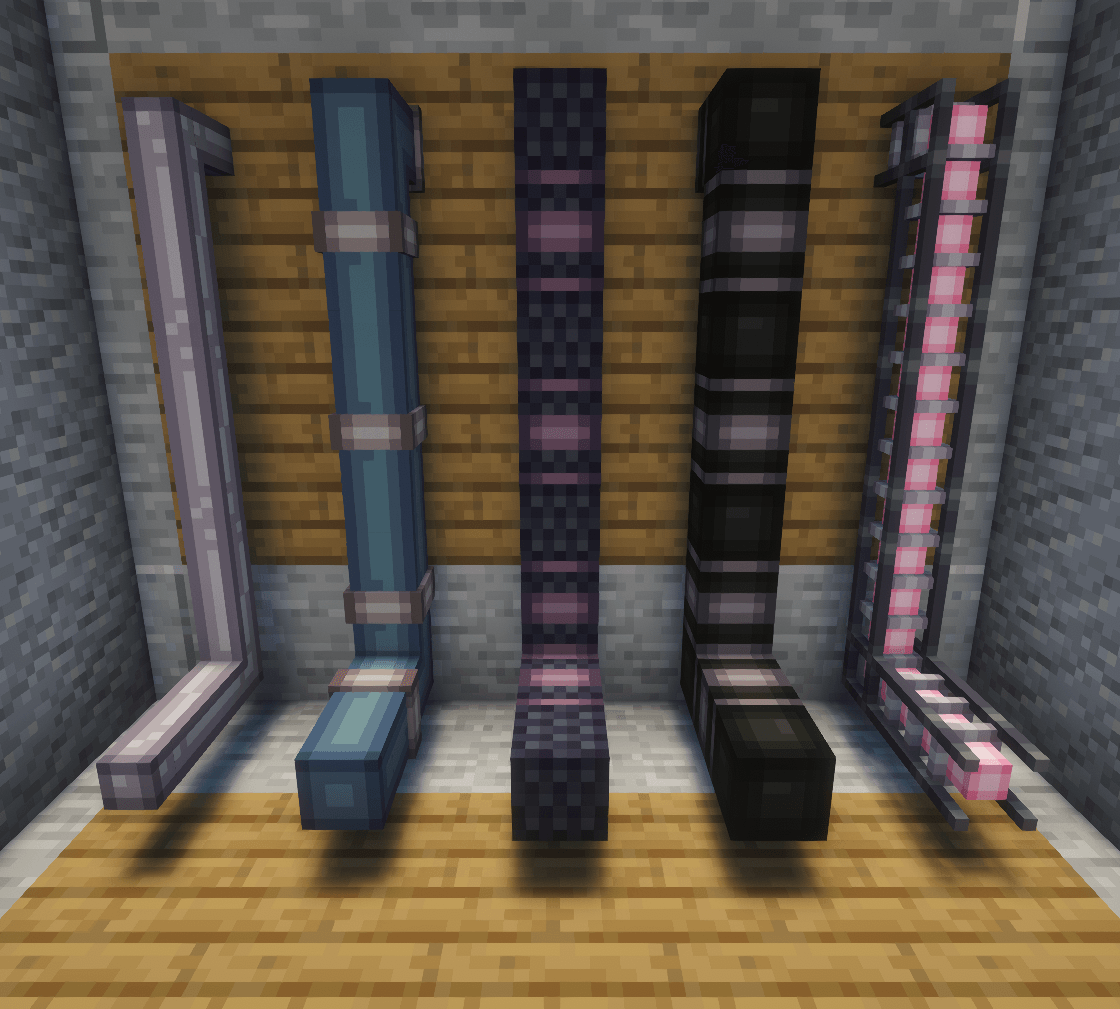
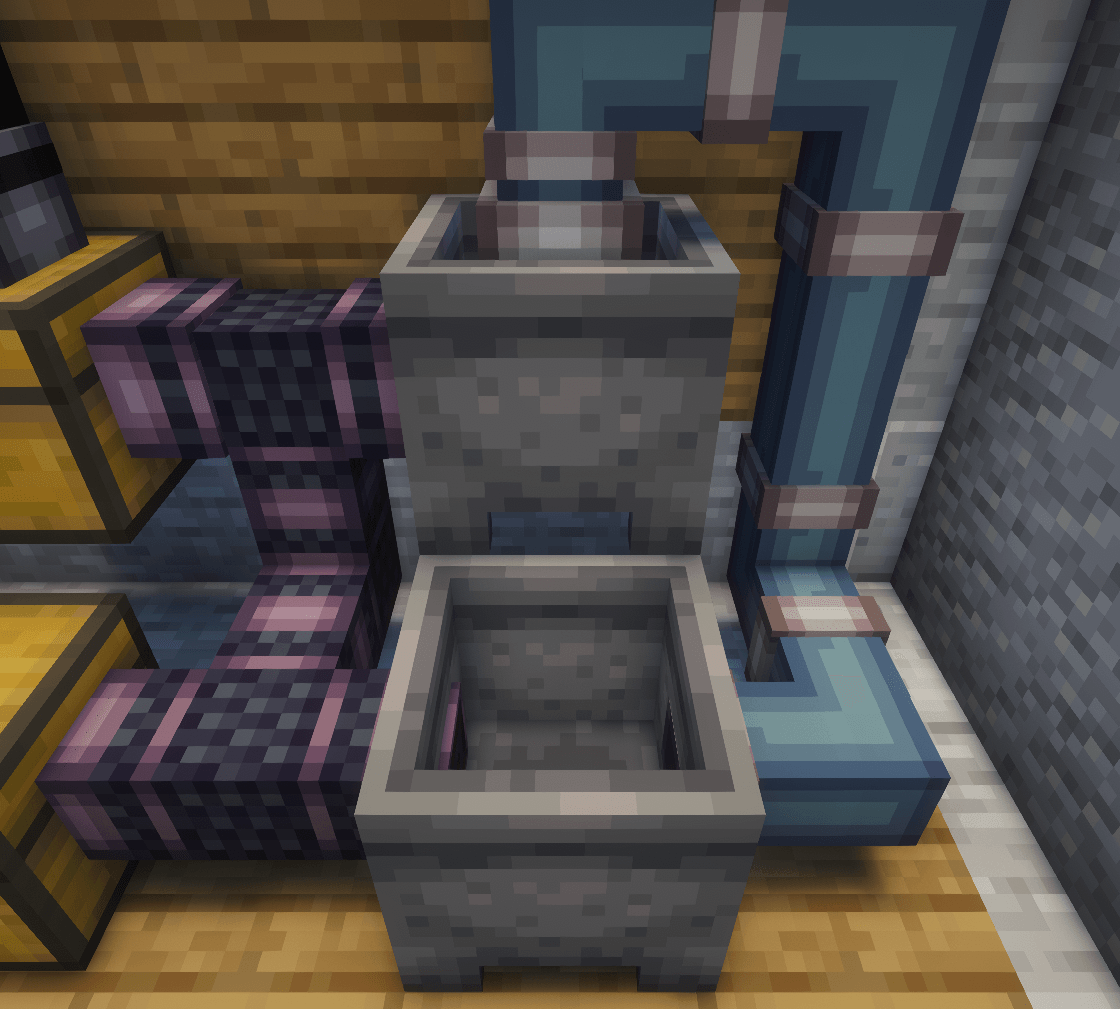
This pack is a complete rework of the Pipez mod's visuals and aims to bring a more modern and clean look that fits better with other mods such as Create and Thermal Series.

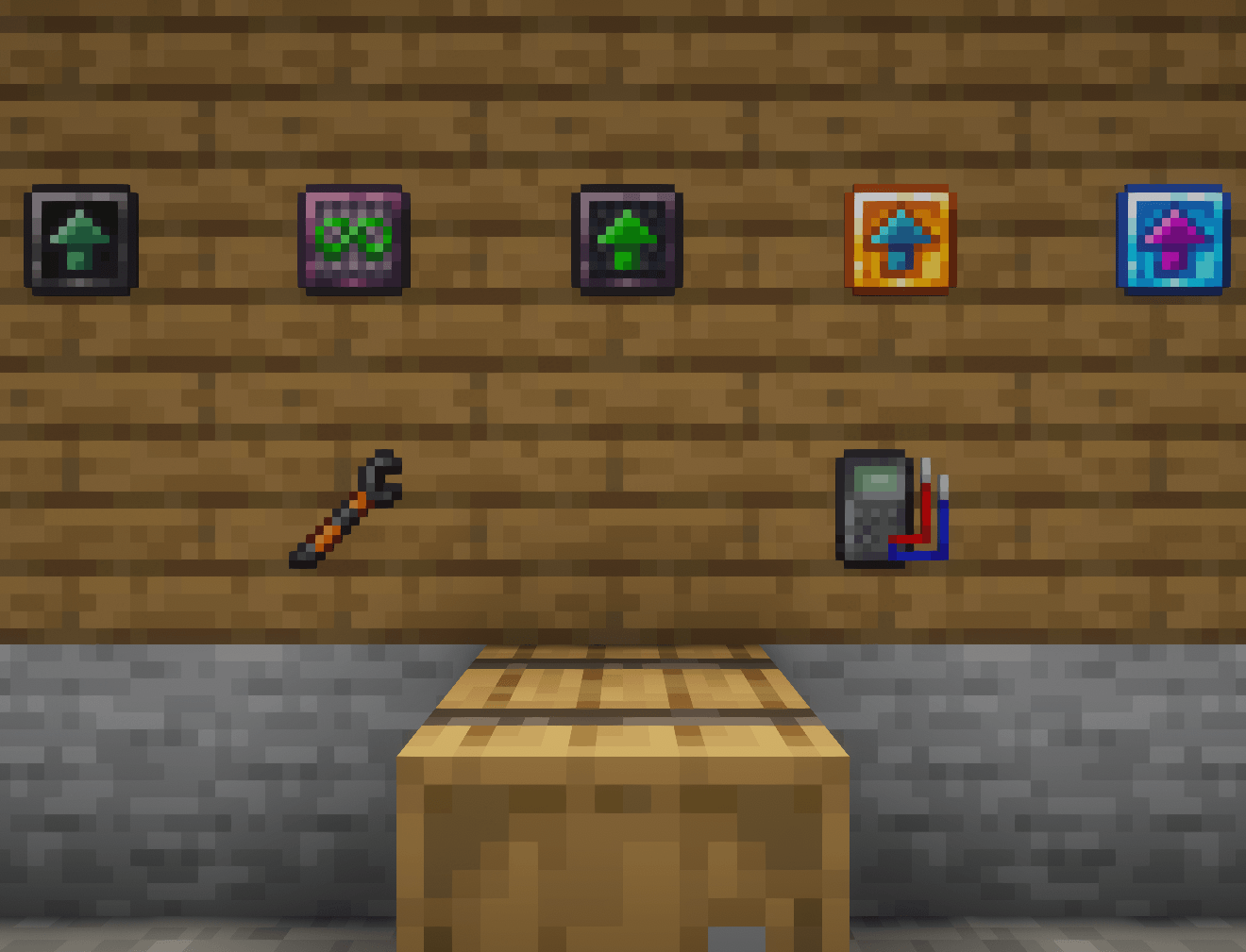
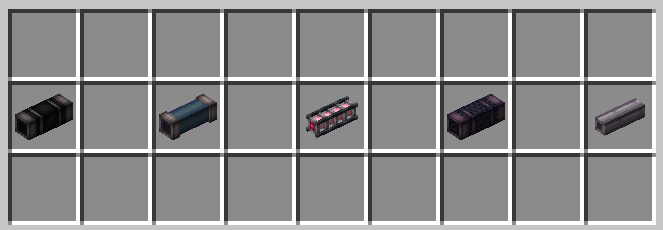
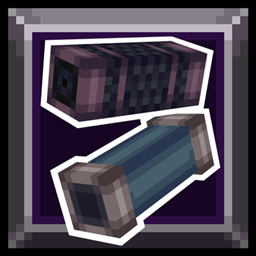
The changes are not limited only to block textures - the items have also been updated and almost all pipes have their own unique model.
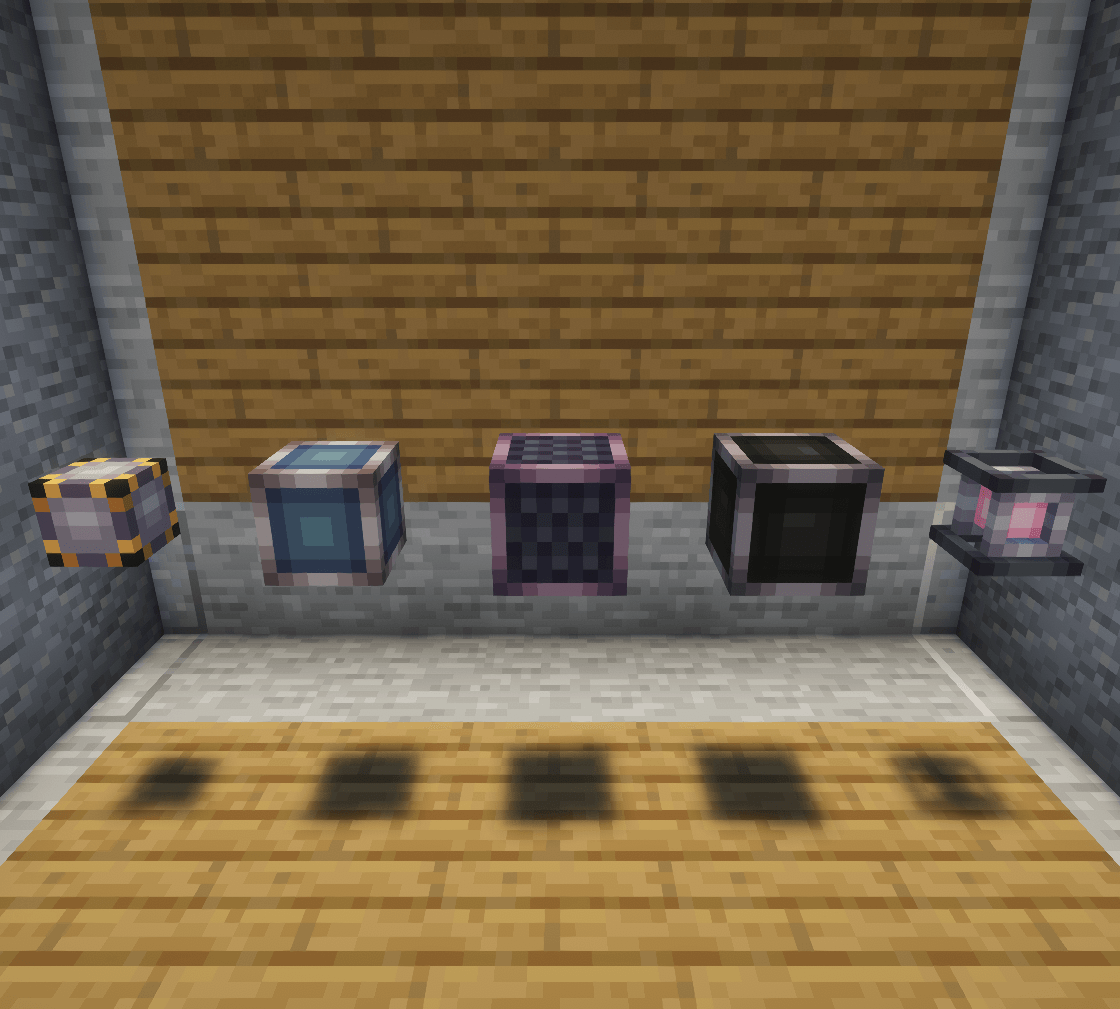
In addition the pipe blocks have custom models for their item form and special models for when the pipe is not connected to anything.
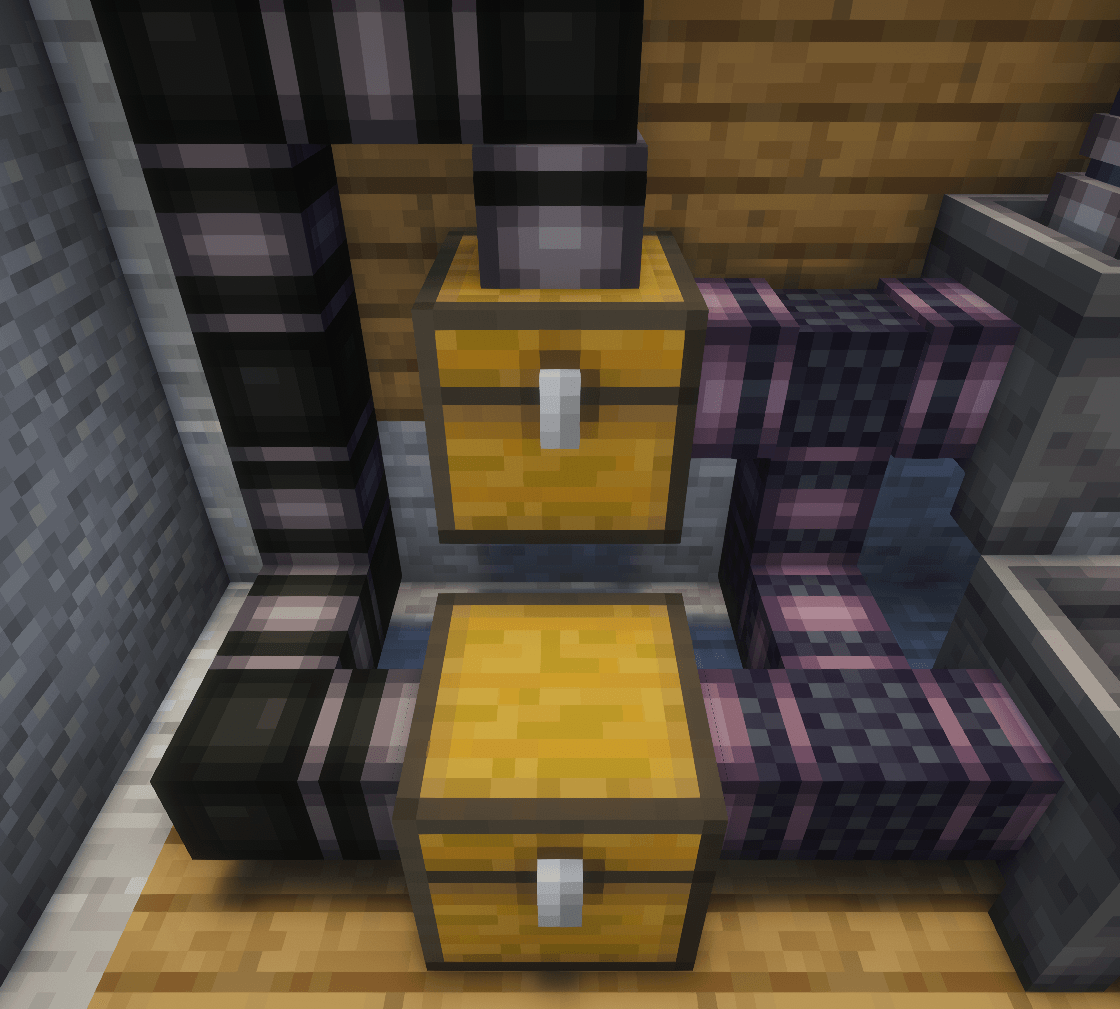
The models have been specially adjusted to prevent gaps when connecting to blocks (that should also work with most moded blocks).

Issues with the pack:

  • There are sometimes lighting errors that appear randomly. It doesn't happen often and is only visually unpleasant and won't cause any other issues.
    I do not know how to fix them but they seem not to be present with shaders on (tested on Complementary Reimagined)

Copyright

Feel free to use this pack in your modpack.

This project is separate from the Pipez mod and it's development was never connected to the mod's author.
(Pipez mod CurseForge page)
While using this resourcepack only the visual issues are to be reported to me and before reporting anything to the mod's creator make sure the problem isn't caused by my pack.

Fresh Pipez 1.0.1
MC 1.16.3, 1.17.1, 1.21, 1.16.1, 1.18.1, 1.16, 1.16.5, 1.19.3, 1.20.2, 1.19.4, 1.21.8, 1.17, 1.20.5, 1.21.5, 1.18, 1.21.4, 1.20.1, 1.20, 1.20.6, 1.21.1, 1.21.6, 1.21.3, 1.21.7
Release 2026-10-08 Get
Fresh Pipez 1.0.1
MC 1.16.3, 1.13.1, 1.9.3, 1.8.7, 1.17.1, 1.9.1, 1.21, 1.16.1, 1.18.1, 1.14.3, 1.15, 1.16, 1.13, 1.16.5, 1.10.2, 1.19.3, 1.20.2, 1.19.4, 1.21.8, 1.8.8, 1.9.4, 1.9.2, 1.8.4
Beta 2026-08-24 Get

Requirements & install

How to use this resource pack in Minecraft
Resolution
16x
Minecraft
1.21 – 1.21.8
Install folder
.minecraft/resourcepacks

How to install resource packs

  1. Download the resource pack .zip file (do not extract it).
  2. In Minecraft open Options → Resource Packs → Open Pack Folder.
  3. Drop the .zip into the resourcepacks folder (.minecraft/resourcepacks).
  4. Move the pack to the Selected column and click Done.
Browse more: 16x resource packs 32x resource packs 64x resource packs 128x resource packs 256x resource packs 512x+ resource packs Resource Packs for 1.21.8 All resource packs

More from Inan1s_

Advertisement Remove ads with Premium →

You Might Also Like