Mineuniverse
Resource Packs
Fresh Leaves (Archived)

Fresh Leaves (Archived)

RESOURCE PACK
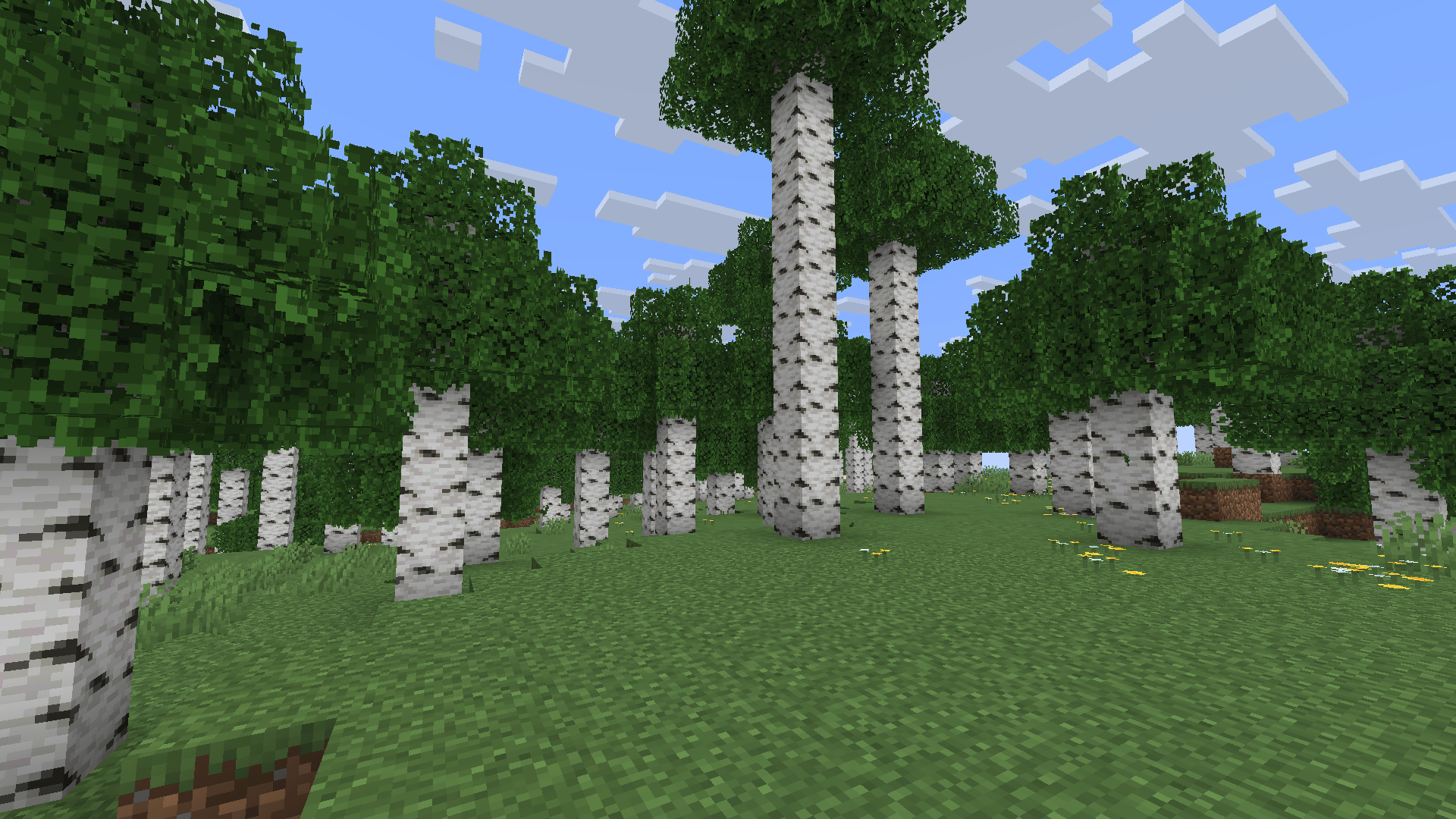
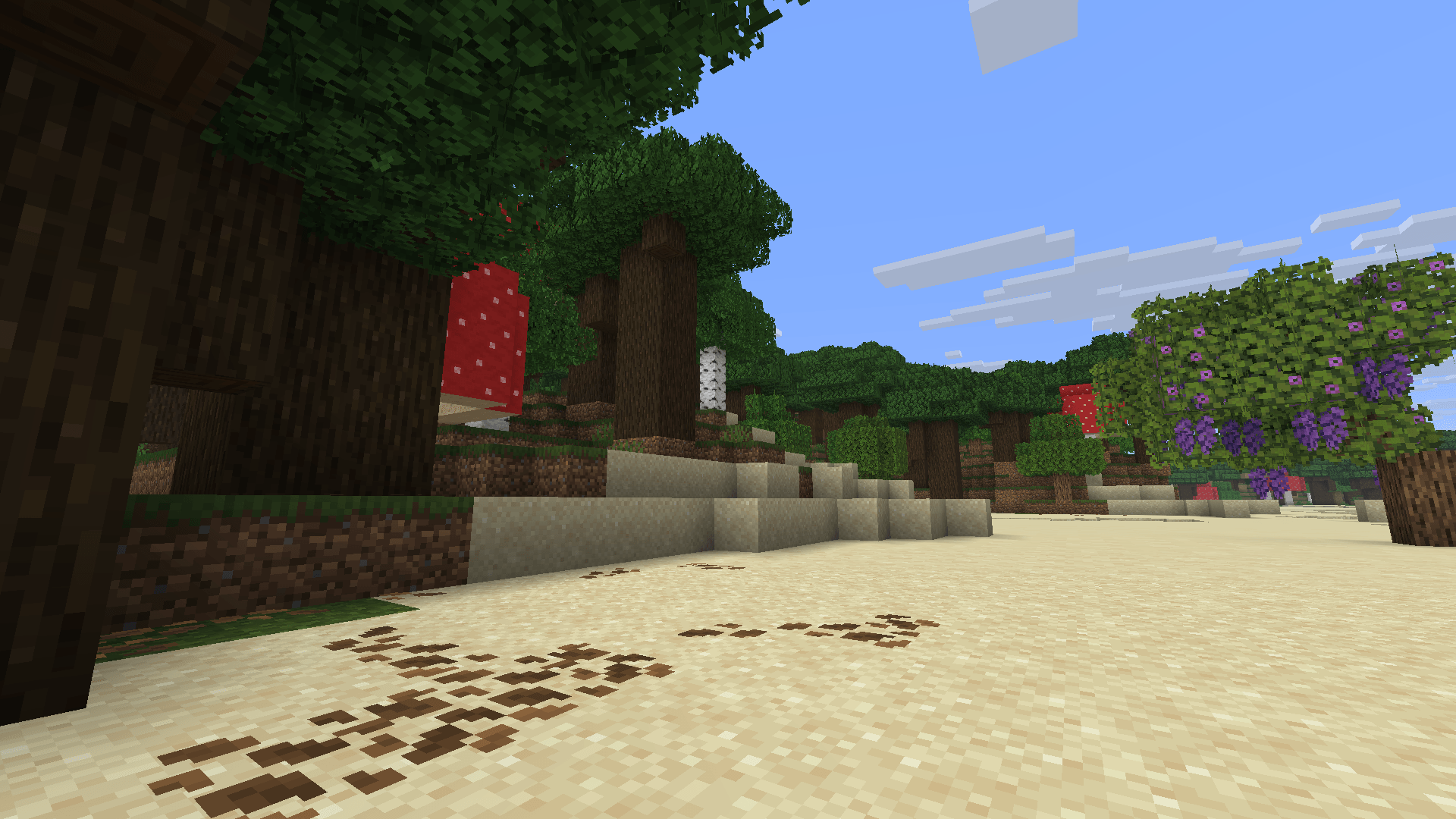
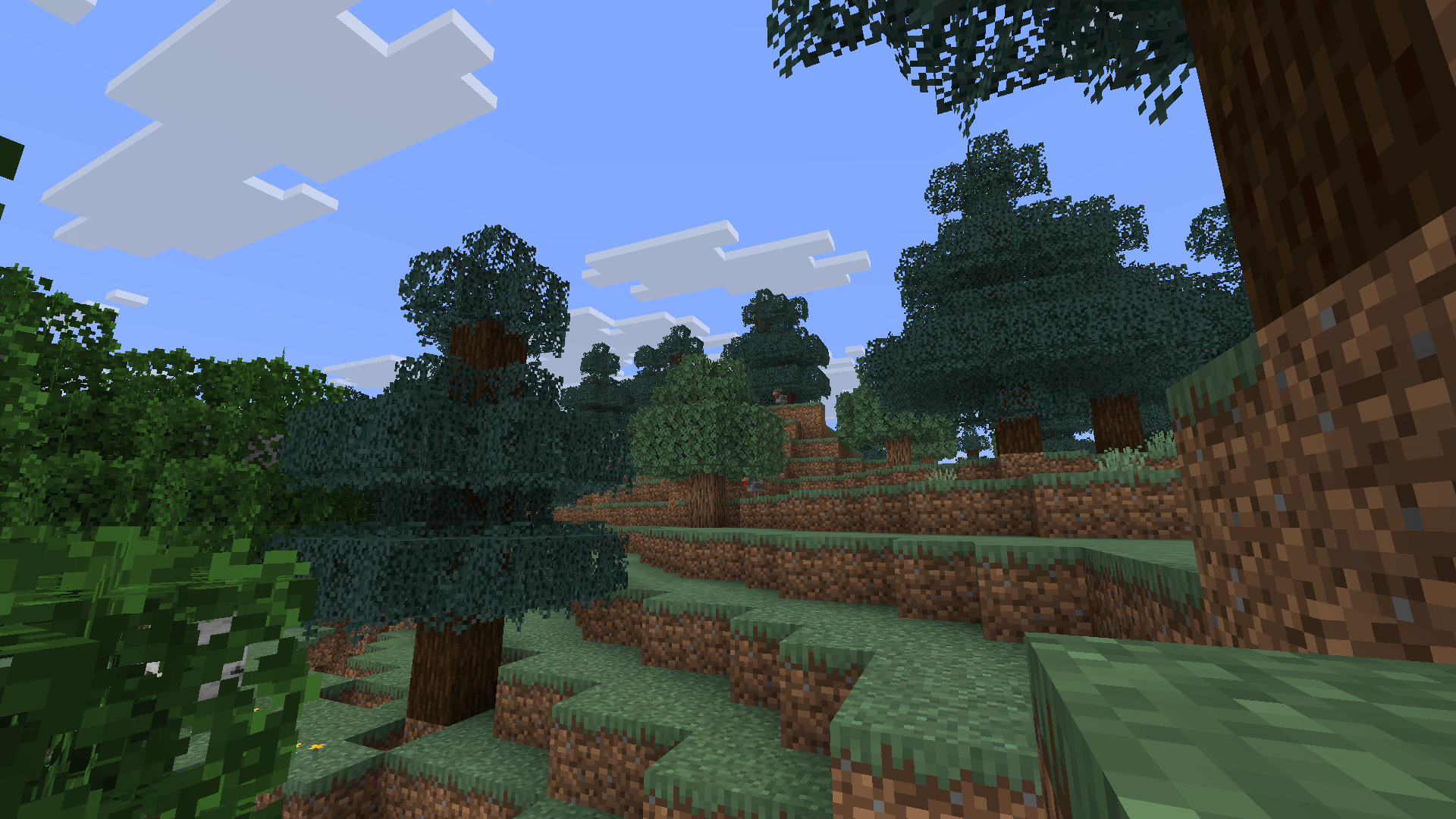
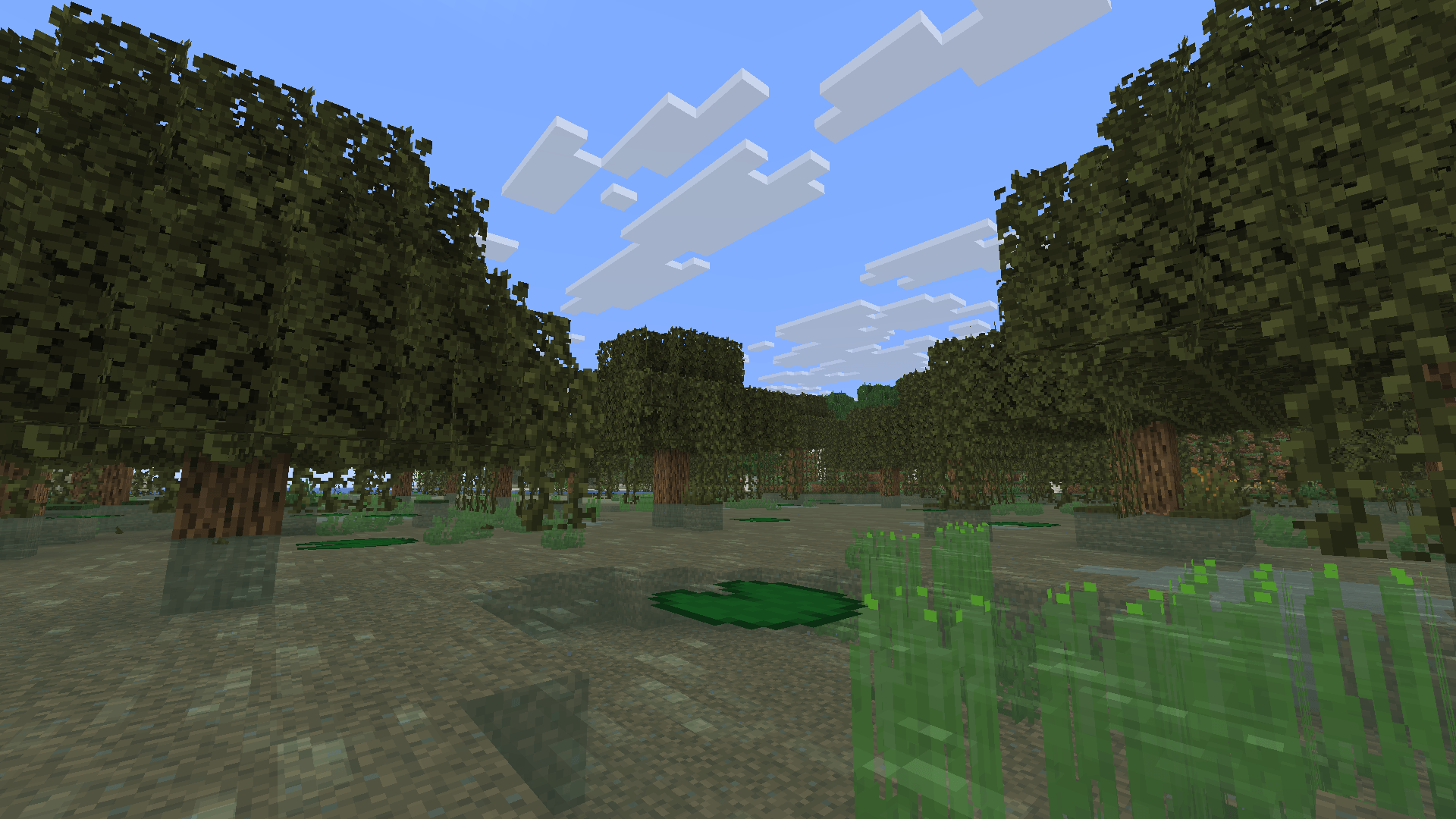
Adds bushy leaves for Fresh Textures
by godhusk
Download Claim this project
7,856 downloads
0 likes
0 followers
Updated Oct 14, 2026
0 hypes
Follow0
16x Miscellaneous Modern Photo Realistic Traditional
Advertisement Remove ads with Premium →

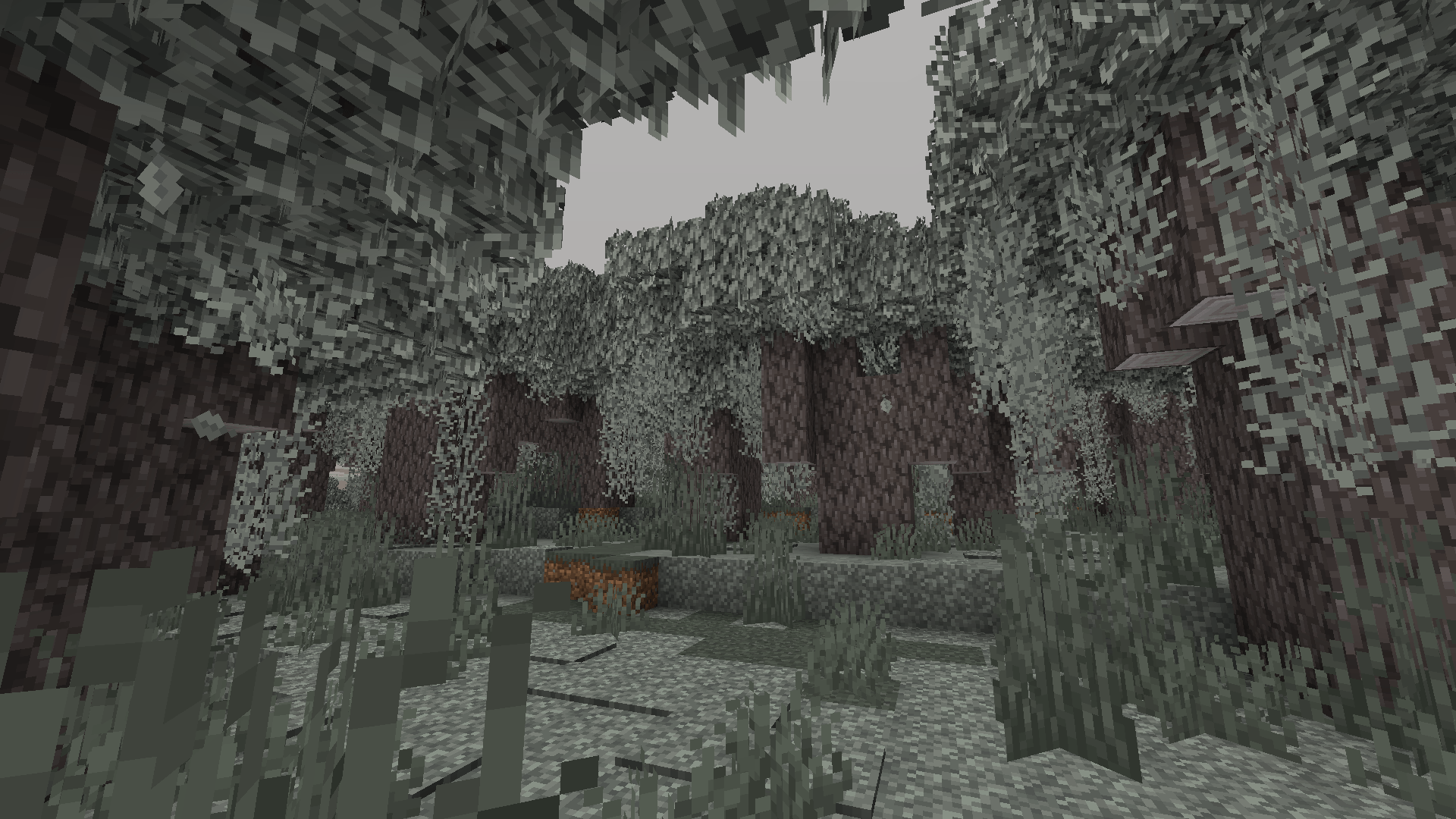
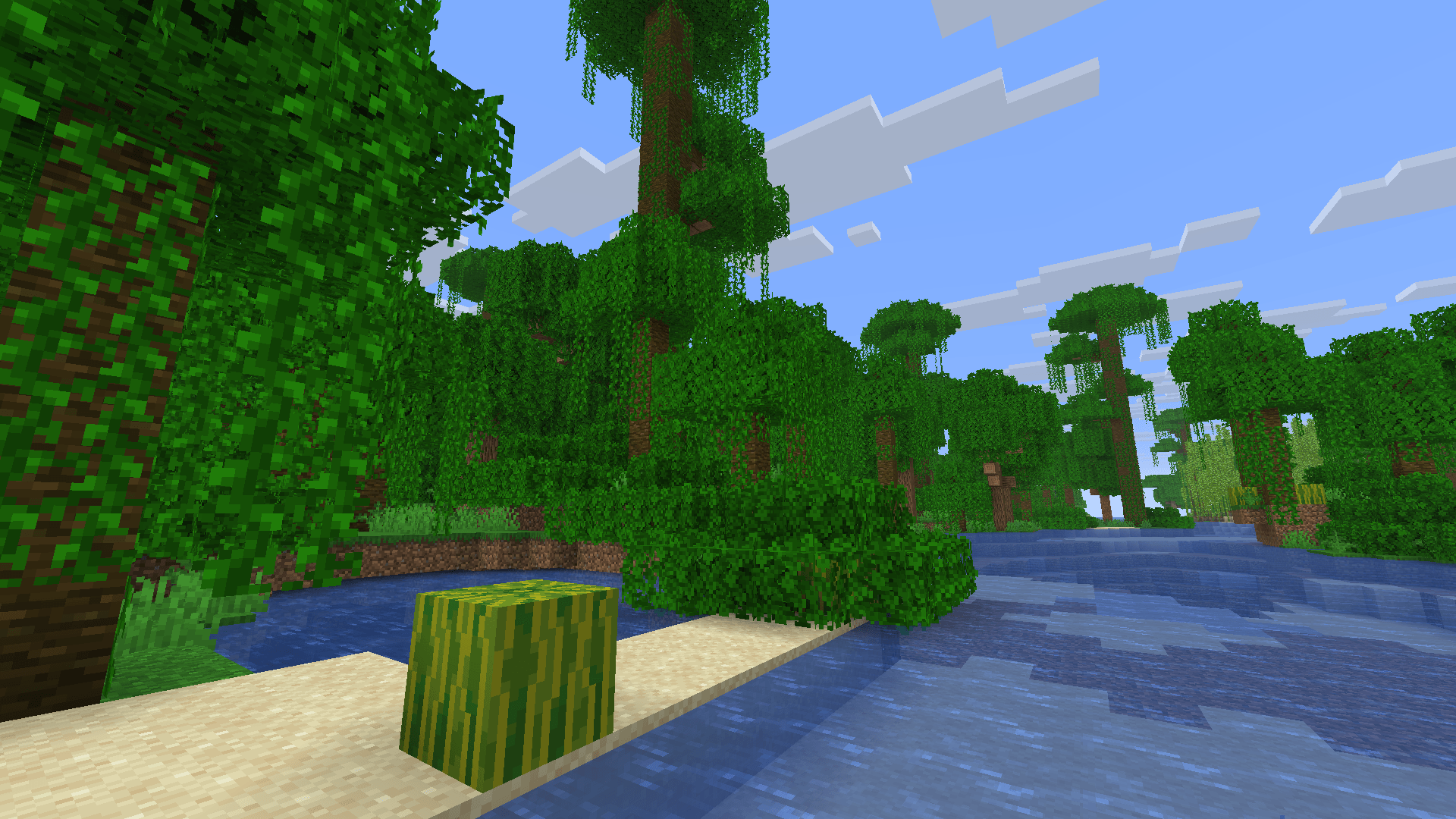
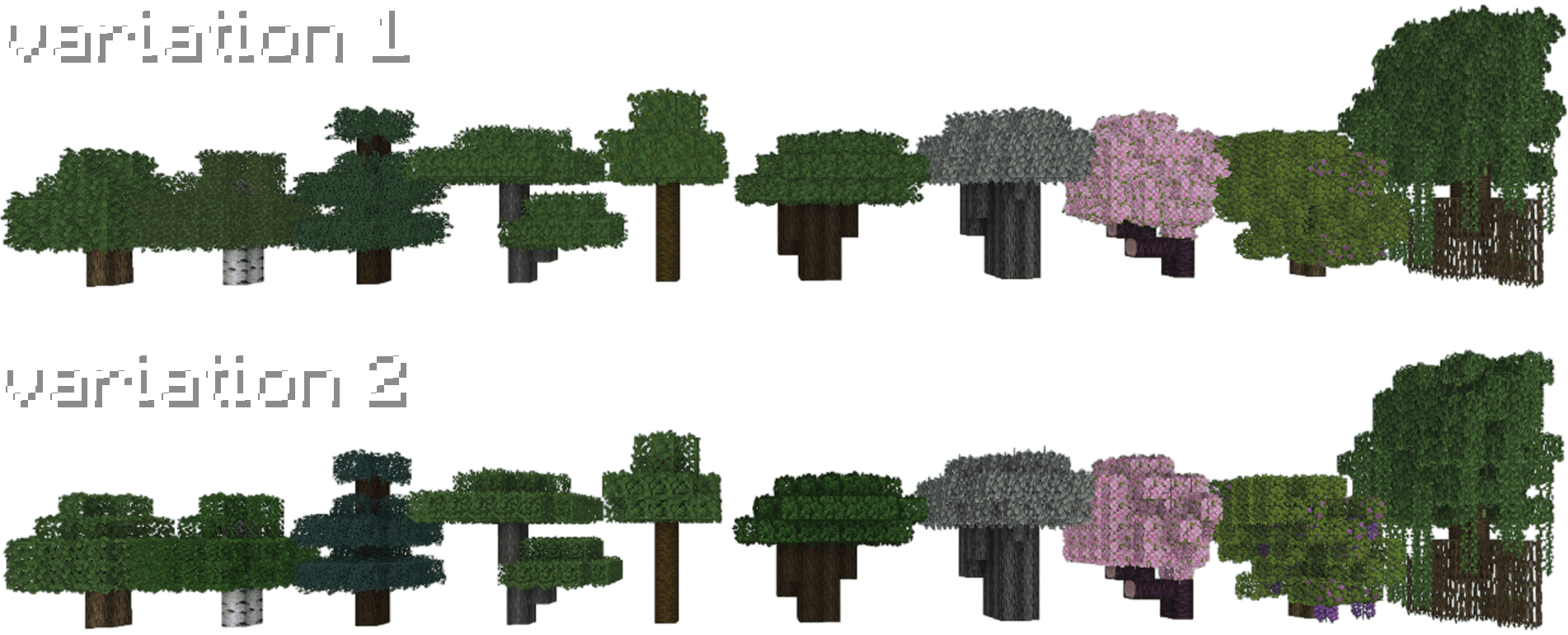
Fresh Leaves — is an addon for Fresh Textures that adds lush foliage. The resourcespak can also be used NOT ONLY with Fresh Textures.
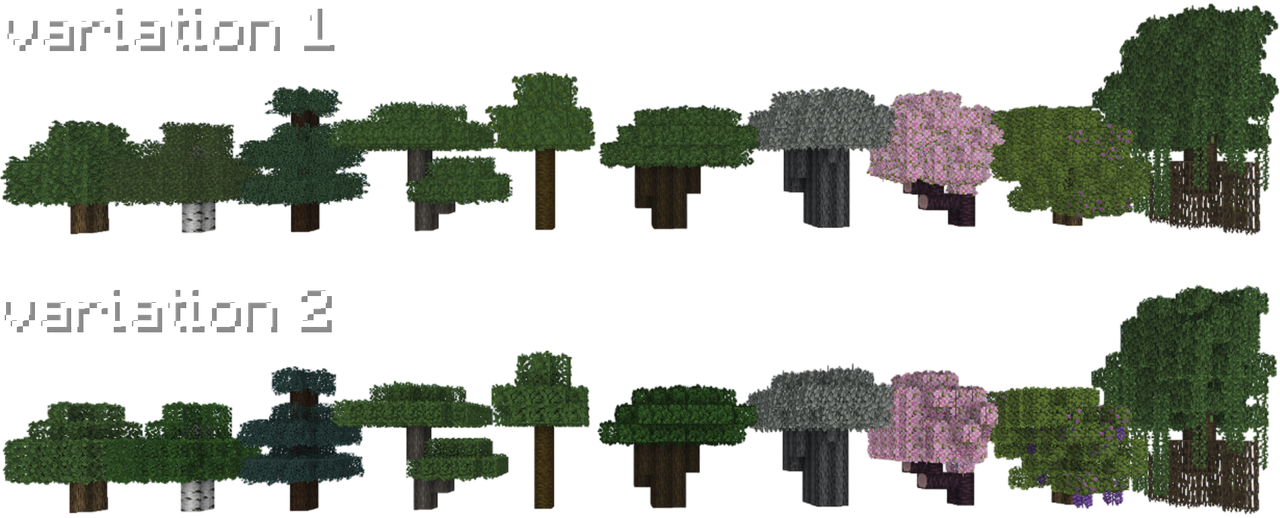
1

⚙️ Install guide

For full compatibility, it is recommended to use the «Fresh Textures» resourcepack lower than the «Fresh Leaves» resourcepack.
  1. Download «Fresh Textures»
  2. Download «Fresh Leaves»
  3. Install the packs in this order

1

💬 Community

Join our community on the discord server to chat, ask questions, or share your creations!

Fresh Leaves variation 2, v1.0
MC 1.16.3, 1.17.1, 1.21, 1.16.1, 1.18.1, 1.16, 1.16.5, 1.19.3, 1.20.2, 1.19.4, 1.17, 1.20.5, 1.21.5, 1.18, 1.21.4, 1.20.1, 1.20, 1.20.6, 1.21.1, 1.21.6, 1.21.3, 1.21.7, 1.19.1
Release 2025-07-13 Get
Fresh Leaves variation 1, v1.0
MC 1.17.1, 1.16.3, 1.19.3, 1.20.2, 1.21, 1.16.1, 1.18.1, 1.20.5, 1.21.5, 1.17, 1.16, 1.19.4, 1.16.5, 1.21.4, 1.18.2, 1.19.2, 1.20.3, 1.20.1, 1.20, 1.20.6, 1.19.1, 1.20.4, 1.21.3
Release 2025-07-11 Get

Requirements & install

How to use this resource pack in Minecraft
Resolution
16x
Minecraft
1.20.6 – 1.21.7
Install folder
.minecraft/resourcepacks

How to install resource packs

  1. Download the resource pack .zip file (do not extract it).
  2. In Minecraft open Options → Resource Packs → Open Pack Folder.
  3. Drop the .zip into the resourcepacks folder (.minecraft/resourcepacks).
  4. Move the pack to the Selected column and click Done.
Browse more: 16x resource packs 32x resource packs 64x resource packs 128x resource packs 256x resource packs 512x+ resource packs Resource Packs for 1.21.7 All resource packs

More from godhusk

Advertisement Remove ads with Premium →

You Might Also Like