Mineuniverse
Resource Packs
Fresh Flowers and Plants

Fresh Flowers and Plants

RESOURCE PACK
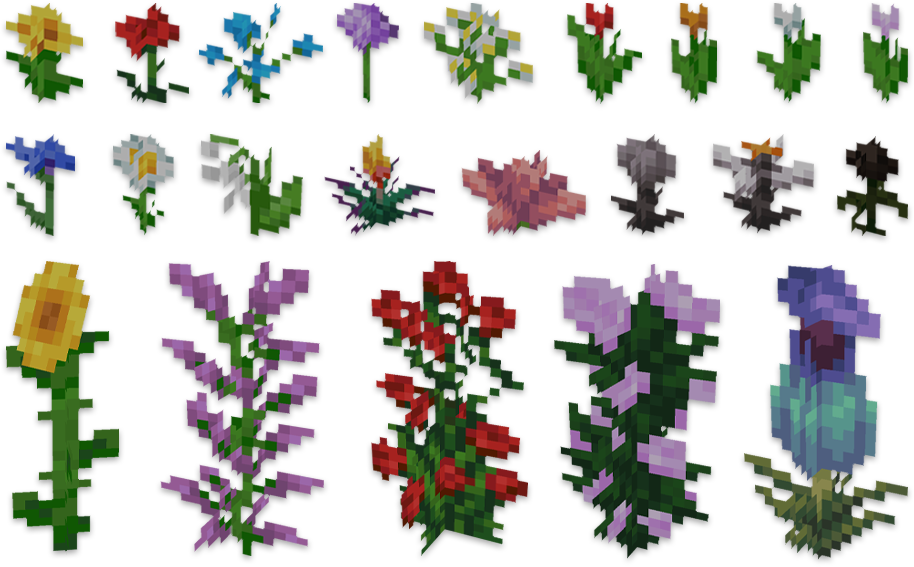
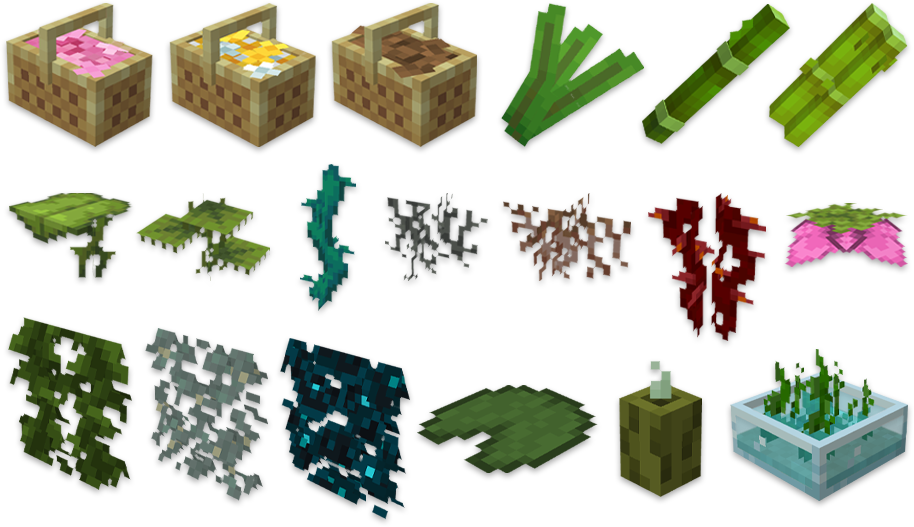
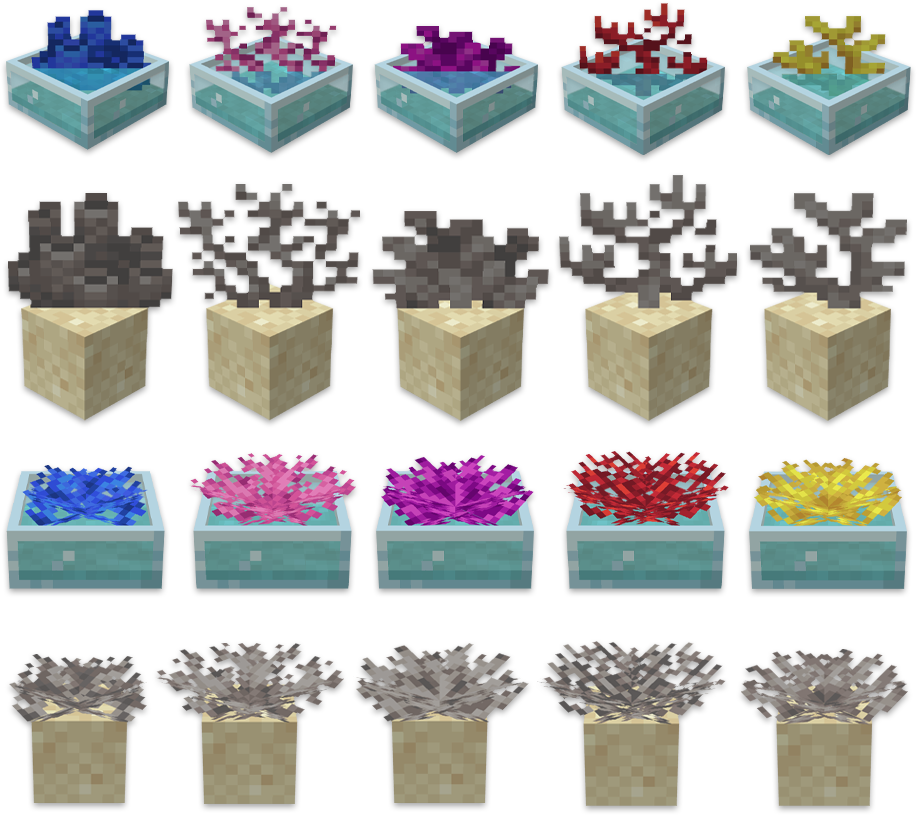
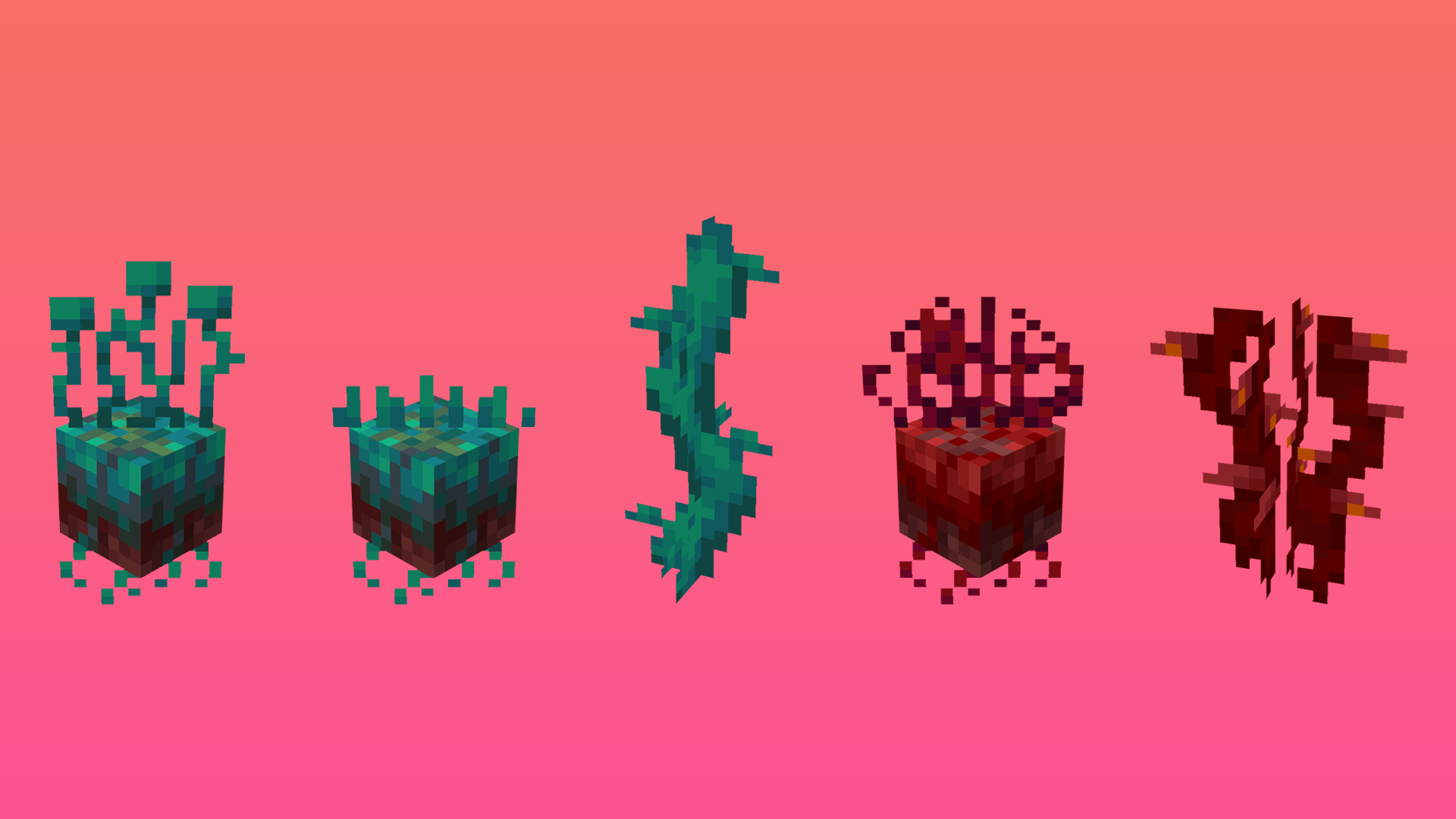
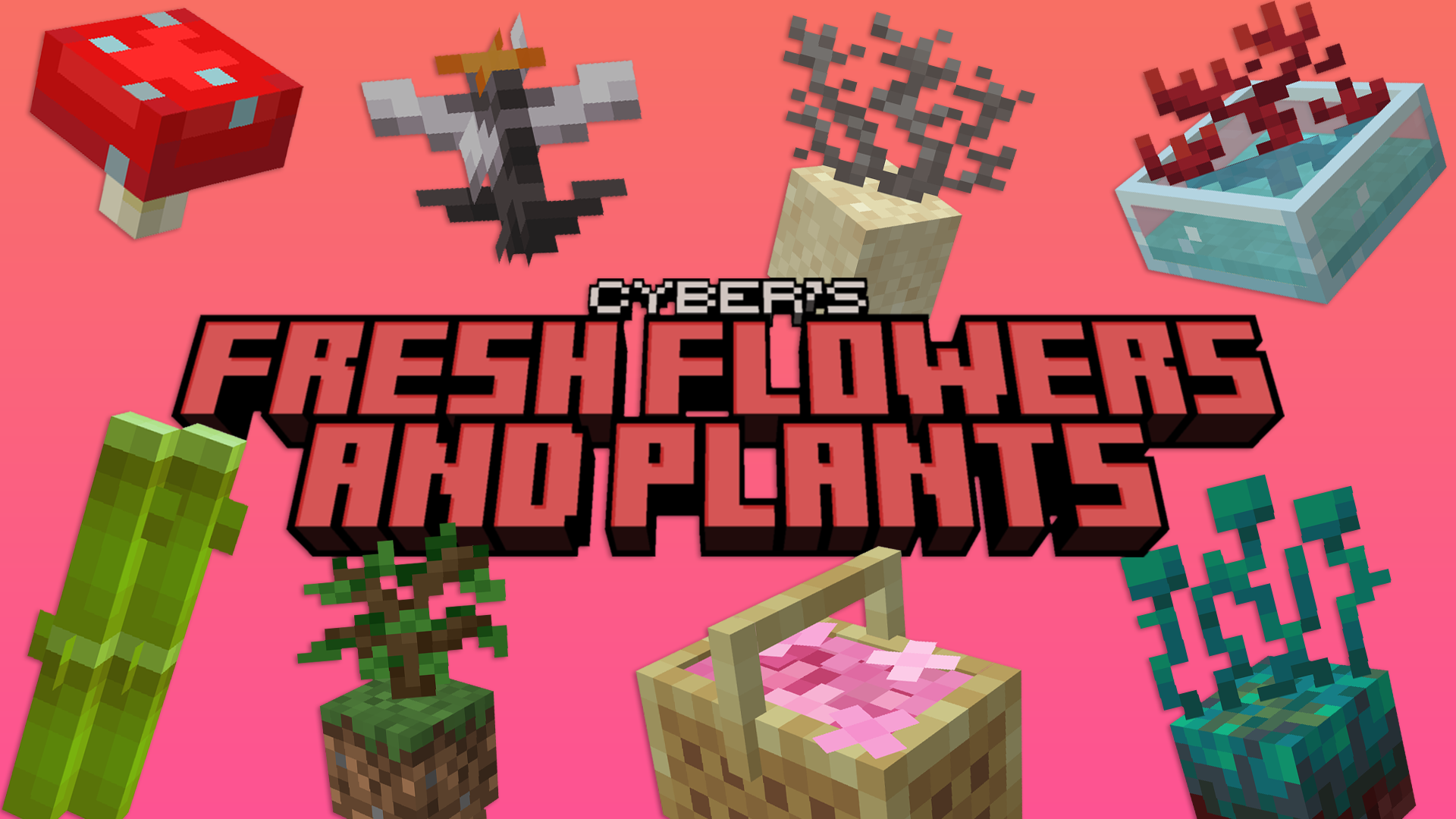
A Minecraft resource pack that adds 3D plant and flowers models!
by cybercraft
Download Claim this project
Add a badge to your pageLink to Fresh Flowers and Plants from a README, website or forum post.
Preview: Badge

Badges update automatically and link to the resource pack page on MineUniverse.


95,203 downloads
0 likes
0 followers
Updated Oct 14, 2026
0 hypes
Follow0
16x Miscellaneous
Advertisement Remove ads with Premium →

Cyber's Fresh Flowers and Plants


Description:

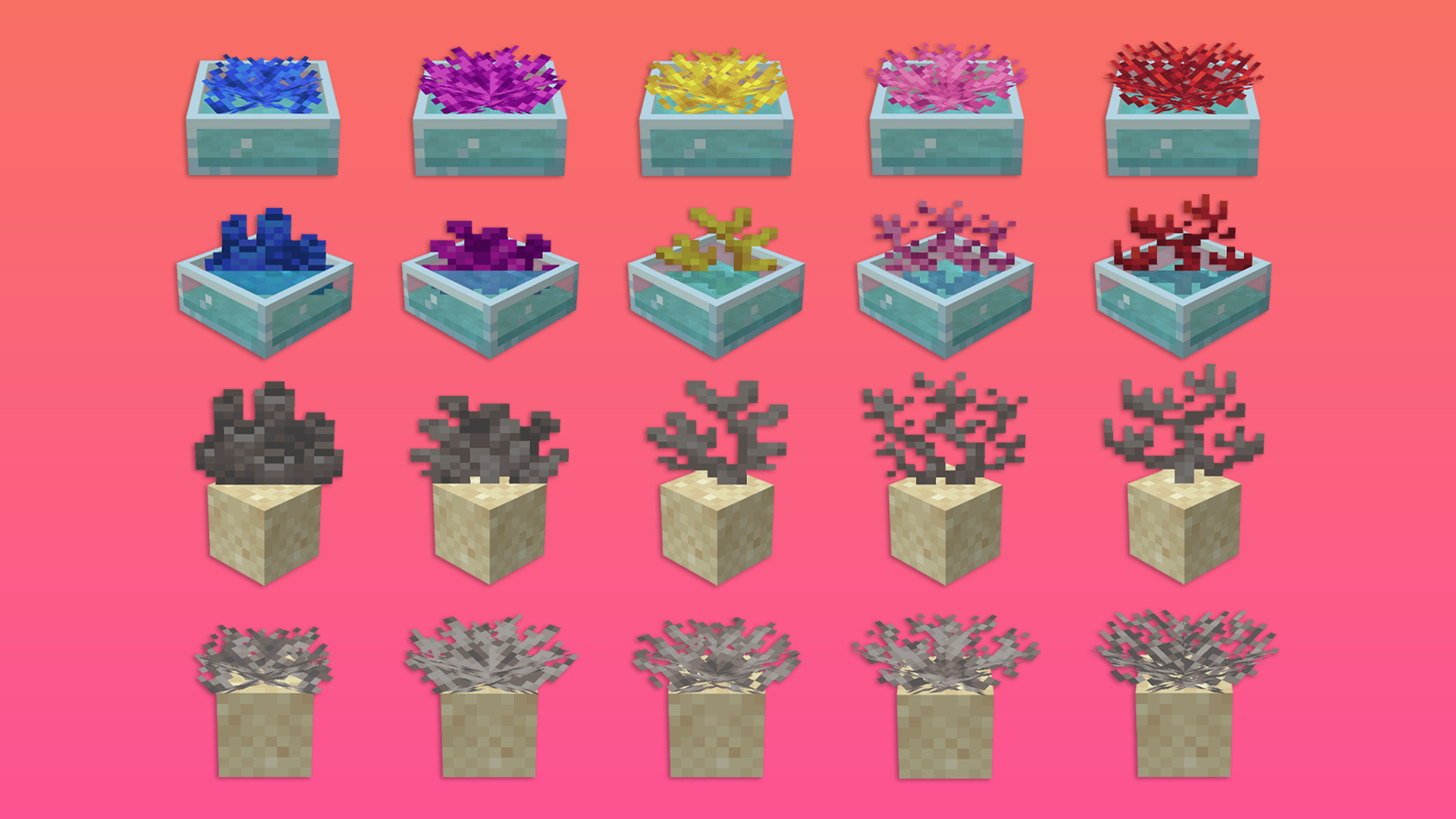
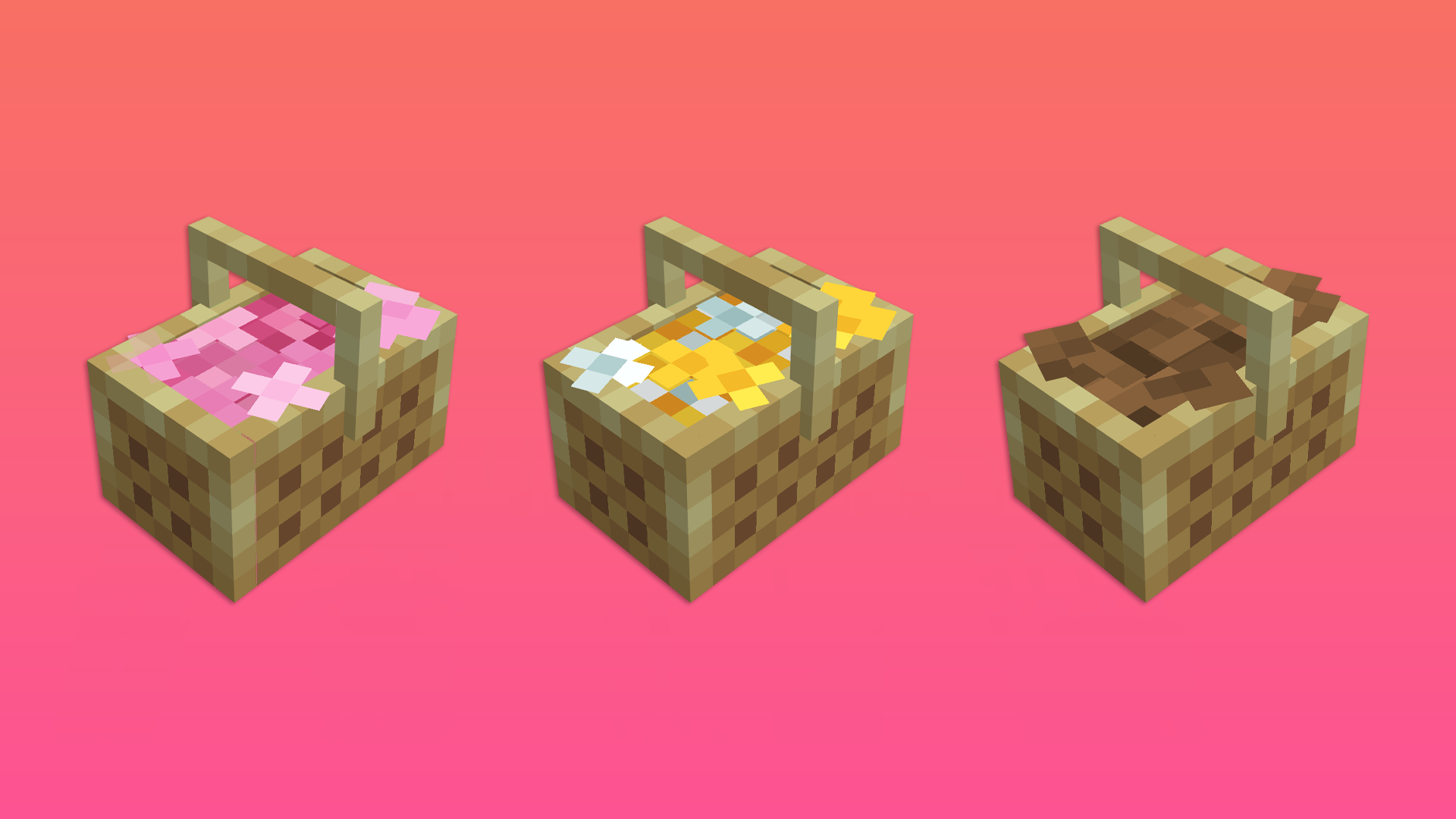
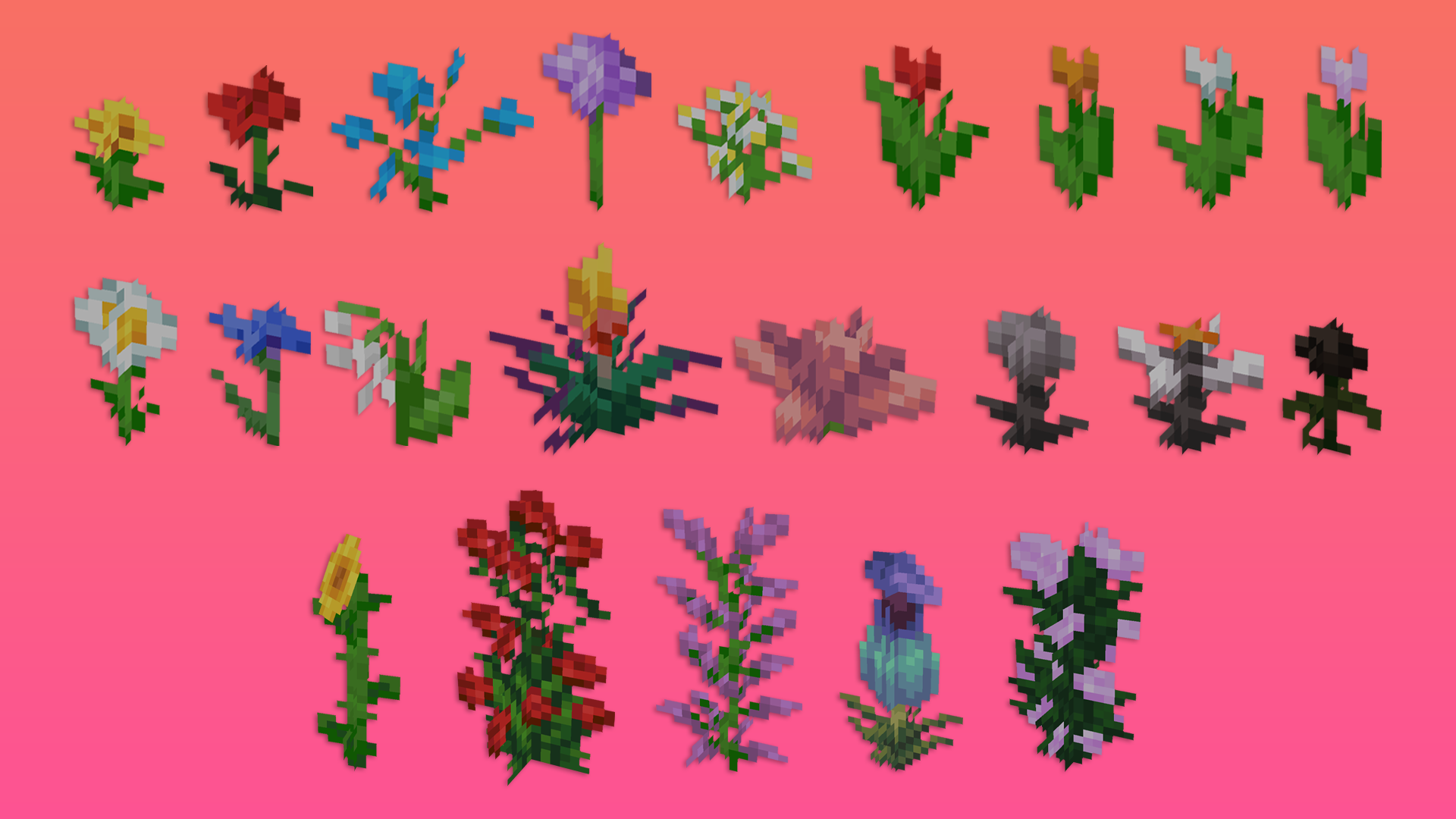
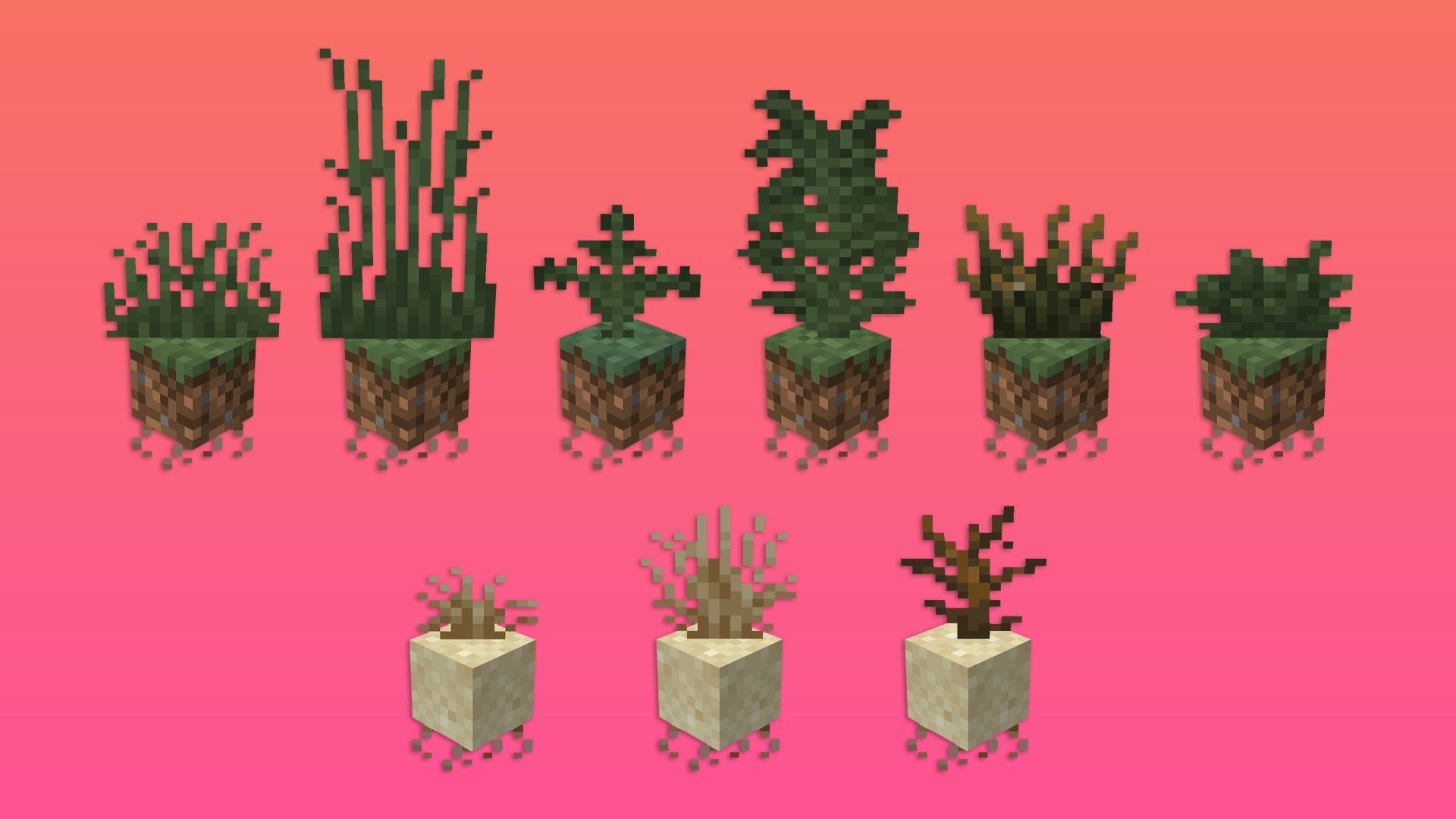
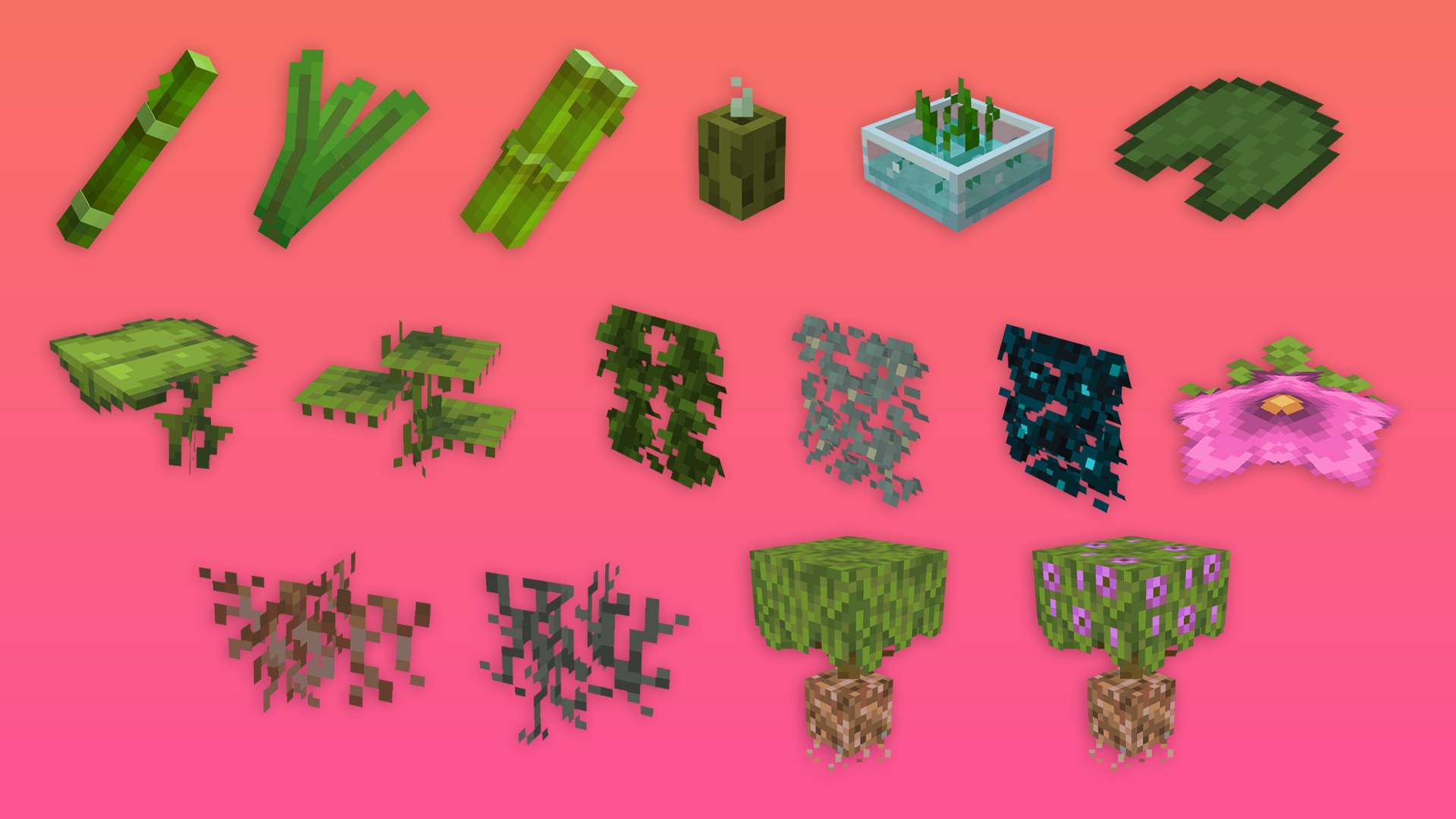
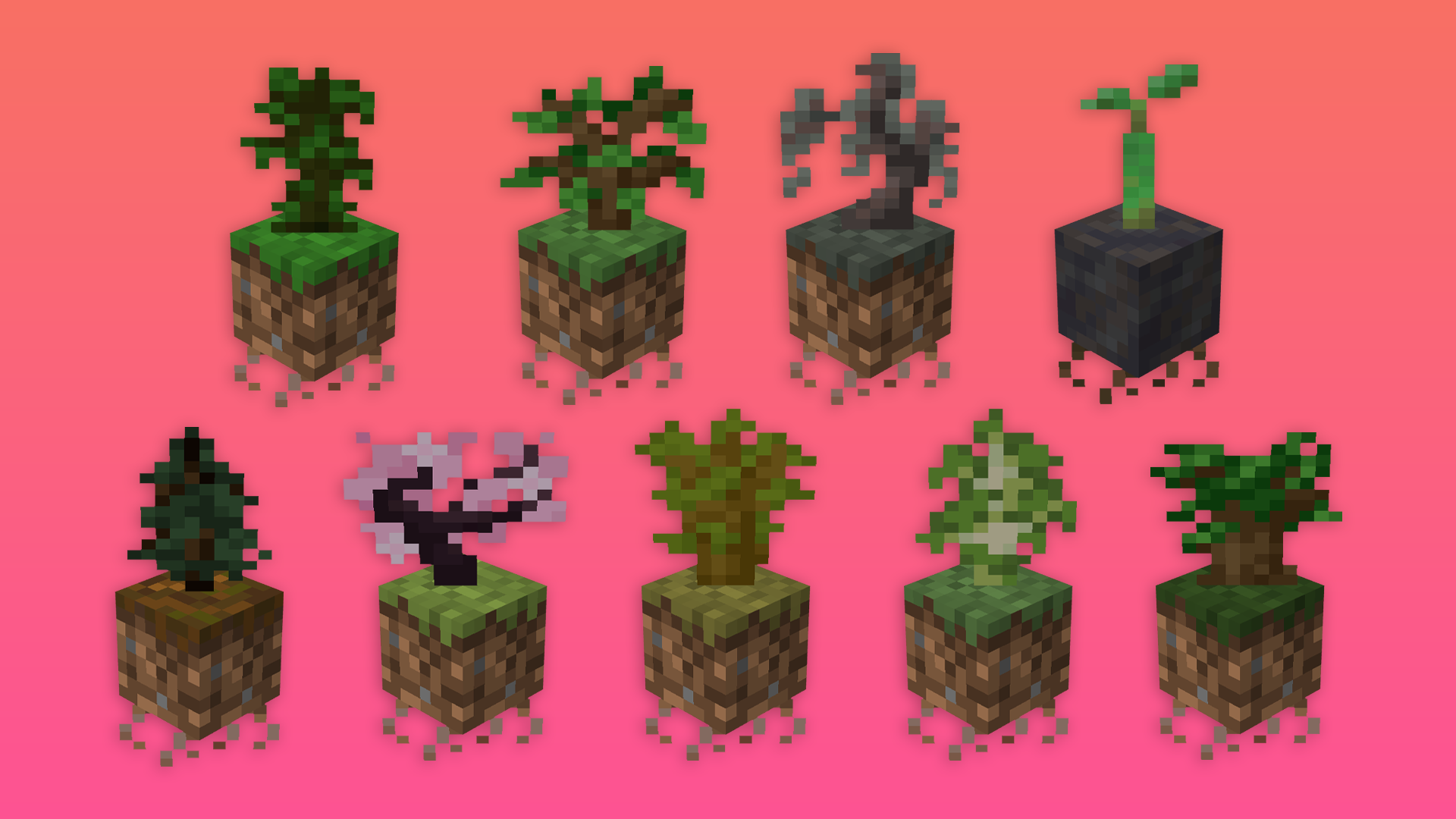
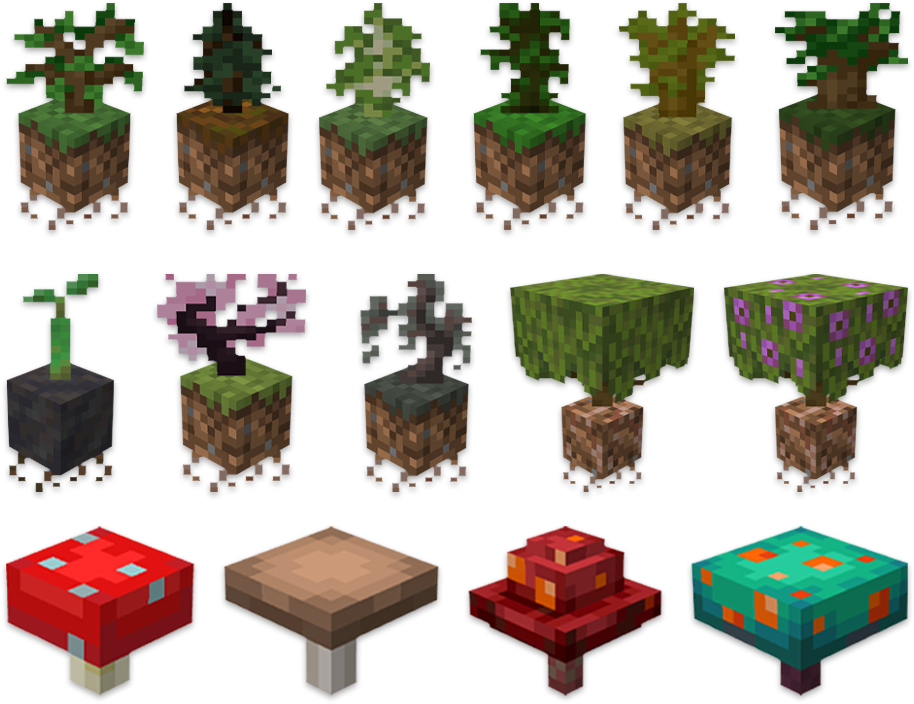
This resource pack makes all flowers, corals, saplings, and plant items appear as 3D models only when held in your hand. Everywhere else—inventory, hotbar, chests, and other GUI screens—they remain as the default 2D sprites.

It’s a lightweight visual upgrade that adds depth and realism while keeping the classic inventory look unchanged.

Also includes an alternate version where the items are 3D in the GUI as well, for players who prefer full visual consistency.

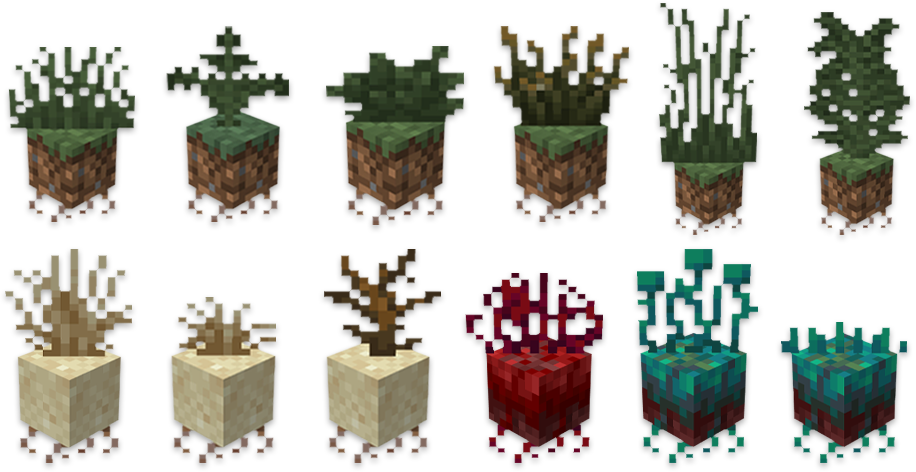
Images:

flowers and plants1 flowers and plants 2 flowers and plants 3 flowers and plants 4 flowers and plants 5


upcoming features

Hold my Items support (being worked on right now).

Backporting to older versions.


Important!

2D sprites in the GUI don't work on 1.20.6 and below


Extra

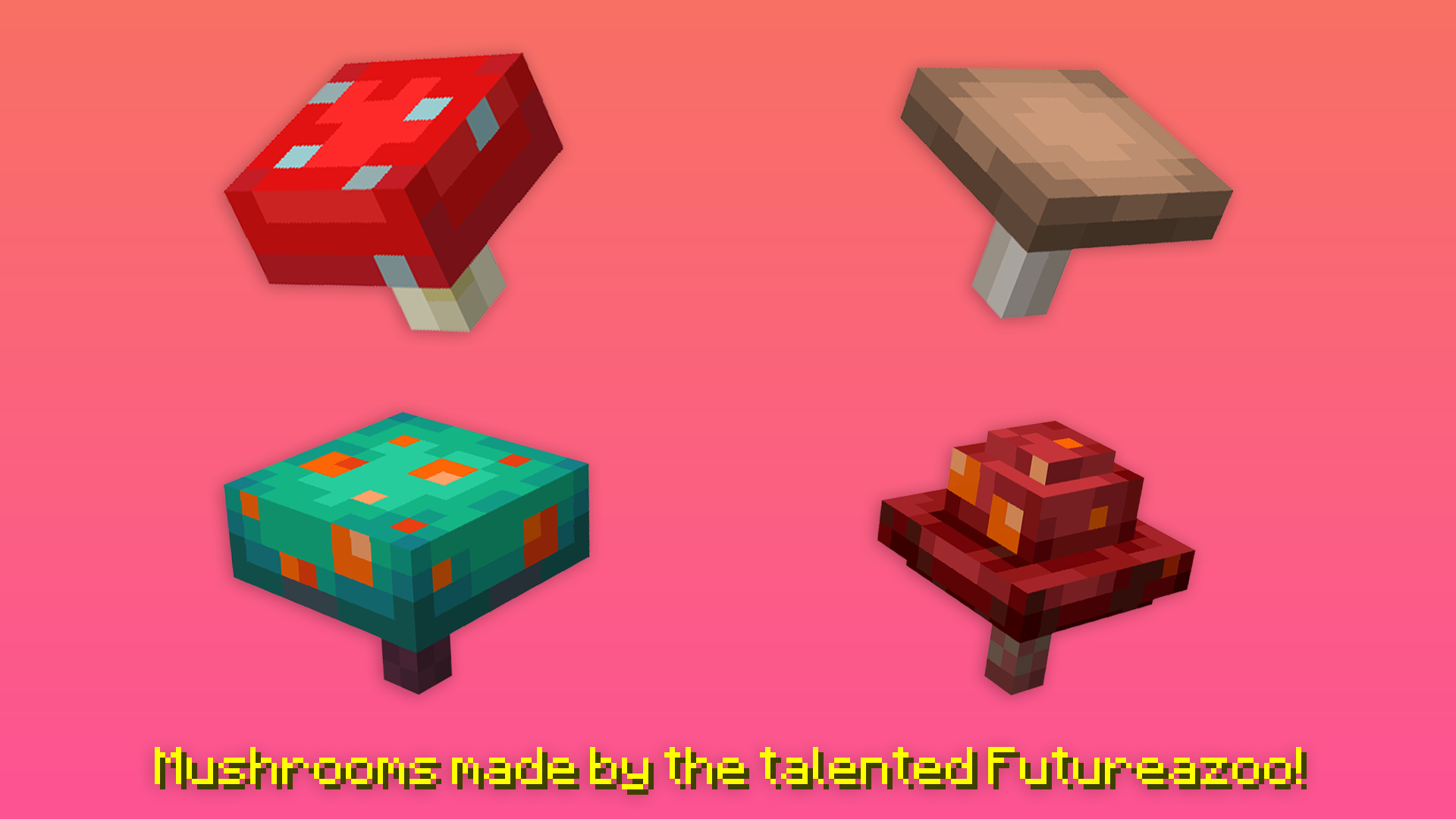
Special thanks to Futureazoo for letting me use his mushroom models and textures. If you want them to be 3d in your world as well and not just in your hands be sure to download his Mushrooms Plus pack too!

Special thanks to 6_28318530717958 for letting me use his 2d sprites for the Azalea, Flowering Azalea, Small Dripleaf, Big Dripleaf and Sporeblossom!

Special thanks to Braytonks, who's not only excellent at making stuff, but also in explaining how to!

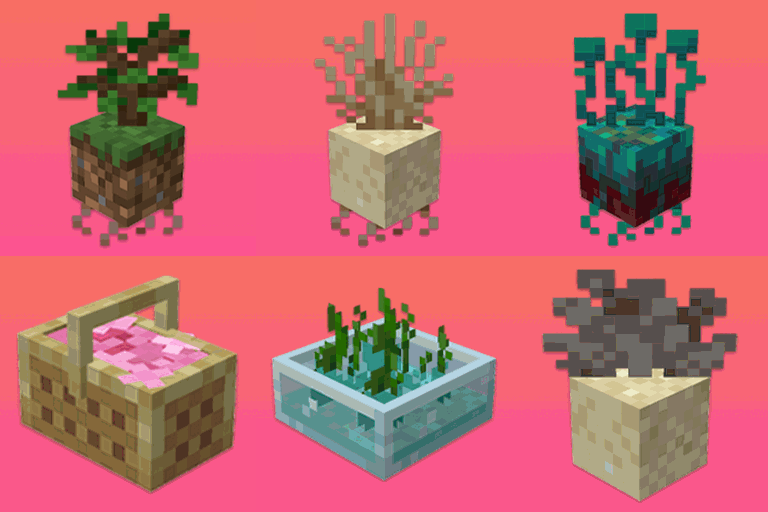
Fresh Flowers and Plants 1.2.1.zip
MC 1.21.5, 1.21.8, 1.21.4, 1.21.7, 1.21.6
Release 2025-08-17 Get
Fresh Flowers and Plants.zip
MC 1.21.5, 1.21.4
Release 2025-05-17 Get
Fresh Flowers and Plants 3D UI.zip
MC 1.20.2, 1.21, 1.20.5, 1.21.5, 1.21.4, 1.20.3, 1.20.1, 1.20, 1.20.6, 1.20.4, 1.21.3, 1.21.1, 1.21.2
Beta 2025-05-17 Get

Requirements & install

How to use this resource pack in Minecraft
Resolution
16x
Minecraft
1.21.1 – 1.21.8
Install folder
.minecraft/resourcepacks

How to install resource packs

  1. Download the resource pack .zip file (do not extract it).
  2. In Minecraft open Options → Resource Packs → Open Pack Folder.
  3. Drop the .zip into the resourcepacks folder (.minecraft/resourcepacks).
  4. Move the pack to the Selected column and click Done.
Browse more: 16x resource packs 32x resource packs 64x resource packs 128x resource packs 256x resource packs 512x+ resource packs Resource Packs for 1.21.8 All resource packs

More from cybercraft

Advertisement Remove ads with Premium →

You Might Also Like