Mineuniverse
Resource Packs
Fresh CIT

Fresh CIT

RESOURCE PACK
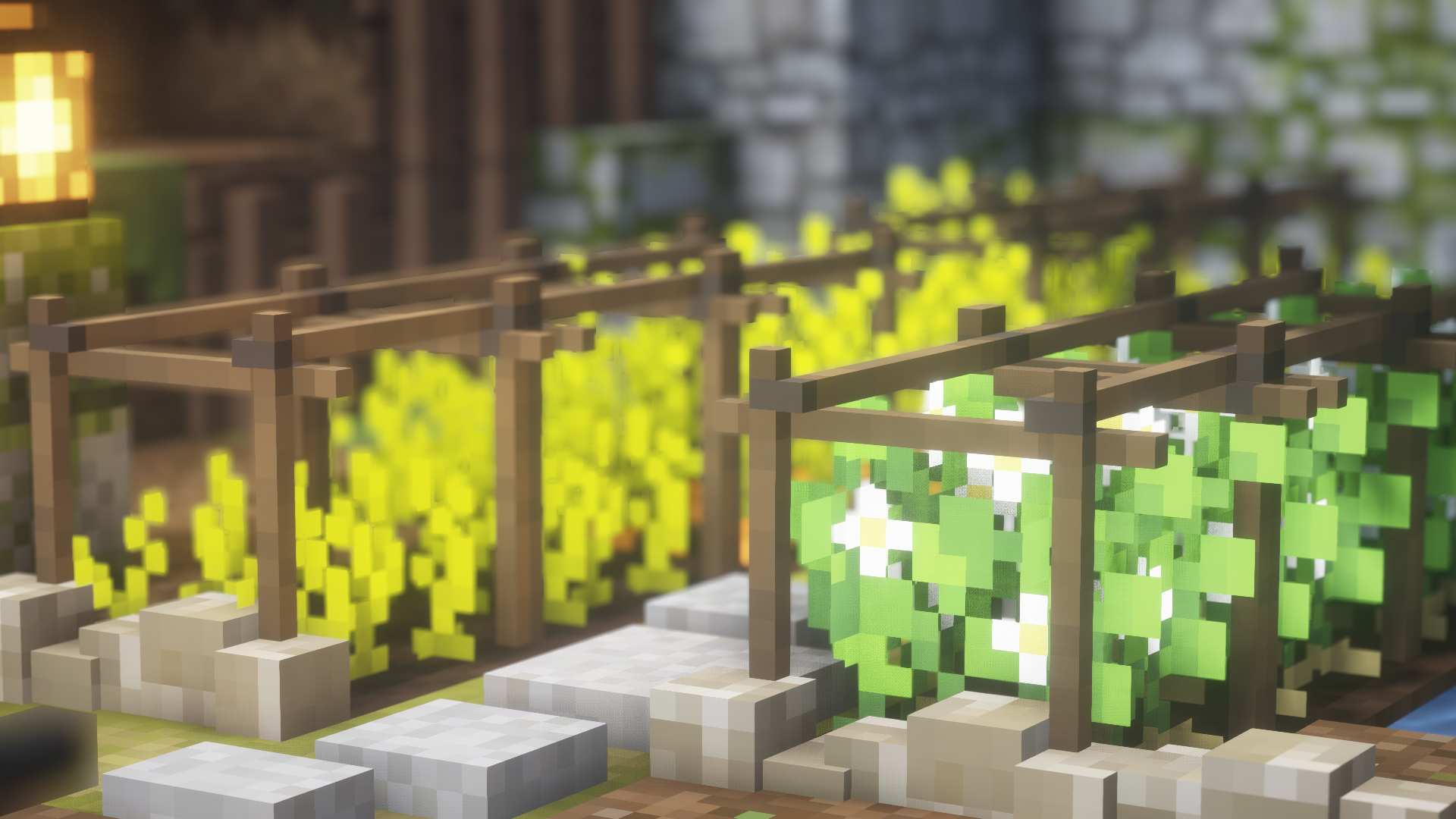
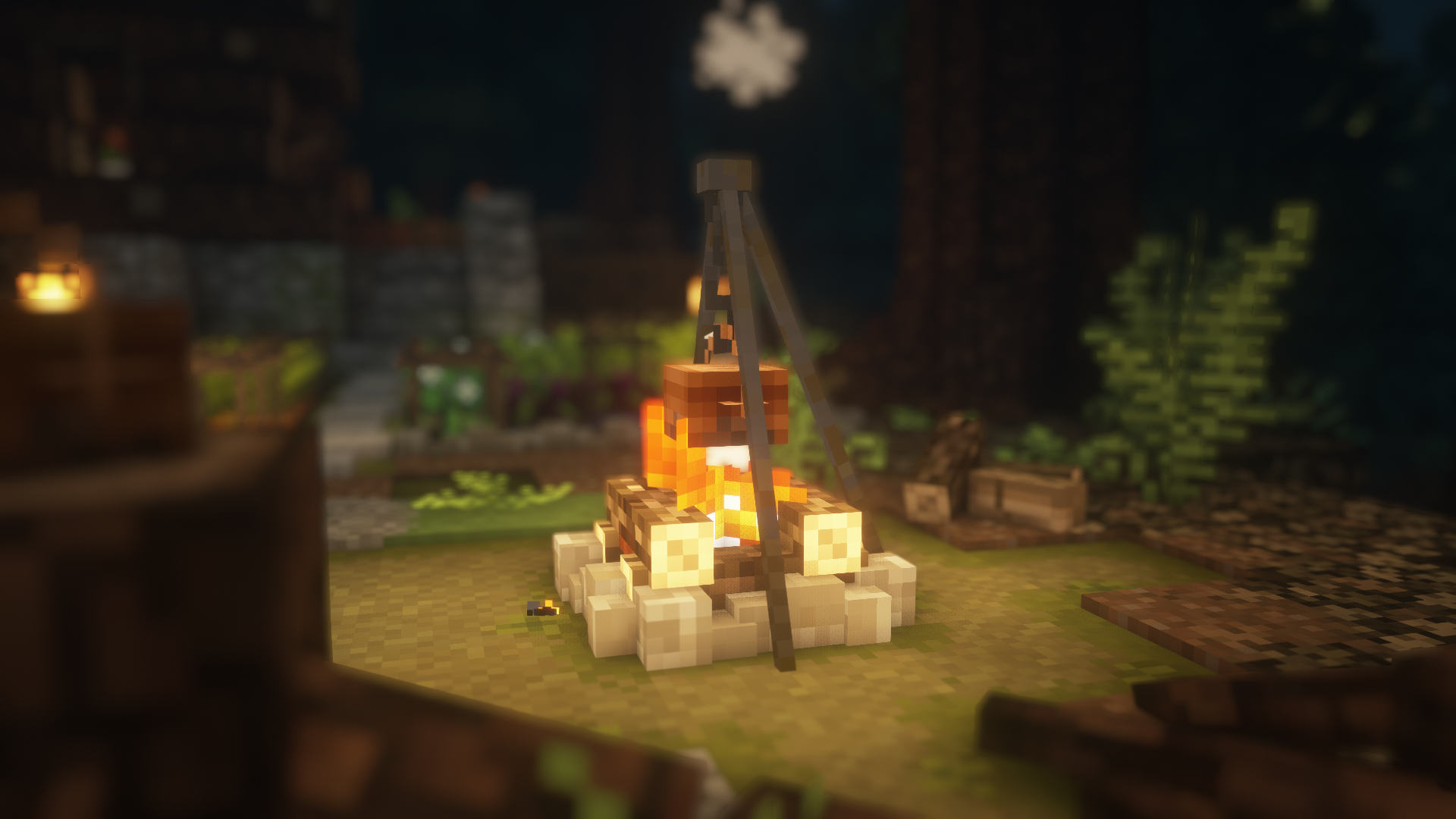
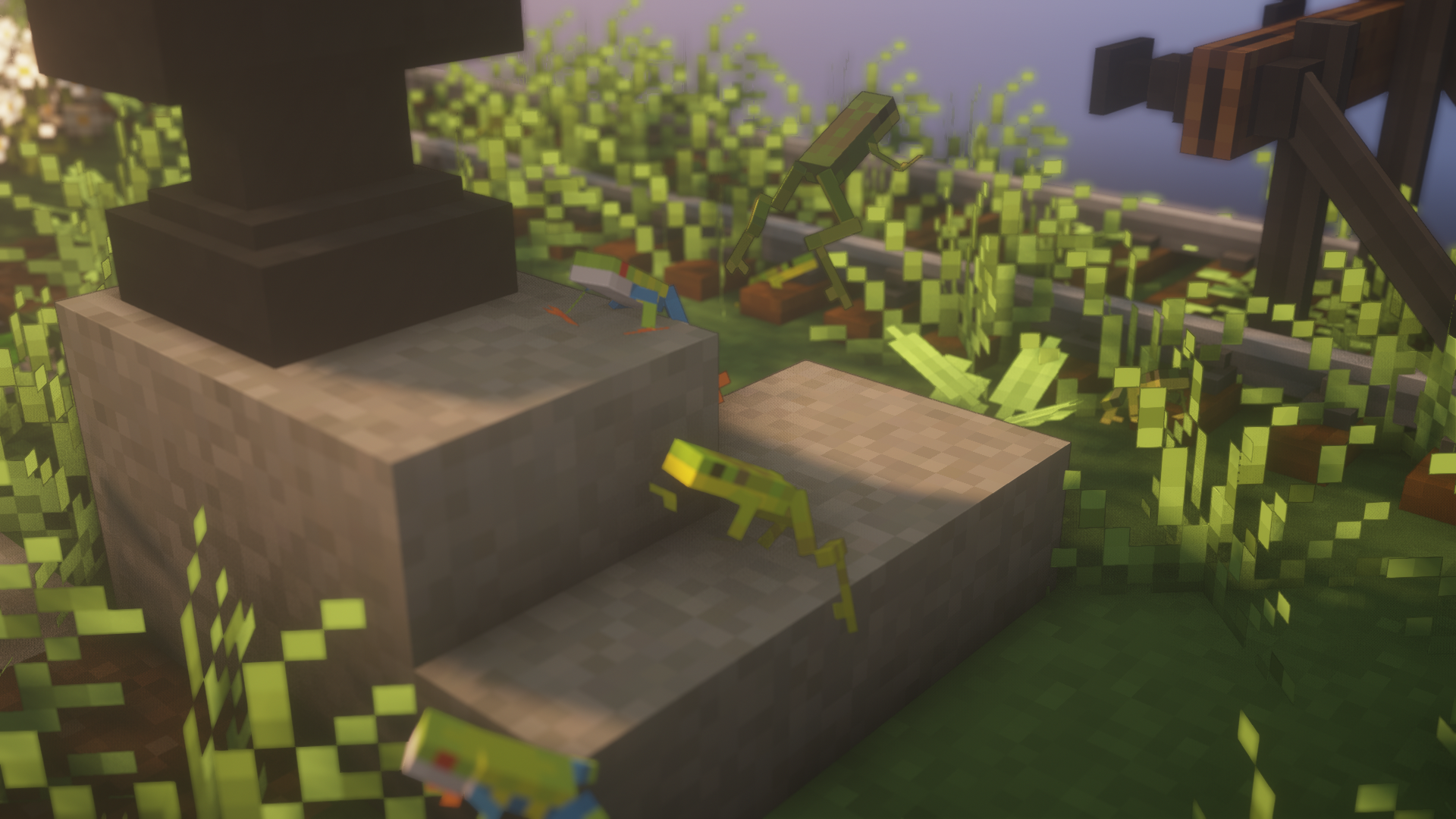
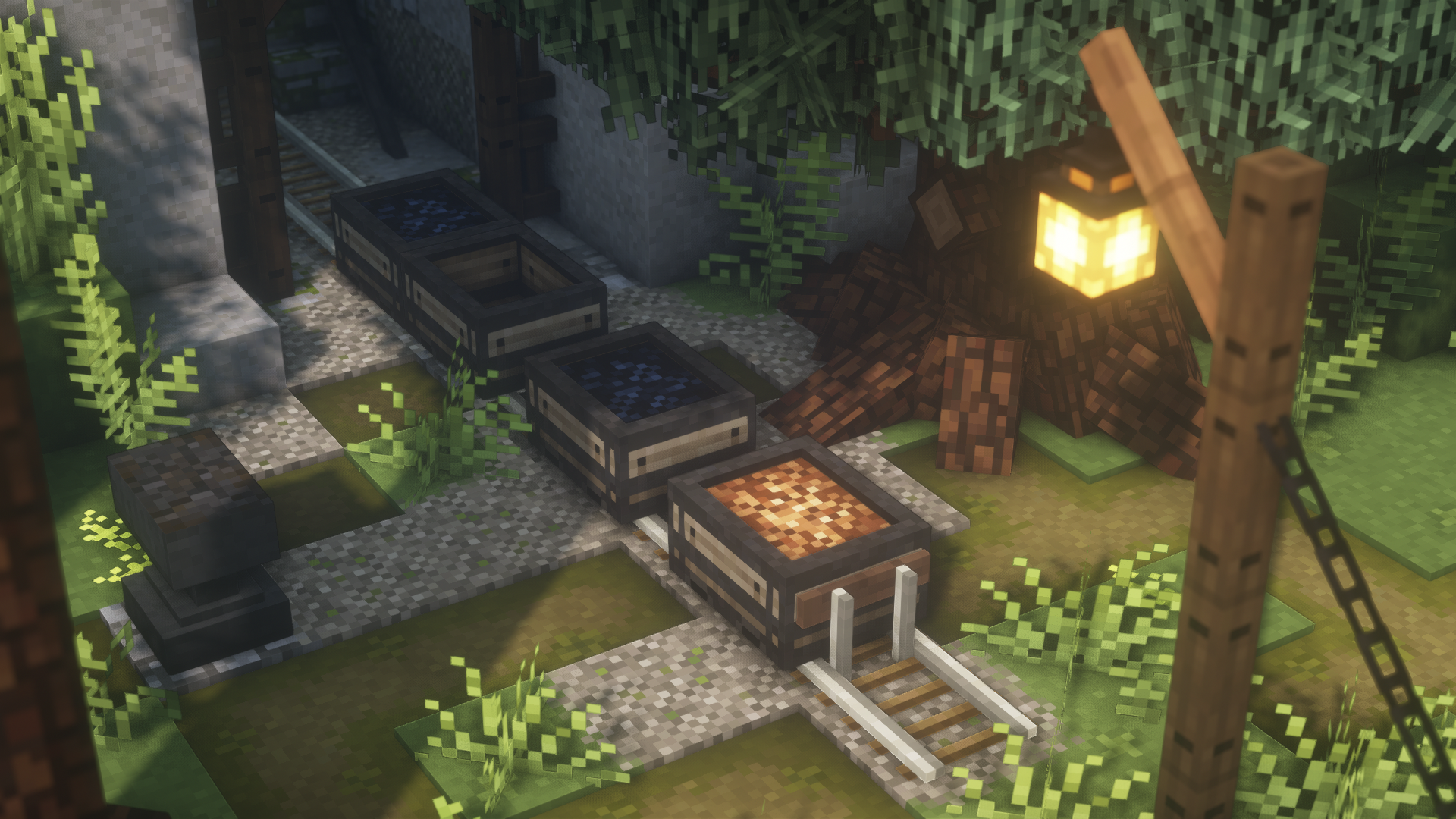
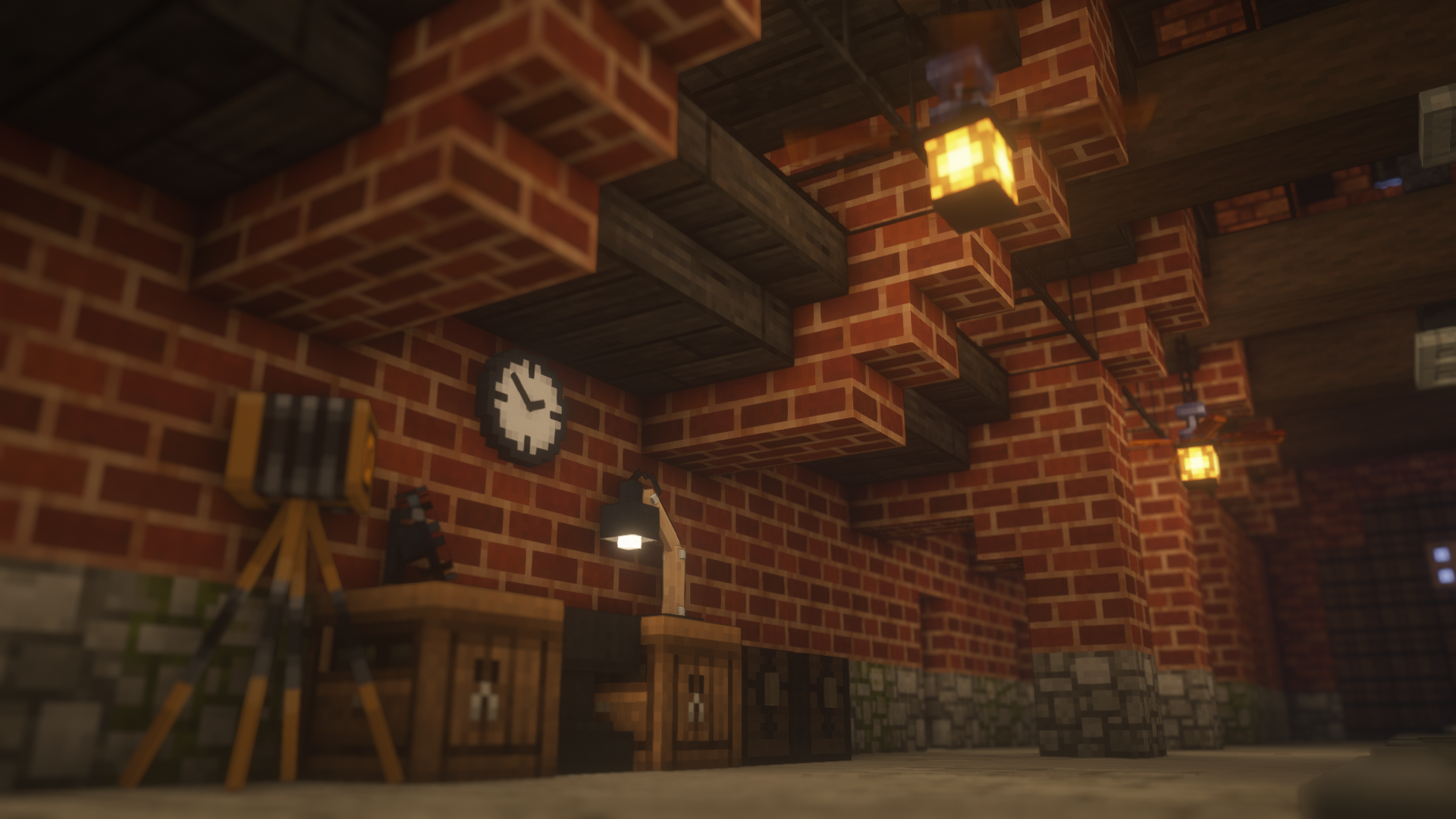
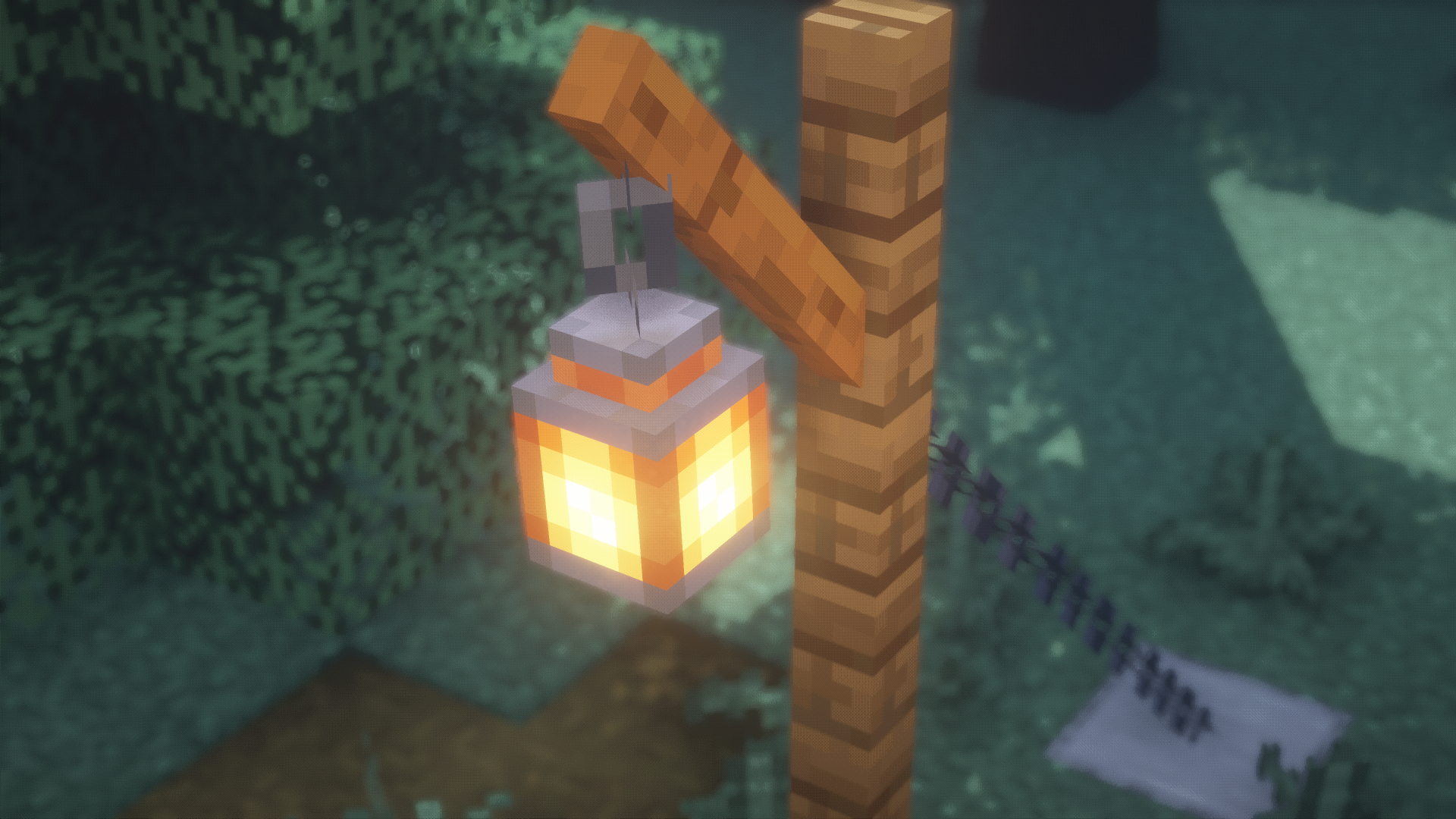
Adds custom item models to the game for you to improve your builds.
by FreshLX
Download Claim this project
82,326 downloads
0 likes
0 followers
Updated Oct 14, 2026
0 hypes
Follow0
16x Medieval Miscellaneous Modern
Advertisement Remove ads with Premium →

Information:

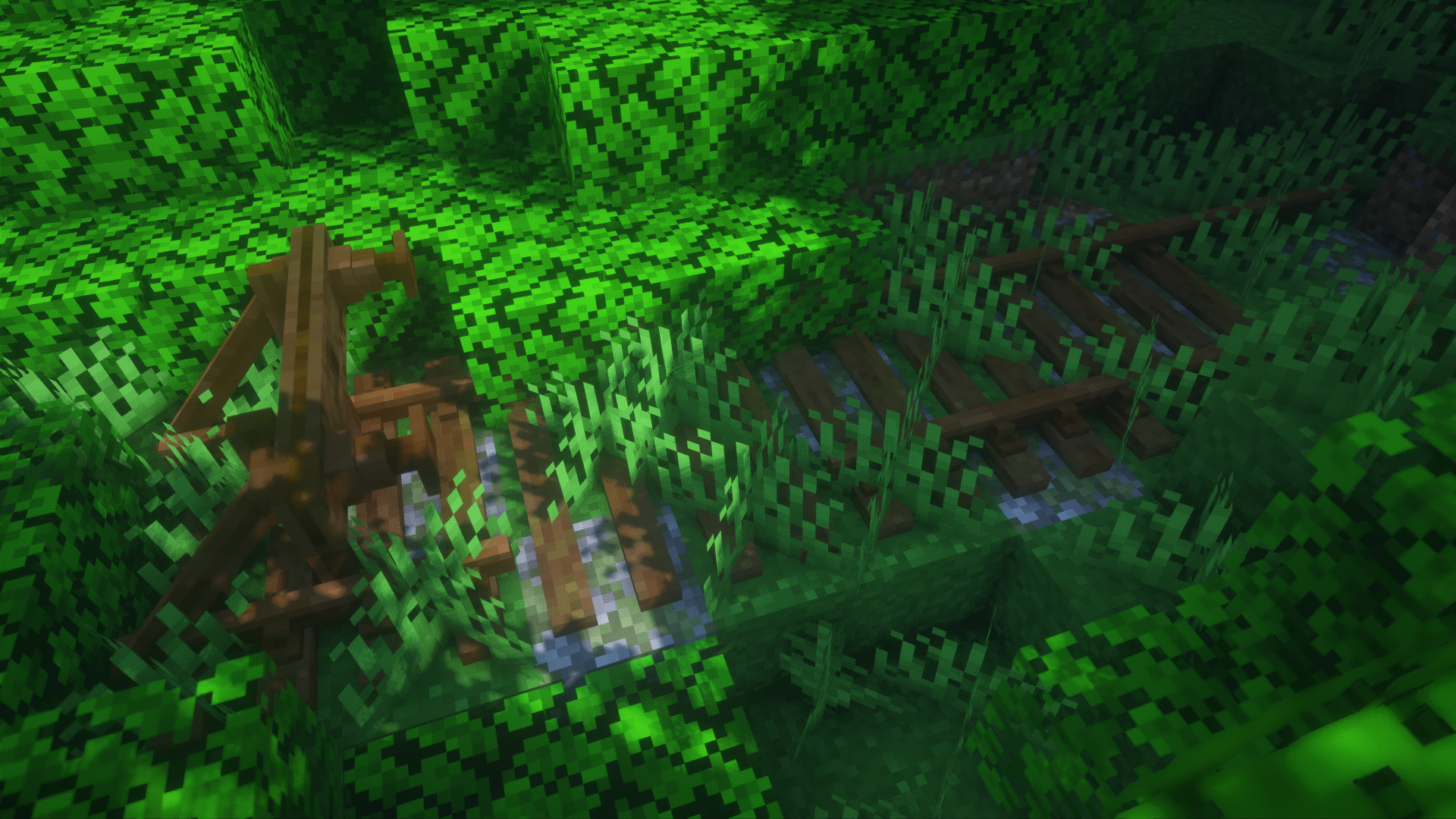
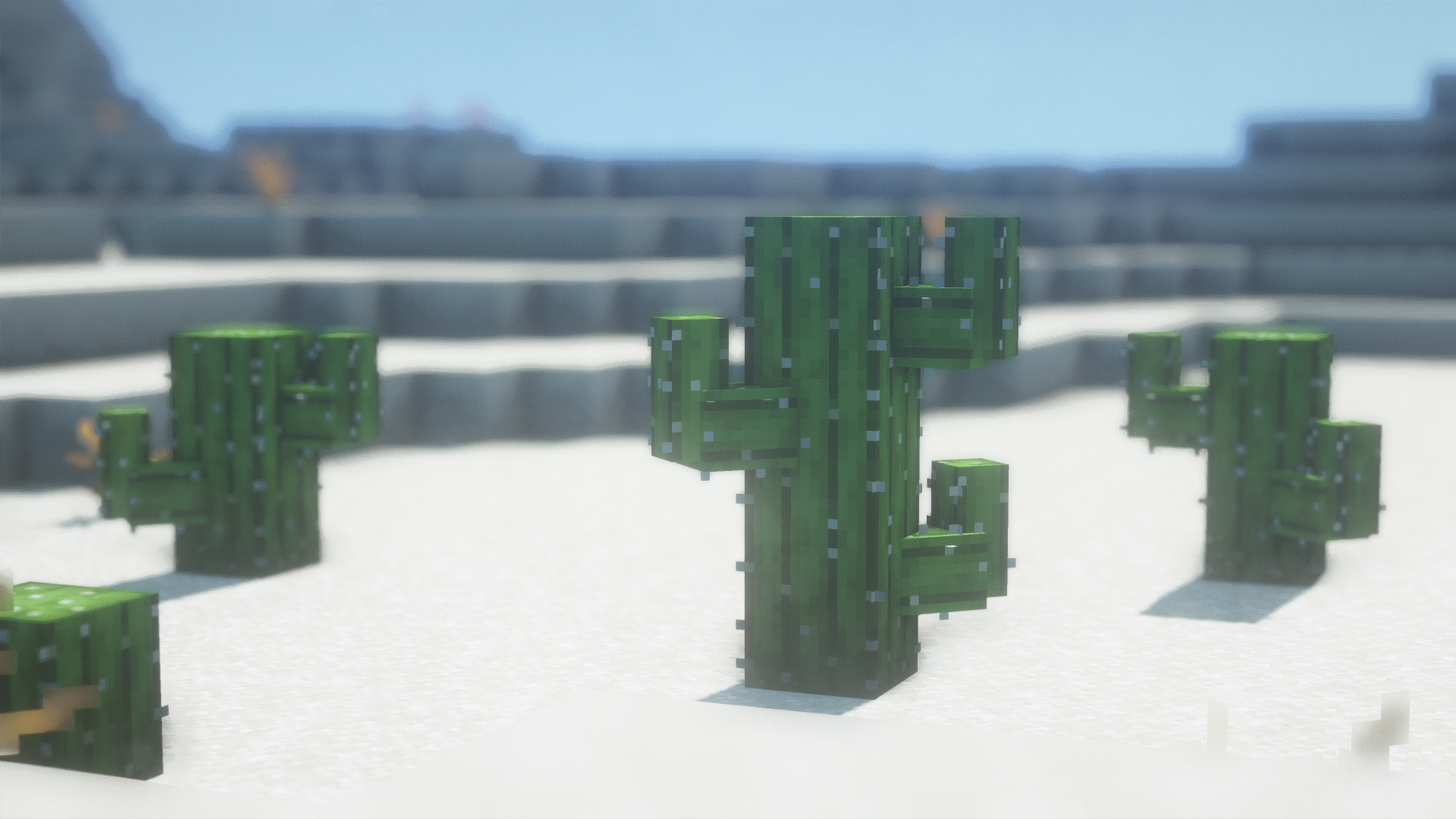
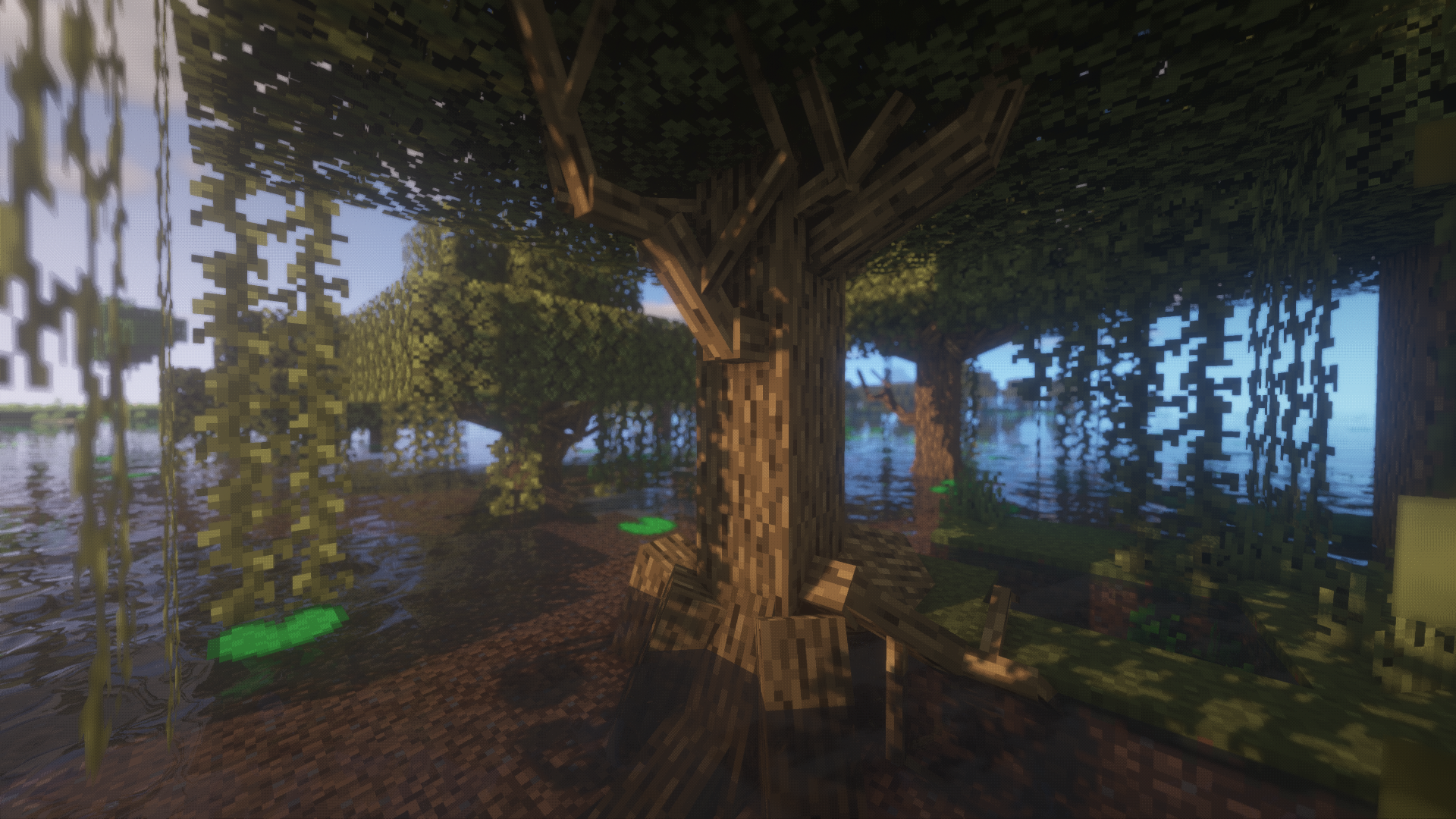
Resource pack which adds decorative item models to the game for you to improve your builds.
These items can only be acquired by renaming existing items in with an anvil, and will only display when placed in an item frame.
Get the Guide below to see how to get each item.

Fresh CIT is a beta pack - it will be continually developed over time.

Some models in this pack will adapt to different texture packs. however I can't guarantee that it will work with any pack. 16×16 resolution recommended.


 CIT Guides:

Lists each custom item and how to get them.

Fresh CIT Guide v1.3 (current)

Fresh CIT Guide v1.2

Fresh CIT Guide v1.1

Fresh CIT Guide v1


 Game Versions:
This pack will only work with Optifine.

 - Optifine 1.17.x
 - Optifine 1.16.x
 - Optifine 1.15.x

 - Optifine 1.14.x (some items missing)


Optifine:

https://optifine.net/downloads


Video Settings:
This pack will not work without these settings.

Video Settings > Quality > Custom Items: ON
           > Custom Entity Models: ON
           > Random Entities: ON


Discord:

See updates, give feedback, ask questions and share your Minecraft builds

Join my Discord server


If you want to use parts of this pack in your own, ask me for permission.
If you wish to use this pack in any other form of content please credit me with the pack name and my username.

Feedback is appreciated. Enjoy!

 

FreshCITv1.3.zip
MC 1.15, 1.16, 1.14
Release 2021-01-25 Get
FreshCITv1.0.zip
MC 1.15, 1.16, 1.14
Release 2021-01-23 Get
FreshCITv1.1.zip
MC 1.15, 1.16, 1.14
Release 2021-01-23 Get
FreshCITv1.1.1.zip
MC 1.15, 1.16, 1.14
Release 2021-01-23 Get
FreshCITv1.2.zip
MC 1.15, 1.16, 1.14
Release 2021-01-23 Get

Requirements & install

How to use this resource pack in Minecraft
Resolution
16x
Minecraft
1.14 – 1.16
Install folder
.minecraft/resourcepacks

How to install resource packs

  1. Download the resource pack .zip file (do not extract it).
  2. In Minecraft open Options → Resource Packs → Open Pack Folder.
  3. Drop the .zip into the resourcepacks folder (.minecraft/resourcepacks).
  4. Move the pack to the Selected column and click Done.
Browse more: 16x resource packs 32x resource packs 64x resource packs 128x resource packs 256x resource packs 512x+ resource packs Resource Packs for 1.16 All resource packs

More from FreshLX

Advertisement Remove ads with Premium →

You Might Also Like