Mineuniverse
Resource Packs
Fresh Animations Patch - Boy Why You So Ears

Fresh Animations Patch - Boy Why You So Ears

RESOURCE PACK
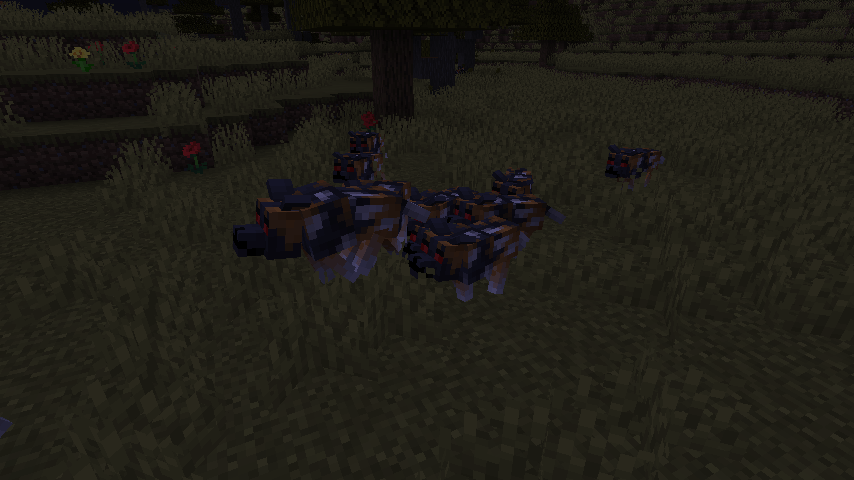
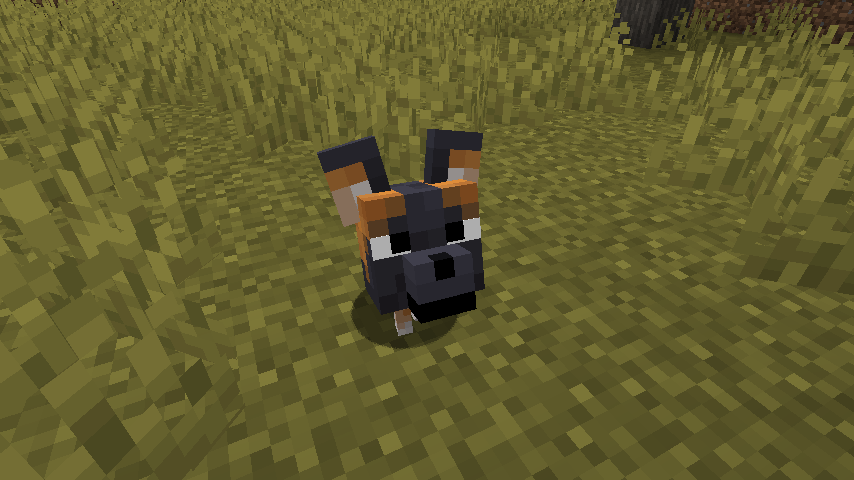
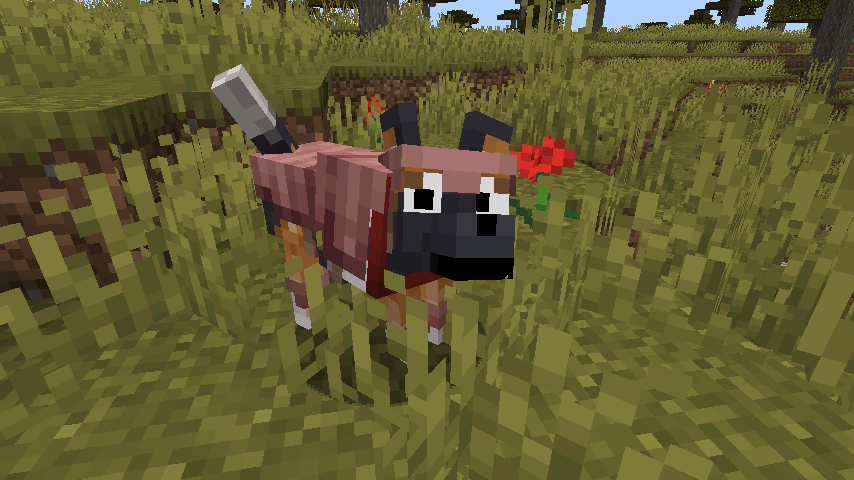
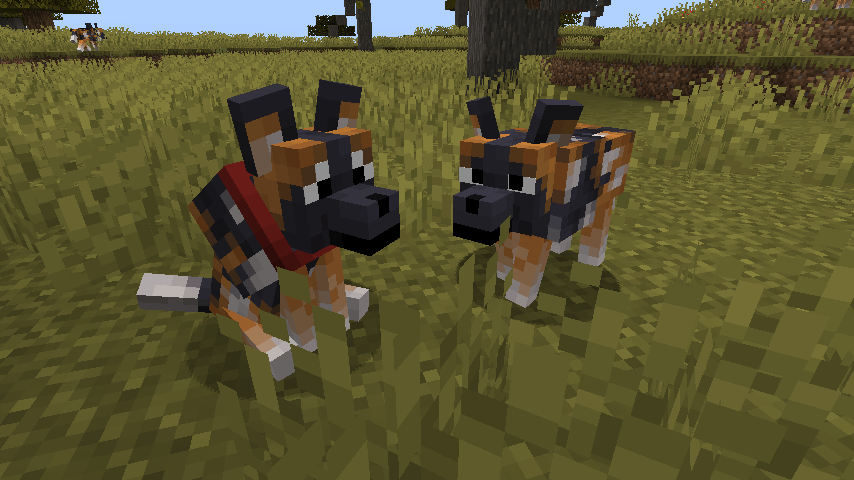
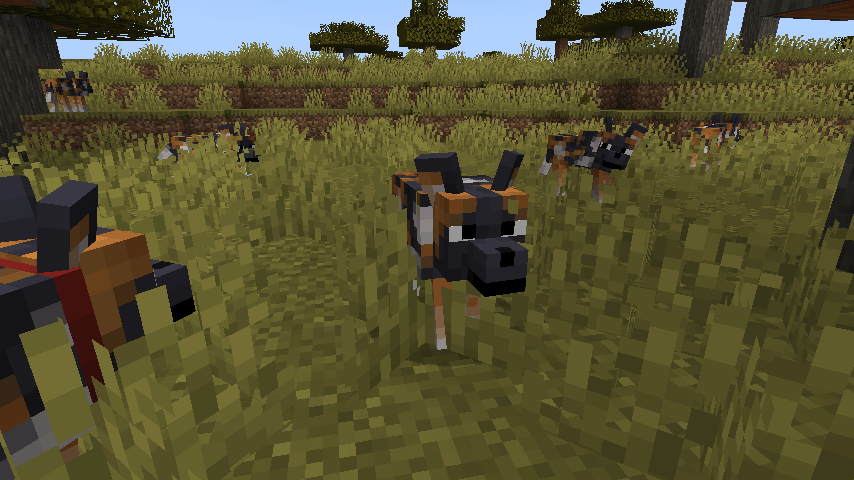
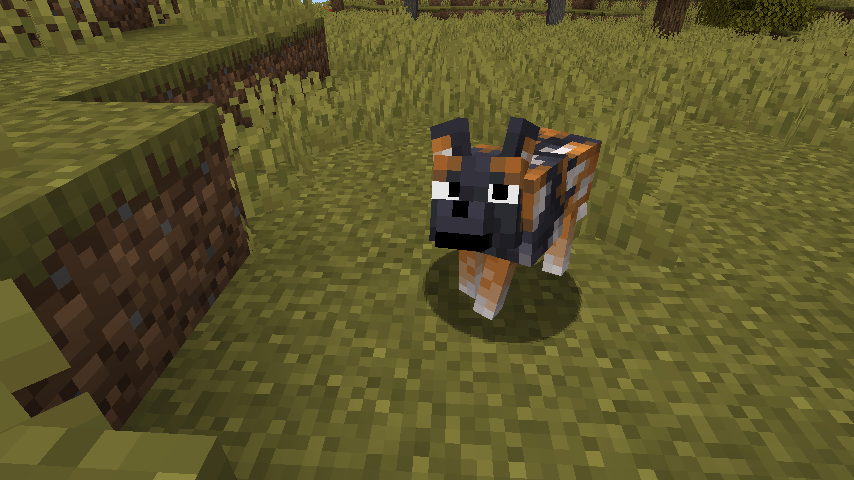
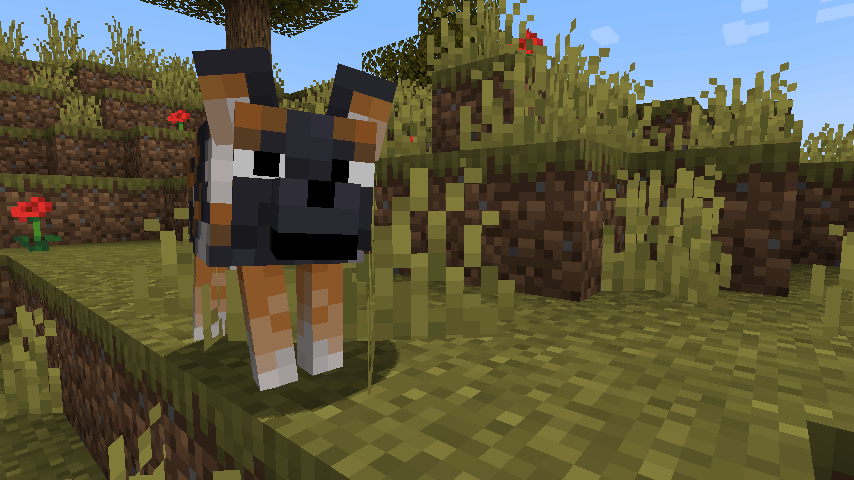
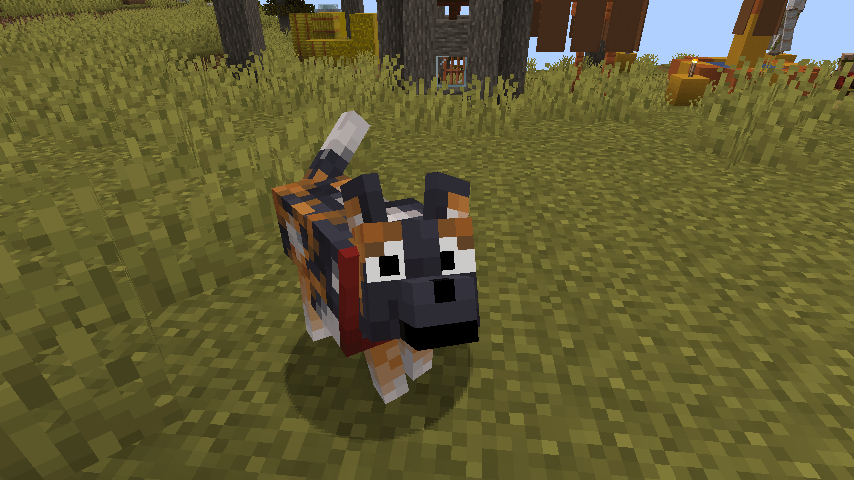
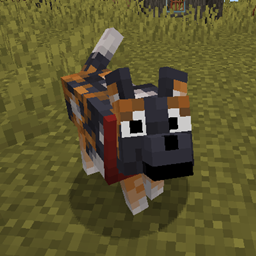
A Fresh Animations patch pack that allows "Boy Why You So Ears" to function with "Fresh Animations" wolf model.
by dasawkem
Download Claim this project
5,184 downloads
0 likes
0 followers
Updated Oct 14, 2026
0 hypes
Follow0
16x Animated Traditional
Advertisement Remove ads with Premium →

Model edit patch pack to allow for JBCC's great model and texture edit, Boy Why You So Ears, to be compatible with Fresh Animations' wolf model.

For the pack to function, it must be above any packs that edit the wolf model and the spotted wolf textures. IE, this pack should be placed above the base Fresh Animations. For things not to look funky, it also relies on the wolf armor and wolf collar models, which are provided in the base Fresh Animations pack.

Full credit for the original texture edit and model edit inspiration goes to the wonderful JBCC, and the base wolf model originates from FreshLX's Fresh Animations pack.

Original description from Boy Why You So Ears:

Gives the spotted wolf variant some big ol ears, like its real-life counterpart

!!! Requires Optifine or EMF+ETF !!!

Spotted wolves look a little more like painted wild dogs now! This resource pack should work in any version after wolf variants were added (1.20.5+)

2.0 - Fresh Boy Why You So Ears
MC 1.21, 1.21.8, 1.20.5, 1.21.5, 1.21.4, 1.20.6, 1.21.1, 1.21.6, 1.21.3, 1.21.7, 1.21.2, 1.21.9, 1.21.10, 1.21.11
Release 2026-07-28 Get
1.1.1 - Fresh Boy Why You So Ears
MC 1.21.2-Snapshot, 1.21, 1.21.6-snapshot, 1.21.1-Snapshot, 1.21.8, 1.20.5, 1.21.5, 1.21.4, 1.21.5-Snapshot, 1.20.6, 1.21.1, 1.21.6, 1.21.3, 1.21.7, 1.21-Snapshot, 1.21.4-Snapshot
Release 2025-08-23 Get
1.0 - Fresh Boy Why You So Ears
MC 1.21.2-Snapshot, 1.21, 1.21.6-snapshot, 1.20.5, 1.21.5, 1.20.5-Snapshot, 1.21.1-Snapshot, 1.21.4, 1.21.5-Snapshot, 1.20.6, 1.21-Snapshot, 1.21.3, 1.21.1, 1.21.6, 1.21.4-Snapshot
Release 2025-06-24 Get

Requirements & install

How to use this resource pack in Minecraft
Resolution
16x
Minecraft
1.21.5 – 1.21.11
Install folder
.minecraft/resourcepacks

How to install resource packs

  1. Download the resource pack .zip file (do not extract it).
  2. In Minecraft open Options → Resource Packs → Open Pack Folder.
  3. Drop the .zip into the resourcepacks folder (.minecraft/resourcepacks).
  4. Move the pack to the Selected column and click Done.
Browse more: 16x resource packs 32x resource packs 64x resource packs 128x resource packs 256x resource packs 512x+ resource packs Resource Packs for 1.21.11 All resource packs

More from dasawkem

Advertisement Remove ads with Premium →

You Might Also Like