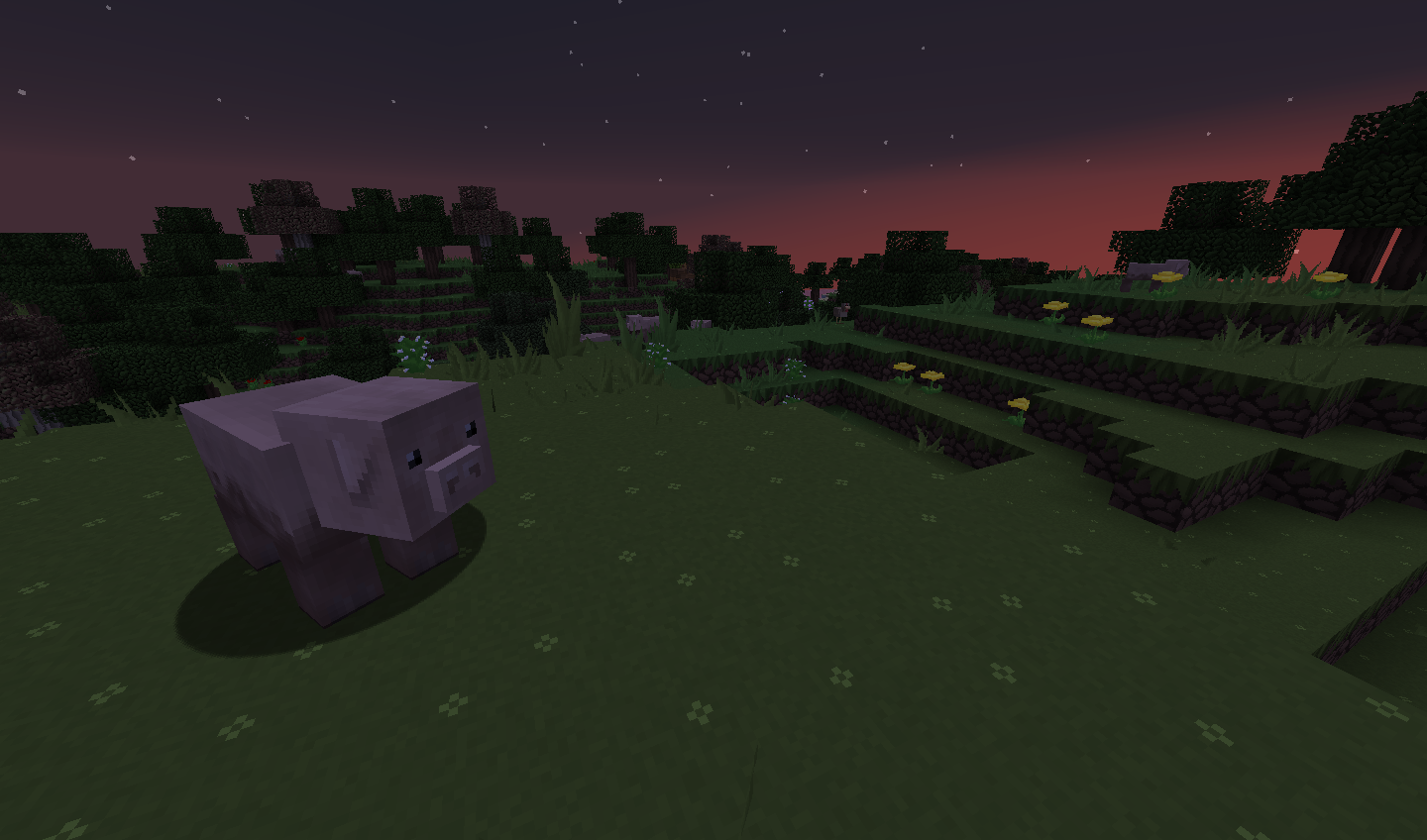
Description
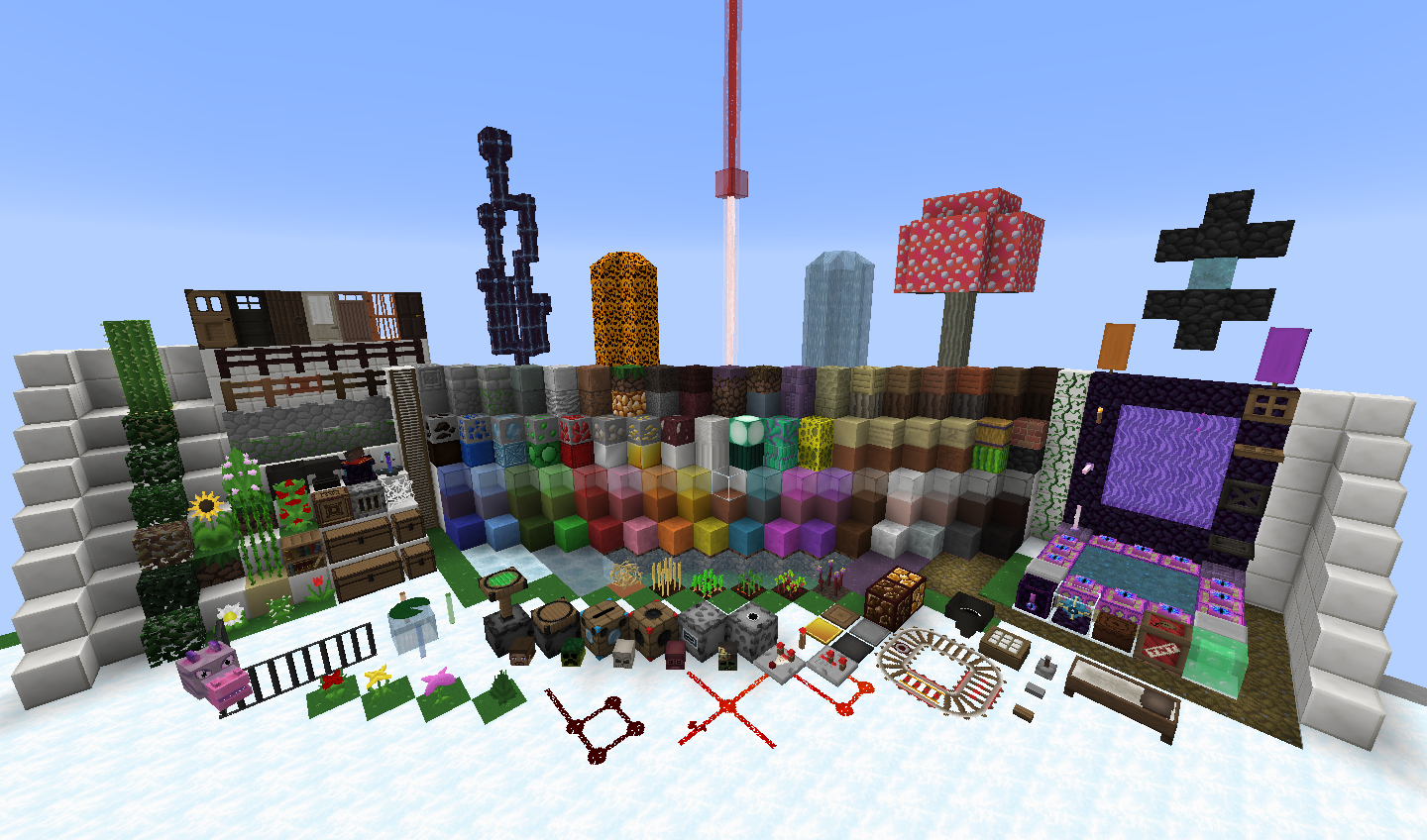
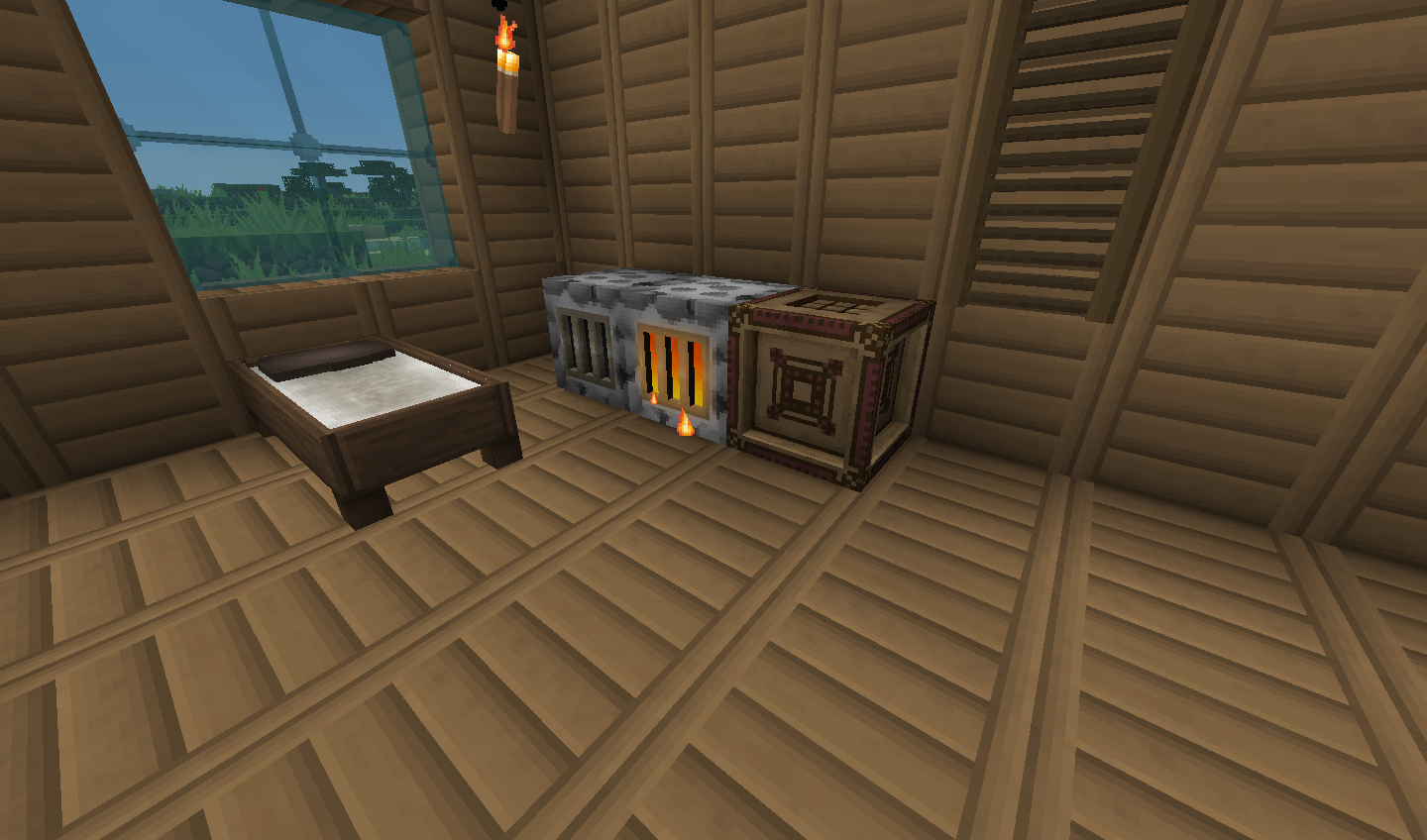
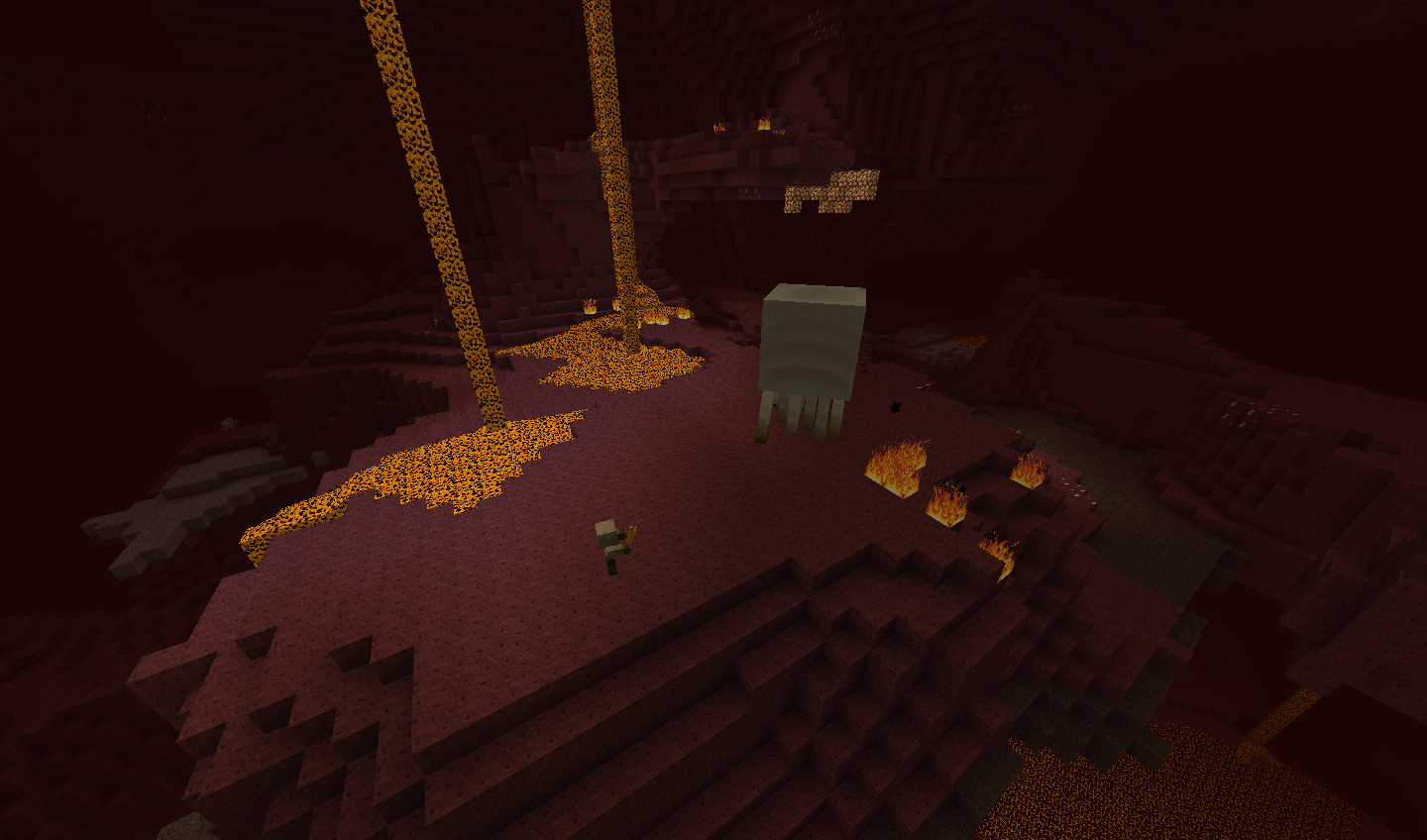
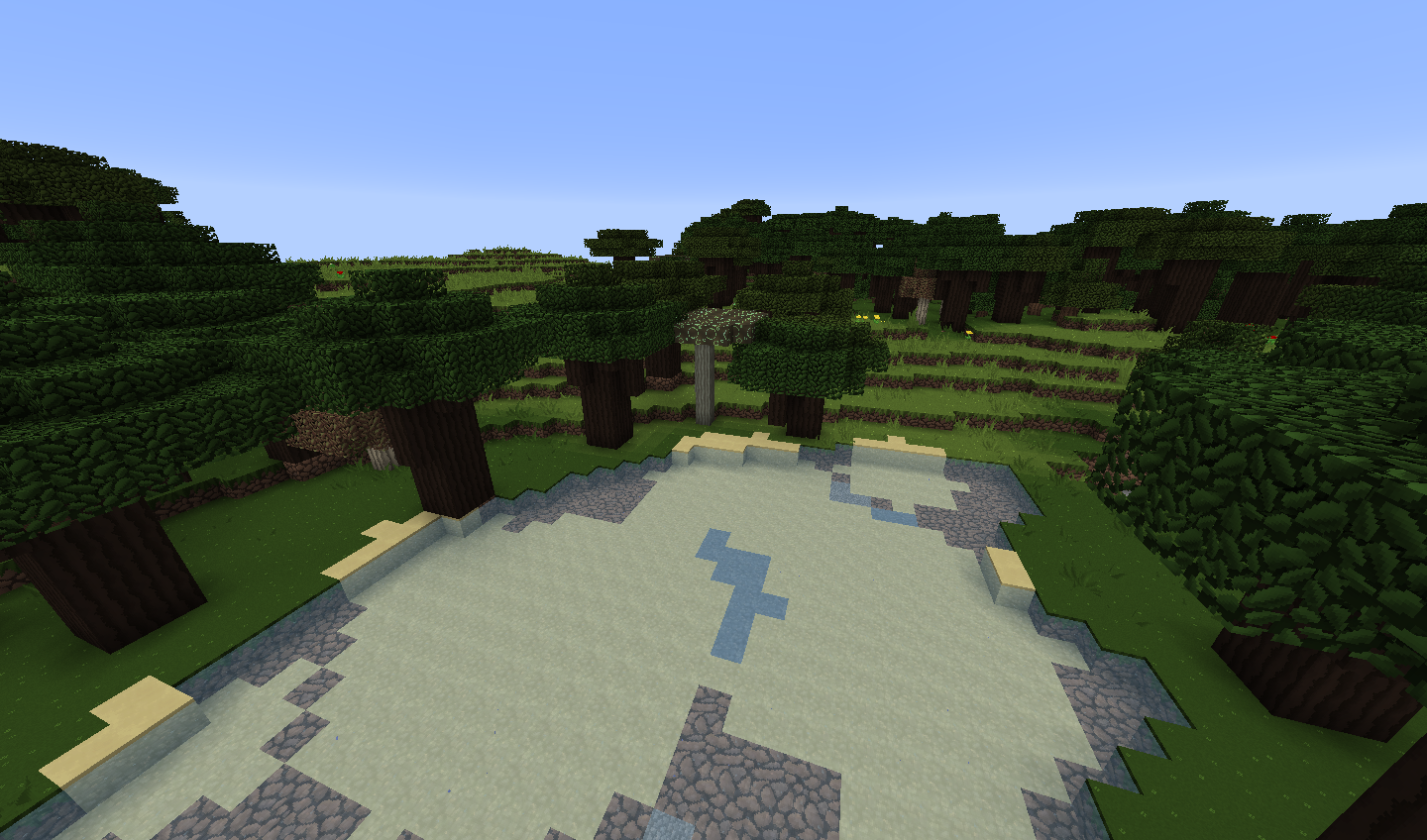
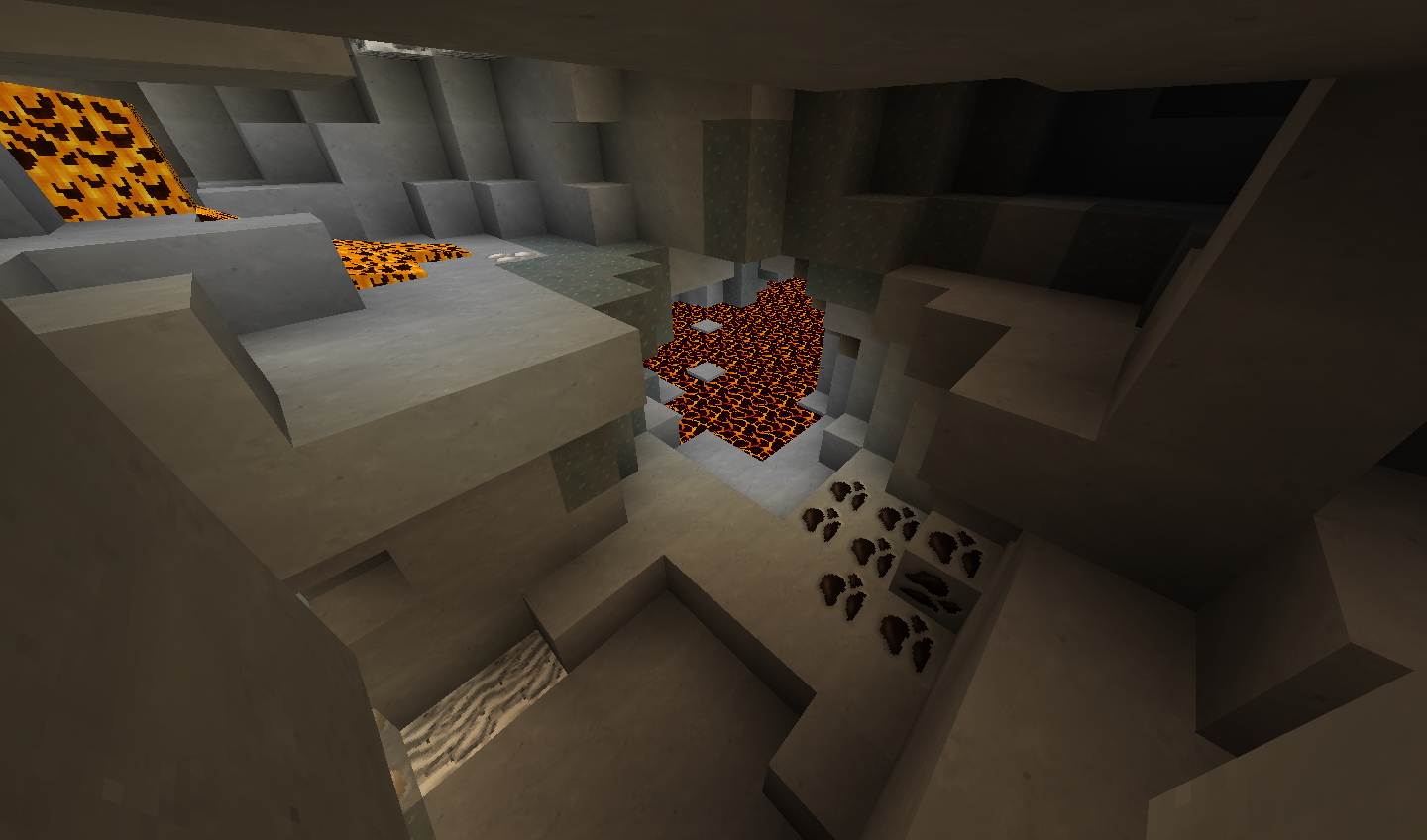
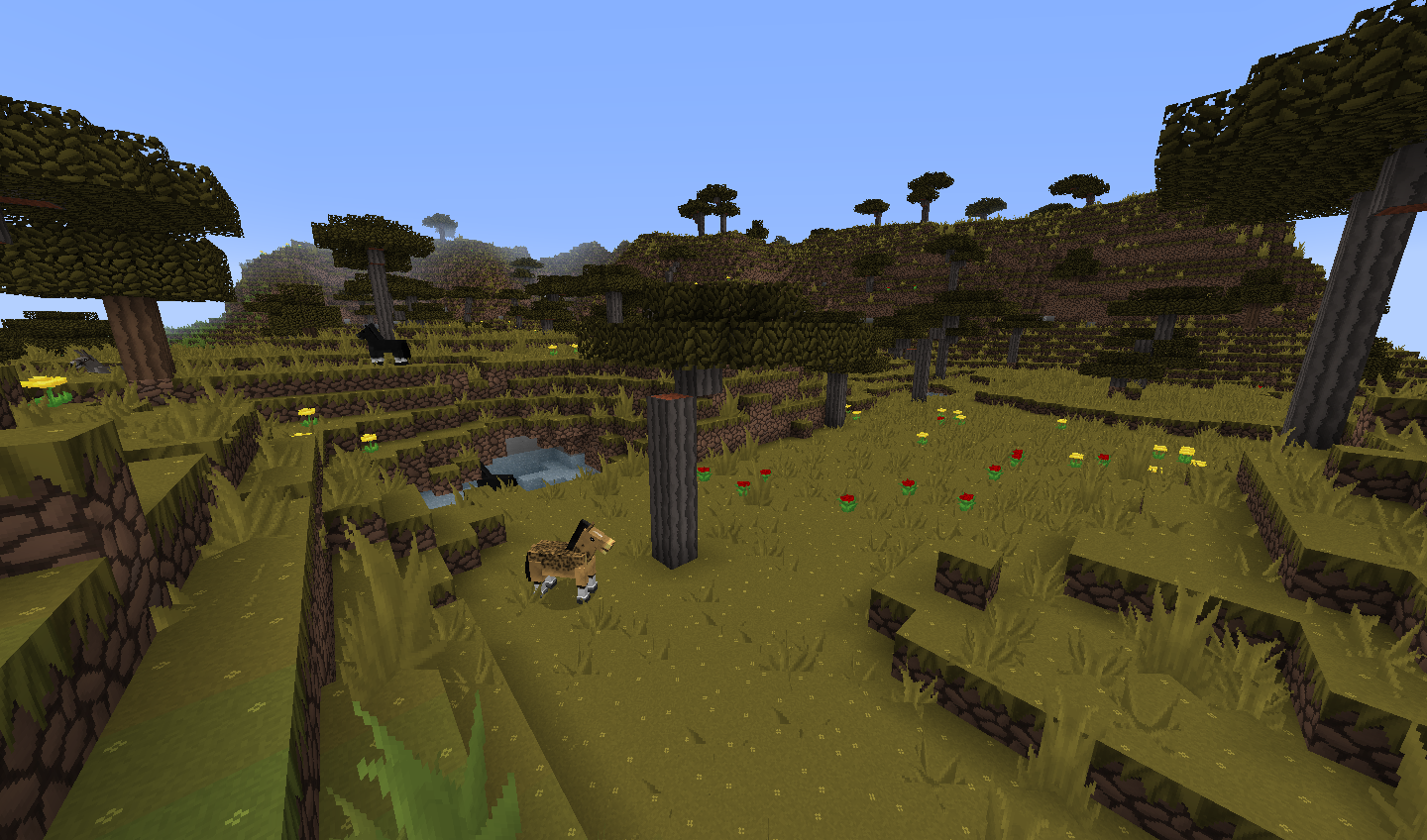
Freitag Gesicht Pack is a small, yet noticible change in the look of Minecraft. The main concept was to grab Minecraft as it is, put it into a magical refreshing machine and put it back as it is. Some visuals stayed faithful to the original look of minecraft, some had been complitely redesigned, and rethought.
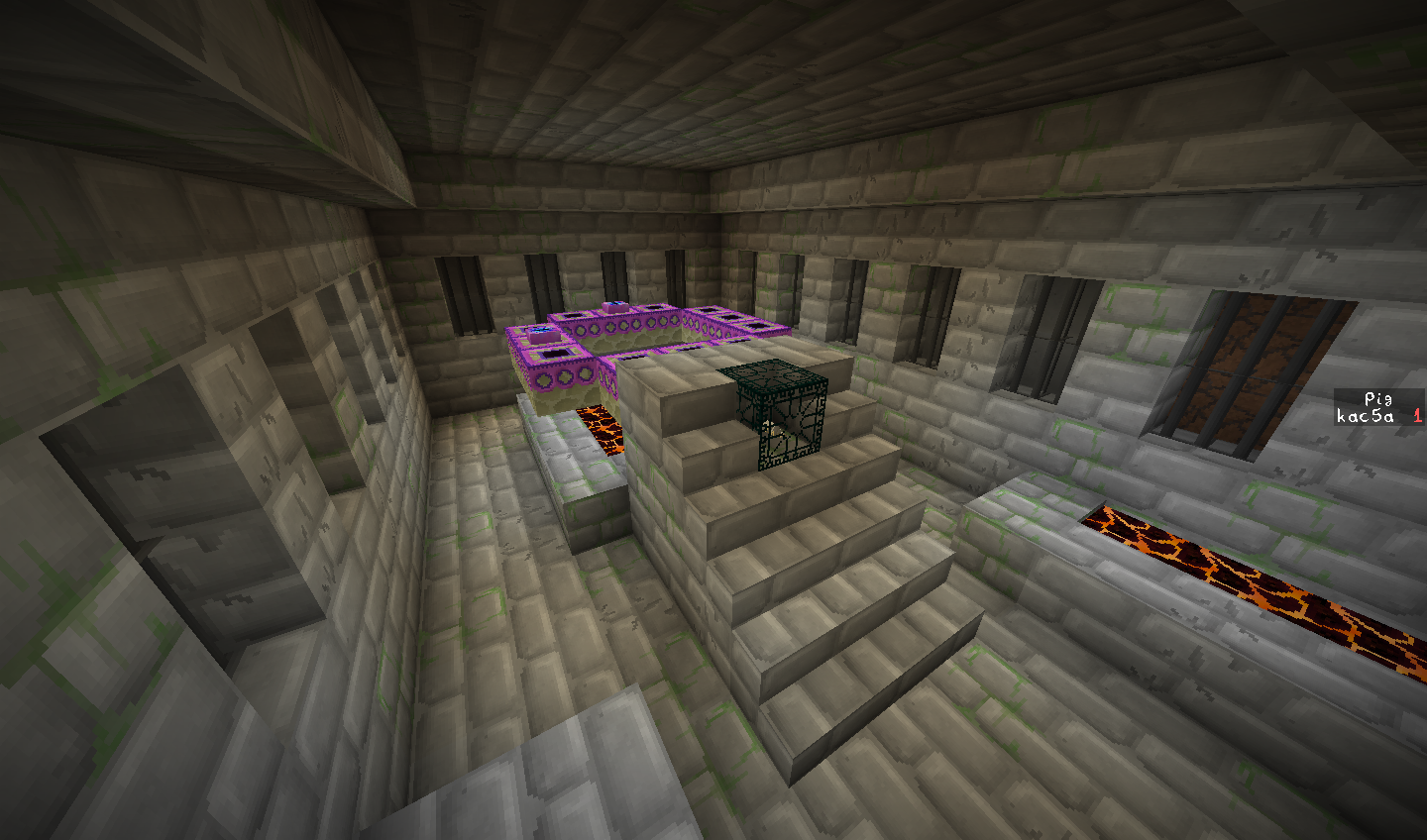
The other, yet smaller factor in making the textures was to stay faithful to the crafting recipie. So if you use 2 diamonds to craft an enchanting table, you should see 2 diamonds on the block itself. Or if you put a nether star inside a glass bell, then you should see a star inside a beacon.
Freitag Gesicht gives an easy-to-learn yet different look for Minecraft on a 32x32 scale, just to make things nicer.
Whats new in 1.0 version?
-Updated blocks
-Subtle block variants (dirt, sandstone, cobblestone)
-Updated items
-Updated entities
-Some new block models (more to come)
Known Mistakes
-Portal animation desynced
-Horses' rabbits' textures are not connecting properly on some types of animals
-Enchanting table breaking particles show the unknown texture
(These will be fixed in the next version)
Also, I need you to test the pack and let me know if you see any errors, or mistakes. The pack is in alpha stage right now, I just wanted to post is on the release of 1.9. And if you have any ideas, feel free to share with me!