Mineuniverse
Resource Packs
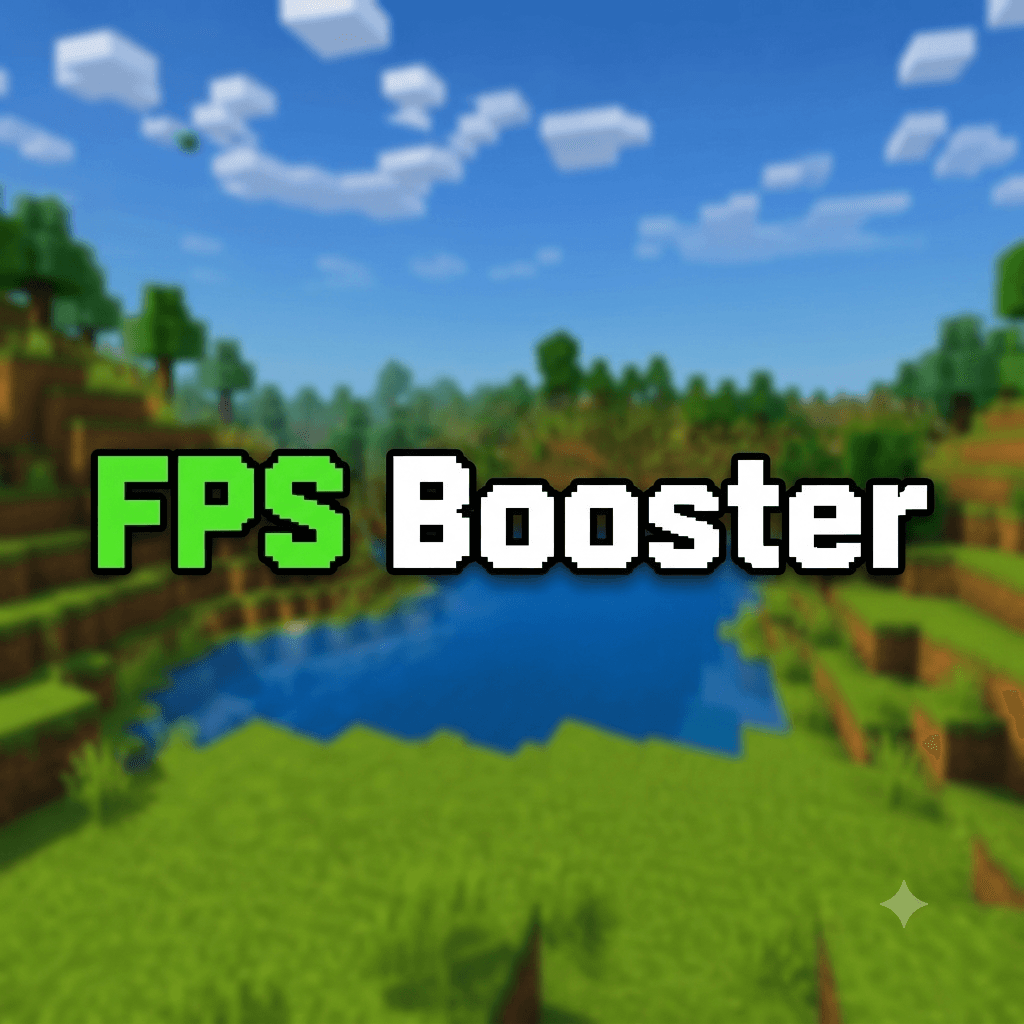
FPS BOOSTER

FPS BOOSTER

RESOURCE PACK
Anyone can get 100+ fps easily no matter your device use this and feels the smoother version of minecraft
by Dark_PixelForge
Download Claim this project
16,697 downloads
0 likes
0 followers
Updated Oct 14, 2026
0 hypes
Follow0
16x Miscellaneous
Advertisement Remove ads with Premium →

FPS BOOSTER 

- 🚀 Boosts FPS for a smoother Minecraft Java Edition experience.

- ⚡ Optimizes visual effects to improve overall performance.

- 🎮 Preserves the vanilla Minecraft look while reducing rendering load.

- 💻 Ideal for low-end, mid-range, and high-end PCs.

- 🌿 Lightweight resource pack designed for better frame rates.

- 💨 Reduces lag and helps maintain stable gameplay.

- 🌍 Great for Survival, Creative, Multiplayer, and PvP.

- 🔧 Compatible with Minecraft Java Edition 1.21.7.

- 📦 Easy to install and works with most vanilla-compatible setups.

- 💎 Crafted to deliver the perfect balance between performance and visuals.

FPS BOOSTER
MC 1.21.2-Snapshot, 1.21, 1.21.6-snapshot, 1.21.1-Snapshot, 1.21.8, 1.21.5, 1.21.4, 1.21.5-Snapshot, 1.21.1, 1.21.6, 1.21.3, 1.21.7, 1.21-Snapshot, 1.21.4-Snapshot, 1.21.2
Release 2026-07-07 Get

Requirements & install

How to use this resource pack in Minecraft
Resolution
16x
Minecraft
1.21.4-Snapshot – 1.21.8
Install folder
.minecraft/resourcepacks

How to install resource packs

  1. Download the resource pack .zip file (do not extract it).
  2. In Minecraft open Options → Resource Packs → Open Pack Folder.
  3. Drop the .zip into the resourcepacks folder (.minecraft/resourcepacks).
  4. Move the pack to the Selected column and click Done.
Browse more: 16x resource packs 32x resource packs 64x resource packs 128x resource packs 256x resource packs 512x+ resource packs Resource Packs for 1.21.8 All resource packs

More from Dark_PixelForge

Advertisement Remove ads with Premium →

You Might Also Like