Badges update automatically and link to the resource pack page on MineUniverse.
With the permission of Pitonixrex, I made this texture pack from one of his/her projects "Fox Girl", so credits to him/her for the model and animations, I only made the textures and changed a bit the model.
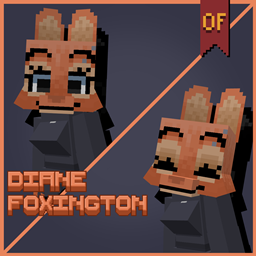
So, here is Foxes To Diane Foxington, that one fox girl from The Bad Guys.
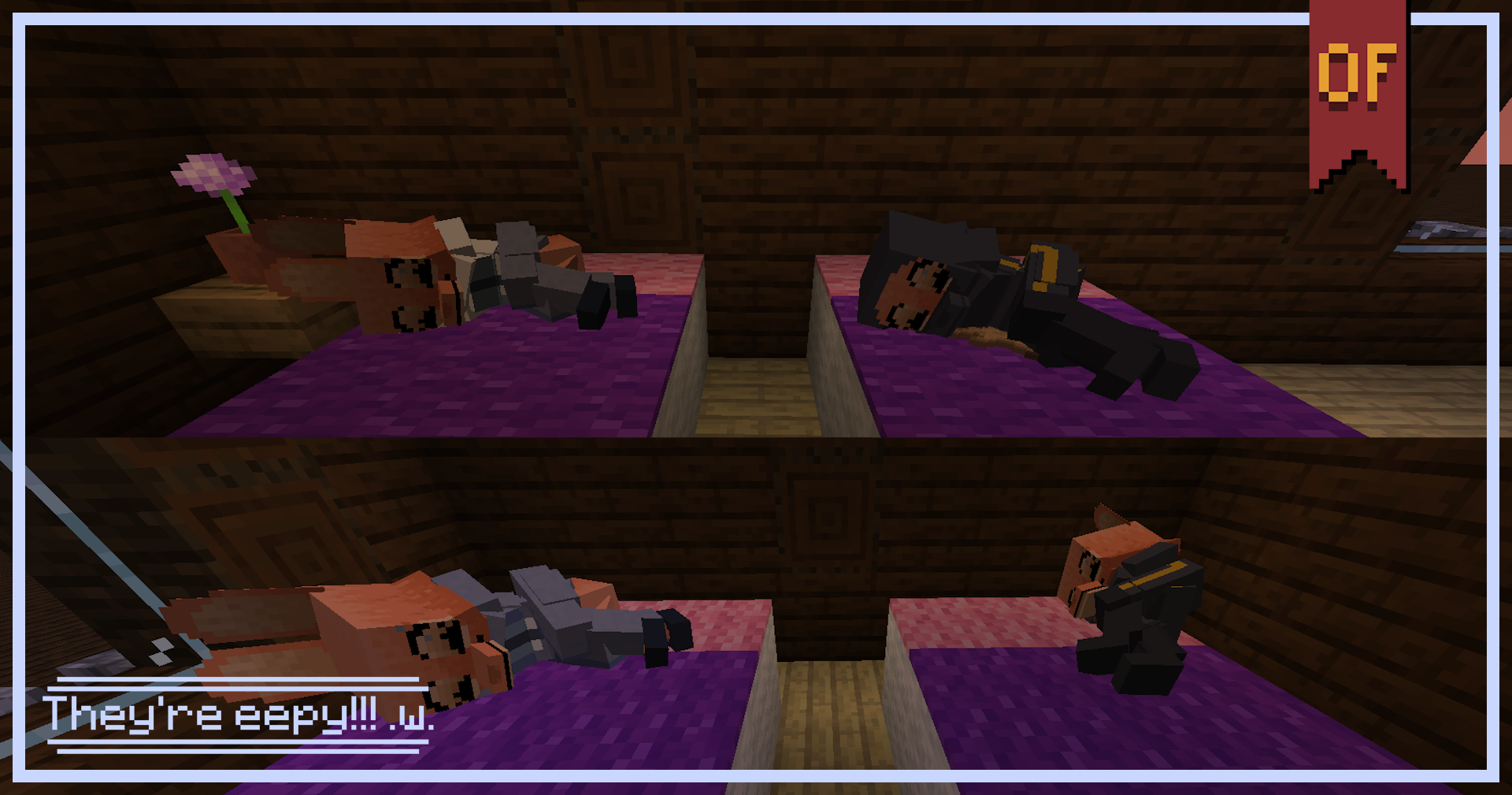
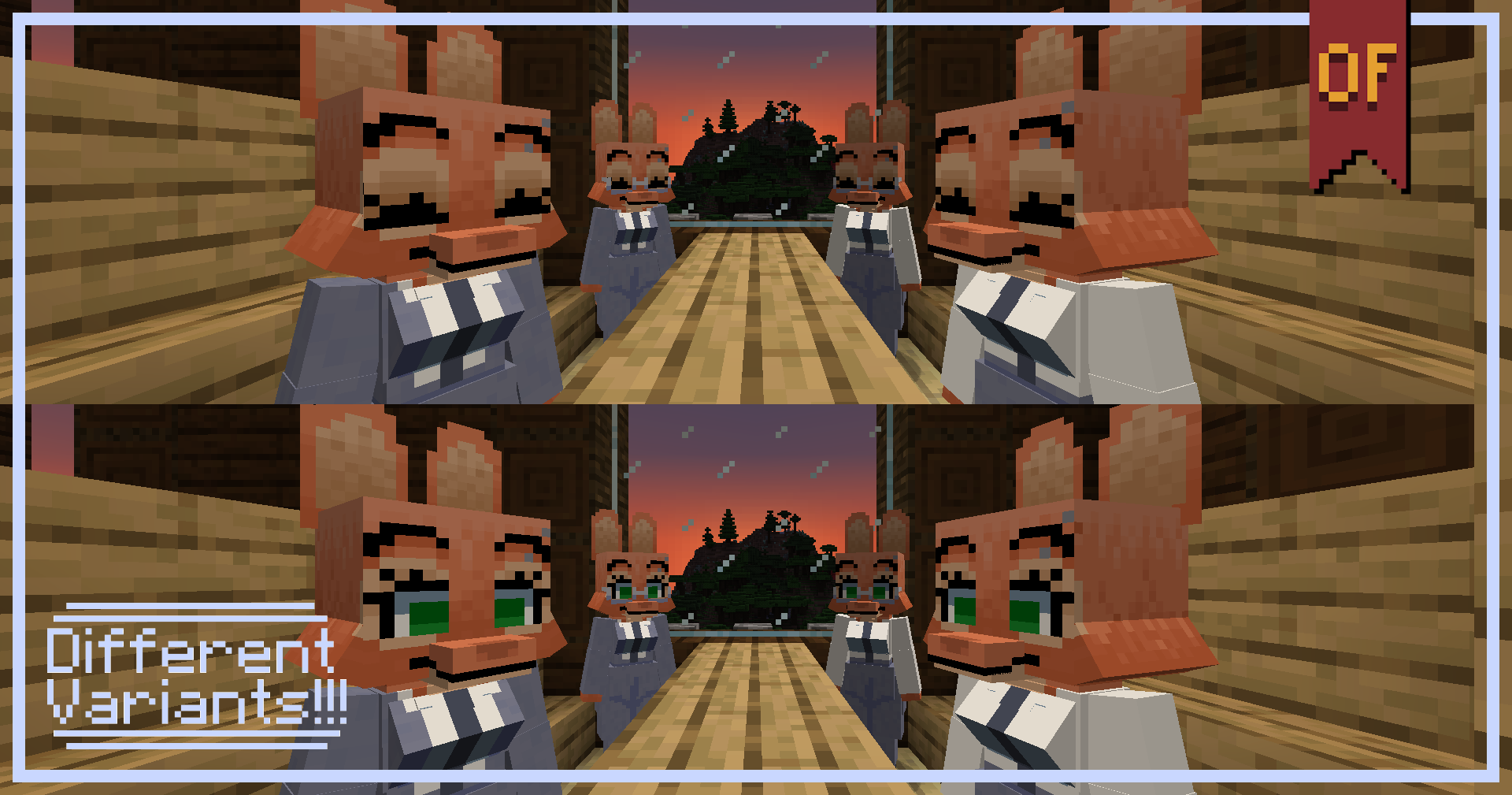
The texture pack changes the model of both red and snow foxes. But that's not everything, I made it so that depending on the nametag you put on them, the skin changes to the different outfits Diane had throughout the movies. So, here's the list of names available so far:
1. "no glasses" - removes the glasses.
2. "no jacket" - removes the jacket.
3. "no jacket no glasses" - removes both jacket and glasses.
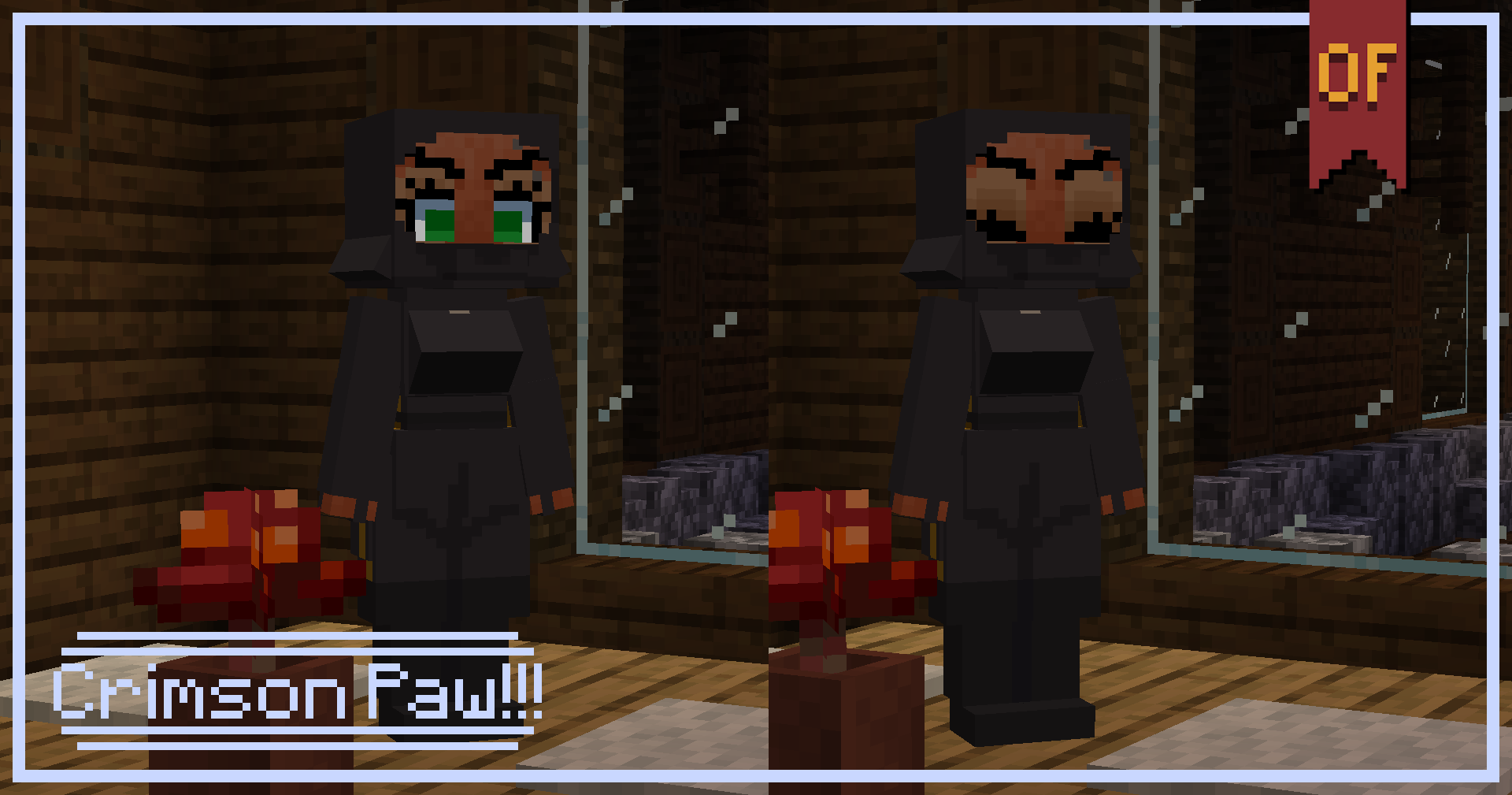
4. "crimson paw" - changes her outfit to the Crimson Paw one.
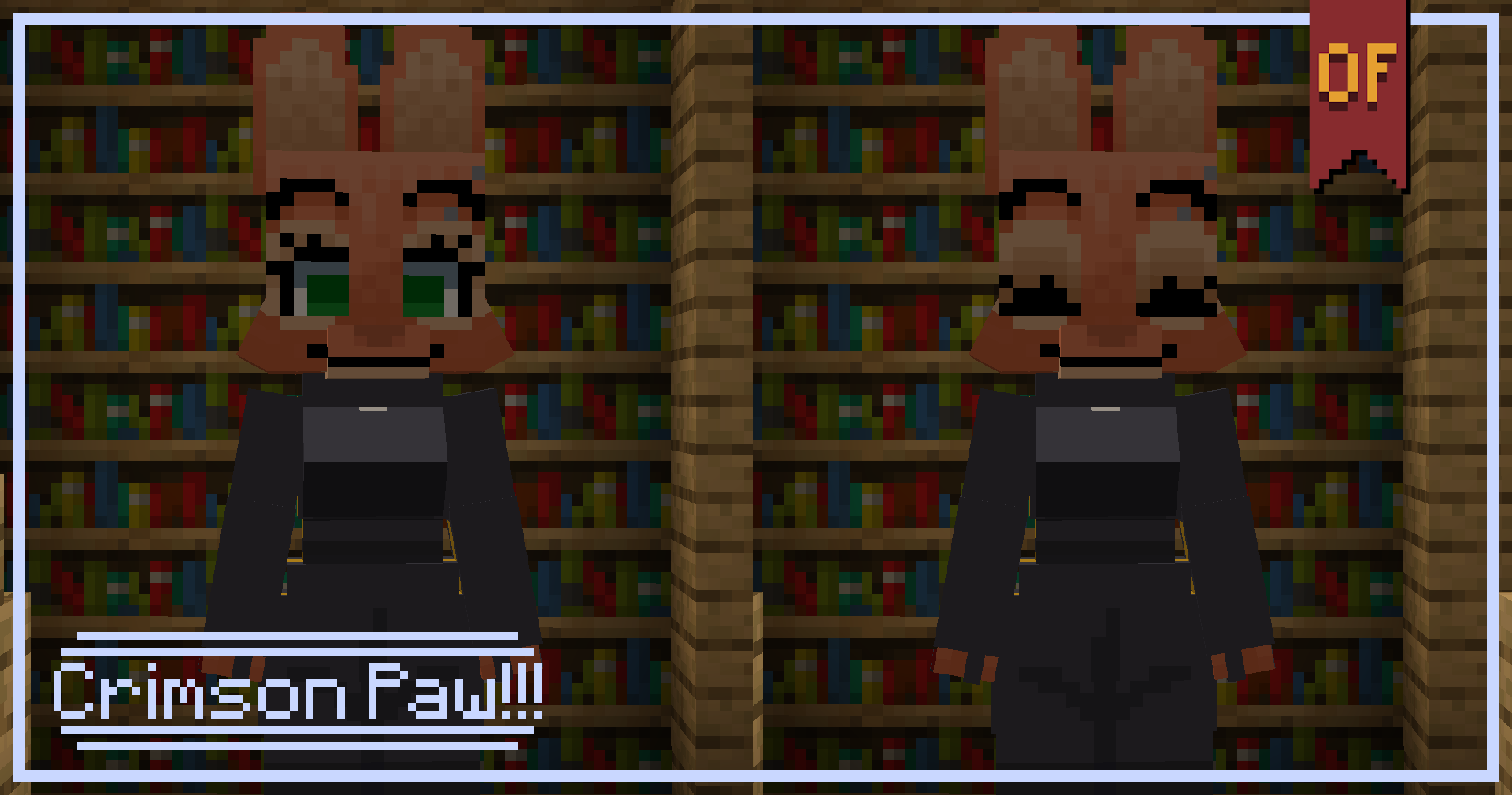
5. "crimson paw no mask" - changes her outfit to the Crimson Paw one but removing the mask.
Make sure to write the names the exact same as in this list, because it's hardcoded so it won't work if you put a capital letter or a space before the last word... like this: "No glasses" or "no glasses ".
I'll be working on the remaining outfits, like the blue or pink dresses, so, stay tuned to this post to know when I update it.
Optifine is required. I made this in the 1.21.7 version but it should work from 1.20 to the latest version, let me know if it doesn't work on some version.