Mineuniverse
Resource Packs
Fox Themed GUI

Fox Themed GUI

RESOURCE PACK
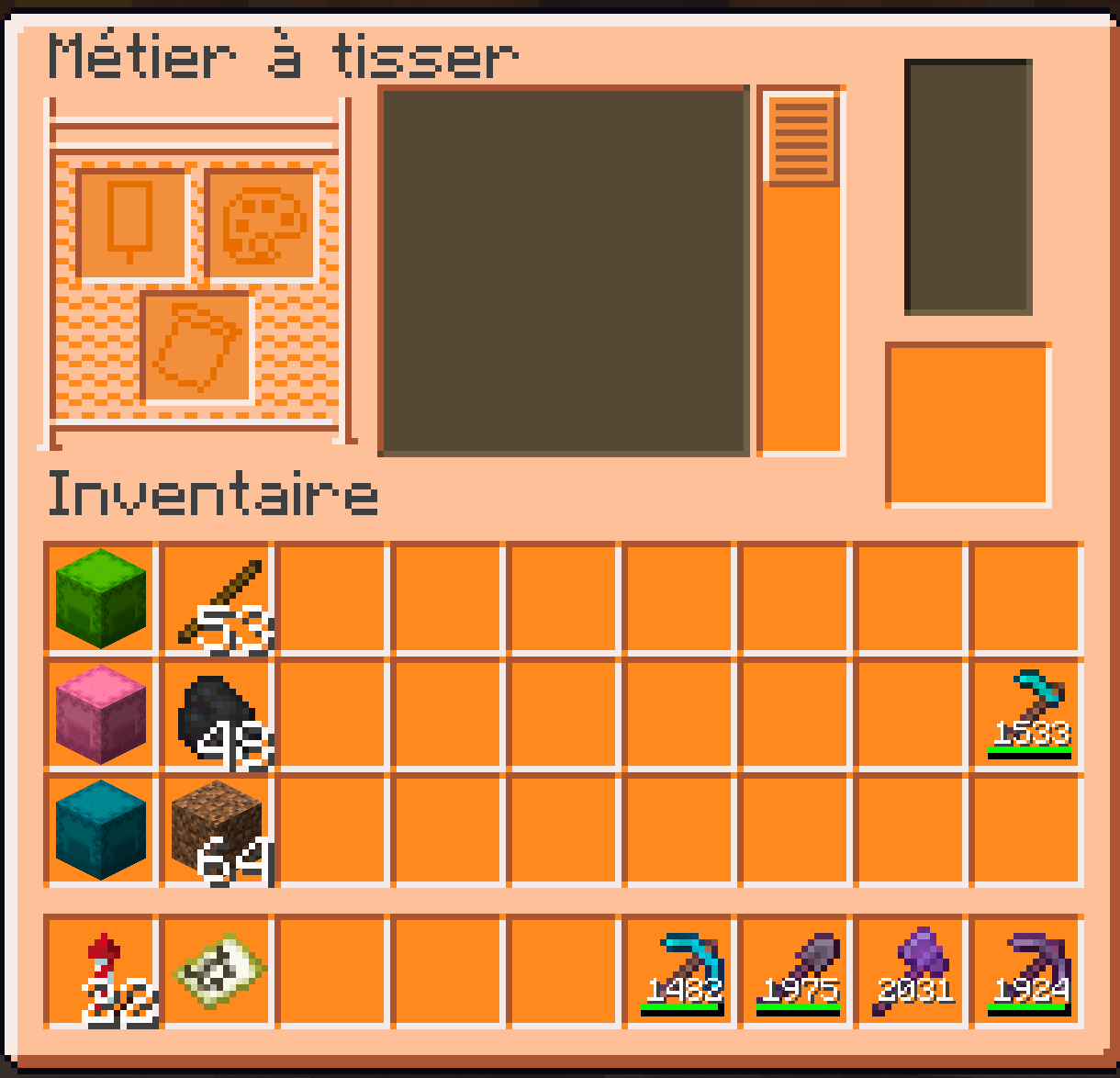
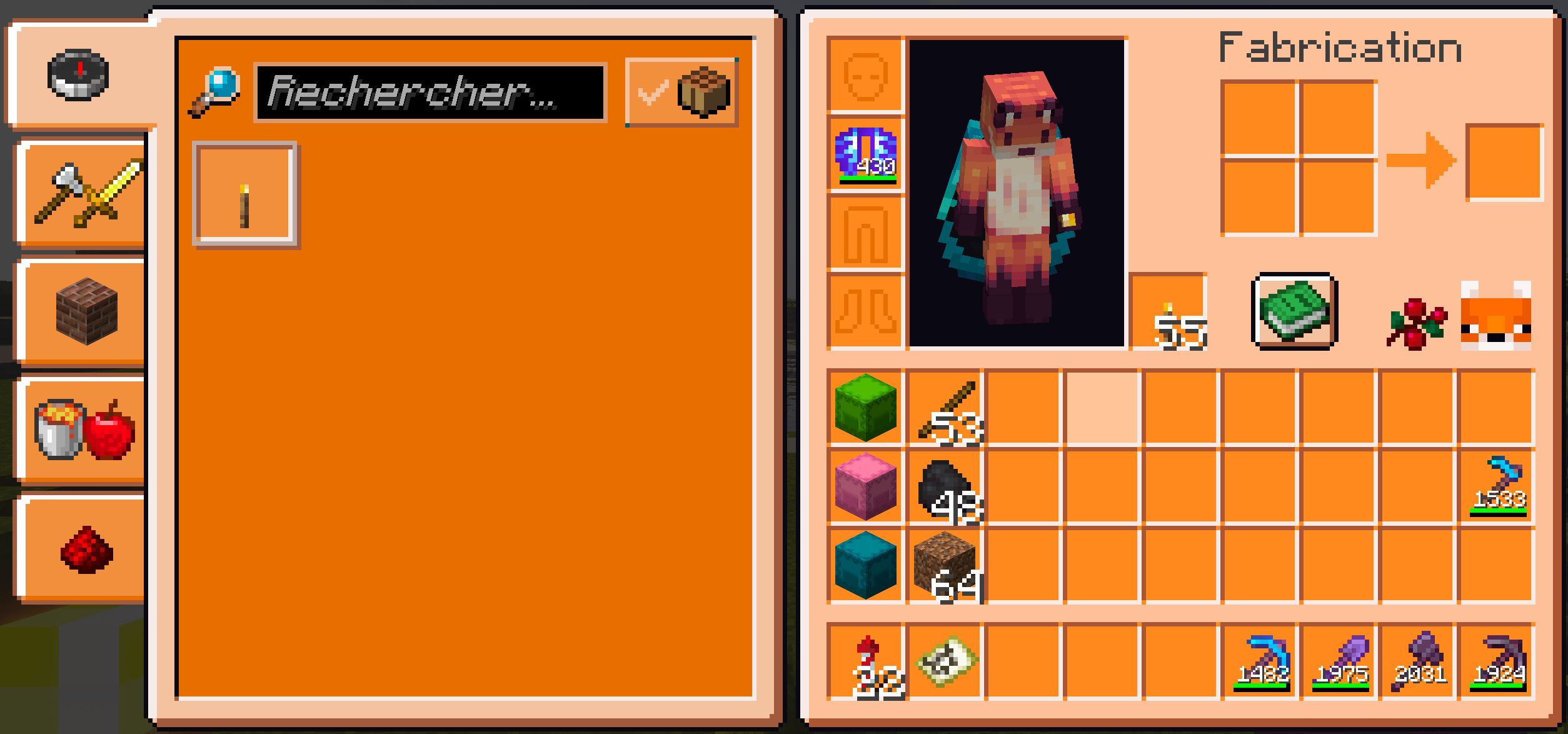
Pale orange and orange GUI, with Fabric and ModMenu support :)
by oninaeth
Download Claim this project
359 downloads
0 likes
Updated Oct 14, 2026
0 hypes
16x Miscellaneous
Advertisement Remove ads with Premium →

Hello there !

This is my first GUI, made for Java 1.21.

It is minecraft fox themed, so it's pale orange and orange, with a bit of brown and grey. And for sure, there's a little fox head with a sweet berry on some of the containers !

Fabric and ModMenu are supported.

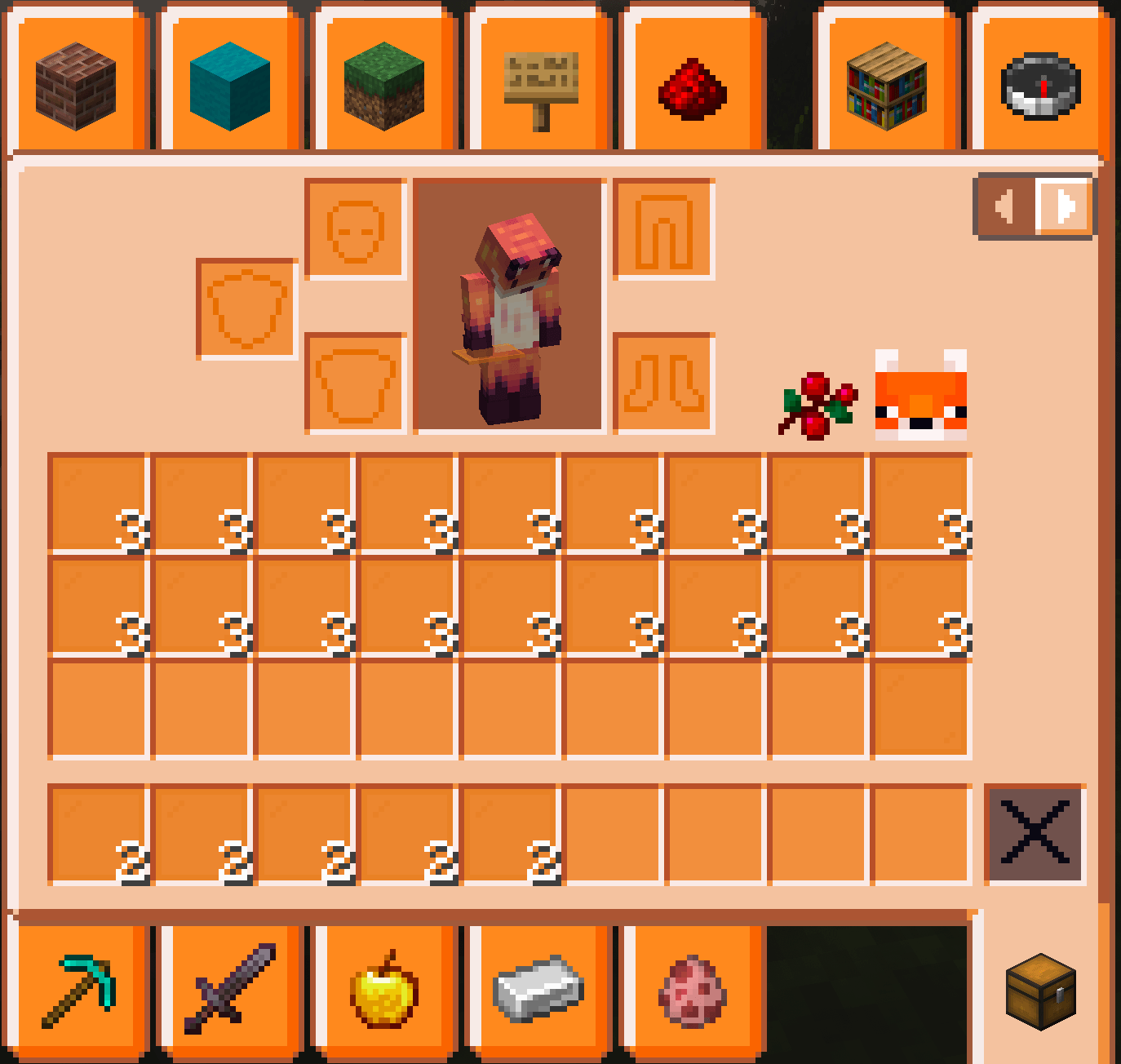
The only thing I couldn't manage to fix is when you have an orange glass panel in your inventory. The slot will be slightly darker, and you'll be able to see it if you've got several orange glass panels (see picture below).
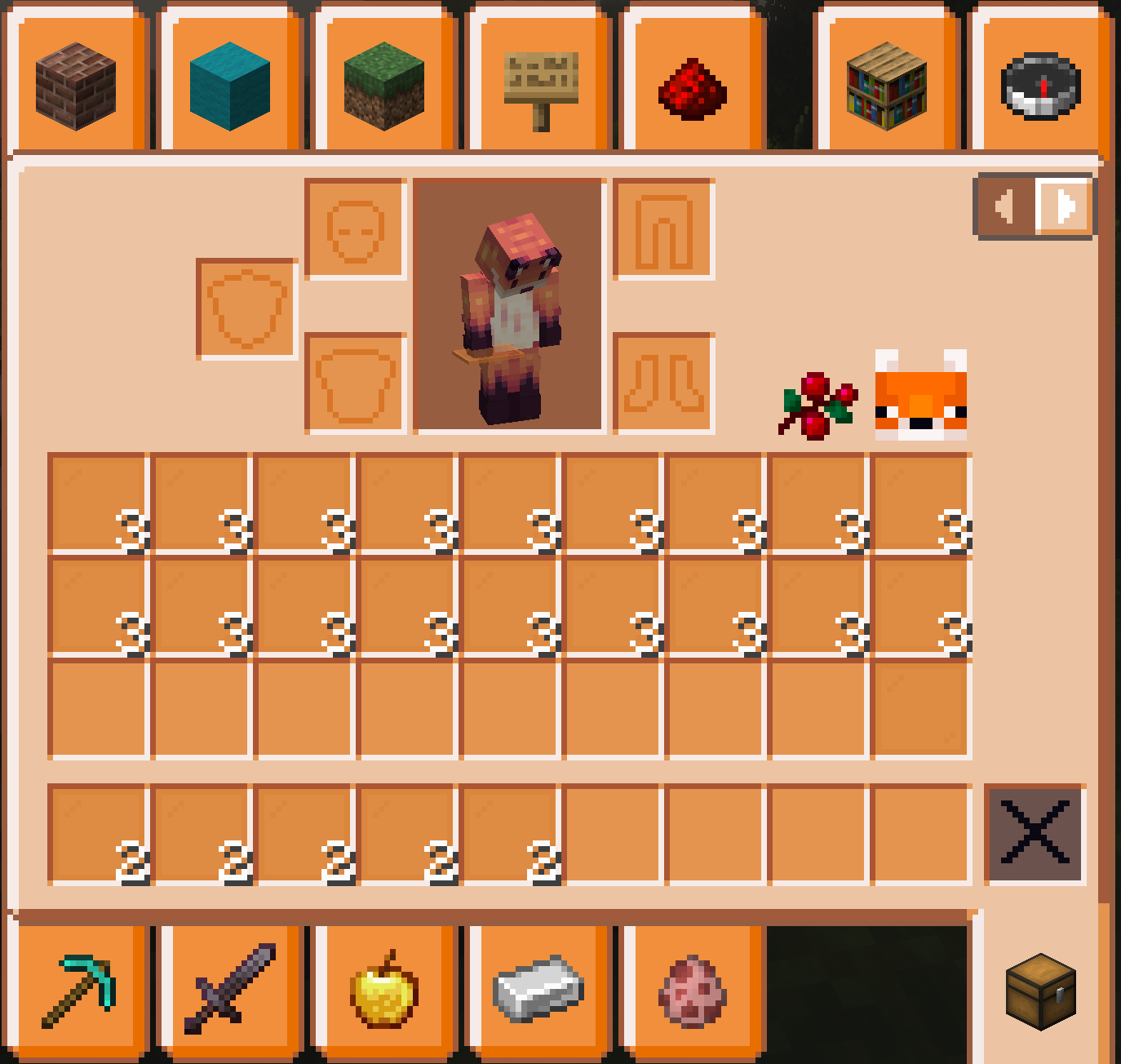
orange glass panels on orange slots...

Don't forget to check the gallery to see how it looks !

Also, I am open to any feedback you would have, so I can improve my work.

Thank you !

FoxThemedGUIV2.zip
MC 1.21
Release 2024-08-09 Get
FoxThemedGUI.zip
MC 1.21
Release 2024-08-07 Get

Requirements & install

How to use this resource pack in Minecraft
Resolution
16x
Minecraft
1.21
Install folder
.minecraft/resourcepacks

How to install resource packs

  1. Download the resource pack .zip file (do not extract it).
  2. In Minecraft open Options → Resource Packs → Open Pack Folder.
  3. Drop the .zip into the resourcepacks folder (.minecraft/resourcepacks).
  4. Move the pack to the Selected column and click Done.
Browse more: 16x resource packs 32x resource packs 64x resource packs 128x resource packs 256x resource packs 512x+ resource packs Resource Packs for 1.21 All resource packs

More from oninaeth

Advertisement Remove ads with Premium →

You Might Also Like