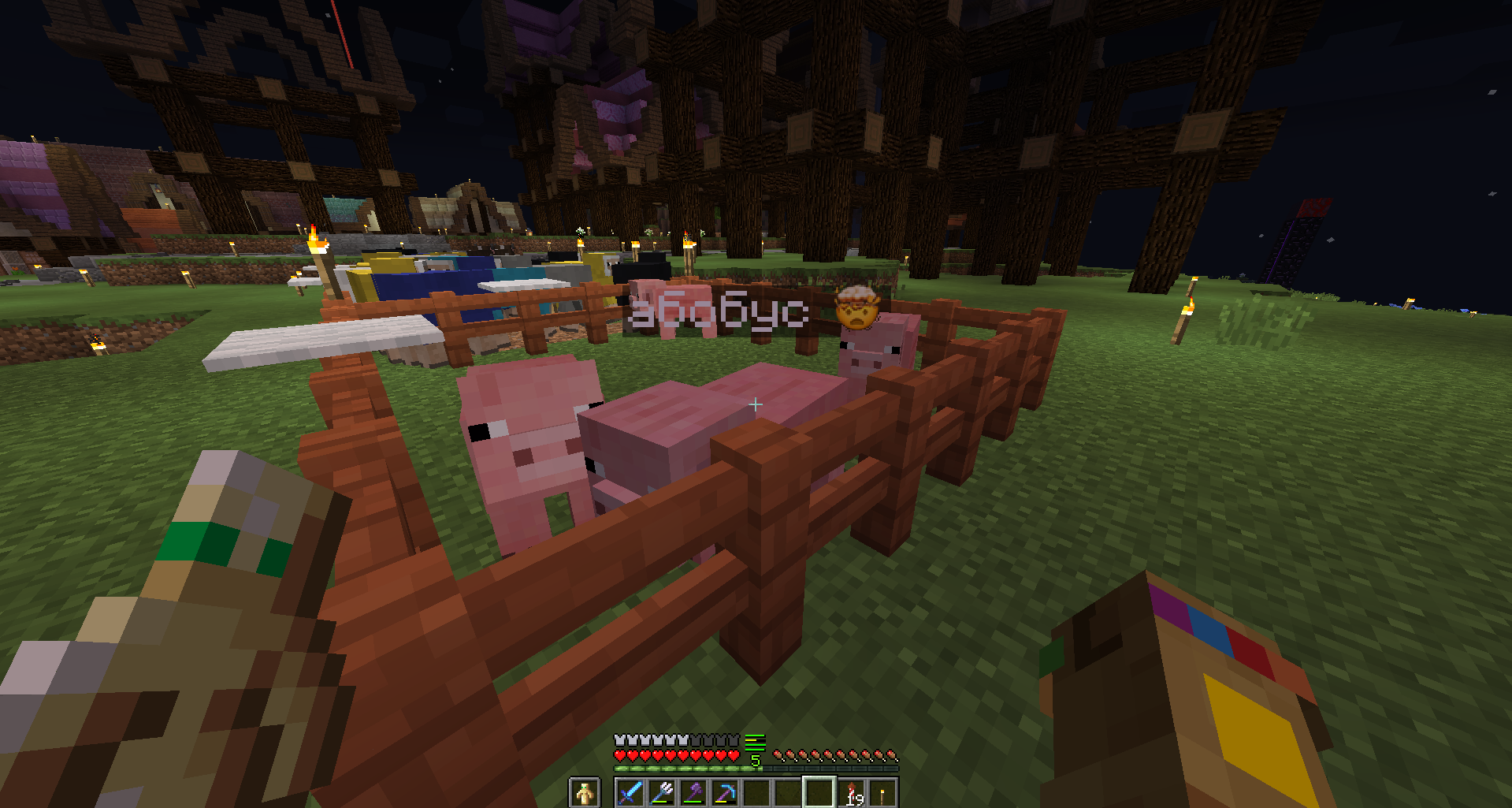
48emote84 - it is a subdivision of different resource packs that add support for emoticons in Minecraft. And I made support for VKontakte emoticons. You can use the emoji panel (win +. ). Soon I am planning to add emoji from other platforms such as Microsoft, Apple, Samsung, Google.
How to install?
Unzip this resourse pack to new folder in /resoursepacks/
It's my mistake. I'm sorry 😥
How to use?
Press Windows + . this hotkey will activate the emoji panel.
Also, you can open onscreen keyboard.

For Mac users, Press Command (⌘) + Control (⌃) + Space
Limitation:
- Emoji can used only in White color. You can use emoji in nametags, vanilla chat, when you use emoji on signs - you must use White dye or White code color: &f
((When you use a server plugin for signs, books))

Roadmap
- More emoji. Unfortunately, I have added only a part of all and I plan to add all.
- Samsung, Apple, Google, Microsoft emoji. (And others. Maybe Twitch and BTTV emoji)
- Bedrock Addon
- New GIFs in this page 😅.
- Fix bug. Some emoji don't work, but with optifine - all emojies works.
- Stylized Minecraft Vanilla Emoji
- And, i want to add Resource Pack Prefix for servers.
And you can visit
And please, if you want to redo this resource pack - contact me at PM. I did everything on pure enthusiasm
Appreciate my time 😉