Mineuniverse
Resource Packs
Forgeblade 32x / Tools

Forgeblade 32x / Tools

RESOURCE PACK
This resource pack is perfect for those who want to freshen up their gaming experience while staying true to the original Minecraft style.
by jsdpk
Download Claim this project
4,730 downloads
0 likes
Updated Oct 14, 2026
0 hypes
32x Modern Photo Realistic Traditional
Advertisement Remove ads with Premium →


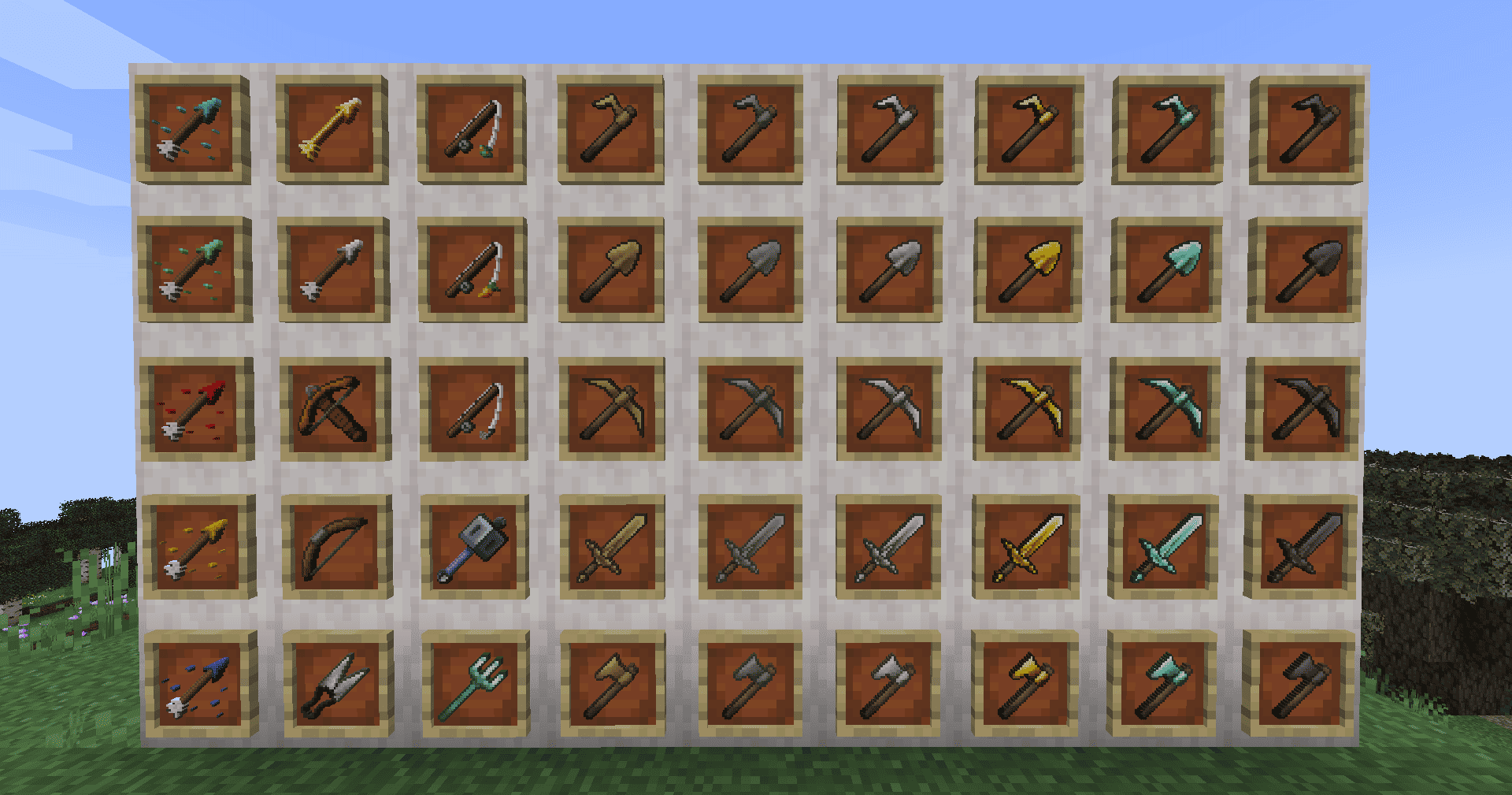
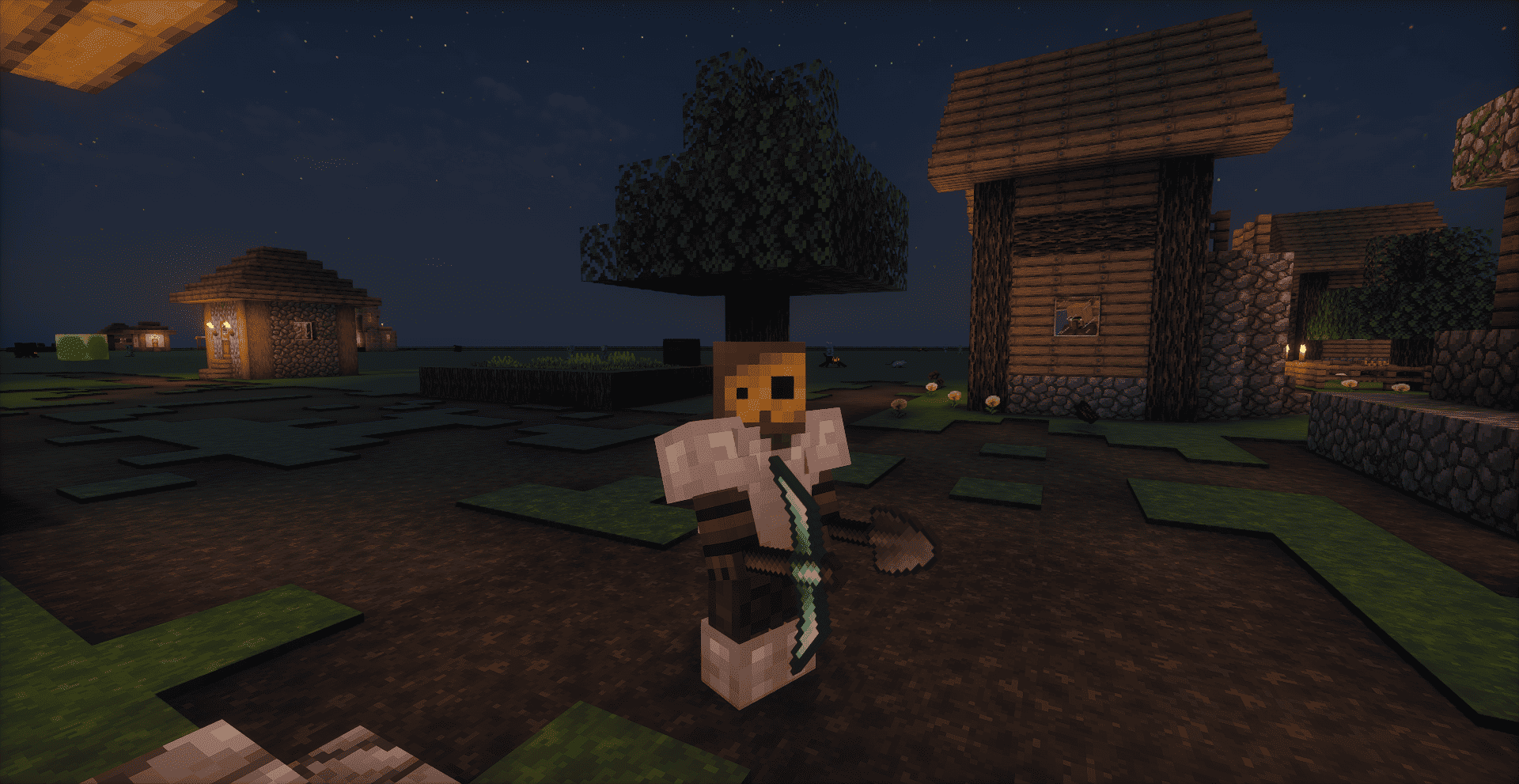
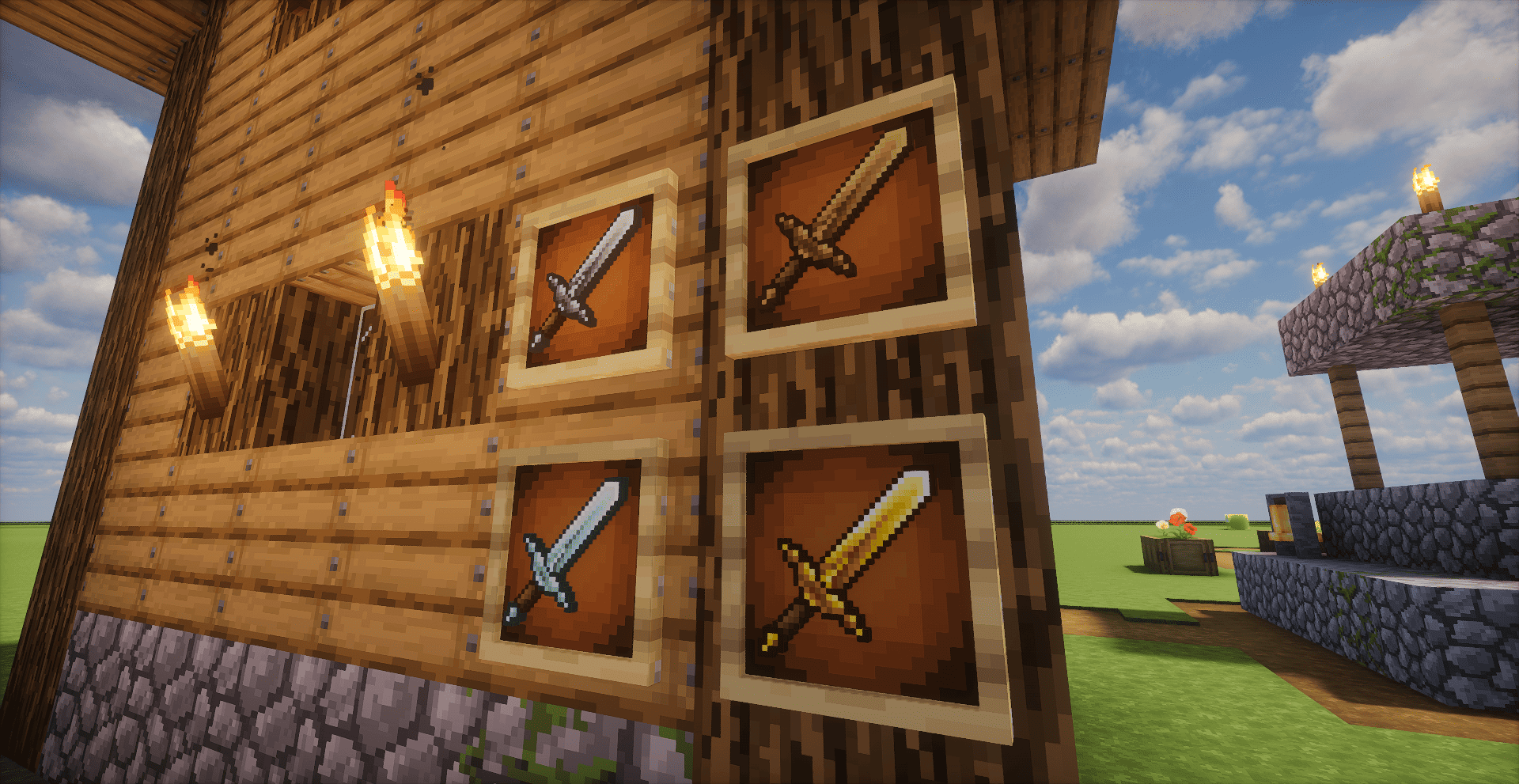
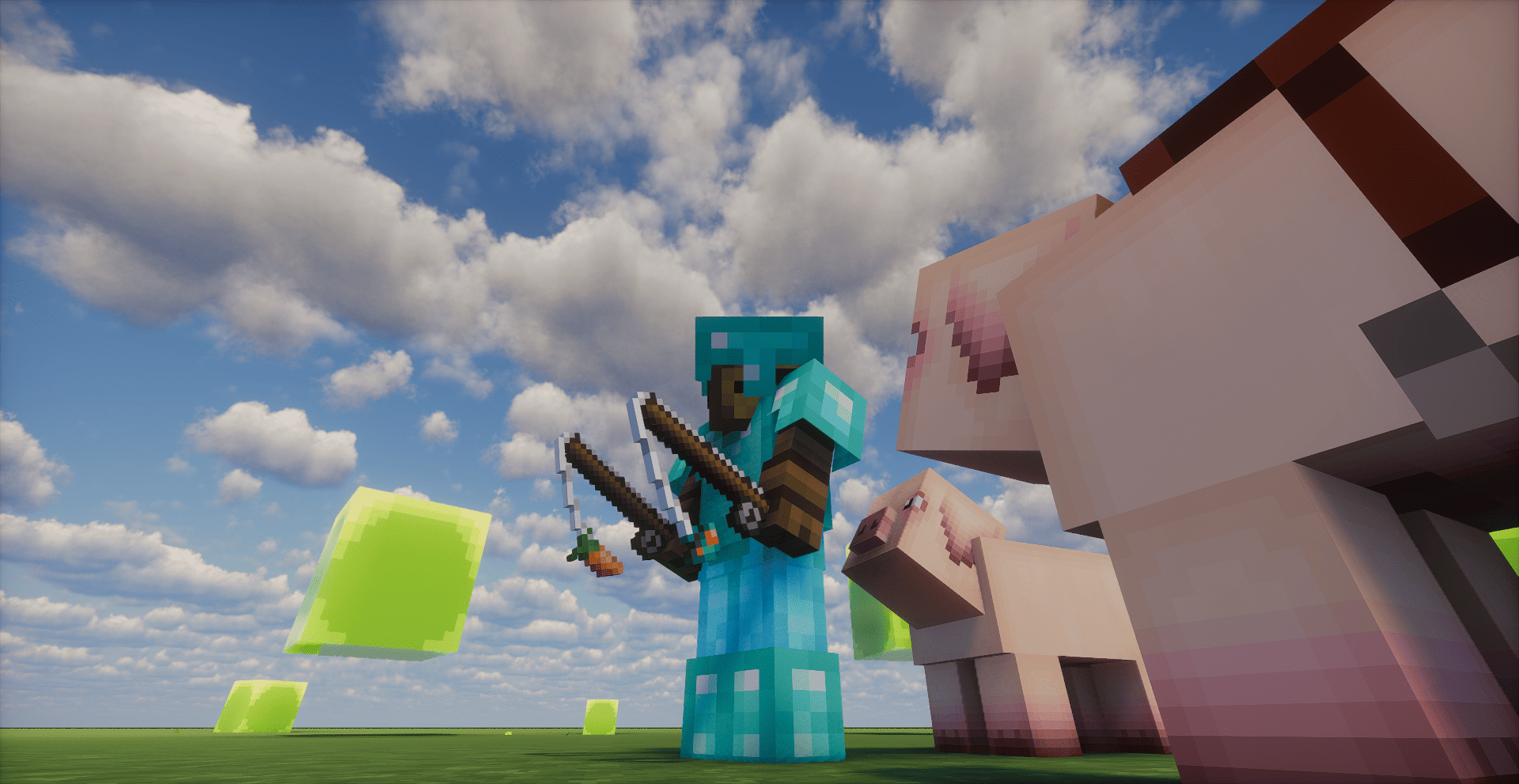
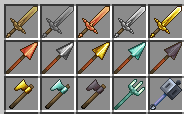
The Forgeblade Pack is an update to Minecraft's standard textures, giving the game a new level of detail and style. The pack includes reworked textures for tools, swords and bows, adding bright metallic accents. This resource pack is perfect for those who want to freshen up their gaming experience while staying true to the original Minecraft style.

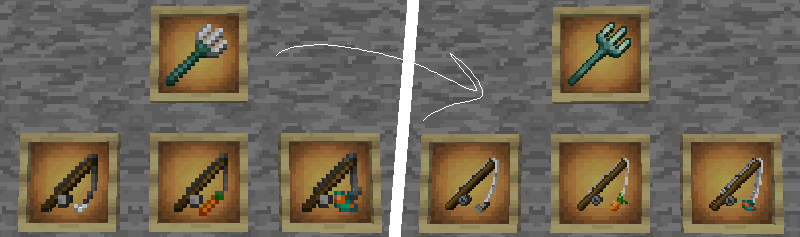
image1


Js_Forgeblade_Pack_32х
MC 1.21.2-Snapshot, 1.21, 1.21.6-snapshot, 1.21.1-Snapshot, 1.21.8, 1.21.5, 1.21.4, 1.21.5-Snapshot, 1.21.1, 1.21.6, 1.21.3, 1.21.7, 1.21-Snapshot, 1.21.4-Snapshot, 1.21.2
Release 2025-12-18 Get
Js_Forgeblade_Pack_32х
MC 1.20.2, 1.21.2-Snapshot, 1.21, 1.21.6-snapshot, 1.20.5, 1.21.5, 1.20.2-Snapshot, 1.20.5-Snapshot, 1.21.8, 1.21.1-Snapshot, 1.21.4, 1.21.5-Snapshot, 1.20.3-Snapshot, 1.20.3, 1.20.1
Release 2025-04-11 Get
v2Js_Forgeblade_Pack_32х.zip
MC 1.21.4
Release 2024-12-05 Get
v2Js_Forgeblade_Pack_32х.zip
MC 1.21.3, 1.21.2
Release 2024-10-23 Get
v2Js_Forgeblade_Pack_32х
MC 1.19.2, 1.19.1, 1.19
Release 2024-10-15 Get
v2Js_Forgeblade_Pack_32х.zip
MC 1.20.1, 1.20
Release 2024-10-15 Get
v2Js_Forgeblade_Pack_32х.zip
MC 1.20.2
Release 2024-10-15 Get
v2Js_Forgeblade_Pack_32х.zip
MC 1.20.3, 1.20.4
Release 2024-10-15 Get
v2Js_Forgeblade_Pack_32х.zip
MC 1.20.5, 1.20.6
Release 2024-10-15 Get
v2Js_Forgeblade_Pack_32х.zip
MC 1.21, 1.21.1
Release 2024-10-15 Get

Requirements & install

How to use this resource pack in Minecraft
Resolution
32x
Minecraft
1.21.4-Snapshot – 1.21.8
Install folder
.minecraft/resourcepacks

How to install resource packs

  1. Download the resource pack .zip file (do not extract it).
  2. In Minecraft open Options → Resource Packs → Open Pack Folder.
  3. Drop the .zip into the resourcepacks folder (.minecraft/resourcepacks).
  4. Move the pack to the Selected column and click Done.
Browse more: 16x resource packs 32x resource packs 64x resource packs 128x resource packs 256x resource packs 512x+ resource packs Resource Packs for 1.21.8 All resource packs

More from jsdpk

Advertisement Remove ads with Premium →

You Might Also Like