Mineuniverse
Resource Packs
Flowery Tools + Pastel Ores

Flowery Tools + Pastel Ores

RESOURCE PACK
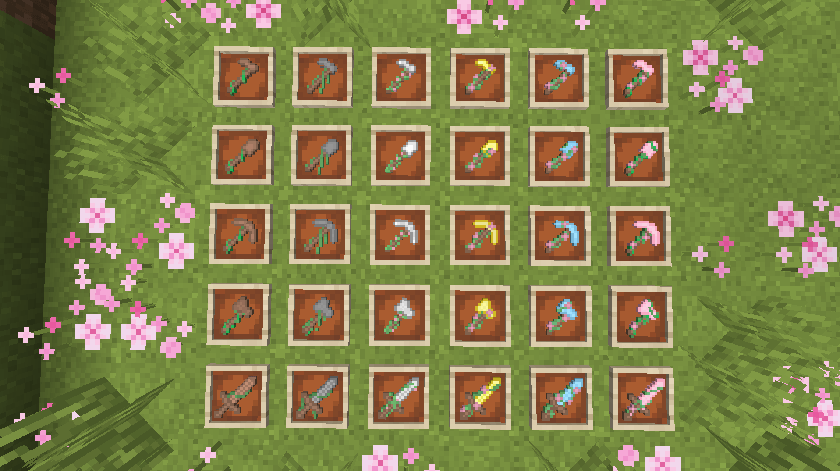
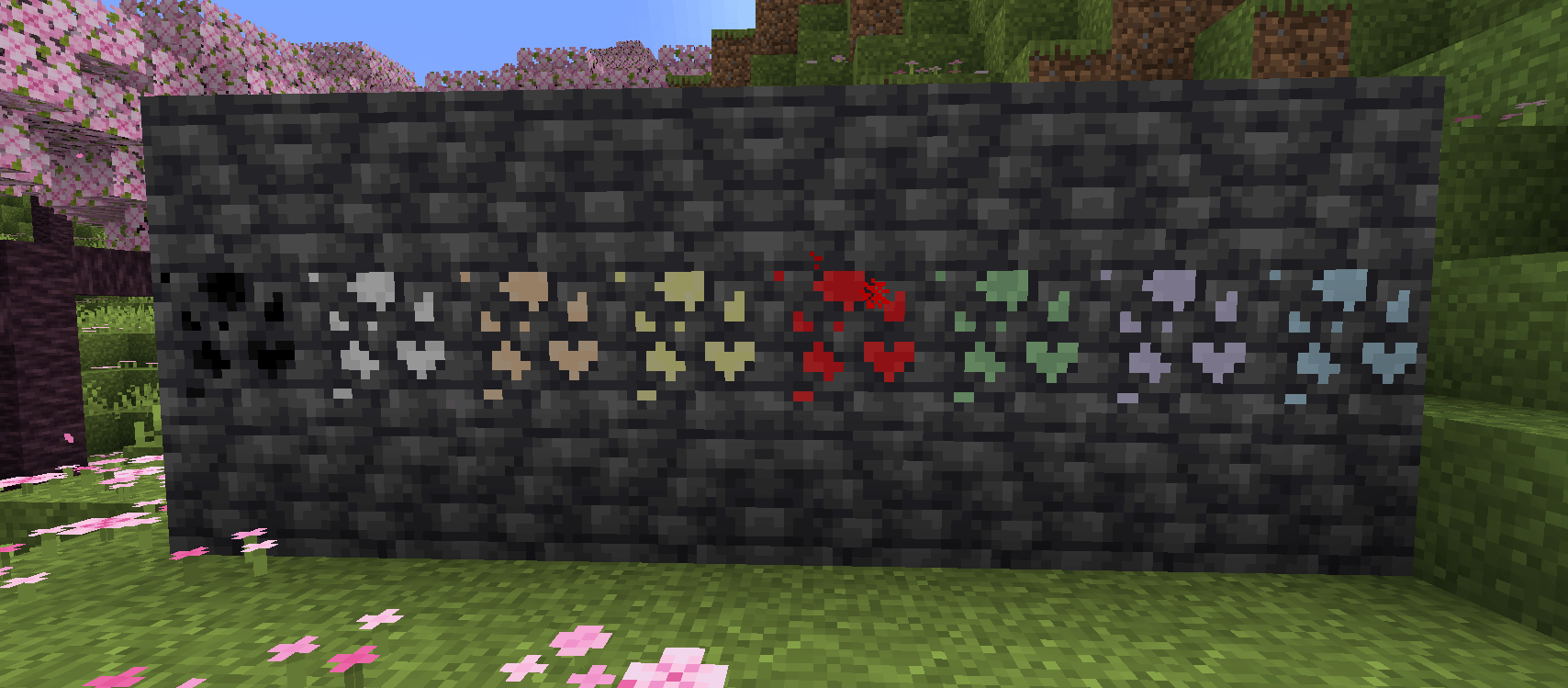
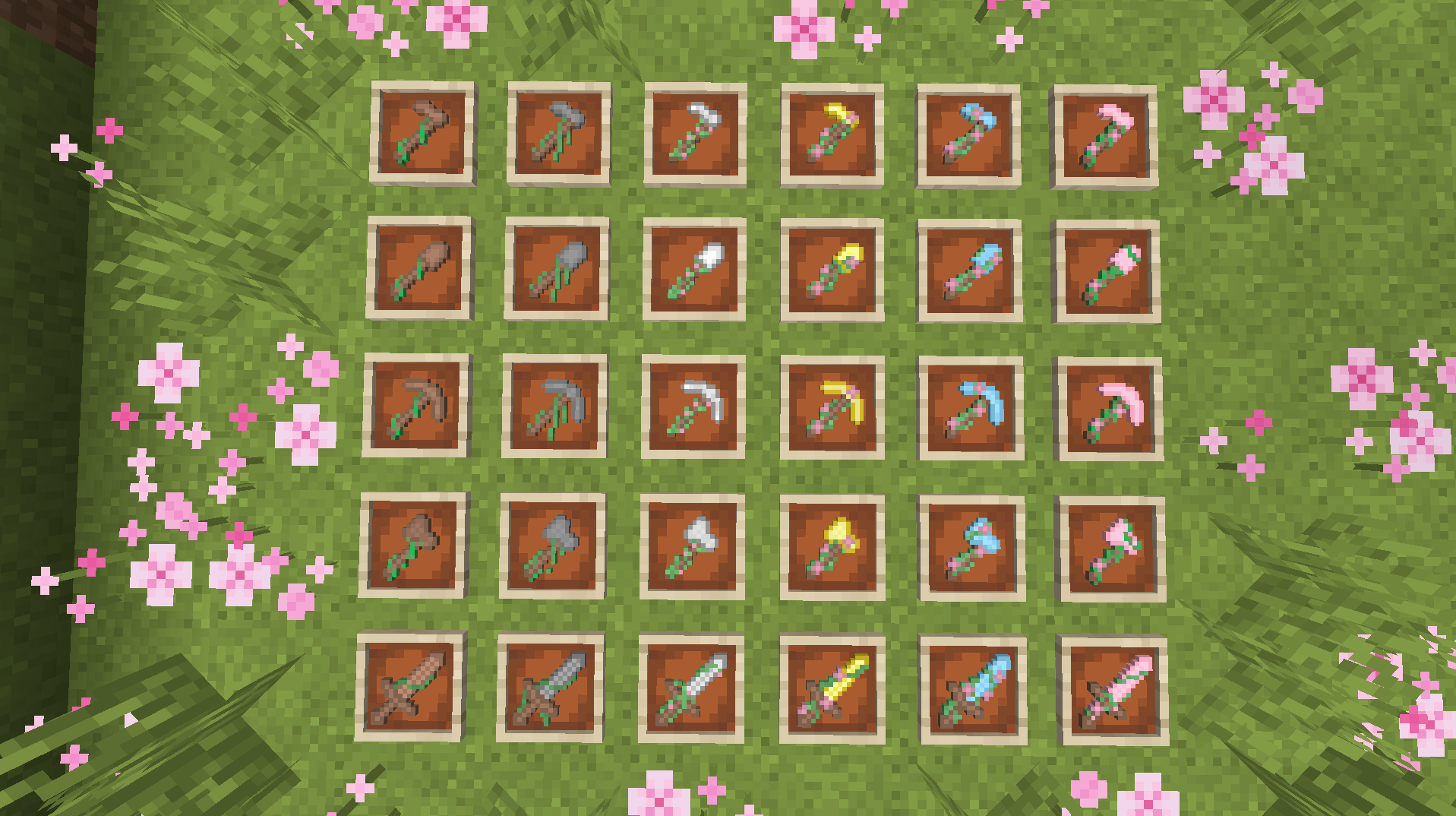
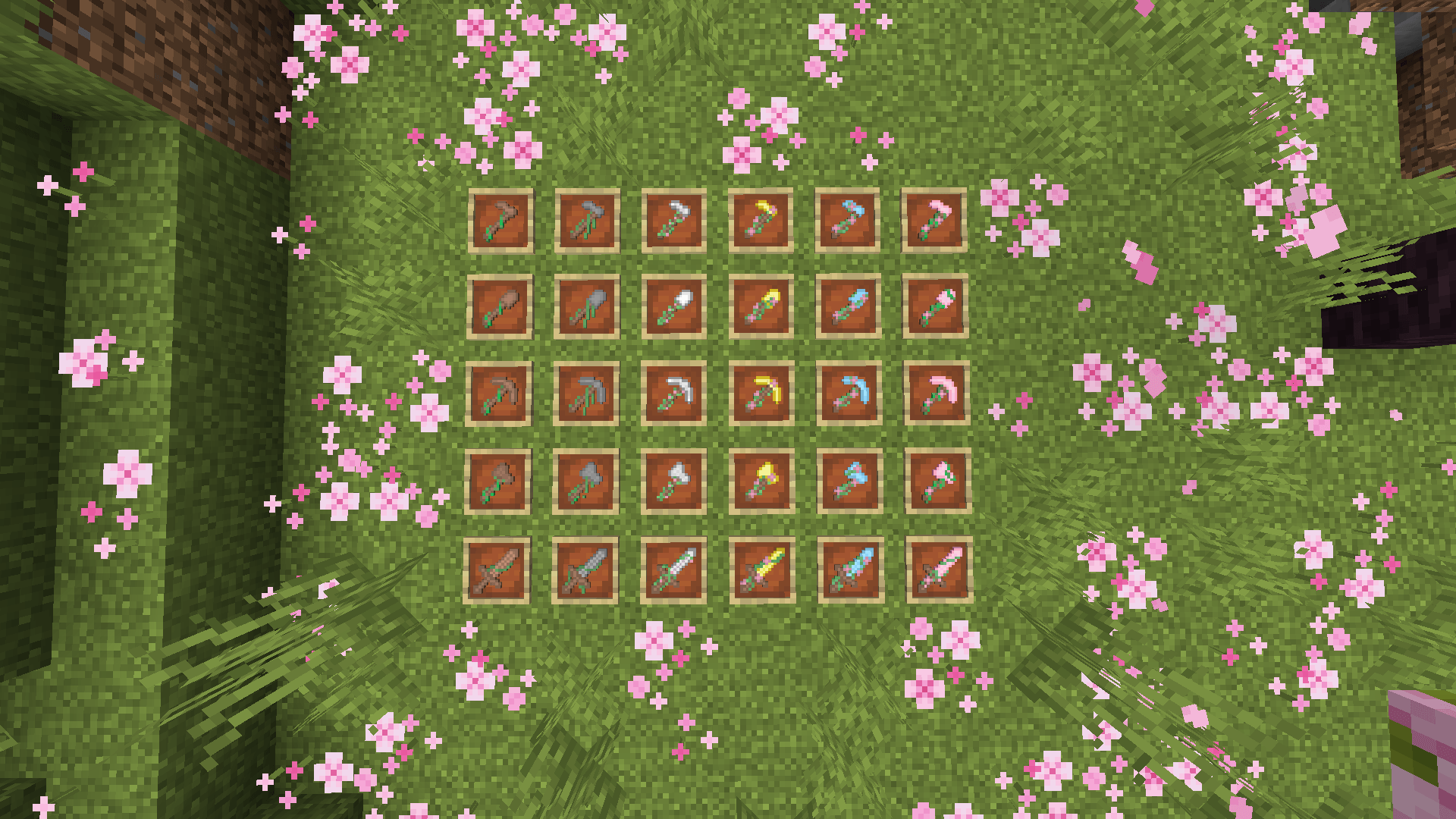
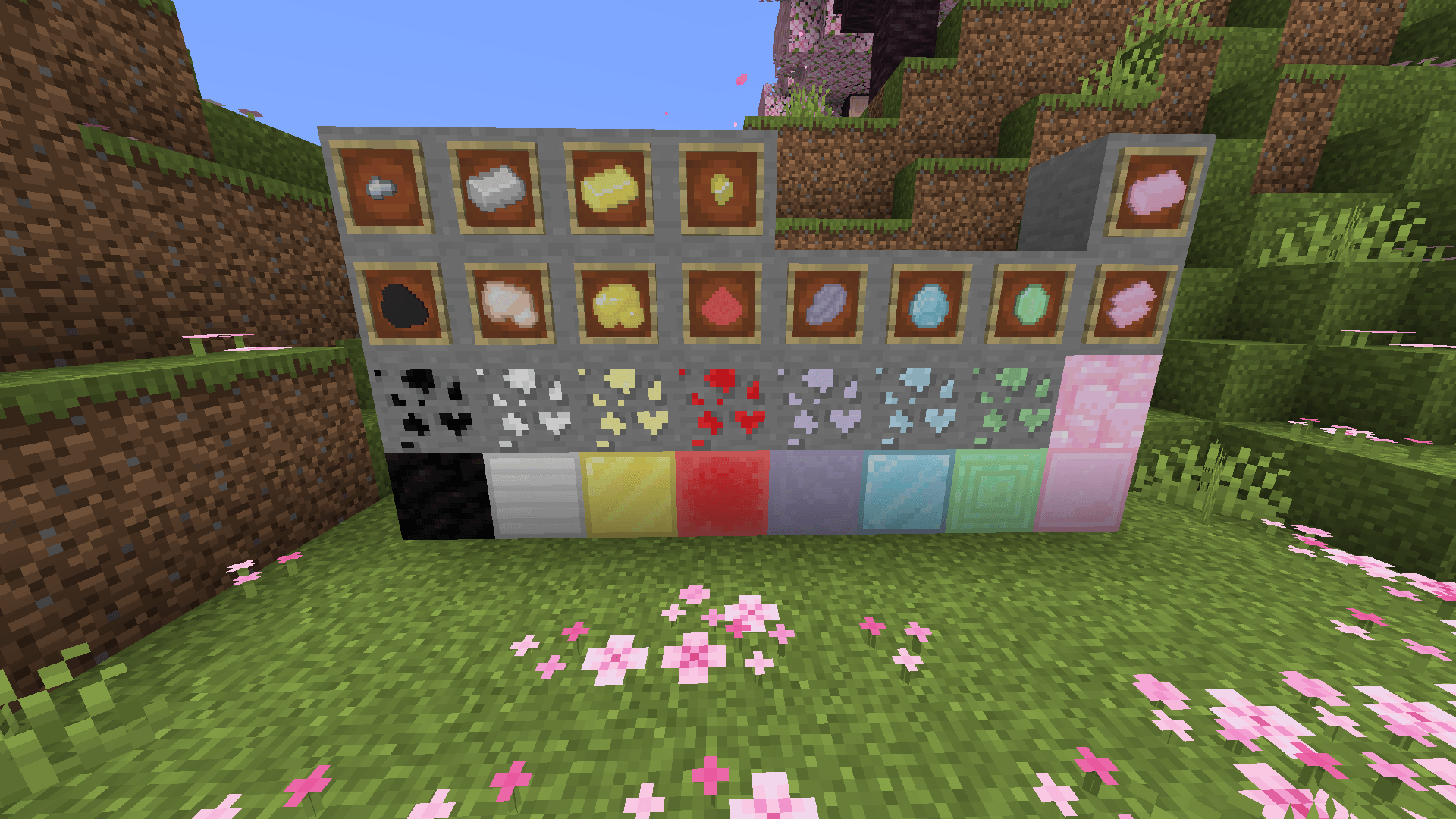
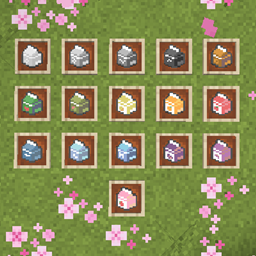
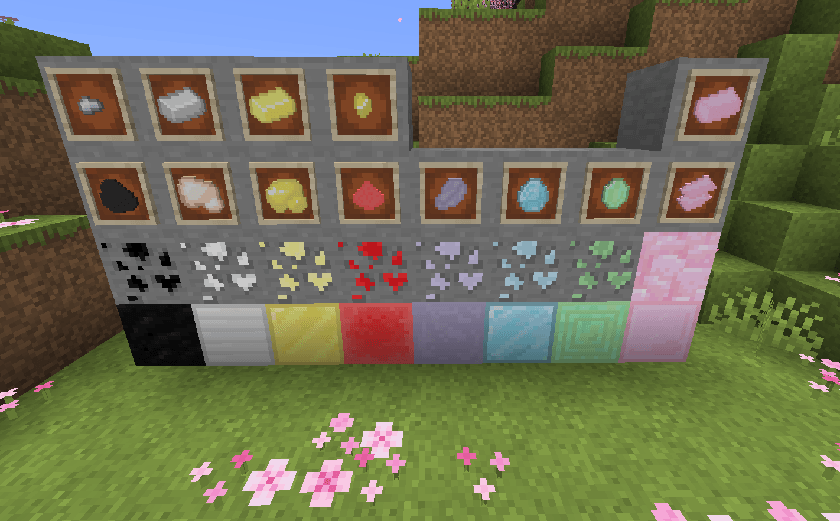
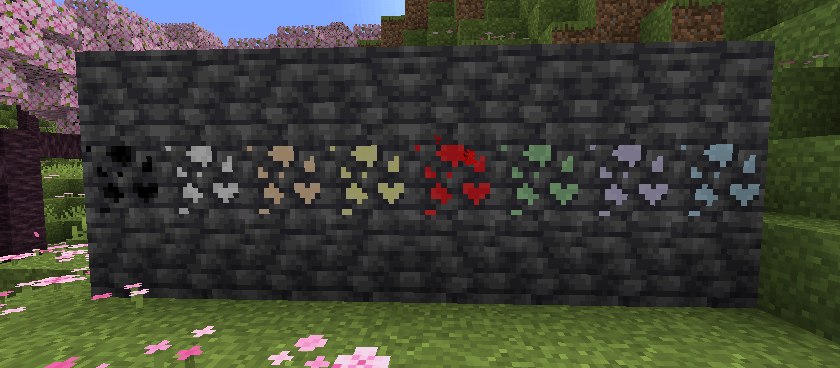
This resource pack changes the texture of all tools, making them pastel and covered in flowery vines. The ores also have been changed with small hearts and more pastels.
by ZombiePigmandude
Download Claim this project
Add a badge to your pageLink to Flowery Tools + Pastel Ores from a README, website or forum post.
Preview: Badge

Badges update automatically and link to the resource pack page on MineUniverse.
22,141 downloads
0 likes
0 followers
Updated Oct 14, 2026
0 hypes
Follow0
16x Miscellaneous Traditional
Advertisement Remove ads with Premium →

An image of cute pastel ores and blocks✨Flowery Tools + Pastel Ores✨An image of cute pastel swords, pickaxes, shovels, hoes, and axes.

  ✨About this Pack✨

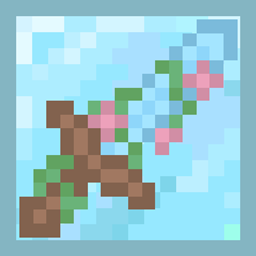
This pack completely changes the textures of all basic tools including swords, shovels, pickaxes, axes, and hoes.Each tool is covered in vines, and as the tier progresses they get more flowery, with wooden being the least flowered and diamond being the most flowered.

This pack also changes the texture of stone, and each ore variant to match with the new stone texture. Each ore is now pastel and the ore texture is cutesy with a heart in the lower right corner. This pack also includes the deepslate variants of all these ores aswell.

This pack is a perfect addition to any world to make it more visually appealing! The cute pastel aspect of the tools and ores make this perfect in addition to other cute or pastel resource packs!
 

Flowery Tools and Pastel Ores.zip
MC 1.17.1, 1.16.3, 1.19.3, 1.20.2, 1.21, 1.16.1, 1.18.1, 1.20.5, 1.21.5, 1.17, 1.16, 1.19.4, 1.16.5, 1.21.4, 1.18.2, 1.19.2, 1.20.3, 1.20.1, 1.20, 1.20.6, 1.19.1, 1.20.4, 1.21.3
Release 2025-04-20 Get

Requirements & install

How to use this resource pack in Minecraft
Resolution
16x
Minecraft
1.20.3 – 1.21.5
Install folder
.minecraft/resourcepacks

How to install resource packs

  1. Download the resource pack .zip file (do not extract it).
  2. In Minecraft open Options → Resource Packs → Open Pack Folder.
  3. Drop the .zip into the resourcepacks folder (.minecraft/resourcepacks).
  4. Move the pack to the Selected column and click Done.
Browse more: 16x resource packs 32x resource packs 64x resource packs 128x resource packs 256x resource packs 512x+ resource packs Resource Packs for 1.21.5 All resource packs

More from ZombiePigmandude

Advertisement Remove ads with Premium →

You Might Also Like