Mineuniverse
Resource Packs
Flodri Smooth Vanilla, 16x PBR

Flodri Smooth Vanilla, 16x PBR

RESOURCE PACK
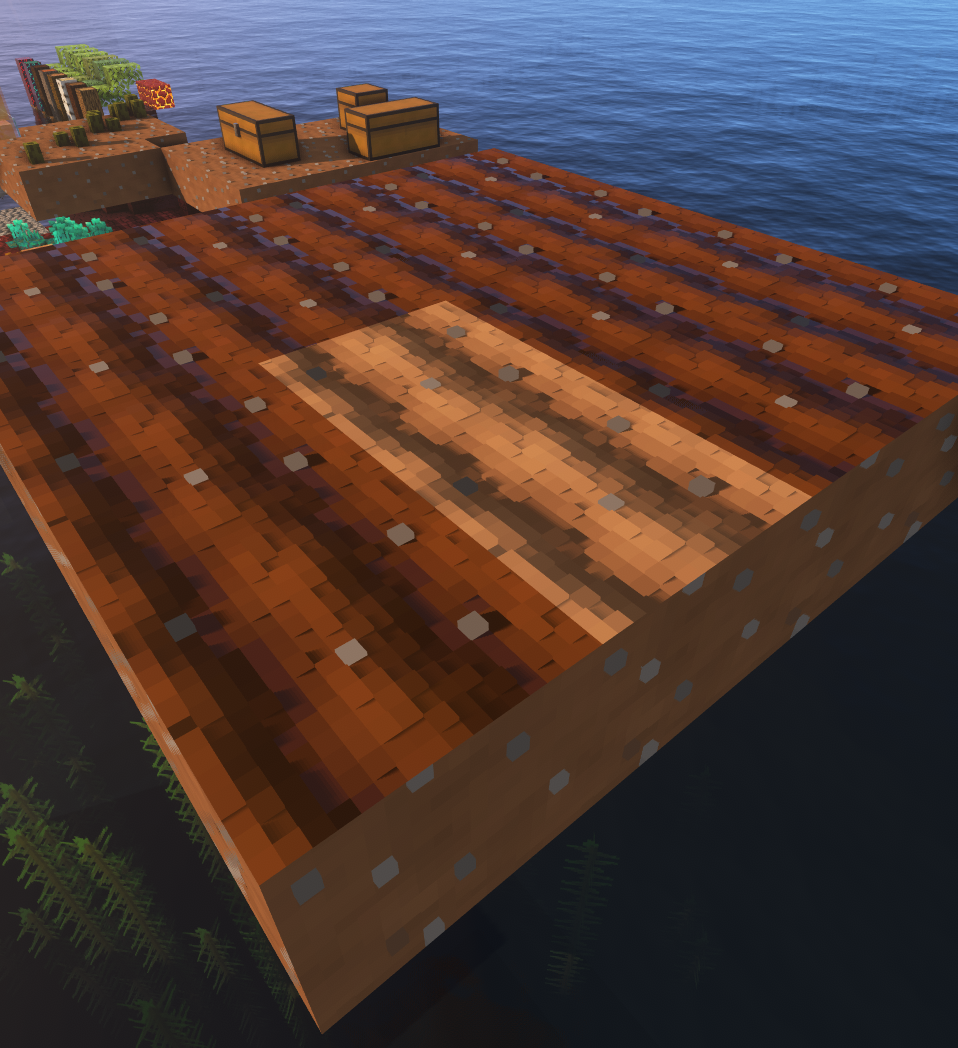
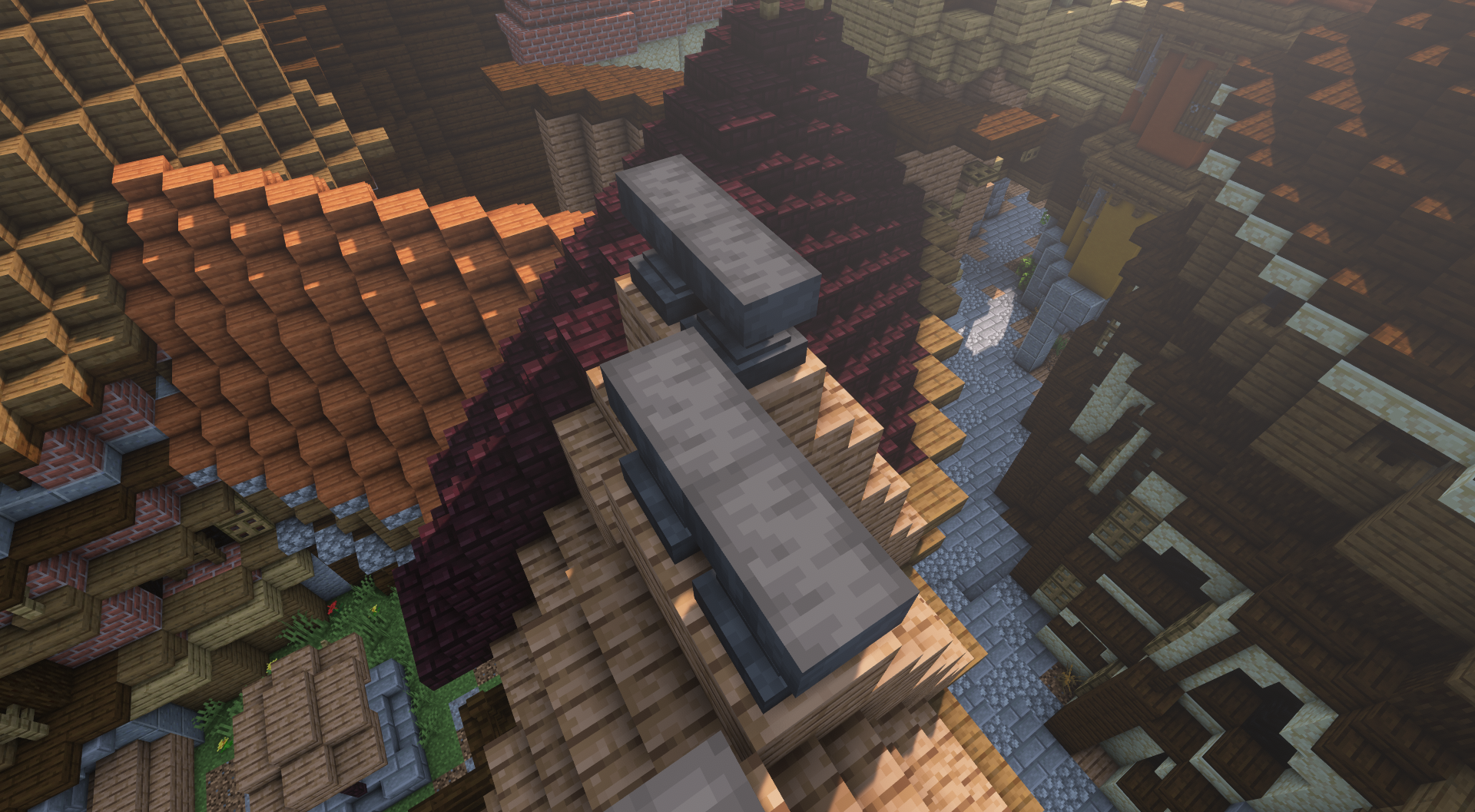
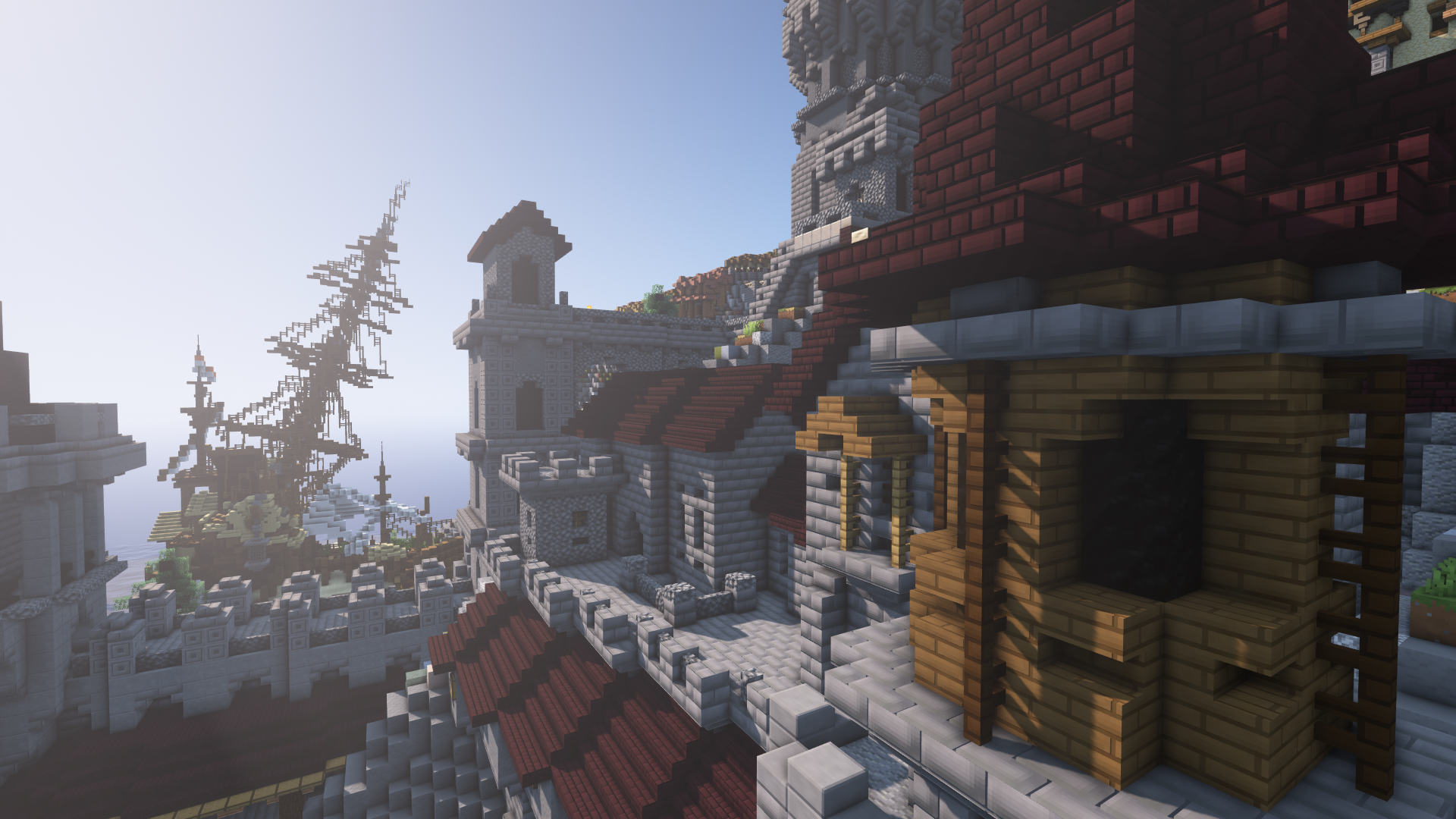
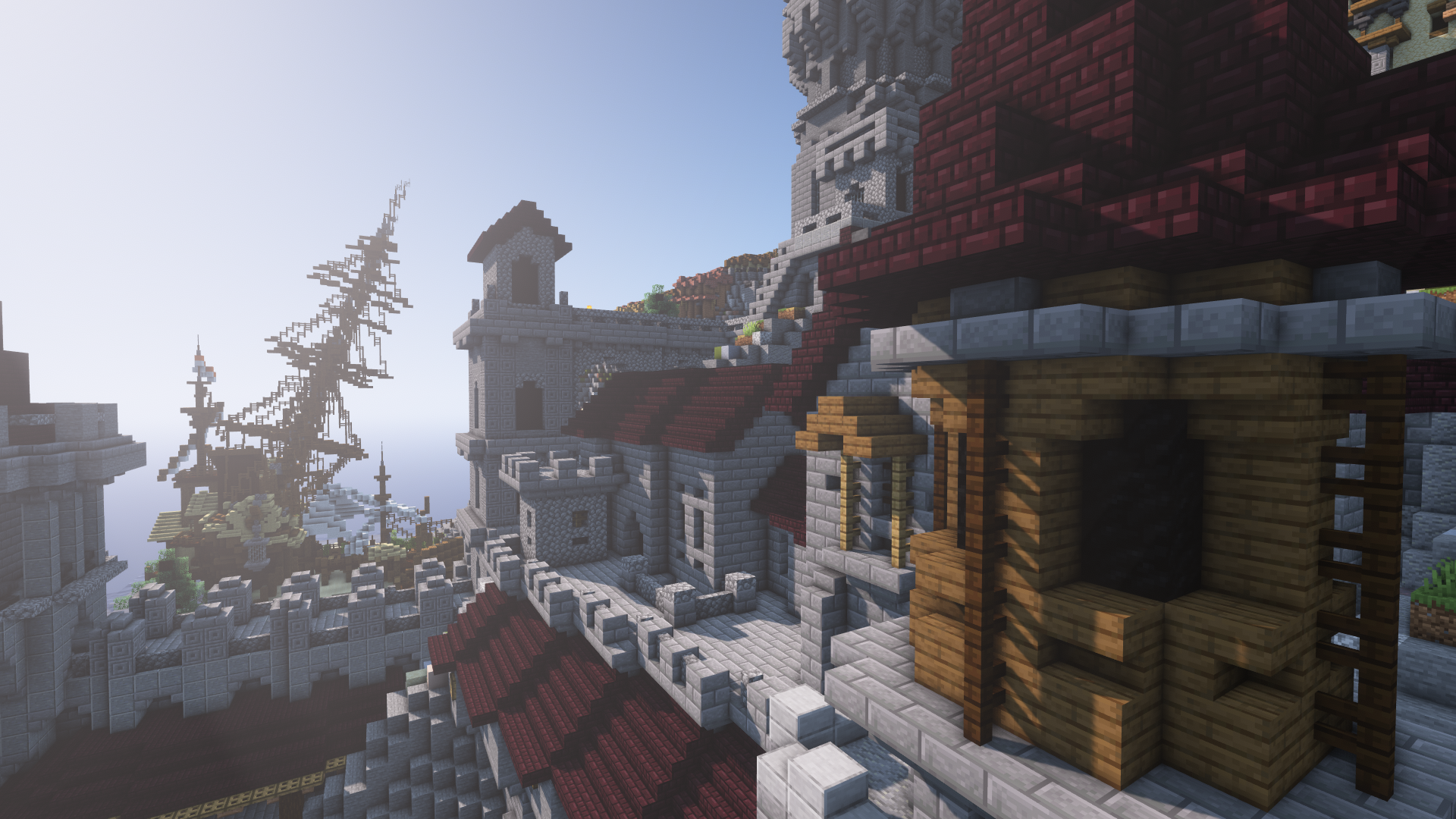
A unoriginal name for a unoriginal pack, just as many before, the goal of this pack is to improve on vanilla whille keeping it's feel.
by flodri11
Download Claim this project
Add a badge to your pageLink to Flodri Smooth Vanilla, 16x PBR from a README, website or forum post.
Preview: Badge

Badges update automatically and link to the resource pack page on MineUniverse.

3,750 downloads
0 likes
0 followers
Updated Oct 14, 2026
0 hypes
Follow0
16x Miscellaneous Photo Realistic Traditional
Advertisement Remove ads with Premium →

This pack is meant to be used with shaders suporting the labPBR format !

Without it all textures will look wrong/flat, you can find a list of such shaders here :

https://github.com/rre36/lab-pbr/wiki/Shader-Packs

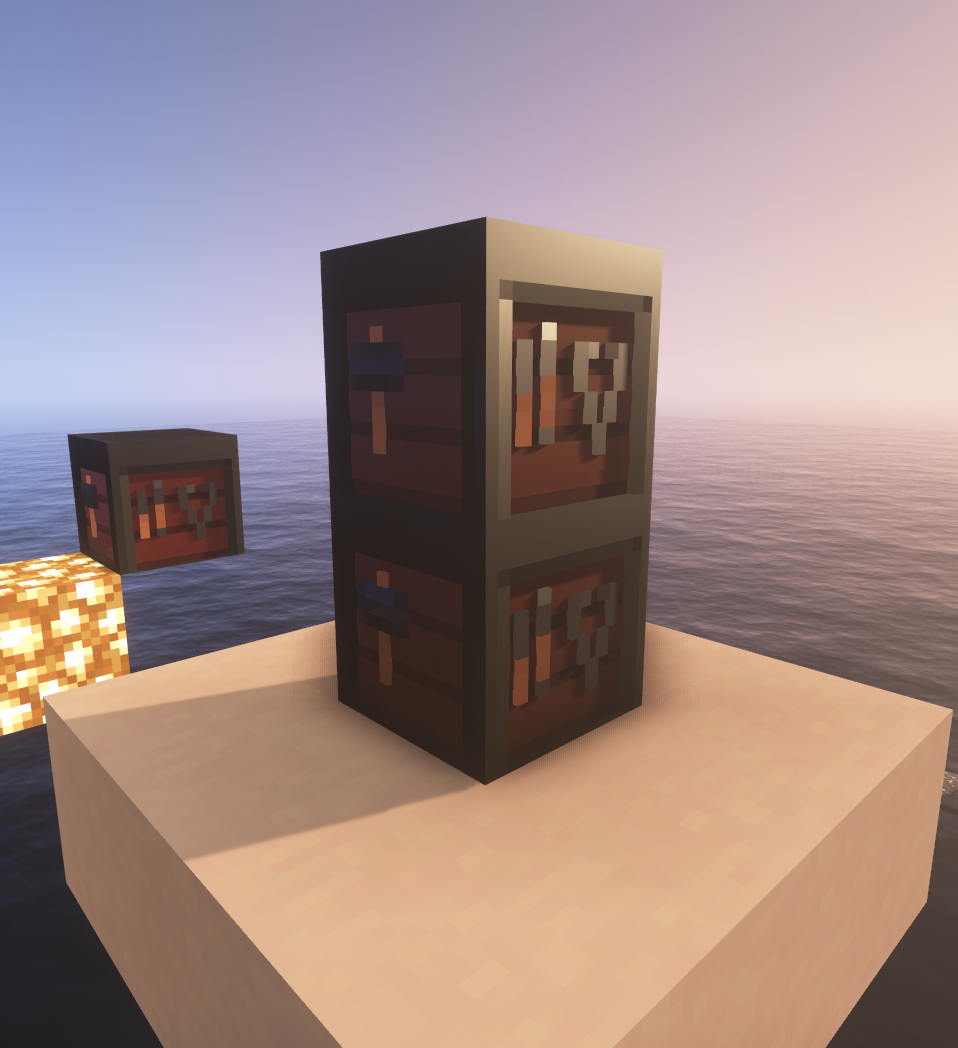
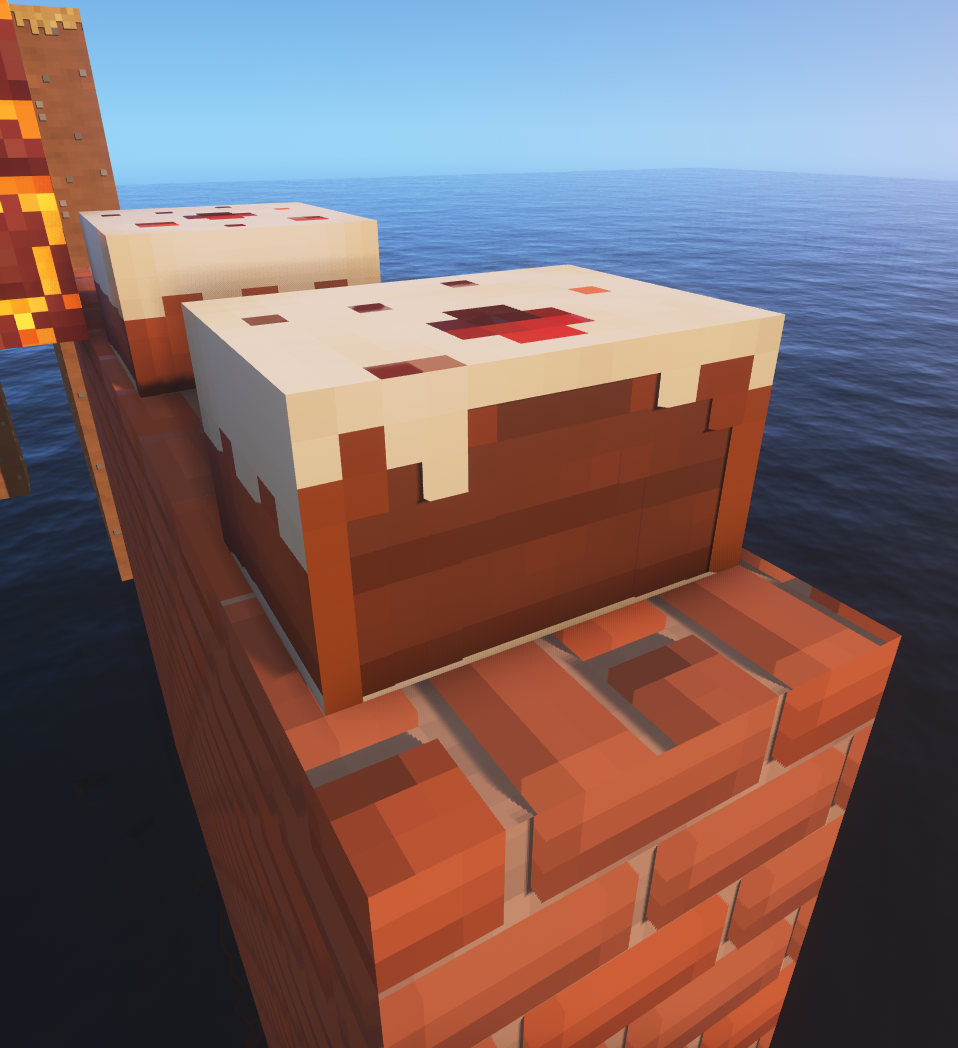
This pack is very much a WIP, while most block (and some entities/particles...) have been touched, there is a lot of placeholder. 


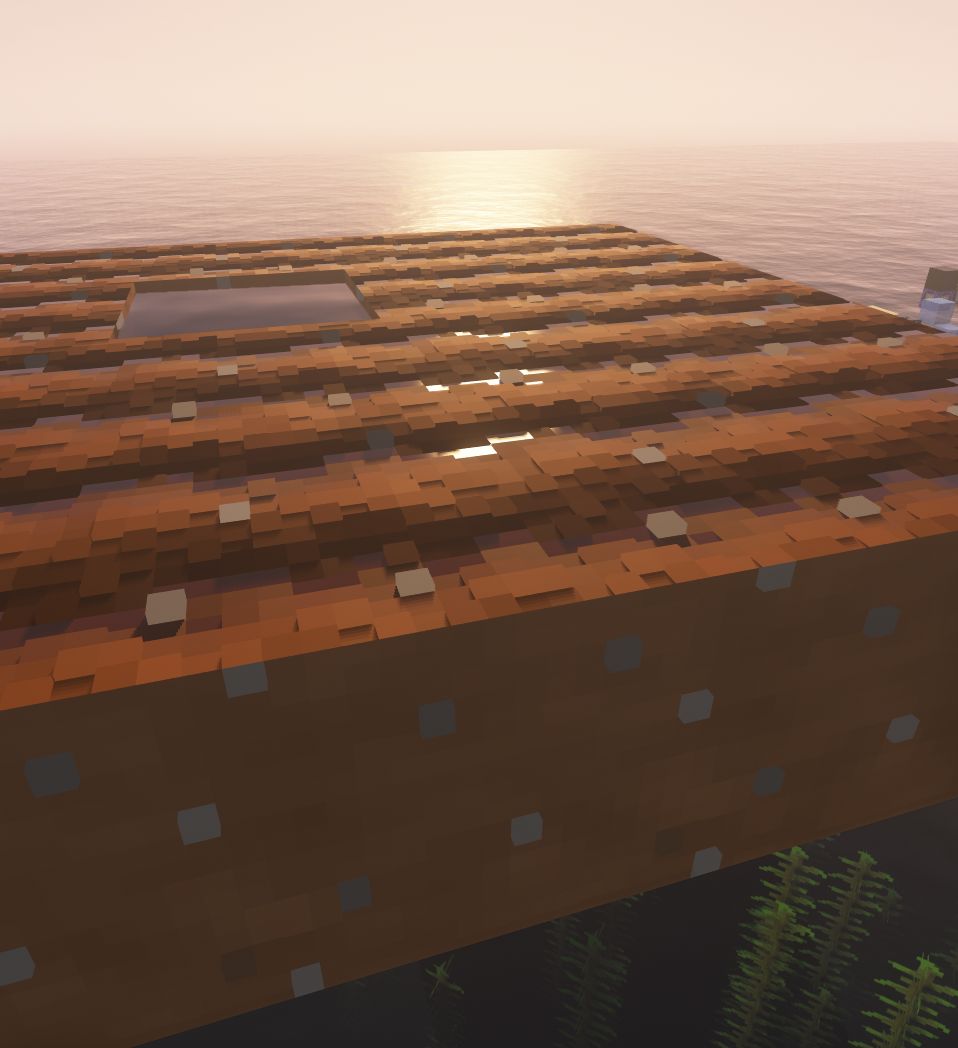
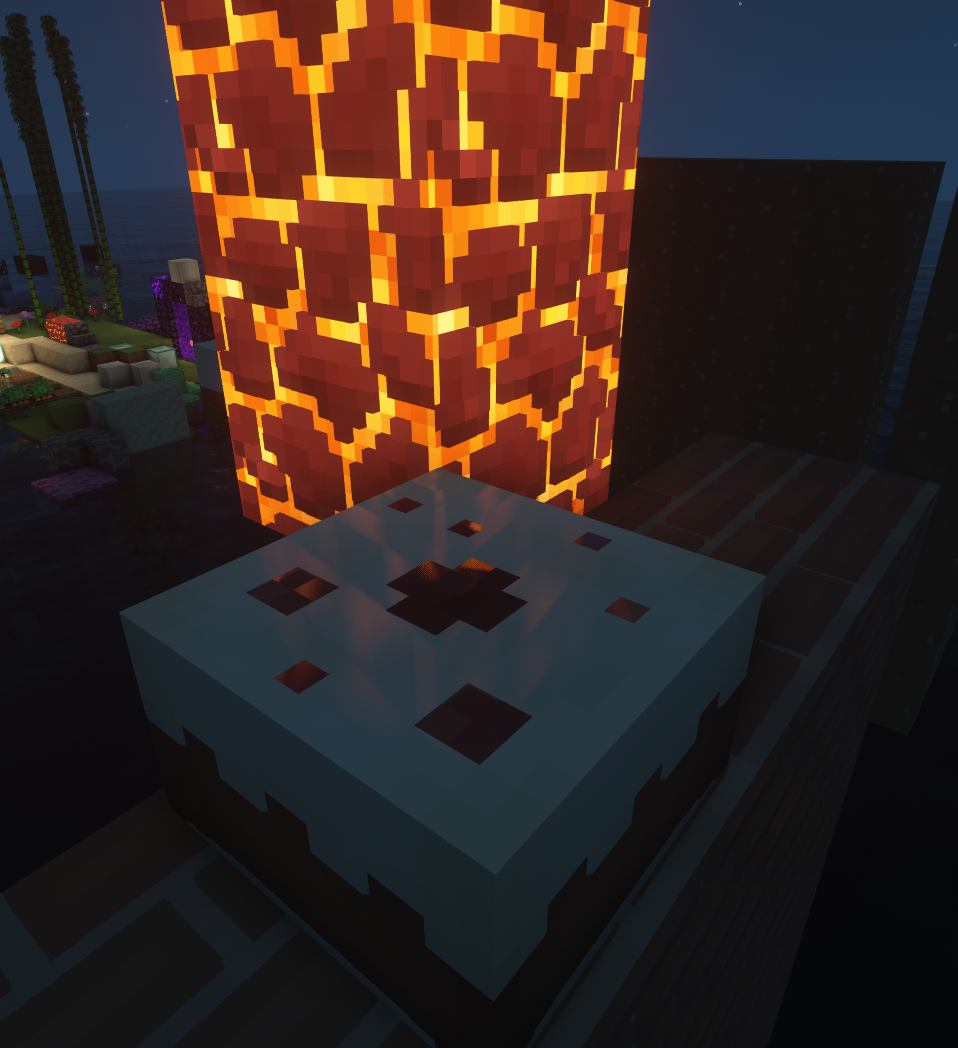
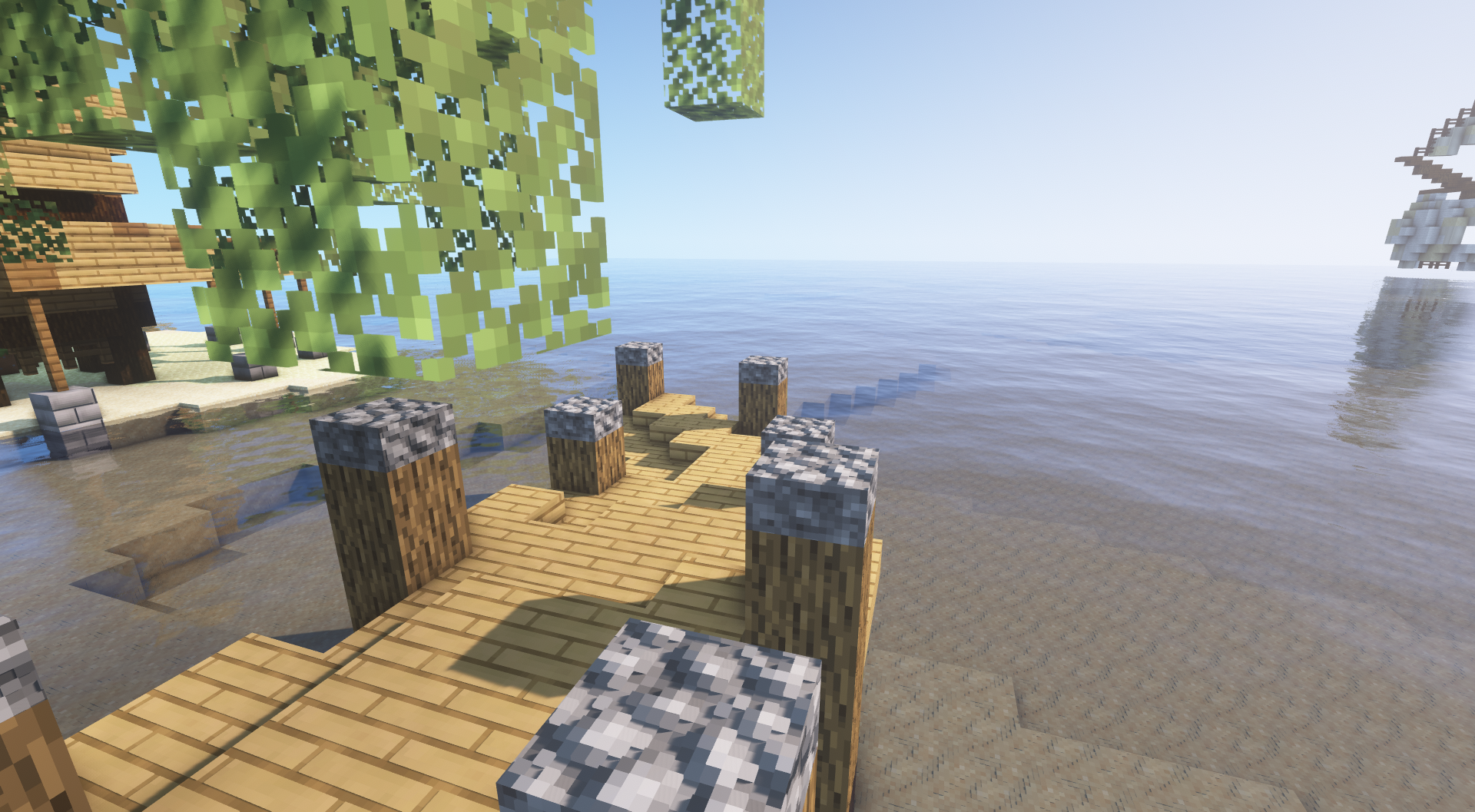
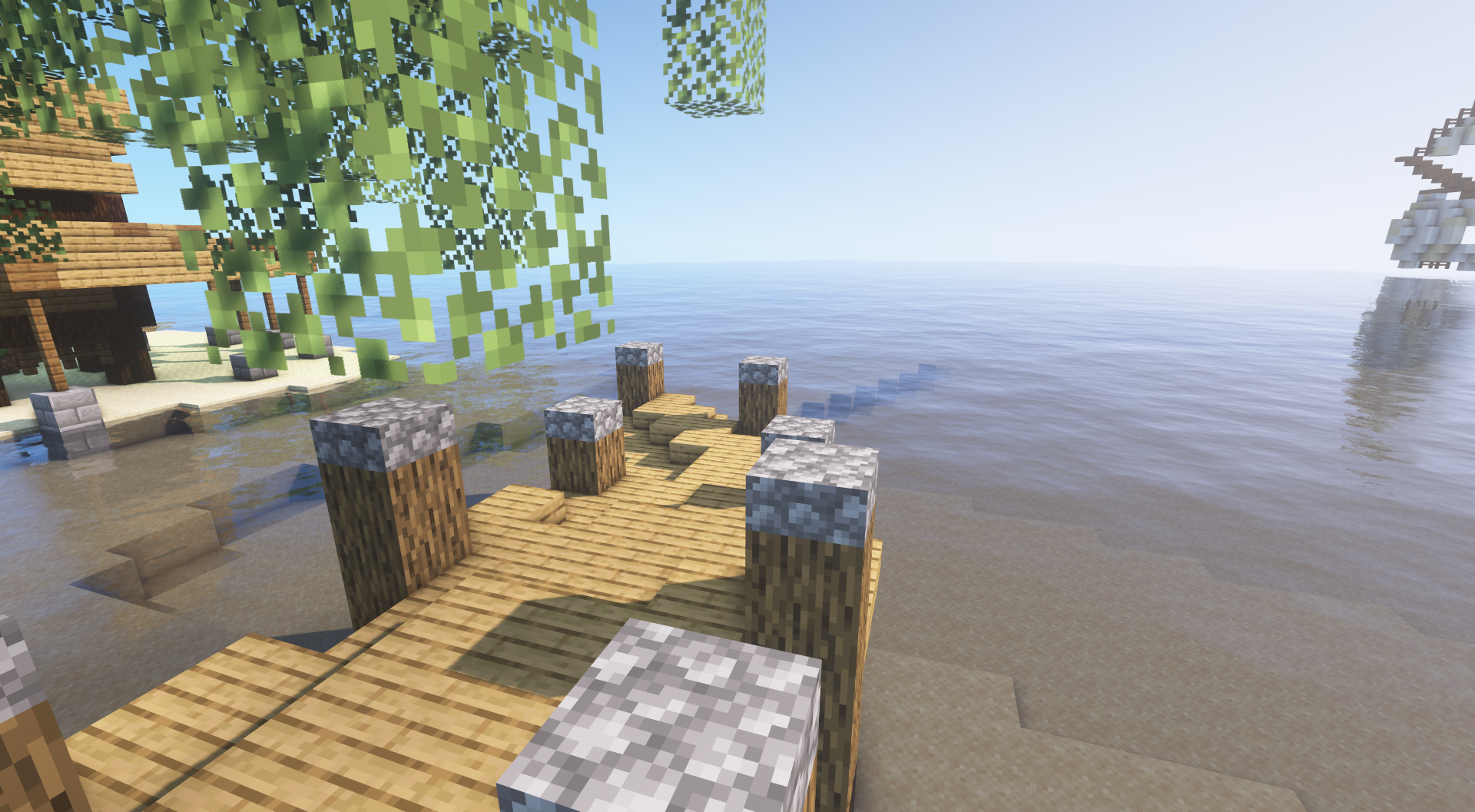
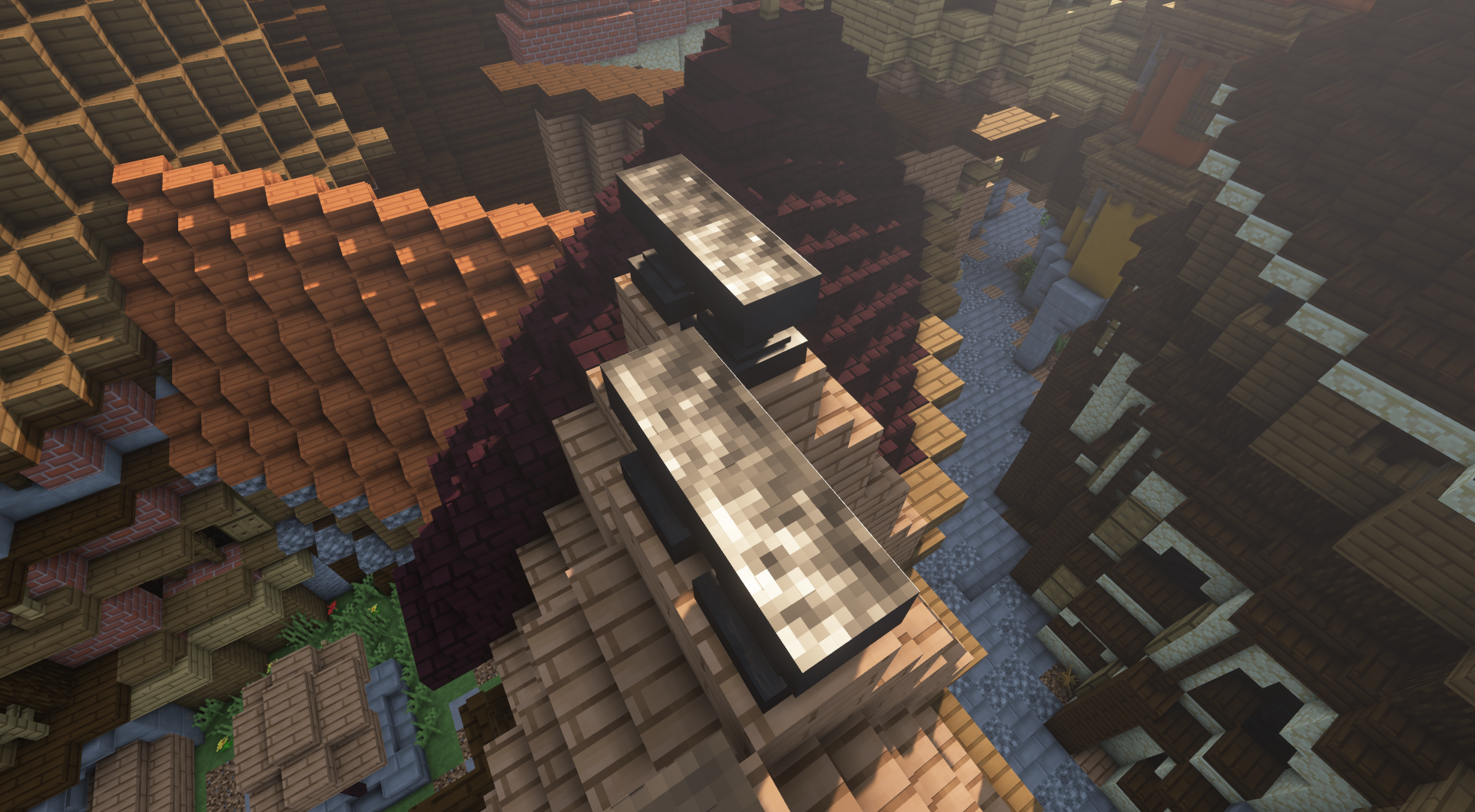
As far as settings go, to get the intended look (aka what's on screenshots) you need, taking BSL as a baseline : 

- to enable advanced material
- to enable albedo tinted hardcoded metals

- to enable POM, and POM self-shadowing 

- to put POM depth at arround 50cm (that's ~2.75 on old bsl), that's very high but was needed for barrel and furnace 

  a good way to see if your POM depth is correct is to place a door and see if the hole depth match 

  the side of the block depth. 

- to enable rough reflection

- to enable directional lightmap, while there is artifact it greatly improve texture look in low light/no sunlight situation since there is

  no shadows baked in the base texture.


here is my discord if you want to be pinged when update come out :
https://discord.gg/gbEdcxW
there is also screenshot of new blocks and the updated to-do list with progress for the next update


FSV, 16x PBR V0.4
MC 1.16.3, 1.16.1, 1.16, 1.16.4, 1.16.2
Release 2021-01-01 Get
FSV, 16x PBR V0.3.zip
MC 1.16.3, 1.16.1, 1.16, 1.16.4, 1.16.2
Release 2020-11-09 Get
FSV, 16x PBR V0.2.zip
MC 1.16.3, 1.16.1, 1.16, 1.16.2
Release 2020-10-26 Get
FSV, 16x PBR V0.1.1.zip
MC 1.16.3, 1.16.1, 1.16, 1.16.2
Release 2020-10-13 Get
FSV, 16x PBR V0.1.zip
MC 1.16.3, 1.16.1, 1.16, 1.16.2
Release 2020-10-12 Get

Requirements & install

How to use this resource pack in Minecraft
Resolution
16x
Minecraft
1.16 – 1.16.4
Install folder
.minecraft/resourcepacks

How to install resource packs

  1. Download the resource pack .zip file (do not extract it).
  2. In Minecraft open Options → Resource Packs → Open Pack Folder.
  3. Drop the .zip into the resourcepacks folder (.minecraft/resourcepacks).
  4. Move the pack to the Selected column and click Done.
Browse more: 16x resource packs 32x resource packs 64x resource packs 128x resource packs 256x resource packs 512x+ resource packs Resource Packs for 1.16.4 All resource packs
Advertisement Remove ads with Premium →

You Might Also Like