Mineuniverse
Resource Packs
Flavours of Corruption - The Tainted Lands

Flavours of Corruption - The Tainted Lands

RESOURCE PACK
Thaumcraft's infamous Tainted Lands, the familiar purple wasteland. Now available in two new colors, complete with mod support.
by Shahelion
Download Claim this project
Add a badge to your pageLink to Flavours of Corruption - The Tainted Lands from a README, website or forum post.
Preview: Badge

Badges update automatically and link to the resource pack page on MineUniverse.

51 downloads
0 likes
0 followers
Updated Oct 14, 2026
0 hypes
Follow0
16x Mod Support
Advertisement Remove ads with Premium →

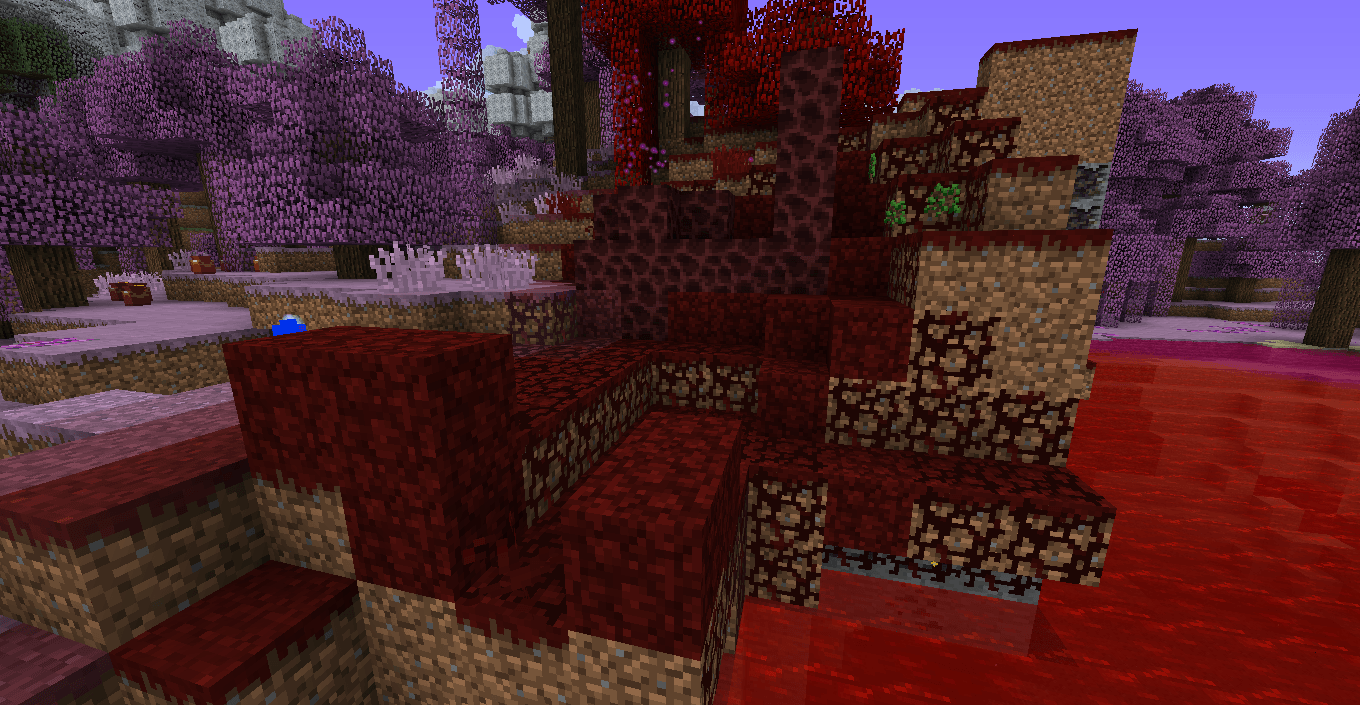
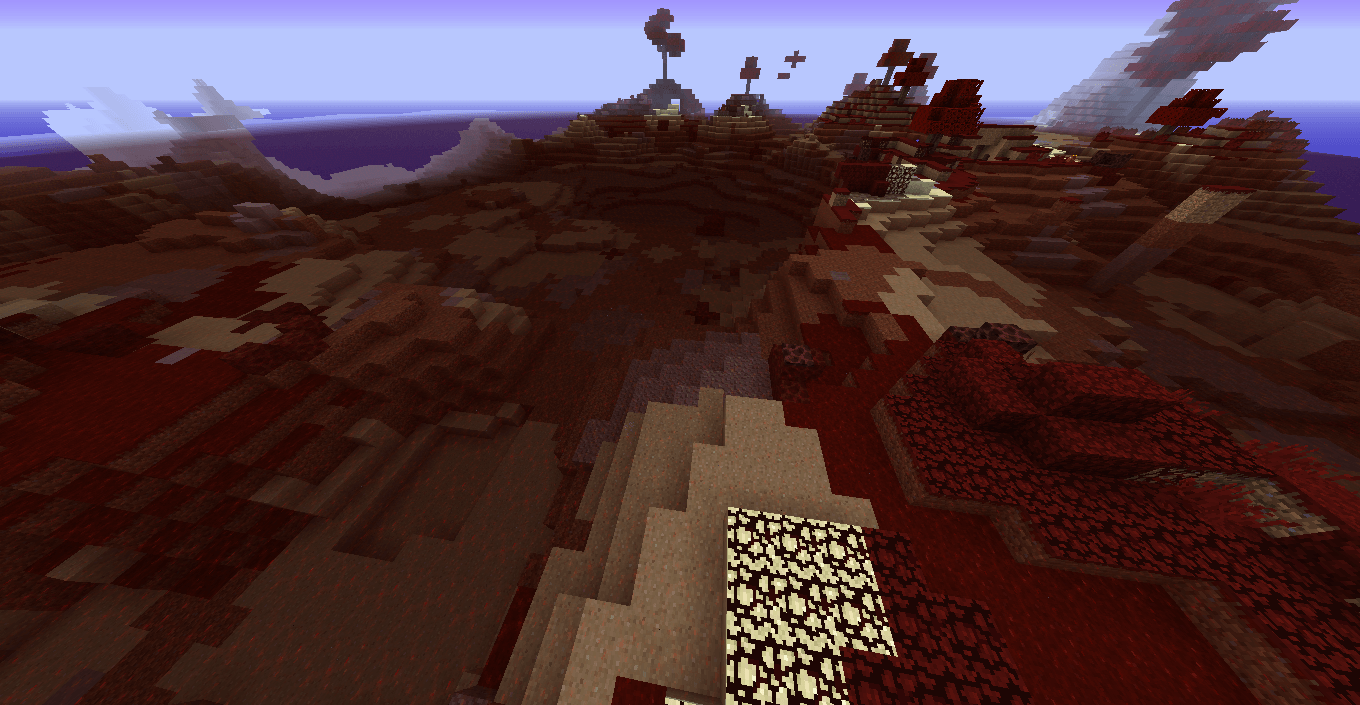
Thaumcraft 4's Tainted Lands, a familiar purple horror. Why not spice it up a bit with these new varieties?

The Scarlet Mire is a vermillion scourge, putting a fresh splash of ominous paint on a recognizable style. Golden ichorous highlights dot the horizon.

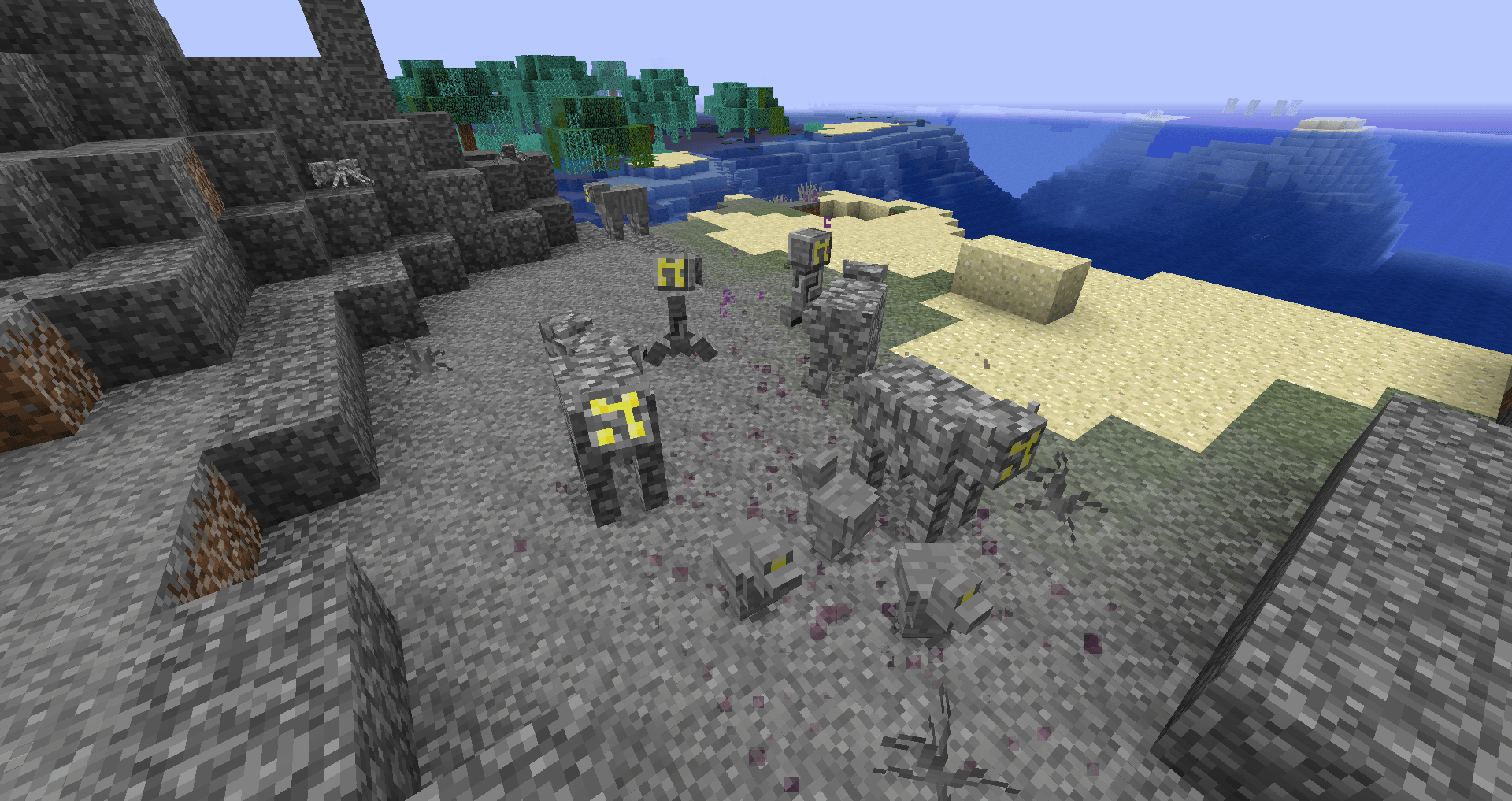
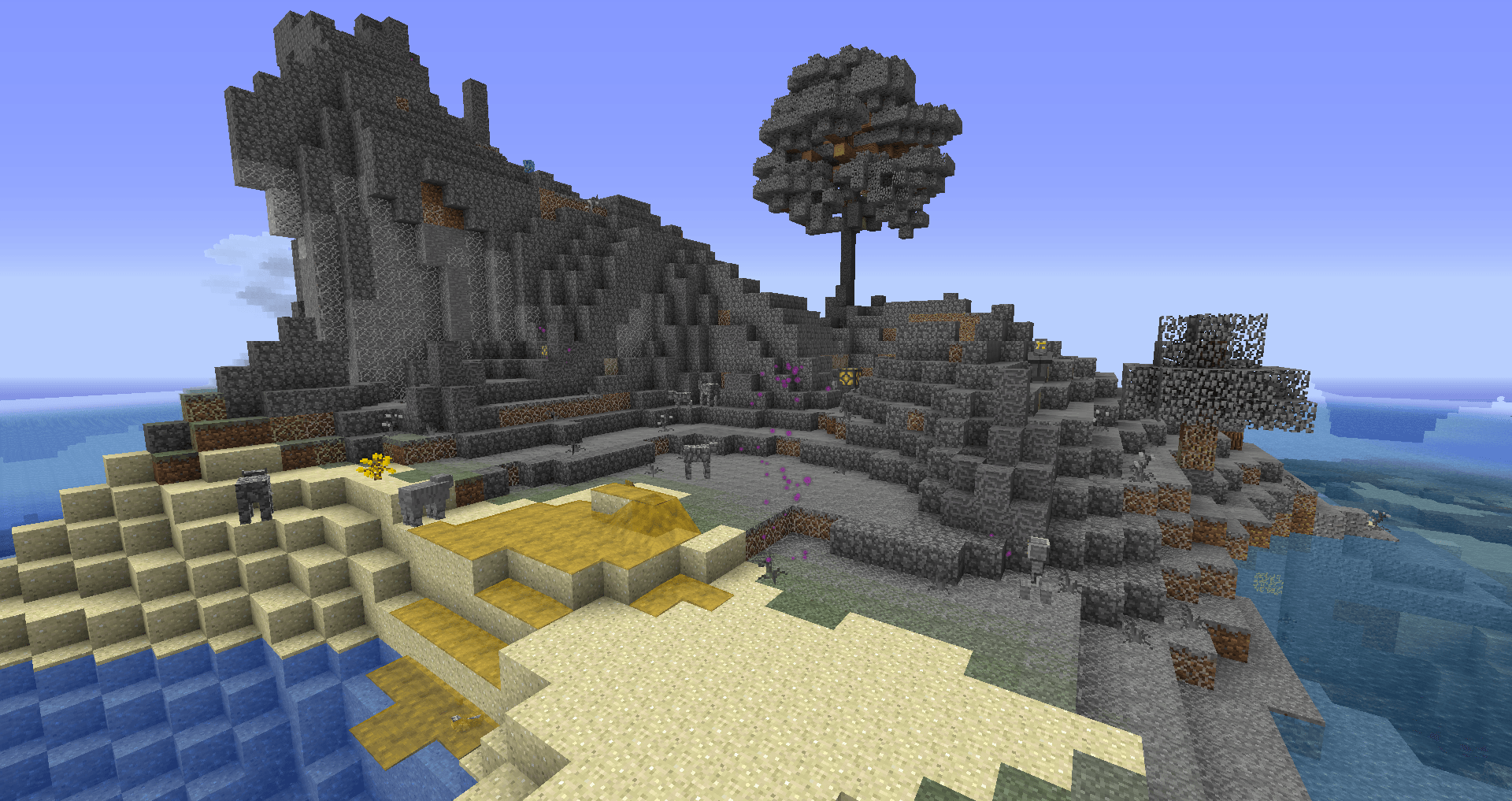
The Pallor is a barren petrified wasteland, devoid of most color except an ominous glow emanating from the subsumed creatures. This one is even more of a departure from the original style.

Both resource packs contain not only retextures, renamed lang file contents, and even new sounds, but also the config files for BiomeTweaker (required to have the biome's color actually change) and Kingdom Regions (makes the name of the biome pop up when entered). If you already have custom configs from those mods, simply copy the relevant lines into your existing configs.

The BiomeTweaker mod is required for full functionality, and a game restart is needed to change biome color.

The packs also support a wide variety of Thaumcraft addons.

These were originally made for the Stars of Stone modpack, and as such they also cover any relevant quests from that modpack.

The Pallor
MC 1.7.10
Release 2025-11-18 Get
The Scarlet Mire
MC 1.7.10
Release 2025-11-18 Get

Requirements & install

How to use this resource pack in Minecraft
Resolution
16x
Minecraft
1.7.10
Install folder
.minecraft/resourcepacks

How to install resource packs

  1. Download the resource pack .zip file (do not extract it).
  2. In Minecraft open Options → Resource Packs → Open Pack Folder.
  3. Drop the .zip into the resourcepacks folder (.minecraft/resourcepacks).
  4. Move the pack to the Selected column and click Done.
Browse more: 16x resource packs 32x resource packs 64x resource packs 128x resource packs 256x resource packs 512x+ resource packs Resource Packs for 1.7.10 All resource packs

More from Shahelion

Advertisement Remove ads with Premium →

You Might Also Like