Mineuniverse
Resource Packs
Flaming Fire Aspect

Flaming Fire Aspect

RESOURCE PACK
Flamey swords when renamed and with fire aspect. (WITH DYNAMIC LIGHTS)
by Fishysalmon02
Download Claim this project
11,014 downloads
0 likes
0 followers
Updated Oct 14, 2026
0 hypes
Follow0
16x Animated Miscellaneous Mod Support
Advertisement Remove ads with Premium →

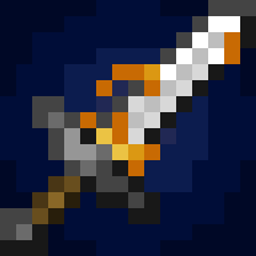
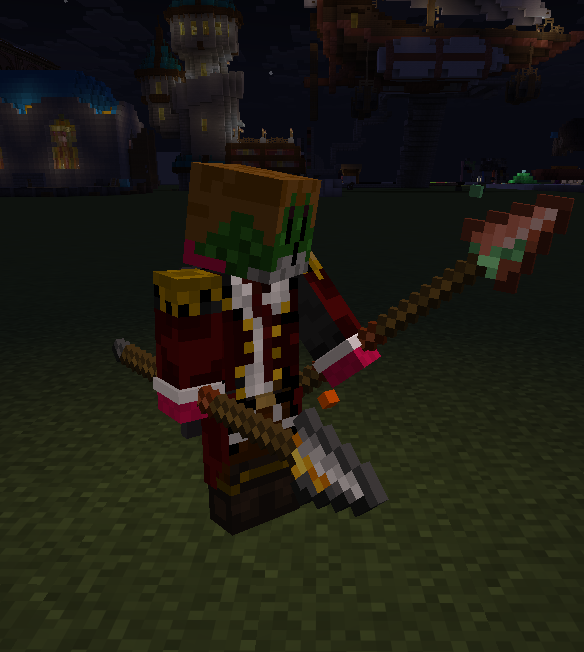
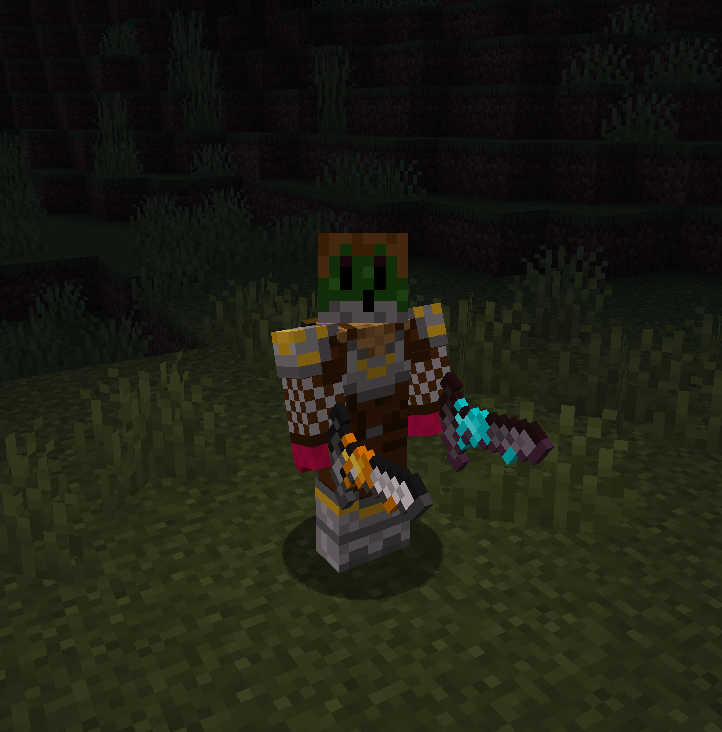
Adds flames to your sword/spear when it has fire aspect.


AND WORKS WITH DYNAMIC LIGHTS (So a flaming sword works like holding a torch in your hand)


Also adds green sparkles when it has fortune/looting.


you swill need to rename your sword/spear if you want soulfire on your netherite sword/spear or green flames on your copper sword/spear. like this:

"Soulfire Netherite Sword"

"Green Flaming Copper Spear"
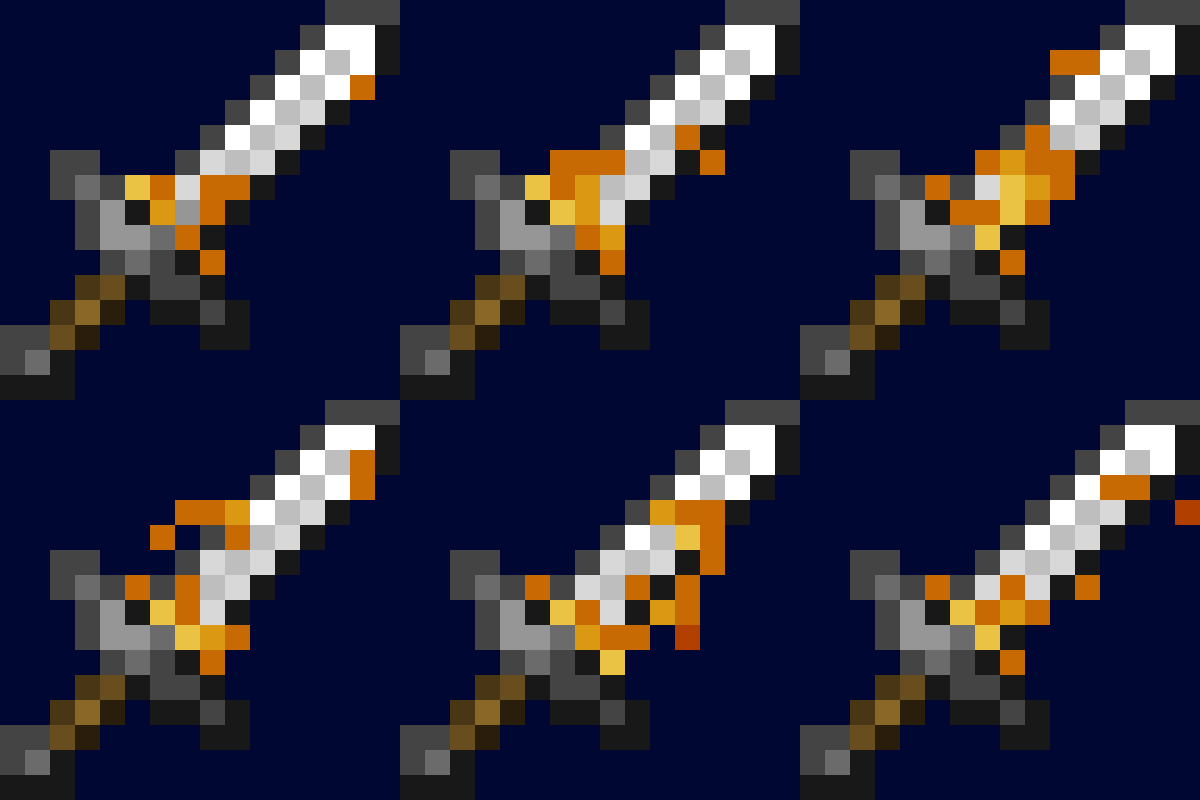
sword gif

swords

spears

Join my discord here: https://discord.gg/5pCw6B3eEe

Flaming Fire Aspect 3.0.0.zip
MC 1.21.8, 1.21.5, 1.21.4, 1.21.6, 1.21.3, 1.21.7, 1.21.9, 1.21.10, 1.21.11
Release 2026-03-04 Get
1.1.0
MC 1.21, 1.21.1, 1.21.3, 1.21.2
Release 2026-01-08 Get
Flaming Fire Aspect 2.2.0.zip
MC 1.21.8, 1.21.5, 1.21.6, 1.21.7, 1.21.9, 1.21.10, 1.21.11
Release 2026-01-05 Get
Flaming Fire Aspect 2.0.2.zip
MC 1.21.8, 1.21.5, 1.21.6, 1.21.7, 1.21.9, 1.21.10, 1.21.11
Release 2025-05-15 Get
Flaming Fire Aspect 2.0.1.zip
MC 1.21.5
Release 2025-05-14 Get
Flaming Fire Aspect 2.0.0.zip
MC 1.21.5, 1.21.5-Snapshot
Release 2025-02-22 Get
Vanilla CIT Beta 1.0.1
MC 1.21.5-Snapshot
Beta 2025-01-29 Get
Flaming Fire Aspect 1.0.0 RENAME REQUIRED.zip
MC 1.21, 1.21.3, 1.21.1, 1.21.2
Release 2024-11-09 Get
Flaming Fire Aspect1.0.0 NO RENAME REQUIRED.zip
MC 1.21, 1.21.3, 1.21.1, 1.21.2
Release 2024-11-09 Get

Requirements & install

How to use this resource pack in Minecraft
Resolution
16x
Minecraft
1.21.5-Snapshot – 1.21.11
Install folder
.minecraft/resourcepacks

How to install resource packs

  1. Download the resource pack .zip file (do not extract it).
  2. In Minecraft open Options → Resource Packs → Open Pack Folder.
  3. Drop the .zip into the resourcepacks folder (.minecraft/resourcepacks).
  4. Move the pack to the Selected column and click Done.
Browse more: 16x resource packs 32x resource packs 64x resource packs 128x resource packs 256x resource packs 512x+ resource packs Resource Packs for 1.21.11 All resource packs

More from Fishysalmon02

Advertisement Remove ads with Premium →

You Might Also Like