Mineuniverse
Resource Packs
Flameborne

Flameborne

RESOURCE PACK
A Fire Themed 1.8.9 PvP Texturepack Derived from the Heatwave PvP Texturepack
by FIRESTAR09_10
Download Claim this project
371 downloads
0 likes
Updated Oct 14, 2026
0 hypes
16x Miscellaneous Traditional
Advertisement Remove ads with Premium →

Credits

Super big thanks to Torrezx since the netherite tools in this texturepack are massively inspired by the ones in his Demon Fire Tools texturepack so huge credits to him, go check out his work because he's genuinely amazing


After seeing that a lot of people liked the theme of Heatwave I dediced to bring it back for a 1.8.9 PvP texturepack.

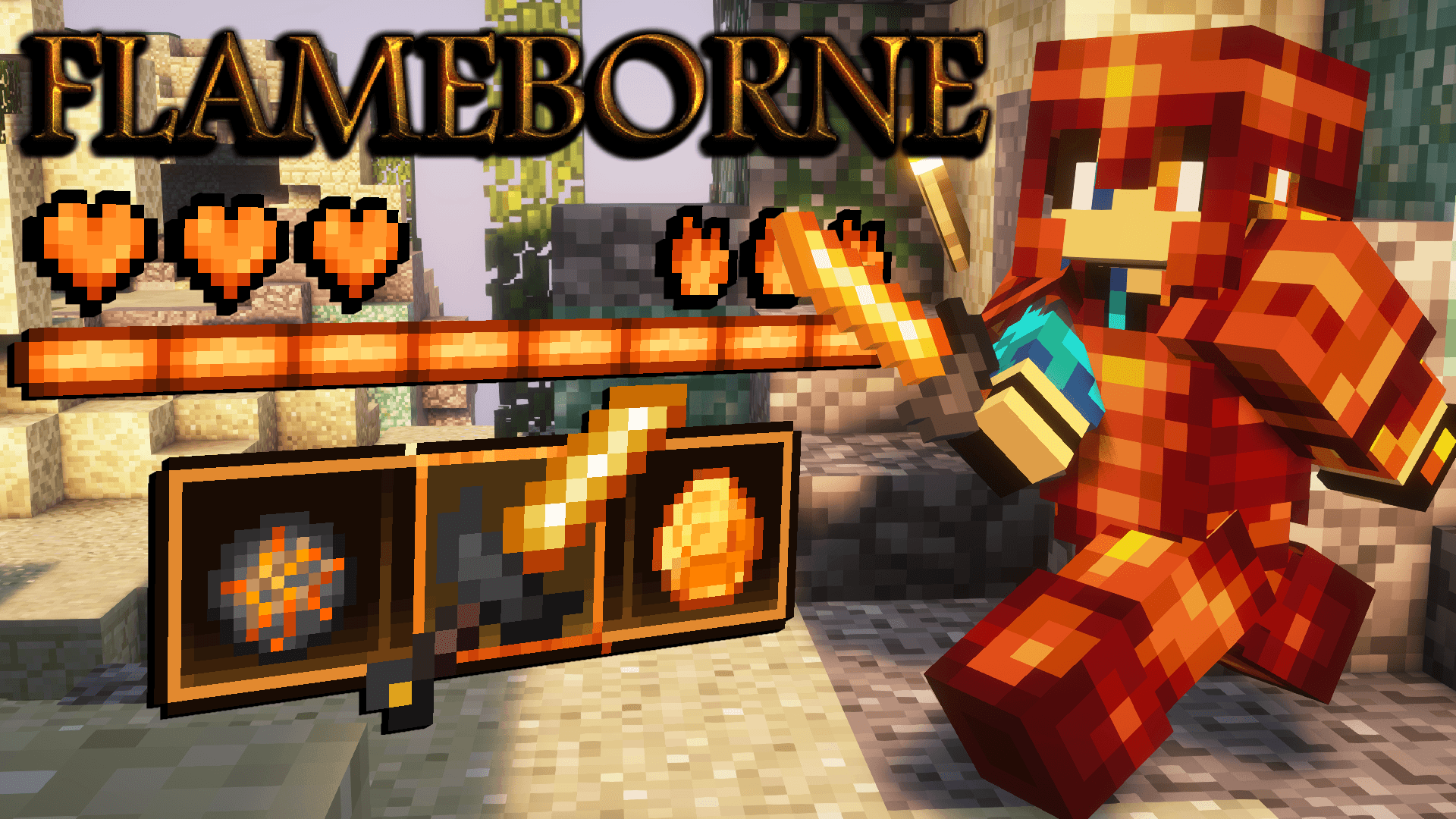
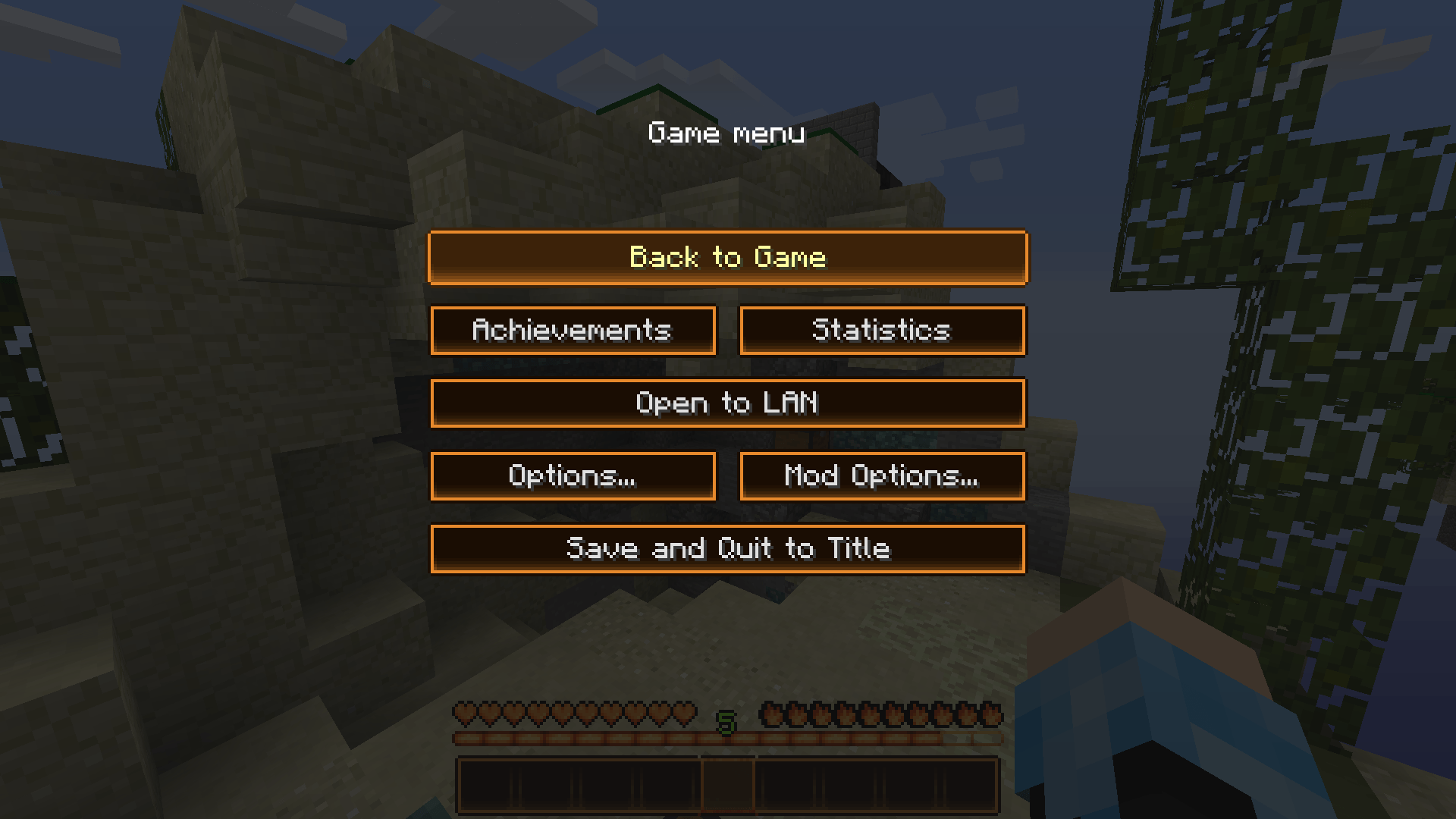
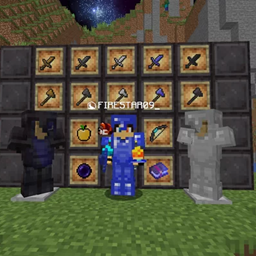
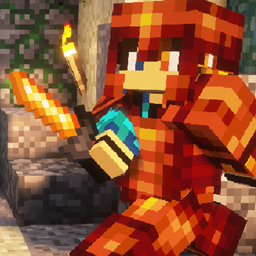
Flameborne is a 1.8.9 PvP texturepack that unites good looking textures to an amazing fire theme, designed for any kind of gamemode, for example bedwars or skywars, but it can really be used wherever you like.

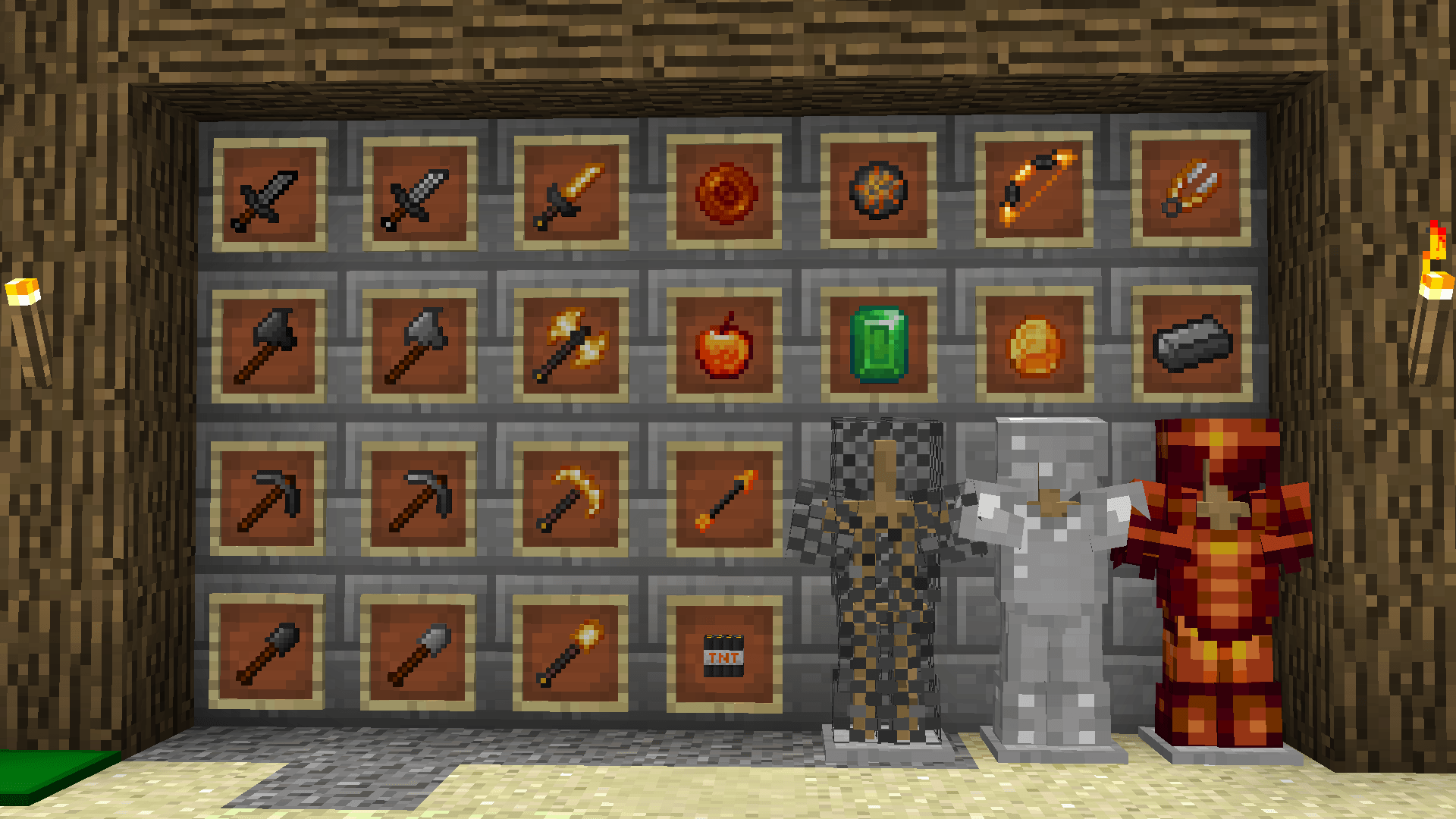
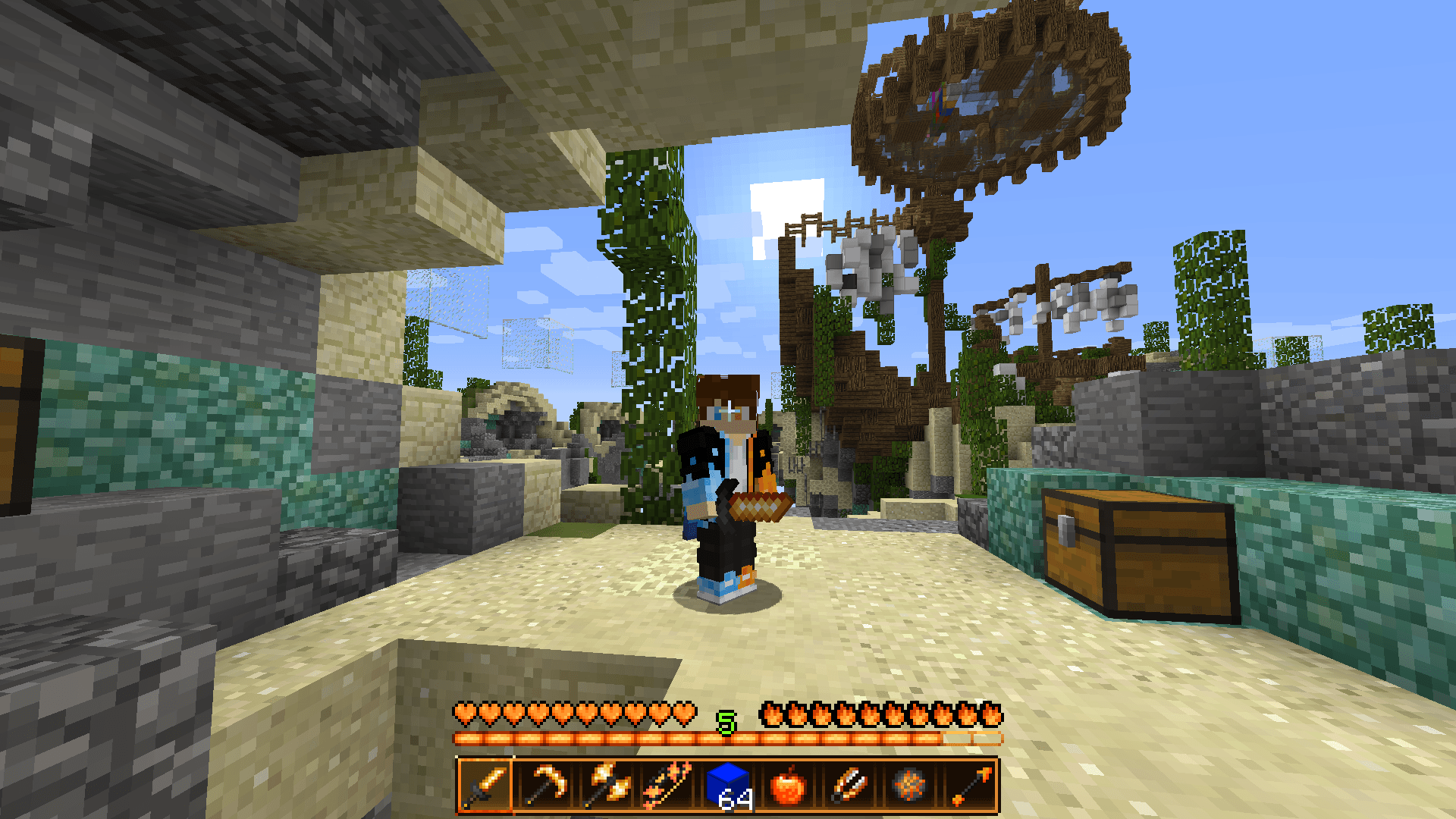
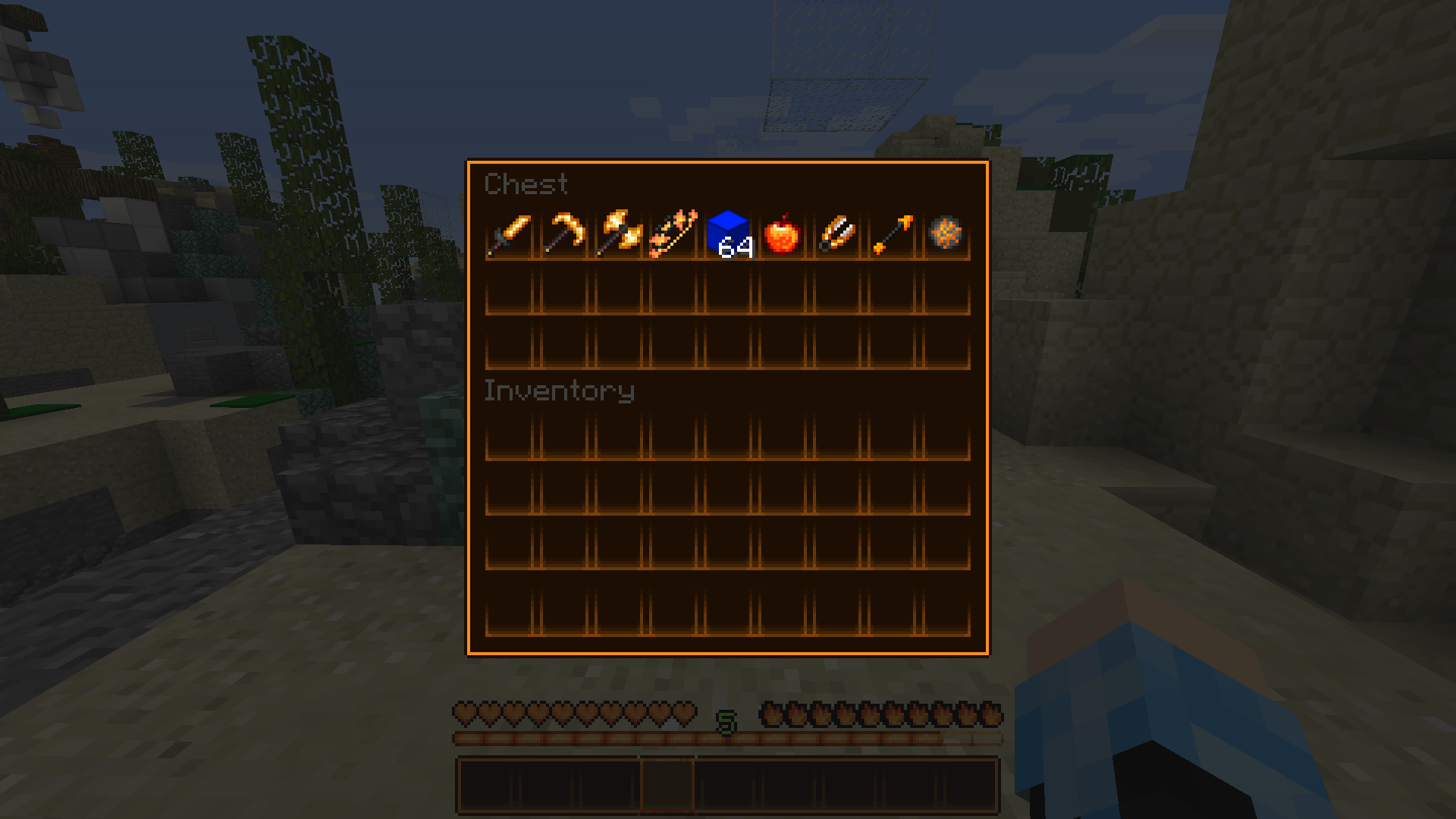
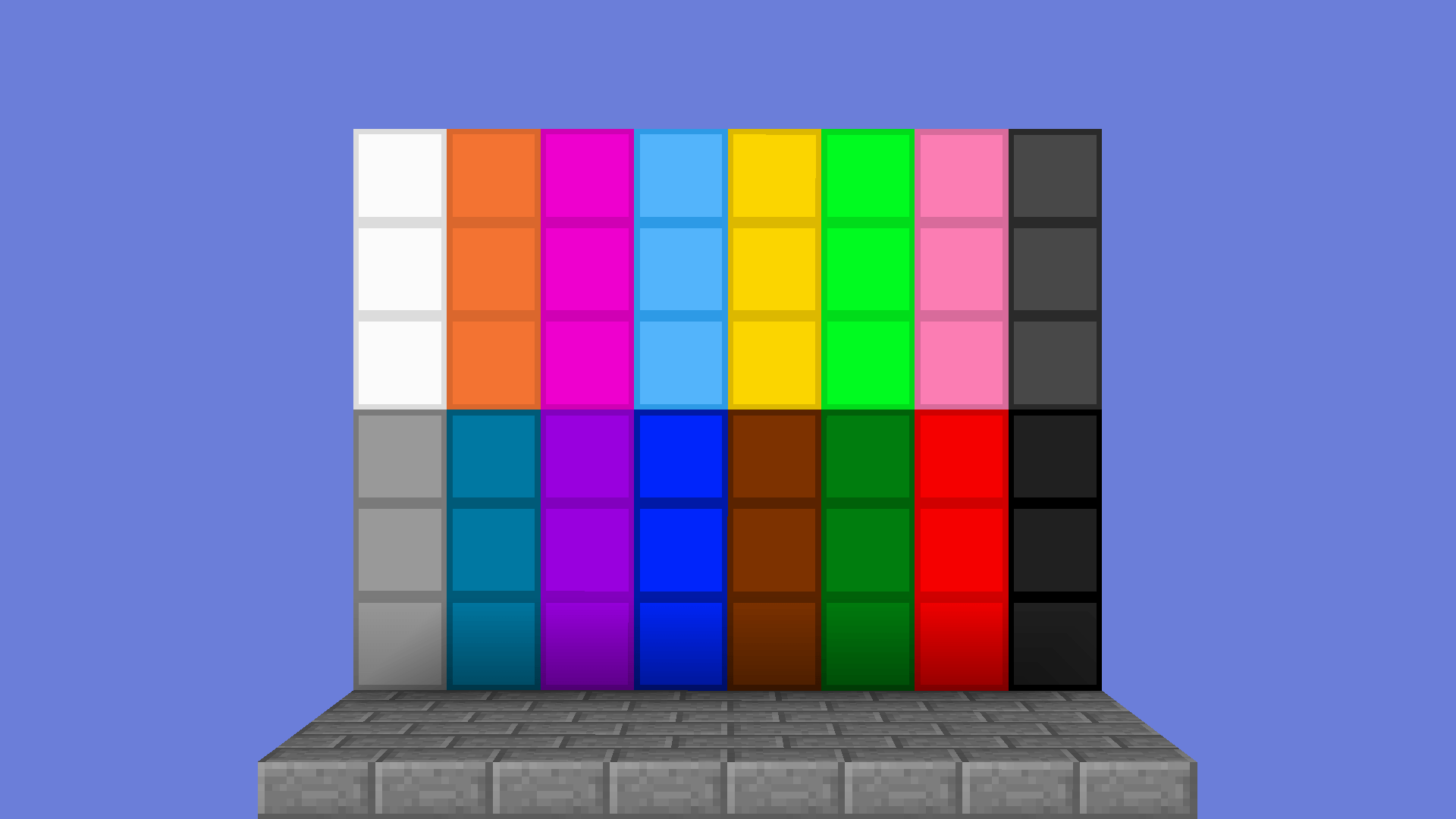
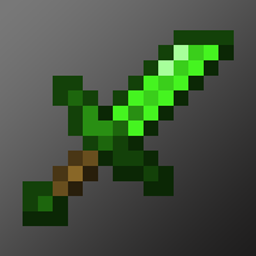
The fire theme is applied to the diamond set, the GUI and HUD, particles and most of the in-game PvP related items such as fireballs, shears, tnt, etc. However other armor and tools sets are still retexture and to really give a complete experience there are also some good quality of life features such as a smaller crosshair, cleaner wool, a loading bar as the block breaking animation and no explosion particles.

Flameborne v1.2
MC 1.8.7, 1.8.8, 1.8.4, 1.8-Snapshot, 1.8.3, 1.7.10, 1.8, 1.8.6, 1.8.9, 1.8.1, 1.8.5, 1.8.2
Release 2026-01-06 Get
Flameborne v1.1
MC 1.8.7, 1.8.4, 1.8.8, 1.8-Snapshot, 1.8.3, 1.8.6, 1.7.10, 1.8, 1.8.2, 1.8.5, 1.8.9, 1.8.1
Release 2025-10-01 Get
Flameborne v1
MC 1.8.7, 1.8.4, 1.8.8, 1.8-Snapshot, 1.8.3, 1.8.6, 1.7.10, 1.8, 1.8.2, 1.8.5, 1.8.9, 1.8.1
Release 2025-09-02 Get

Requirements & install

How to use this resource pack in Minecraft
Resolution
16x
Minecraft
1.8.2 – 1.8.9
Install folder
.minecraft/resourcepacks

How to install resource packs

  1. Download the resource pack .zip file (do not extract it).
  2. In Minecraft open Options → Resource Packs → Open Pack Folder.
  3. Drop the .zip into the resourcepacks folder (.minecraft/resourcepacks).
  4. Move the pack to the Selected column and click Done.
Browse more: 16x resource packs 32x resource packs 64x resource packs 128x resource packs 256x resource packs 512x+ resource packs Resource Packs for 1.8.9 All resource packs

More from FIRESTAR09_10

Advertisement Remove ads with Premium →

You Might Also Like