Mineuniverse
Resource Packs
FiskHeroes Updated Textures

FiskHeroes Updated Textures

RESOURCE PACK
This Resource Pack updates the textures of FiskHeroes to 1.14+.
by HoodedVigilante_
Download Claim this project
35,240 downloads
0 likes
Updated Oct 14, 2026
0 hypes
16x Mod Support
Advertisement Remove ads with Premium →


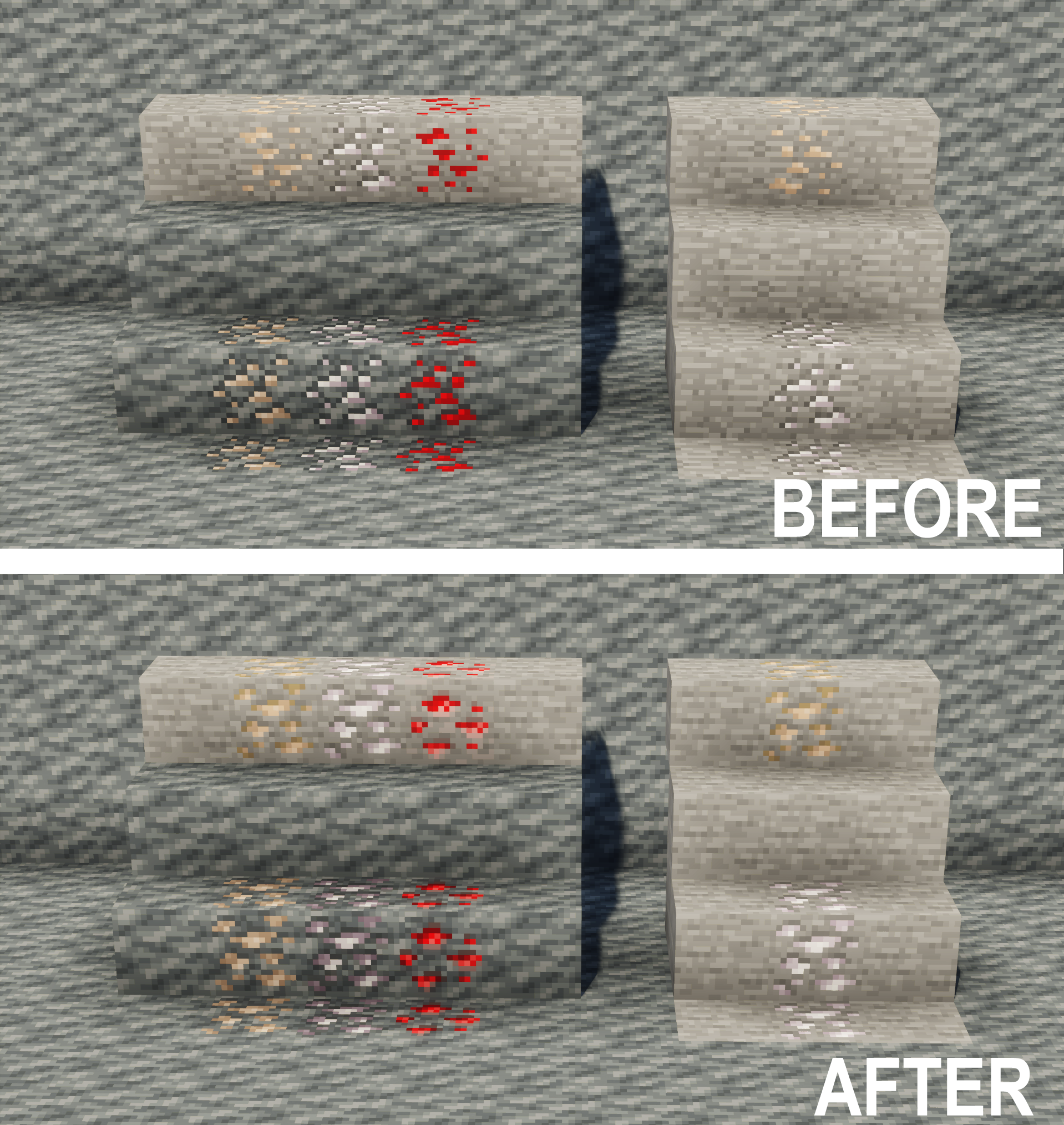
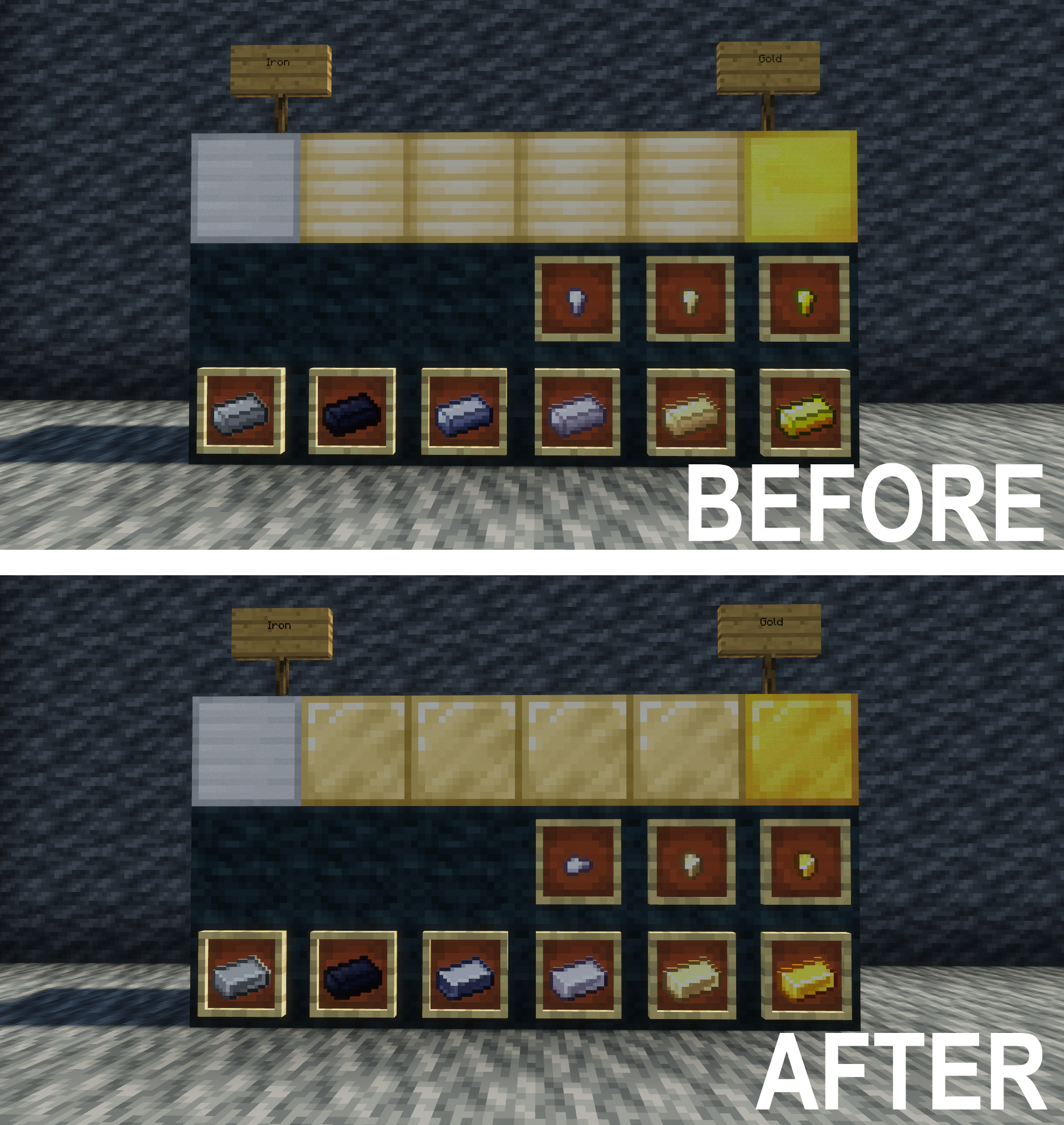
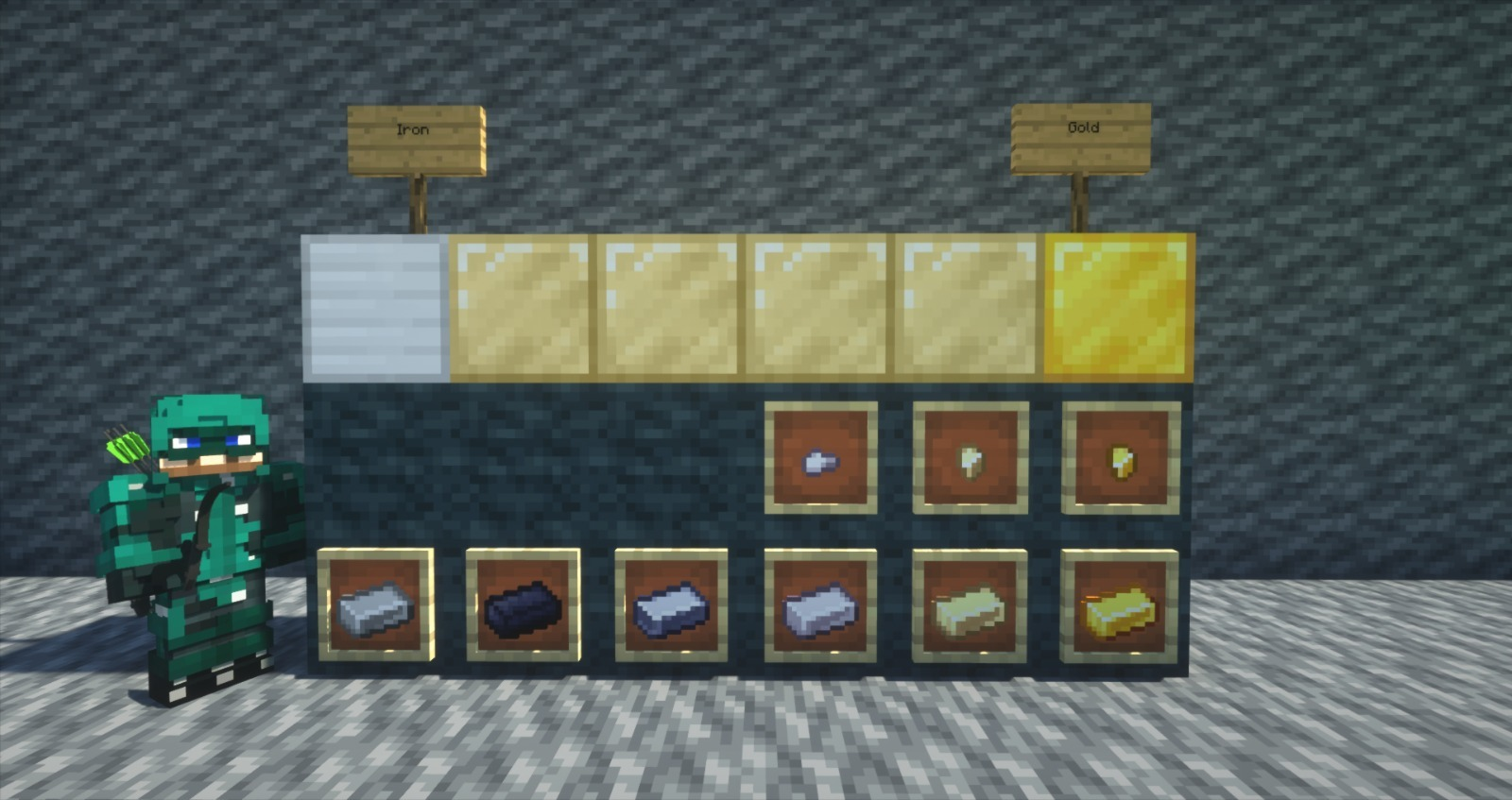
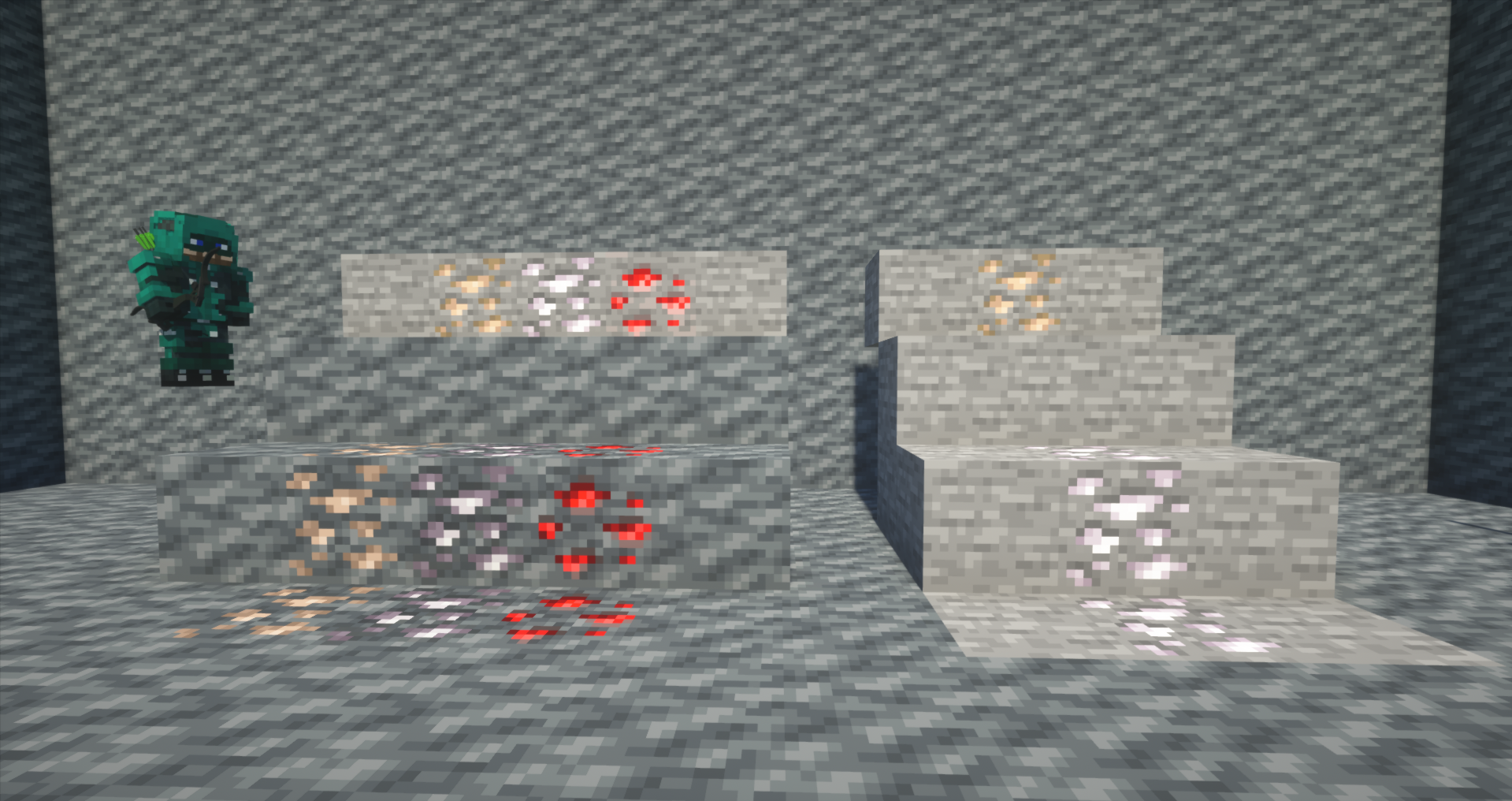
  This is a Resource Pack that updates the textures of some blocks and items from the mod Fisk's Superheroes to the latest versions of Minecraft (1.14+).
 

This Pack only works with Fisk's Superheroes made by FiskFille. Make sure to download it before installing this Resource Pack. 

FiskHeroes Updated Textures DOES NOT include the updated textures for Vanilla, so, for a complete experience, you should download the

 actually correct new default texture backport Resource Pack:

Download actually correct new default texture backport - Minecraft Mods & Modpacks - CurseForge


What changed?


Blocks:


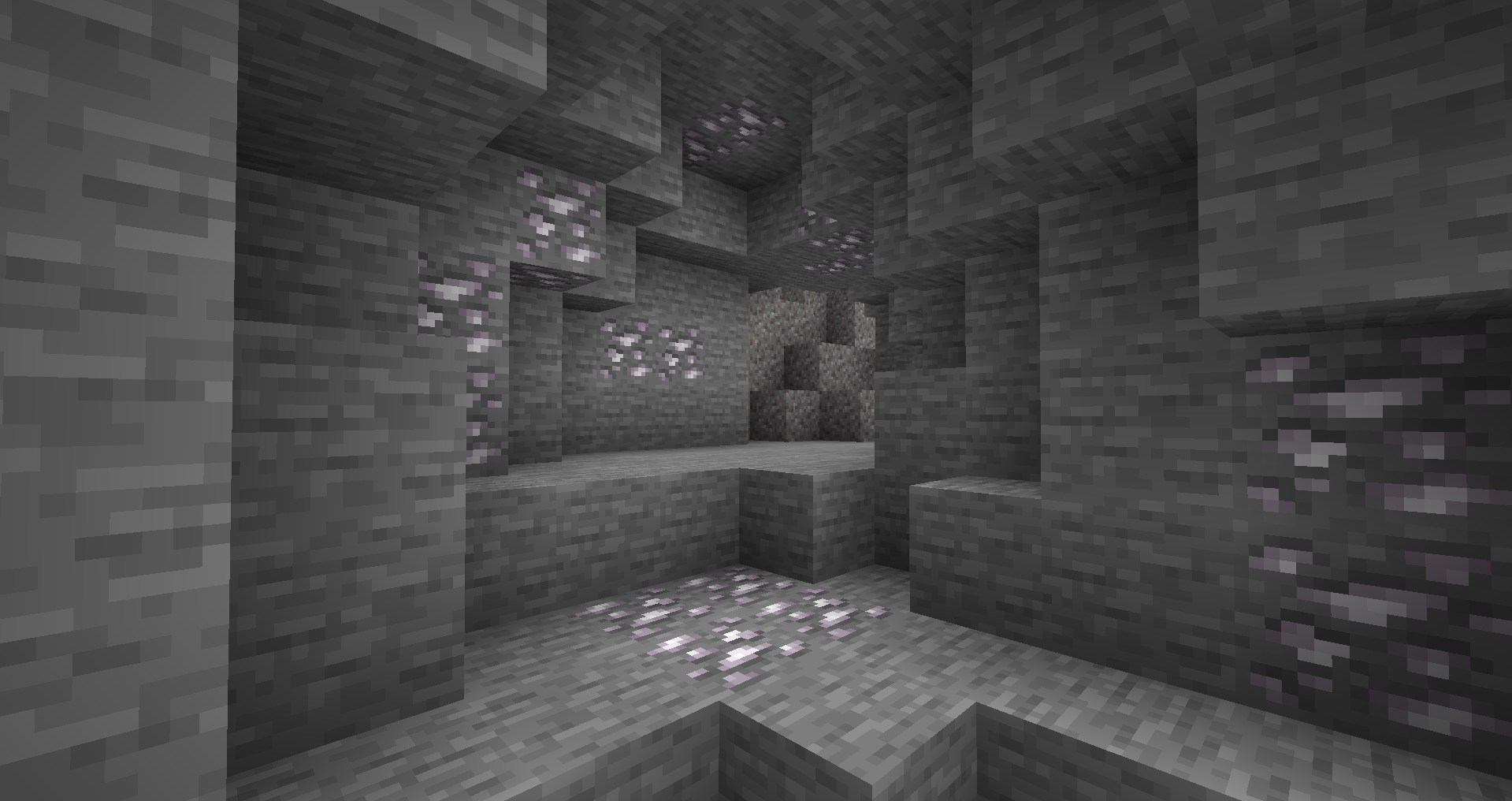
  • Titanium Ore
  • Lunar Titanium Ore
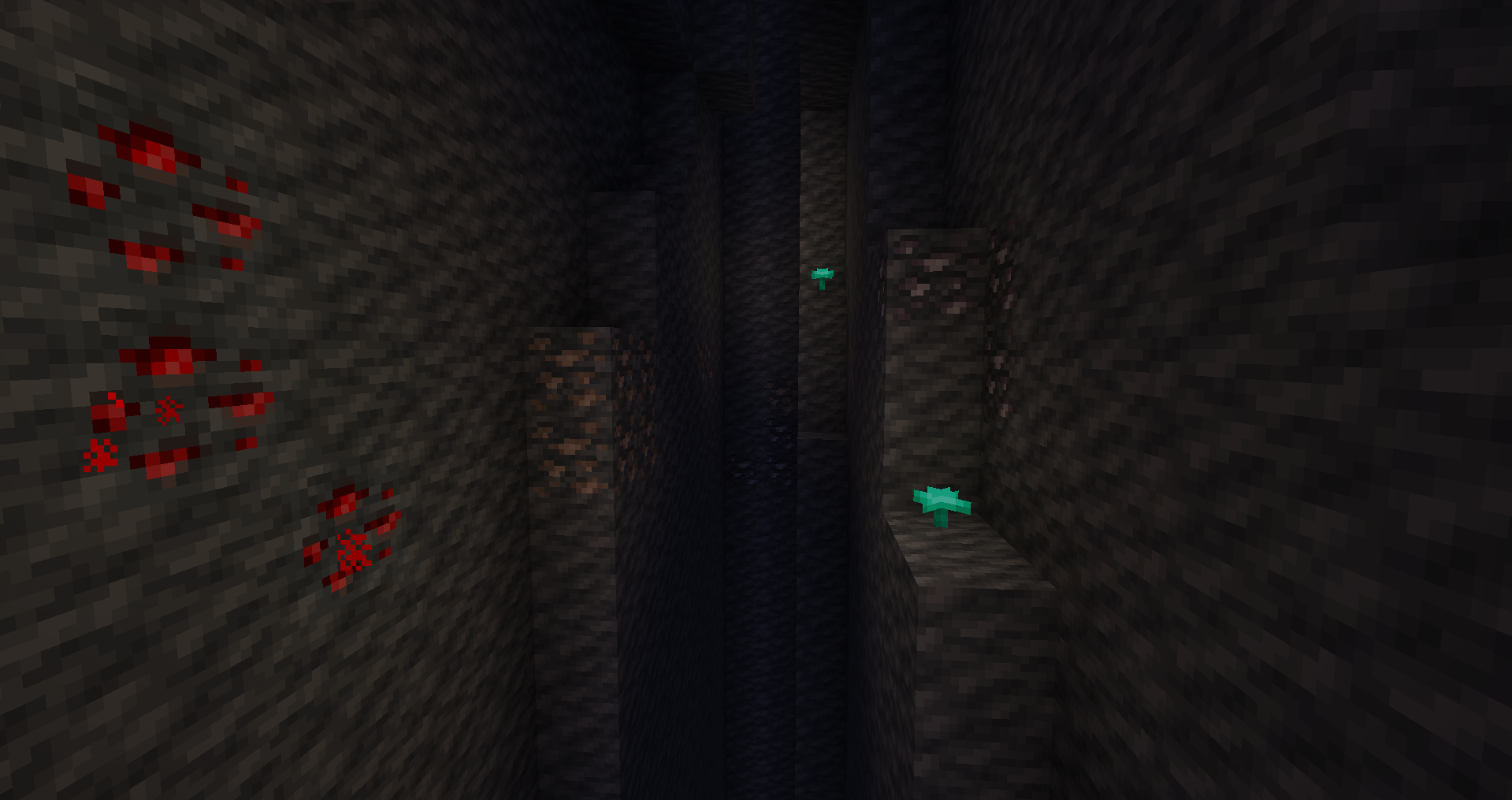
  • Lunar Iron Ore
  • Lunar Redstone Ore
  • Block of Gold-Titanium


Items:


  • Titanium Ingot
  • Titanium Nugget
  • Vibranium Ingot
  • Dwarf Star Alloy
  • Gold-Titanium Ingot
  • Gold-Titanium Nugget


How To Install:


Download the latest version of Fisk's Superheroes

Download FiskHeroes Updated Textures

Open Minecraft

Click Options > click Resource Packs > click Open resource pack folder

Drag FiskHeroes Updated Textures to the folder (do not unzip the file)

Done!


OR...

You can download my Modpack on Technic Launcher, which comes with everything you need to play.

FiskHeroes Updated Textures v.1.2
MC 1.7.10
Release 2023-05-30 Get
FiskHeroes Updated Textures v1.1
MC 1.7.10
Release 2023-05-16 Get
FiskHeroes Updated Textures.zip
MC 1.7.10
Release 2023-05-13 Get

Requirements & install

How to use this resource pack in Minecraft
Resolution
16x
Minecraft
1.7.10
Install folder
.minecraft/resourcepacks

How to install resource packs

  1. Download the resource pack .zip file (do not extract it).
  2. In Minecraft open Options → Resource Packs → Open Pack Folder.
  3. Drop the .zip into the resourcepacks folder (.minecraft/resourcepacks).
  4. Move the pack to the Selected column and click Done.
Browse more: 16x resource packs 32x resource packs 64x resource packs 128x resource packs 256x resource packs 512x+ resource packs Resource Packs for 1.7.10 All resource packs
Advertisement Remove ads with Premium →

You Might Also Like