Mineuniverse
Resource Packs
Fight Back Darkness ||128x|| PVP

Fight Back Darkness ||128x|| PVP

RESOURCE PACK
Dark PVP pack for Chill dark nights.
by httpshunter
Download Claim this project
Add a badge to your pageLink to Fight Back Darkness ||128x|| PVP from a README, website or forum post.
Preview: Badge

Badges update automatically and link to the resource pack page on MineUniverse.

5,274 downloads
0 likes
0 followers
Updated Oct 14, 2026
0 hypes
Follow0
128x Miscellaneous
Advertisement Remove ads with Premium →

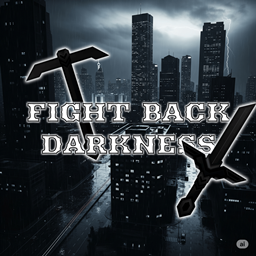
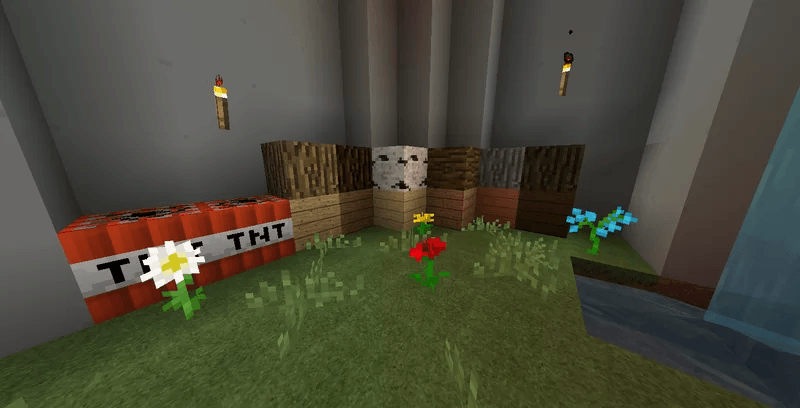
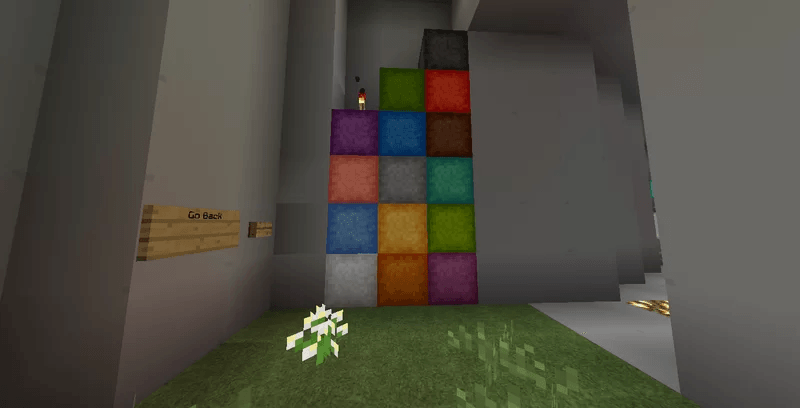
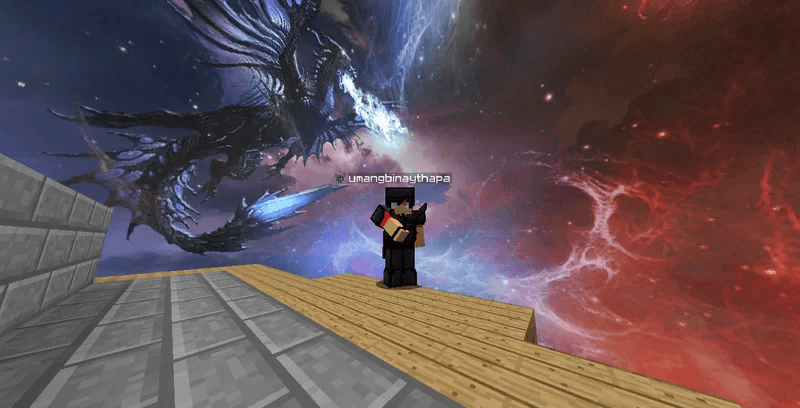
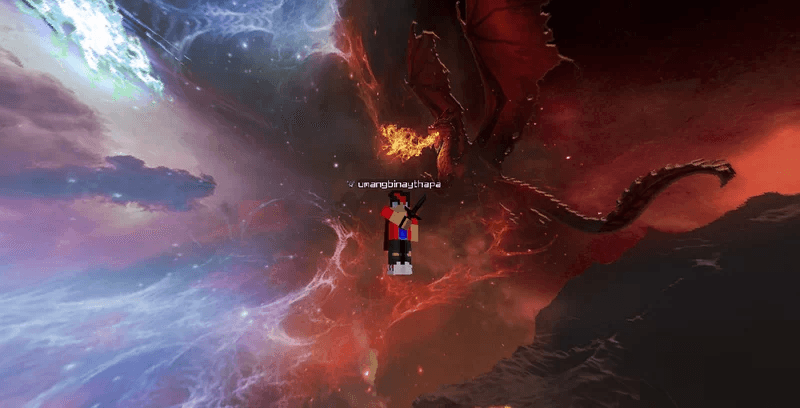
"Fight Back Darkness" is a 128x PvP texture pack designed for players who want to enhance their PvP experience in Minecraft. This pack features high-quality textures with a dark and gritty theme, which gives a more intense and immersive feeling to the gameplay.

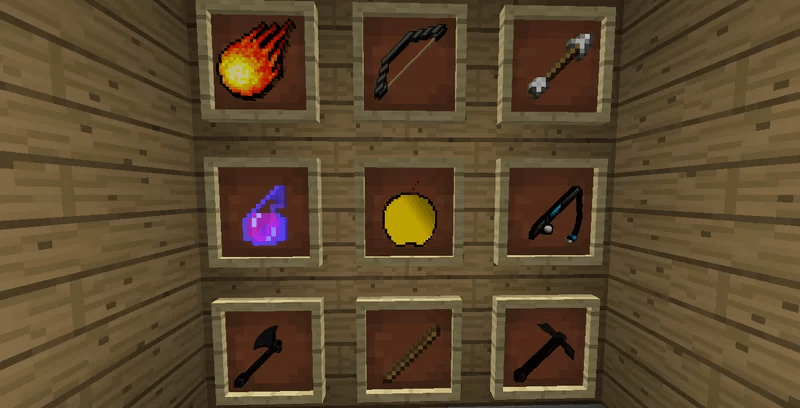
The pack includes custom textures for weapons, armor, and other items that players can use in combat, making it easier to identify and differentiate between them during gameplay. The textures are designed to be sharp and detailed, providing players with a clear view of their surroundings and enemies.

Furthermore, the pack comes with custom sky and weather textures, which change the appearance of the sky and weather effects, giving players a more immersive and unique gaming experience. The pack also includes custom animations for certain actions, such as block breaking and attack animations, making the gameplay feel more fluid and responsive.

Overall, "Fight Back Darkness" is a fantastic PvP texture pack for Minecraft, providing players with an enhanced and more engaging gameplay experience. Whether you're a beginner or an experienced player, this pack is sure to add a new level of excitement to your Minecraft adventures.

Dark, PVP, Best pvp pack, dark pvp pack, 32x, COOL

Fight Back || 128x ||
MC 1.8.7, 1.8.4, 1.8.8, 1.8.3, 1.8.6, 1.8, 1.8.2, 1.8.5, 1.8.9, 1.8.1
Release 2025-06-22 Get

Requirements & install

How to use this resource pack in Minecraft
Resolution
128x
Minecraft
1.8.2 – 1.8.9
Install folder
.minecraft/resourcepacks

How to install resource packs

  1. Download the resource pack .zip file (do not extract it).
  2. In Minecraft open Options → Resource Packs → Open Pack Folder.
  3. Drop the .zip into the resourcepacks folder (.minecraft/resourcepacks).
  4. Move the pack to the Selected column and click Done.

Packs from 128x upwards need more video memory: install a performance mod such as Sodium for smooth frame rates.

Browse more: 16x resource packs 32x resource packs 64x resource packs 128x resource packs 256x resource packs 512x+ resource packs Resource Packs for 1.8.9 All resource packs

More from httpshunter

Advertisement Remove ads with Premium →

You Might Also Like