Mineuniverse
Resource Packs
Fibercraft - Old Version

Fibercraft - Old Version

RESOURCE PACK
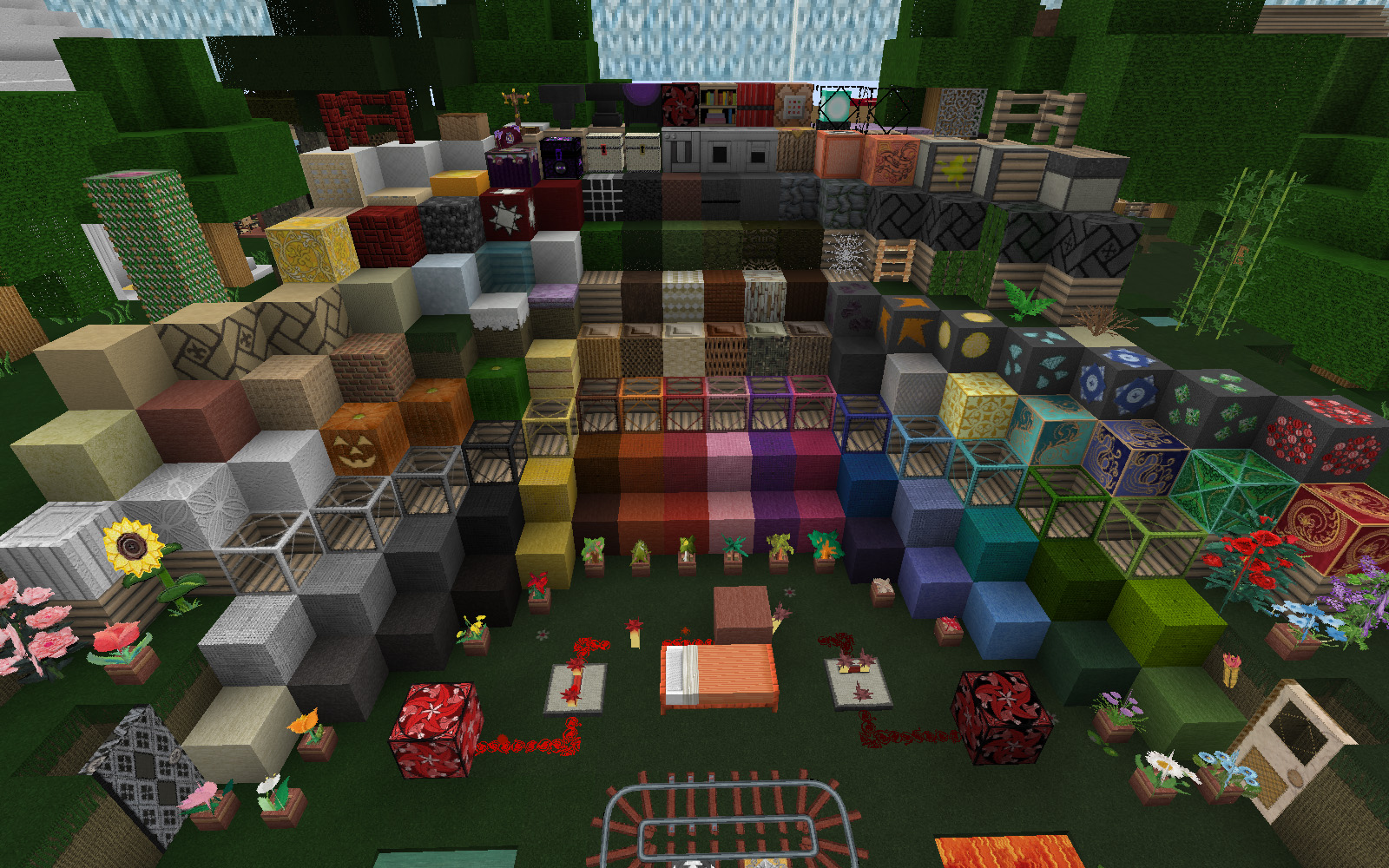
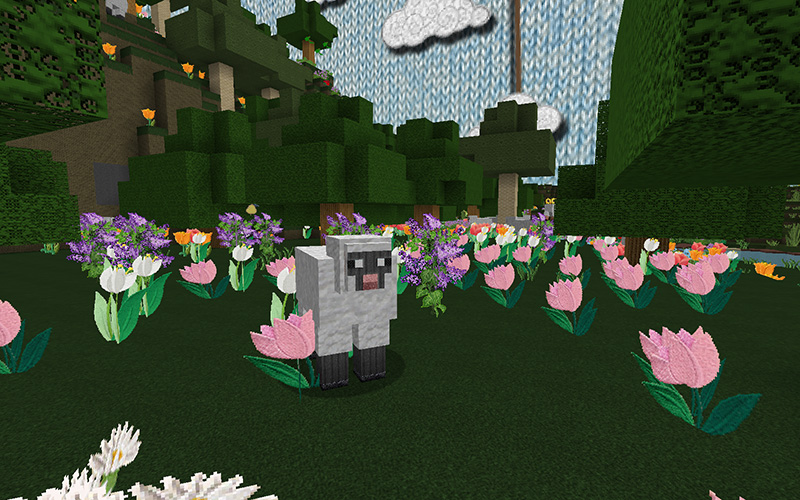
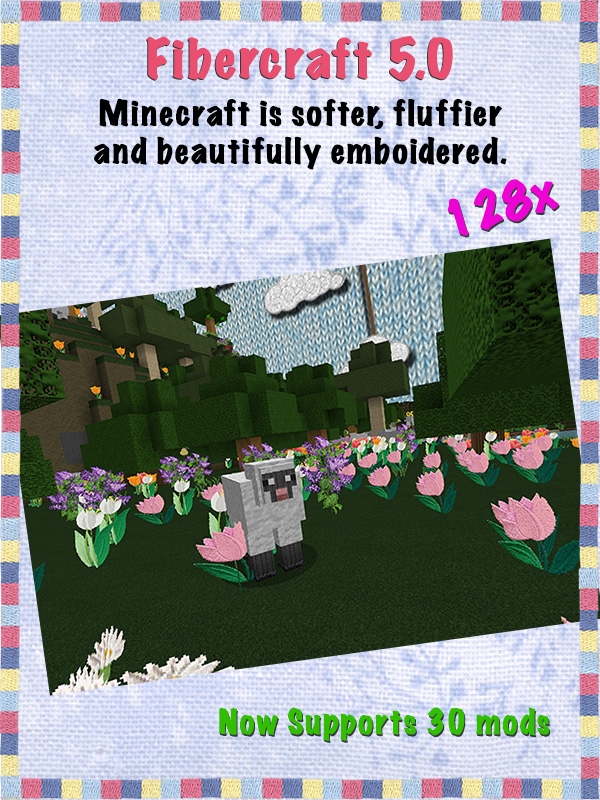
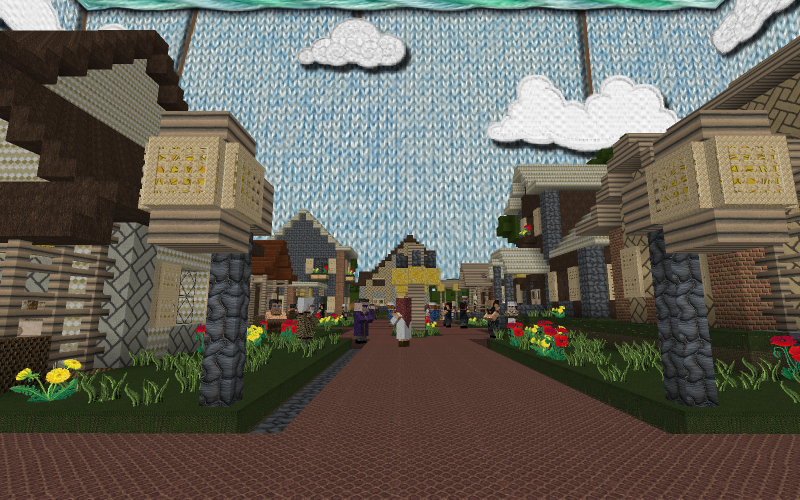
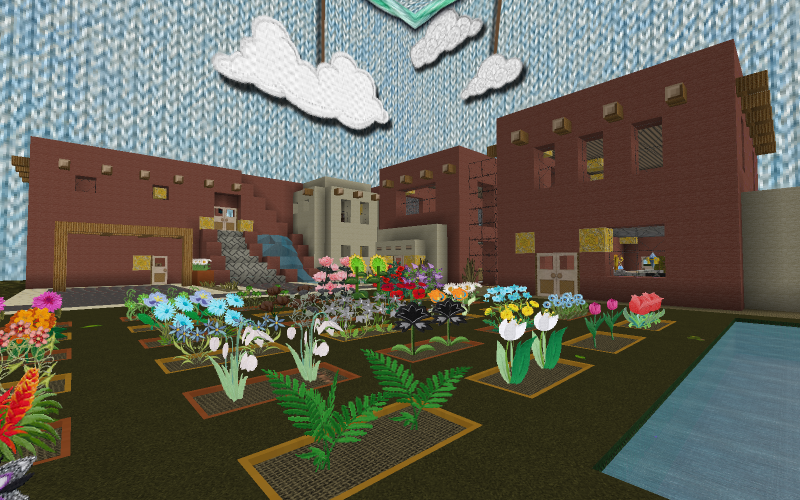
Minecraft gets covered in fabric & embroidery for a uniquely soft feel
by sigyn_laufeyson
Download Claim this project
13,344 downloads
0 likes
Updated Oct 14, 2026
0 hypes
128x Miscellaneous Mod Support Traditional
Advertisement Remove ads with Premium →

Fibercraft is a 128x pack that will work with any 1.7 version of the game.  

You WILL need MCPatcher to see all of the textures included in this pack


BIG CHANGES!  The number of mods supported automatically has been REDUCED.  Large mods have been separated into individual add-on pack downloads.  For those who don't use all the mods I do, this means a much smaller download.  Then you can pick and choose the add-on packs you need!  


Click here for a list of the mods supported in this download as a well as links to other mods supported through Add-On packs.
  •  Use a mod that's not supported?  Just send me the link and I'll add it to the next update.  If you need an update to a mod I've stopped development on or has items that I haven't updated, let me know and the updates will be in the next version of Fibercraft.


Fibercraft 128x - v7 - Tree Leaves, Compasses, Clocks, and more!
MC 1.7.10
Release 2015-03-03 Get
Fibercraft 6.0 [1.7.x] - Fuzzy, Soft & Colorful
MC 1.7.6, 1.7.4, 1.7.7, 1.7.5, 1.7.9, 1.7.2, 1.7.8, 1.7.10
Release 2014-12-19 Get
Fibercraft 5.0 [1.7.2-10] - Fabric coated and embroidered
MC 1.7.6, 1.7.4, 1.7.7, 1.7.5, 1.7.9, 1.7.2, 1.7.8, 1.7.10
Release 2014-10-03 Get
Fibercraft_v4_128x___MC1.7.x.zip
MC 1.7.6, 1.7.4, 1.7.7, 1.7.5, 1.7.9, 1.7.2, 1.7.8, 1.7.10
Release 2014-08-03 Get
Fibercraft_128x_1.7.x__v3.zip
MC 1.7.6, 1.7.4, 1.7.7, 1.7.5, 1.7.9, 1.7.2, 1.7.8
Release 2014-06-30 Get

Requirements & install

How to use this resource pack in Minecraft
Resolution
128x
Minecraft
1.7.2 – 1.7.10
Install folder
.minecraft/resourcepacks

How to install resource packs

  1. Download the resource pack .zip file (do not extract it).
  2. In Minecraft open Options → Resource Packs → Open Pack Folder.
  3. Drop the .zip into the resourcepacks folder (.minecraft/resourcepacks).
  4. Move the pack to the Selected column and click Done.

Packs from 128x upwards need more video memory: install a performance mod such as Sodium for smooth frame rates.

Browse more: 16x resource packs 32x resource packs 64x resource packs 128x resource packs 256x resource packs 512x+ resource packs Resource Packs for 1.7.10 All resource packs

More from sigyn_laufeyson

Advertisement Remove ads with Premium →

You Might Also Like