Mineuniverse
Resource Packs
Festive Mash-up

Festive Mash-up

RESOURCE PACK
Wander through a winter wonderland! A port from Legacy Console Edition.
by BrandonItaly
Download Claim this project
29,389 downloads
0 likes
0 followers
Updated Oct 14, 2026
0 hypes
Follow0
16x
Advertisement Remove ads with Premium →

Festive header

Festive Mash-up


modrinth curseforge github-plural ghsponsors-plural kofi-plural

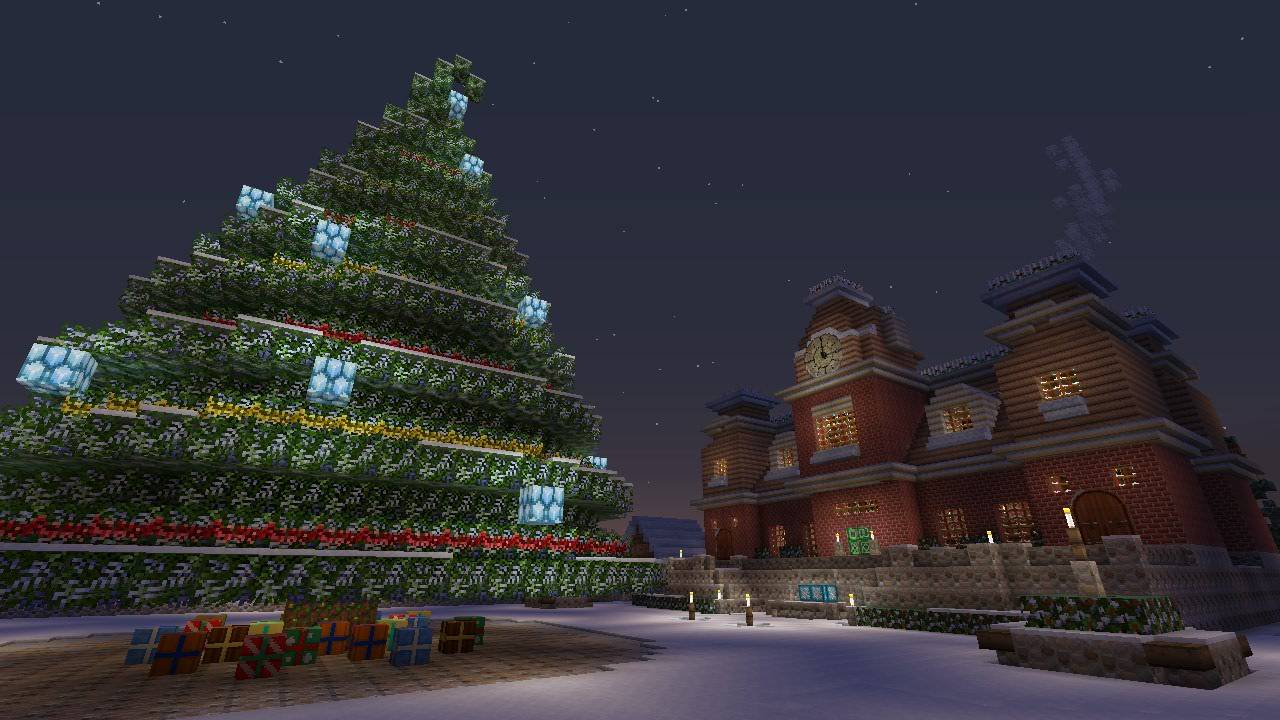
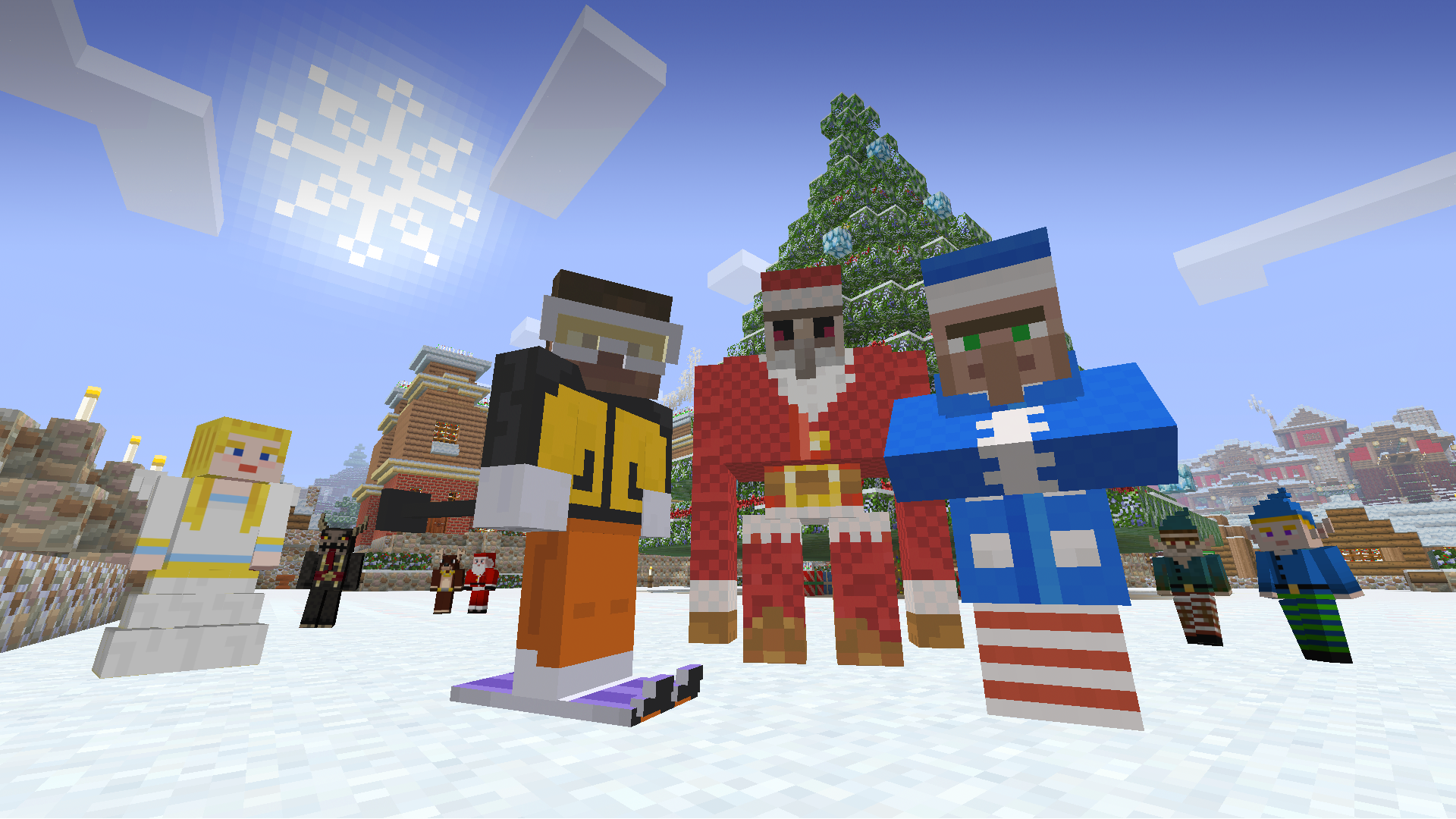
Wander through a winter wonderland!

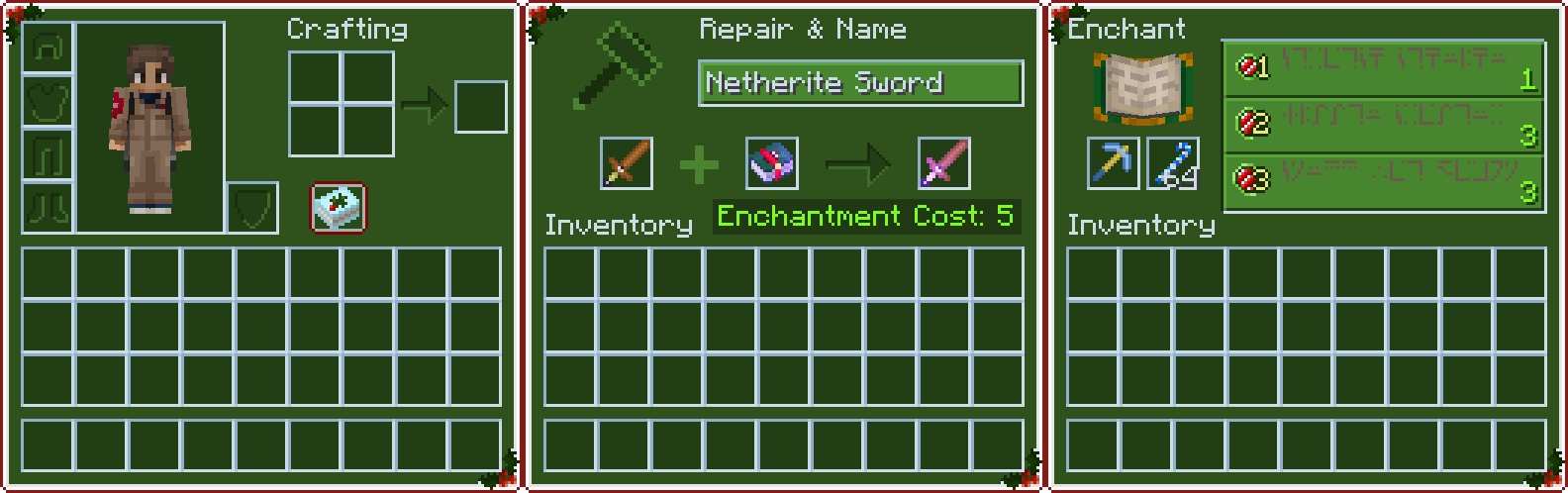
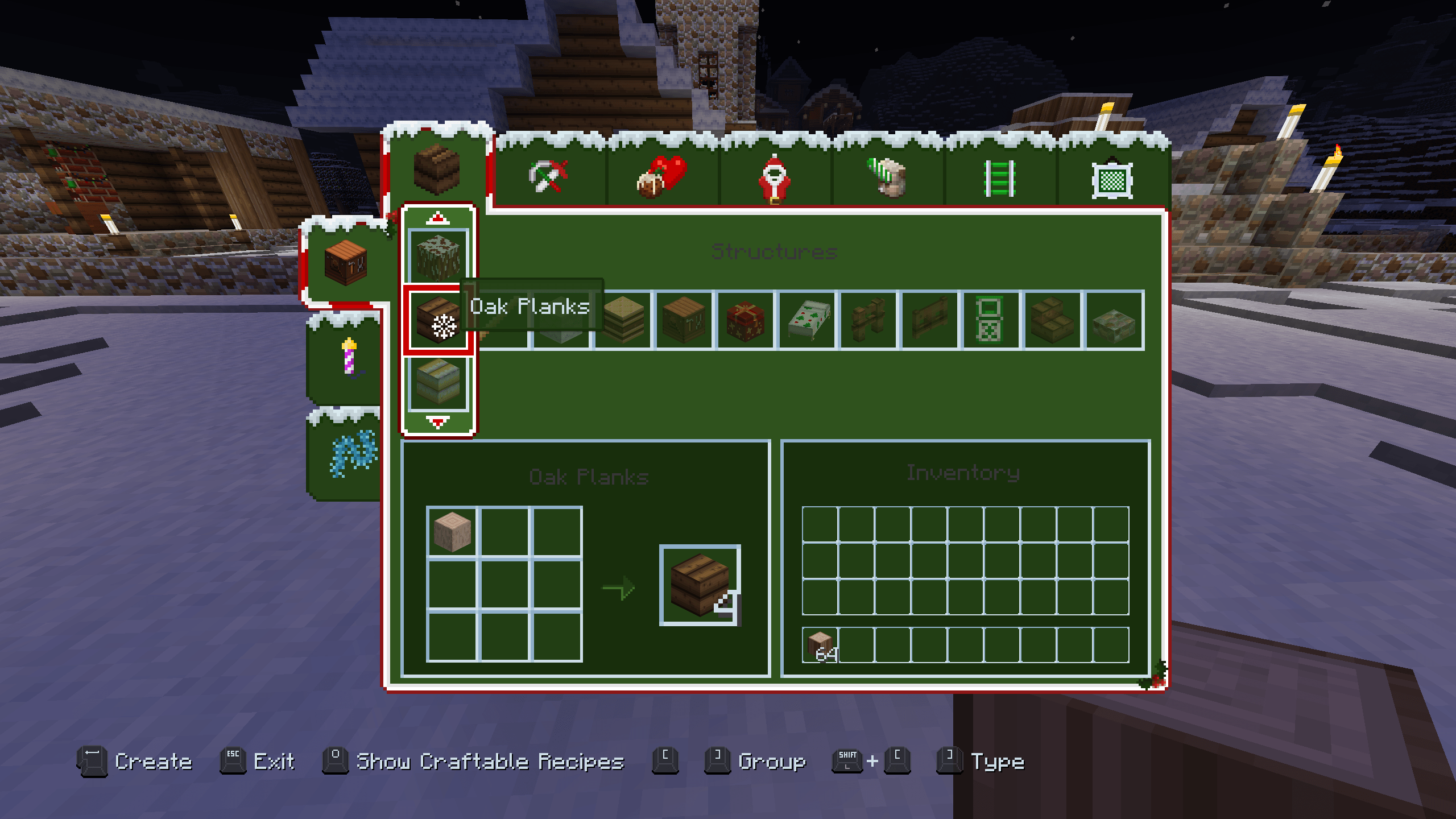
This pack includes festive textures for blocks, items, entities, UI, and new music!
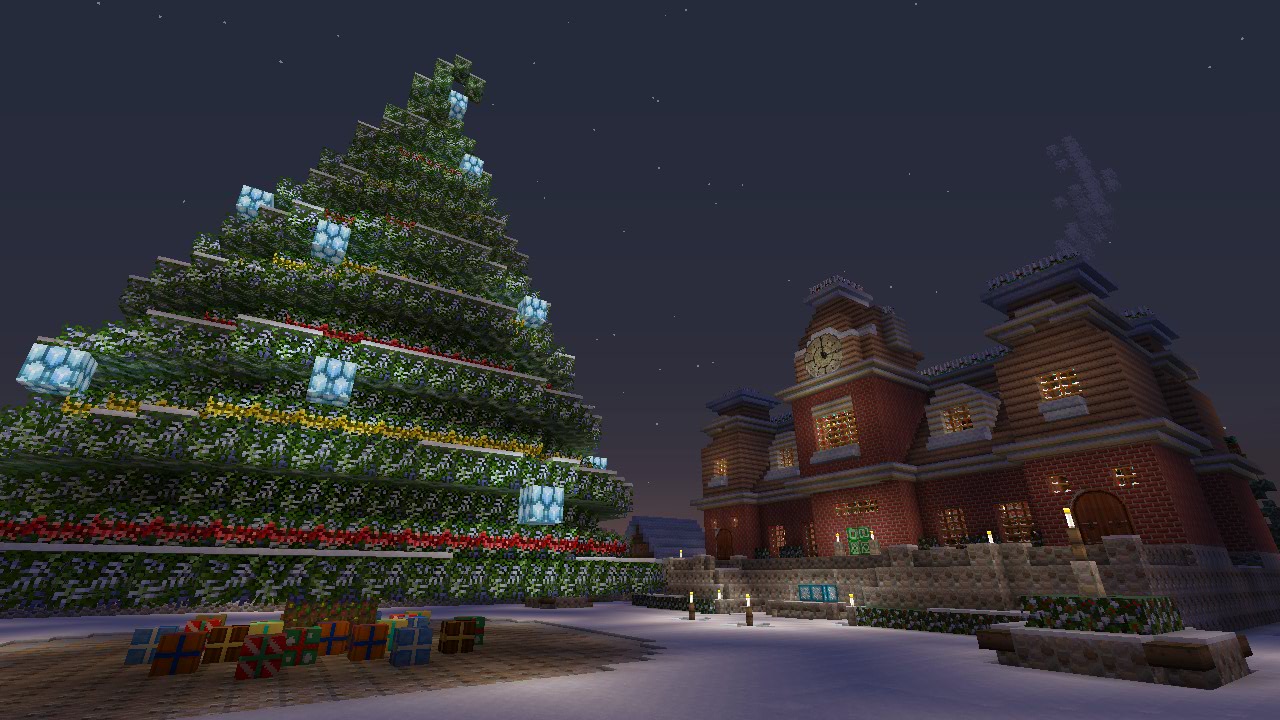
 

world preview

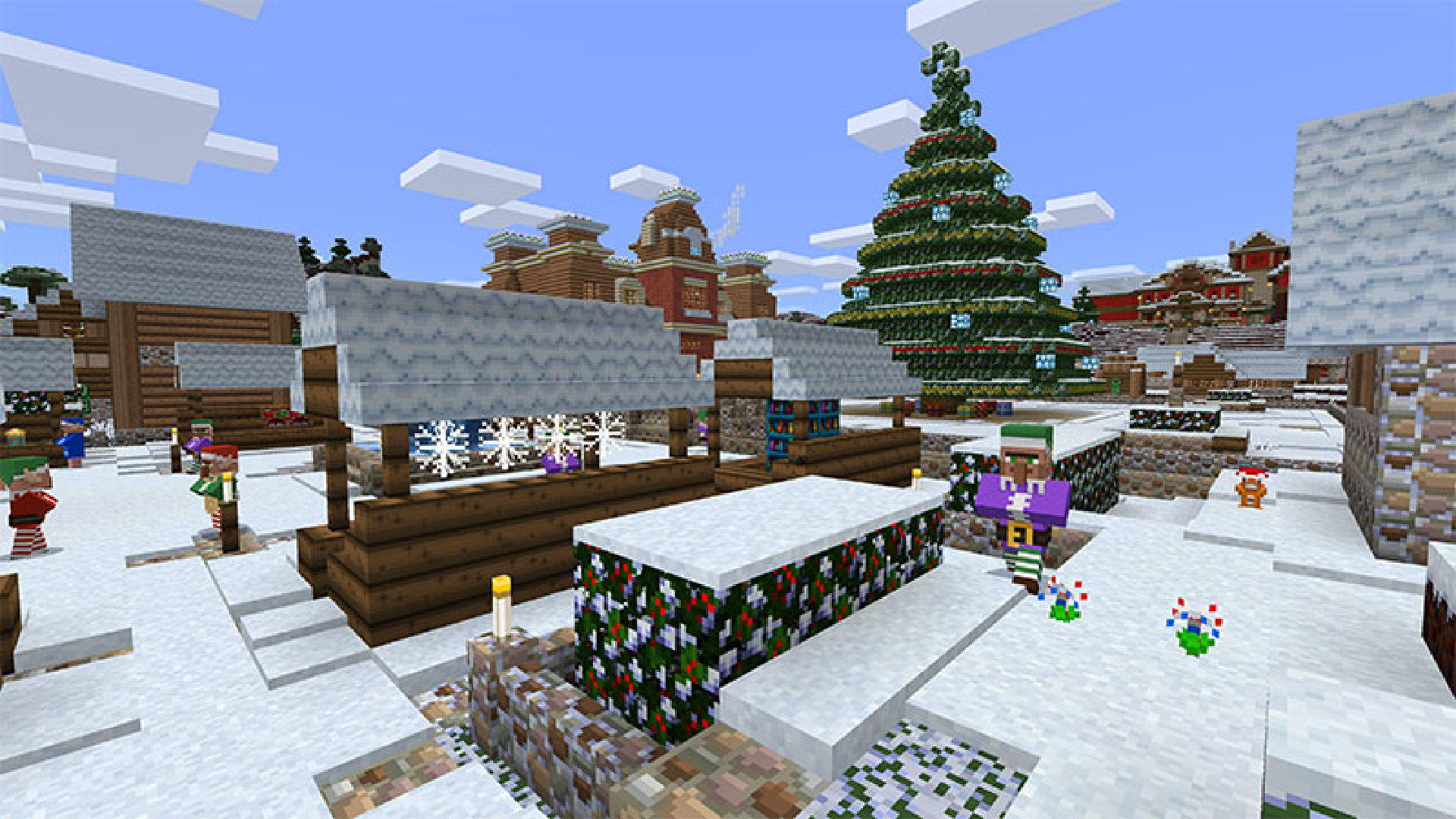
village

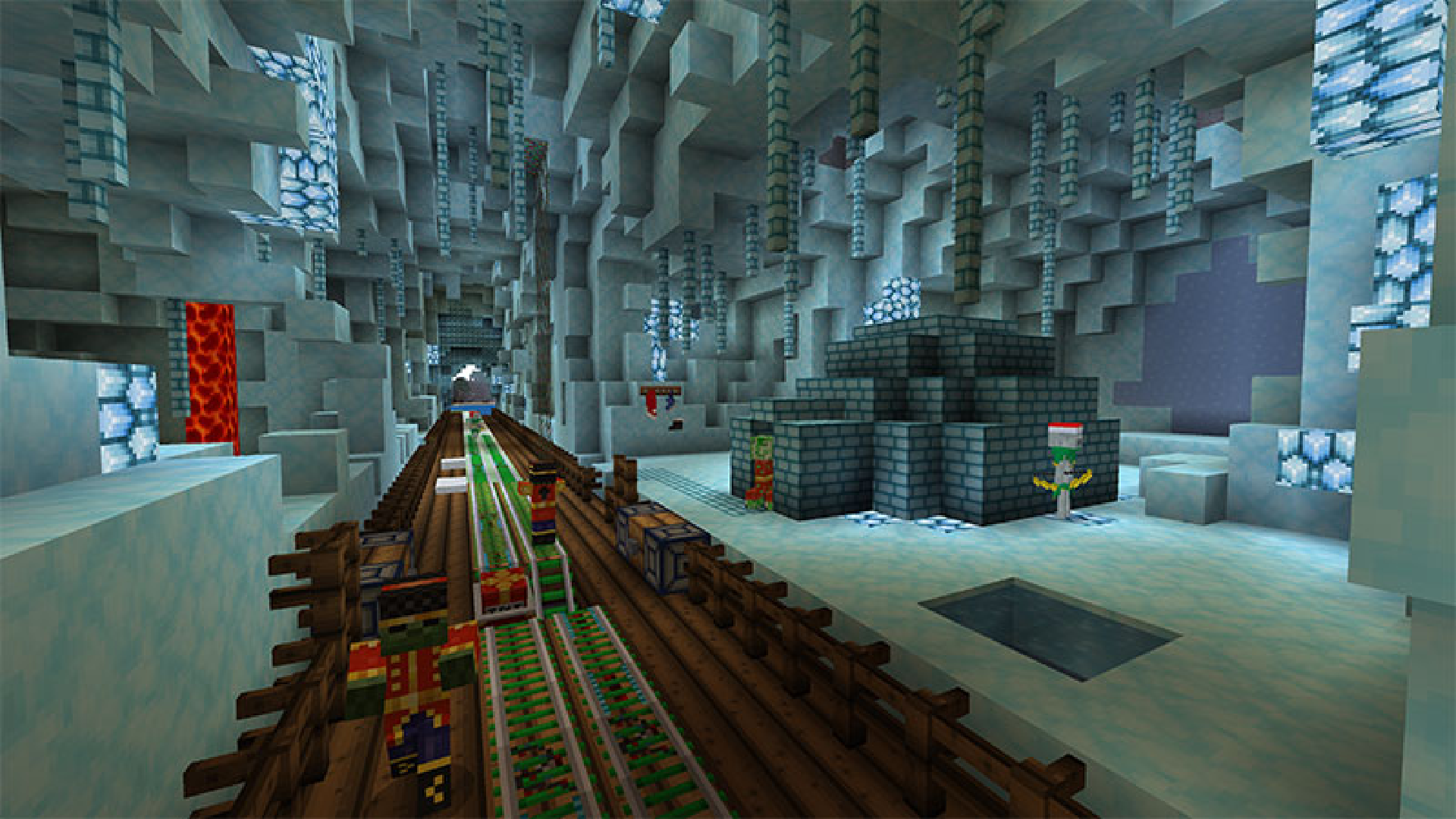
icy minecart railway

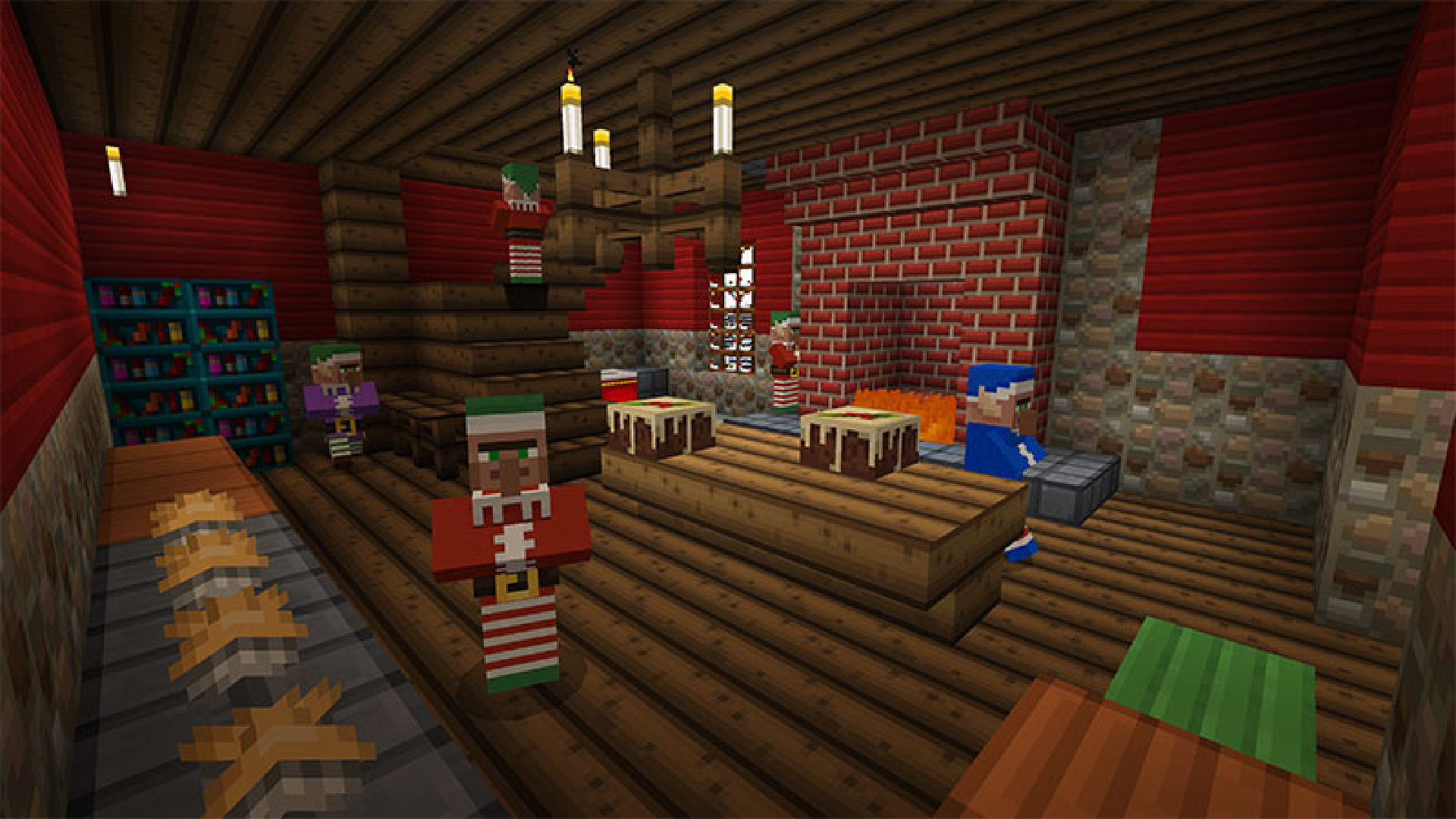
festive villagers by a fire

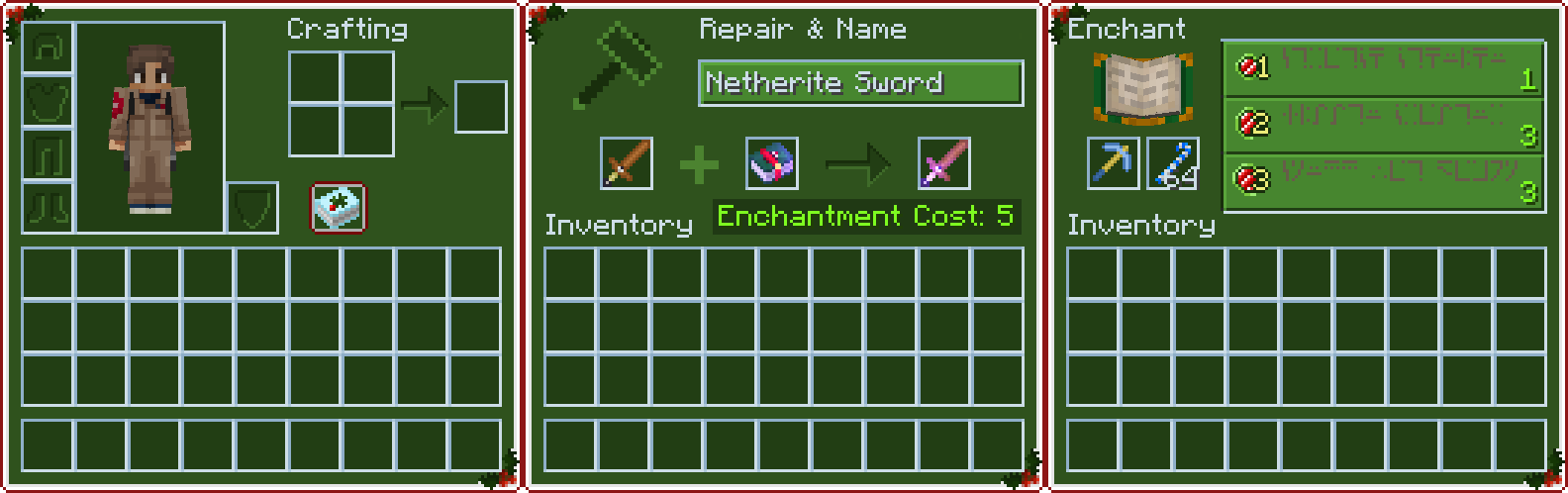
user interface


This resource pack is a port of the Festive Mash-up from Legacy Console Edition with updated textures from Bedrock Edition. Original textures by 4J Studios.


1.0.19
MC 1.21, 1.20.2, 1.21.8, 1.20.5, 1.21.5, 1.21.4, 1.20.6, 1.21.1, 1.21.6, 1.21.3, 1.21.7, 1.20.4, 1.20.3, 1.21.2, 1.21.9, 1.21.10, 1.21.11, 26.1, 26.1.1, 26.1.2, 26.2, 26.3
Release 2026-09-17 Get
1.0.17
MC 1.21, 1.20.2, 1.21.8, 1.20.5, 1.21.5, 1.21.4, 1.20.6, 1.21.1, 1.21.6, 1.21.3, 1.21.7, 1.20.4, 1.20.3, 1.21.2, 1.21.9, 1.21.10, 1.21.11, 26.1, 26.1.1, 26.1.2, 26.2
Release 2026-06-21 Get
1.0.18
MC 1.21, 1.20.2, 1.21.8, 1.20.5, 1.21.5, 1.21.4, 1.20.6, 1.21.1, 1.21.6, 1.21.3, 1.21.7, 1.20.4, 1.20.3, 1.21.2, 1.21.9, 1.21.10, 1.21.11, 26.1, 26.1.1, 26.1.2, 26.2
Release 2026-06-21 Get
1.0.16
MC 1.21, 1.20.2, 1.21.8, 1.20.5, 1.21.5, 1.21.4, 1.20.6, 1.21.1, 1.21.6, 1.21.3, 1.21.7, 1.20.4, 1.20.3, 1.21.2, 1.21.9, 1.21.10, 1.21.11, 26.1
Release 2026-03-30 Get
1.0.15
MC 1.21, 1.20.2, 1.21.8, 1.20.5, 1.21.5, 1.21.4, 1.20.6, 1.21.1, 1.21.6, 1.21.3, 1.21.7, 1.20.4, 1.20.3, 1.21.2, 1.21.9, 1.21.10, 1.21.11
Release 2026-03-20 Get
Festive Mash-up.zip
MC 1.21, 1.21.8, 1.20.5, 1.21.5, 1.21.4, 1.20.6, 1.21.1, 1.21.6, 1.21.3, 1.21.7, 1.20.4, 1.20.3, 1.21.2, 1.21.9, 1.21.10, 1.21.11
Release 2026-01-18 Get

Requirements & install

How to use this resource pack in Minecraft
Resolution
16x
Minecraft
1.21.9 – 26.3
Install folder
.minecraft/resourcepacks

How to install resource packs

  1. Download the resource pack .zip file (do not extract it).
  2. In Minecraft open Options → Resource Packs → Open Pack Folder.
  3. Drop the .zip into the resourcepacks folder (.minecraft/resourcepacks).
  4. Move the pack to the Selected column and click Done.
Browse more: 16x resource packs 32x resource packs 64x resource packs 128x resource packs 256x resource packs 512x+ resource packs Resource Packs for 26.3 All resource packs

More from BrandonItaly

Advertisement Remove ads with Premium →

You Might Also Like