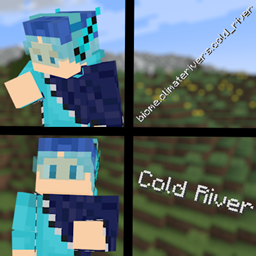
Fasten is a mod compatibility resource pack to add compatibility between various mods and the Ashen 16x resource pack for Fear Nightfall
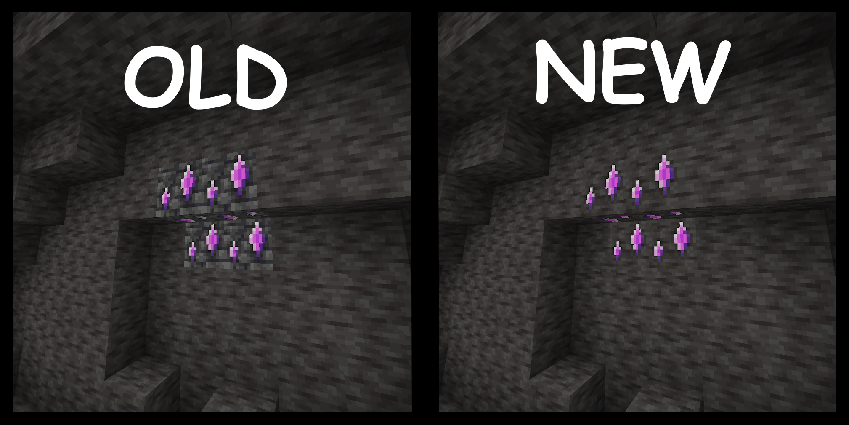
Compatibility for Mods consisting of
- The Aether
- Deep Dark Regrowth
- Farmers Delight
- Horror elements Mod
- Immersive Engineering
- Mutant Monsters
- Quark
- Supplementaries
- Travelers Backpacks
- Derelict
- and more
Examples:
- Creeper minions Now using the Fresh Animations and Mobs Refreshed creeper model and texture
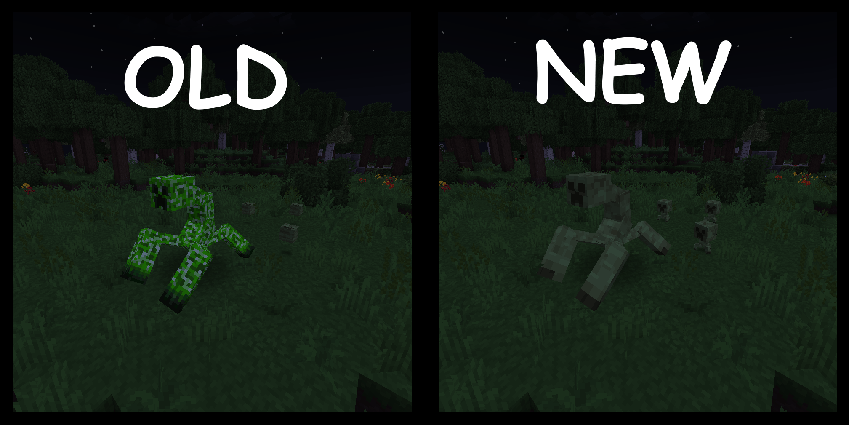
- Mutant Creeper's Now using a texture based off of the Mobs Refreshed creeper (same thing going for each of the mutant mobs and their corresponding vanilla mob)
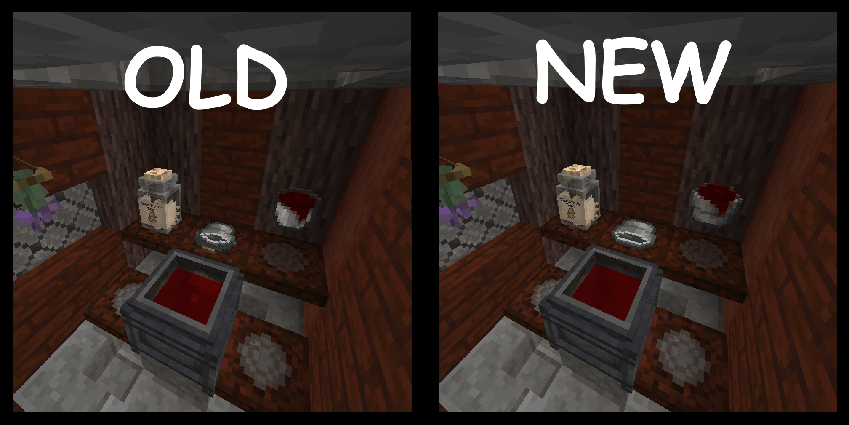
- The vanilla bucket and every single bucket variant has a modified version of the Ashen bucket to work with immersive engineering bucket formatting and to make every bucket type consistent
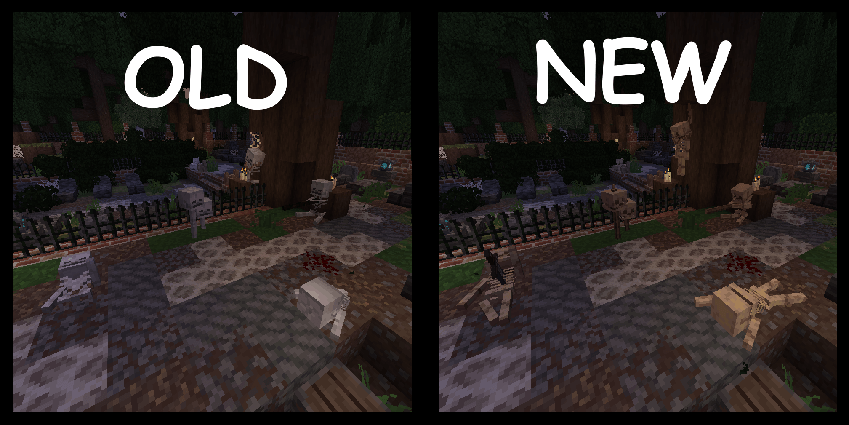
- Every skeleton block model now uses the correct model & texture from Mob's refreshed
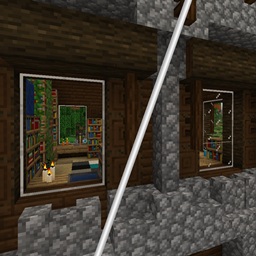
- All of the flickering and extinguished blocks from Derelict now use the correct textures and models from Ashen
- and more
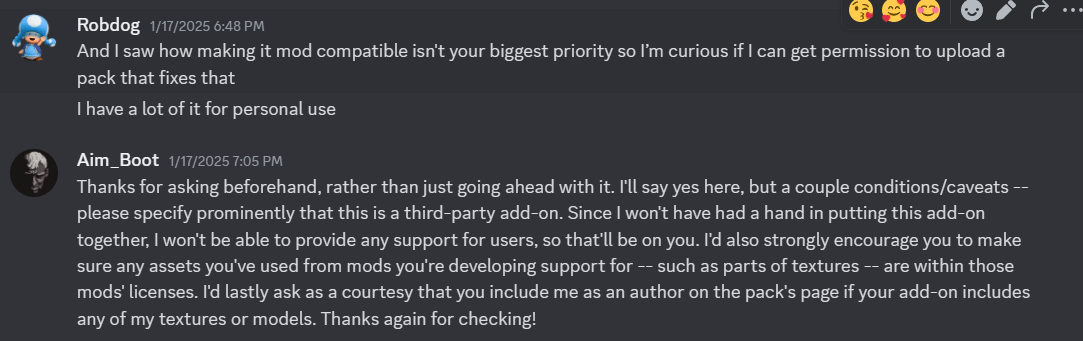
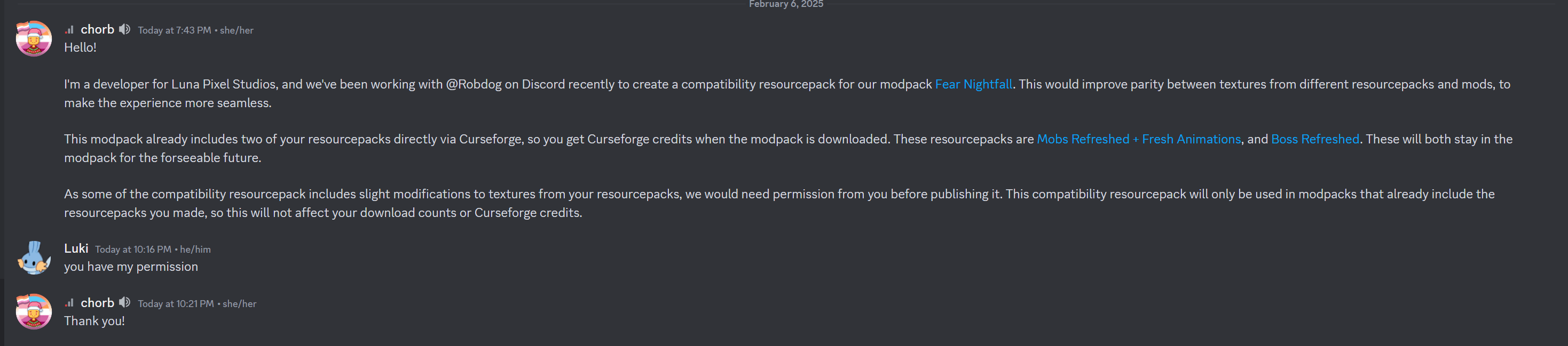
All new textures and models were modified by me but not created by all credit will go to the mod developers & resource pack developers that made their corresponding textures/models
Aim_Boot: Developer of Ashen 16x
FreshXL:Developer of Fresh Animations
lukidon: Developer of Mobs Refreshed