Mineuniverse
Resource Packs
Farmer GUI - Compats & Fixes

Farmer GUI - Compats & Fixes

RESOURCE PACK
Temporary compats and fixes for the Farmer GUI resource pack
by HappyMeek
Download Claim this project
361 downloads
0 likes
0 followers
Updated Oct 14, 2026
0 hypes
Follow0
16x Miscellaneous
Advertisement Remove ads with Premium →

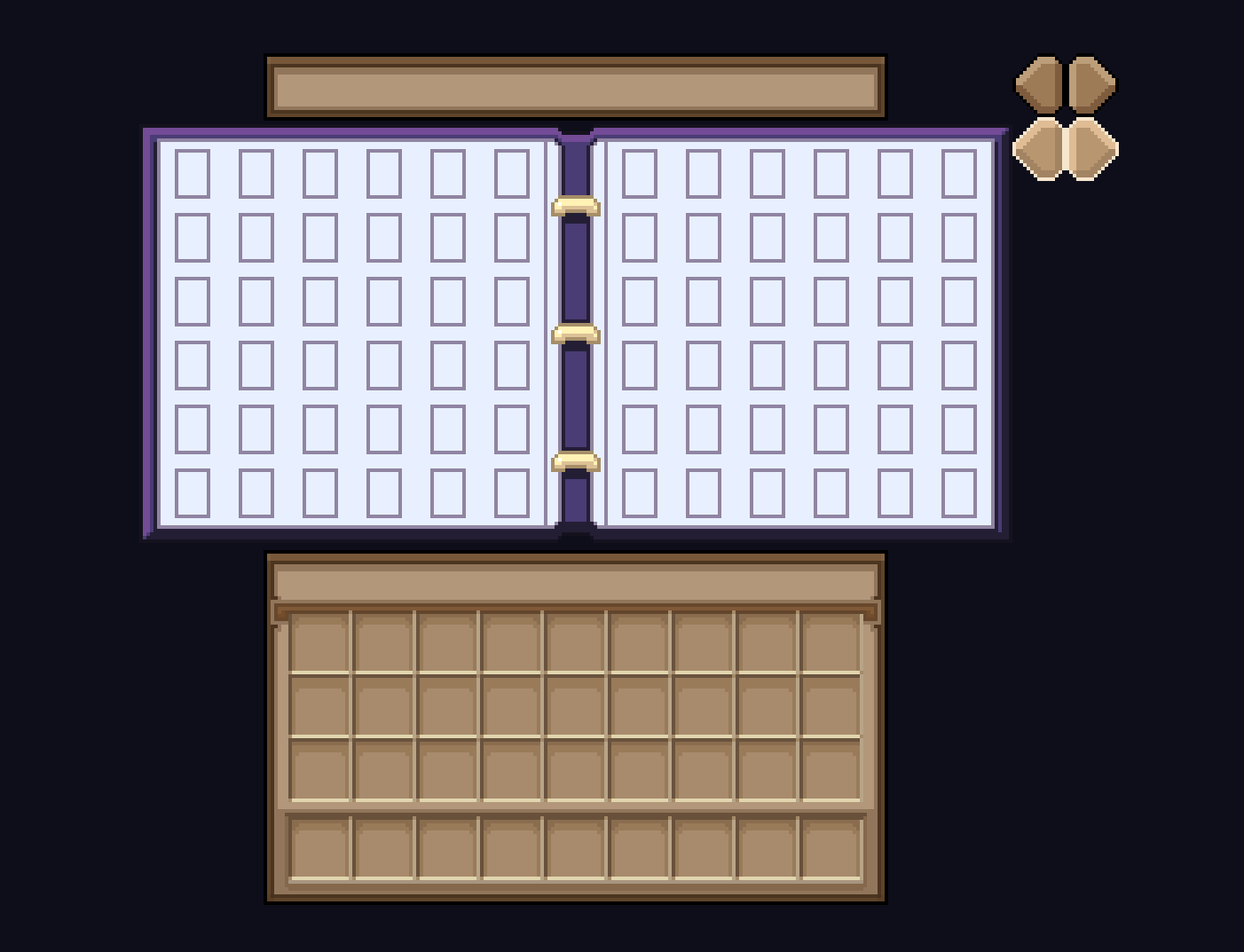
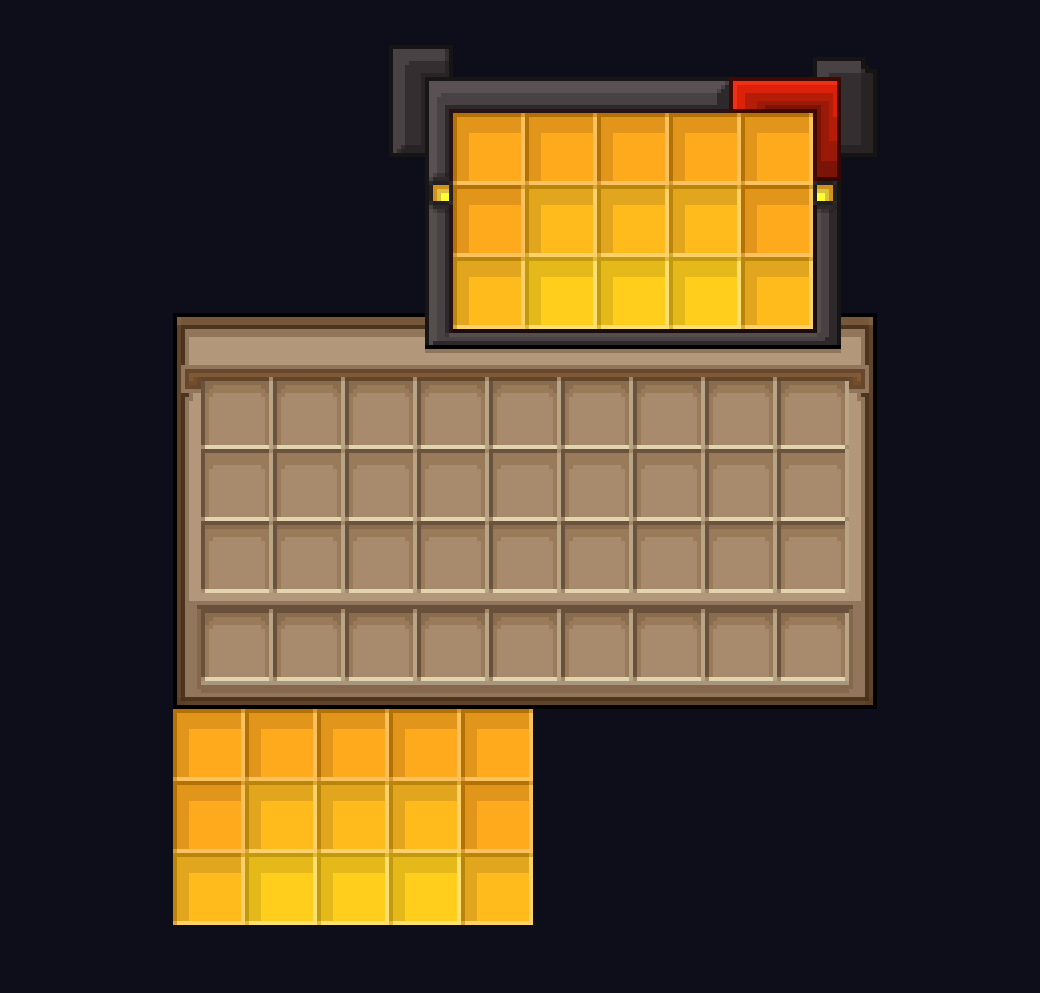
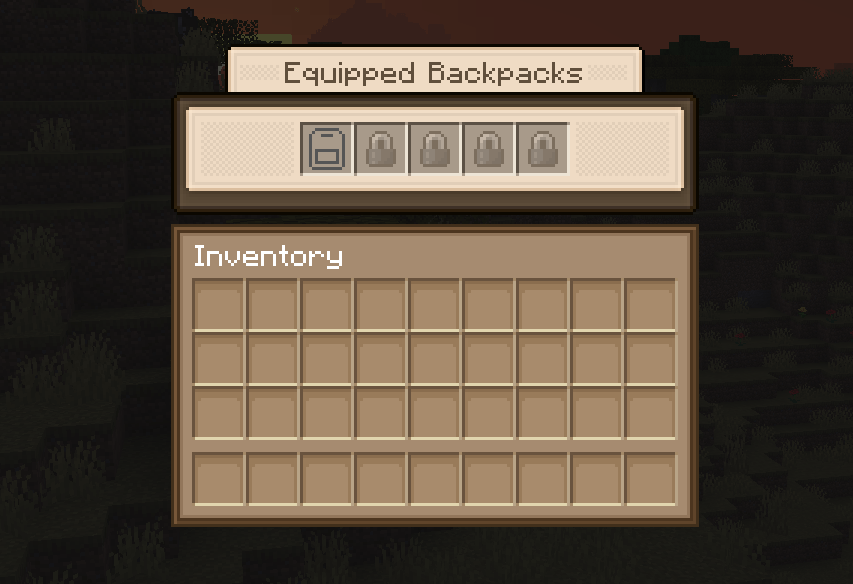
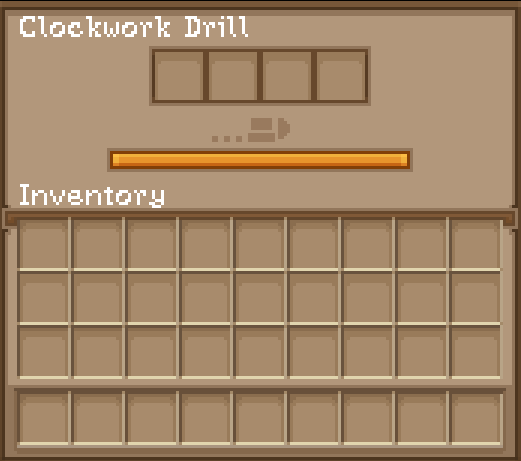
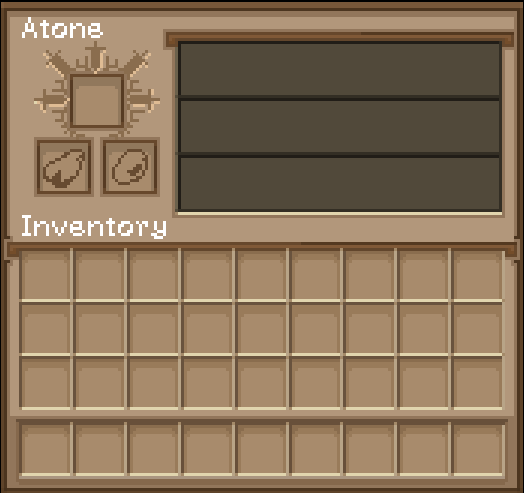
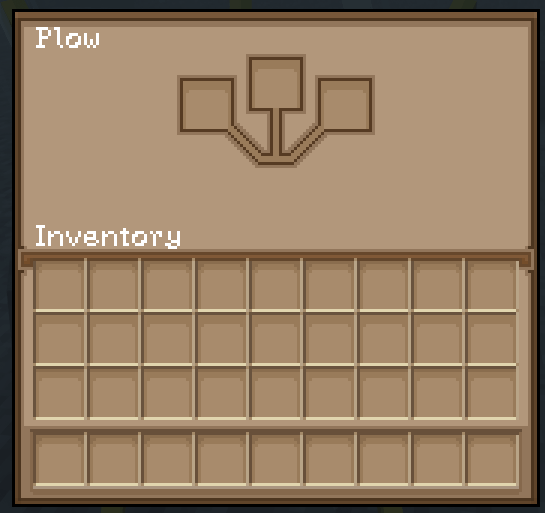
This pack adds compatibility to various mods that are currently unavailable in the Farmer GUI resource pack, created by MaTik. There are also fixes included for existing textures. This pack is mainly focused around 1.20.1 mods that I personally use, so future compatibility with other mods is not guaranteed. Some of the additions/ changes are very minor, like curios item textures or jei recipe textures.

Added Mods:


Fixed/ Updated:

Mods supported by Farmer GUI that are either missing some GUIs or don't work correctly anymore


Minor Additions:

Curios slots, buttons or JEI menus

Also changed vanilla Minecraft's recipe book button added by Farmer GUI.
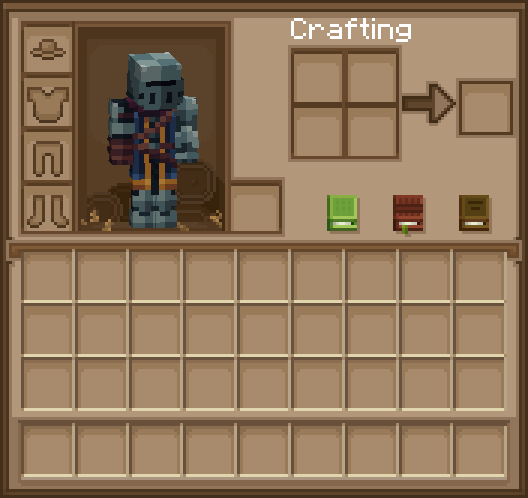
Before and After:
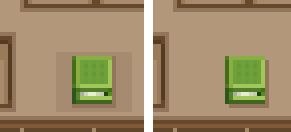
image

To use custom button textures for Reliable Advancements properly, change the Inventory Button icon to blank in the config.
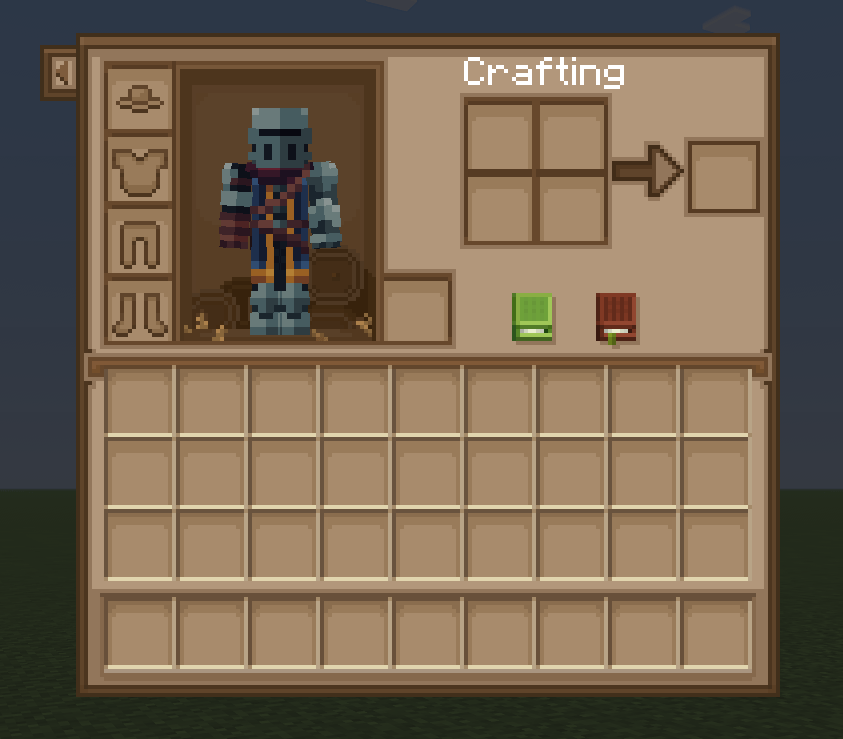
To use Field Guide and Reliable Advancements buttons in the inventory side by side, simply change the X offset for the advancements button to 22.
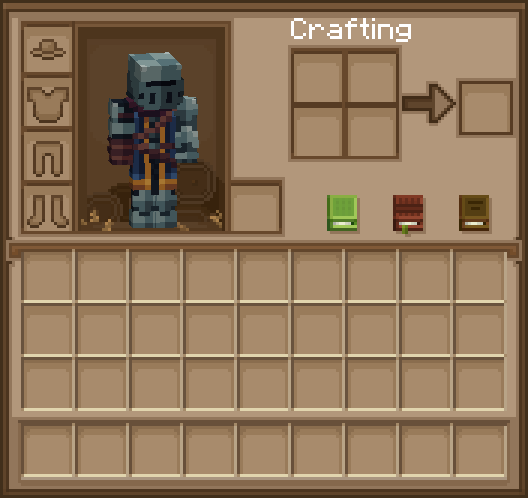
This is what the result should look like:
image

Modrinth Link


Get the Farmer GUI resource pack here: https://www.curseforge.com/minecraft/texture-packs/farmergui


Farmer GUI - Compats & Fixes 1.4.zip
MC 1.20.1
Release 2026-09-29 Get
Farmer GUI - Compats & Fixes 1.3.2.zip
MC 1.20.1
Release 2026-09-07 Get
Farmer GUI - Compats & Fixes 1.3.zip
MC 1.20.1
Release 2026-09-06 Get
Farmer GUI - Compats & Fixes 1.3.1.zip
MC 1.20.1
Release 2026-09-06 Get
Farmer GUI - Compats & Fixes 1.2.zip
MC 1.20.1
Release 2026-09-01 Get
Farmer GUI - Compats & Fixes 1.1.zip
MC 1.20.1
Release 2026-08-29 Get
Farmer GUI - Compats & Fixes.zip
MC 1.20.1
Release 2026-08-25 Get

Requirements & install

How to use this resource pack in Minecraft
Resolution
16x
Minecraft
1.20.1
Install folder
.minecraft/resourcepacks

How to install resource packs

  1. Download the resource pack .zip file (do not extract it).
  2. In Minecraft open Options → Resource Packs → Open Pack Folder.
  3. Drop the .zip into the resourcepacks folder (.minecraft/resourcepacks).
  4. Move the pack to the Selected column and click Done.
Browse more: 16x resource packs 32x resource packs 64x resource packs 128x resource packs 256x resource packs 512x+ resource packs Resource Packs for 1.20.1 All resource packs

More from HappyMeek

Advertisement Remove ads with Premium →

You Might Also Like