Badges update automatically and link to the resource pack page on MineUniverse.
*You need to go to the files tab and get the datapack AND resource pack for it to work!*
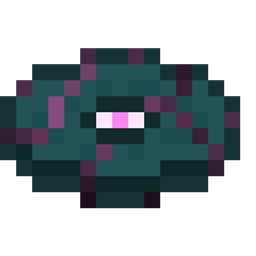
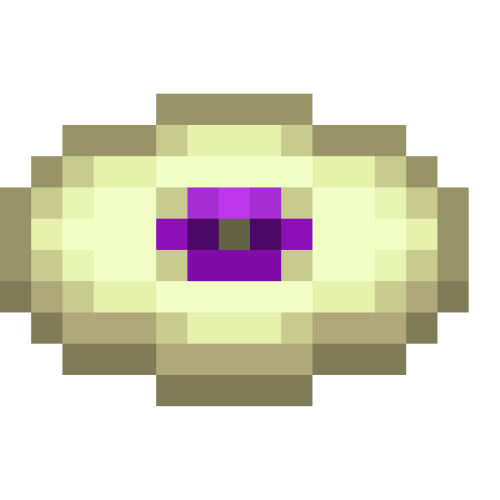
The Minecraft resource pack adds 17 custom music discs to the game, giving players a wider variety of music to enjoy while exploring the blocky world. The music discs are spread across a range of different genres. To access the music discs, you need to craft a Jukebox and google a music disk farm. With this resource pack, you can enjoy a more dynamic and diverse musical experience in Minecraft.
Disc List:
Crimsong - Found in Fortresses
Deepstate - Found in Ancient City Chest
Fort-Stress - Found in Fortresses
Golem - Found in Blacksmith Village Chests
Igneous - Found in Treasure Bastions
Ice - Found in Ancient Ice City Chest, Igloo Chest
Mesa - Found in Mineshafts
Mushroom Island - Dropped by Mooshrooms
Peak
Pig Bass - Found in Treasure Bastions
Railways - Found in Mineshafts
Shatteredge - Found in End City Chests
Shrooming - Dropped by Mooshrooms
Shulk - Found in End City Chests
Tall - Found in End City Chests
Weird Realm - Found in End City Chests
Suggestions are Extremely Welcome!
If you want to find the source of a disc you will most likely find it by searching "disc name" + Minecraft music disc
Credit: Thaetaa-Terraainn, T_en_M, JamiesName, IMD Pack Generator: https://www.youtube.com/watch?v=zDXSKYvJXmg