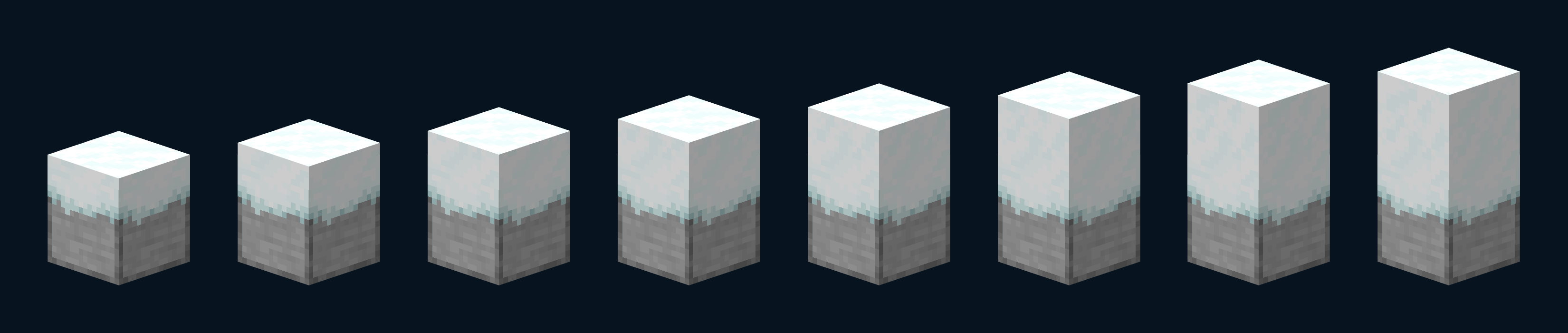
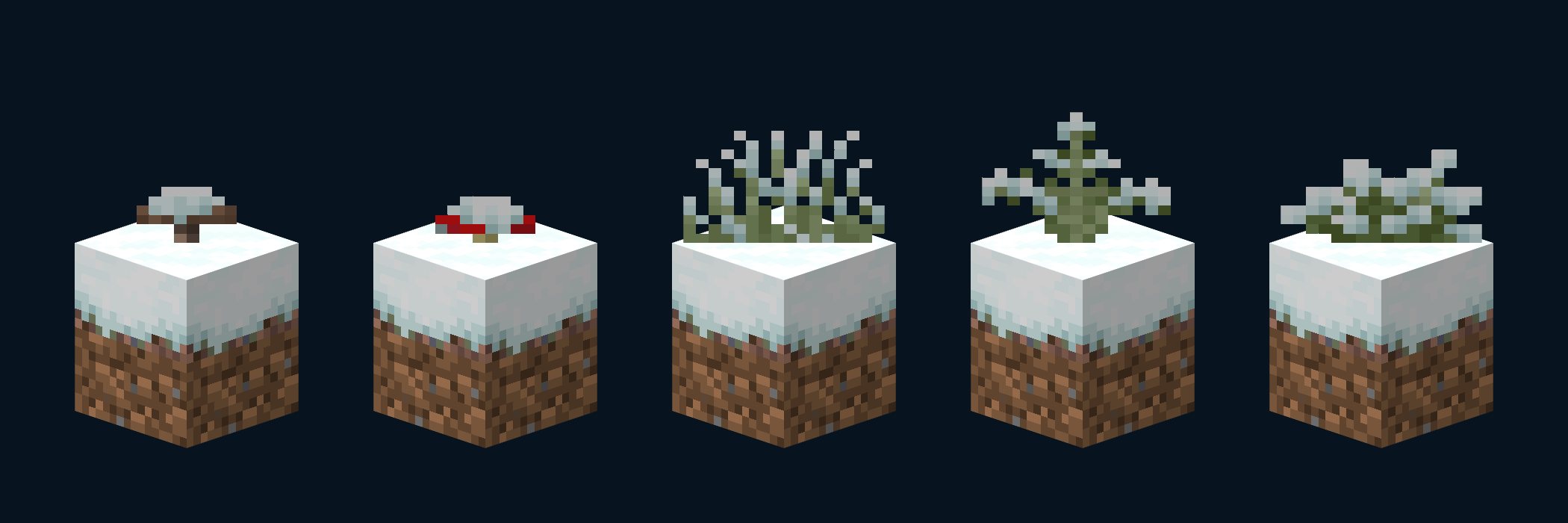
Fancy Snow is a resource pack designed to improve player immersion through small visual adjustments to snow-related blocks.
Available from version 21.6 onwards, it requires no additional mods, only the base game and the resource pack. Compatible with other projects of mine, such as:
Fancy Carpets. https://www.curseforge.com/minecraft/texture-packs/fancy-carpets
What does it add? :
- Modifications to the “grass block snow” and “snow height” models.
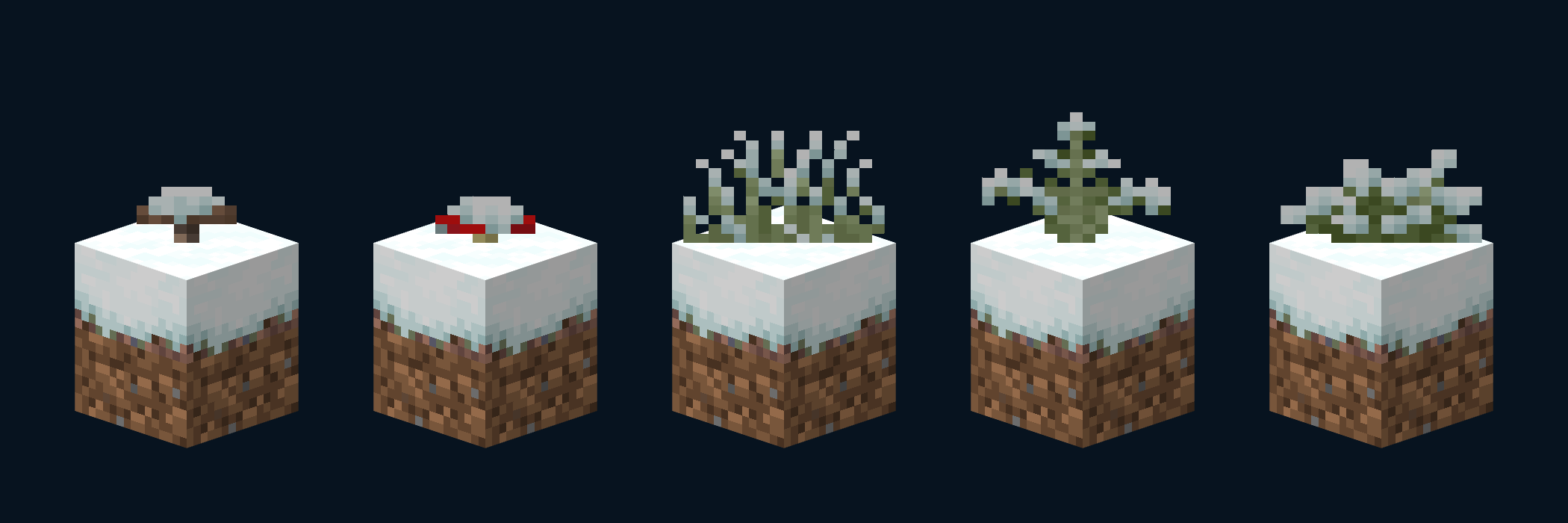
- In the snow-covered grass block (grass block snow), partially covered vegetation is incorporated, providing greater detail and realism.
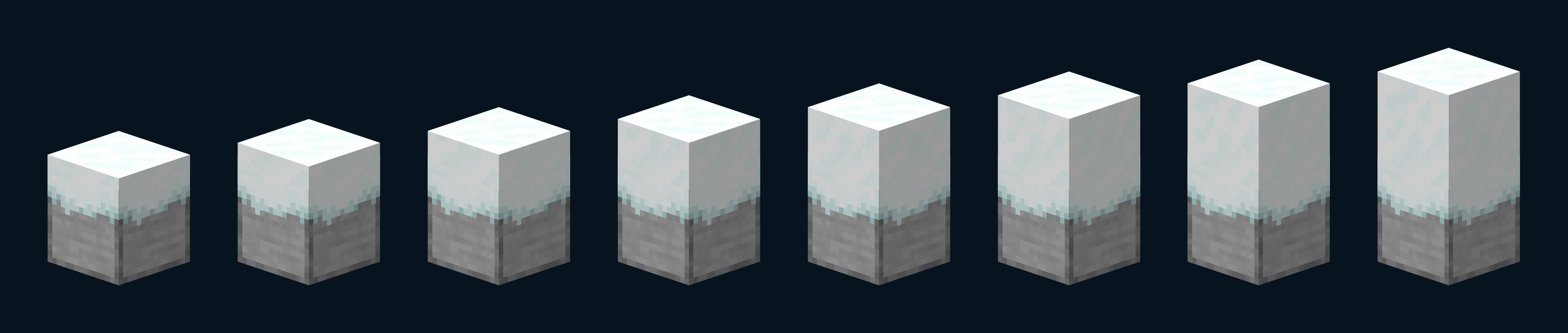
- In the snow layers (snow height), decorative borders are added that soften the visual transition and improve their appearance.
Available versions : This resource pack is available from version 26.1 or above.
- Fancy Snow – Full: Includes all the features mentioned, including vegetation on snowy grass blocks.

Possible errors :
- Z-fighting may occur at long distances, due to limitations in model rendering.
- Slight inconsistencies may be noted in the lighting of the vegetation within the "grass block snow", as snow and collision with adjacent blocks may partially obscure the texture.
Impact on performance :
- Although the resource pack does not include large files, it does use some textures that remain hidden within the terrain for technical reasons necessary for the models.
- Even so, its impact on performance is low and insignificant.