Mineuniverse
Resource Packs
Faithful Micro Tools 32x

Faithful Micro Tools 32x

RESOURCE PACK
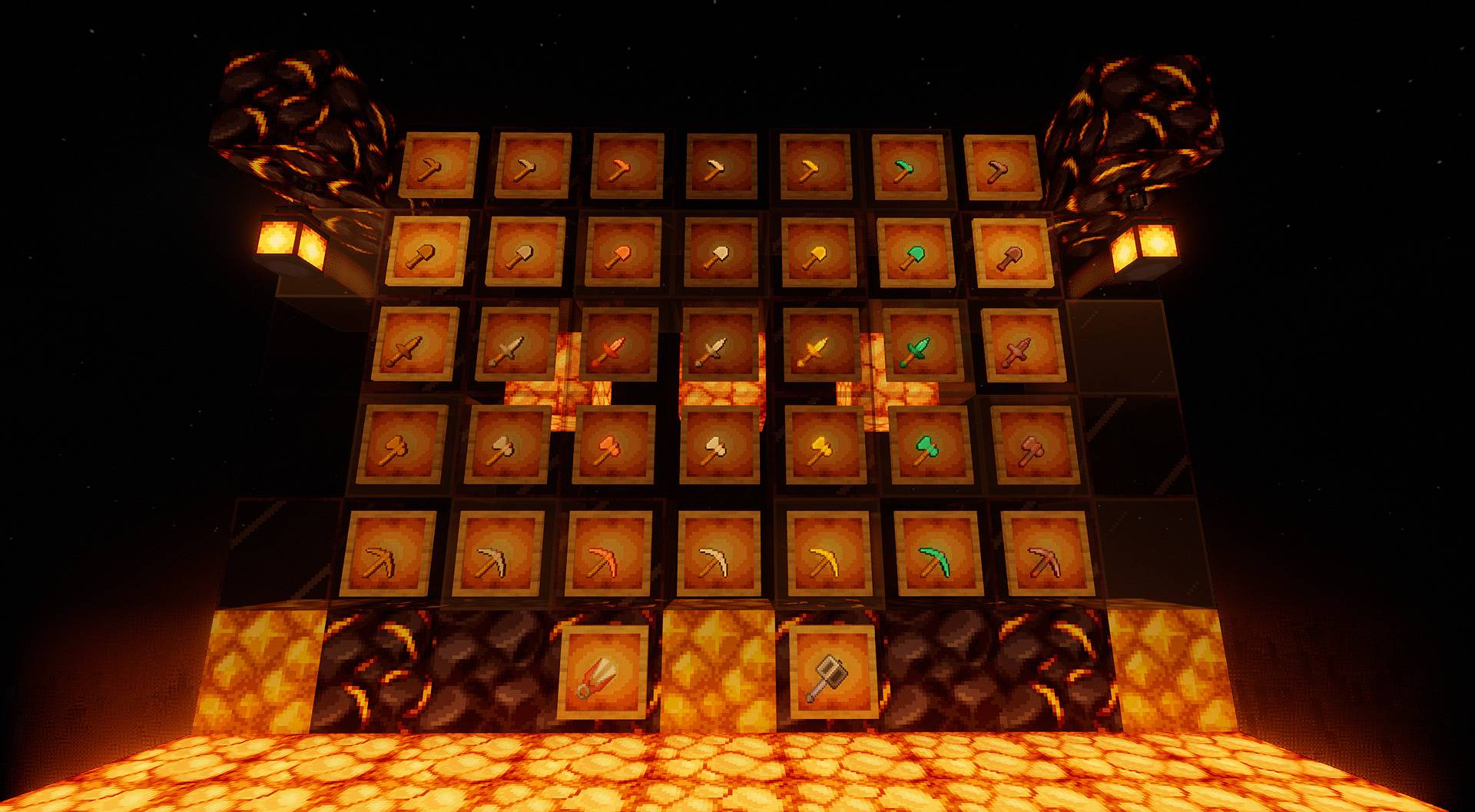
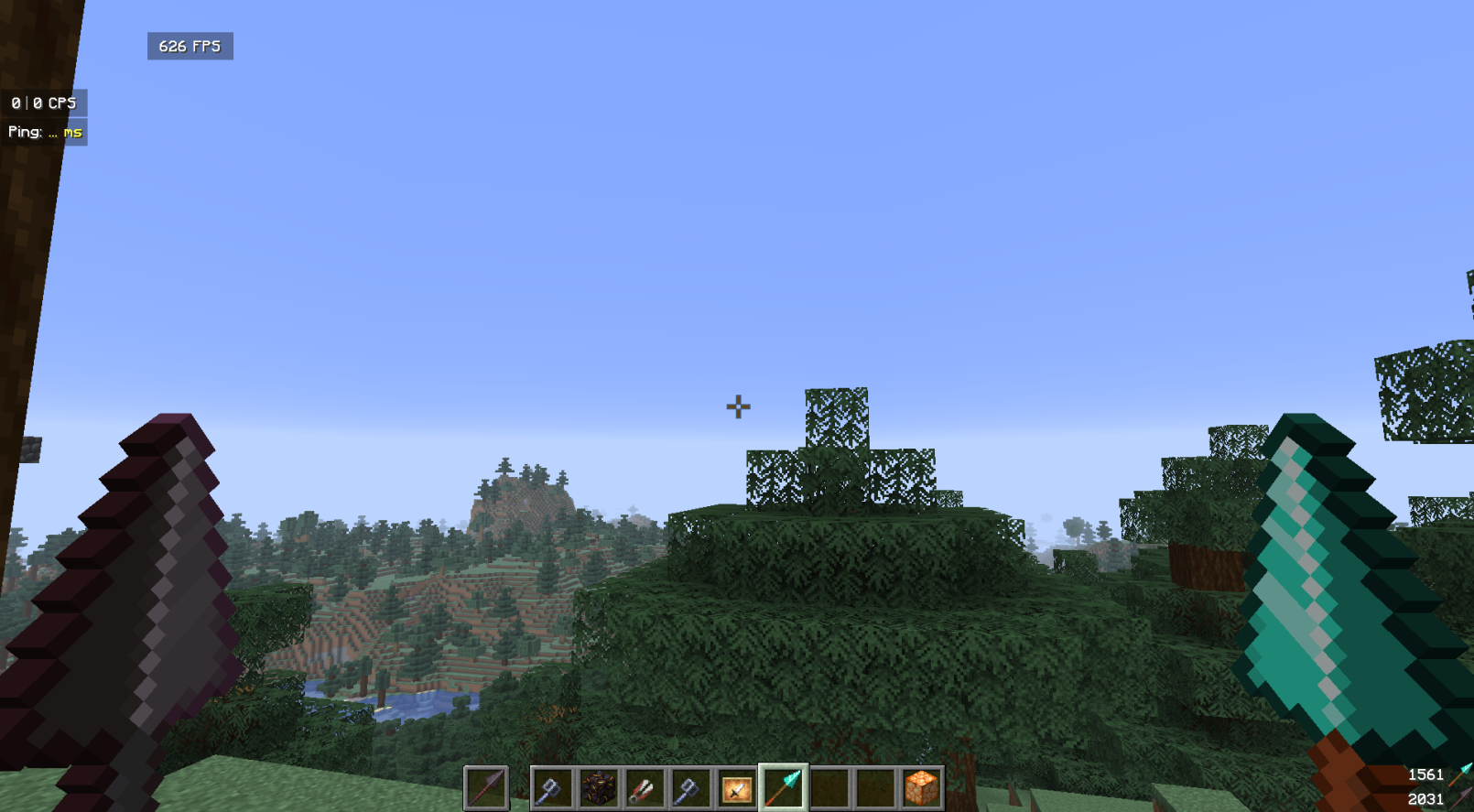
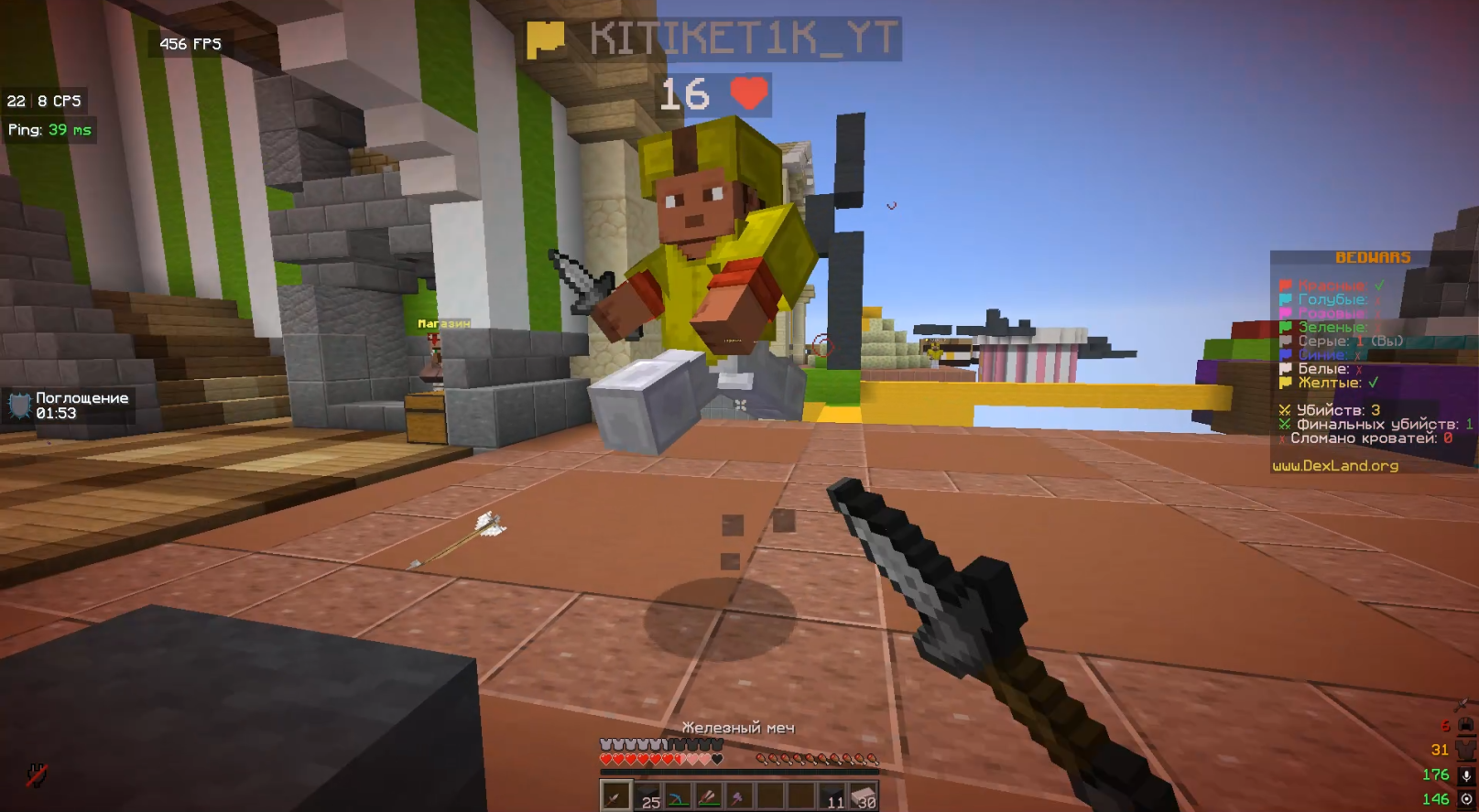
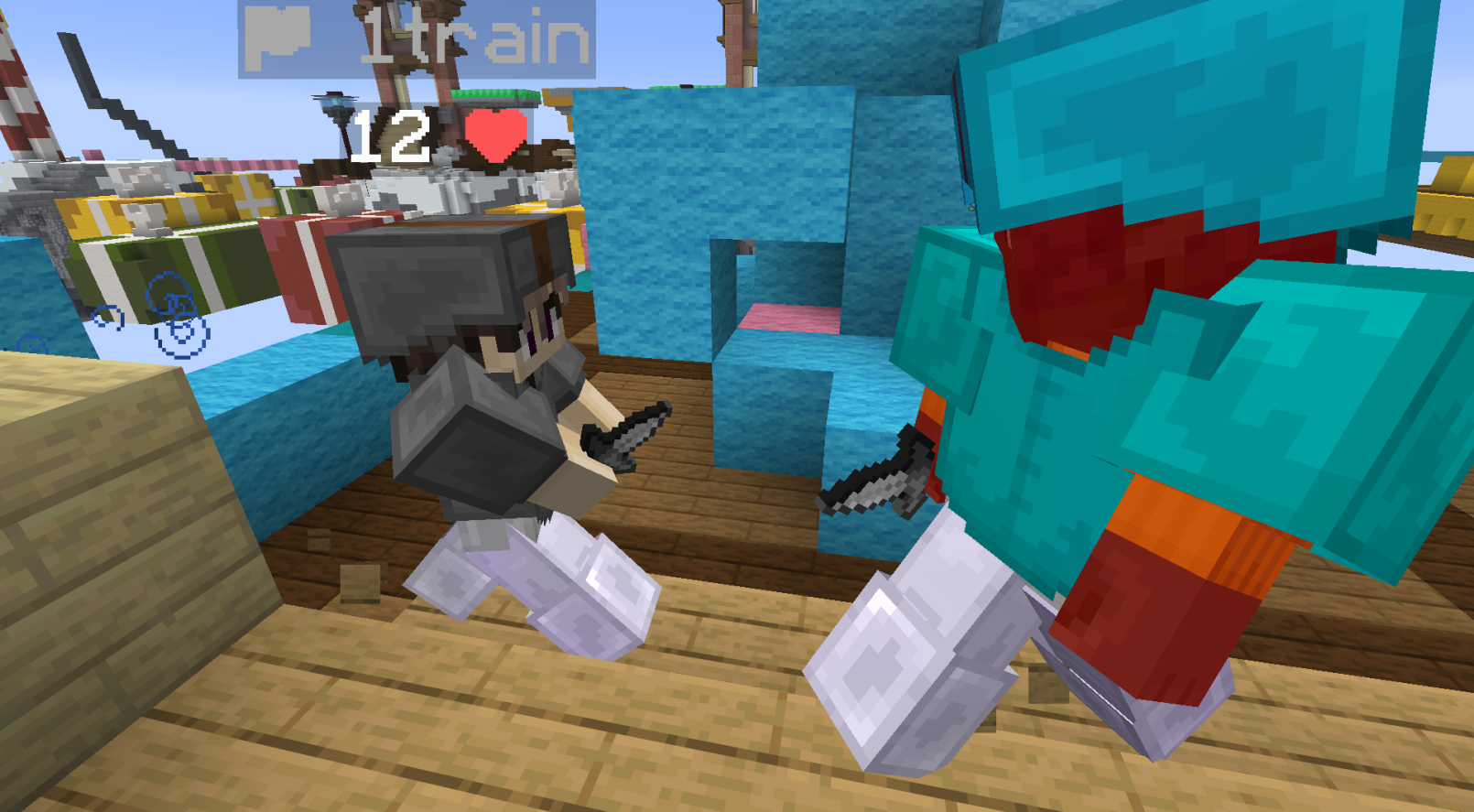
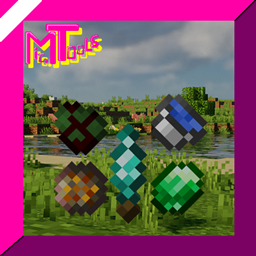
An unofficial PvP-focused overlay that shrinks tools and weapons from the Faithful resource pack for maximum screen visibility and cleaner combat.
by DOONDOONDUCK
Download Claim this project
159 downloads
0 likes
0 followers
Updated Oct 14, 2026
0 hypes
Follow0
32x Miscellaneous Traditional
Advertisement Remove ads with Premium →

⚔️ About The Pack

Are you a fan of the classic Faithful resource pack but find that the tools and weapons take up too much of your screen during intense PvP matches? This pack is exactly what you need!

This is a PvP overlay specifically designed to complement Faithful. It takes the iconic 32x32 (or 64x64, укажи нужное разрешение, если требуется) textures from Faithful and shrinks them down to a compact, PvP-friendly size. Now you can enjoy the clean, high-resolution Faithful aesthetic without sacrificing your field of view (FOV) and combat awareness.

✨ Key Features

  • Perfect Compatibility: Matches the exact style and resolution of the Faithful resource pack—no ugly texture mismatches!

  • Low-Fire & Short Tools: Gives you a massive competitive advantage in PvP by clearing up your screen.

  • Seamless Overlay: Just place this pack above Faithful in your Minecraft resource pack menu, and you are good to go.

  • Performance Friendly: Keeps the game running smoothly while looking crisp.

link to the original faithful website - https://faithfulpack.net/

This pack is a modified derivative of the Faithful Resource Pack and is distributed under the terms of the official Faithful License. Original textures by Faithful Team.

Faithful Micro Tools 32x.zip
MC 1.21.11
Beta 2026-06-14 Get

Requirements & install

How to use this resource pack in Minecraft
Resolution
32x
Minecraft
1.21.11
Install folder
.minecraft/resourcepacks

How to install resource packs

  1. Download the resource pack .zip file (do not extract it).
  2. In Minecraft open Options → Resource Packs → Open Pack Folder.
  3. Drop the .zip into the resourcepacks folder (.minecraft/resourcepacks).
  4. Move the pack to the Selected column and click Done.
Browse more: 16x resource packs 32x resource packs 64x resource packs 128x resource packs 256x resource packs 512x+ resource packs Resource Packs for 1.21.11 All resource packs

More from DOONDOONDUCK

Advertisement Remove ads with Premium →

You Might Also Like