Mineuniverse
Resource Packs
Faithful 3D

Faithful 3D

RESOURCE PACK
Discover Faithful with more depth !
by Juknum
Download Claim this project
255,842 downloads
0 likes
Updated Oct 14, 2026
0 hypes
32x Animated Miscellaneous Traditional
Advertisement Remove ads with Premium →

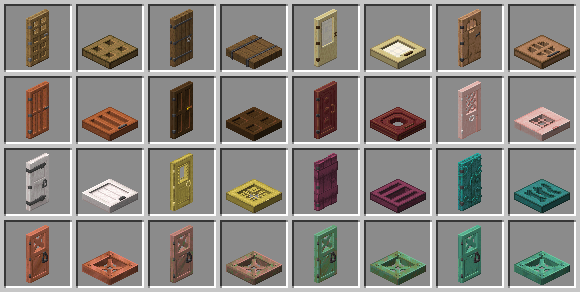
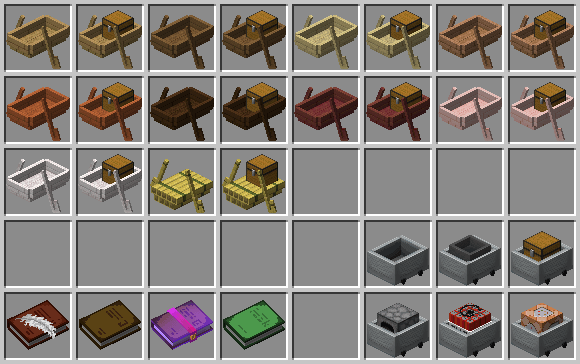
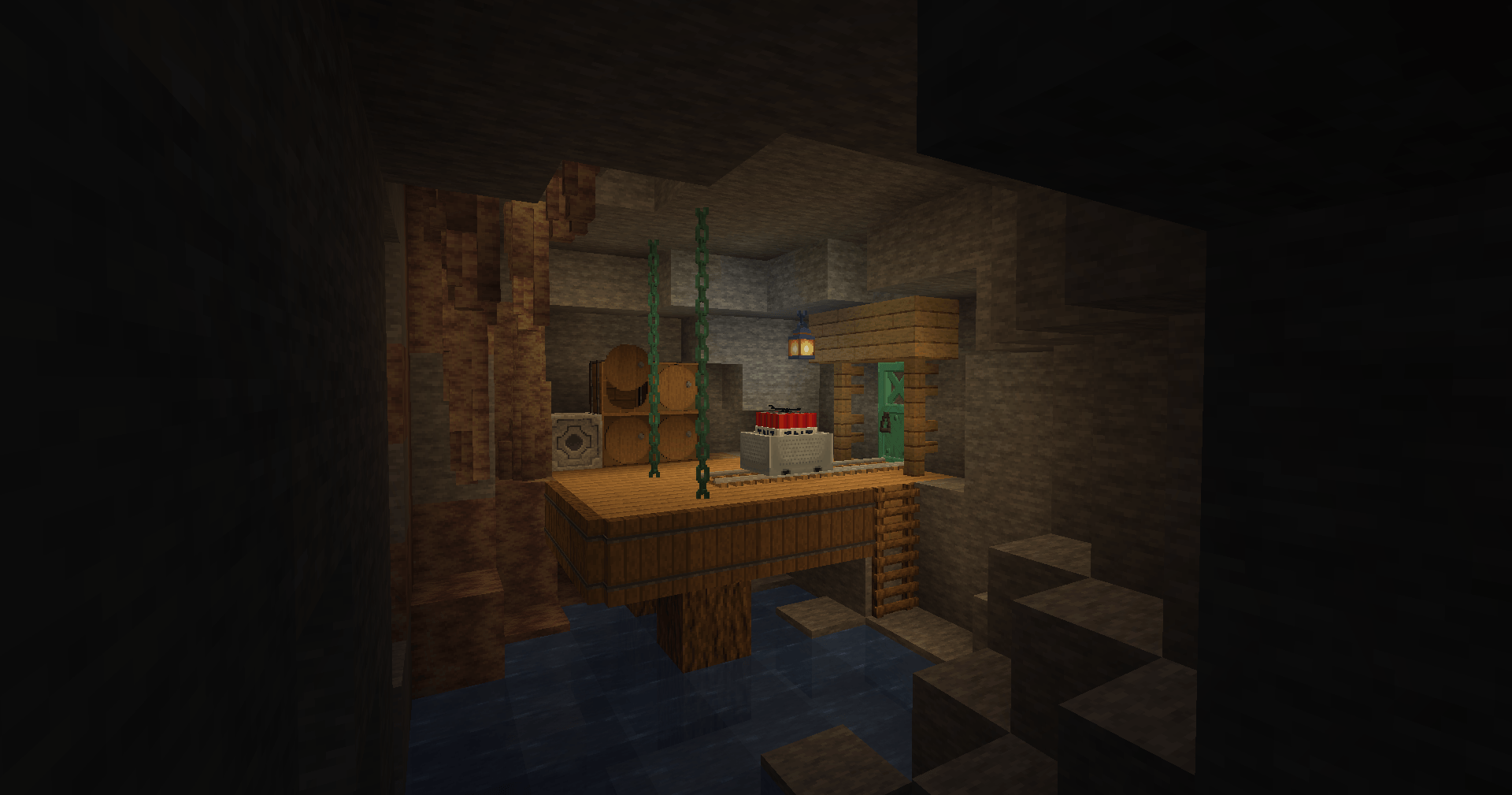
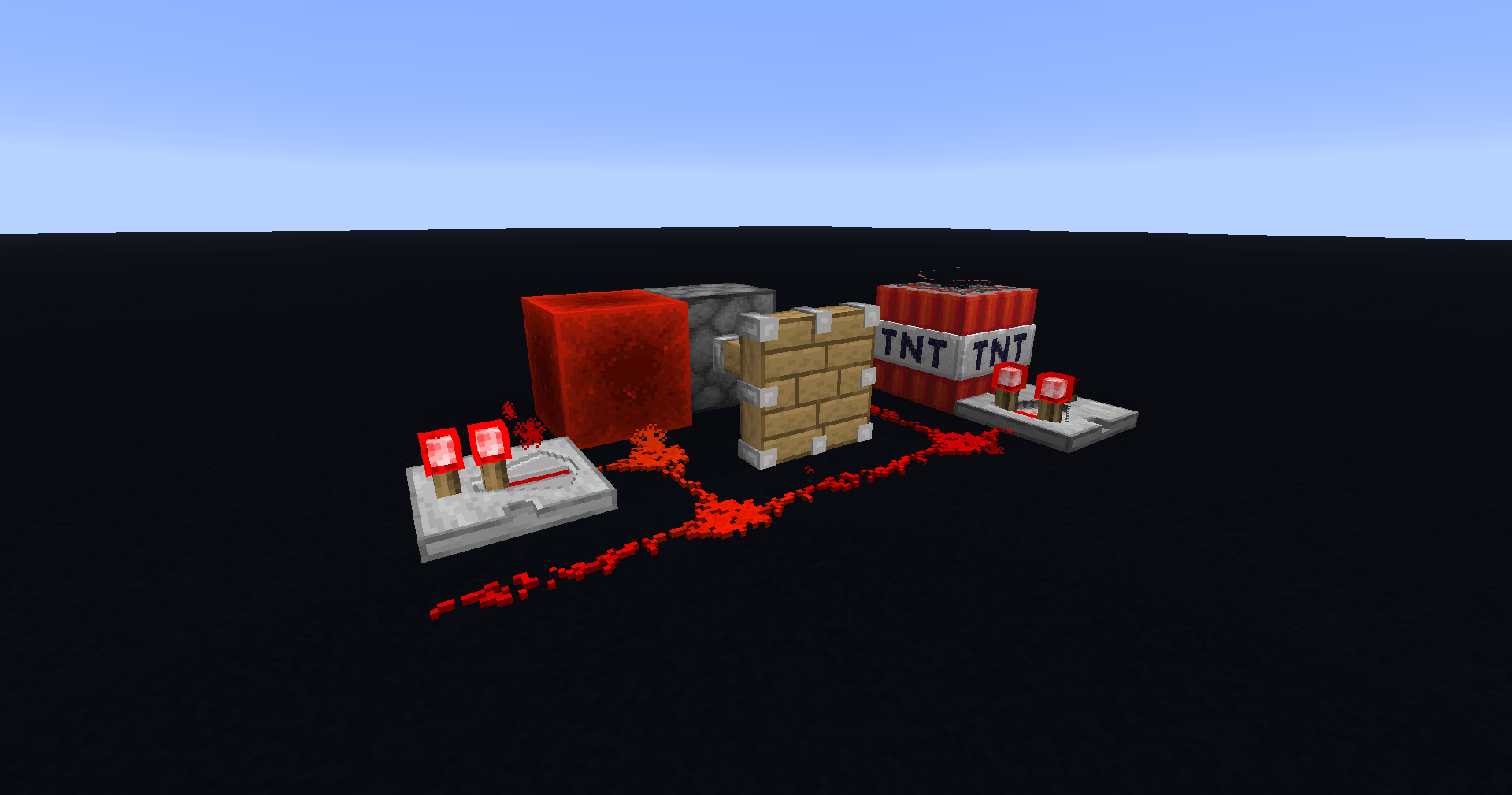
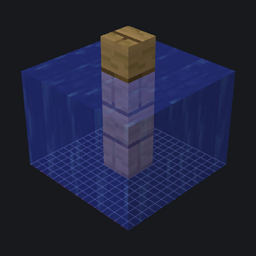
Faithful 3D is an add-on for the popular Faithful Resource Pack, bringing an extra layer of depth and realism to your Minecraft world. By adding subtle, high-quality 3D models to blocks and items, Faithful 3D keeps the iconic clean and polished look of Faithful while enhancing immersion. Every model is carefully crafted to stay true to the original style, ensuring that your world feels fresh and detailed—without straying from the charm you love.

Perfect for builders, explorers, and long-time Faithful fans, this add-on is the ideal companion to make your game feel richer and more alive.

Any version earlier than 1.21 is deprecated and will not receive new updates.

Version 26.1 and above are now compatible with Sodium

Faithful 3D - 1.21.11 - July 2026
MC 1.21.11
Release 2026-07-11 Get
Faithful 3D - 26.1 - July 2026
MC 26.1, 26.1.1, 26.1.2
Release 2026-07-11 Get
Faithful 3D - 26.2 - July 2026
MC 26.2
Release 2026-07-11 Get
Faithful 3D - 1.21.9-10 - October 2025
MC 1.21.9, 1.21.10
Release 2025-10-12 Get
Faithful 3D - 1.21.8 - September 2025
MC 1.21.8
Release 2025-08-31 Get
Faithful 3D - 1.21.8 - August 2025
MC 1.21.8
Release 2025-08-11 Get
Faithful 3D - 1.18.2 - March 2022
MC 1.17.1, 1.18.1, 1.17, 1.18.2, 1.17-Snapshot, 1.18, 1.18-Snapshot
Alpha 2022-03-30 Get
Faithful 3D - 1.19 - March 2022
MC 1.19-Snapshot
Alpha 2022-03-30 Get
Faithful 3D - 1.16.4 - November 2020
MC 1.16.3, 1.16.4, 1.16.2
Beta 2020-11-05 Get
Faithful 3D - 1.12 - June 2020
MC 1.12.1, 1.12, 1.12.2
Beta 2020-06-01 Get
Faithful 3D - 1.15.2 - February 2020
MC 1.15.2
Beta 2020-02-08 Get

Requirements & install

How to use this resource pack in Minecraft
Resolution
32x
Minecraft
1.21.8 – 26.2
Install folder
.minecraft/resourcepacks

How to install resource packs

  1. Download the resource pack .zip file (do not extract it).
  2. In Minecraft open Options → Resource Packs → Open Pack Folder.
  3. Drop the .zip into the resourcepacks folder (.minecraft/resourcepacks).
  4. Move the pack to the Selected column and click Done.
Browse more: 16x resource packs 32x resource packs 64x resource packs 128x resource packs 256x resource packs 512x+ resource packs Resource Packs for 26.2 All resource packs

More from Juknum

Advertisement Remove ads with Premium →

You Might Also Like