Mineuniverse
Resource Packs
FairyCavernPack

FairyCavernPack

RESOURCE PACK
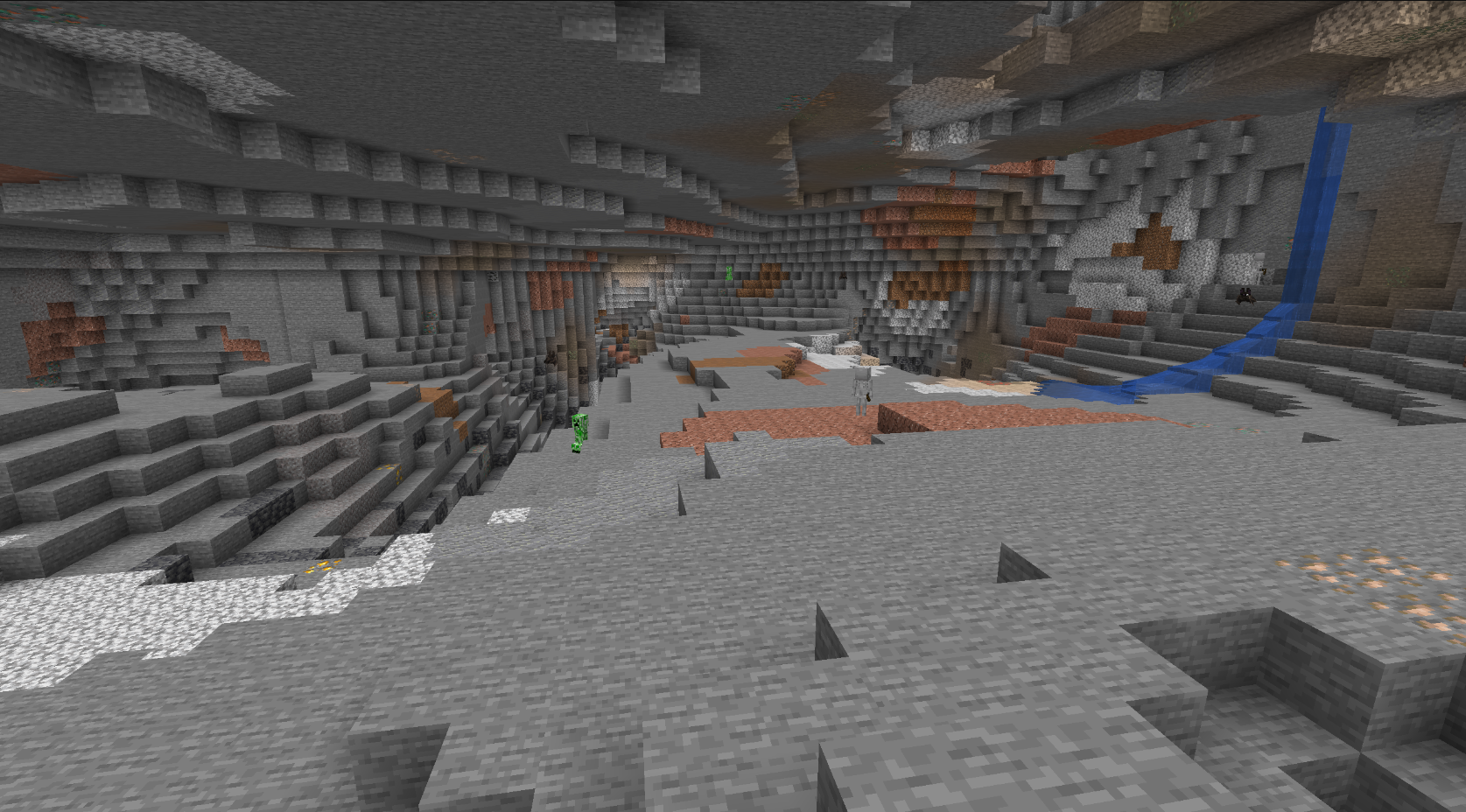
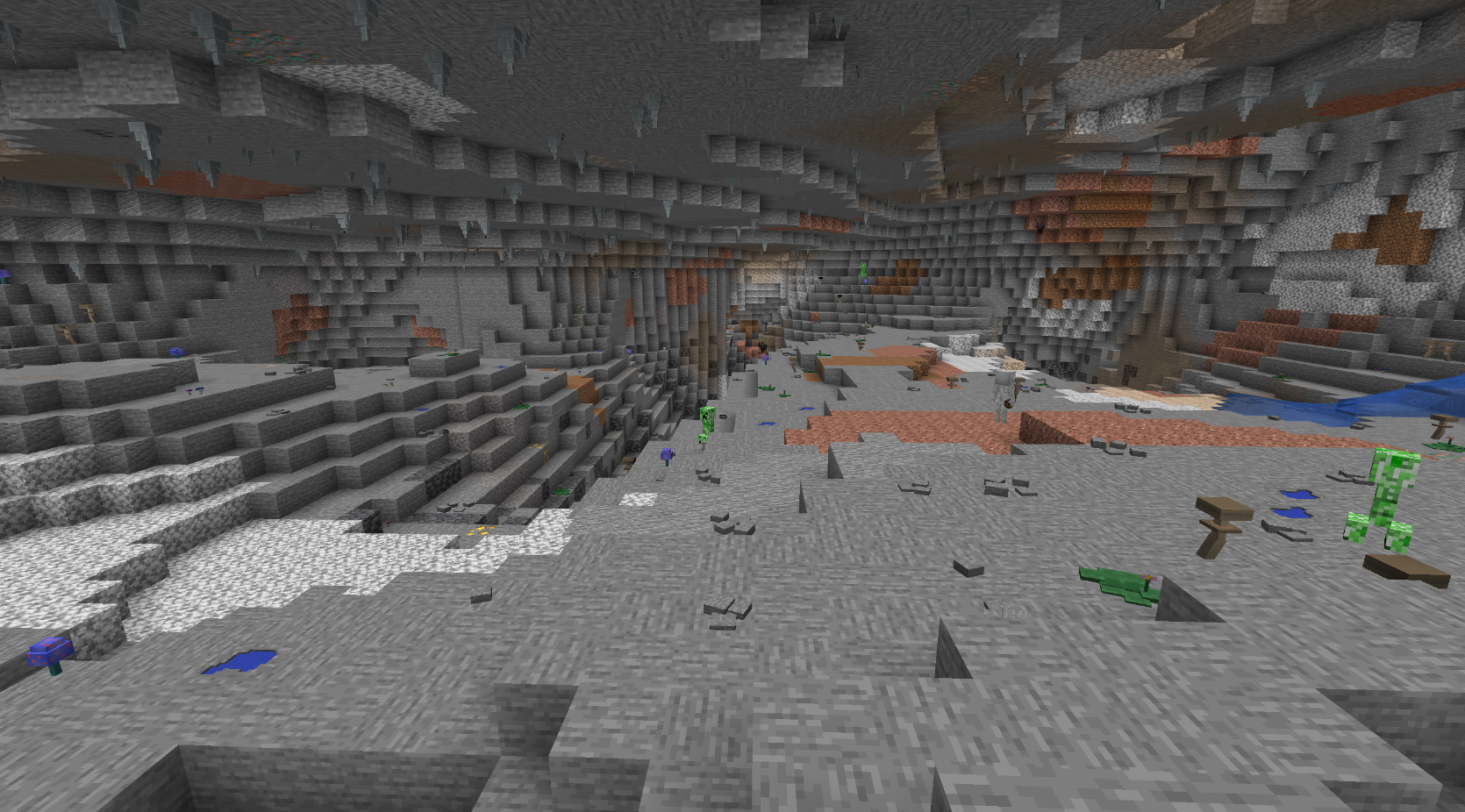
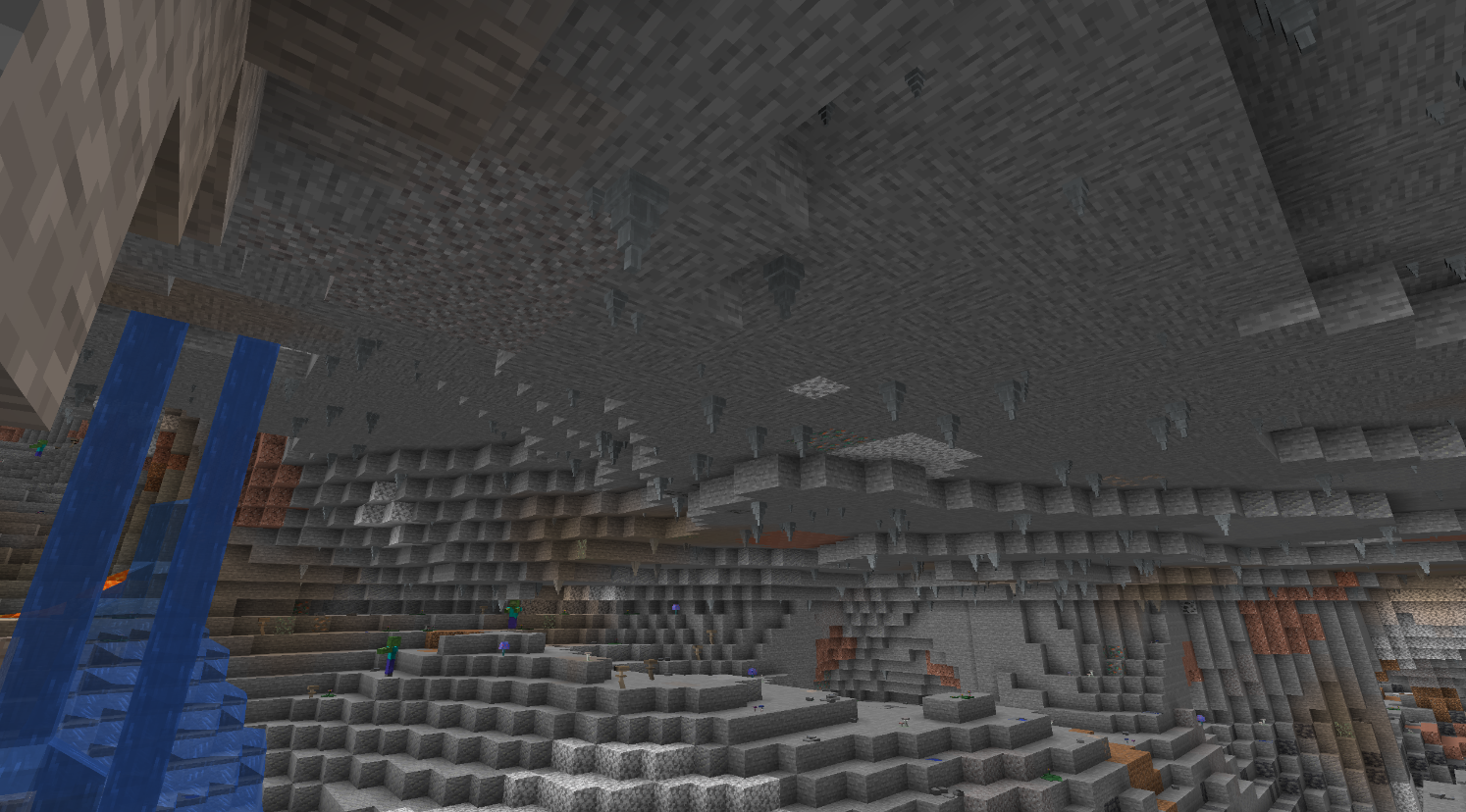
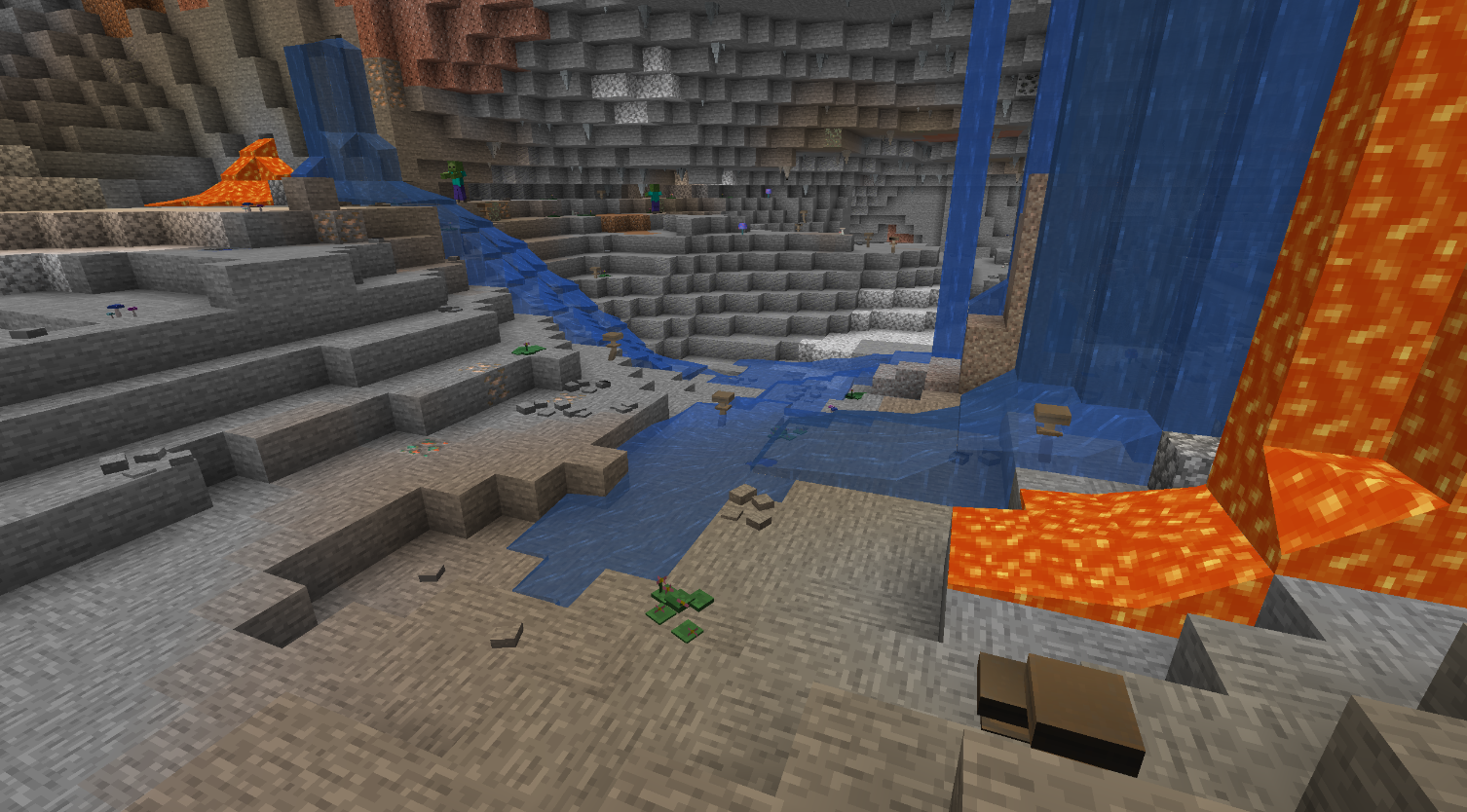
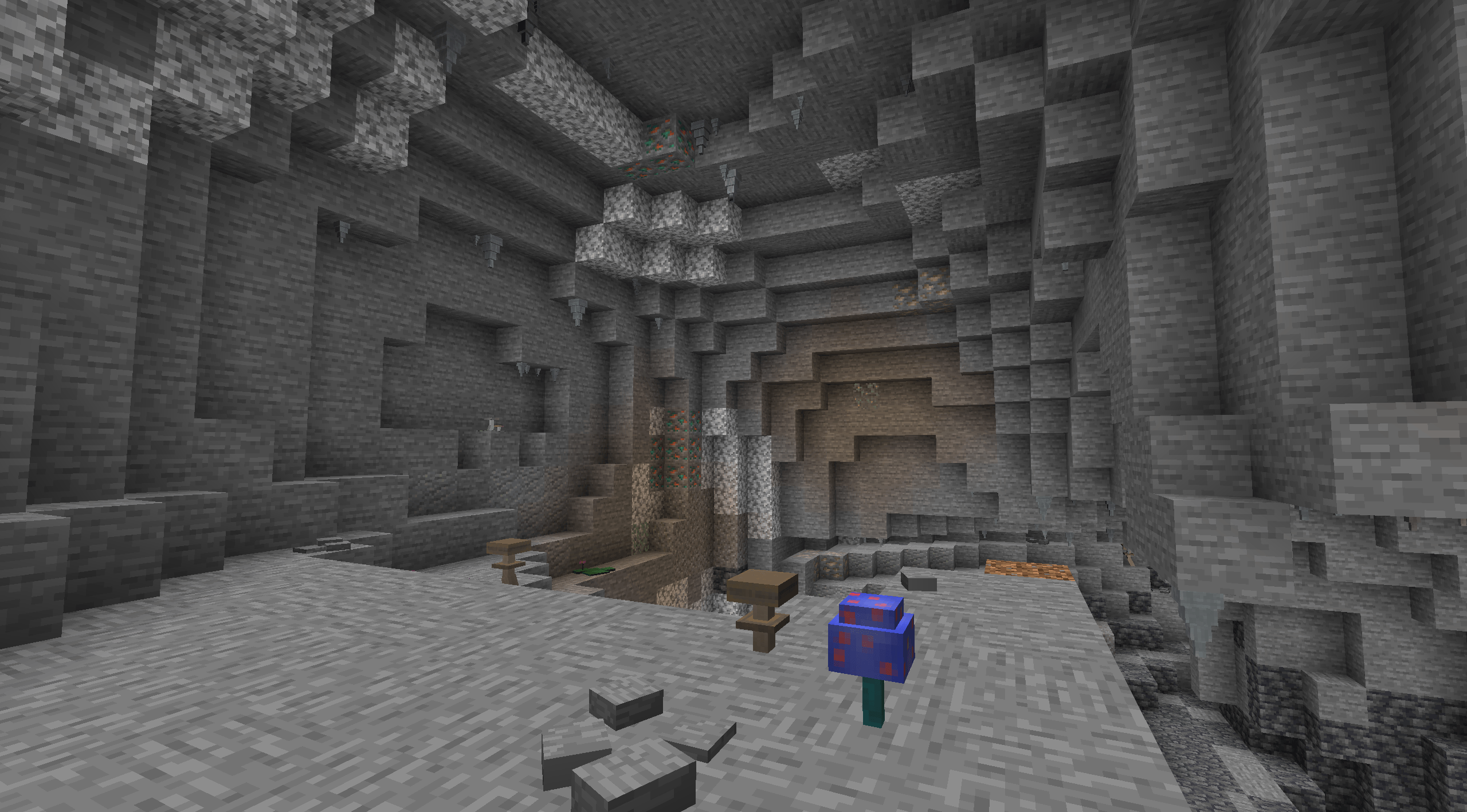
Enhance your Minecraft caves with diverse and immersive textures, including stalactites, mushrooms, puddles, pebbles, and moss. Transform your underground exploration with detailed and realistic stone models.
by Sahar
Download Claim this project
504 downloads
0 likes
Updated Oct 14, 2026
0 hypes
Data Packs Traditional
Advertisement Remove ads with Premium →

Enhance Your Caves with the Ultimate Minecraft Texture Pack!

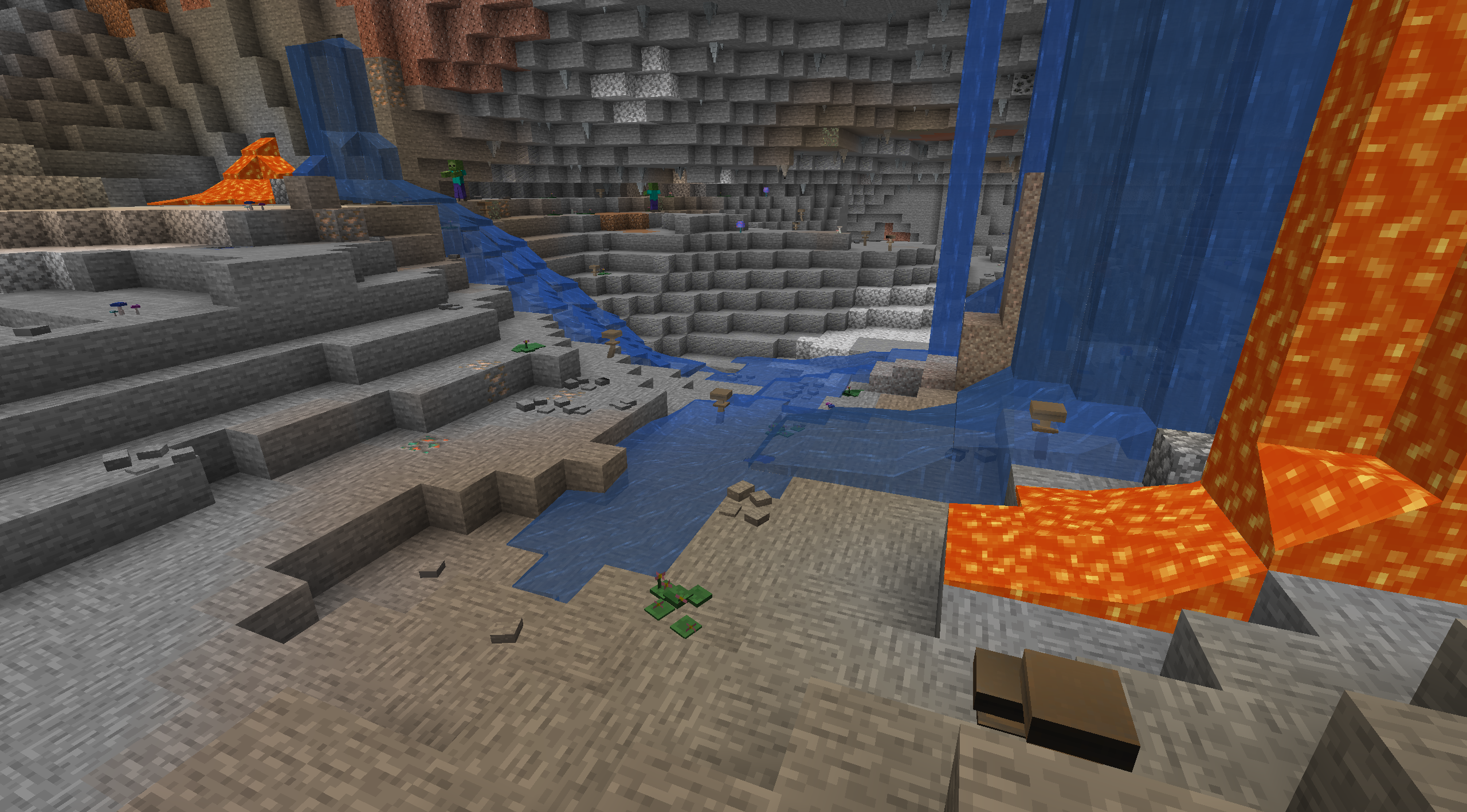
Dive into a more immersive and diverse cave exploration experience with our texture pack, designed to bring your vanilla stone models to life. This pack adds a variety of natural elements to the stone blocks, making your underground adventures more exciting and visually appealing.
ex

Features:

  • Stalactites and Stalagmites: Add realistic and varied stone formations to your caves, giving them a more natural and ancient feel.
  • Mushrooms and Toadstools: Introduce a variety of fungi, including mushrooms and toadstools, to create a more vibrant and lifelike cave environment.
  • Puddles: Small puddles on stone surfaces add a touch of realism and atmosphere to your underground spaces.
  • Pebbles: Scatter small pebbles across stone blocks for added texture and detail.
  • Moss: Cover parts of your stone blocks with lush moss, making your caves feel more ancient and untouched by time.

Keywords:

Minecraft, texture pack, cave enhancements, stone textures, stalactites, stalagmites, mushrooms, toadstools, puddles, pebbles, moss, cave decor, underground exploration, immersive caves, detailed stone blocks.

https://discord.gg/4GJhWpDApG

FairyCavernPack1.12.2.zip
MC 1.12.2
Release 2024-06-26 Get
FairyCavernPack1.20.4.zip
MC 1.20.4
Release 2024-06-23 Get
FairyCavernPack1.19.2..zip
MC 1.19.2
Release 2024-06-23 Get
FairyCavernPack1.16.5.zip
MC 1.16.5
Release 2024-06-23 Get

Requirements & install

How to use this resource pack in Minecraft
Resolution
Not specified
Minecraft
1.12.2 – 1.20.4
Install folder
.minecraft/resourcepacks

How to install resource packs

  1. Download the resource pack .zip file (do not extract it).
  2. In Minecraft open Options → Resource Packs → Open Pack Folder.
  3. Drop the .zip into the resourcepacks folder (.minecraft/resourcepacks).
  4. Move the pack to the Selected column and click Done.
Browse more: 16x resource packs 32x resource packs 64x resource packs 128x resource packs 256x resource packs 512x+ resource packs Resource Packs for 1.20.4 All resource packs

More from Sahar

Advertisement Remove ads with Premium →

You Might Also Like