FairPack by iFair_
Optifine is needed for the best experience
You can also use CIT Resewn when you're using sodium
This Pack may be banned or blocked on some servers, ask someone before you use it on a server!
Lets say what does this pack do
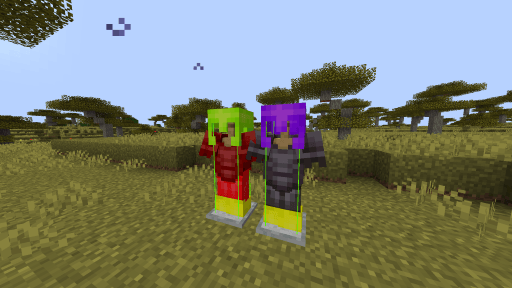
You can see your opponent's durability on a fight with also knowing about his sword has fire aspect or knockback
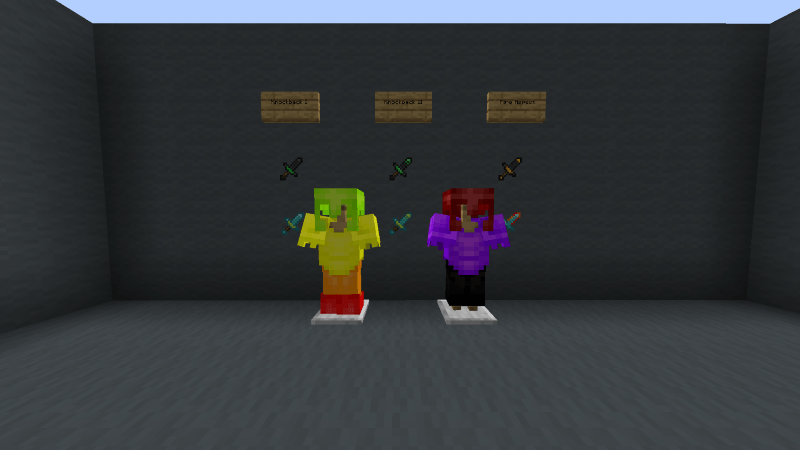
Before explaining colors, now helmets' durabilities are shown by text
How the colors work?
Green = 10% - 20% damaged
Yellow = 20% - 40% damaged
Orange = %40 - %60 damaged
Red = 60% - 80% damaged
Dark Red = 80% - 90% damaged
Purple = 90% - 95% damaged
Black = 95% - 100% damaged
----------------------------------------------------------------------------------------------------------------------------
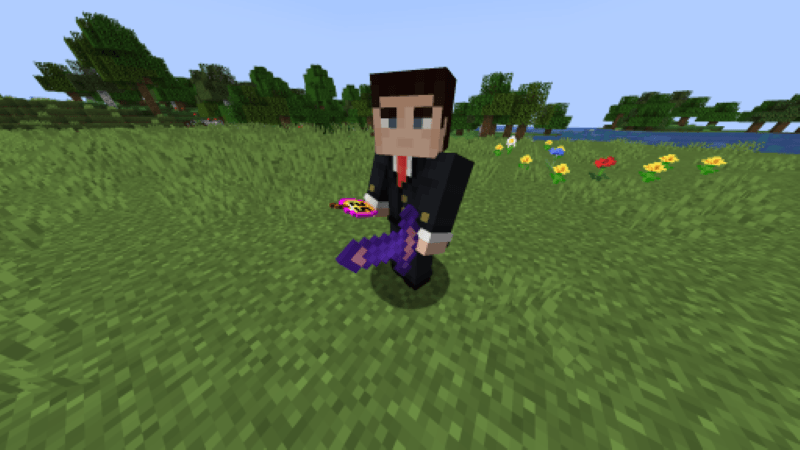
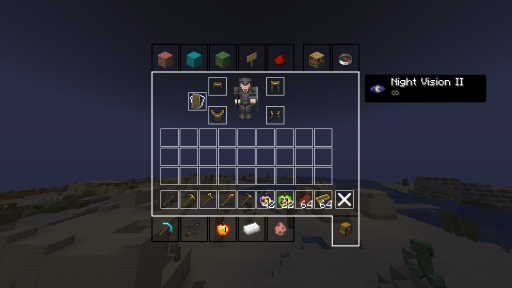
You can also see your opponent's gapple count.
Golden apple colors: 1-9, 10-19, 20-29, 30-39, 40-49, 50-59, 60-64
Effects of every suspicious stew is shown in inventory
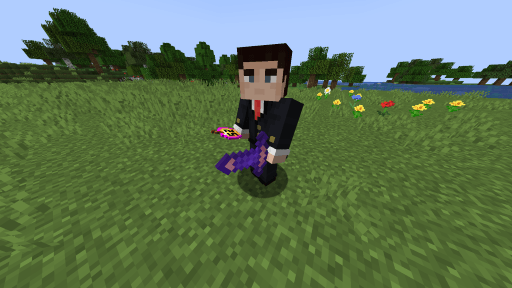
Enchanted books textures change by what enchantments does it have
Also axolotl buckets textures change by which color they have
----------------------------------------------------------------------------------------------------------------------------
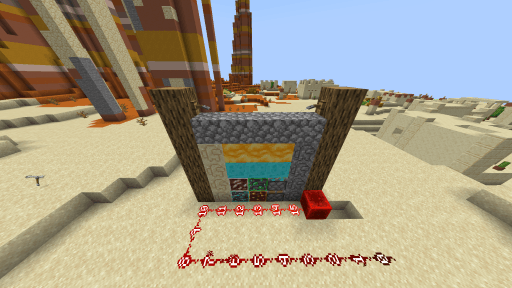
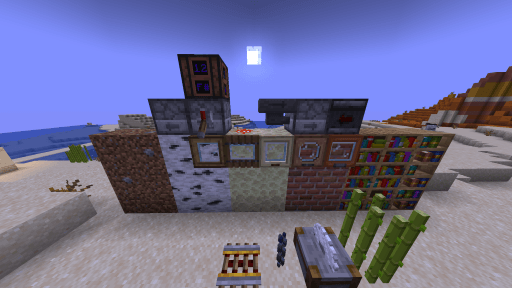
There are 3D modeled, randomly turned and new textured blocks
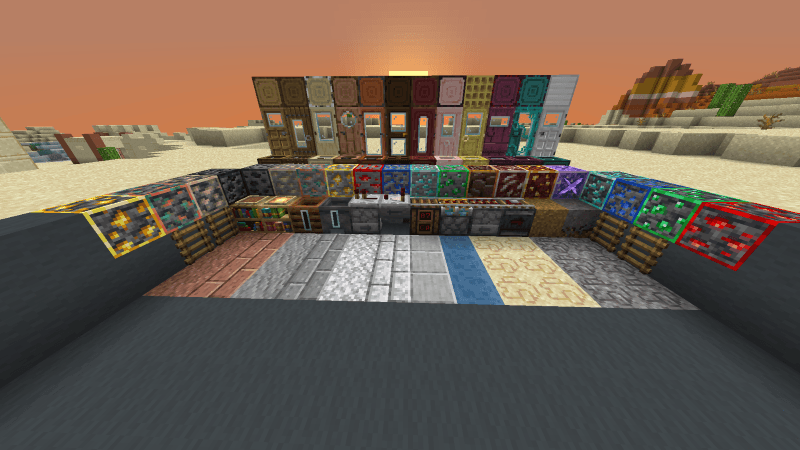
You can see where does redstone blocks look at from sides, redstone levels, notes on the noteblocks
Slimes and tripwires are blue and suspicious sand and gravel are sus
Lodestone shows directions
Composters and cauldrons show how much is it filled up
Doors and trapdors have glass so you can see through them
Grass, Podzol, Mycelium and Dirt Path have more realistic side textures
Ores can be seen really easily thanks to their outline
----------------------------------------------------------------------------------------------------------------------------
Also there are a lot of item textures on this pack
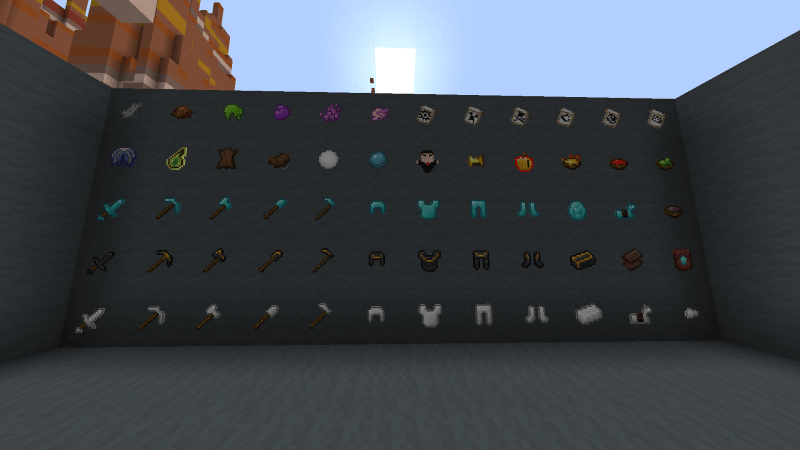
Waxed coppers have a yellow outline
Infested Stone has yellow-black outline for just the item texture
Elytra is phantom wings
Leather has its actual color
Snow is whiter than it is in vanilla
Glint is removed on entity textures (for armors)
All the netherite pieces but the sword have gold parts
Golden helmet is a golden crown now
Banner patterns have special textures
Experience bottle is looked like a splash potion
----------------------------------------------------------------------------------------------------------------------------
If you want to ask me something just dm me on discord;
discord : iFair_