Mineuniverse
Resource Packs
F8thful PBR

F8thful PBR

RESOURCE PACK
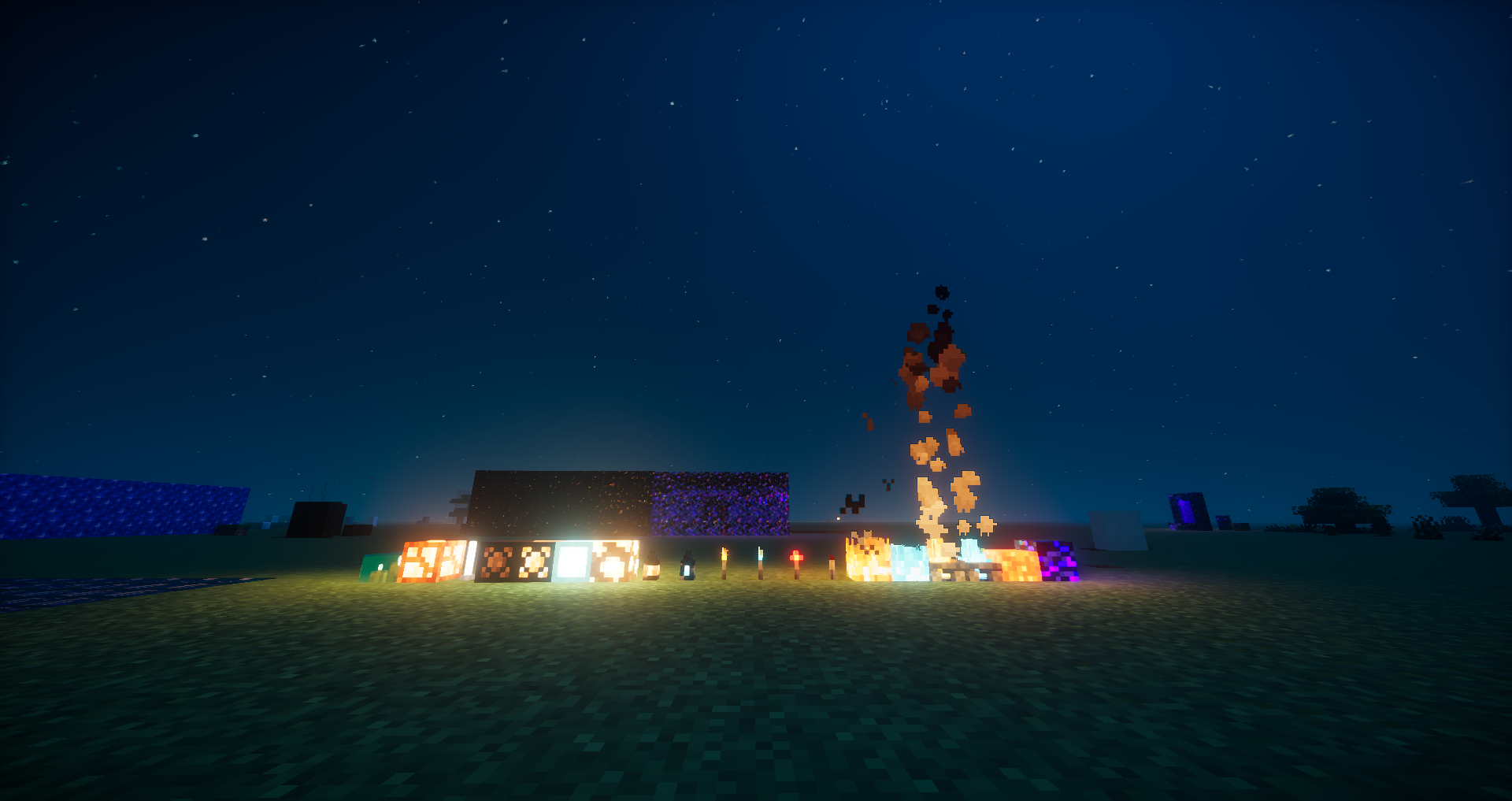
A LabPBR addon for the 8x resourcepack for F8thful - Reflections and more!
by Zoclhas
Download Claim this project
3,248 downloads
0 likes
Updated Oct 14, 2026
0 hypes
16x Traditional
Advertisement Remove ads with Premium →

Website : https://zaurastudios.com/

LabPBR* addon for the 8x8 pack F8thful by Ewan Howell.

Please add the default F8thful resource pack below the F8thful PBR addon to function properly.
Should look like this :


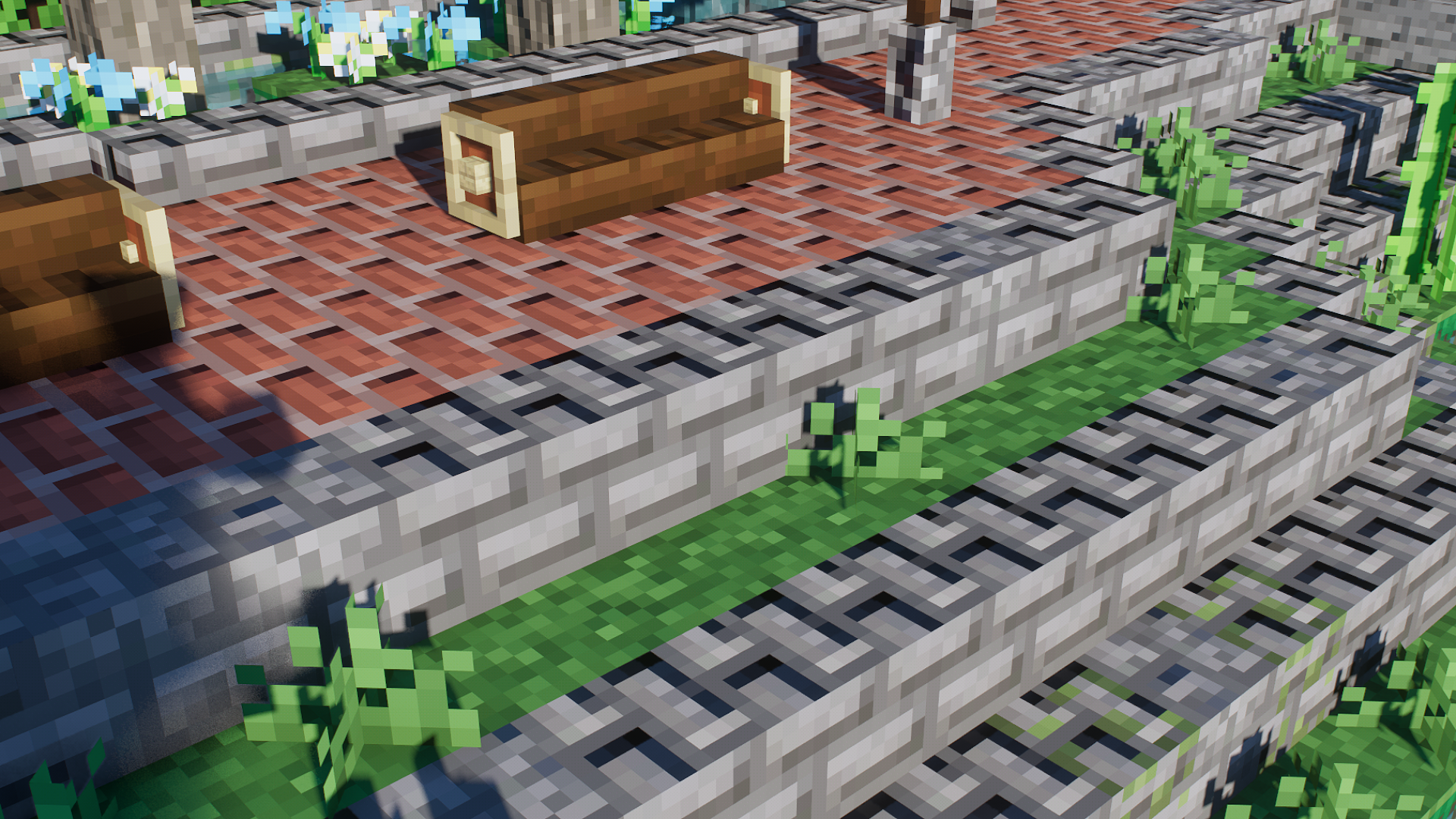
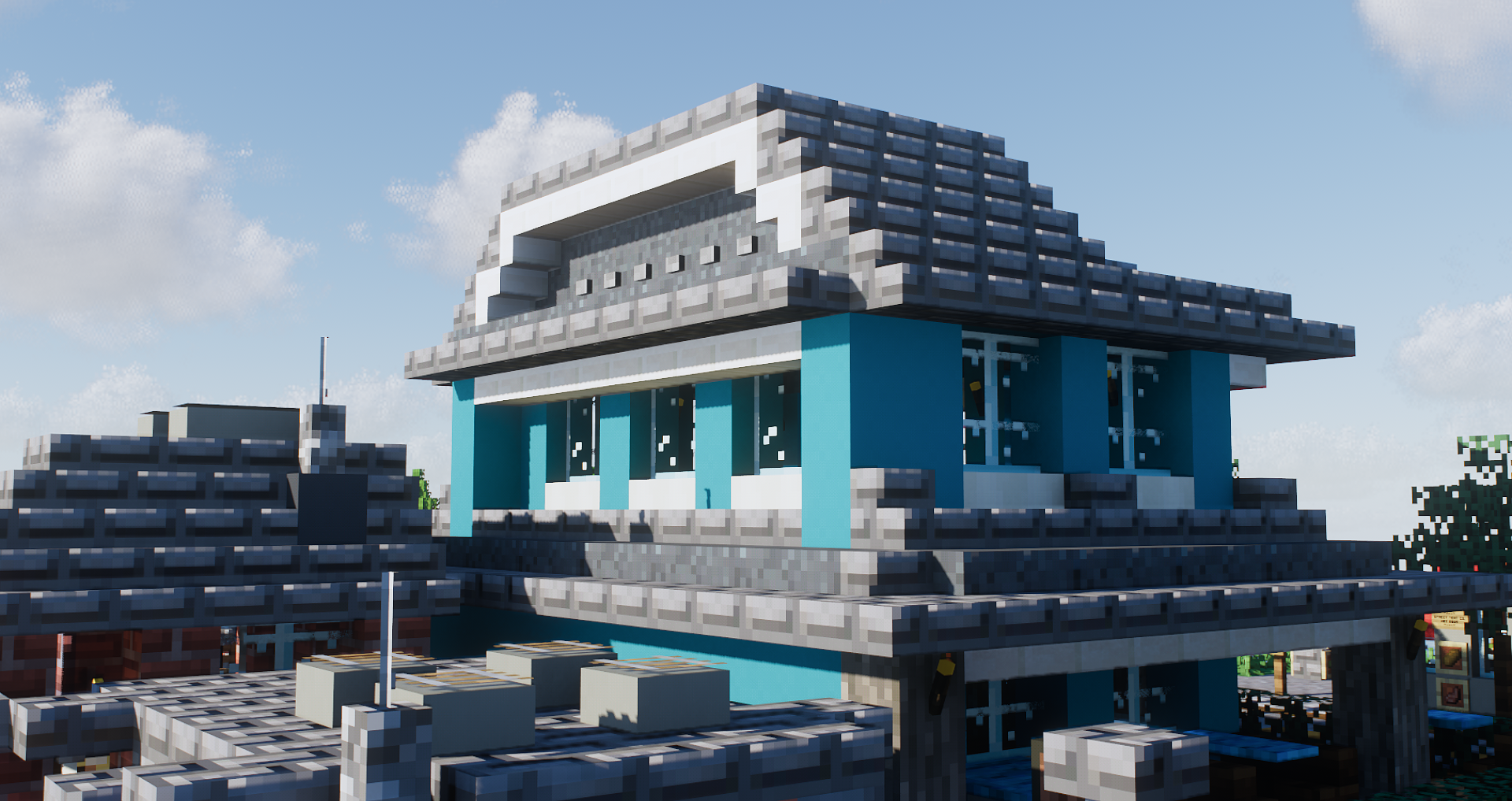
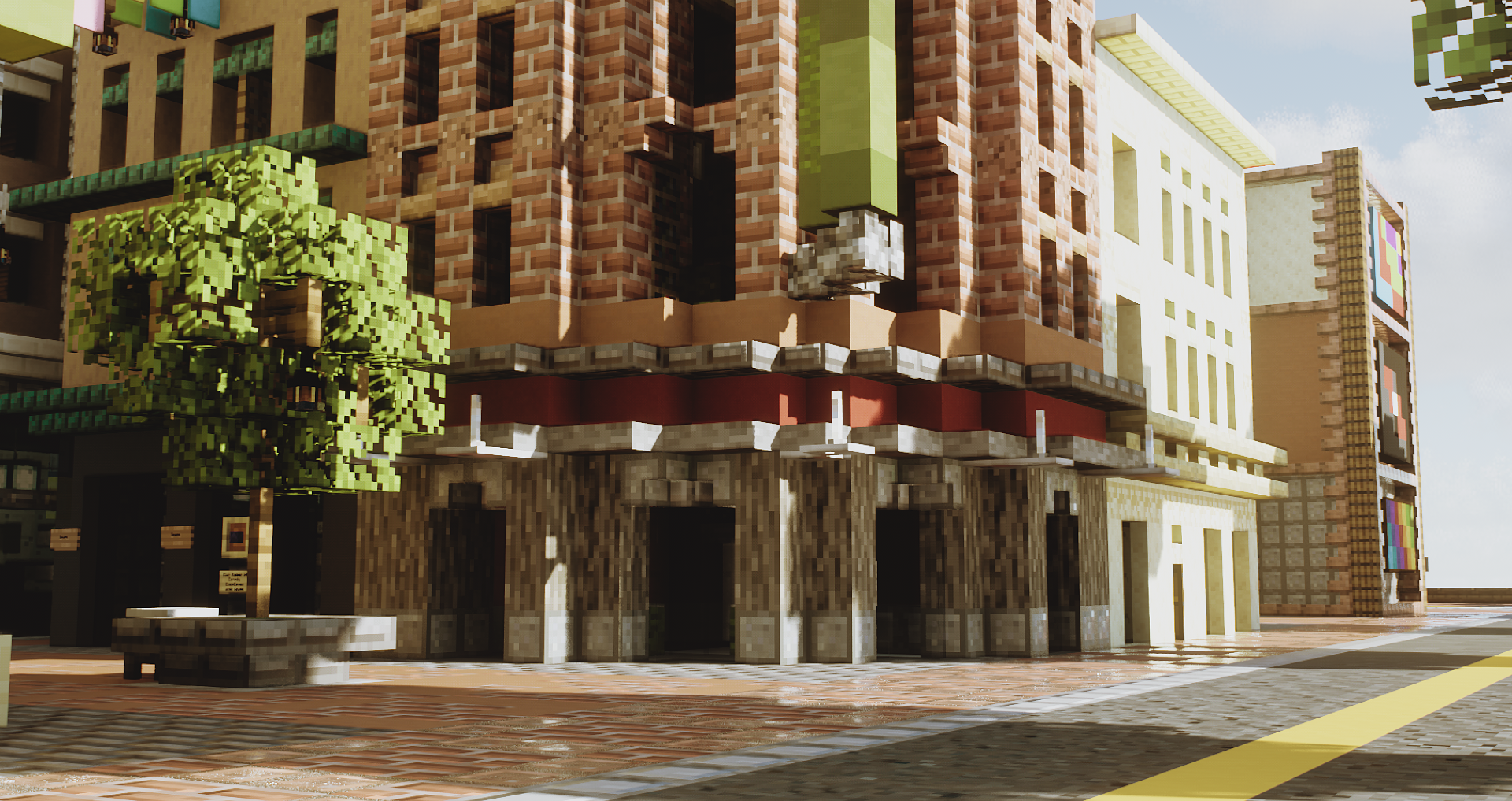
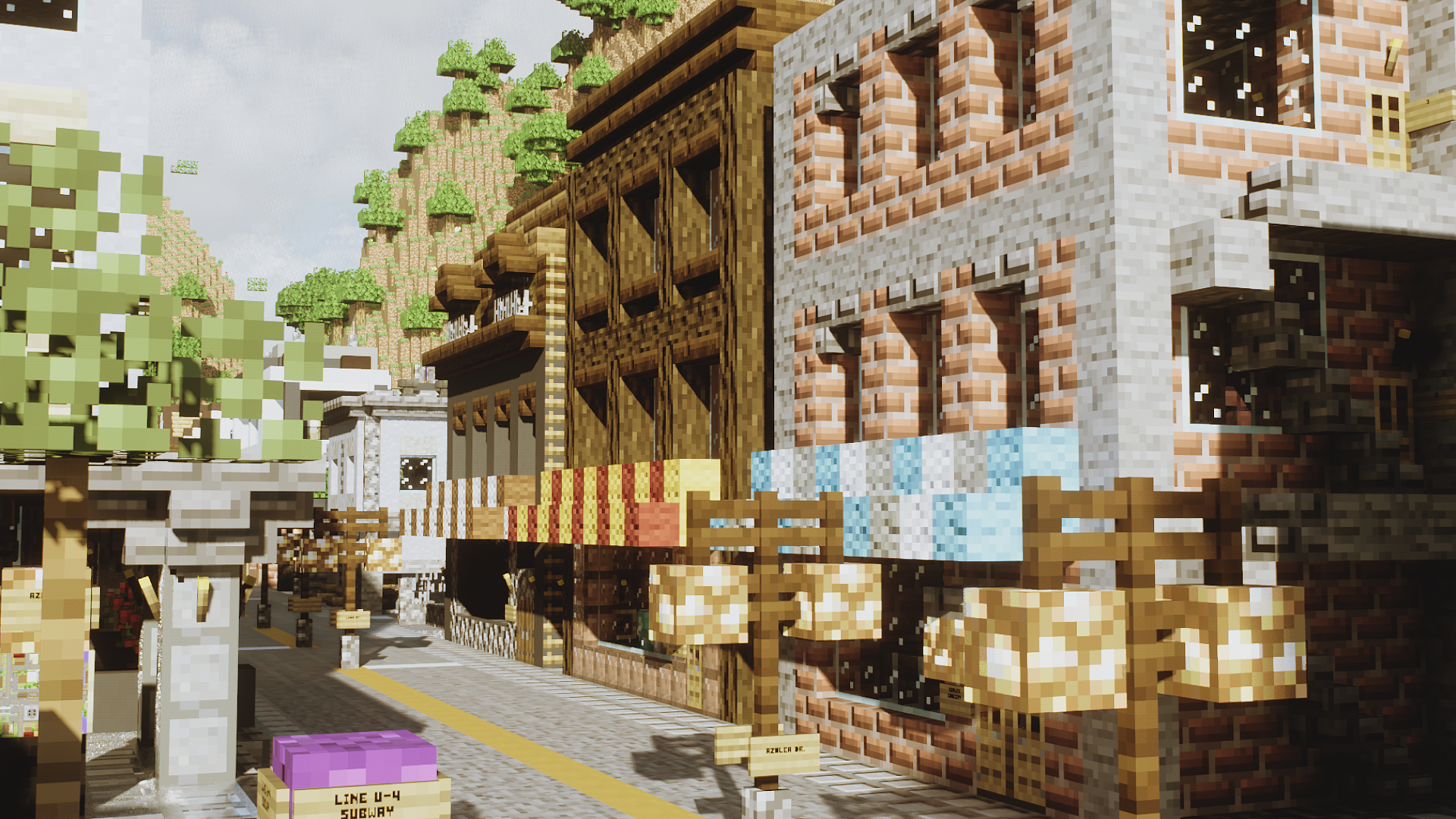
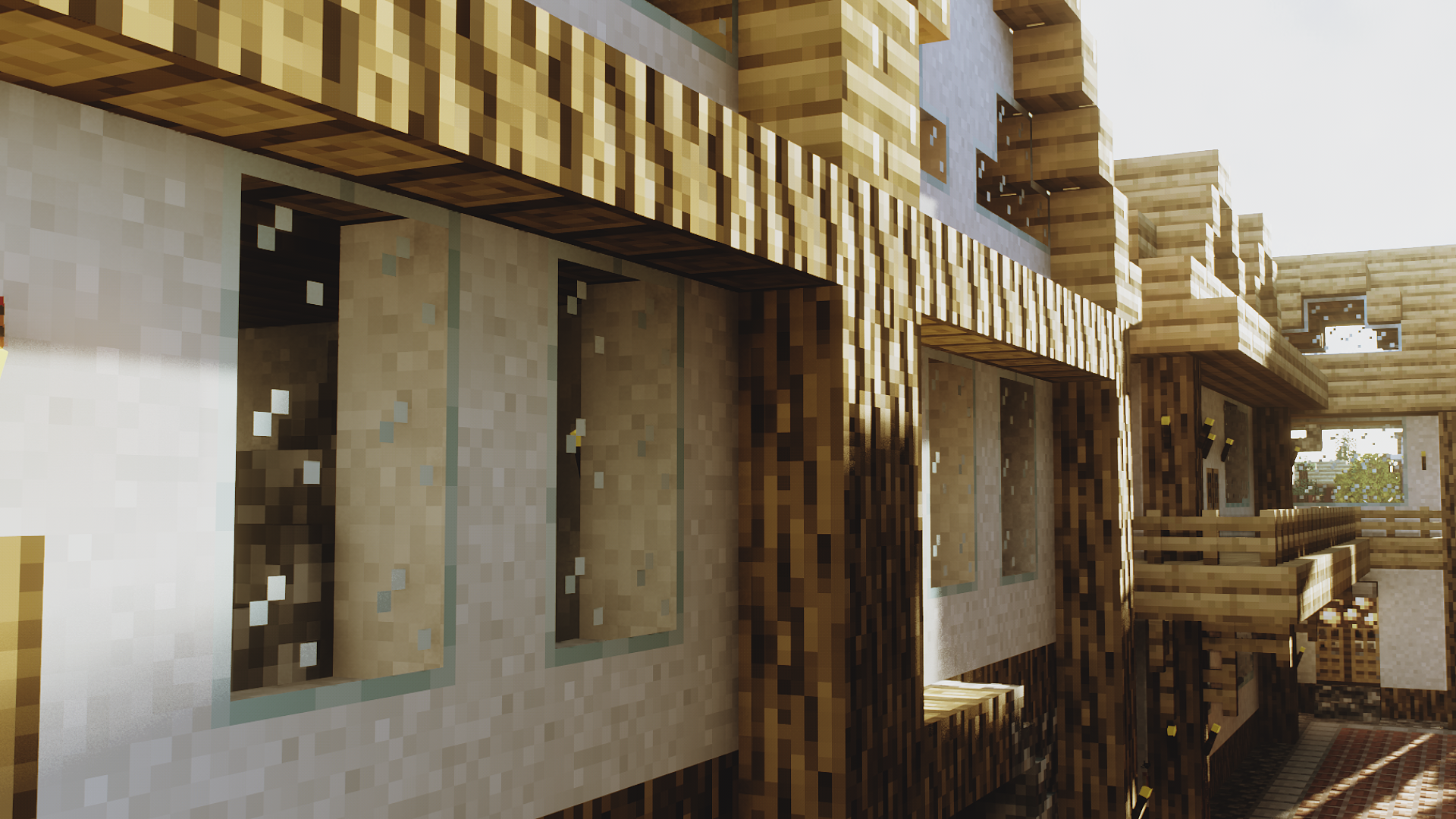
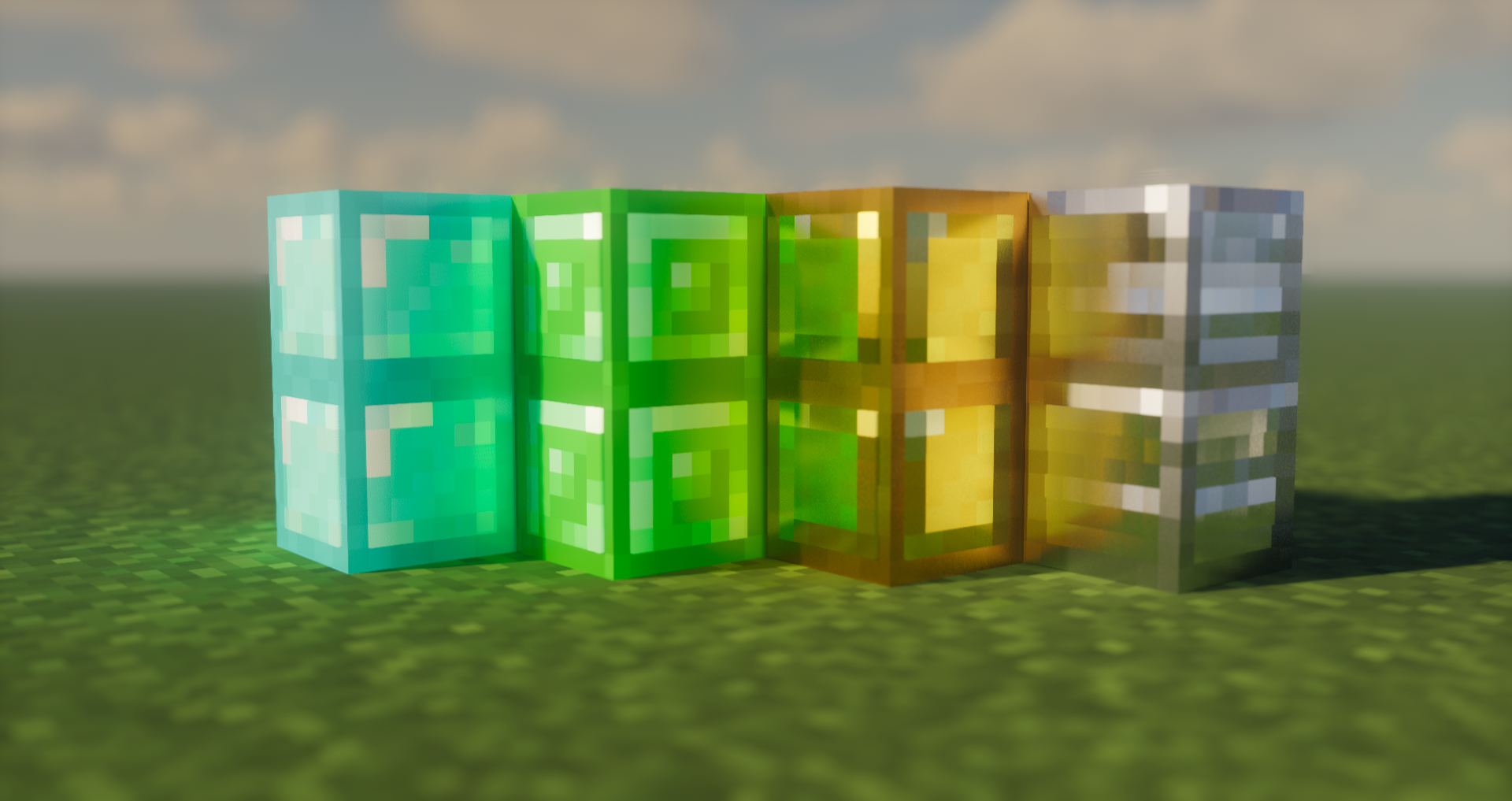
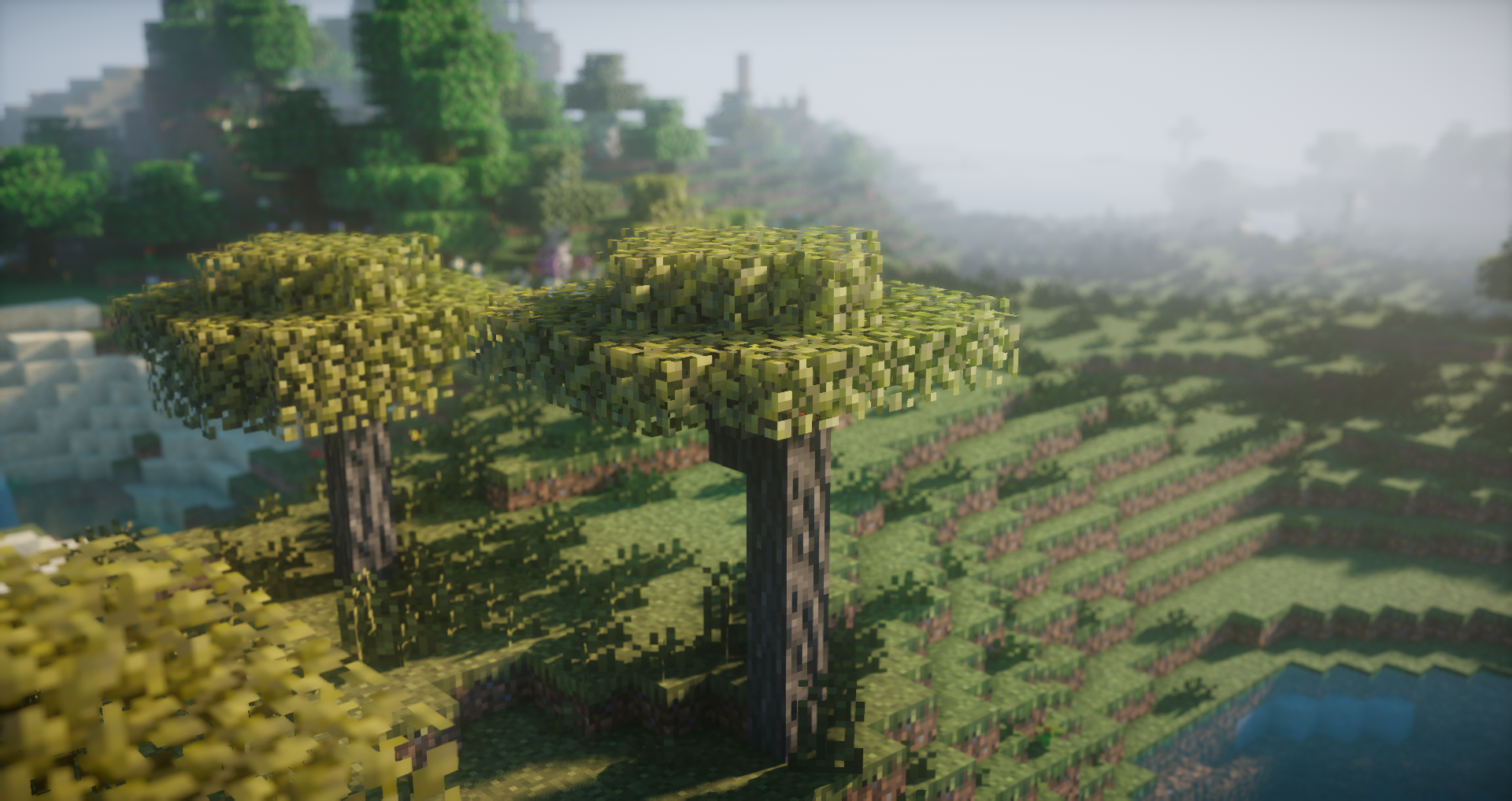
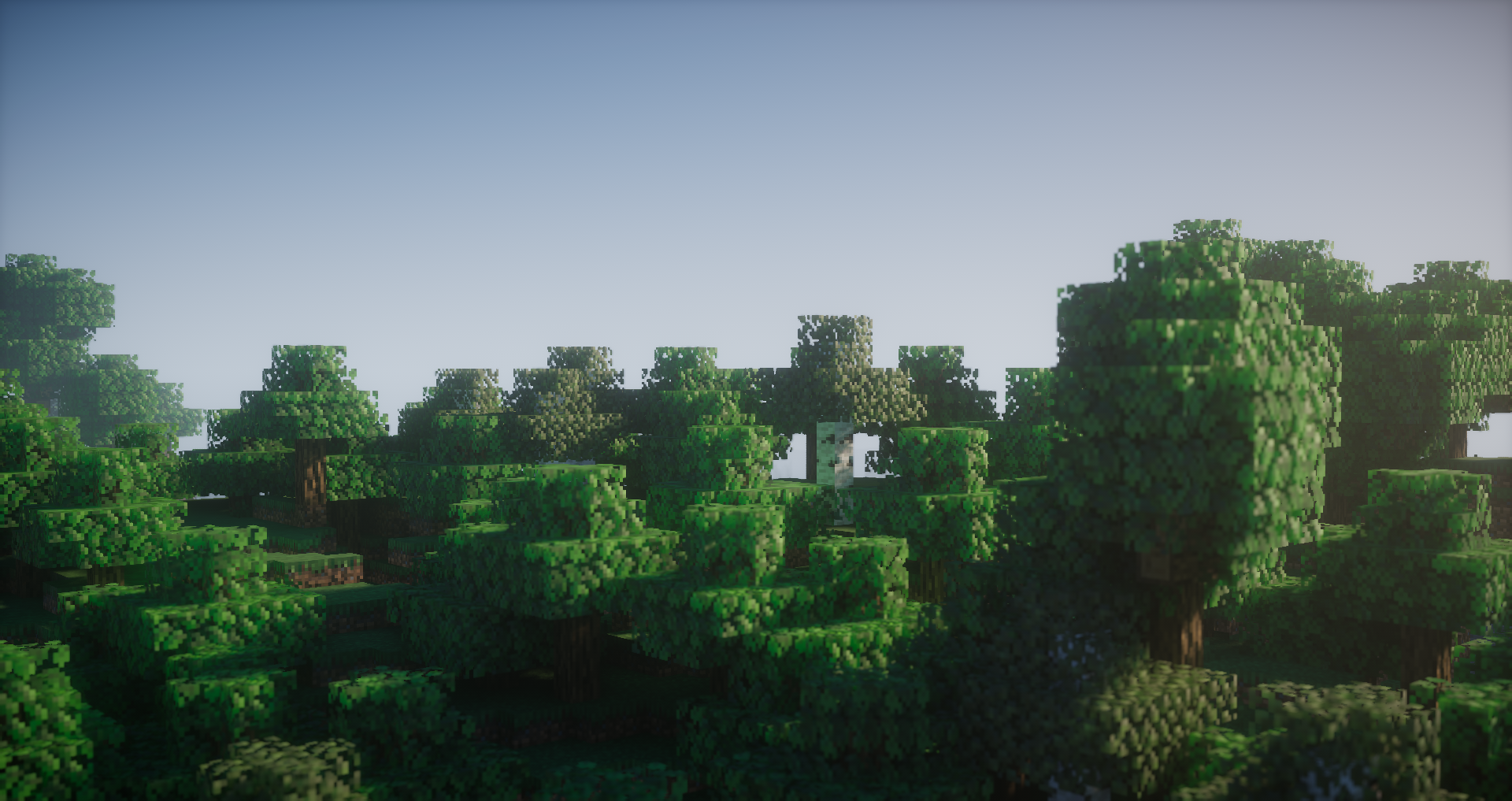
Showcase


This is project is supported by Bisect Hosting. Use code 'zaura' while checkout for 25% off the first month!


*Needs a LabPBR compatible shader > https://wiki.shaderlabs.org/wiki/LabPBR_Supported_Packs

Recommended Settings :

Make sure to enable CTM for the pack to work properly.
POM :
Turned On
SSS : 
Labpbr Only
Emission : 
Labpbr Only

Recommened Shaders :

Kappa v4.1 / KappaPT
Nostalgia v4 / NostalgiaVX

F8htful PBR v3
MC 1.18.1, 1.18.2, 1.18
Release 2022-04-07 Get
F8thfulPBR v1.3
MC 1.18.1, 1.18
Beta 2022-01-26 Get
F8thful PBR v1.2
MC 1.18.1, 1.18
Beta 2022-01-16 Get
F8thful PBR v1.zip
MC 1.18.1, 1.18
Beta 2022-01-14 Get

Requirements & install

How to use this resource pack in Minecraft
Resolution
16x
Minecraft
1.18 – 1.18.2
Install folder
.minecraft/resourcepacks

How to install resource packs

  1. Download the resource pack .zip file (do not extract it).
  2. In Minecraft open Options → Resource Packs → Open Pack Folder.
  3. Drop the .zip into the resourcepacks folder (.minecraft/resourcepacks).
  4. Move the pack to the Selected column and click Done.
Browse more: 16x resource packs 32x resource packs 64x resource packs 128x resource packs 256x resource packs 512x+ resource packs Resource Packs for 1.18.2 All resource packs

More from Zoclhas

Advertisement Remove ads with Premium →

You Might Also Like