Mineuniverse
Resource Packs
F1 2023 Boat 32x

F1 2023 Boat 32x

RESOURCE PACK
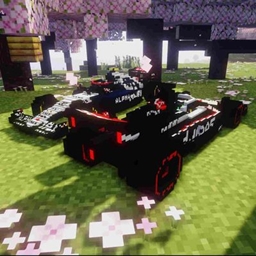
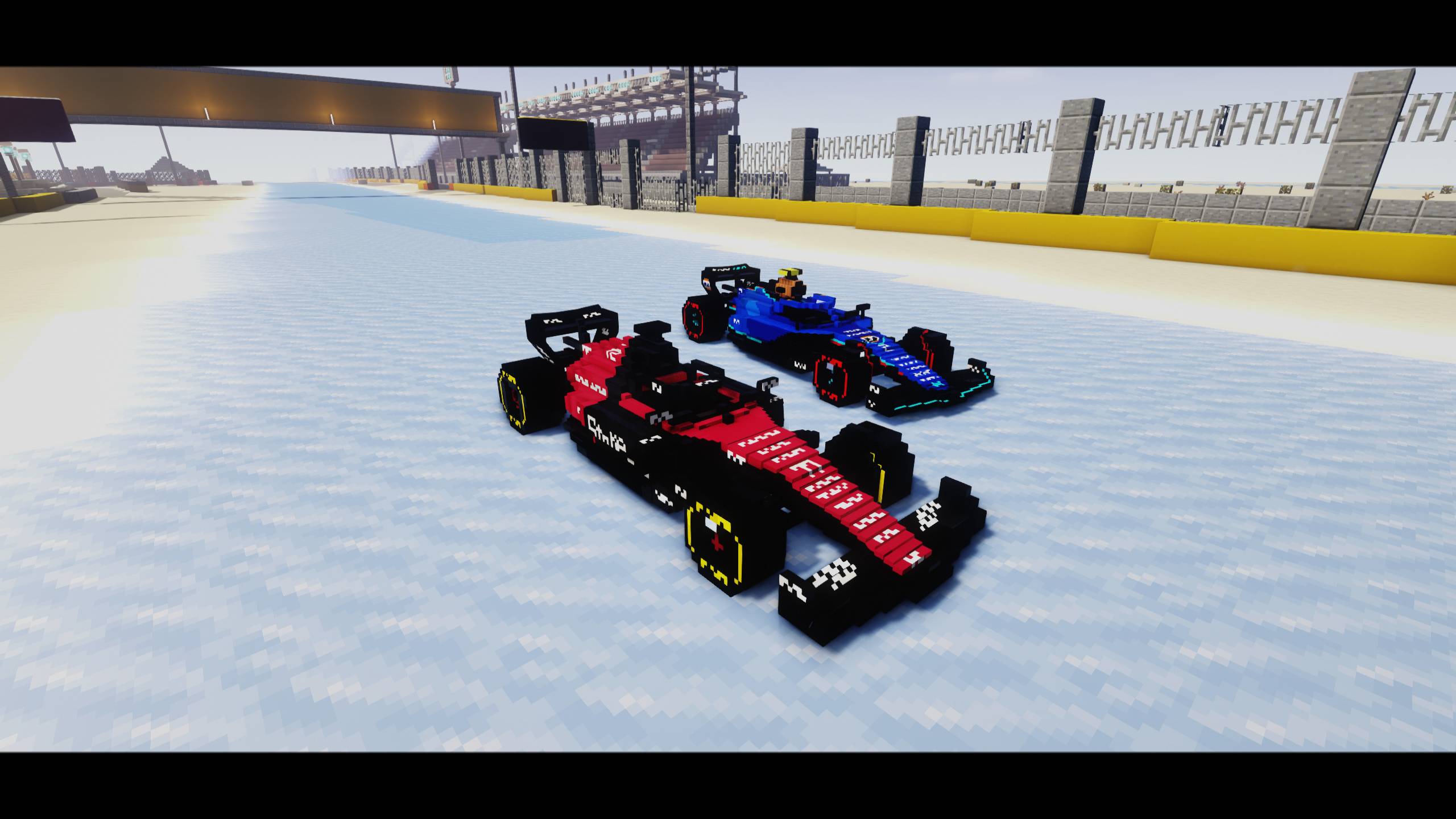
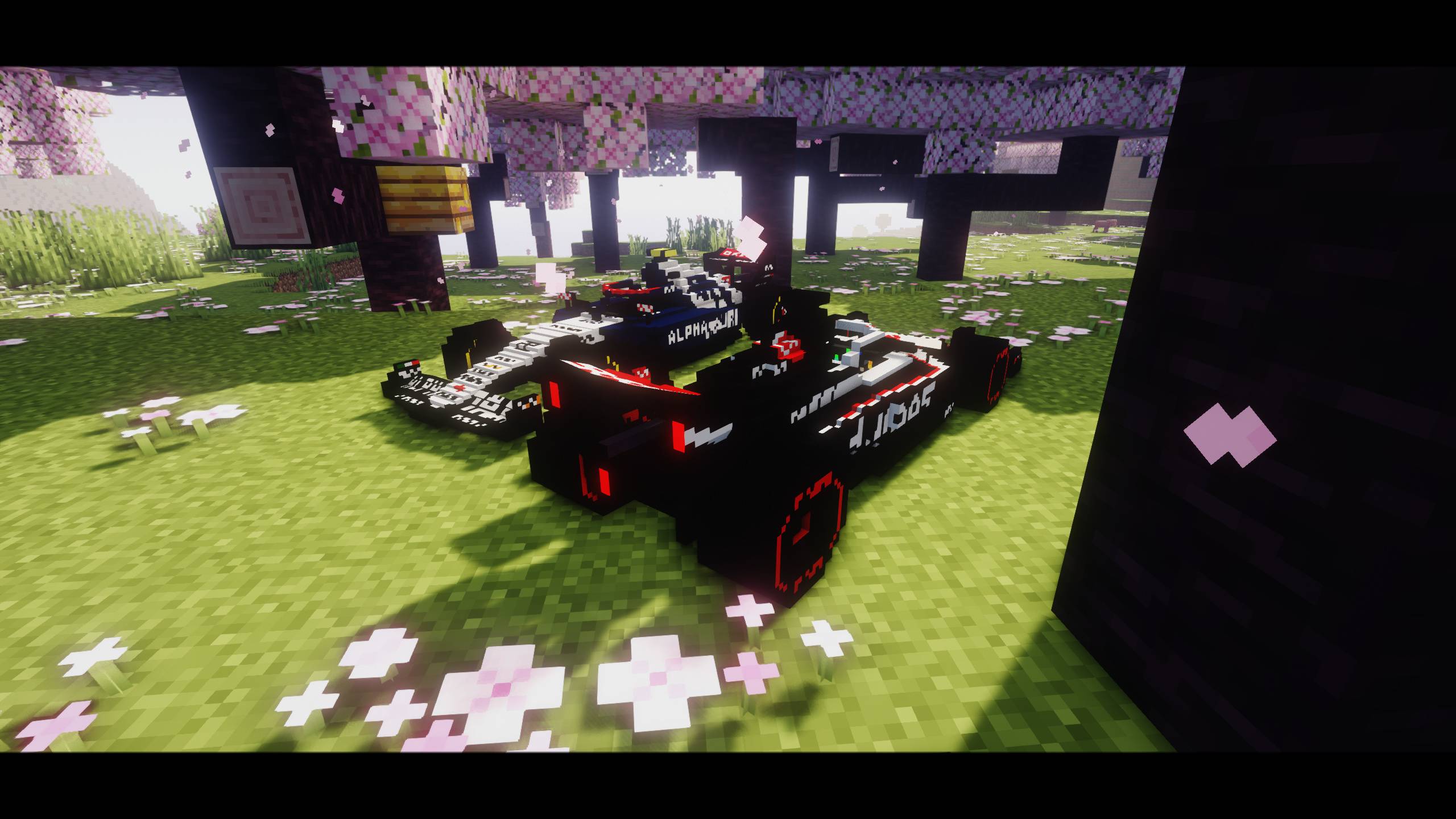
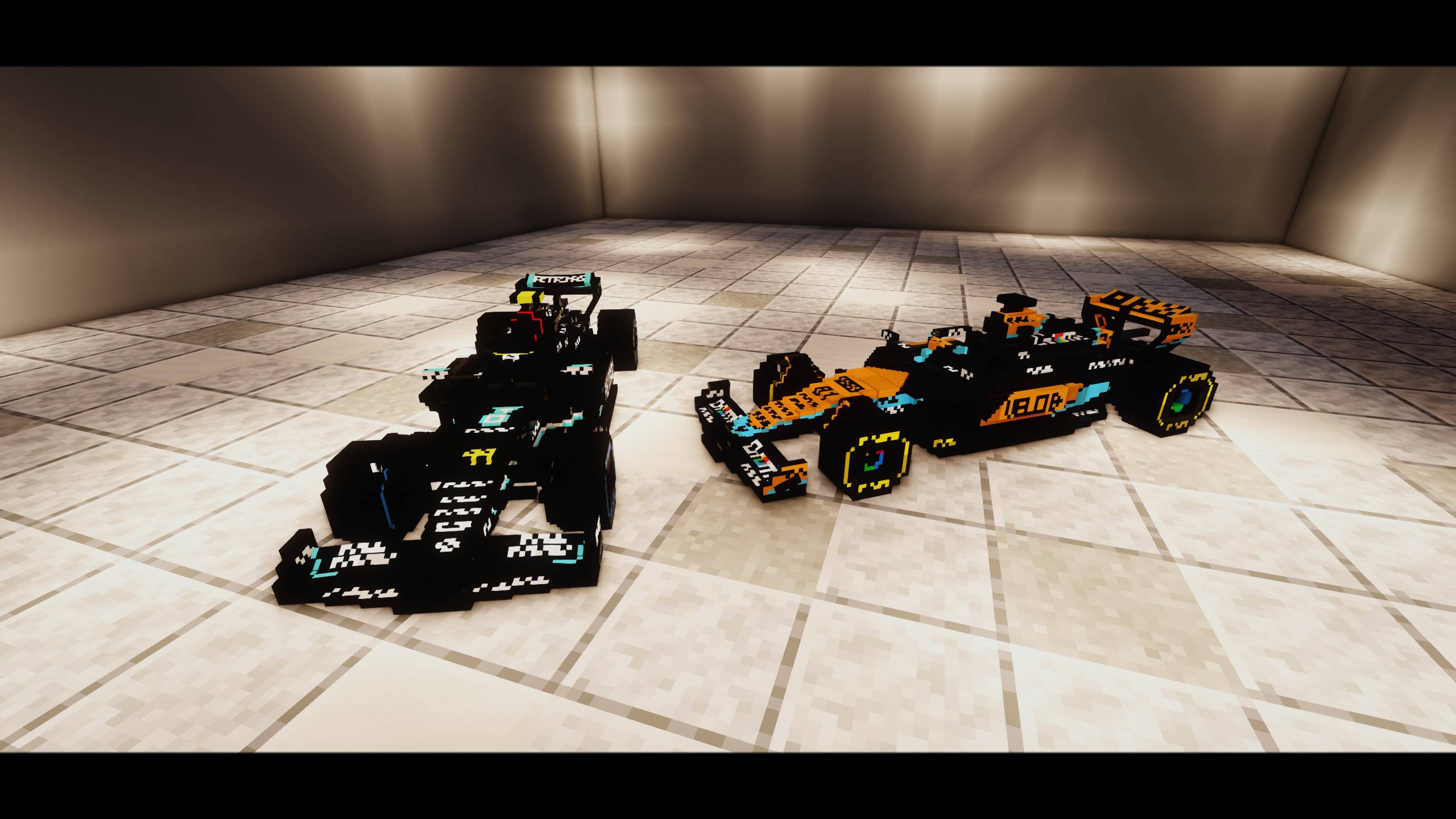
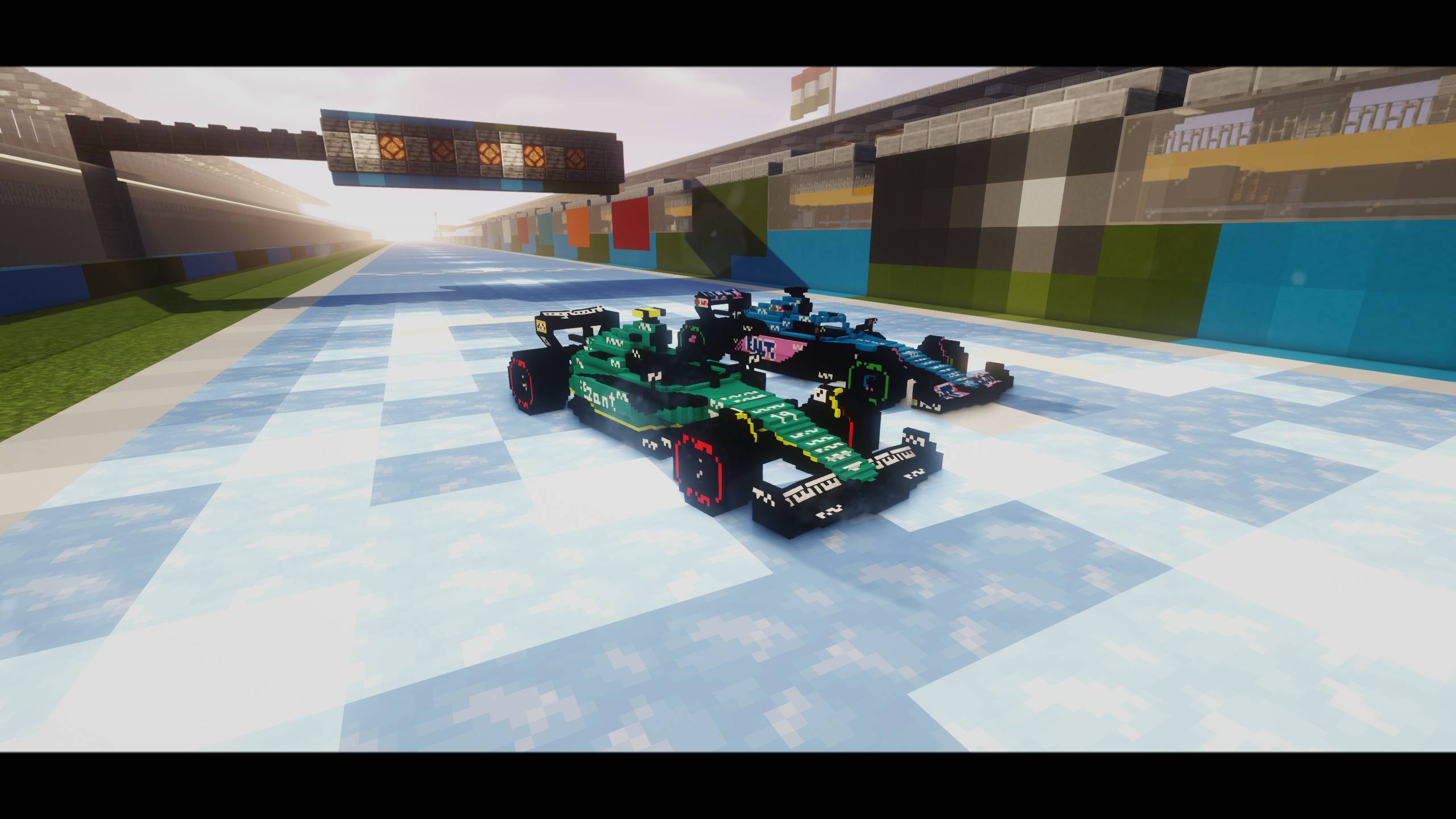
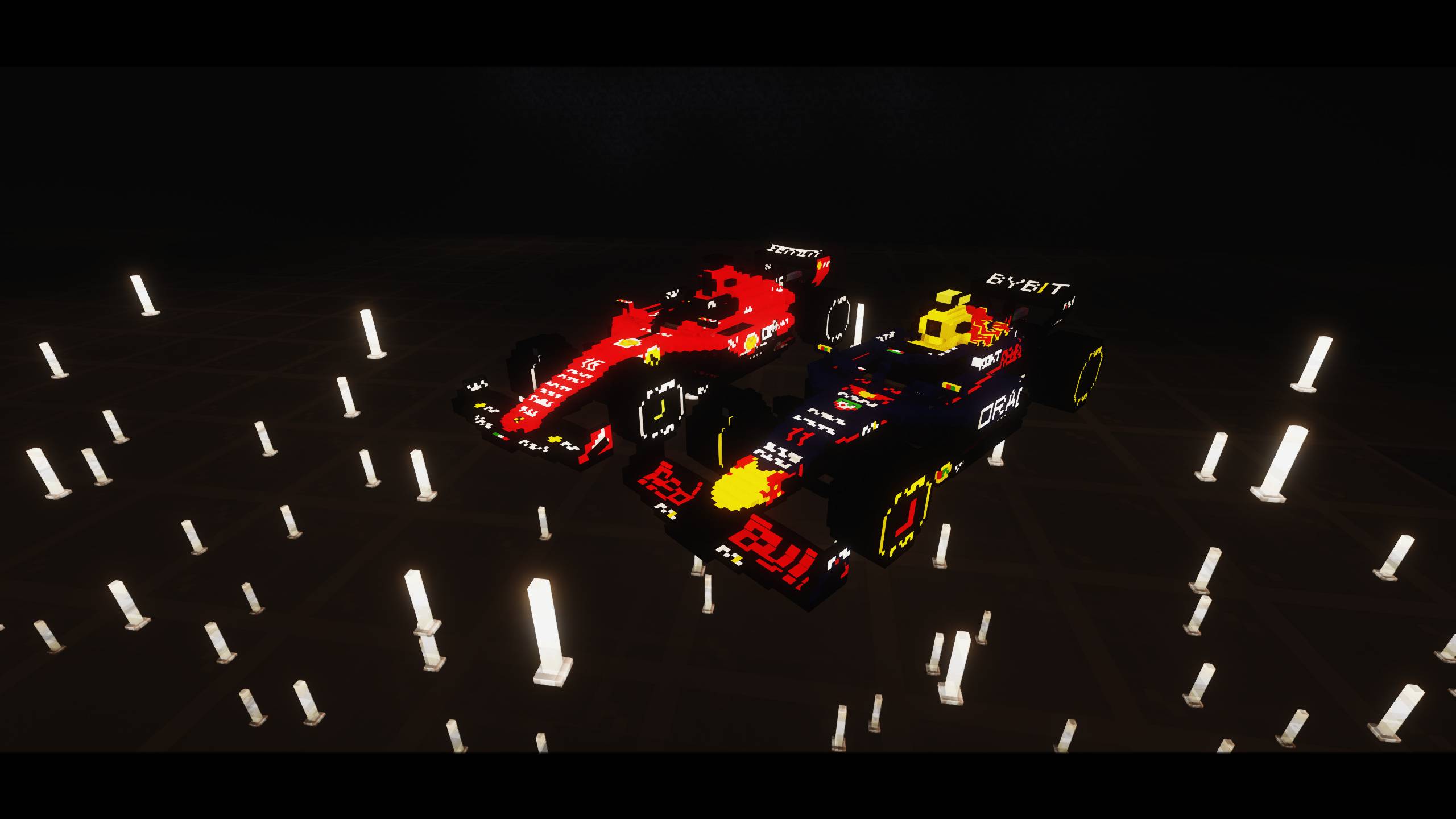
This is a F1 2023 Boat Resource Pack by AdamixGaming, Jerpix and NotGatoz
by AdamixGaming
Download Claim this project
Add a badge to your pageLink to F1 2023 Boat 32x from a README, website or forum post.
Preview: Badge

Badges update automatically and link to the resource pack page on MineUniverse.

31 downloads
0 likes
0 followers
Updated Oct 14, 2026
0 hypes
Follow0
32x
Advertisement Remove ads with Premium →

Not affiliated with any official racing series.


Requires OptiFine (recommended), or EMF + ETF, to support custom models and textures.


If you want to appreciate our work, you will find links to our buycoffees in the "License" file in the texturepack.


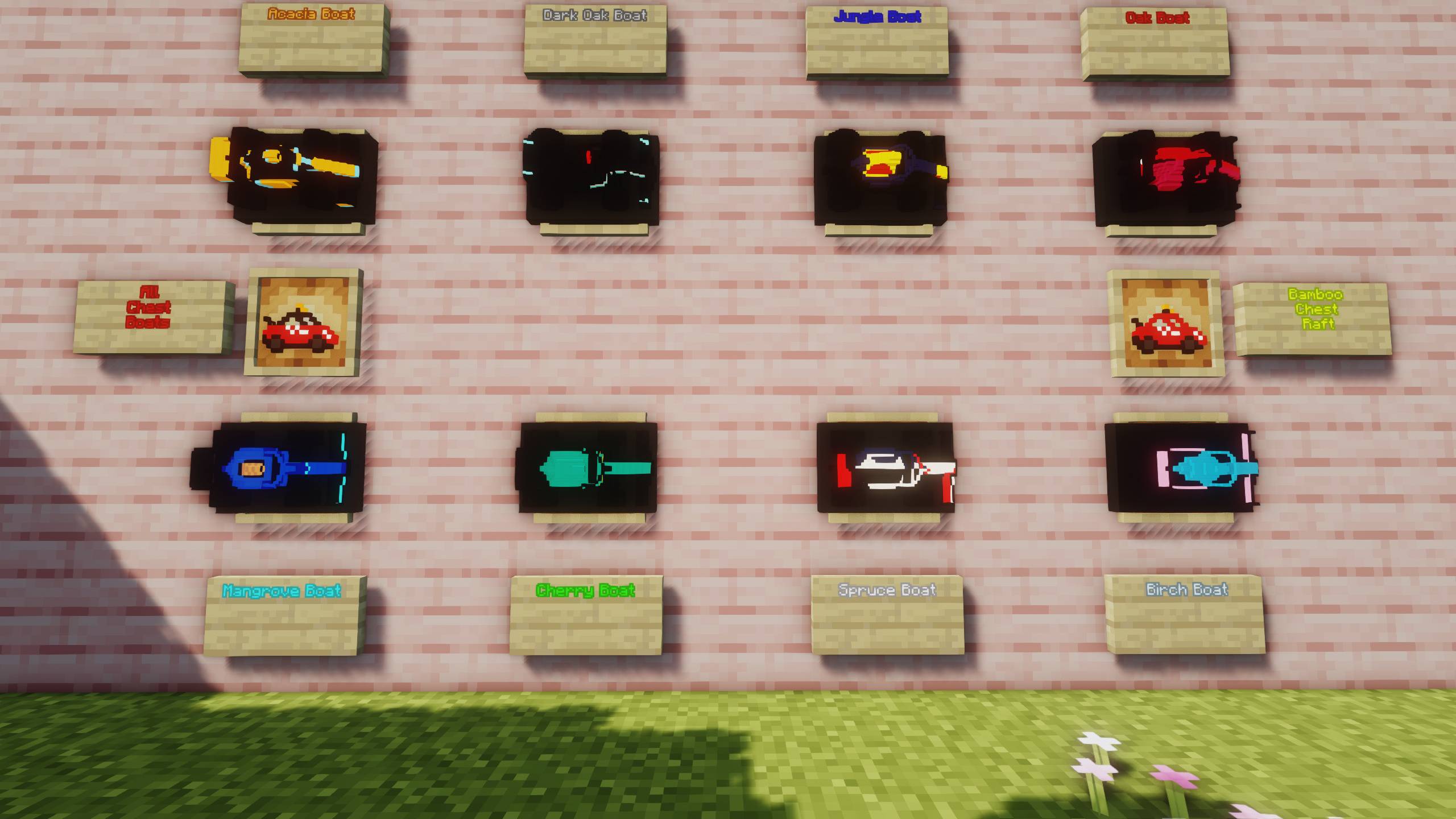
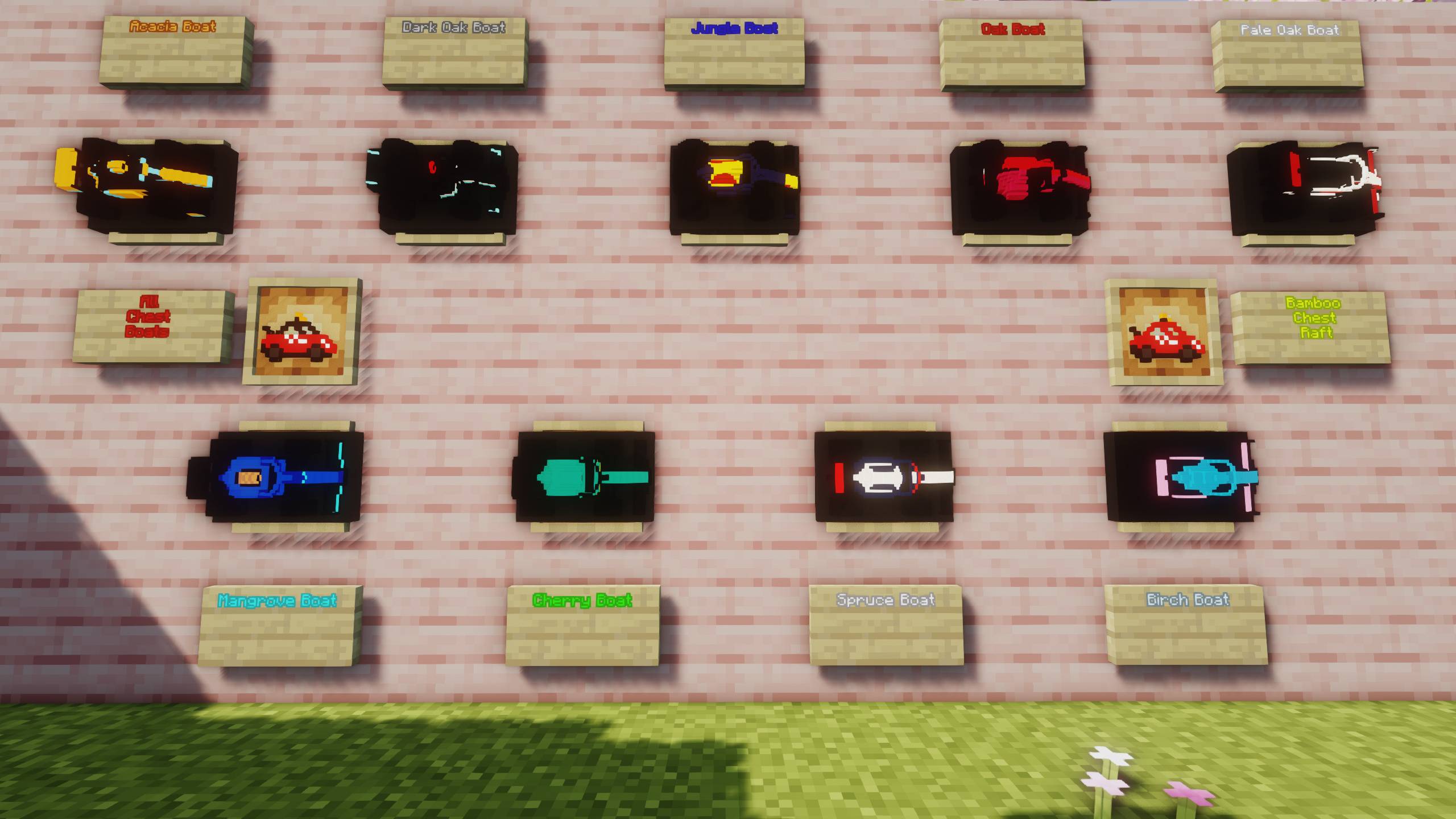
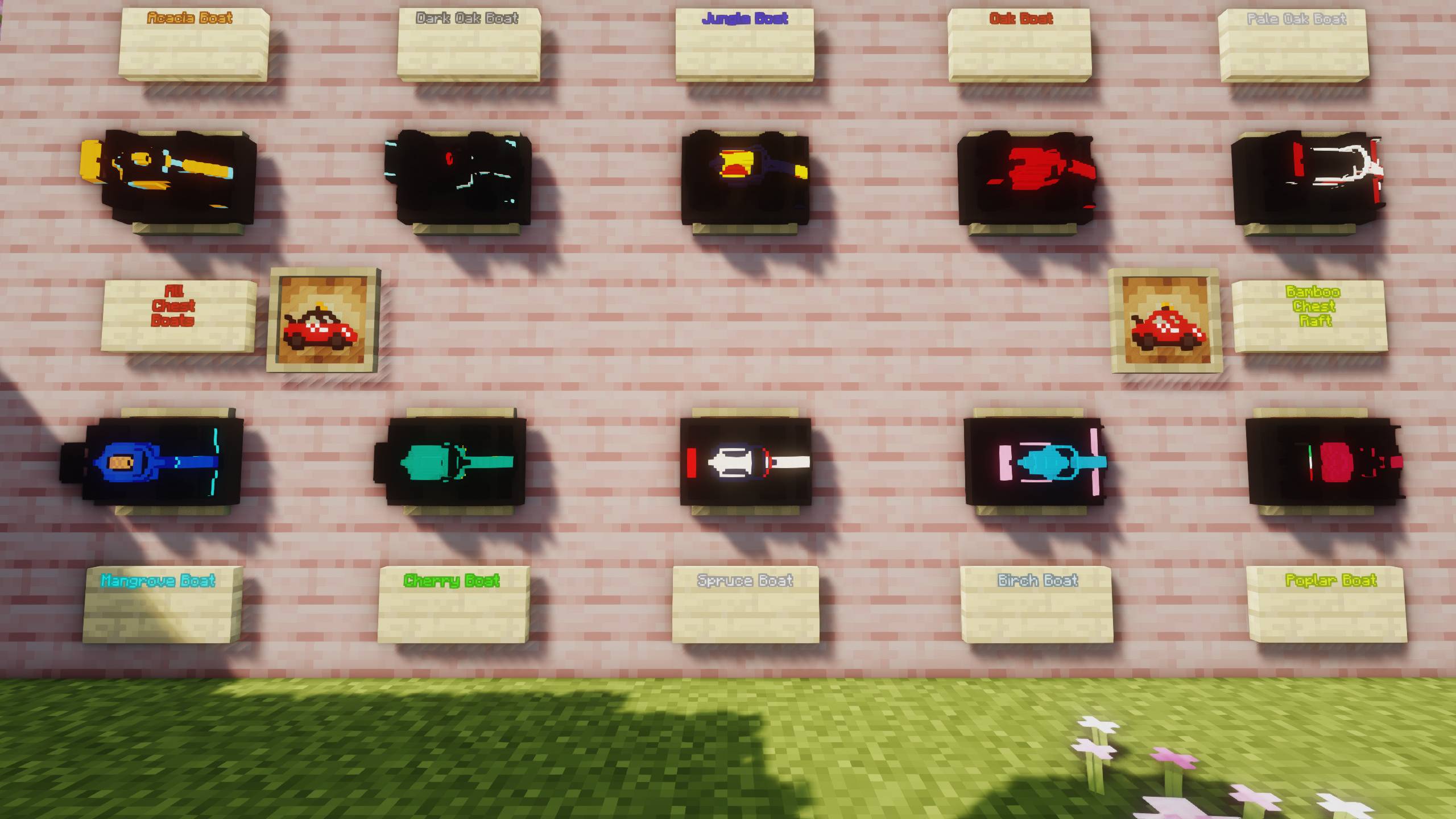
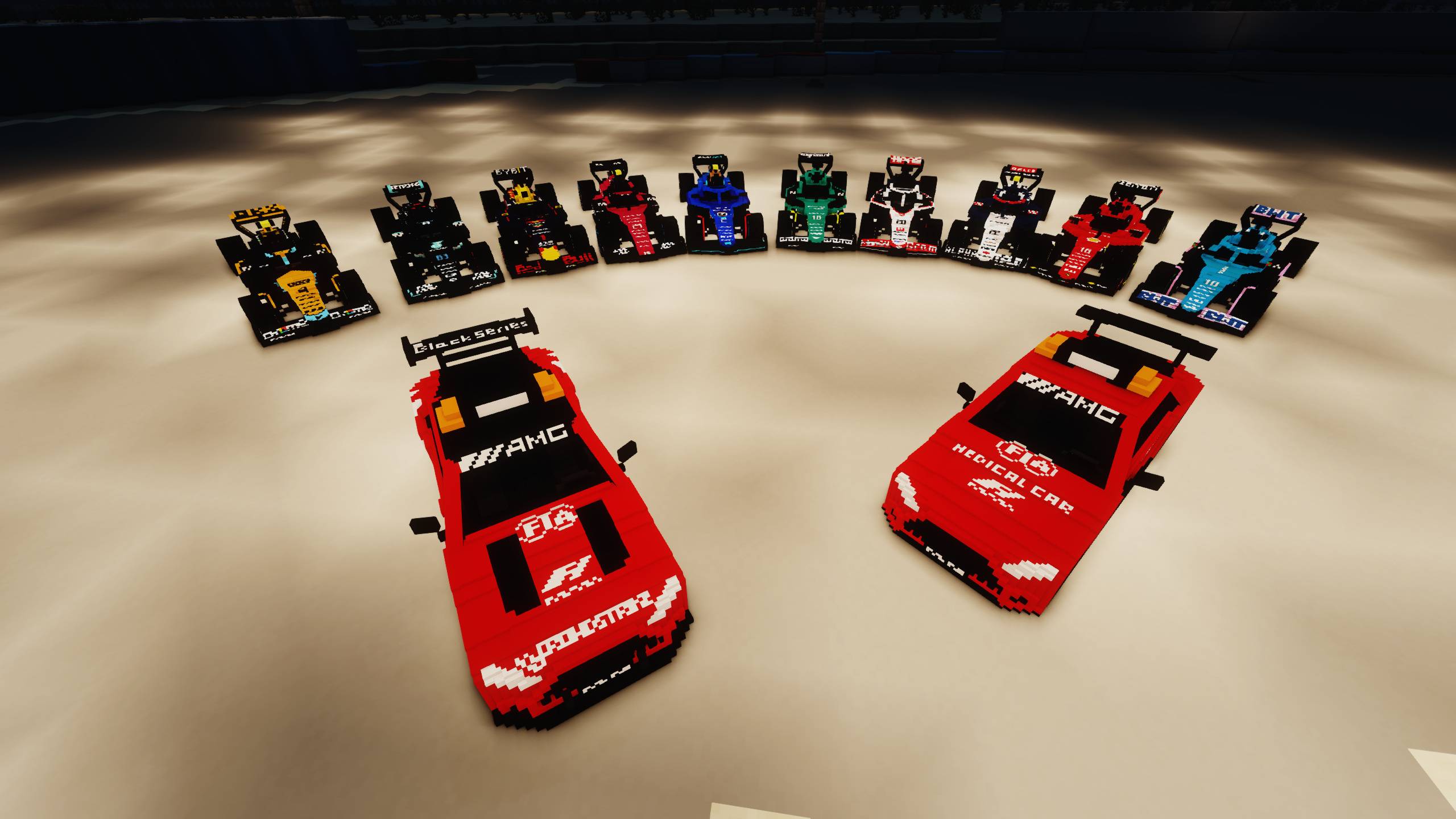
Mercedes Safety Car
All boat with chest (without bamboo chest raft)


Mercedes Medical Car
Bamboo Chest Raft


oak_boat

Ferrari 16,55

(if 1.20-1.21.3 and 1.21.4-26.2 version)
Alfa Roemo 24,77


spruce_boat

Alpha Tauri 3,22

(if 1.20-1.21.3 version)
HAAS 20,27


birch_boat

Alpine 10,31


jungle_boat

RedBull 1,11


acacia_boat

Mclaren 4,81


dark_oak_boat

MercedesAMG 44,63


cherry_boat

Aston Martin 14,18


mangrove_boat

Williams 23,2


(if 1.21.4-26.2 version or higher)
pale_oak_boat

HAAS 20,27


(if 26.3 version or higher)
poplar_boat

Alfa Roemo 24,77

F1 2023 1.20-1.21.3 32x txt.zip
MC 1.21.2-Snapshot, 1.21, 1.20.2-Snapshot, 1.20.5-Snapshot, 1.21.1-Snapshot, 1.20.2, 1.20.5, 1.20.1, 1.20, 1.20.6, 1.20-Snapshot, 1.21.1, 1.21.3, 1.20.4, 1.21-Snapshot, 1.20.3-Snapshot
Release 2026-10-10 Get
F1 2023 1.21.4-26.2 32x txt.zip
MC 1.21.6-snapshot, 1.21.8, 1.21.5, 1.21.4, 1.21.5-Snapshot, 1.21.6, 1.21.7, 1.21.9-snapshot, 1.21.9, 1.21.10, 1.21.11-snapshot, 1.21.11, 26.1-snapshot, 26.1, 26.1.1, 26.1.2, 26.2
Release 2026-10-10 Get
F1 2023 26.3 32x txt.zip
MC 26.3-snapshot, 26.3
Release 2026-10-10 Get

Requirements & install

How to use this resource pack in Minecraft
Resolution
32x
Minecraft
1.21.11 – 26.3
Install folder
.minecraft/resourcepacks

How to install resource packs

  1. Download the resource pack .zip file (do not extract it).
  2. In Minecraft open Options → Resource Packs → Open Pack Folder.
  3. Drop the .zip into the resourcepacks folder (.minecraft/resourcepacks).
  4. Move the pack to the Selected column and click Done.
Browse more: 16x resource packs 32x resource packs 64x resource packs 128x resource packs 256x resource packs 512x+ resource packs Resource Packs for 26.3 All resource packs

More from AdamixGaming

Advertisement Remove ads with Premium →

You Might Also Like