Mineuniverse
Resource Packs
ExtraEeveelutions | Datapack

ExtraEeveelutions | Datapack

RESOURCE PACK
Adding More Eeveelutions to Pixelmon.
by RealBlackout03
Download Claim this project
1,287 downloads
0 likes
Updated Oct 14, 2026
0 hypes
Data Packs Mod Support
Advertisement Remove ads with Premium →

ExtraEeveelutions

This datapack currently only adds 1 pokemon which is Eeveon.
Make sure to download both the Data Pack and the Resource Pack!
Check out my other Pixelmon related projects: PixelWiki and Dawn Lycanroc.


Need a server to play with your friends? You can go rent a server from BisectHosting.

25% off with your first month using my Referral Code!


Eeveon

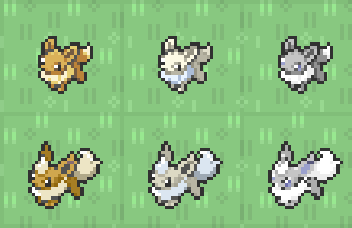
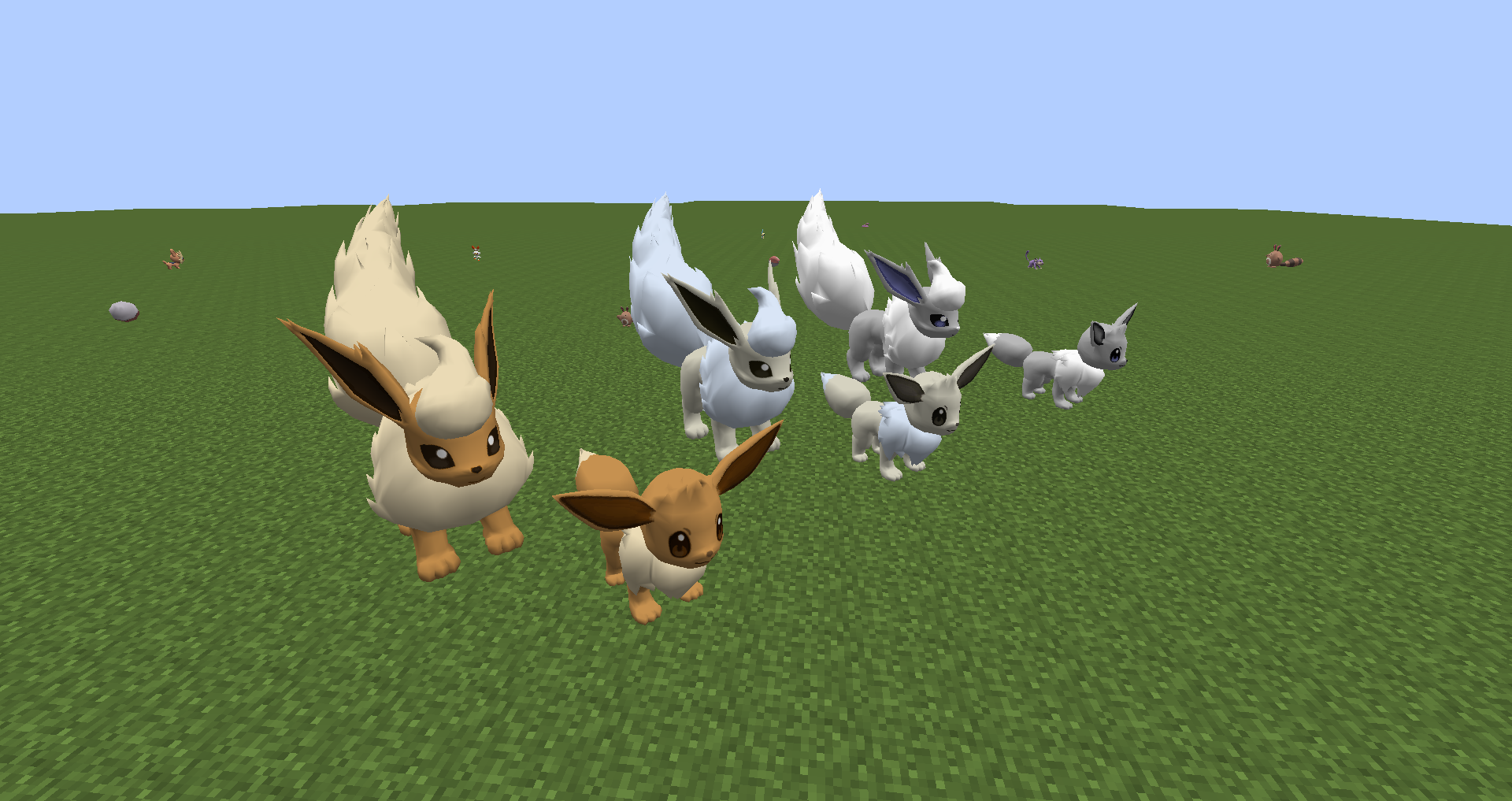
Eeveon is a Normal Type Eeveelution.
It is obtained by evolving Eevee to level 28. It can also be encountered in the wild in the same places and times as Eevee can be located but much rarer.
- Eeveon uses the Flareon Model.
- Eeveon pokdex number is 2036.
- Eeveon is believed to be the first Eeveelution ever discovered.
- Eeveon learns the same moves as Eevee. Eevee learns Cut upon evolving into Eeveon.
- Eeveon has the highest speed stat of an Eeveelution.
- Eeveon has the lowest Sp. Attack stat tied with 2 other Eeveelutions.
- Eeveon has the lowest Sp. Defence stat tied with 1 other Eeveelutions.
- Eeveon will yield 2 Speed EVs to the pokemon that defeats it.
 

For Pixelmon Reforged 9.0.1+

You'll need both the Datapack and Resource Pack for it to work properly!


Discord:

Mod discord for updates on my mods, and general mod discussions. Join Discord

ExtraEeveelutions | Resource Pack | 1.0.0
MC 1.16.5
Beta 2022-06-06 Get
ExtraEeveelutions | Data Pack | 1.0.0
MC 1.16.5
Release 2022-06-06 Get

Requirements & install

How to use this resource pack in Minecraft
Resolution
Not specified
Minecraft
1.16.5
Install folder
.minecraft/resourcepacks

How to install resource packs

  1. Download the resource pack .zip file (do not extract it).
  2. In Minecraft open Options → Resource Packs → Open Pack Folder.
  3. Drop the .zip into the resourcepacks folder (.minecraft/resourcepacks).
  4. Move the pack to the Selected column and click Done.
Browse more: 16x resource packs 32x resource packs 64x resource packs 128x resource packs 256x resource packs 512x+ resource packs Resource Packs for 1.16.5 All resource packs

More from RealBlackout03

Advertisement Remove ads with Premium →

You Might Also Like