Mineuniverse
Resource Packs
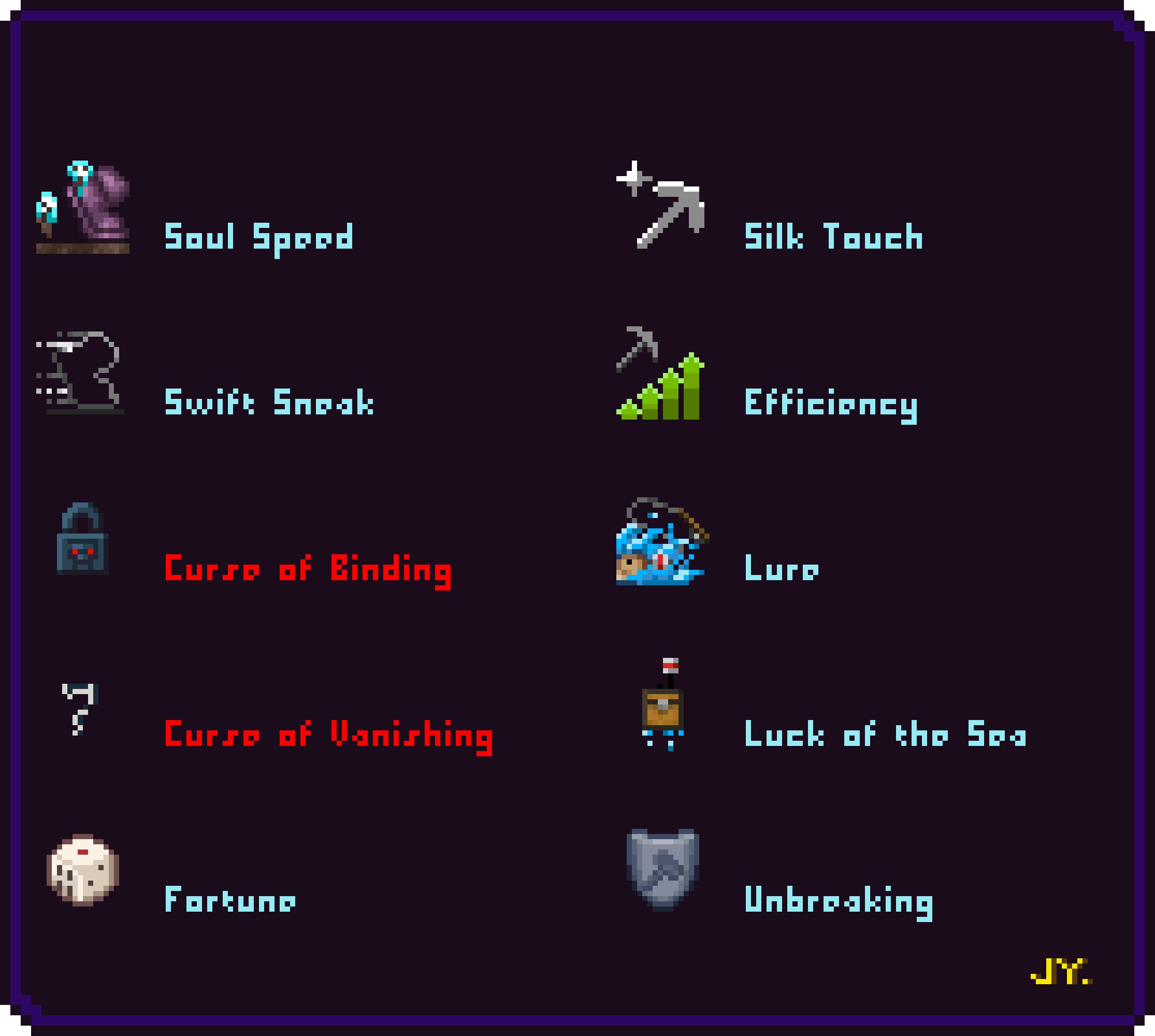
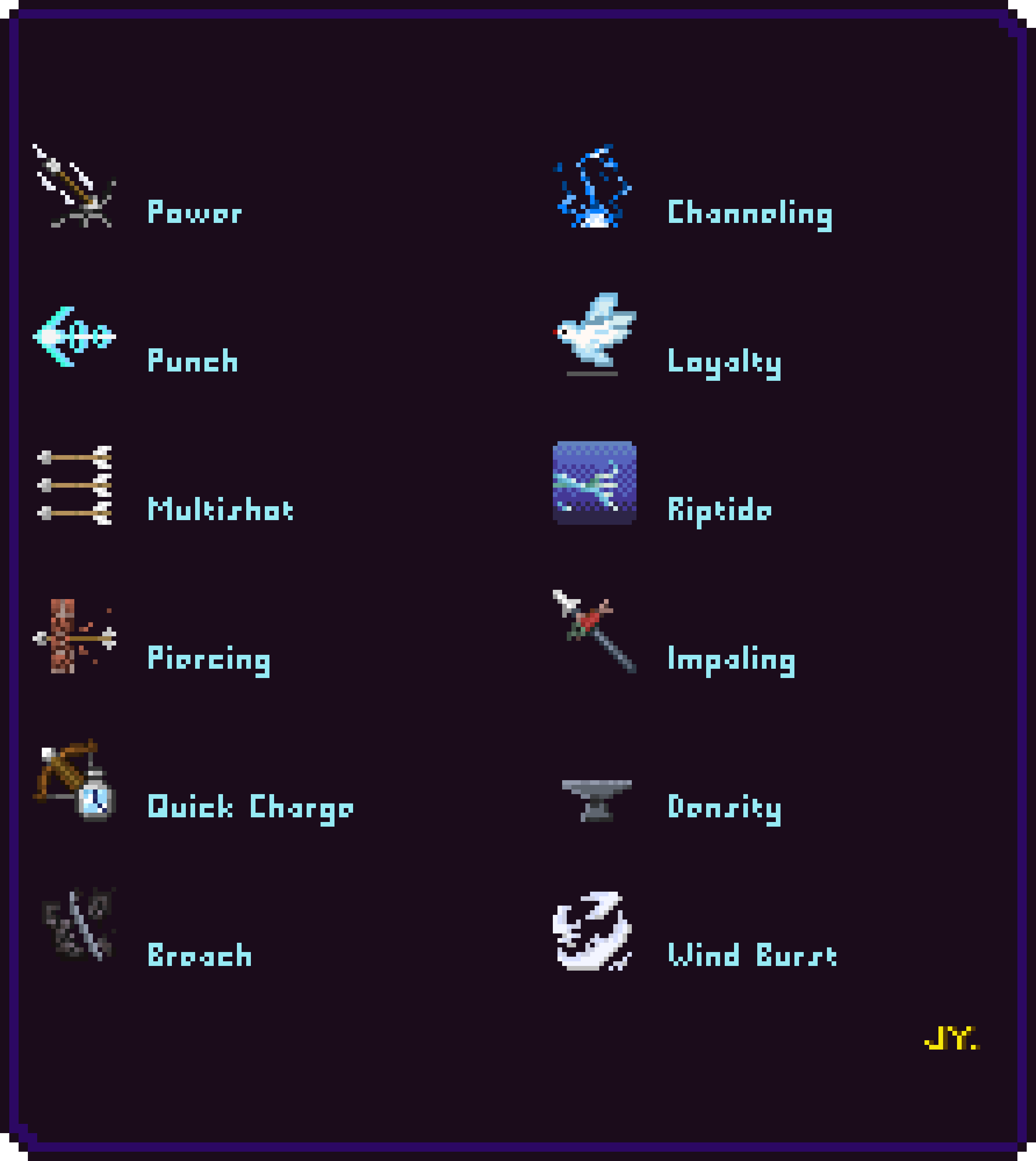
Exquisite enchant icons

Exquisite enchant icons

RESOURCE PACK
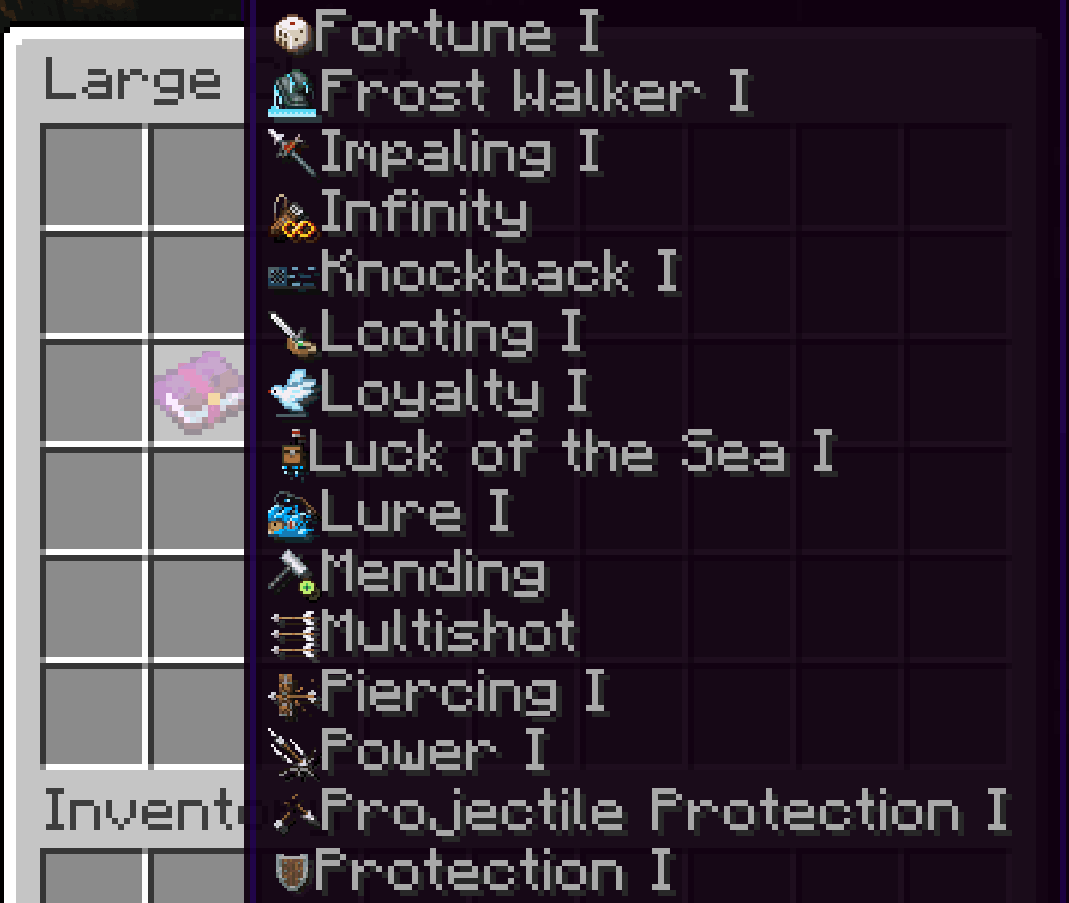
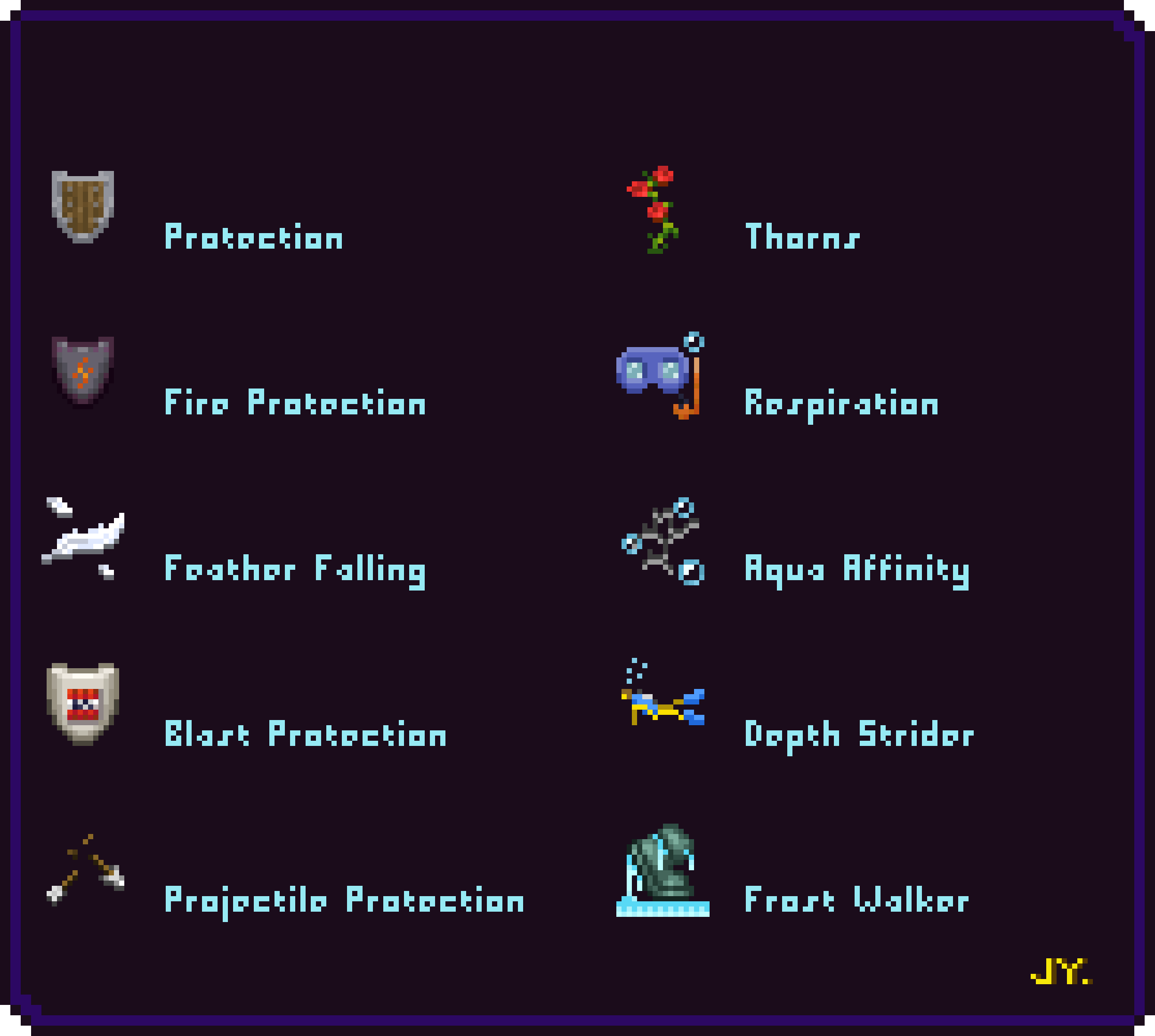
Displays the enchanted icon in the inventory
by TearH_Pi
Download Claim this project
3,928 downloads
0 likes
0 followers
Updated Oct 14, 2026
0 hypes
Follow0
16x Font Packs Miscellaneous
Advertisement Remove ads with Premium →

Make your enchanted item display its Exquisite enchant icons! 令你的附魔物品显示精美的附魔图标!

  • This resource pack is available for all versions
  • 这款资源包可以全版本通用

icon

This resource pack displays the enchanted icon of an enchanted item when the player moves the mouse over it.

当玩家将鼠标放到附魔物品上时,这个资源包会显示附魔的图标。
enchant-1 enchant-2

When using resource packs, turn off "Force unicode fonts" in the language options, otherwise the icon will not appear!

在使用资源包时,请关闭语言选项中的“强制使用unicode字体”,否则图标不会显示!
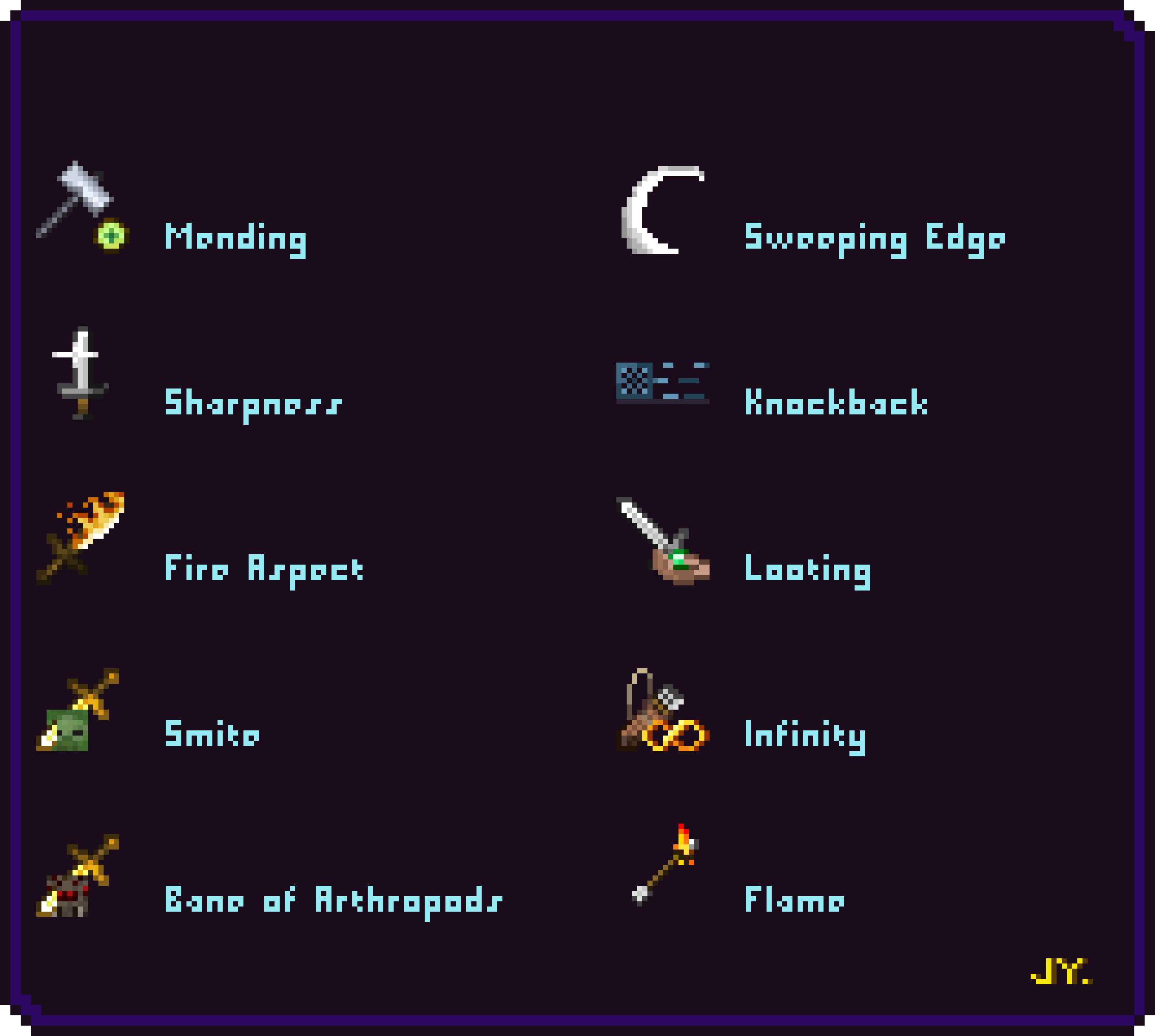
enchant-3 enchant-4

Exquisite enchant icons-v1
MC 1.17.1, 1.16.3, 1.19.3, 1.20.2, 1.16.1, 1.18.1, 1.17, 1.20.5-Snapshot, 1.16, 1.19.4, 1.16.5, 1.18.2, 1.19.2, 1.20.3, 1.20.1, 1.20, 1.19.1, 1.20.4, 1.18, 1.16.4, 1.16.2, 1.19
Release 2024-04-20 Get

Requirements & install

How to use this resource pack in Minecraft
Resolution
16x
Minecraft
1.19.3 – 1.20.5-Snapshot
Install folder
.minecraft/resourcepacks

How to install resource packs

  1. Download the resource pack .zip file (do not extract it).
  2. In Minecraft open Options → Resource Packs → Open Pack Folder.
  3. Drop the .zip into the resourcepacks folder (.minecraft/resourcepacks).
  4. Move the pack to the Selected column and click Done.
Browse more: 16x resource packs 32x resource packs 64x resource packs 128x resource packs 256x resource packs 512x+ resource packs Resource Packs for 1.20.5-Snapshot All resource packs
Advertisement Remove ads with Premium →

You Might Also Like