Mineuniverse
Resource Packs
Explorer's Blend

Explorer's Blend

RESOURCE PACK
It integrates many mods (such as End Remastered, Mine Cells, Terralith, Twilight Forest, Marium's Soulslike Weaponry, Spelunkery, and Bosses of Mass Destruction) to create a better exploration experience.
by Polter
Download Claim this project
153 downloads
0 likes
Updated Oct 14, 2026
0 hypes
Data Packs Mod Support
Advertisement Remove ads with Premium →

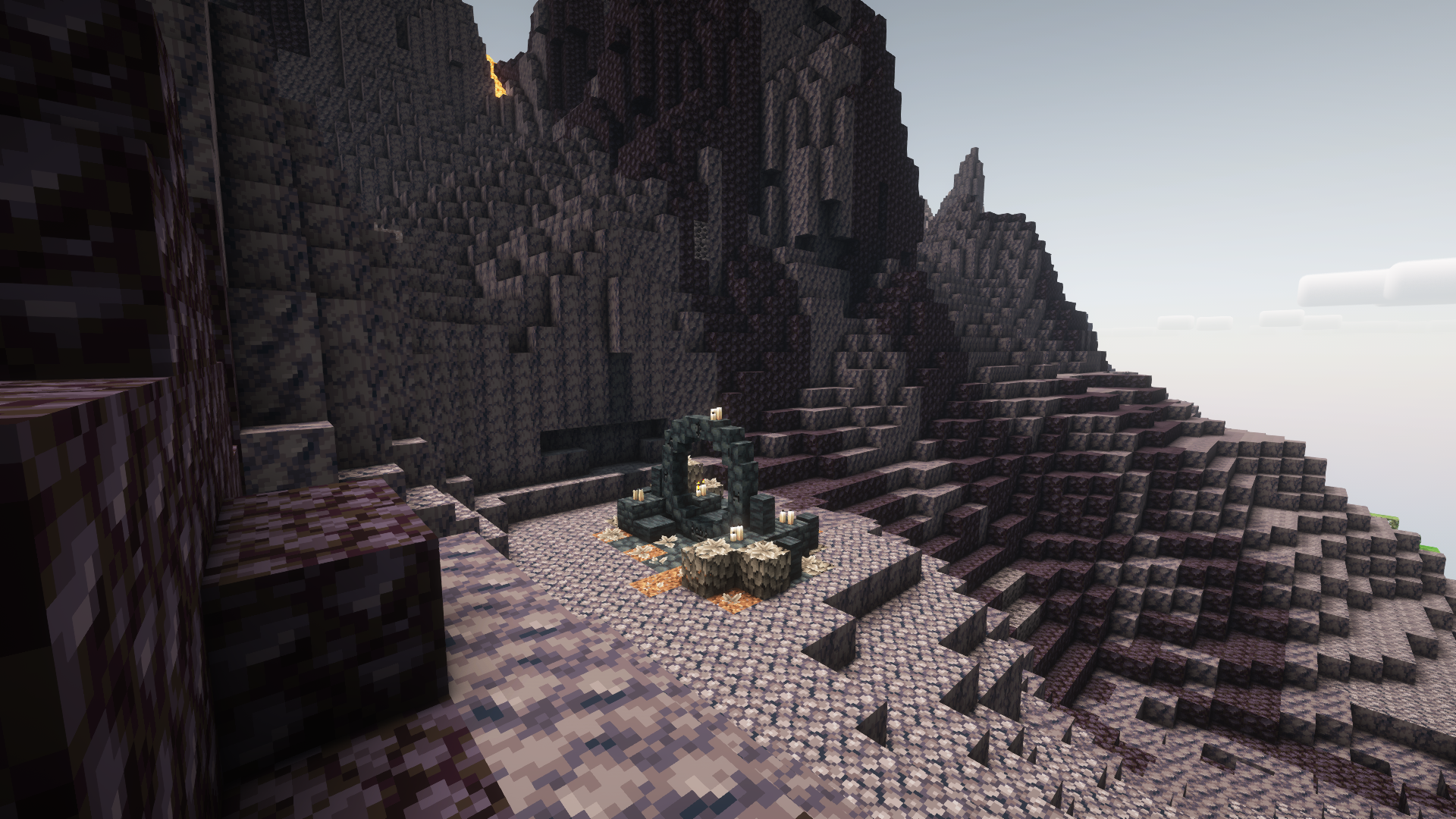
Explorer's Blend is a datapack that integrates many mods (such as End Remastered, Mine Cells, Terralith, Twilight Forest, Marium's Soulslike Weaponry, Spelunkery, and Bosses of Mass Destruction) to create a better exploration experience.

Features:

  • Adds Mine Cells portal to volcanic Terralith biomes
  • Adds Mine Cells mobs to volcanic Terralith biomes
  • Adds End Remastered eyes to many bosses, as listed below.
Night Lich: Cold Eye,
Nether Gauntlet: Nether Eye,
Void Blossom: Lost Eye,
The Decaying King: Corrupted Eye,
The Old Champion's Remains: Undead Eye,
The Frenzied Shade: Cursed Eye,
The Returning Knight: Evil Eye,
The Fallen Icon: Black Eye,
The Monarch of Chaos: Wither Eye,
The Conjunctivius: Exotic Eye,
The Naga: Rogue Eye,
The Twilight Lich: Old Eye,
The Minoshroom: Guardian Eye,
The Hydra: Magical Eye,
The Knight Phantom: Cryptic Eye,
The Ur-Ghast: Witch Eye
  • Changes redstone ore behavior so that it always drops redstone, and at a 50% rate, cinnabar (enabling to turn off the rough gems Spelunkery's option and still make items that depends on cinnabar)
  • Multiplayer: changes the sleep game rule
gamerule playersSleepingPercentage 51

This datapack is intended to be used in a modpack.

expoblend-1.19.2-0.0.1.zip
MC 1.19.2
Release 2023-07-14 Get

Requirements & install

How to use this resource pack in Minecraft
Resolution
Not specified
Minecraft
1.19.2
Install folder
.minecraft/resourcepacks

How to install resource packs

  1. Download the resource pack .zip file (do not extract it).
  2. In Minecraft open Options → Resource Packs → Open Pack Folder.
  3. Drop the .zip into the resourcepacks folder (.minecraft/resourcepacks).
  4. Move the pack to the Selected column and click Done.
Browse more: 16x resource packs 32x resource packs 64x resource packs 128x resource packs 256x resource packs 512x+ resource packs Resource Packs for 1.19.2 All resource packs
Advertisement Remove ads with Premium →

You Might Also Like