Mineuniverse
Resource Packs
Excalibur | Friends and Foes Support

Excalibur | Friends and Foes Support

RESOURCE PACK
Friendly faces and fierce rivals, reimagined
by Ruseki
Download Claim this project
Add a badge to your pageLink to Excalibur | Friends and Foes Support from a README, website or forum post.
Preview: Badge

Badges update automatically and link to the resource pack page on MineUniverse.

1,180,965 downloads
0 likes
0 followers
Updated Oct 14, 2026
0 hypes
Follow0
16x Medieval Miscellaneous Mod Support Traditional
Advertisement Remove ads with Premium →

Title

Spawn Eggs

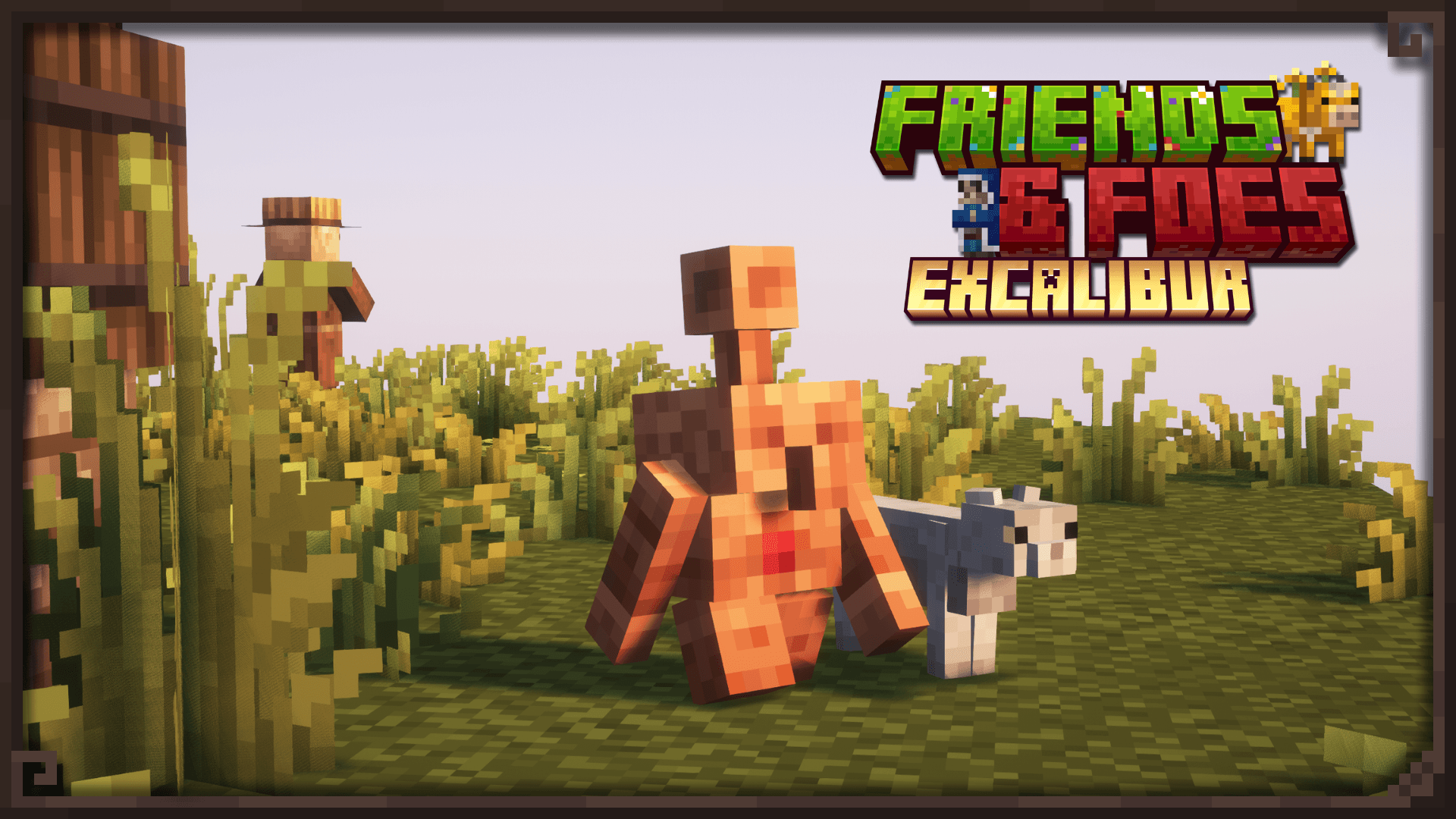
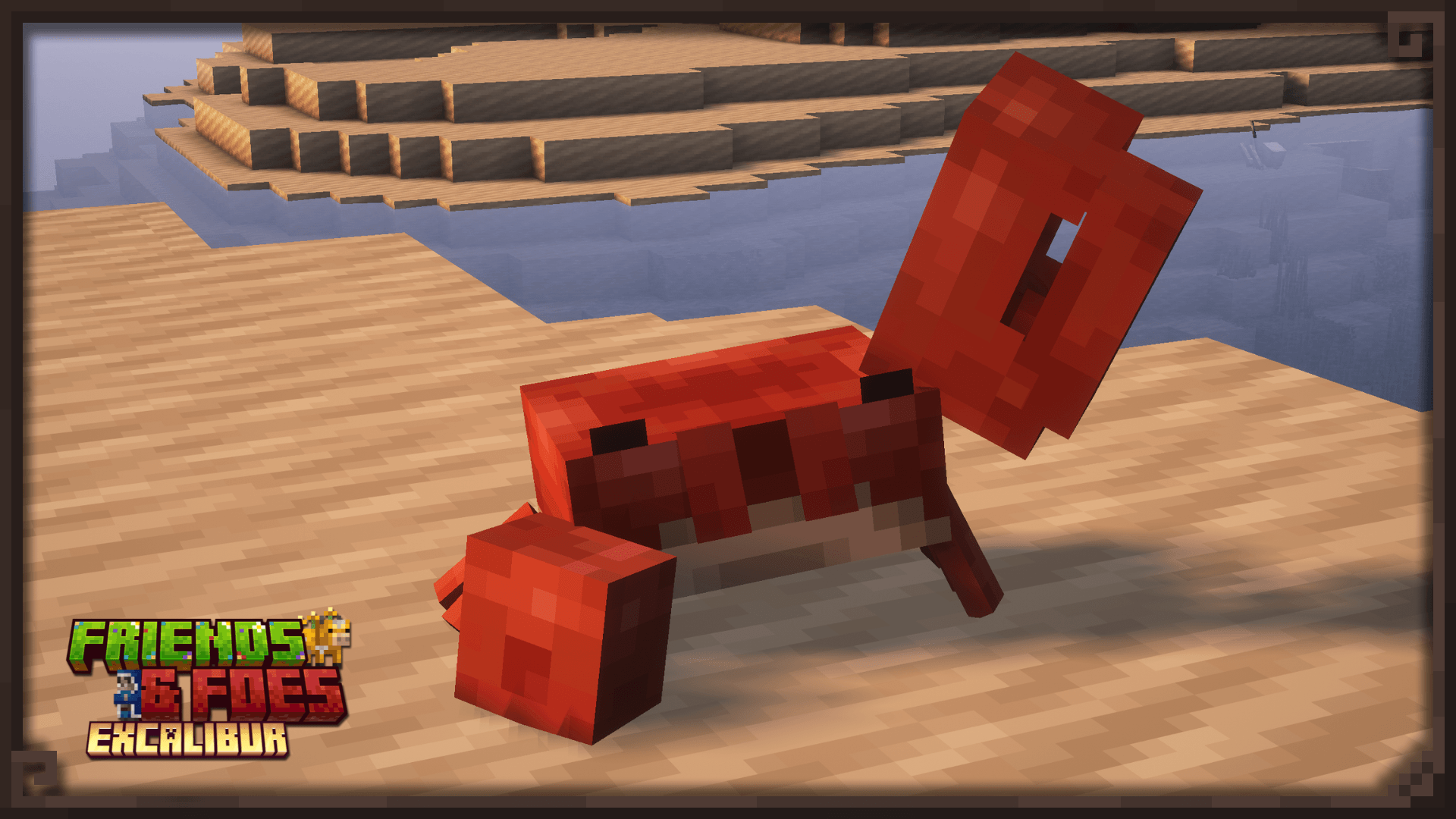
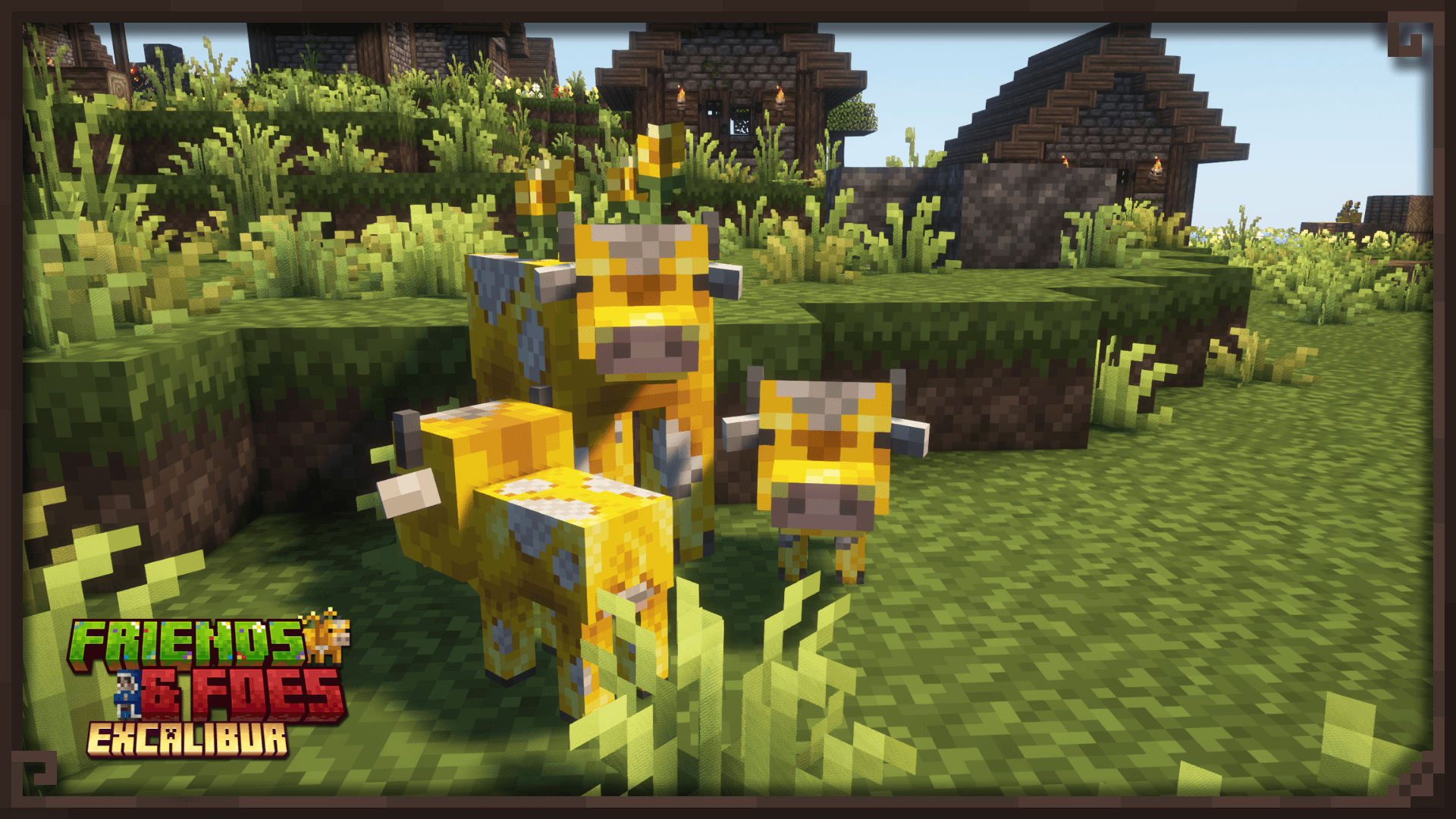
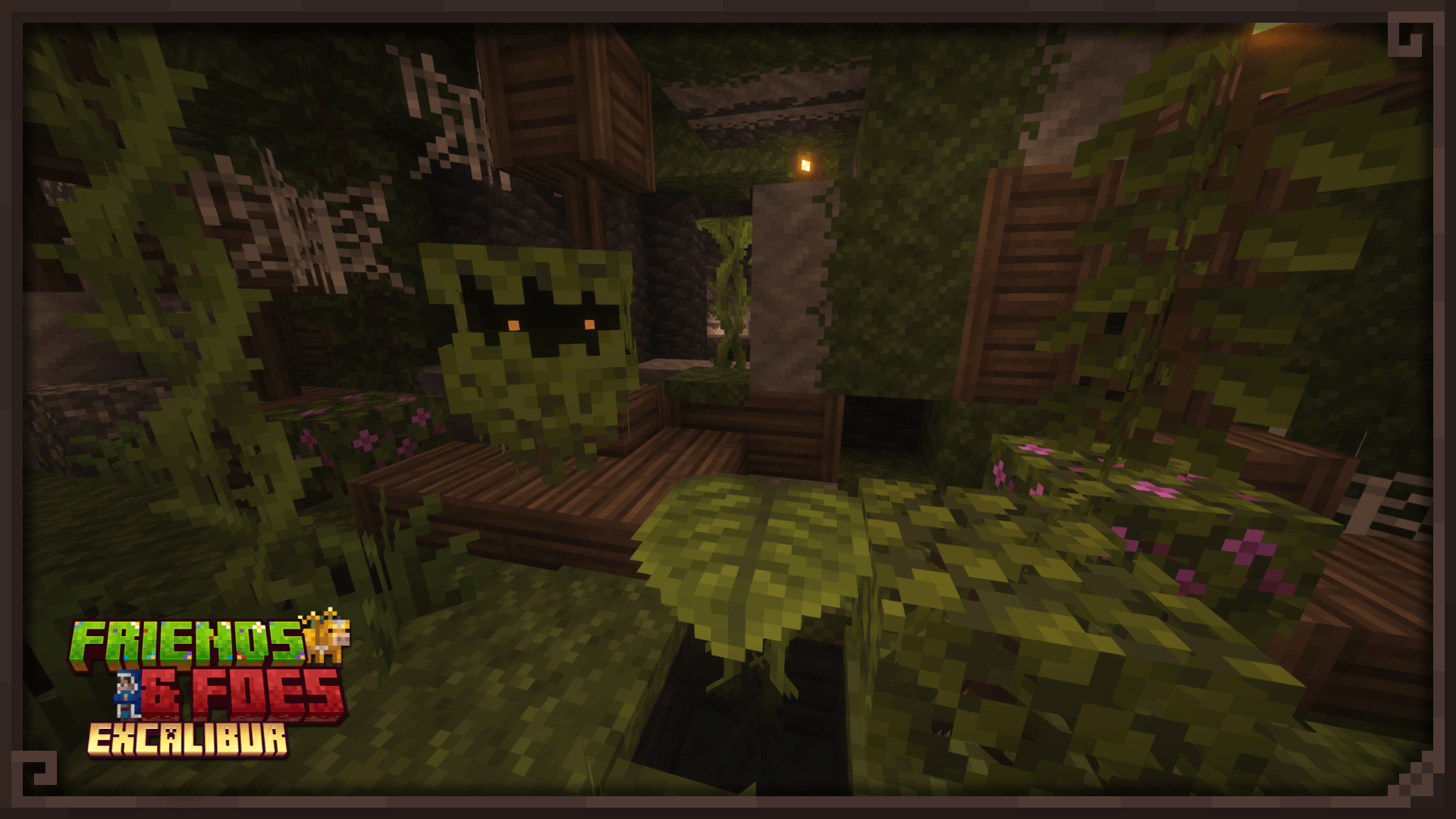
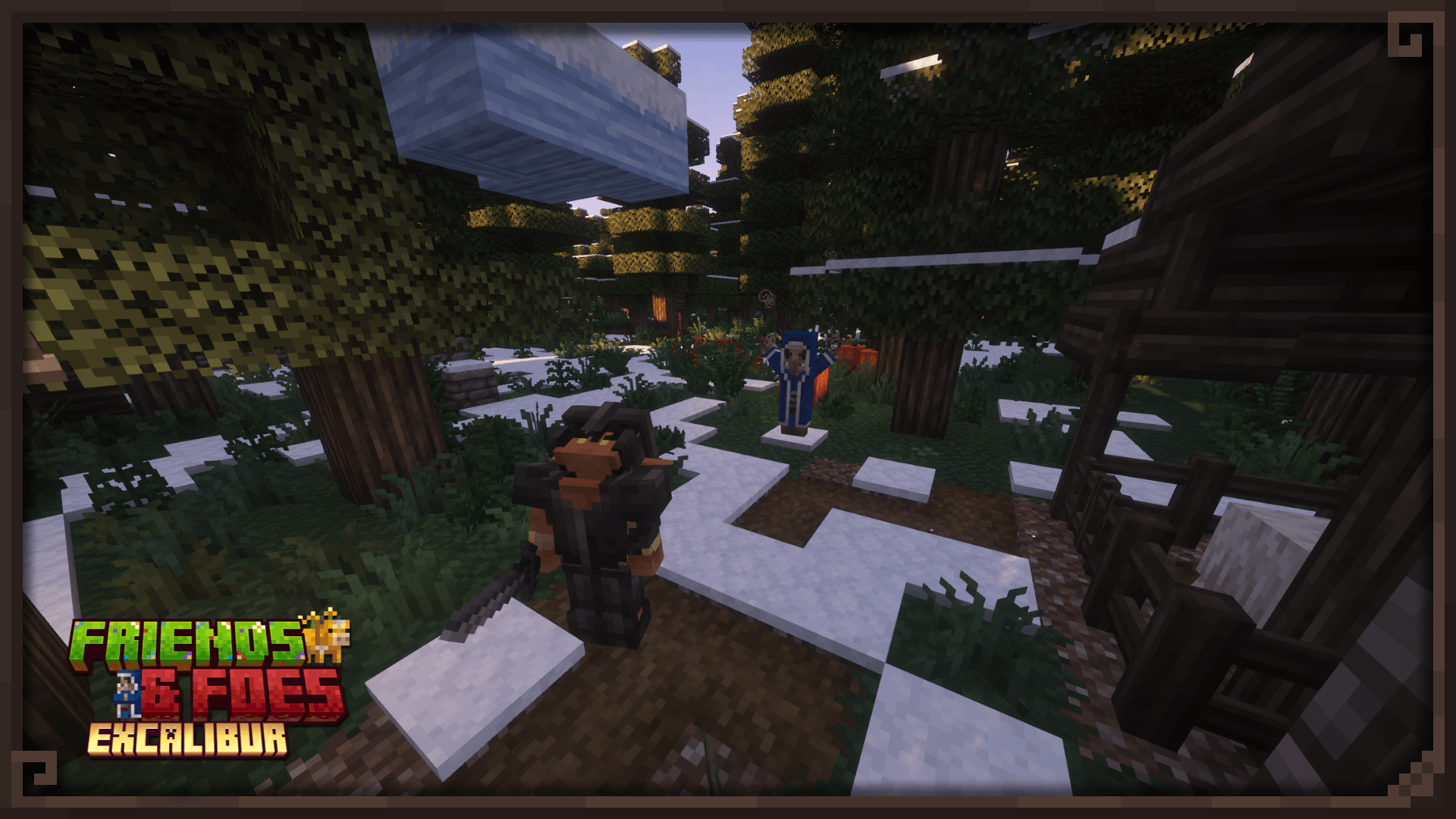
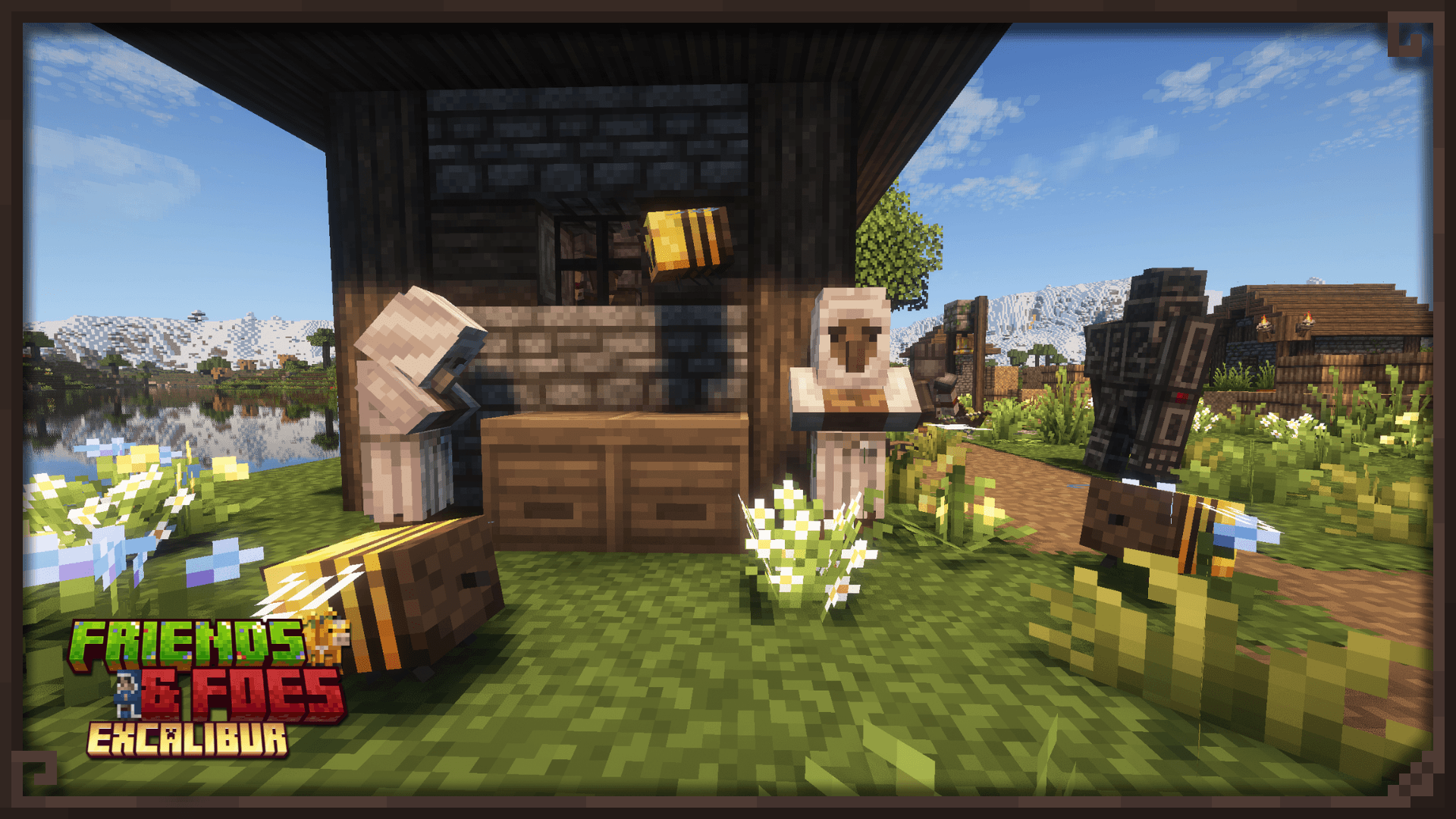
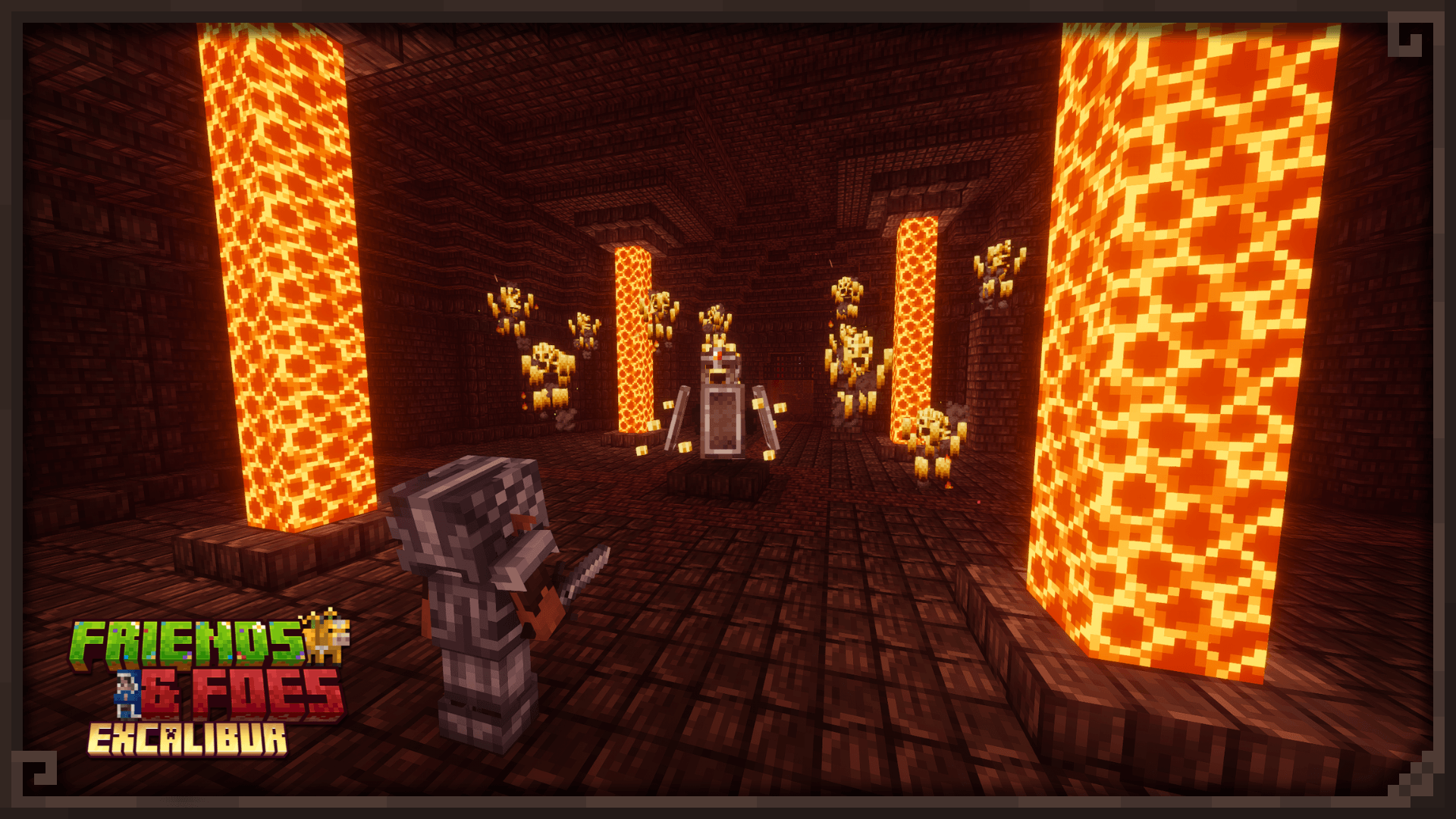
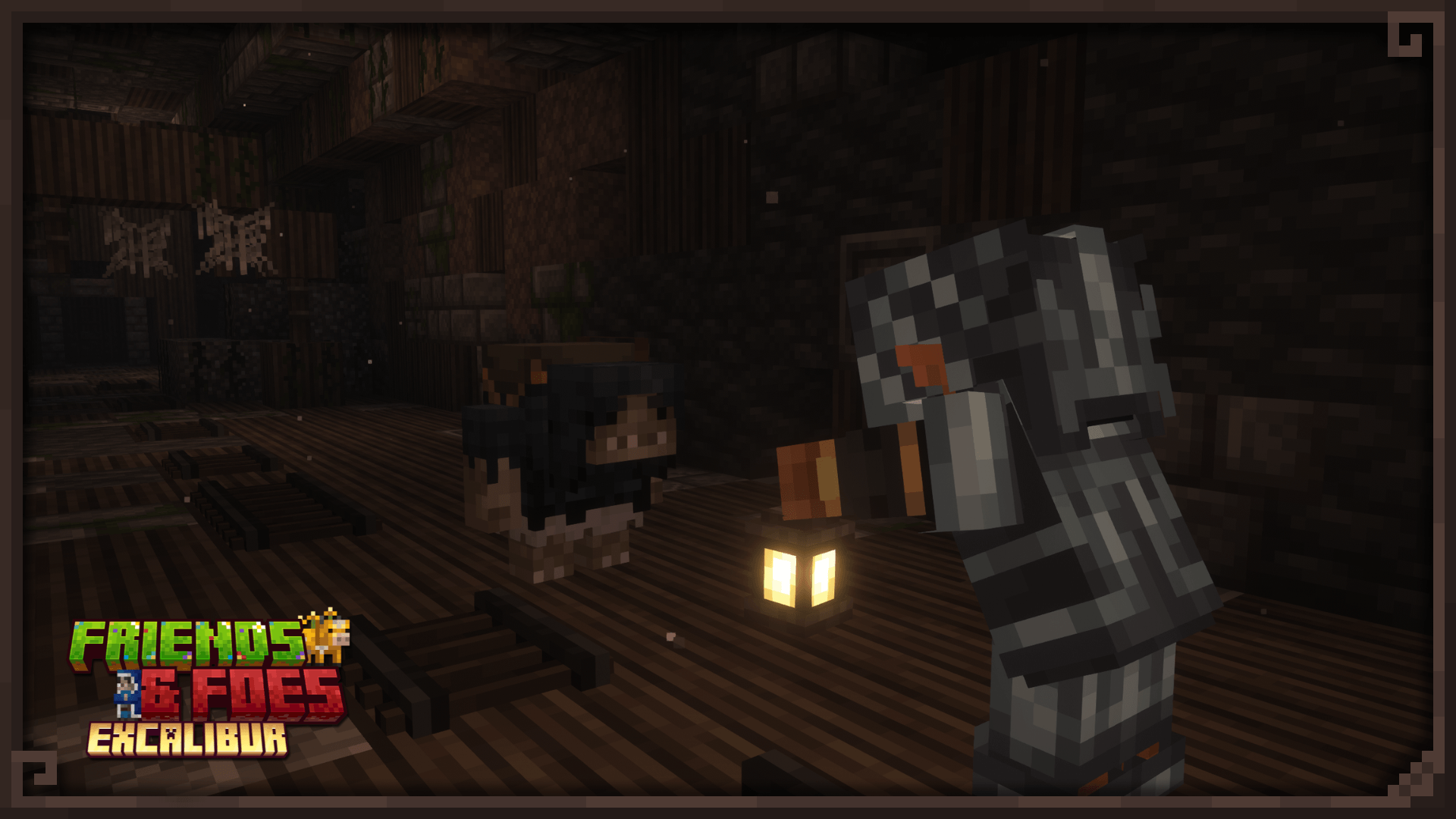
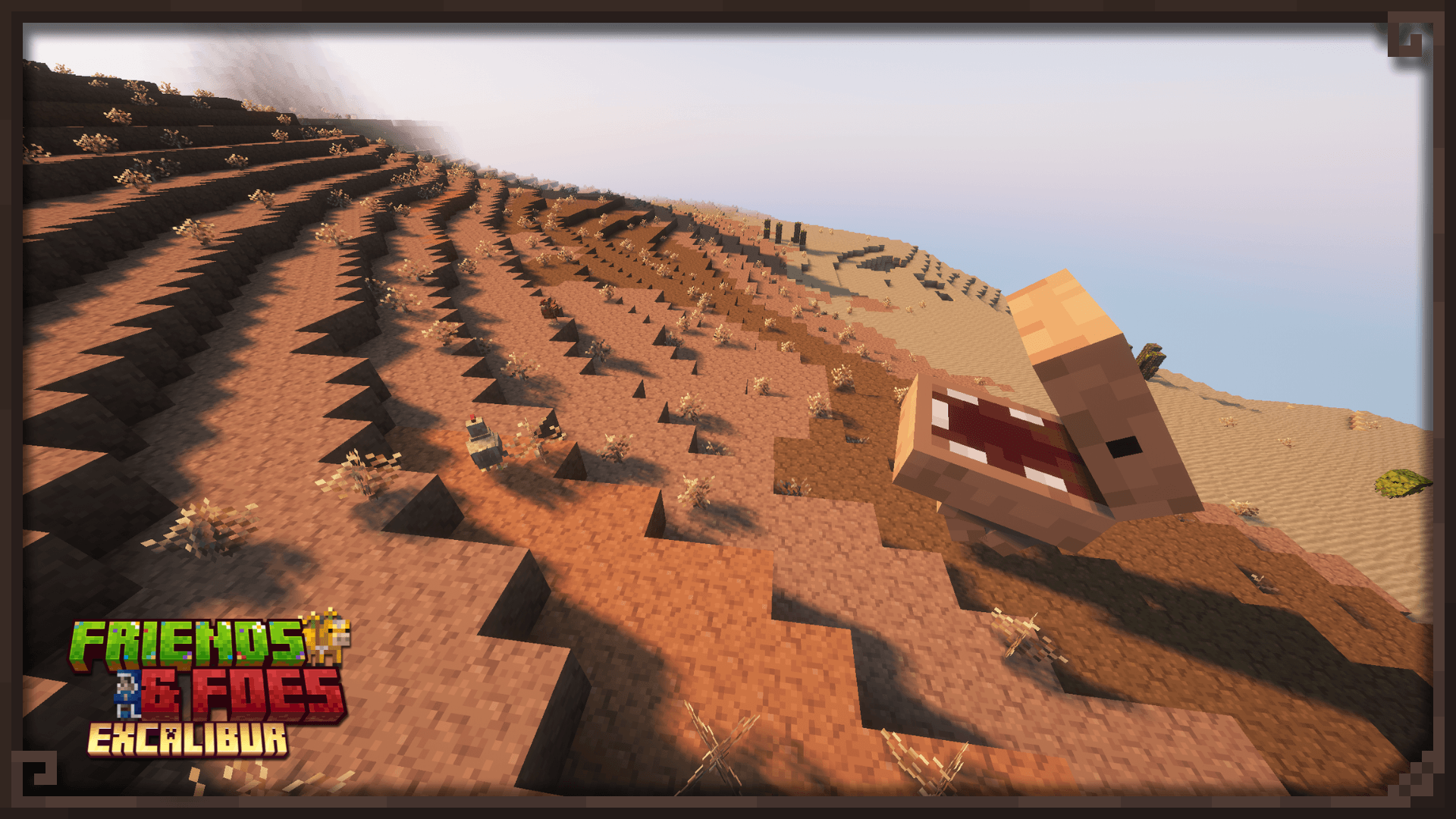
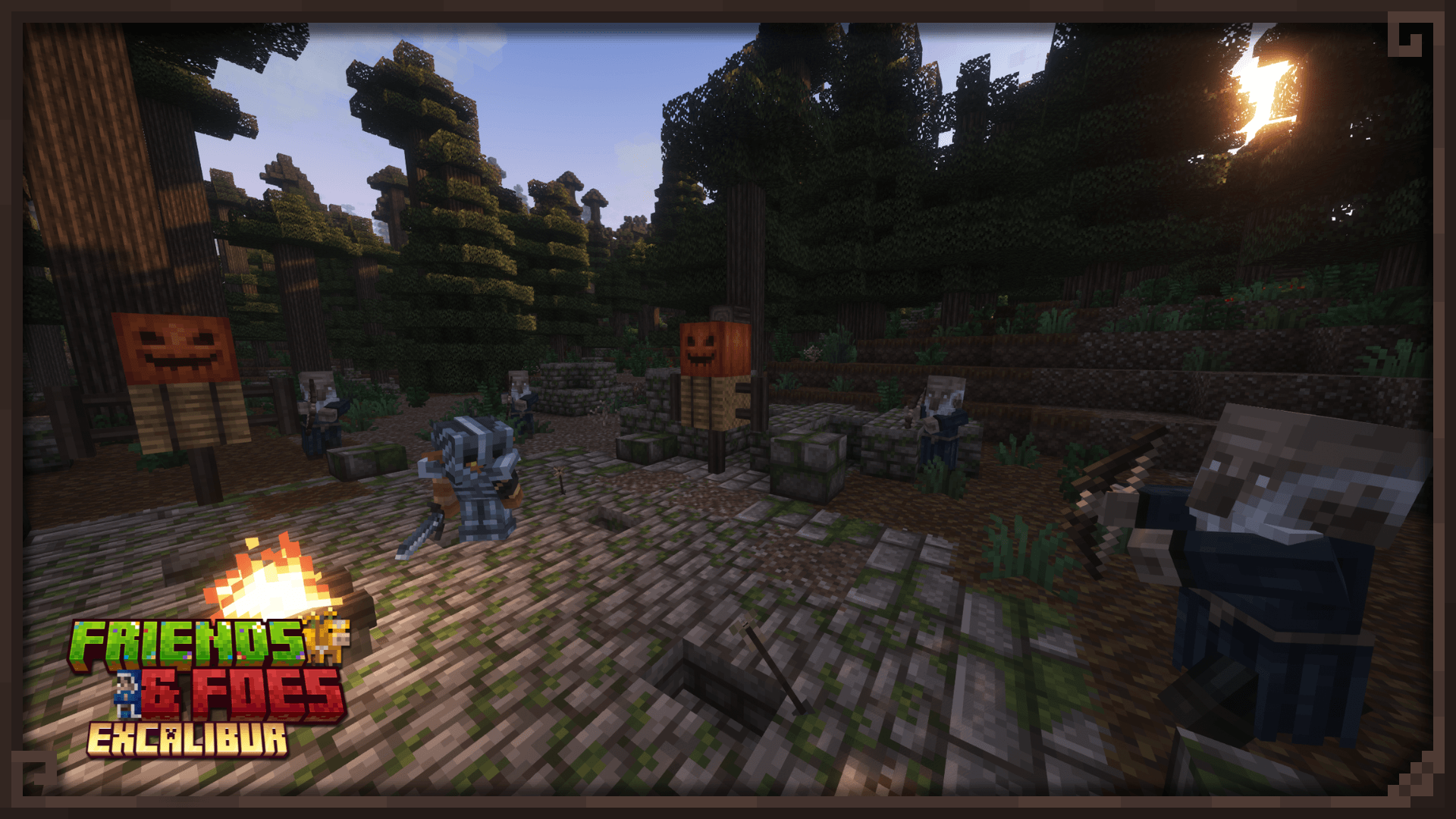
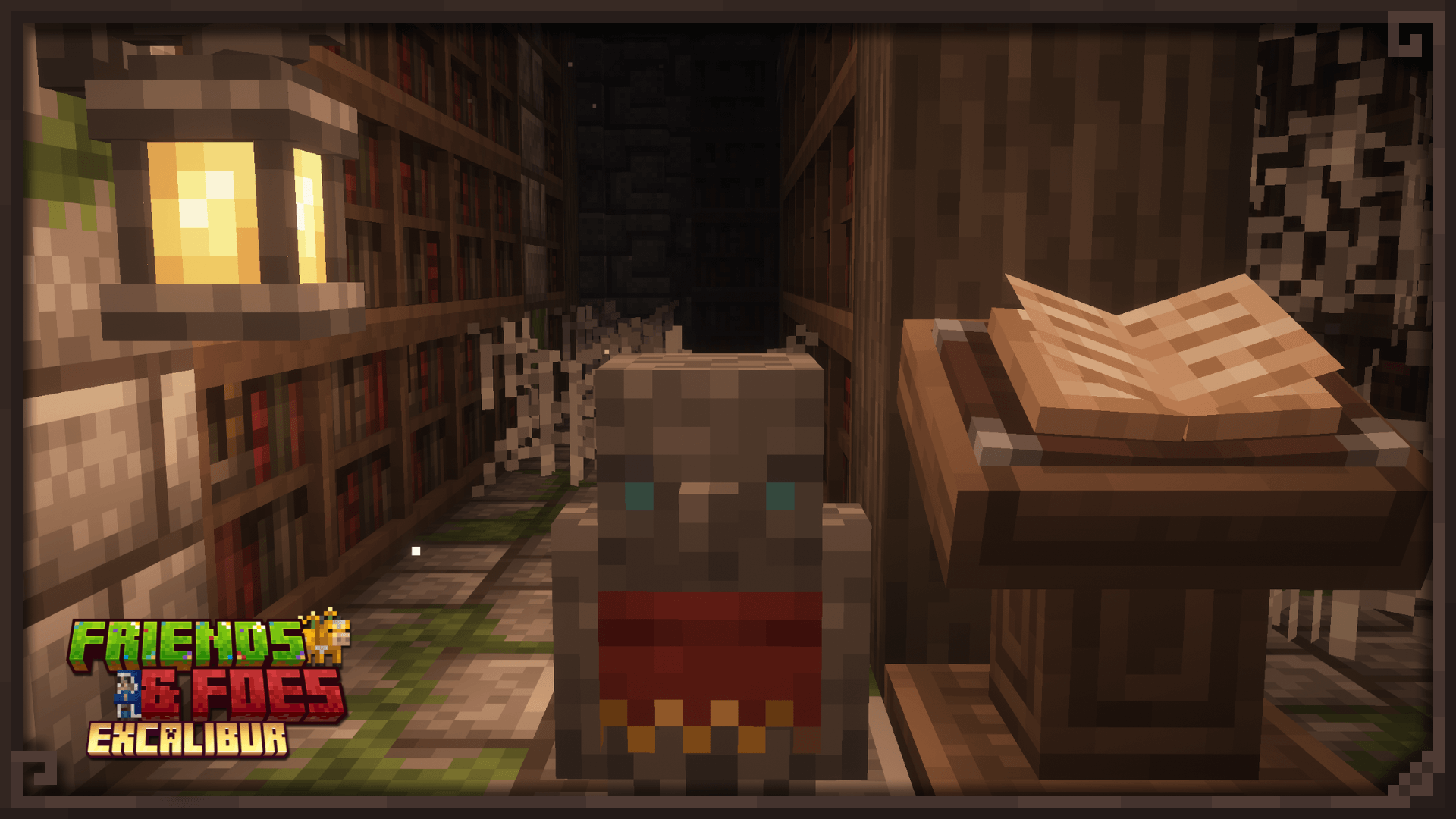
This unofficial compatibility pack ensures that the textures in the Friends and Foes (Fabric/Neoforge) Mod seamlessly integrate with the amazing Excalibur resource pack.

Features:

  • Redesigned all entities, blocks and items.
  • GUIs Excabularized.
  • Includes custom icons for Xaerominimap.

For the best experience, use this pack alongside Excalibur.

Credits:

  • Maffhew – Creator of Excalibur
  • Faboslav - Creator of Friends and Foes
  • anivay - Beekeeper textures
  • Abyssal_Kutku - Iceologer textures
  • GrandPappyJay - Illusioner spawn egg, Backported spawn eggs

Big thanks to TC and GrandPappyJay for clearing up every doubt and making the process way easier!

Feel free to include this in your modpack! Just don't reupload or redistribute my resource pack itself.

Curseforge Modrinth


Excalibur FriendsFoes 2.7
MC 1.21, 1.21.8, 1.21.5, 1.21.4, 1.21.1, 1.21.6, 1.21.7, 1.21.9, 1.21.10, 1.21.11, 26.1, 26.1.1, 26.1.2, 26.2
Release 2025-08-24 Get
Excalibur Friends&Foes 2.6
MC 1.21.5, 1.21.4, 1.21.3, 1.21.1, 1.21.6, 1.21.2
Release 2025-07-23 Get
Excalibur FriendsFoes 2.5
MC 1.21.5, 1.21.4, 1.21.1
Release 2025-06-02 Get
Excalibur Friends&Foes 2.2
MC 1.20.2, 1.21, 1.20.5, 1.21.5, 1.21.4, 1.20.3, 1.20.1, 1.20, 1.20.6, 1.20.4, 1.21.1
Release 2025-05-22 Get

Requirements & install

How to use this resource pack in Minecraft
Resolution
16x
Minecraft
1.21.8 – 26.2
Install folder
.minecraft/resourcepacks

How to install resource packs

  1. Download the resource pack .zip file (do not extract it).
  2. In Minecraft open Options → Resource Packs → Open Pack Folder.
  3. Drop the .zip into the resourcepacks folder (.minecraft/resourcepacks).
  4. Move the pack to the Selected column and click Done.
Browse more: 16x resource packs 32x resource packs 64x resource packs 128x resource packs 256x resource packs 512x+ resource packs Resource Packs for 26.2 All resource packs

More from Ruseki

Advertisement Remove ads with Premium →

You Might Also Like