Mineuniverse
Resource Packs
Excalibur | Fresh Animations Patch

Excalibur | Fresh Animations Patch

RESOURCE PACK
A Resource Pack that makes Excalibur compatible with Fresh Animations and Freshly Modded!
by GrandPappyJay
Download Claim this project
Add a badge to your pageLink to Excalibur | Fresh Animations Patch from a README, website or forum post.
Preview: Badge

Badges update automatically and link to the resource pack page on MineUniverse.

1,427,729 downloads
0 likes
0 followers
Updated Oct 14, 2026
0 hypes
Follow0
16x Animated Medieval Mod Support Traditional
Advertisement Remove ads with Premium →

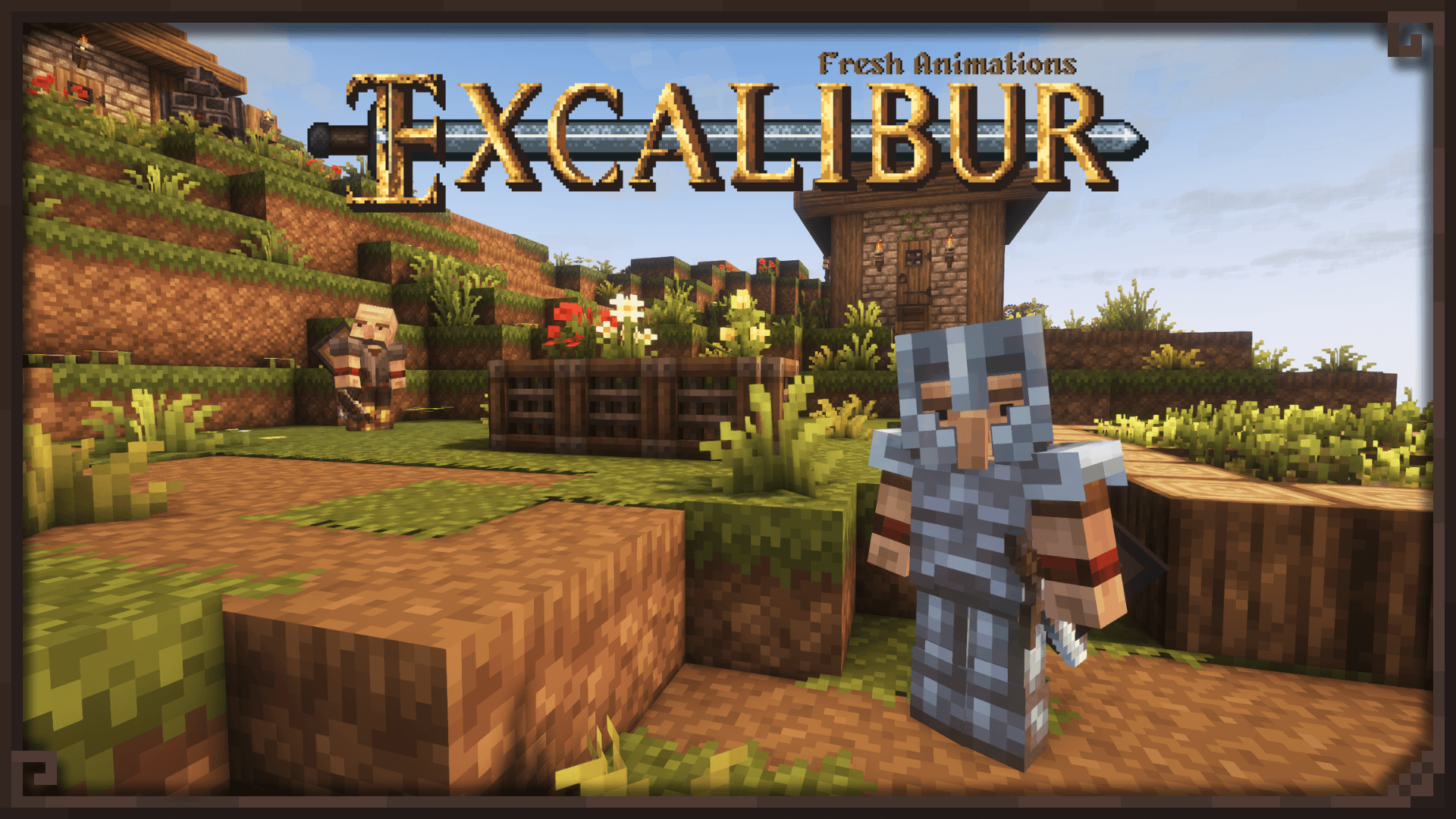
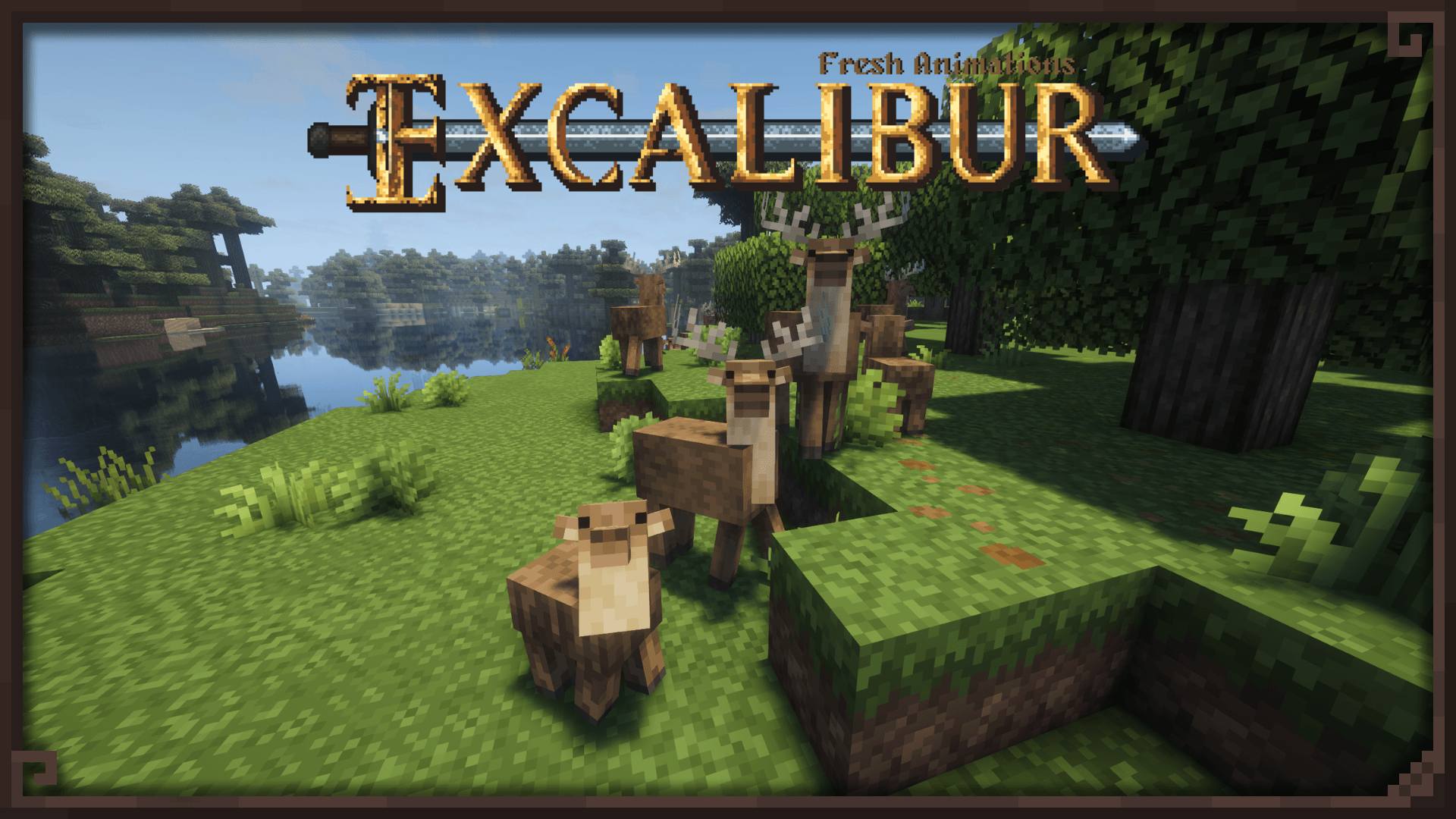
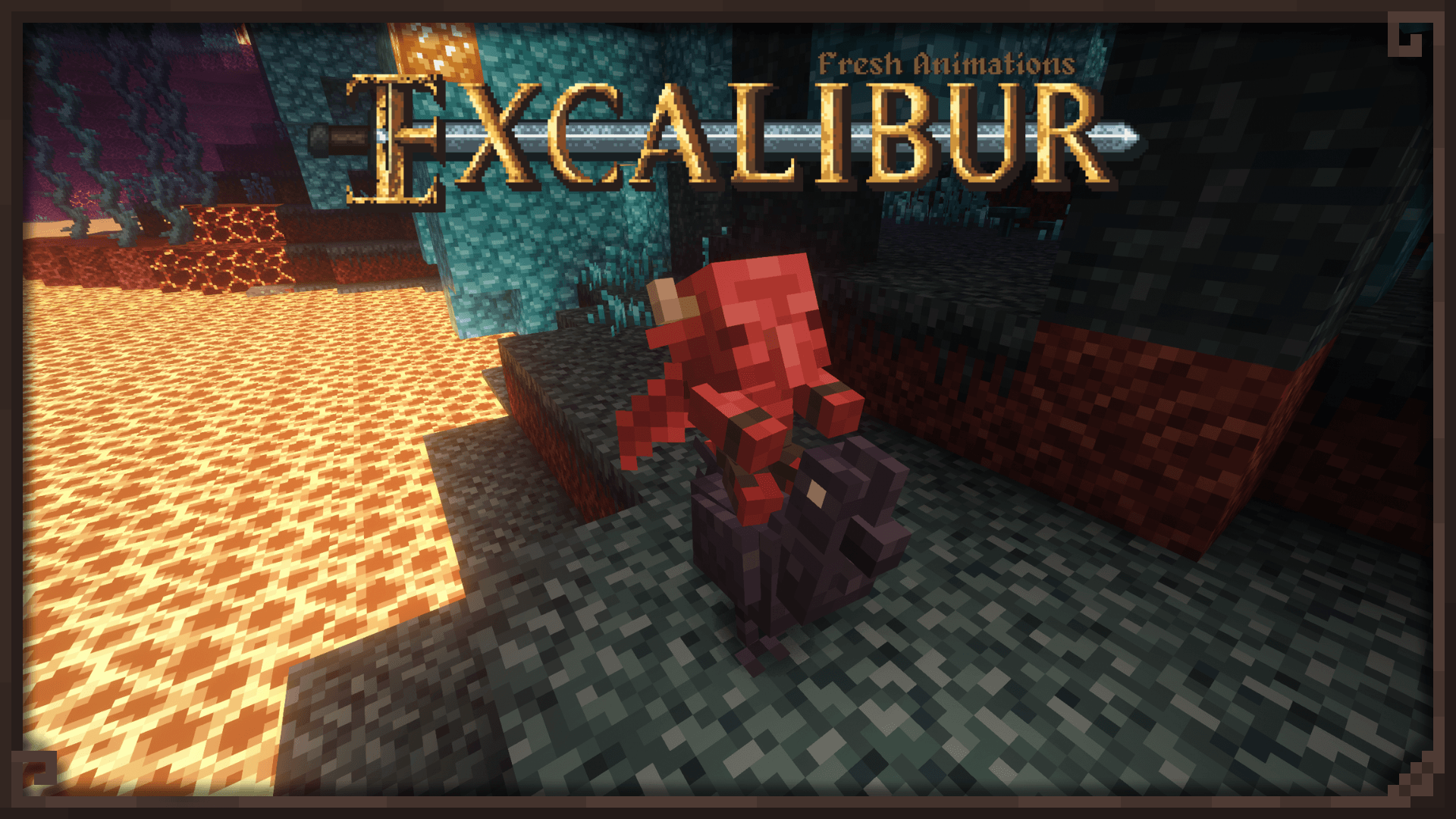
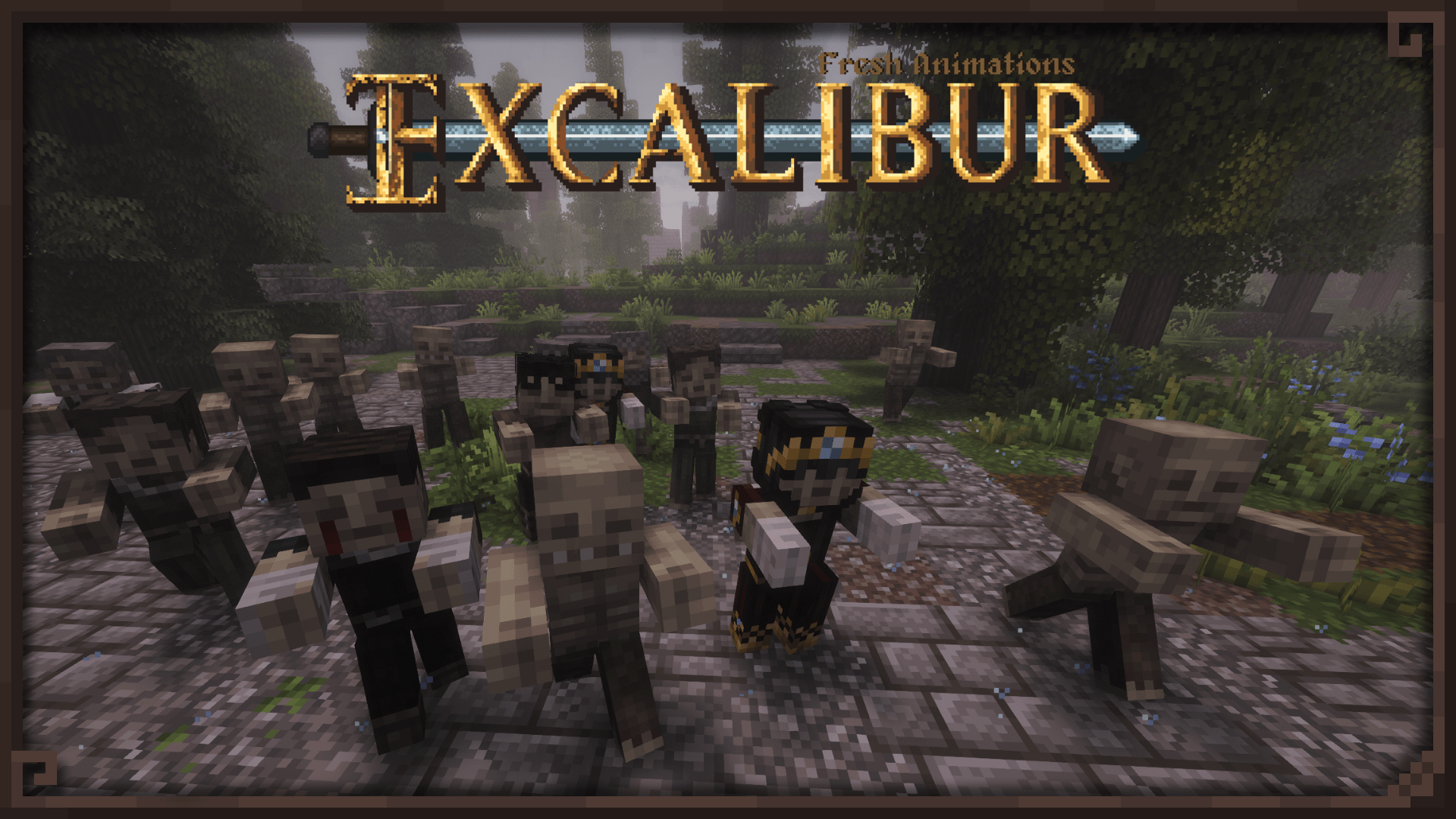
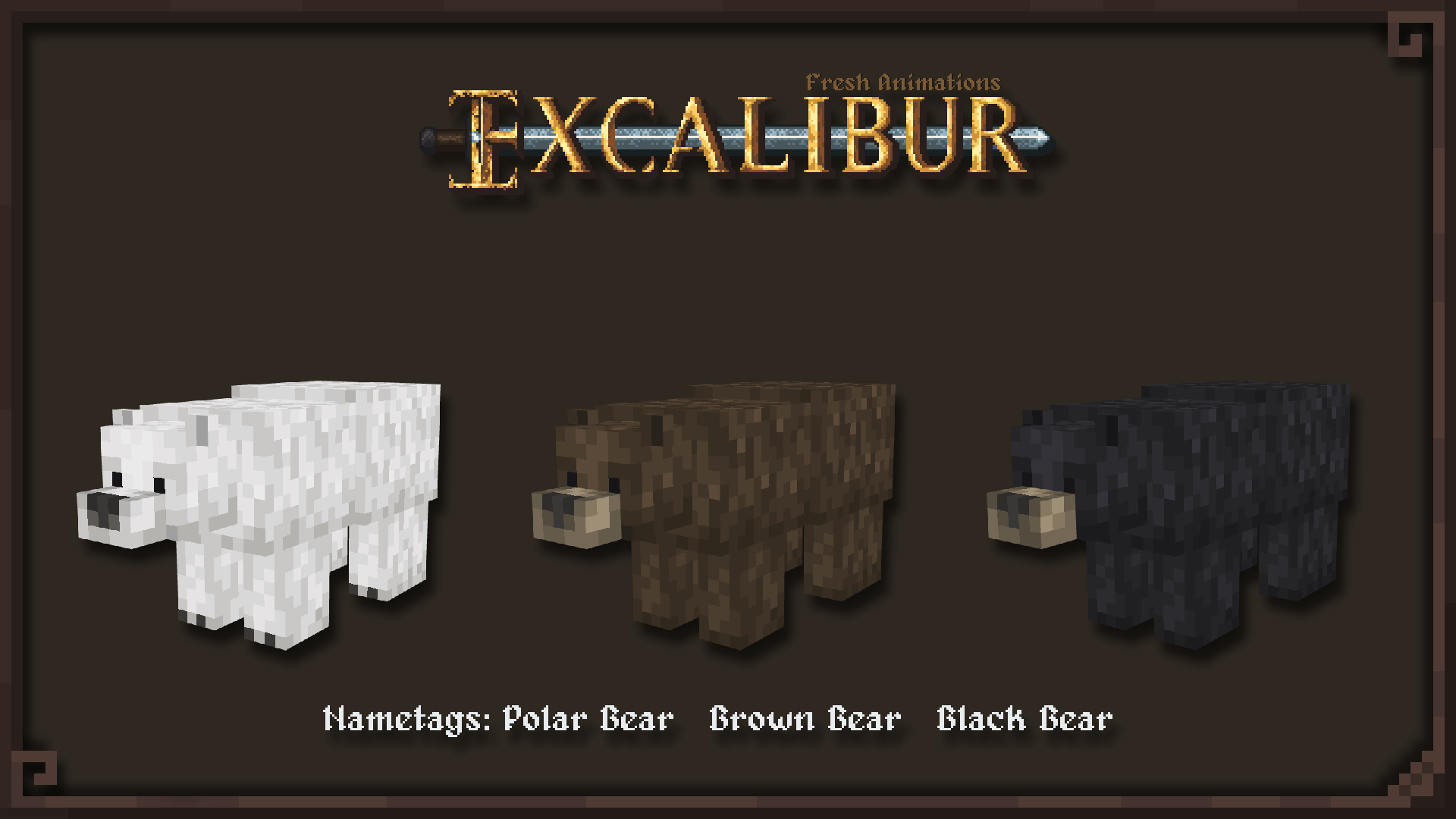
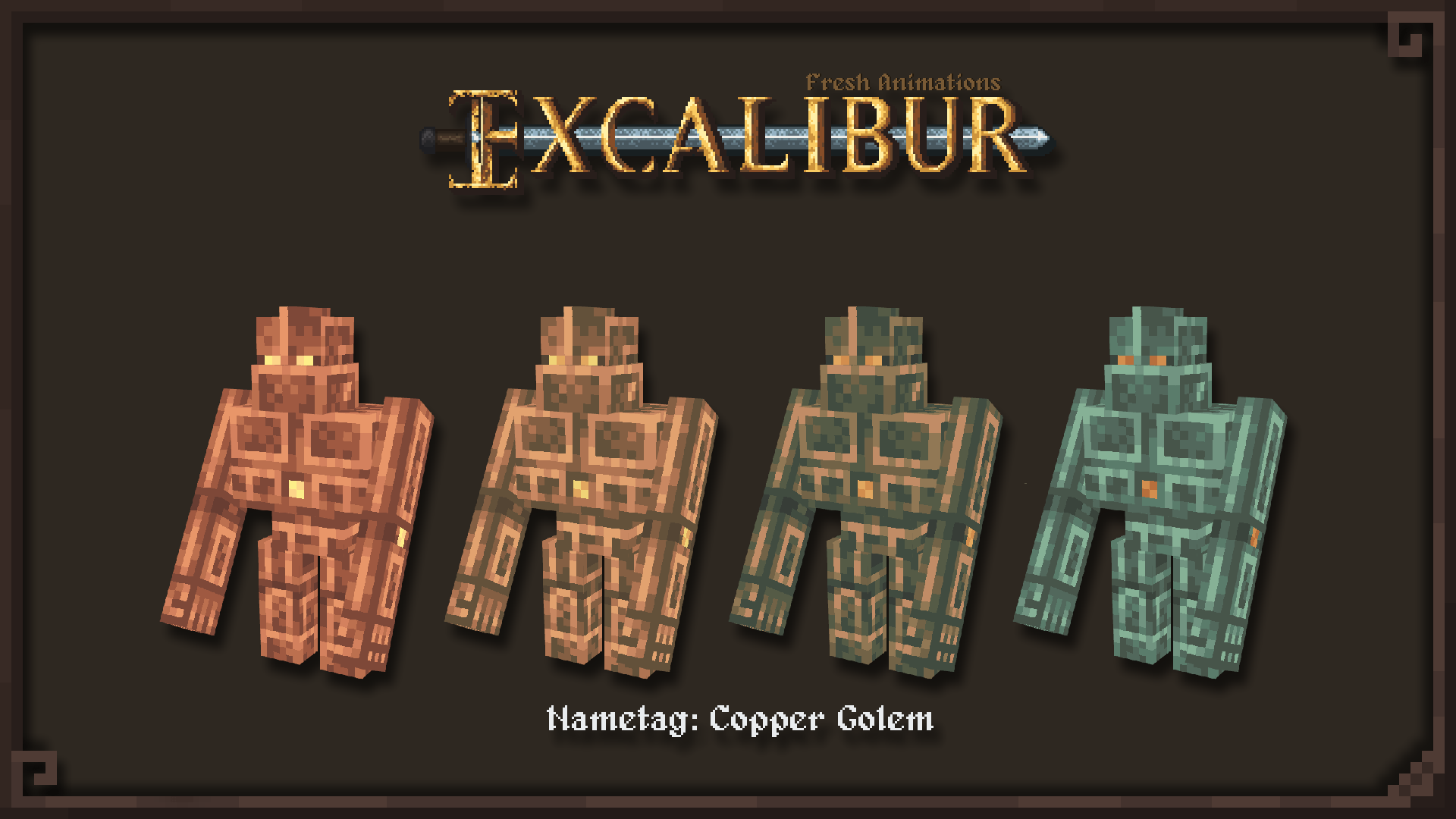
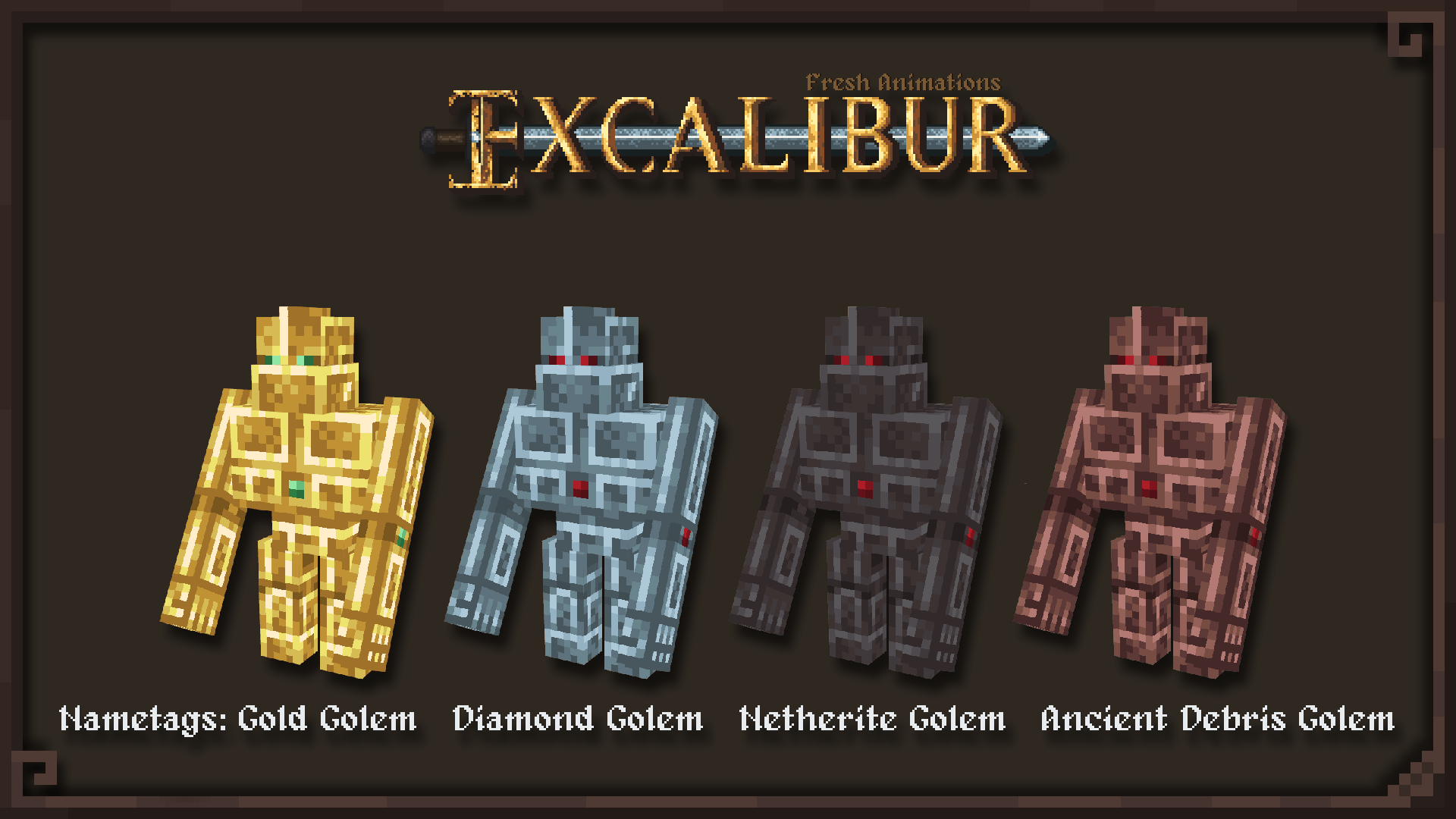
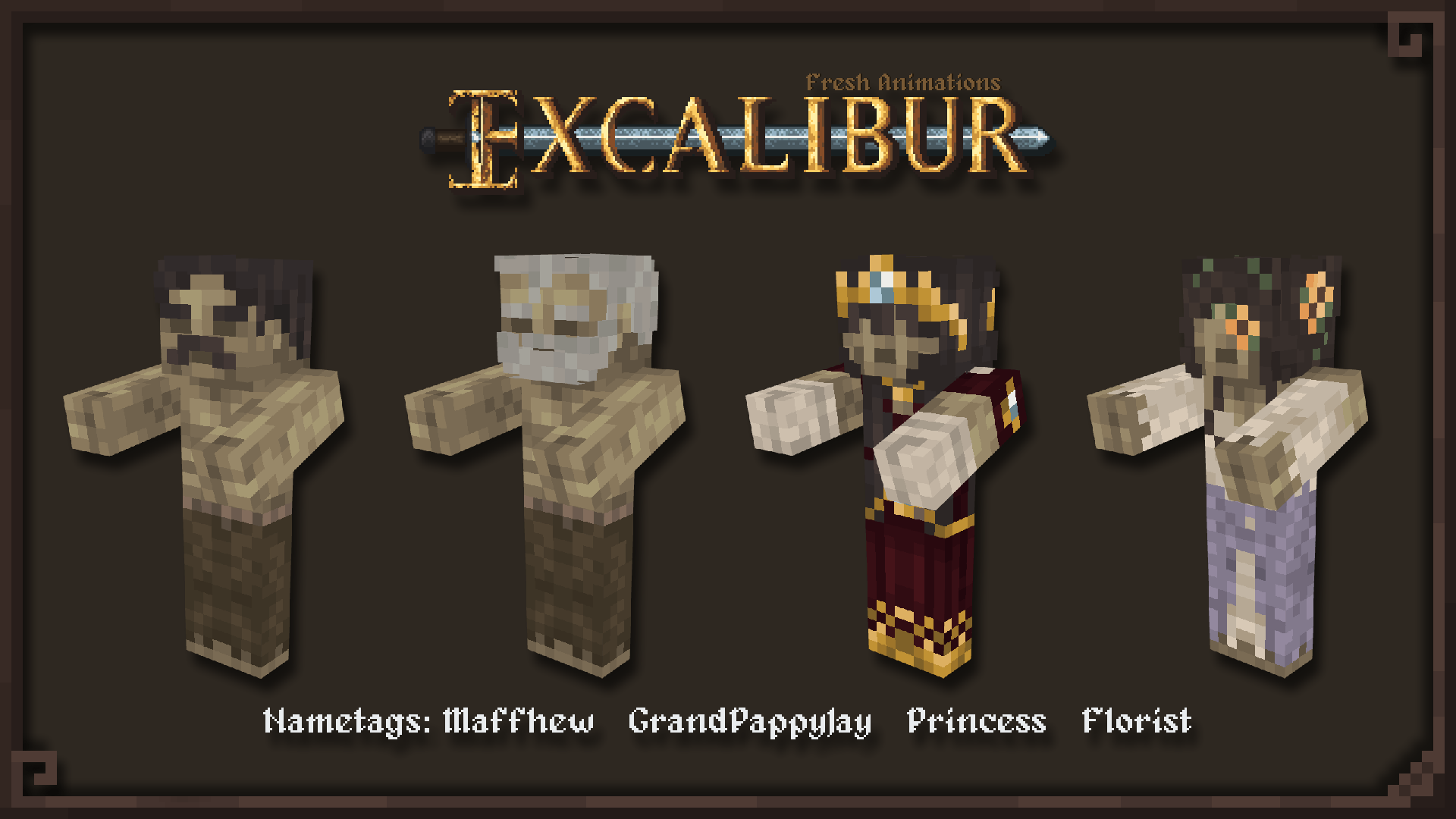
Excalibur | Fresh Animations Banner

Fresh animations, classic Excalibur vibes.


Load Order Load Order

💡 Recommended Load Order for Best Compatibility (From TOP to BOTTOM):

  1. Excalibur | Fresh Animations Patch

  2. Freshly Modded Lib (optional, library required for Freshly Modded (FMRP). Gives nice eye movement to entities and more

  3. Freshly Modded Resource Pack (FMRP) – (optional, for Guard Villagers and Friends&Foes support)

  4. Fresh Animations (required, choose the appropriate version for your Minecraft version) HOW? Simple. If you are playing on 1.20.x or 1.21.x use Fresh Animations 1.10.4, if you are on Minecraft 26.1 and up, use Fresh Animations 1.10.5

  5. Excalibur Mod Support (All of the packs available in Curseforge/Modrinth or Excalibur's discord)

  6. Excalibur | Clarent Edition (required if your Minecraft version is 1.20.1,1.21.x, except 1.21.11)

  7. Excalibur (required) (ALWAYS use Excalibur 1.21.11 unless you are on Minecraft 1.26+)

  8. Fresh Player Animation Extension (optional, this should be placed below Excalibur; otherwise, it will override Excalibur's leggings texture)

IN OTHER WORDS: If you are playing on Minecraft 1.20.1 or any version of 1.21.1 my recommendation is to use Excalibur 1.21.11 and Excalibur Clarent Edition on top of it for best compatibility. If you are on Minecraft 1.26+ just use the version of Excal that matches your minecraft version.


Compatibility Incompatible Mods & Resourcepacks

- Epic Fight

- Accelerated Rendering

- Any official addon of Fresh Animations related to animals or hostiles

- Better Animation Collection


Requirements

To use this addon, you'll need:

Required Mods

  • ETF and EMF Mods or OptiFine - (I don't recommend Optifine in 2026, is currenlty bugged, use it at your own risk)

Optional Addons

  • F.M.R.P v2.0.3 – Needed for Guard Villagers and Friends&Foes Support
  • Vanilla Backport Support - Only needed if you're playing on 1.20.1 or 1.21.1 and want to access content from the latest Minecraft updates.
  • Friends and Foes - A great mod that brings fan-favorite mobs from Minecraft's Mob Votes to life
  • Additional mod support may be considered in the future

Important Mod support may vary slightly depending on Minecraft version and mod updates.


Community Support Excalibur Community & Credits

Invite Join the Community!

Have a bug to report?
An idea to share?
Or just want to chat about Excalibur?

Join the Official Excalibur Discord Server

Map Adventure awaits — and every voice shapes the journey!


Villager Credits

Special thanks to the amazing creators who made this addon possible:

  • Maffhew – Creator of Excalibur
  • FreshLX – Creator of Fresh Animations
  • TimothyWiggins127 – Guard Villagers texture assets
  • SebSemos – Creator of Freshly Modded Resource Pack (FMRP)
  • GrandPappyJay – Creator and pioneer of Excalibur Fresh Animation Patch
  • Ruseki – Maintainer & current developer of Excalibur Fresh Animation Patch

Also, special thanks to you, adventurer. The finest warriors know the value of preparation. Thank you for taking the time to read the scroll before beginning your journey.


Licensing Licensing

This is a non-commercial fan-made addon, created in full respect of Excalibur’s original license.

In accordance with Excalibur's licensing:

  • You may not redistribute this pack and claim it as your own.
  • You may not redistribute this pack without a link to this thread.
  • You may not put money-making links such as adf.ly links with this work under any circumstances.
  • You may not use this work for commercial purposes.
  • You may not alter, transform, or build upon this work.
  • You may use this pack as a part of any Minecraft-related video including those which are created for commercial purposes or are monetized by advertising.

Any of the above conditions can be waived if you get permission from Matthew (Maffhew) Dillow.

The "Excalibur Fresh Animations” title displayed in this description is reserved and may NOT be used for your Excalibur projects.


More updates coming soon…

Feel free to include this in your modpack! Just don't reupload or redistribute my resource pack itself.

Curseforge Modrinth Ko-fi


Excalibur | Fresh Animations 1.10.4 Hotfix 3
MC 1.21, 1.20.2, 1.21.8, 1.20.5, 1.21.5, 1.21.4, 1.20.1, 1.20.6, 1.21.1, 1.21.6, 1.21.3, 1.21.7, 1.20.4, 1.20.3, 1.21.2, 1.21.9, 1.21.10, 1.21.11
Release 2026-08-31 Get
Excalibur | Fresh Animations 1.10.5 Hotfix 1
MC 26.1, 26.1.1, 26.1.2, 26.2, 26.3
Release 2026-08-31 Get
Excalibur | Fresh Animations 1.10.4 Hotfix_2
MC 1.21, 1.20.2, 1.21.8, 1.20.5, 1.21.5, 1.21.4, 1.20.1, 1.20.6, 1.21.1, 1.21.6, 1.21.3, 1.21.7, 1.20.4, 1.20.3, 1.21.2, 1.21.9, 1.21.10, 1.21.11
Release 2026-07-26 Get
Excalibur | Fresh Animations 1.10.5
MC 26.1, 26.1.1, 26.1.2, 26.2
Release 2026-07-26 Get
EFA_1.10.4 Hotfix_1
MC 1.21, 1.20.2, 1.21.8, 1.20.5, 1.21.5, 1.21.4, 1.20.1, 1.20.6, 1.21.1, 1.21.6, 1.21.3, 1.21.7, 1.20.4, 1.20.3, 1.21.2, 1.21.9, 1.21.10, 1.21.11
Release 2026-04-17 Get
EFA_1.10.4
MC 1.21, 1.20.2, 1.21.8, 1.20.5, 1.21.5, 1.21.4, 1.20.1, 1.20.6, 1.21.1, 1.21.6, 1.21.3, 1.21.7, 1.20.4, 1.20.3, 1.21.2, 1.21.9, 1.21.10, 1.21.11
Release 2026-04-08 Get
EFA_1.10.3 Hotfix_1
MC 1.21, 1.20.2, 1.21.8, 1.20.5, 1.21.5, 1.21.4, 1.20.1, 1.20.6, 1.21.1, 1.21.6, 1.21.3, 1.21.7, 1.20.4, 1.20.3, 1.21.2, 1.21.9, 1.21.10, 1.21.11
Release 2026-01-04 Get
EFA_1.10.3
MC 1.20.2, 1.21.8, 1.20.5, 1.21.5, 1.21.4, 1.20.1, 1.20.6, 1.21.1, 1.21.6, 1.21.3, 1.21.7, 1.20.4, 1.20.3, 1.21.2, 1.21.9, 1.21.10, 1.21.11
Release 2026-01-03 Get
Excalibur | Fresh Animations 215.4.a
MC 1.20.1, 1.20
Release 2025-05-19 Get
Excalibur | Fresh Animations 215.4.b
MC 1.21, 1.20.2, 1.20.5, 1.21.5, 1.21.4, 1.20.6, 1.21.1, 1.21.3, 1.20.4, 1.20.3, 1.21.2
Release 2025-05-19 Get
EFA 215.3.a
MC 1.20.1, 1.20
Release 2025-05-11 Get
EFA 215.3.b
MC 1.20.2, 1.21, 1.20.5, 1.21.5, 1.21.4, 1.20.3, 1.20.6, 1.20.4, 1.21.3, 1.21.1, 1.21.2
Release 2025-05-11 Get
EFA_215.1.a.zip
MC 1.20.2, 1.21, 1.20.5, 1.20.3, 1.20.1, 1.20, 1.20.6, 1.20.4, 1.21.1, 1.21.2
Release 2025-04-27 Get
EFA_215.1.b.zip
MC 1.21.5, 1.21.4, 1.21.3
Release 2025-04-27 Get
Excalibur 1.21.4 | Fresh Animations 1.9.2 (Build 10)
MC 1.20.2, 1.21, 1.20.5, 1.20.3, 1.20.1, 1.20, 1.20.6, 1.20.4, 1.21.1
Release 2025-03-17 Get
Excalibur 1.21.4 | Fresh Animations 1.9.3 (Build 10)
MC 1.21.4, 1.21.3
Release 2025-03-17 Get
Excalibur | Fresh Animations - Build 9
MC 1.20.2, 1.21, 1.20.5, 1.21.4, 1.20.3, 1.20.6, 1.20.4, 1.21.3, 1.21.1, 1.21.2
Beta 2025-03-08 Get
Excalibur 1.20.6 | Fresh Animations 1.9 - Build 7
MC 1.19.3, 1.20.2, 1.20.5, 1.19.4, 1.20.3, 1.20.1, 1.20, 1.20.6, 1.20.4
Release 2024-06-15 Get
Excalibur 1.20.4 | Fresh Animations 1.9 - Build 6
MC 1.19.3, 1.20.2, 1.19.4-Snapshot, 1.20.2-Snapshot, 1.19.4, 1.20.3-Snapshot, 1.20.3, 1.20.1, 1.20, 1.20.4, 1.20-Snapshot, 1.19.3-Snapshot
Release 2024-04-07 Get
Excalibur 1.20.4 | Fresh Animations 1.9 - Build 5
MC 1.19.3, 1.20.2, 1.19.4, 1.20.3, 1.20.1, 1.20, 1.20.4
Release 2024-03-15 Get
Excalibur 1.20 | Fresh Animations 1.8.1 - Build 3
MC 1.19.3, 1.20.2, 1.19.4, 1.20.3, 1.20.1, 1.20, 1.20.4
Release 2023-12-24 Get
Excalibur_v1.20_Fresh_Animations_v1.8.1.zip
MC 1.20.2, 1.20.2-Snapshot, 1.20.1, 1.20, 1.20-Snapshot
Release 2023-10-01 Get

Requirements & install

How to use this resource pack in Minecraft
Resolution
16x
Minecraft
1.21.9 – 26.3
Install folder
.minecraft/resourcepacks

How to install resource packs

  1. Download the resource pack .zip file (do not extract it).
  2. In Minecraft open Options → Resource Packs → Open Pack Folder.
  3. Drop the .zip into the resourcepacks folder (.minecraft/resourcepacks).
  4. Move the pack to the Selected column and click Done.
Browse more: 16x resource packs 32x resource packs 64x resource packs 128x resource packs 256x resource packs 512x+ resource packs Resource Packs for 26.3 All resource packs

More from GrandPappyJay

Advertisement Remove ads with Premium →

You Might Also Like