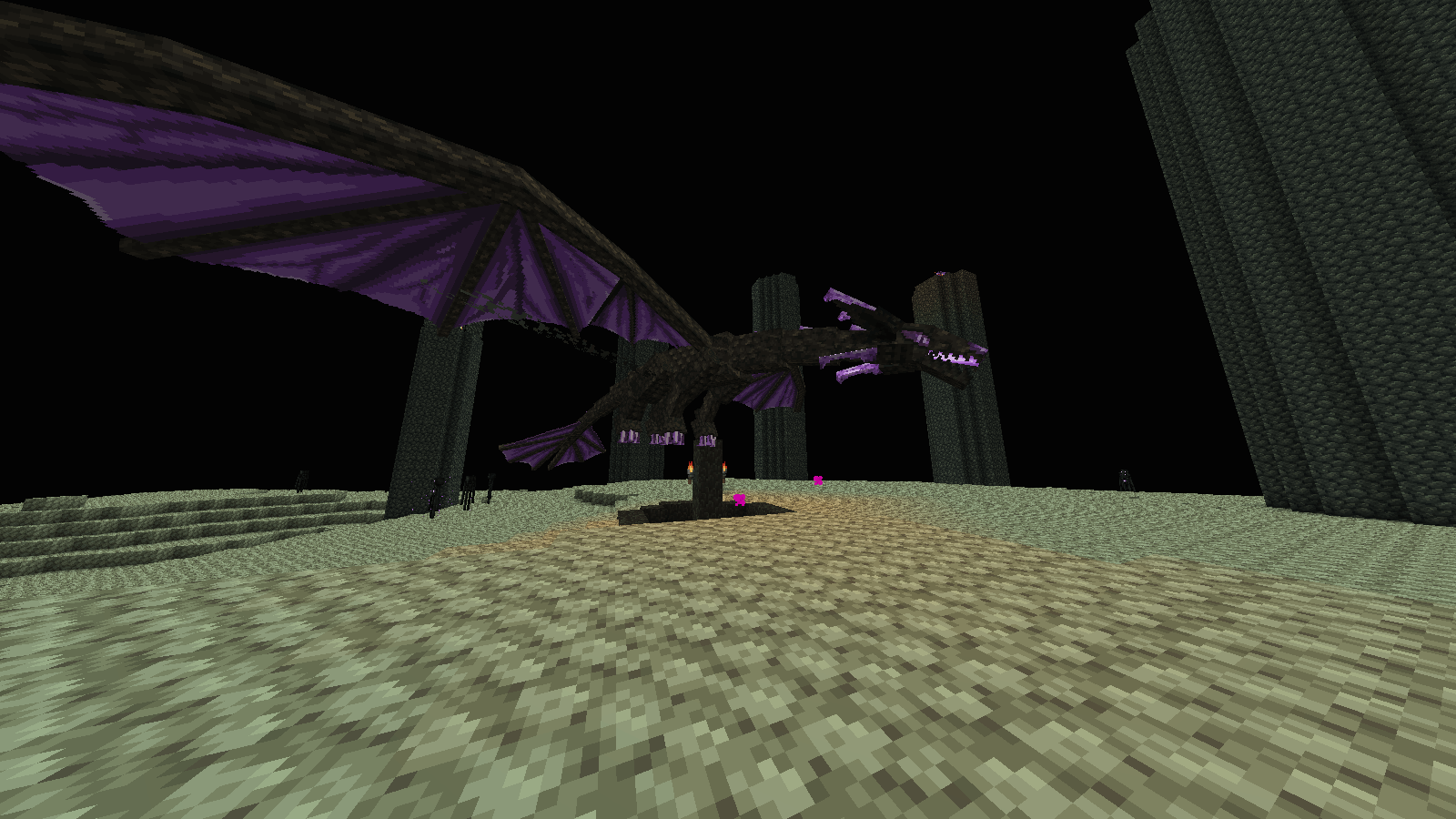
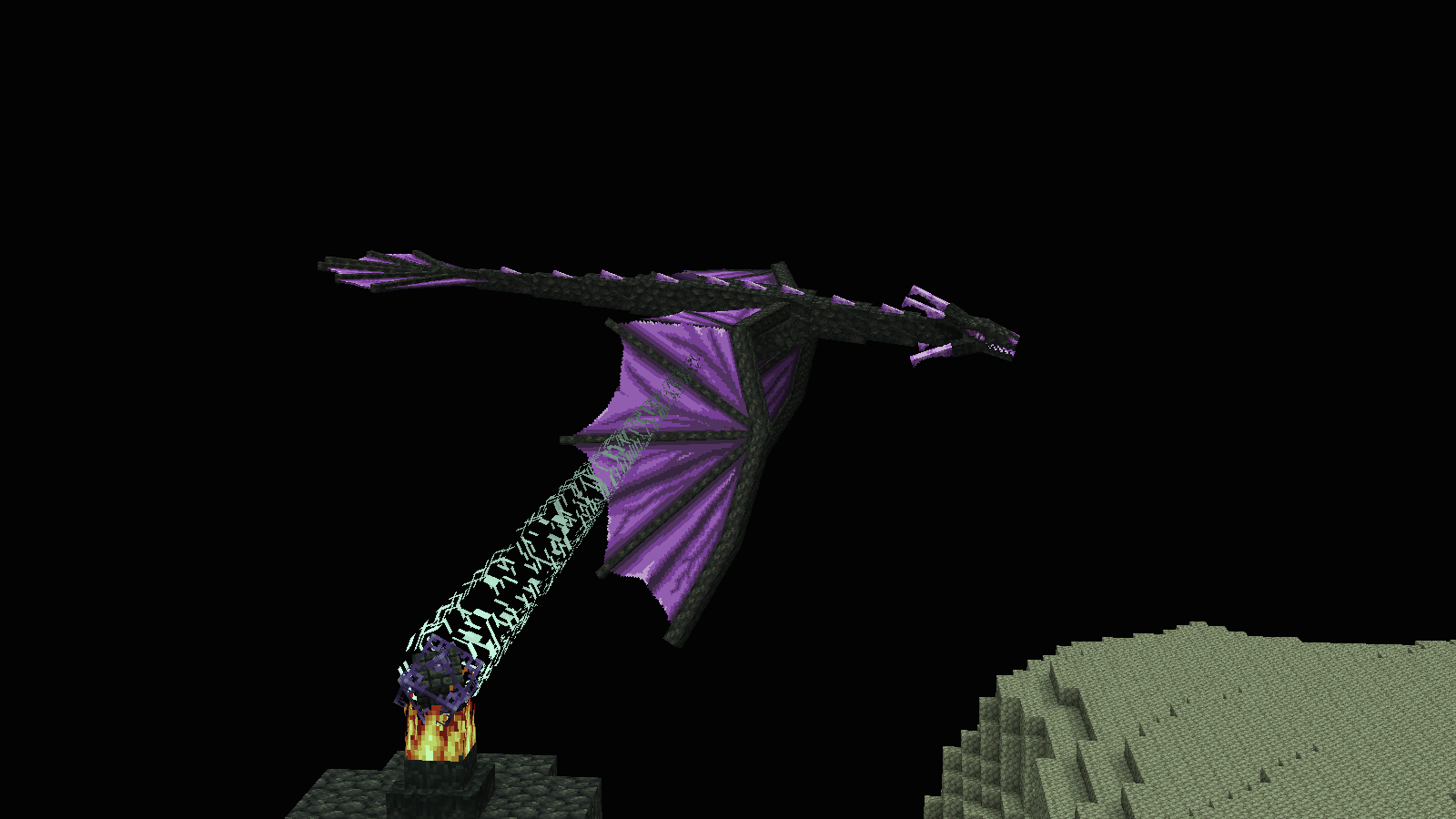
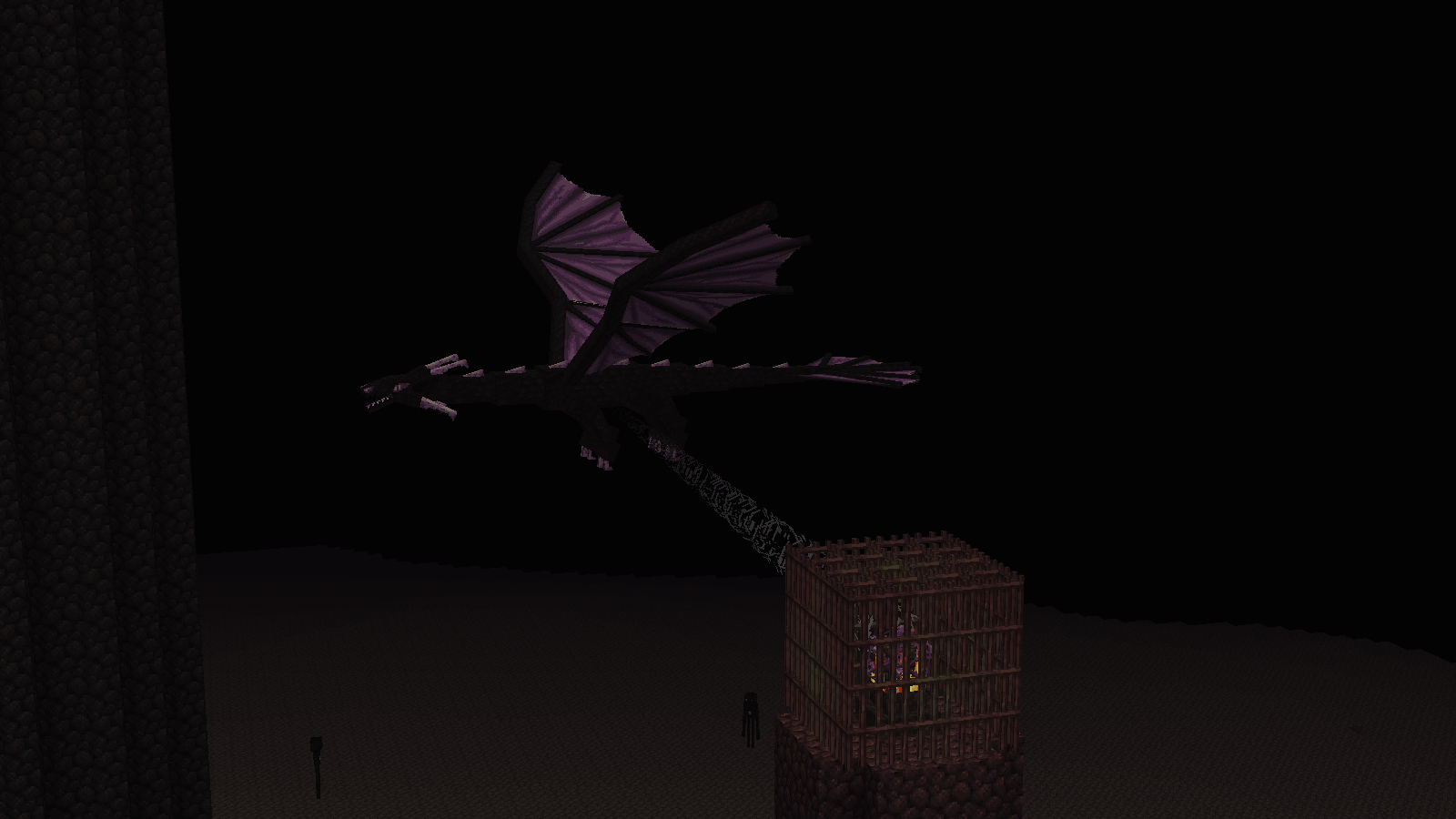
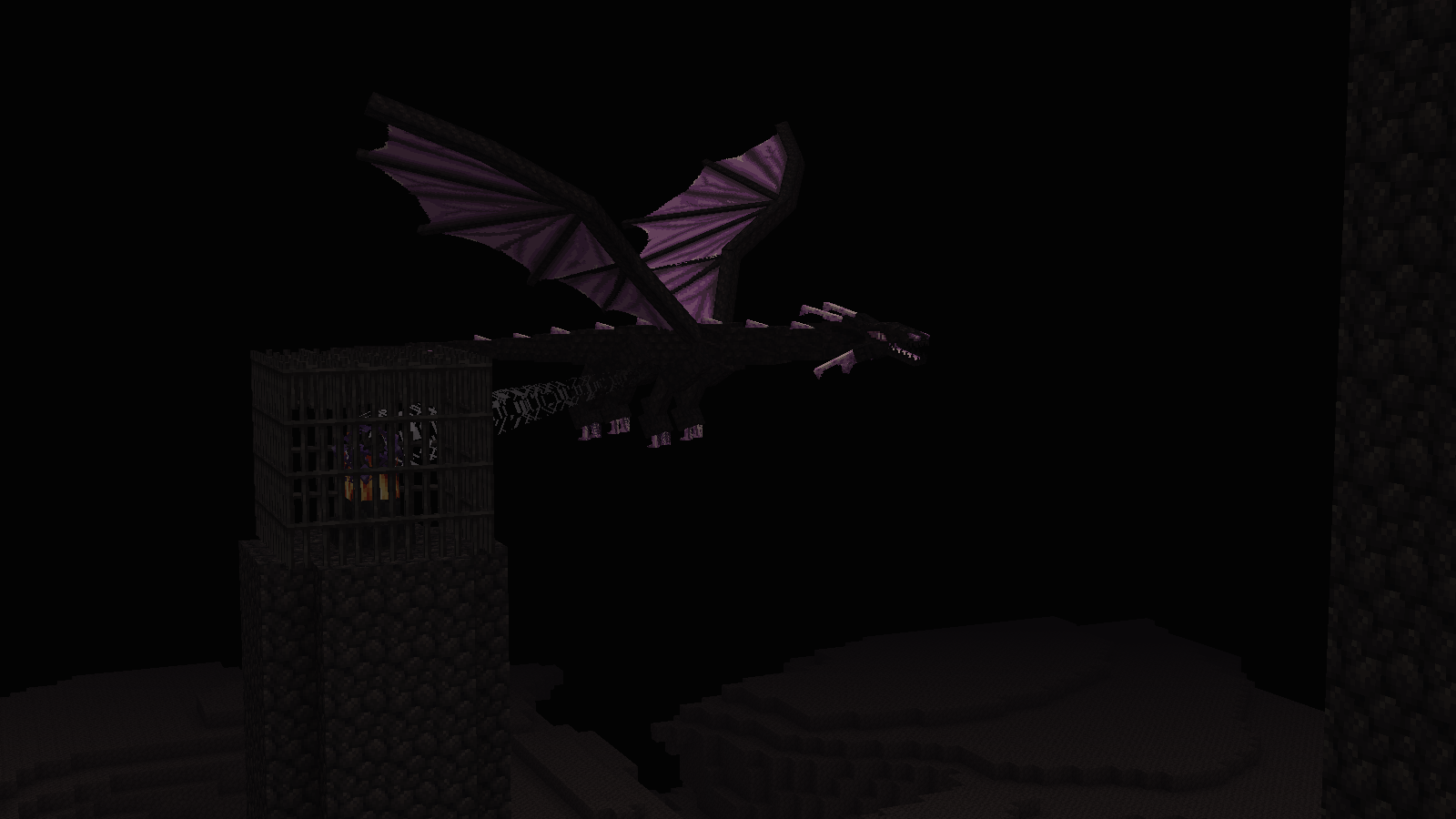
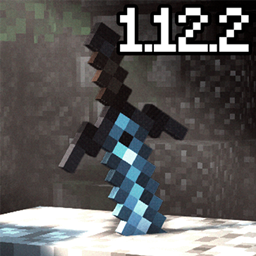
⚠️ Warning! I haven’t tested this texture pack on newer versions of Minecraft. It was originally made to be used in Minecraft 1.12.2 for a specific modpack. That said, it should also work on newer versions since it only modifies textures and does not use CEM (Custom Entity Models).
📦 Requirements
To use this texture pack, you must download “Dragon Remastered 2” by CmdrMCNuggets first. This is only a support/retexture pack, designed to be used on top of Dragon Remastered 2.
https://www.curseforge.com/minecraft/texture-packs/better-improved-ender-dragon-remastered
This pack was made possible by adapting the Ender Dragon textures from the Excalibur pack by Maffhew, so all credits go to these creators.
I’m just providing compatibility/support ❤️ Enjoy!! 🎉
I little tutorial to extract "Dragon remastered 2 By CmdrMCNuggets"
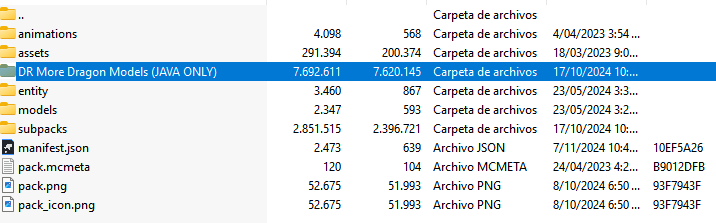
1️⃣ select "DrMoreDragonModels(JAVA ONLY)"
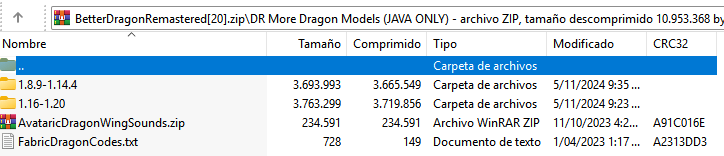
2️⃣ select the minecraft version you want
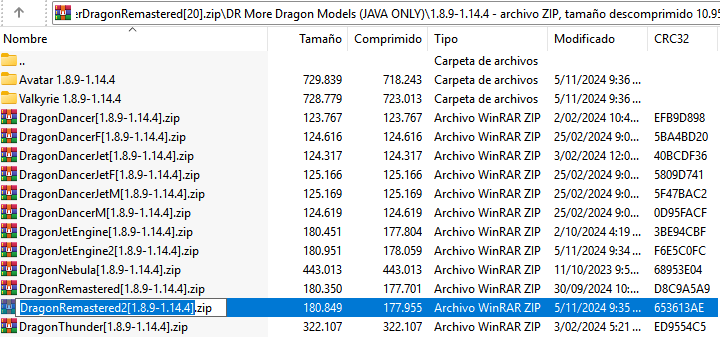
3️⃣ extract "DragonRemastered2.Zip" to your resource packs folder
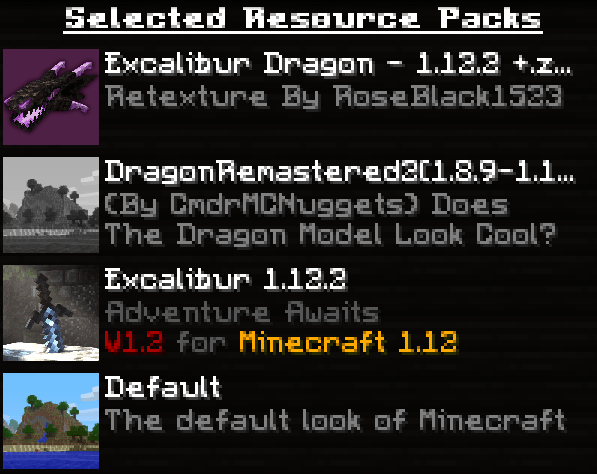
4️⃣ And finally Make sure the texture packs are ordered like this:
-Excalibur Dragon pack (on top) -CmdrMCNuggets’ Dragon Remastered 2 pack
If you encounter any problems with the resource pack, please let me know in the comments so I can fix them as soon as possible! 🛠️