Mineuniverse
Resource Packs
Excalibur | Create Support

Excalibur | Create Support

RESOURCE PACK
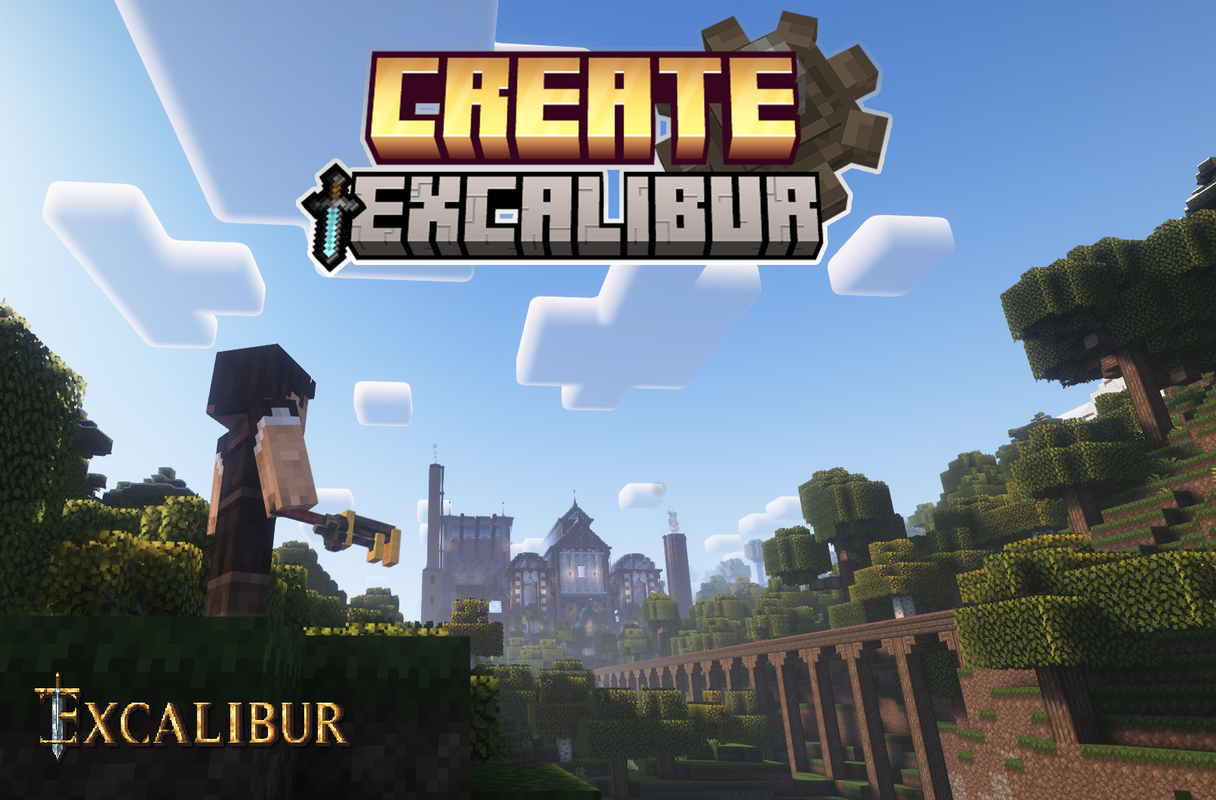
This is a support pack that converts Create Mod textures to better match the masterpiece Excalibur ResourcePack.
by BoFill_Pablito
Download Claim this project
Add a badge to your pageLink to Excalibur | Create Support from a README, website or forum post.
Preview: Badge

Badges update automatically and link to the resource pack page on MineUniverse.
1,328,912 downloads
0 likes
0 followers
Updated Oct 14, 2026
0 hypes
Follow0
16x Medieval Mod Support
Advertisement Remove ads with Premium →

 Create_Excalibur Support

This is a support pack that converts Create Mod textures to better match the masterpiece Excalibur ResourcePack.

Head over to the Excalibur Discord to follow the development of Excalibur and this addon.

This Pack contains :

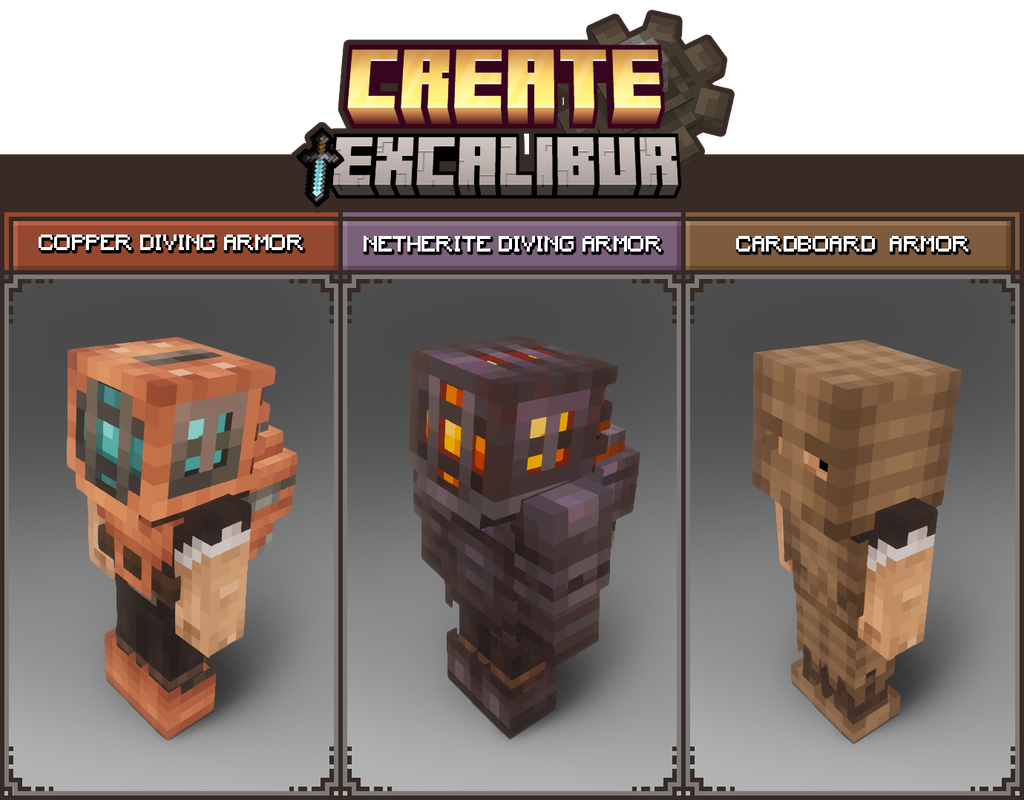
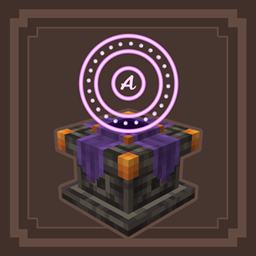
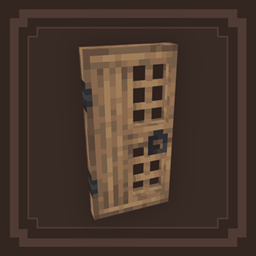
- All blocks in Create's Main and Decorative tabs have been retextured/remodeled to match Excalibur style/theme.
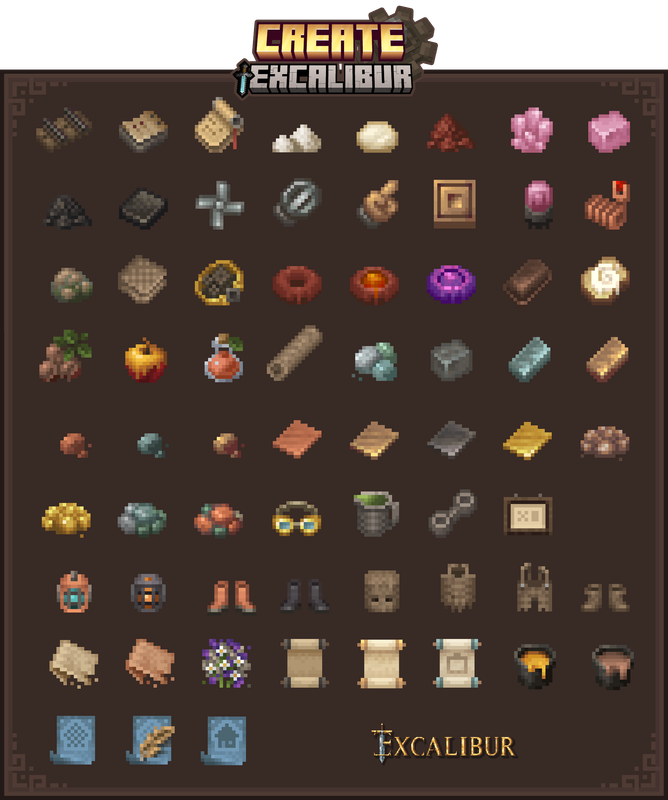
- All items retextured
- GUI retextured to match better the resourcepack Excalibur
- Connected textures. ( All Stonebricks variants, Naturals blocks, Display board )

Installation :

Ingame

-> Click "Options…"

-> Click "Resource Packs…"

-> Click "Open Resource Pack Folder"

-> Drag and Drop the Excalibur_Create Support.zip file into the "resourcepacks" folder

-> Move the Excalibur Create Support resource pack from the left column to the right

-> Make sure that the support pack is placed above the original Excalibur resource pack

-> Select "Done"

-> Create
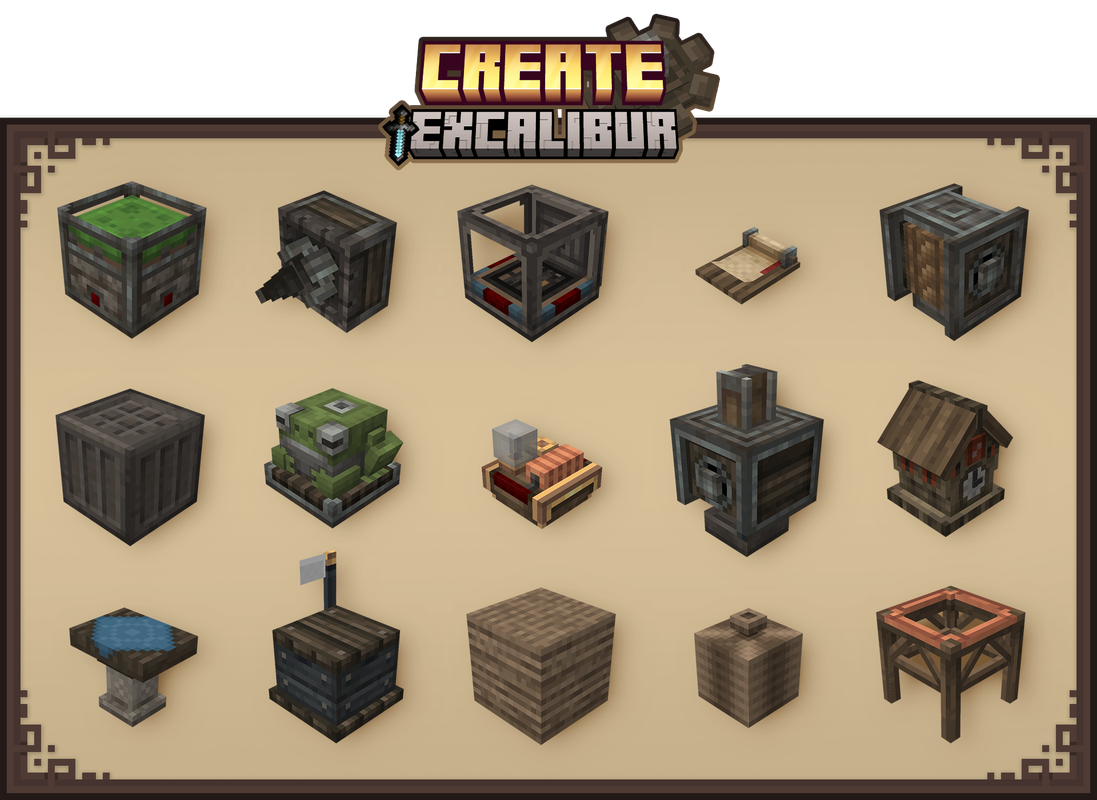
Some blocks preview Armors set Items


Credits :

Maffhew - Author of the resourcepack Excalibur

Simibubi - Author of the mod Create

Craig - for helping me solve a visual issue

Koin - Author of the building on the picture presentation

Excalibur_Create-6 Addon_NeoForge_v2.32.zip
MC 1.21, 1.20.2, 1.20.5, 1.20.1, 1.20.6, 1.21.1, 1.20.4, 1.20.3
Release 2026-07-04 Get
Excalibur_Create-6 Addon_Forge_v2.32.zip
MC 1.20.1
Release 2026-07-04 Get
Excalibur_Create-6 Addon_NeoForge_v2.31.zip
MC 1.21, 1.20.2, 1.20.5, 1.20.1, 1.20.6, 1.21.1, 1.20.4, 1.20.3
Release 2025-12-24 Get
Excalibur_Create-6 Addon_Fabric_v2.31.zip
MC 1.20.1
Release 2025-12-24 Get
Excalibur_Create-6 Addon_Forge_v2.31.zip
MC 1.20.1
Release 2025-12-24 Get
Excalibur_Create-6 Addon_Fabric_v2.3.zip
MC 1.20.1
Release 2025-12-23 Get
Excalibur_Create-6 Addon_NeoForge_v2.3.zip
MC 1.21, 1.20.2, 1.20.5, 1.20.1, 1.20.6, 1.21.1, 1.20.4, 1.20.3
Release 2025-12-23 Get
Excalibur_Create-6 Addon_Forge_v2.3.zip
MC 1.20.1
Release 2025-12-23 Get
Excalibur_Create Addon_Fabric_mc1.20.1_v1.0b.zip
MC 1.20.1
Beta 2025-09-05 Get
Excalibur_Create Addon_NeoForge_v2.1.zip
MC 1.20.2, 1.21, 1.20.5, 1.20.3, 1.20.1, 1.20.6, 1.20.4, 1.21.1
Release 2025-09-01 Get
Excalibur_Create Addon_Forge_v2.1.zip
MC 1.20.2, 1.21, 1.20.5, 1.20.3, 1.20.1, 1.20.6, 1.20.4, 1.21.1
Release 2025-09-01 Get
Excalibur_Create Addon_NeoForge_v2.0.zip
MC 1.20.2, 1.21, 1.20.5, 1.20.3, 1.20.1, 1.20.6, 1.20.4, 1.21.1
Release 2025-07-18 Get
Excalibur_Create Addon_Forge_v2.0.zip
MC 1.20.2, 1.21, 1.20.5, 1.20.3, 1.20.1, 1.20.6, 1.20.4, 1.21.1
Release 2025-07-18 Get

Requirements & install

How to use this resource pack in Minecraft
Resolution
16x
Minecraft
1.20.1 – 1.21.1
Install folder
.minecraft/resourcepacks

How to install resource packs

  1. Download the resource pack .zip file (do not extract it).
  2. In Minecraft open Options → Resource Packs → Open Pack Folder.
  3. Drop the .zip into the resourcepacks folder (.minecraft/resourcepacks).
  4. Move the pack to the Selected column and click Done.
Browse more: 16x resource packs 32x resource packs 64x resource packs 128x resource packs 256x resource packs 512x+ resource packs Resource Packs for 1.21.1 All resource packs

More from BoFill_Pablito

Advertisement Remove ads with Premium →

You Might Also Like