Mineuniverse
Resource Packs
Excalibur

Excalibur

RESOURCE PACK
16x Medieval Adventure
by Maffhew
Download Claim this project
17,339,274 downloads
0 likes
0 followers
Updated Oct 14, 2026
0 hypes
Follow0
16x Animated Medieval Traditional
Advertisement Remove ads with Premium →

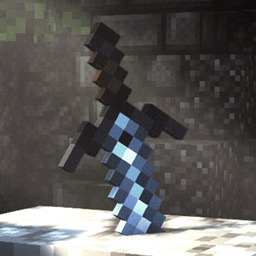
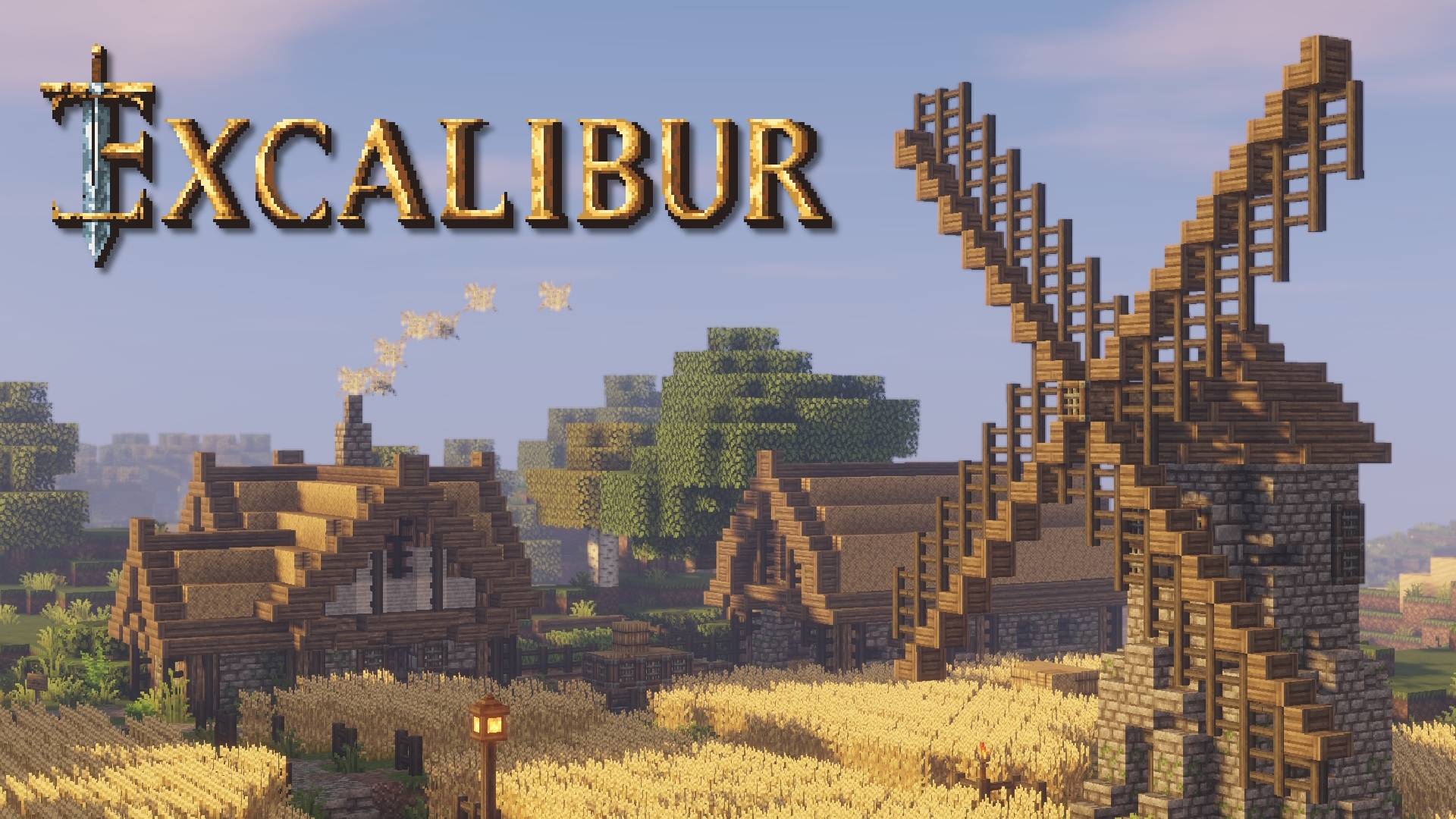
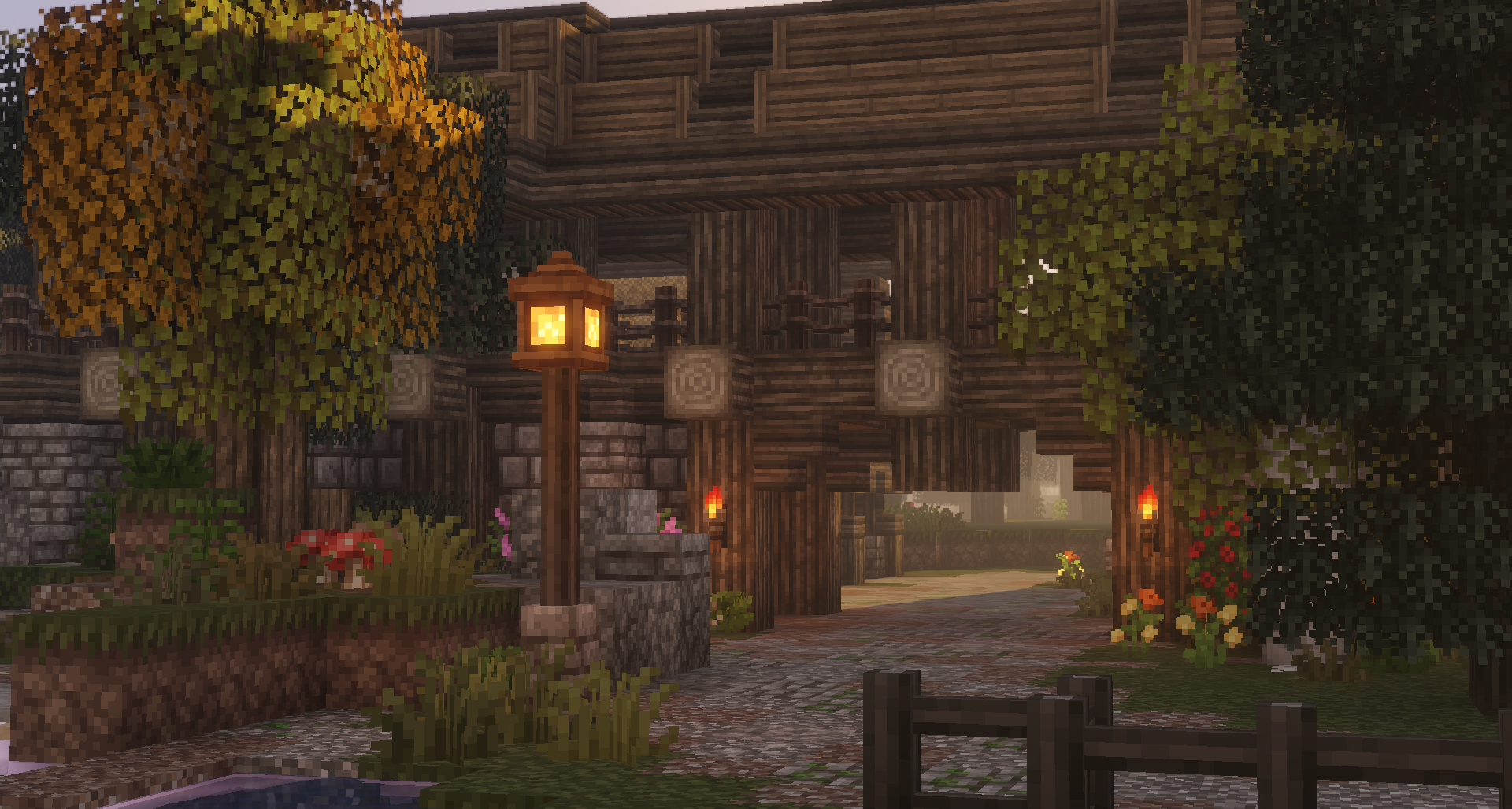
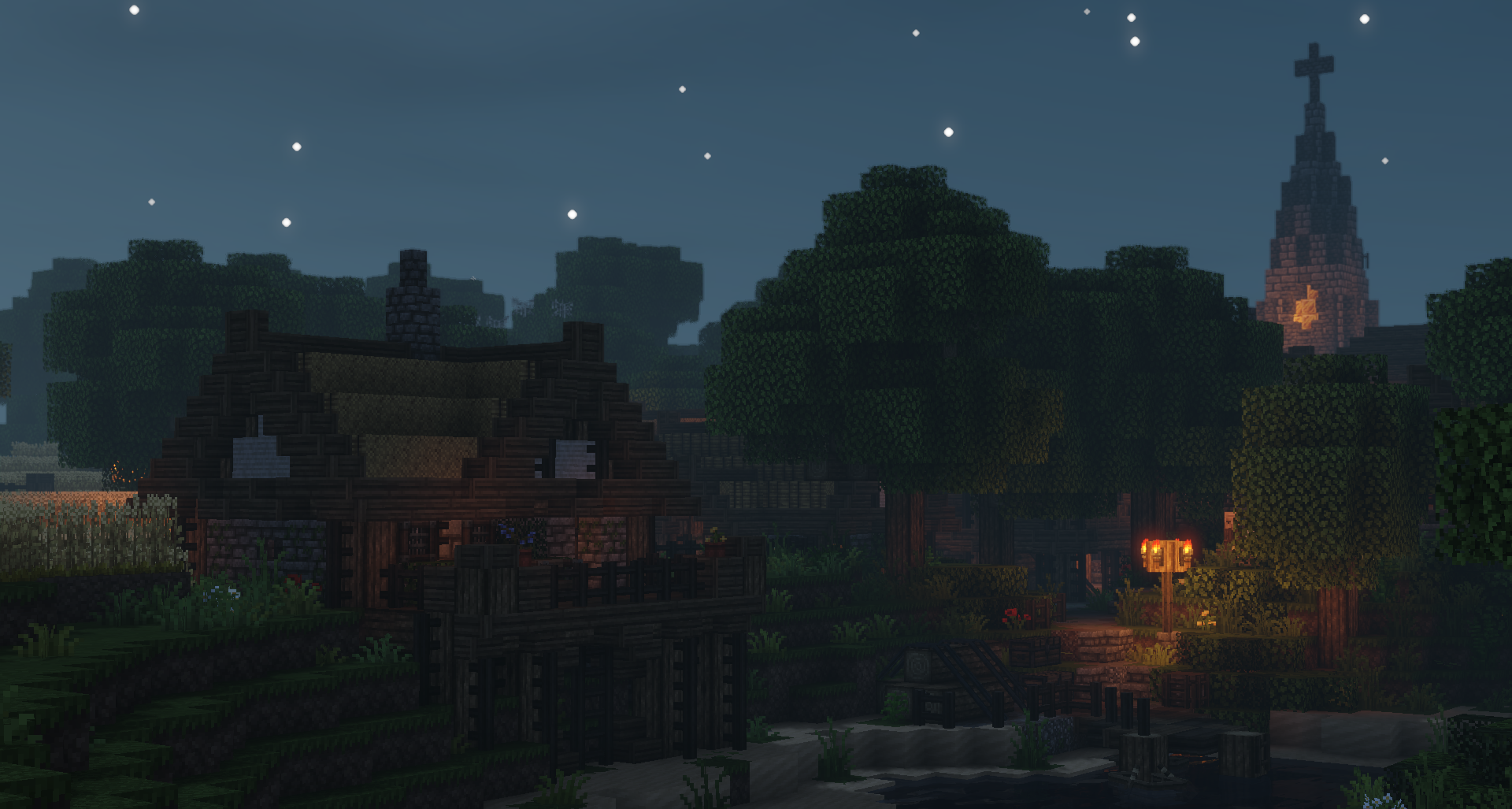
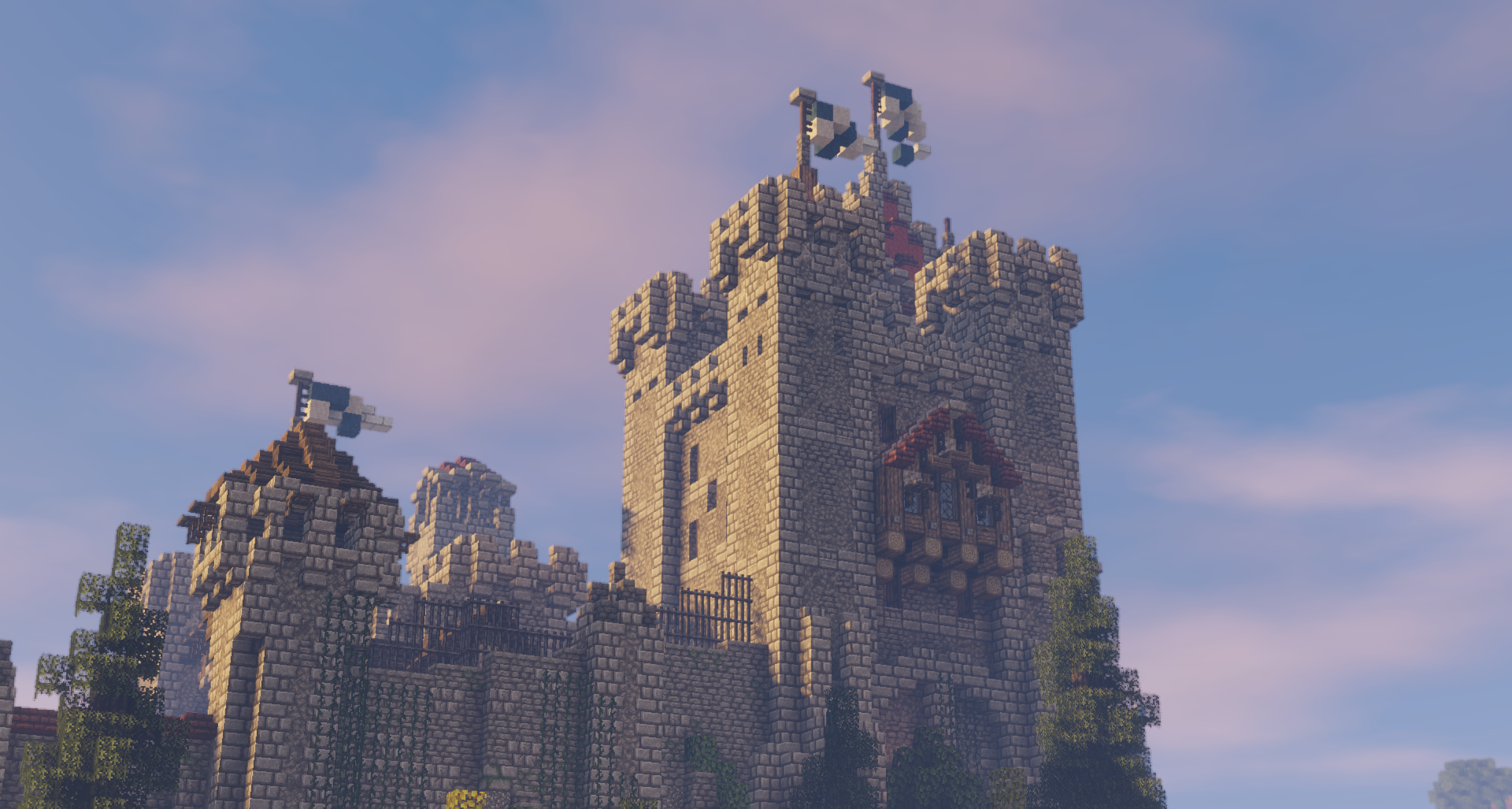
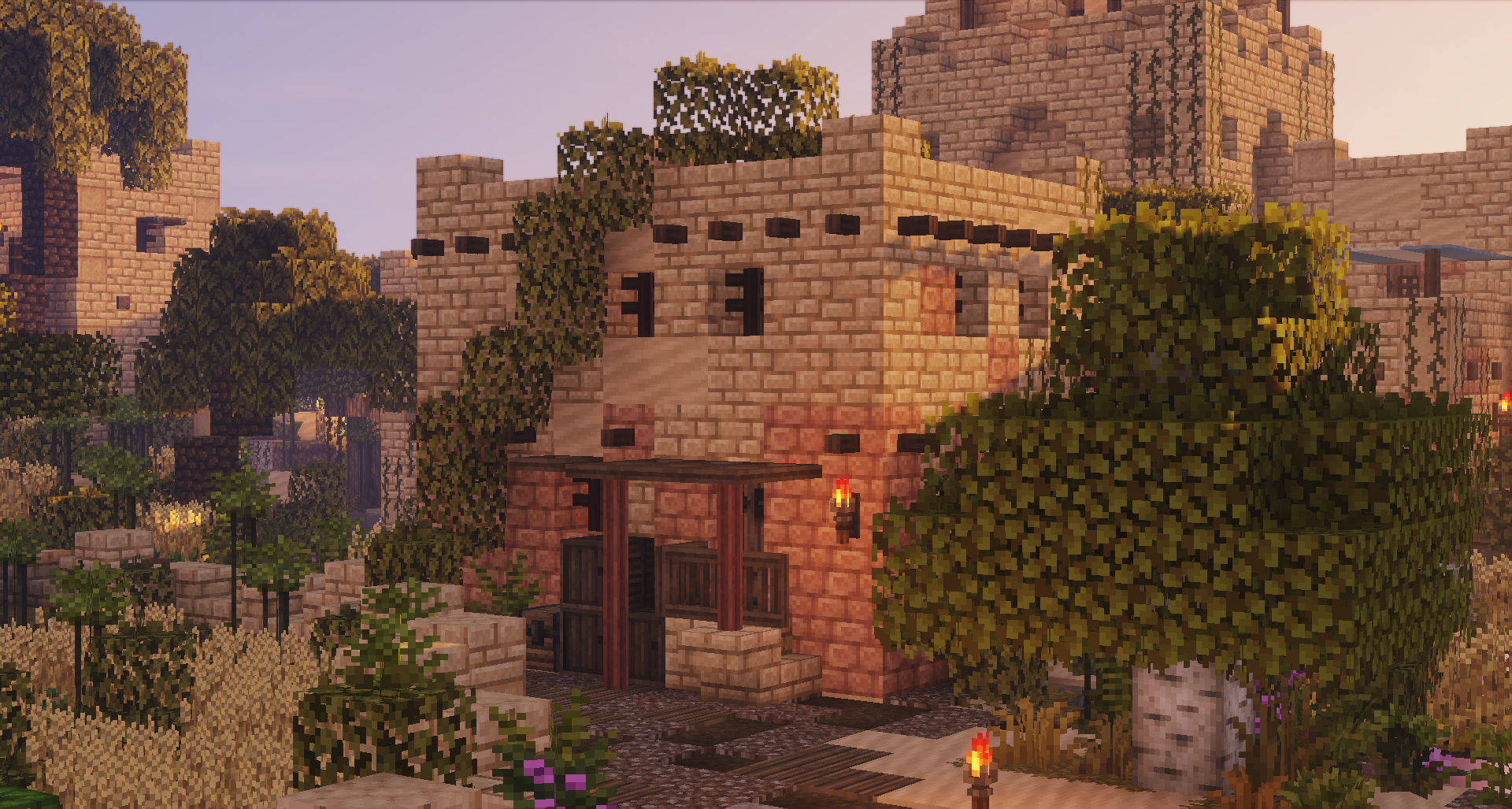
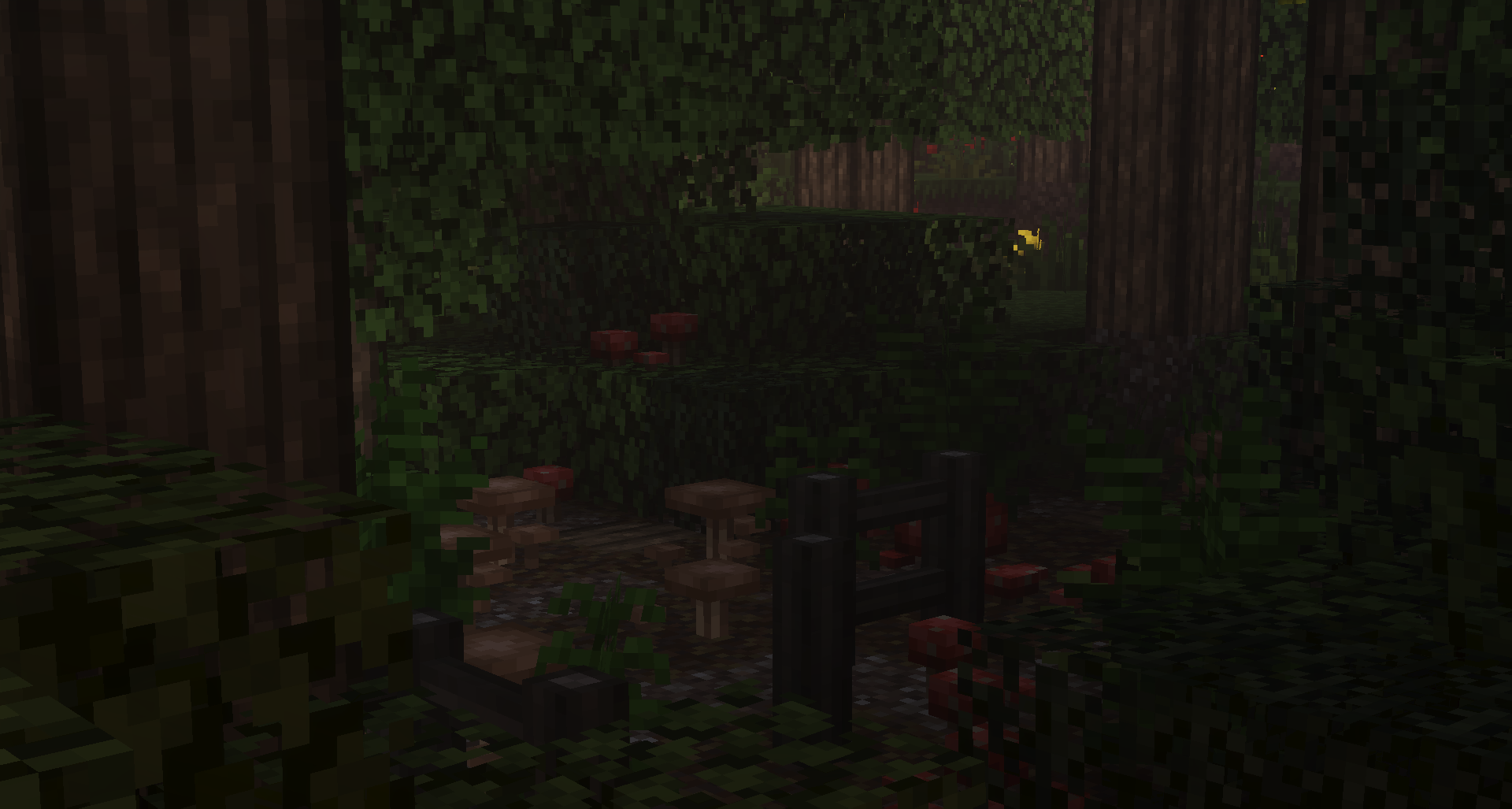
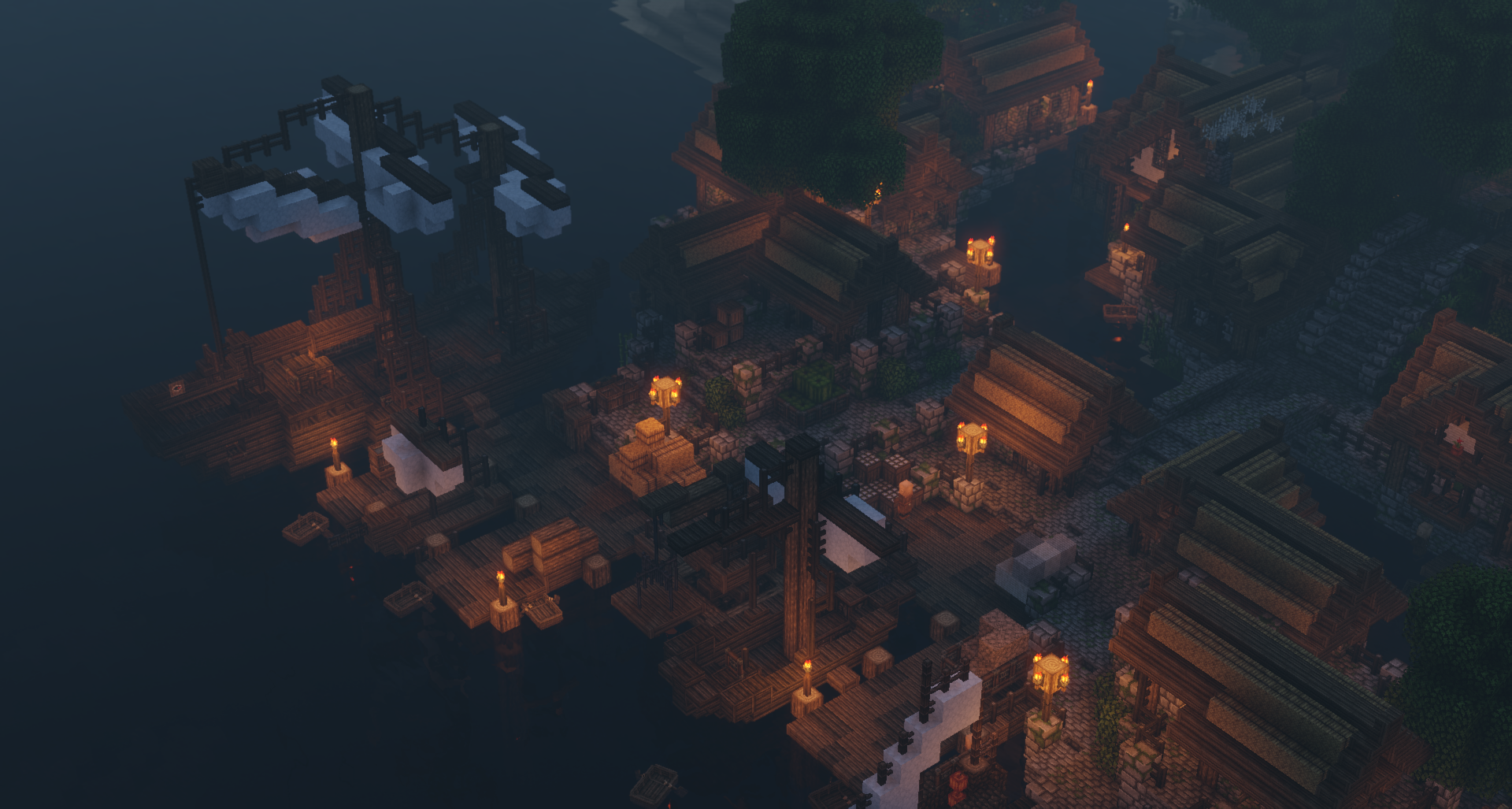
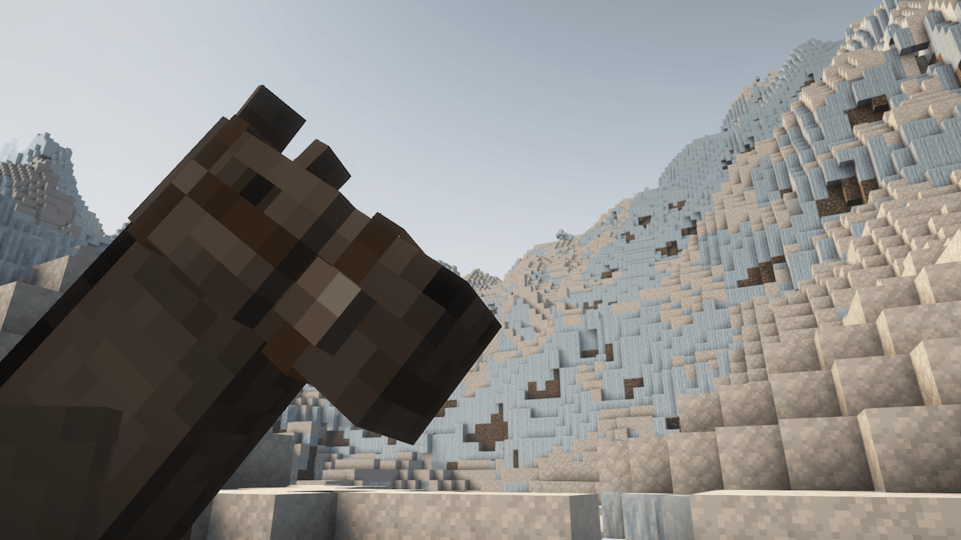
Excalibur is a resource pack created to enhance your Minecraft adventure. Excalibur brings your kingdoms and villages to life while keeping the charm of the default resolution textures.

You can also find Excalibur on Bedrock Edition! Click here!

Discuss Excalibur on Discord!

Features:
- Replaces 99% of all Textures
- Familiar Default Charm
- Random, Alternate Blocks
- 3D Block Improvements
- Custom Font
- Random Mobs
- And much more!


Usage:
- You may not redistribute this pack and claim it as your own.
- You may not redistribute this pack without a link to this thread.
- You may not put money-making links such as adf.ly links with this work under any circumstances.
- You may not use this work for commercial purposes.
- You may not alter, transform, or build upon this work.
- You may use this pack as a part of any Minecraft-related video including those which are created for commercial purposes or are monetized by advertising.


Any of the above conditions can be waived if you get permission from Matthew (Maffhew) Dillow



Excalibur_V26.3_01
MC 1.21, 1.20.2, 1.21.8, 1.20.5, 1.21.5, 1.21.4, 1.20.6, 1.21.1, 1.21.6, 1.21.3, 1.21.7, 1.20.4, 1.21.2, 1.21.9, 1.21.10, 1.21.11, 26.1, 26.1.1, 26.1.2, 26.2, 26.3
Release 2026-09-22 Get
Excalibur_V26.3
MC 1.21, 1.20.2, 1.21.8, 1.20.5, 1.21.5, 1.21.4, 1.20.6, 1.21.1, 1.21.6, 1.21.3, 1.21.7, 1.20.4, 1.21.2, 1.21.9, 1.21.10, 1.21.11, 26.1, 26.1.1, 26.1.2, 26.2, 26.3
Release 2026-09-18 Get
Excalibur_V26.1_01
MC 1.21, 1.20.2, 1.21.8, 1.20.5, 1.21.5, 1.21.4, 1.20.6, 1.21.1, 1.21.6, 1.21.3, 1.21.7, 1.20.4, 1.21.2, 1.21.9, 1.21.10, 1.21.11, 26.1, 26.1.1, 26.1.2
Release 2026-05-06 Get
Excalibur_V26.1
MC 1.21, 1.20.2, 1.21.8, 1.20.5, 1.21.5, 1.21.4, 1.20.6, 1.21.1, 1.21.6, 1.21.3, 1.21.7, 1.20.4, 1.21.2, 1.21.9, 1.21.10, 1.21.11, 26.1, 26.1.1, 26.1.2
Release 2026-05-03 Get
Excalibur_V1.21.11
MC 1.21, 1.20.2, 1.21.8, 1.20.5, 1.21.5, 1.21.4, 1.20.6, 1.21.1, 1.21.6, 1.21.3, 1.21.7, 1.20.4, 1.21.2, 1.21.9, 1.21.10, 1.21.11
Release 2026-01-19 Get
Excalibur_V1.21.10
MC 1.21, 1.21.5, 1.21.8, 1.21.9, 1.21.10, 1.21.4, 1.21.3, 1.21.7, 1.21.1, 1.21.6, 1.21.2
Release 2025-10-13 Get
Excalibur_V1.21.8
MC 1.21.8, 1.21.7
Release 2025-08-18 Get
Excalibur_V1.21.6
MC 1.21.6-snapshot, 1.21.5, 1.21.6
Release 2025-06-17 Get
Excalibur_V1.21.5_01
MC 1.21.5
Release 2025-04-14 Get
Excalibur_V1.21.5
MC 1.21.5, 1.21.5-Snapshot
Release 2025-04-01 Get
Excalibur_V1.21.4
MC 1.21.2-Snapshot, 1.21.4, 1.21.3, 1.21.4-Snapshot, 1.21.2
Release 2025-02-10 Get
Excalibur_V1.21.1
MC 1.21.2-Snapshot, 1.21, 1.21.1-Snapshot, 1.21-Snapshot, 1.21.1
Release 2024-09-10 Get
Excalibur_V1.20.6
MC 1.20.5, 1.20.5-Snapshot, 1.20.6
Release 2024-06-02 Get
Excalibur_V1.20.4
MC 1.20.5-Snapshot, 1.20.3-Snapshot, 1.20.3, 1.20.4
Release 2024-03-15 Get
Excalibur 1.3.2
MC 1.3.2
Release 2024-02-27 Get
Excalibur_V1.20.zip
MC 1.20.2, 1.20.2-Snapshot, 1.20.3-Snapshot, 1.20.3, 1.20.1, 1.20, 1.20-Snapshot
Release 2023-08-27 Get
Excalibur_V1.19.4.zip
MC 1.19.3, 1.19.4-Snapshot, 1.19.4, 1.19-Snapshot, 1.19.2, 1.19.1, 1.19, 1.19.3-Snapshot
Release 2023-05-03 Get
Excalibur_V1.18.1.zip
MC 1.18.1, 1.18.2
Release 2022-02-06 Get
Excalibur_V1.18.zip
MC 1.18.1, 1.18
Release 2021-12-16 Get
Excalibur_V1.17.zip
MC 1.17.1, 1.17, 1.18-Snapshot
Release 2021-11-28 Get
Excalibur_V1.16.zip
MC 1.16-Snapshot, 1.16.3, 1.16.1, 1.16, 1.16.5, 1.16.4, 1.16.2
Release 2021-01-24 Get
Excalibur_V1.15.zip
MC 1.15-Snapshot, 1.15, 1.15.2, 1.15.1
Release 2020-06-17 Get
Excalibur_V1.4.zip
MC 1.13.1, 1.14.4, 1.14.1, 1.14.3, 1.13, 1.14, 1.14.2, 1.13.2
Release 2019-10-22 Get

Requirements & install

How to use this resource pack in Minecraft
Resolution
16x
Minecraft
1.21.9 – 26.3
Install folder
.minecraft/resourcepacks

How to install resource packs

  1. Download the resource pack .zip file (do not extract it).
  2. In Minecraft open Options → Resource Packs → Open Pack Folder.
  3. Drop the .zip into the resourcepacks folder (.minecraft/resourcepacks).
  4. Move the pack to the Selected column and click Done.
Browse more: 16x resource packs 32x resource packs 64x resource packs 128x resource packs 256x resource packs 512x+ resource packs Resource Packs for 26.3 All resource packs

More from Maffhew

Advertisement Remove ads with Premium →

You Might Also Like