Mineuniverse
Resource Packs
EssentialGUI RU lang | Russian language

EssentialGUI RU lang | Russian language

RESOURCE PACK
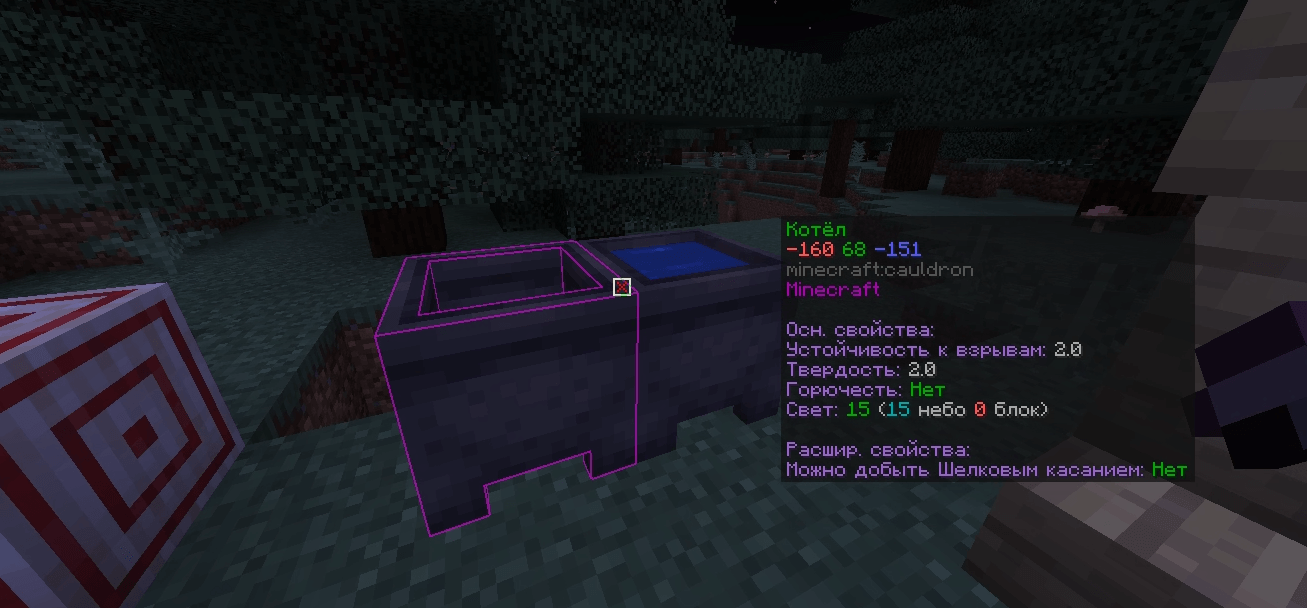
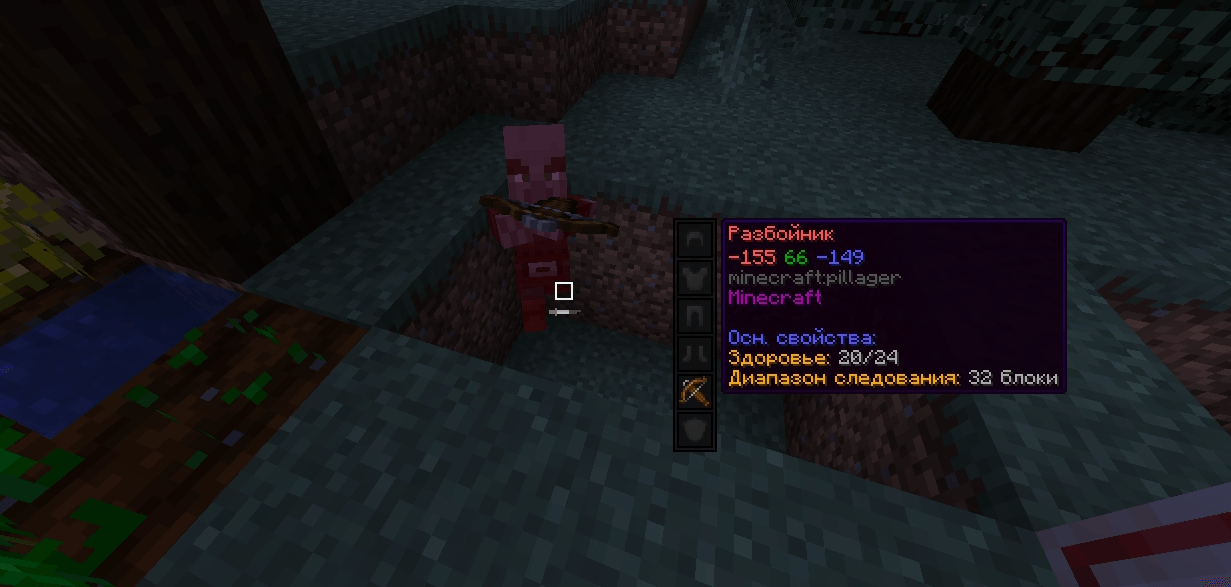
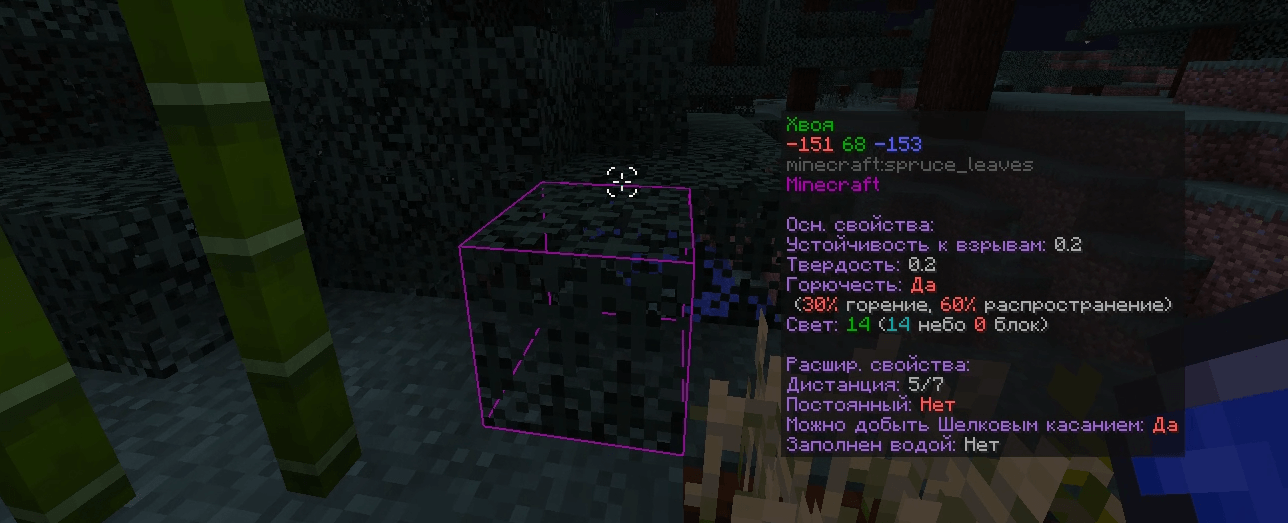
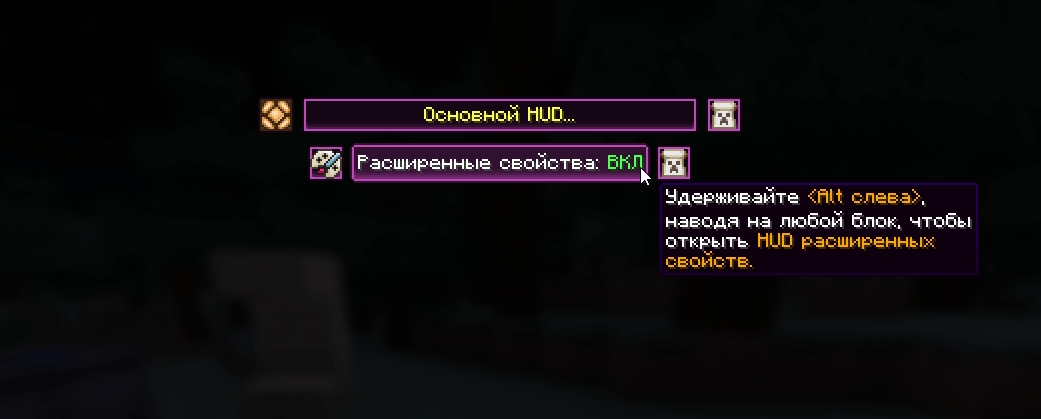
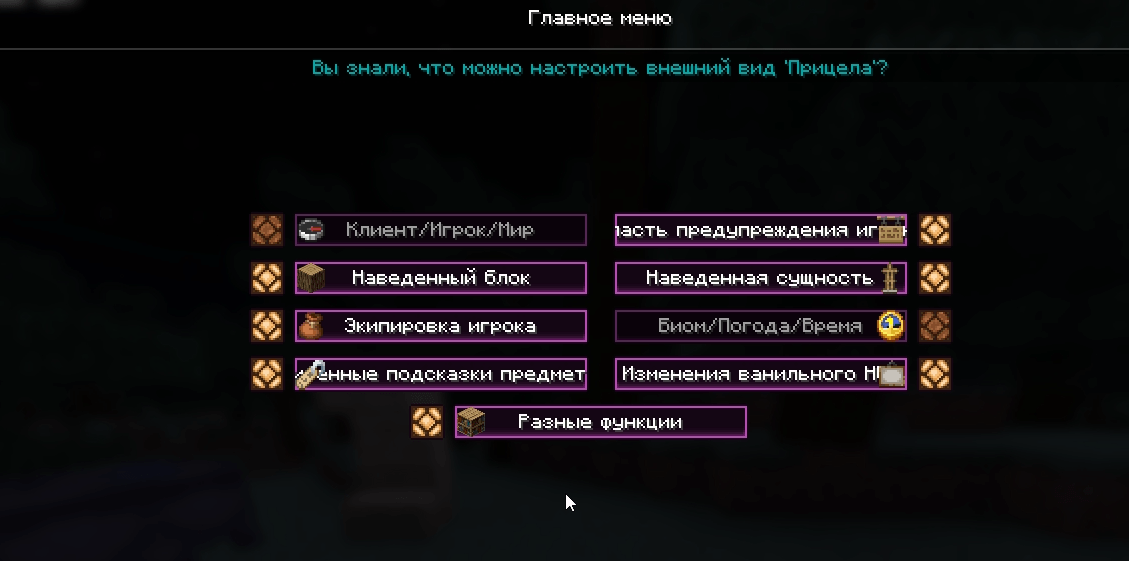
This is a Russian language version of the Essential GUI resource pack. It contains all the necessary translations to ensure that the Essential GUI interface is fully accessible to Russian speakers.
by DAmNSItRi
Download Claim this project
327 downloads
0 likes
0 followers
Updated Oct 14, 2026
0 hypes
Follow0
Font Packs Miscellaneous Mod Support
Advertisement Remove ads with Premium →


This is a Russian language version of the Essential GUI resource pack. It contains all the necessary translations to ensure that the Essential GUI interface is fully accessible to Russian speakers.

  • Translated all 900 lines
  • Into Russian


Это русскоязычная версия пакета ресурсов Essential GUI. Он содержит все необходимые переводы, обеспечивающие полный доступ к EssentialGUI для русскоязычных пользователей.

  • Перевел все 900 строк
  • На Русский

EssentialGUI MOD modrinth

EssentialGUI  MOD curseforge

Перевод интерфейса мода EssentialGUI для Minecraft на русский язык. Сделан для удобства русскоязычных игроков, чтобы все меню, подсказки и настройки были понятными.

Translation of the EssentialGUI mod interface for Minecraft into Russian. Created for the convenience of Russian-speaking players, ensuring all menus, tooltips, and settings are clear and understandable.



EssGUI_RUv1.7.4.essentialgui-2.2.2+1.21.11.zip
MC 1.21.10, 1.21.11
Release 2026-03-18 Get
EssGUI_RUv1.7.1.essentialgui-2.2.1+1.21.11
MC 1.21.11
Release 2026-03-11 Get
EssGUI_RU v1.6.1.essentialgui-2.0.0+1.21.8.zip
MC 1.21.8, 1.21.7
Release 2025-10-09 Get
EssGUI_RU v1.5.1.zip
MC 1.21.8
Release 2025-08-14 Get
EssGUI_RU mod version 1.10.2-1.21.4
MC 1.21.4
Release 2025-01-05 Get

Requirements & install

How to use this resource pack in Minecraft
Resolution
Not specified
Minecraft
1.21.4 – 1.21.11
Install folder
.minecraft/resourcepacks

How to install resource packs

  1. Download the resource pack .zip file (do not extract it).
  2. In Minecraft open Options → Resource Packs → Open Pack Folder.
  3. Drop the .zip into the resourcepacks folder (.minecraft/resourcepacks).
  4. Move the pack to the Selected column and click Done.
Browse more: 16x resource packs 32x resource packs 64x resource packs 128x resource packs 256x resource packs 512x+ resource packs Resource Packs for 1.21.11 All resource packs
Advertisement Remove ads with Premium →

You Might Also Like