Mineuniverse
Resource Packs
Equipment: 3D Retailor

Equipment: 3D Retailor

RESOURCE PACK
3D models for your regular tools and weapons, and more!
by Tem_Shaw
Download Claim this project
846 downloads
0 likes
0 followers
Updated Oct 14, 2026
0 hypes
Follow0
32x
Advertisement Remove ads with Premium →

Titlecard

Description:

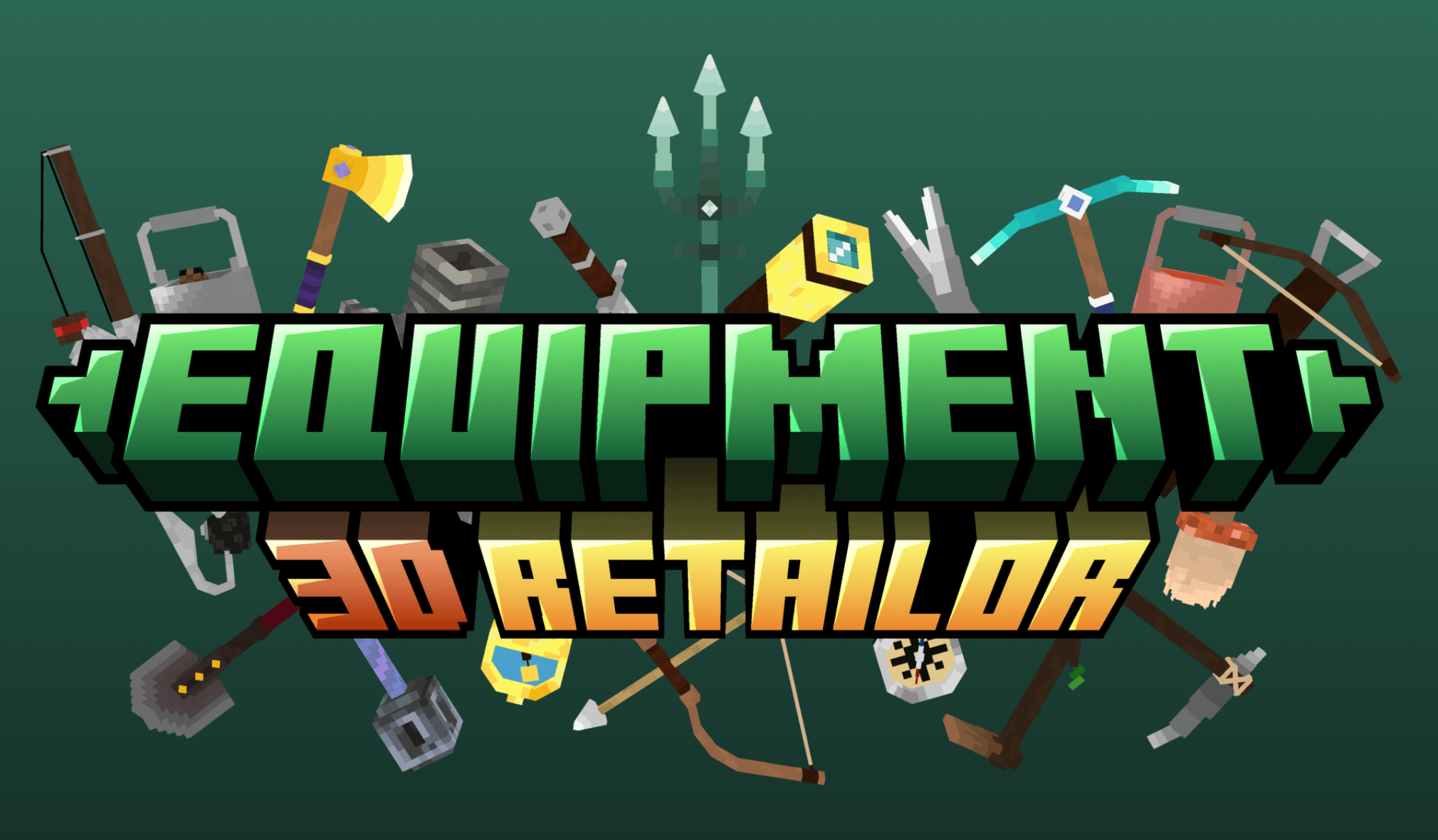
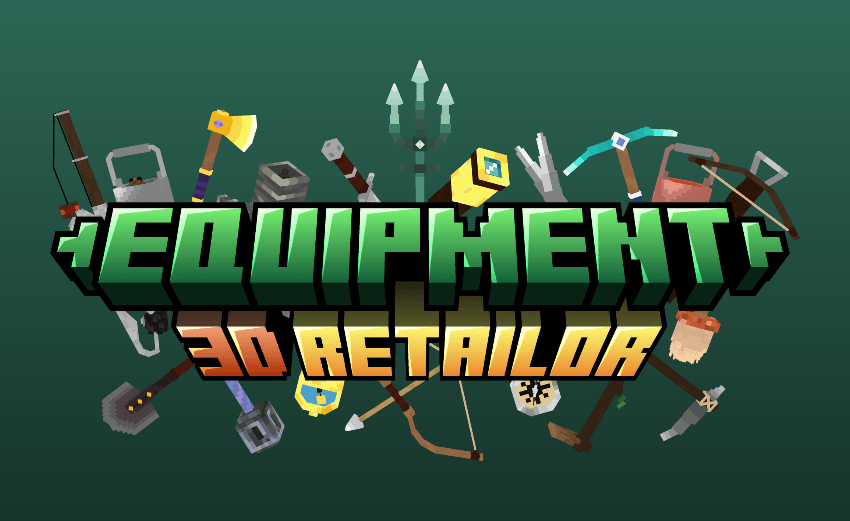
Equipment: 3D Retailor is a resourcepack tailored to those who like their belongings a little more 3D!

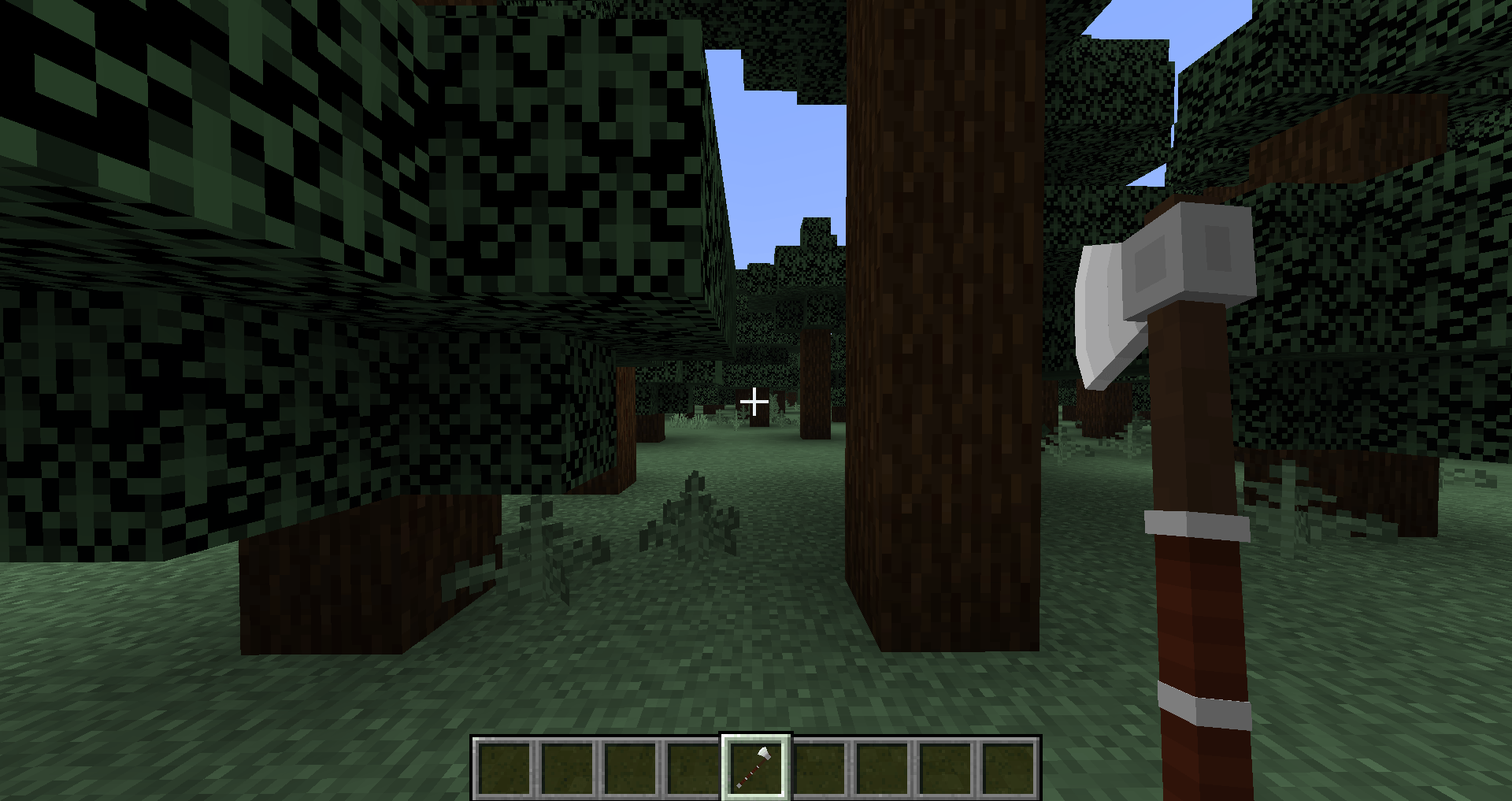
As such, it changes the default 2D sprites of your tools and weapons into 3D models!

The pack includes:

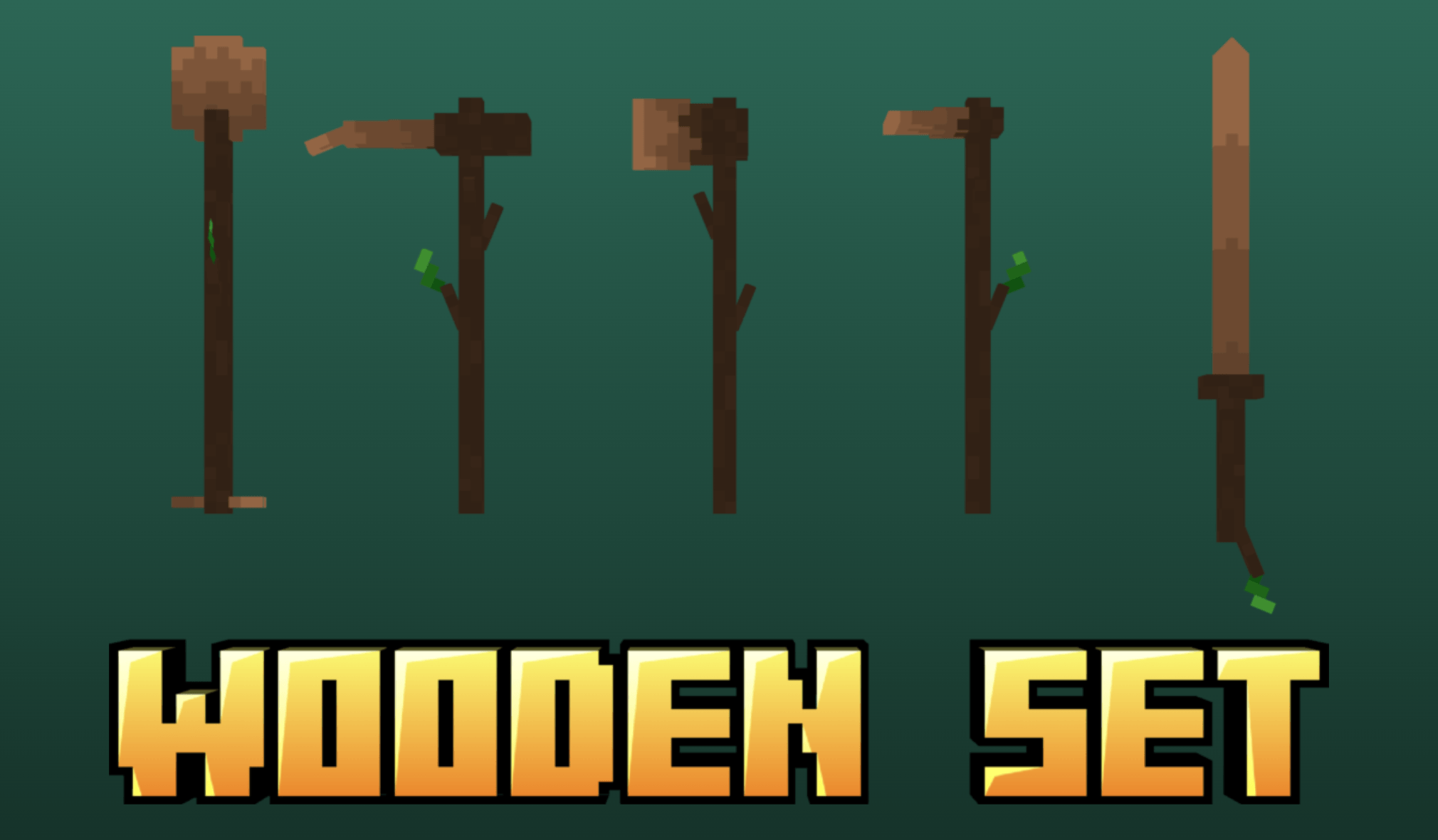
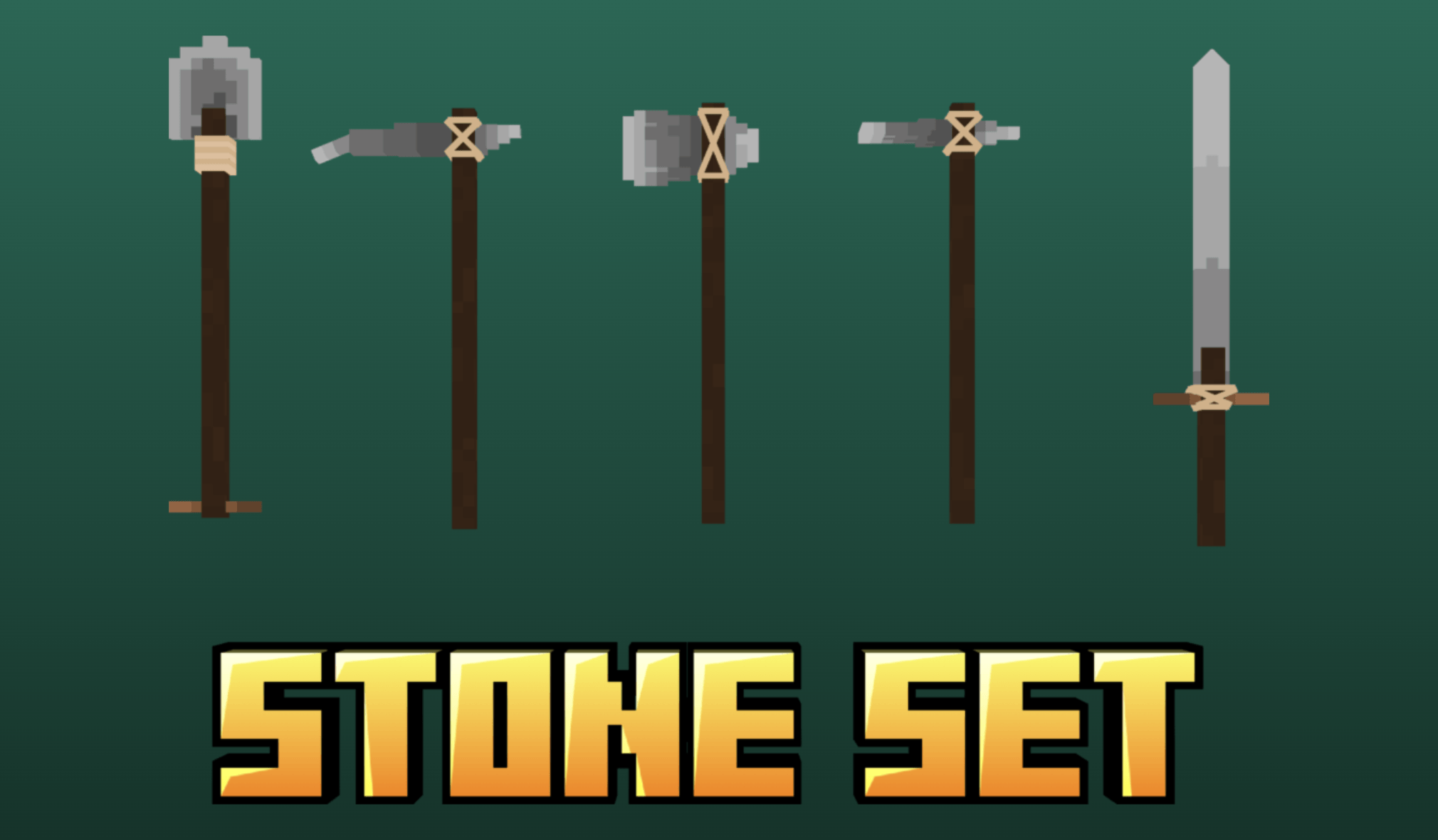
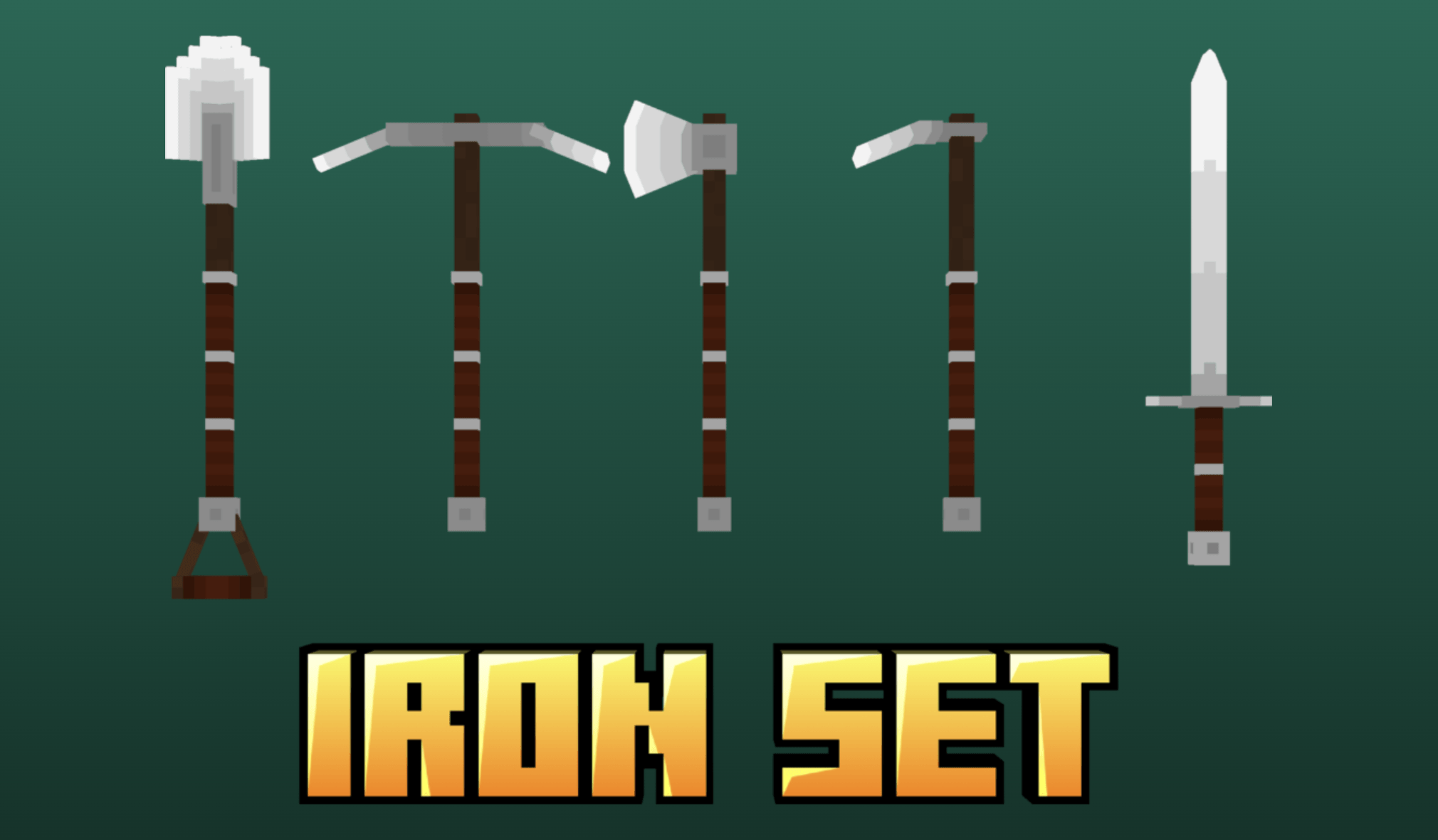
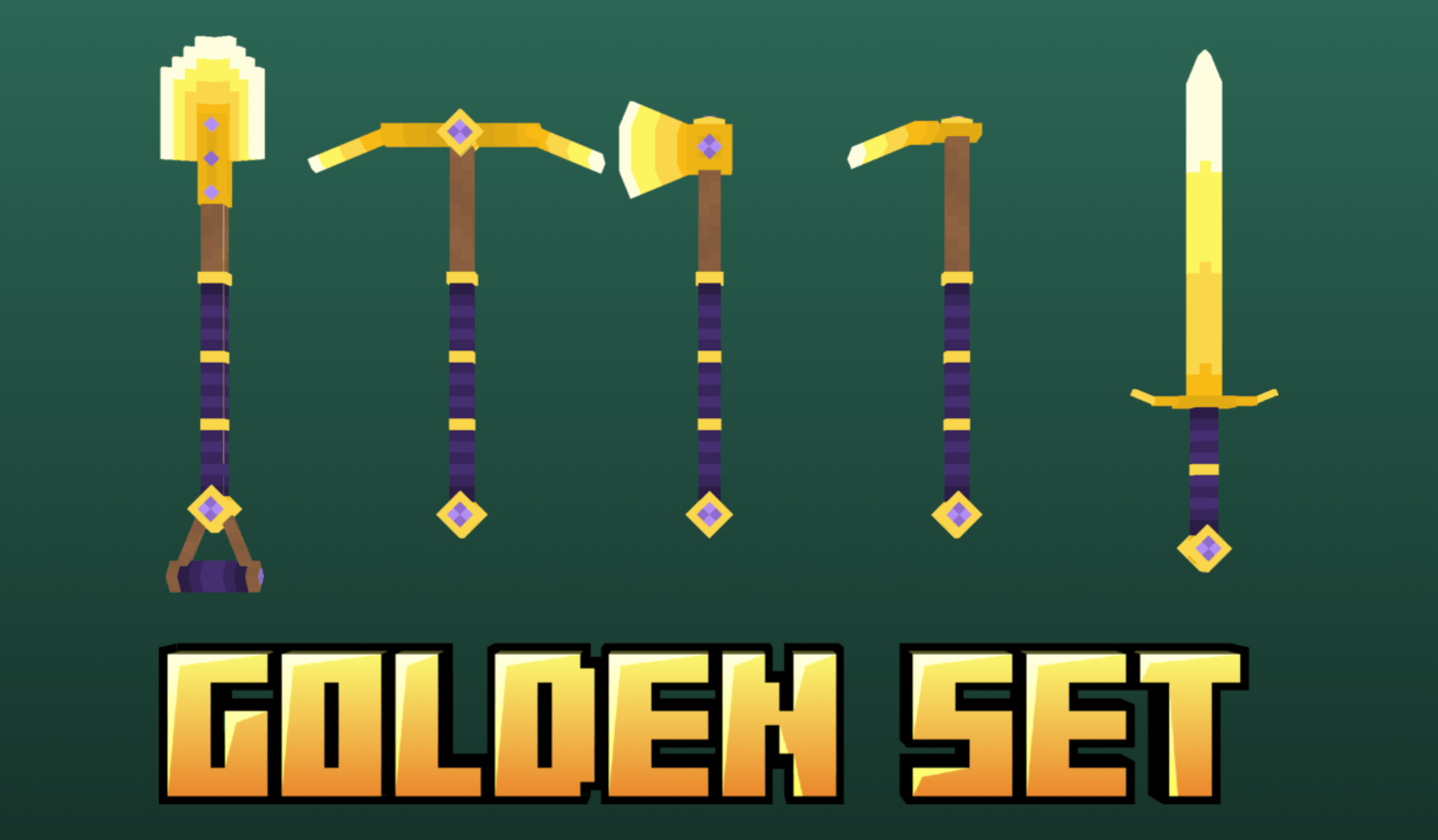
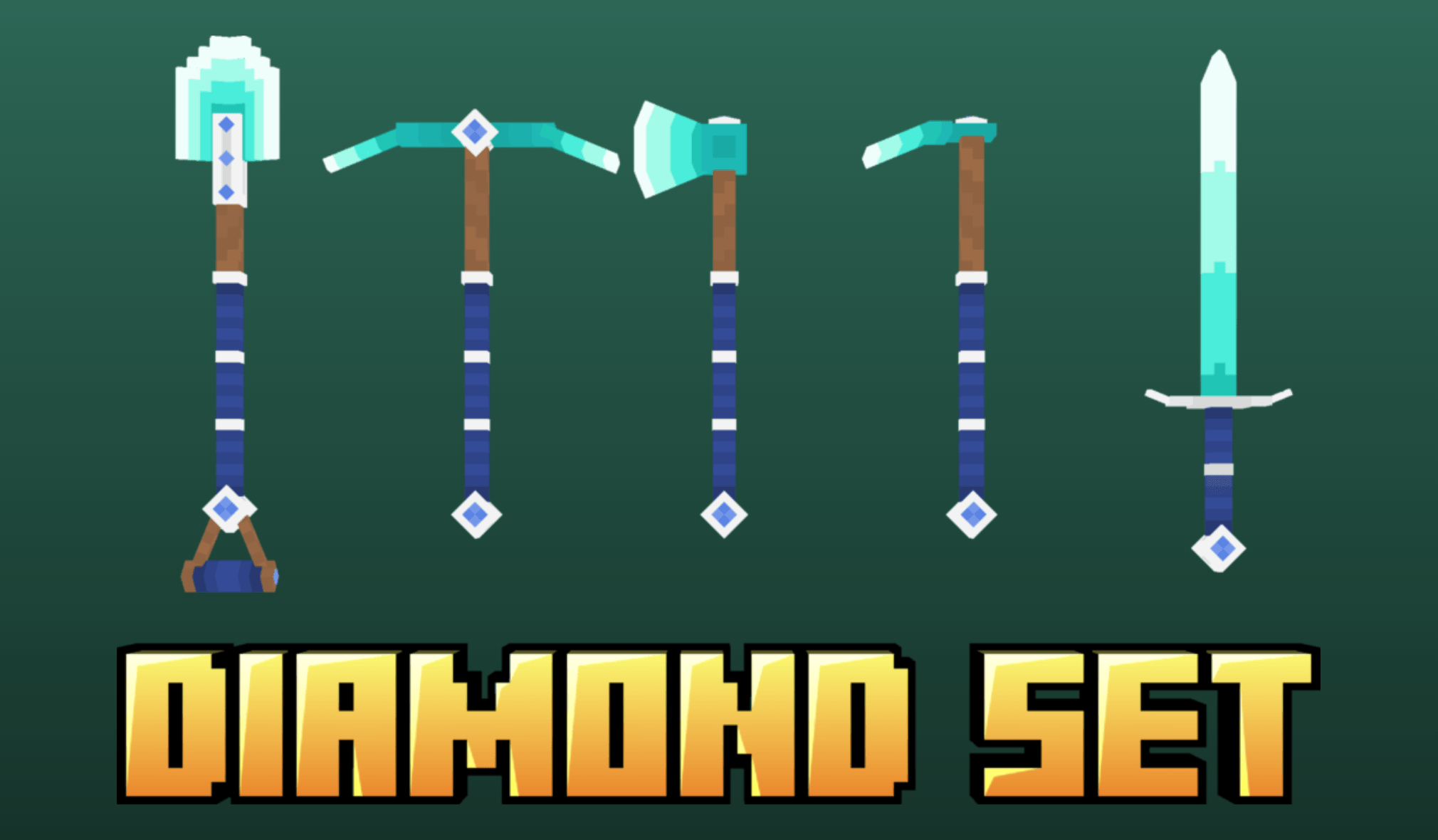
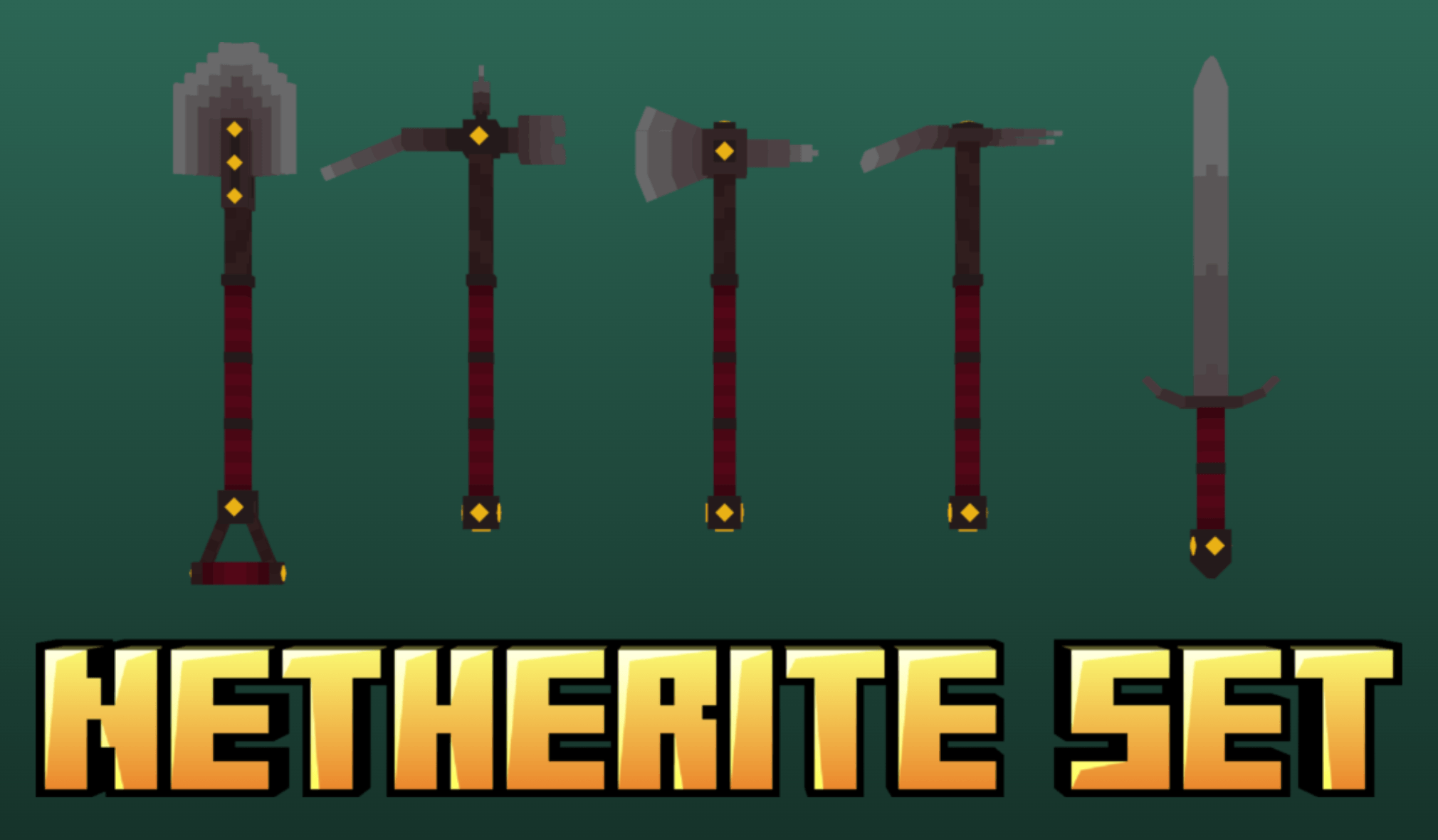
  • Pickaxes, Axes, Shovels, Hoes and Swords of all 6 basic materials,
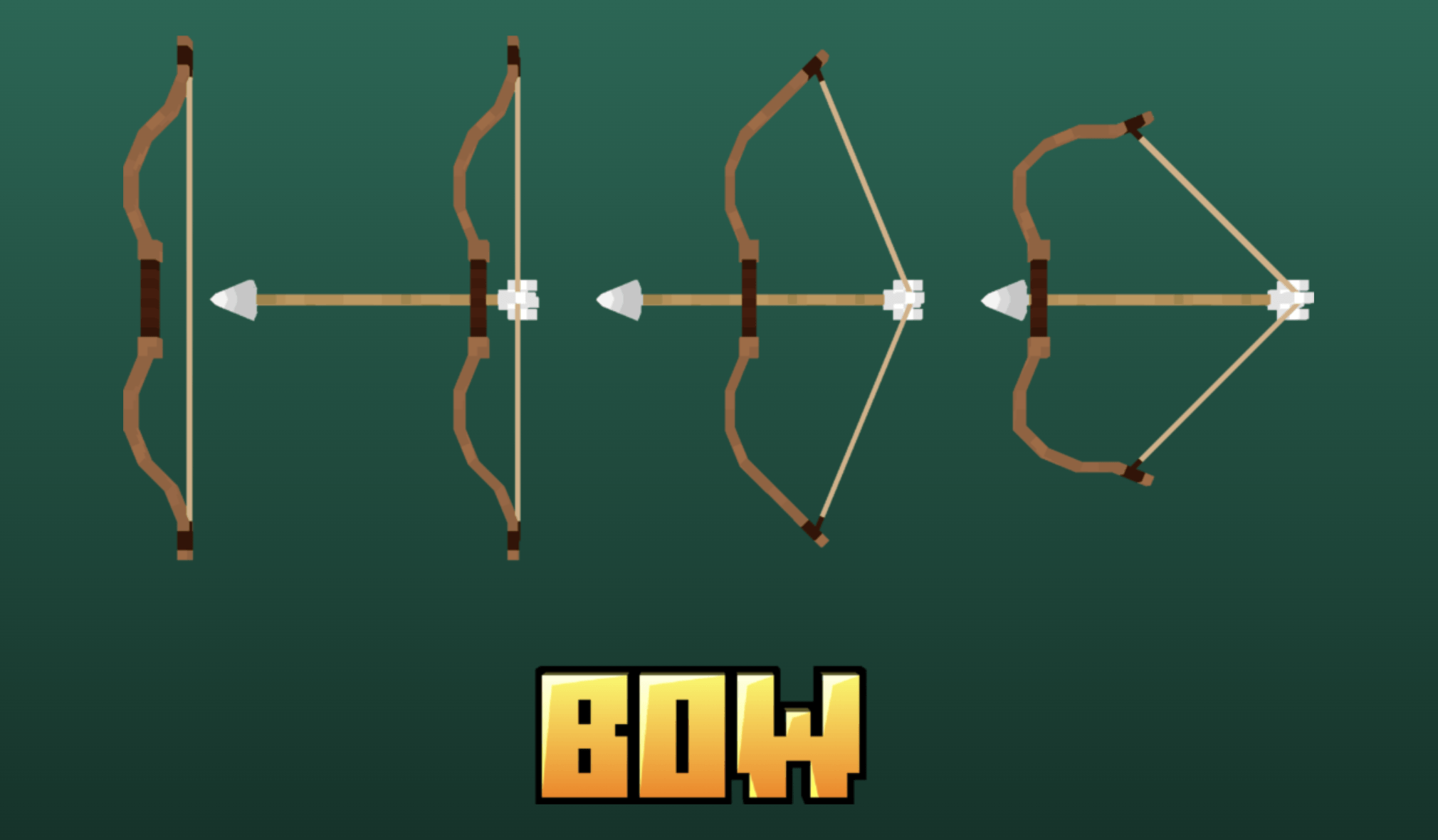
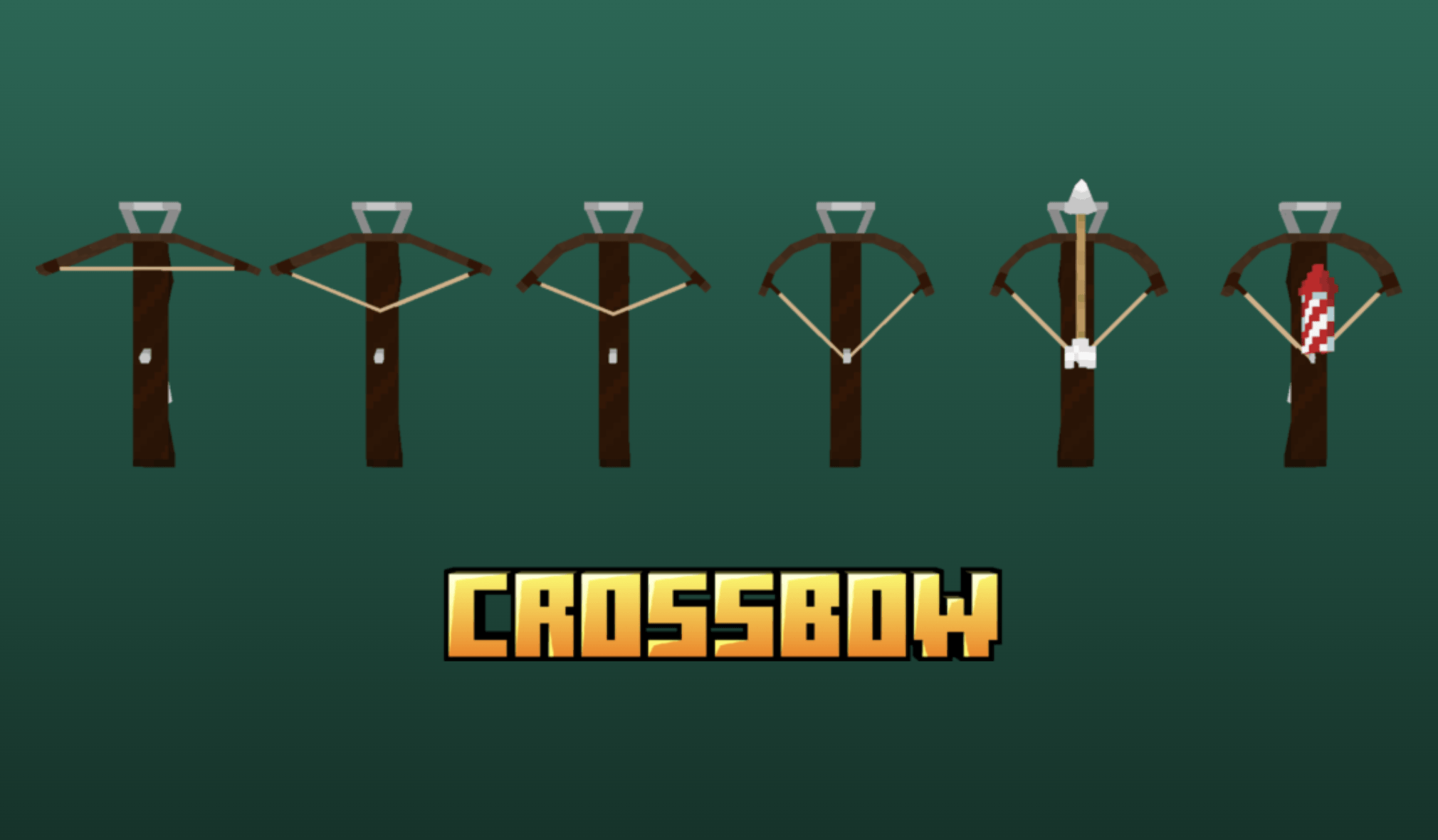
  • Bow and Crossbow,
  • Mace,
  • Clock, Compass and Recovery Compass,
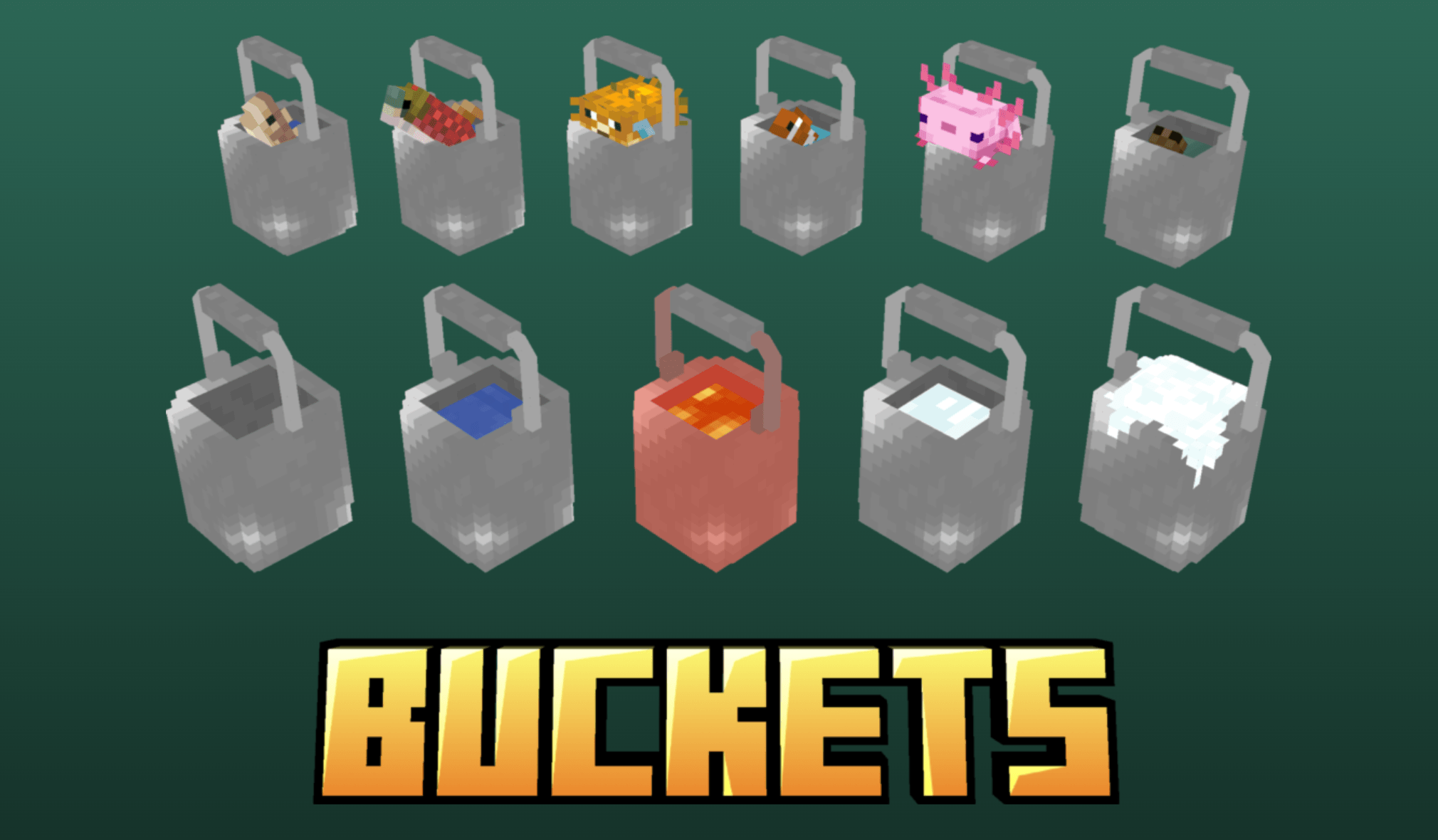
  • Bucket and all its variants.
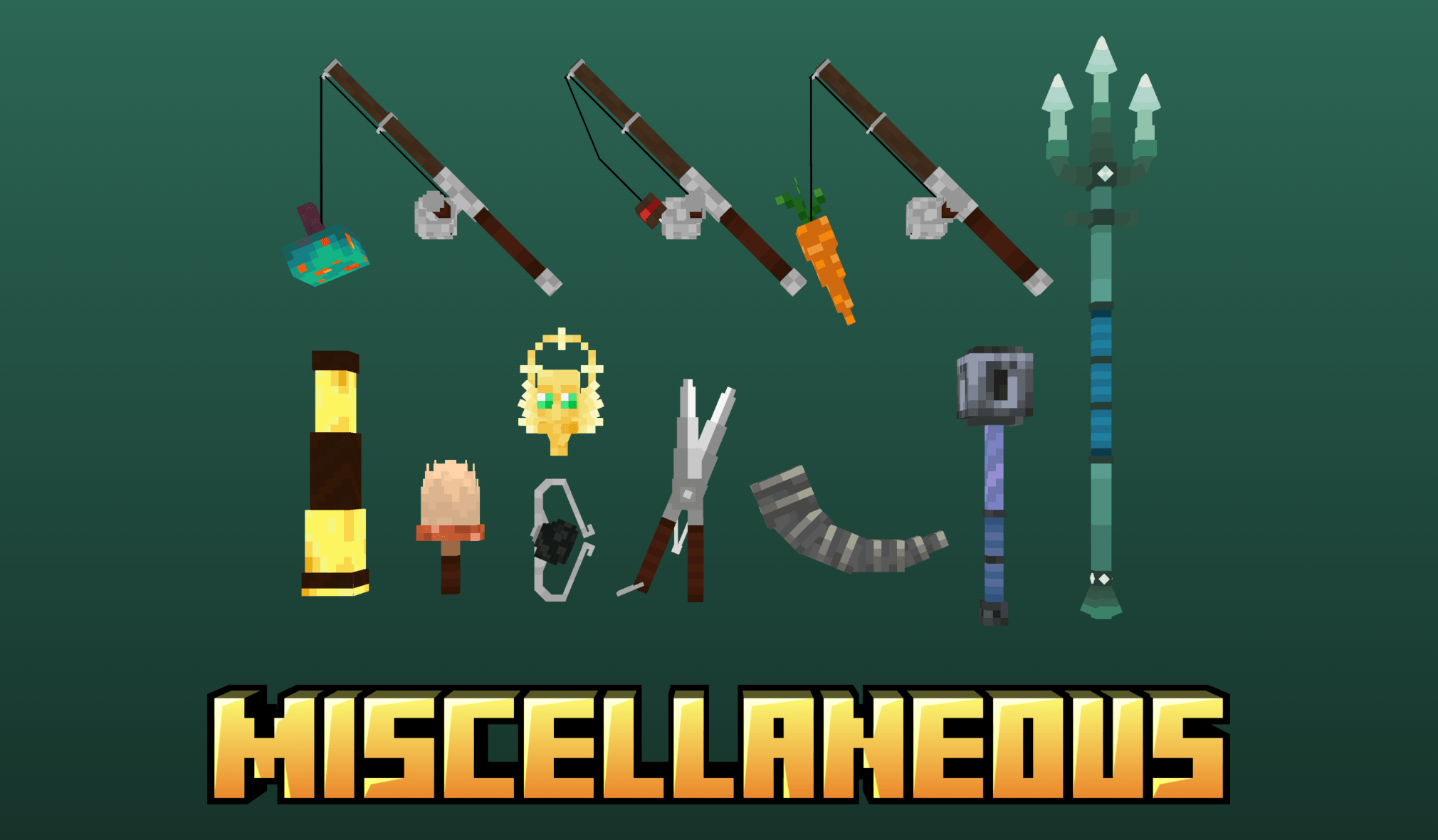
  • Brush, Spyglass, Shears, Flint and Steel and Goat Horn,
  • Fishing rod, Carrot on a Stick and Warped Fungus on a Stick

Name-based custom models!

The pack also includes custom models for a few items if you rename them on the anvil, the list includes:

  • Swords -> Broadswords 

    Iron sword -> Iron broadsword

    Golden sword -> Golden broadsword

    Diamond sword -> Diamond broadsword

    Netherite sword -> Netherite broadsword

  • Axes -> Heavy handaxes

    Iron axe -> Iron heavy handaxe

    Golden axe -> Golden heavy handaxe

    Diamond axe -> Diamond heavy handaxe

    Netherite axe -> Netherite heavy handaxe

  • Shield -> Heater shield

    Heater shield

    Golden heater shield

    Diamond heater shield

    Netherite heater shield

  • Shield -> Kite shield

    Kite shield

    Golden kite shield

    Diamond kite shield

    Netherite kite shield

  • Shield -> Tower shield

    Tower shield

    Golden tower shield

    Diamond tower shield

    Netherite tower shield

  • Shield -> Round shield

    Round shield

    Golden round shield

    Diamond round shield

    Netherite round shield

  • Shield -> Oval shield

    Oval shield

    Golden oval shield

    Diamond oval shield

    Netherite oval shield

  • Shield -> Buckler

    Buckler

    Golden buckler

    Diamond buckler

    Netherite buckler

  • Mace 

    Ball mace

    Flanged mace

    Spiked mace

Attention! As these shield variants are custom item models and not entity models, they do not support banner patterns! Hence why the default shield is unchanged.

Mod-dependent functions:

  1. The Trident, Arrow and Spectral arrow models require Optifine or alternatively Entity Model Features + Entity Texture Features
  2. Emissive textures require Optifine or alternatively MoreMcmeta (Forge) + MoreMcmeta Emissive Textures (Forge) / MoreMcmeta (Fabric) + MoreMcmeta Emissive Textures (Fabrc)
  3. Custom name-based item models require Optifine or alternatively CIT Resewn

Backslot mod compatibility:

If you are using the Backslot mod, make sure to download the version of the pack that's compatible with it!

Check out my other project!


Special thanks to my friend Miriam

 for providing input and helping me

through the creative process!

Equipment 3D Retailor 1.2.zip
MC 1.20.1, 1.21.1, 1.20.4, 1.19.2
Release 2026-04-28 Get
EQ 3D Retailor 1.2 - Backslot compat.zip
MC 1.20.1, 1.21.1, 1.20.4, 1.19.2
Release 2026-04-28 Get
Equipment 3D Retailor 1.1.zip
MC 1.20.1, 1.21.1, 1.20.4, 1.19.2
Release 2025-11-29 Get
EQ 3D Retailor 1.1 - Backslot compat.zip
MC 1.20.1, 1.21.1, 1.20.4, 1.19.2
Release 2025-11-29 Get
Equipment 3D Retailor 1.0.zip
MC 1.19.2, 1.20.1, 1.20.4, 1.21.3, 1.21.1
Release 2025-09-20 Get
EQ 3D Retailor 1.0 - Backslot compat.zip
MC 1.19.2, 1.20.1, 1.20.4, 1.21.3, 1.21.1
Release 2025-09-20 Get
Equipment 3D Retailor.zip
MC 1.19.2, 1.20.1, 1.20.4, 1.21.3, 1.21.1
Beta 2025-08-24 Get
EQ: 3D Retailor - Backslot compat.zip
MC 1.19.2, 1.20.1, 1.20.4, 1.21.3, 1.21.1
Beta 2025-08-24 Get

Requirements & install

How to use this resource pack in Minecraft
Resolution
32x
Minecraft
1.19.2 – 1.21.3
Install folder
.minecraft/resourcepacks

How to install resource packs

  1. Download the resource pack .zip file (do not extract it).
  2. In Minecraft open Options → Resource Packs → Open Pack Folder.
  3. Drop the .zip into the resourcepacks folder (.minecraft/resourcepacks).
  4. Move the pack to the Selected column and click Done.
Browse more: 16x resource packs 32x resource packs 64x resource packs 128x resource packs 256x resource packs 512x+ resource packs Resource Packs for 1.21.3 All resource packs

More from Tem_Shaw

Advertisement Remove ads with Premium →

You Might Also Like