Mineuniverse
Resource Packs
epic fight and wom dark mode

epic fight and wom dark mode

RESOURCE PACK
the name is temp because i cant think of a better name, its just a simple pack with a lot of the gui and models changed to be darker
by Odinshi
Download Claim this project
Add a badge to your pageLink to epic fight and wom dark mode from a README, website or forum post.
Preview: Badge

Badges update automatically and link to the resource pack page on MineUniverse.

926 downloads
0 likes
0 followers
Updated Oct 14, 2026
0 hypes
Follow0
32x
Advertisement Remove ads with Premium →

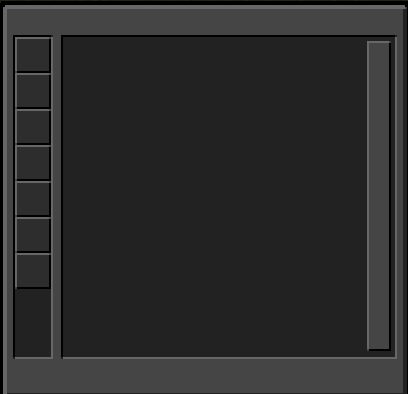
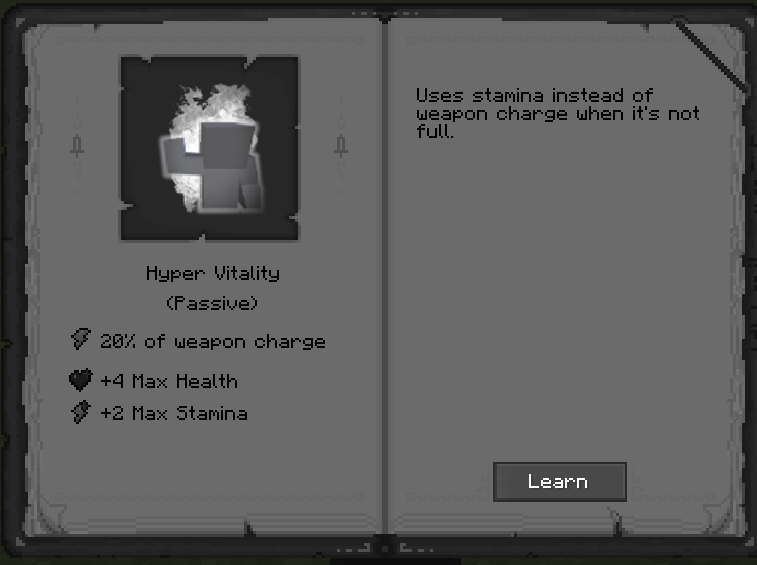
this pack offers a lot of changed assets for the weapons from wom along with gui changes for most things that are able to be changed, best used with the default dark mode texture pack.

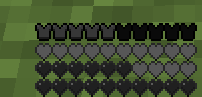
i must be verry clear this is a "PVP" pack, alot of the assets changed effect your survival gameplay such as the ender dragons dragon breath, smoke, and fire along with a few more, feel free to adjust the pack to your own preferences i really dont care.


this pack was made with my preferences in mind so it wont be suitable for some people who just arent a fan of darker colors.


have any bugs with the pack just f3 + T it usualy fixes bugs reguarding the weapon moddels but if there are any actual bugs leave a comment about it and i would do what i can to fix it though there really should not be any bugs.

if you dont like the pack either dont download it or just dont use it, i dont care if you have complaints about how the pack looks since if you feel inclined to do so just tweak whatever you want yourself it aint my issue.

efm dark mode 0.1.zip
MC 1.20.1
Release 2024-10-16 Get
efm dark mode.zip
MC 1.20.1
Release 2024-10-13 Get

Requirements & install

How to use this resource pack in Minecraft
Resolution
32x
Minecraft
1.20.1
Install folder
.minecraft/resourcepacks

How to install resource packs

  1. Download the resource pack .zip file (do not extract it).
  2. In Minecraft open Options → Resource Packs → Open Pack Folder.
  3. Drop the .zip into the resourcepacks folder (.minecraft/resourcepacks).
  4. Move the pack to the Selected column and click Done.
Browse more: 16x resource packs 32x resource packs 64x resource packs 128x resource packs 256x resource packs 512x+ resource packs Resource Packs for 1.20.1 All resource packs
Advertisement Remove ads with Premium →

You Might Also Like