Mineuniverse
Resource Packs
Endermode's Custom Swords

Endermode's Custom Swords

RESOURCE PACK
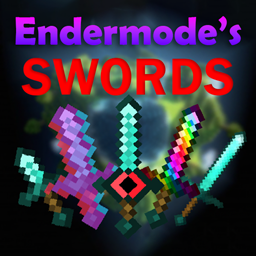
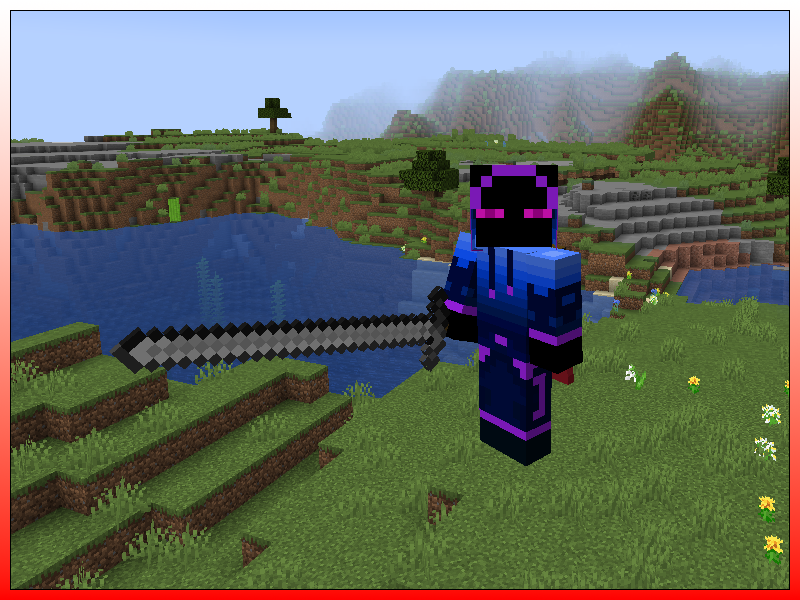
Adds 200+ custom swords
by Endermode1
Download Claim this project
2,023 downloads
0 likes
0 followers
Updated Oct 14, 2026
0 hypes
Follow0
16x Animated Miscellaneous Traditional
Advertisement Remove ads with Premium →


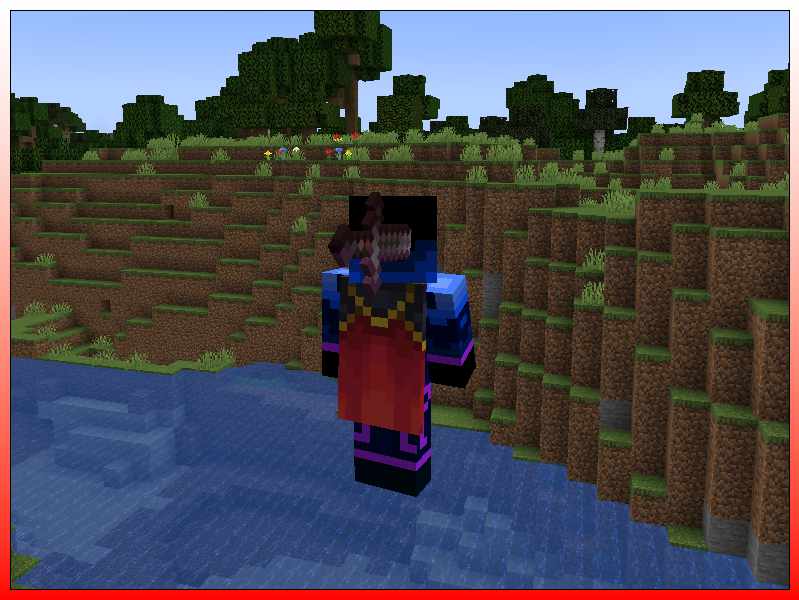
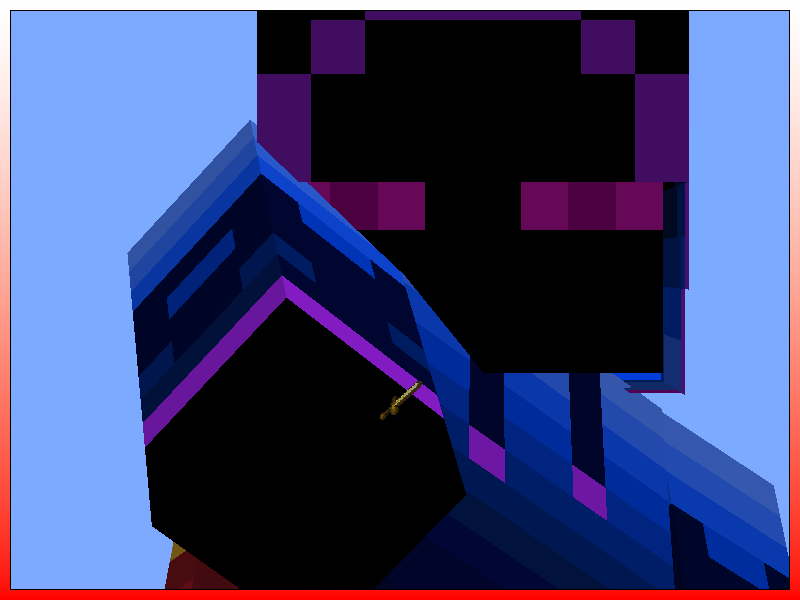
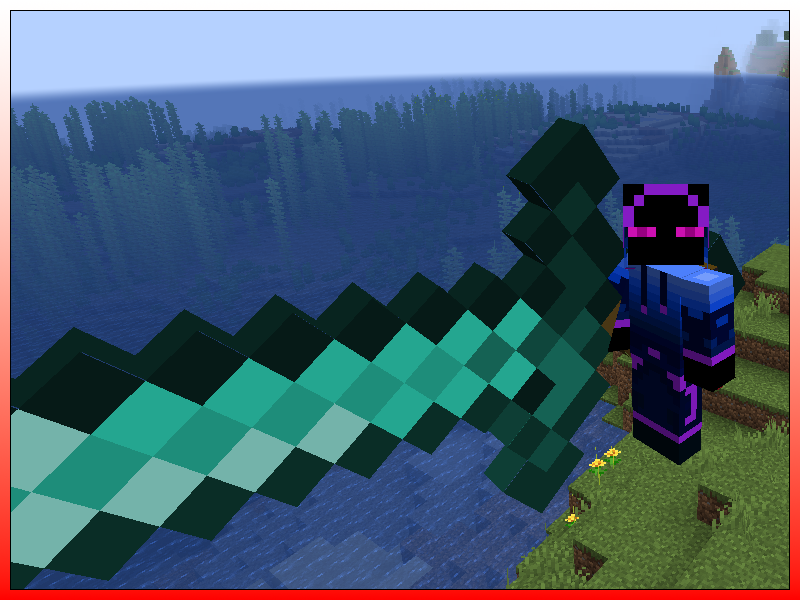
Endermode's Custom Swords currently has 216 different sword types (180 on versions 1.13 - 1.15.). Optifine is required for the pack to work. You can change your sword by renaming it in an anvil. You put the modifier first before the sword name, and it's not case-sensitive, so orange diamond sword, Orange Diamond Sword, and oRanGE DiAmoND SwOrD will all work. LIST OF MODIFIERS BELOW


                                             Here's a list of all the modifiers:

  • alive
  • broken
  • crazy
  • disguised
  • ghost
  • glitch
  • glowing
  • invisible
  • ouch
  • rainbow
  • reversed
  • shoe
  • shoulder
  • thick
  • upside down
  • short
  • long
  • low res
  • high res
  • red
  • orange
  • yellow
  • green
  • blue
  • purple
  • pink
  • brown
  • black
  • white
  • microscopic
  • tiny
  • small
  • big
  • huge
  • massive


If you have any suggestions please comment :)


Check out my mod Endermode's Traps:


https://www.curseforge.com/minecraft/mc-mods/endermodes-traps

1.13 - 1.14.4
MC 1.13.1, 1.14.4, 1.14.1, 1.14.3, 1.13, 1.14, 1.14.2, 1.13-Snapshot, 1.14-Snapshot, 1.13.2
Release 2022-12-18 Get
1.18 - 1.18.2
MC 1.18.1, 1.18.2, 1.18, 1.18-Snapshot
Release 2022-12-17 Get
1.17 - 1.17.1
MC 1.17.1, 1.17, 1.17-Snapshot
Release 2022-12-17 Get
1.16.2 - 1.16.5
MC 1.16.3, 1.16.5, 1.16.4, 1.16.2
Release 2022-12-17 Get
1.15 - 1.16.1
MC 1.16-Snapshot, 1.15-Snapshot, 1.16.1, 1.15, 1.16, 1.15.2, 1.15.1
Release 2022-12-17 Get
1.19.3
MC 1.19.3
Release 2022-12-17 Get
1.19 - 1.19.2
MC 1.19-Snapshot, 1.19.2, 1.19.1, 1.19
Release 2022-12-16 Get

Requirements & install

How to use this resource pack in Minecraft
Resolution
16x
Minecraft
1.18 – 1.19.3
Install folder
.minecraft/resourcepacks

How to install resource packs

  1. Download the resource pack .zip file (do not extract it).
  2. In Minecraft open Options → Resource Packs → Open Pack Folder.
  3. Drop the .zip into the resourcepacks folder (.minecraft/resourcepacks).
  4. Move the pack to the Selected column and click Done.
Browse more: 16x resource packs 32x resource packs 64x resource packs 128x resource packs 256x resource packs 512x+ resource packs Resource Packs for 1.19.3 All resource packs

More from Endermode1

Advertisement Remove ads with Premium →

You Might Also Like