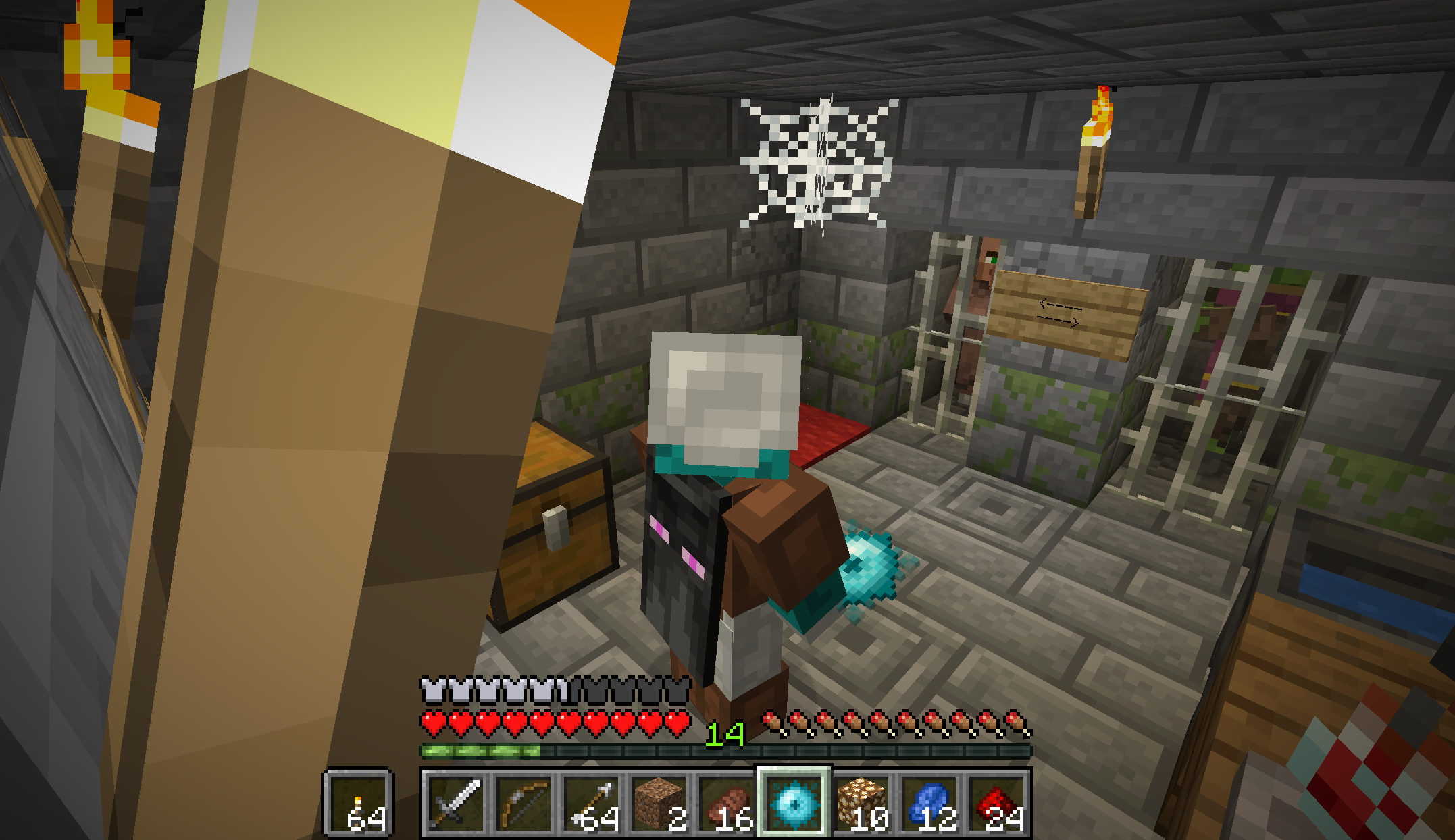
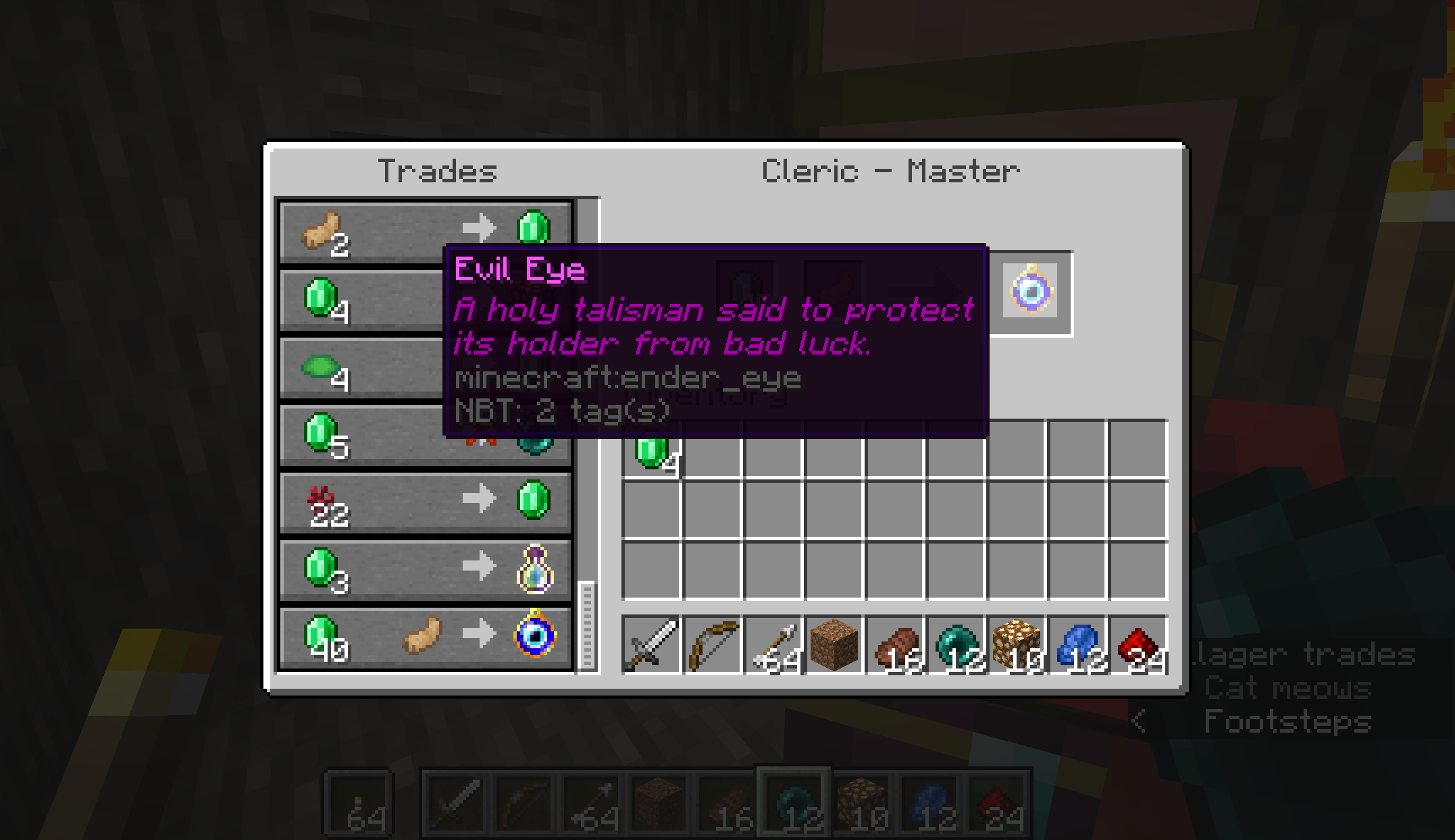
This resource pack is for server admins running the End Remastered Datapack on their server, or for players playing single-player on their own computer.
What Players need to join an End Remastered Datapack server: nothing
When a player joins a properly configured server, the player will be prompted to automatically download the necessary resources.
What Players need to play End Remastered Datapack on their own computer: click the spoiler below
1. End Remastered datapack found here installed in your world. Instruction on how to install a datapack here.
2. The required resource pack, and you are on the download page. Instructions on how to install a resource pack here.
What Admin need to run an End Remastered Datapack server: click the spoiler below
1. Server running this datapack found here.
2. Server configured to push the required resourcepack to joining players.
As a convenience, server admins can simply add the following two lines of code into their server.properties file if they want a direct link to the End Remastered resourcepack that servers can push automatically to players joining the server:
resource-pack=https://download.mc-packs.net/pack/d304a0afd8e85ebcecc02357862748aa293d812b.zip
resource-pack-sha1=d304a0afd8e85ebcecc02357862748aa293d812b
If you prefer to set up your own server resource pack to push to players when they join, you are on the download page to get the End Remastered Resource Pack as a download.
How to configure your server to automatically download resources to your players, from the wiki,
A resource pack can be bundled with a world by saving it as a .zip file under the name resources.zip and placing it directly in the world's folder. When playing the world, that resource pack appears as the default right above the default resource pack. A resource pack can be set on a server by adding a link to a .zip file download after the line resource-pack= in the server.properties file. Users then have an option whether to download the resource pack or not. Resource packs can also be forced on a server using resource-pack-required=true in the server.properties file. Rejecting the resource pack will disconnect the player from the server.
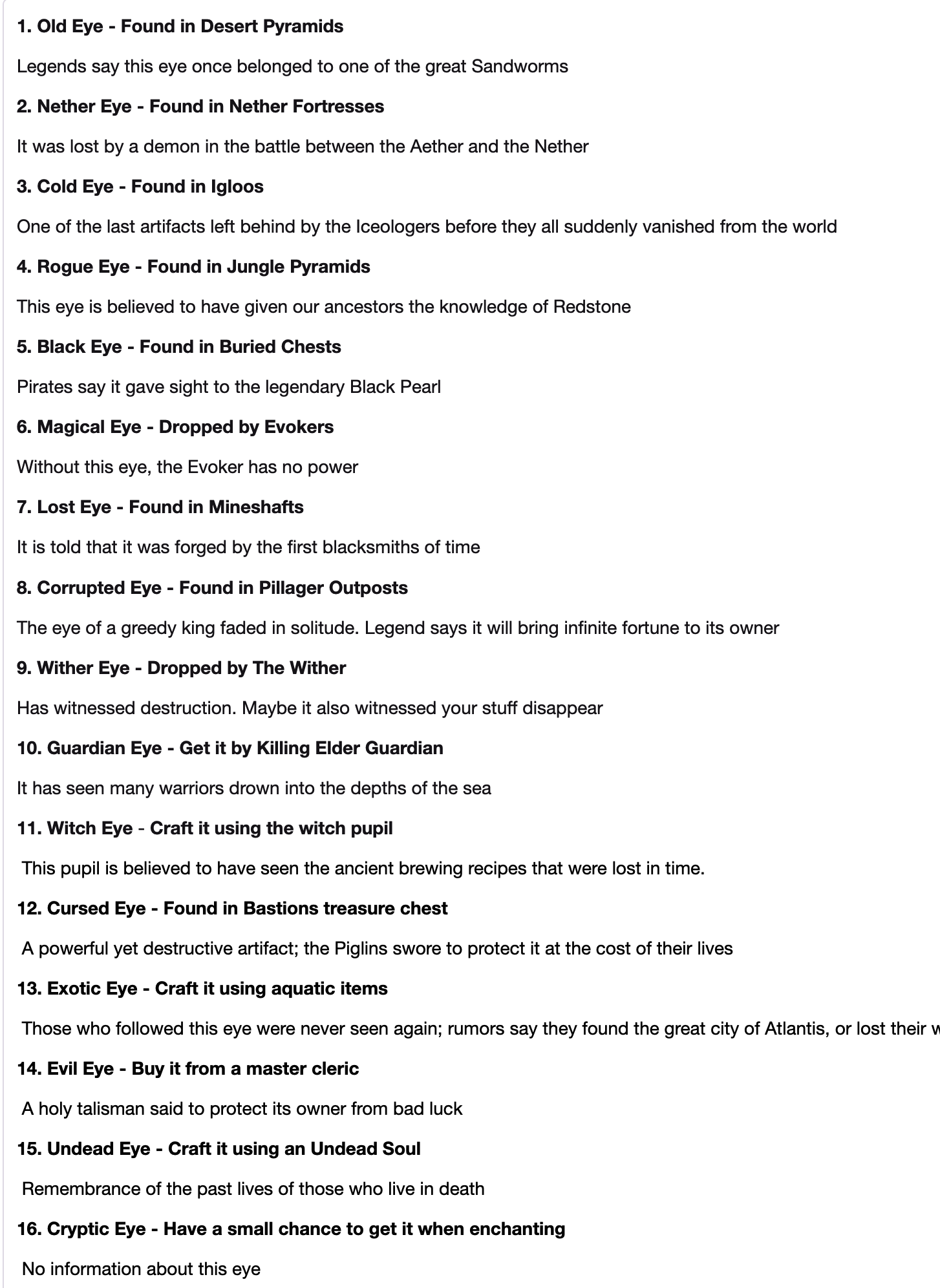
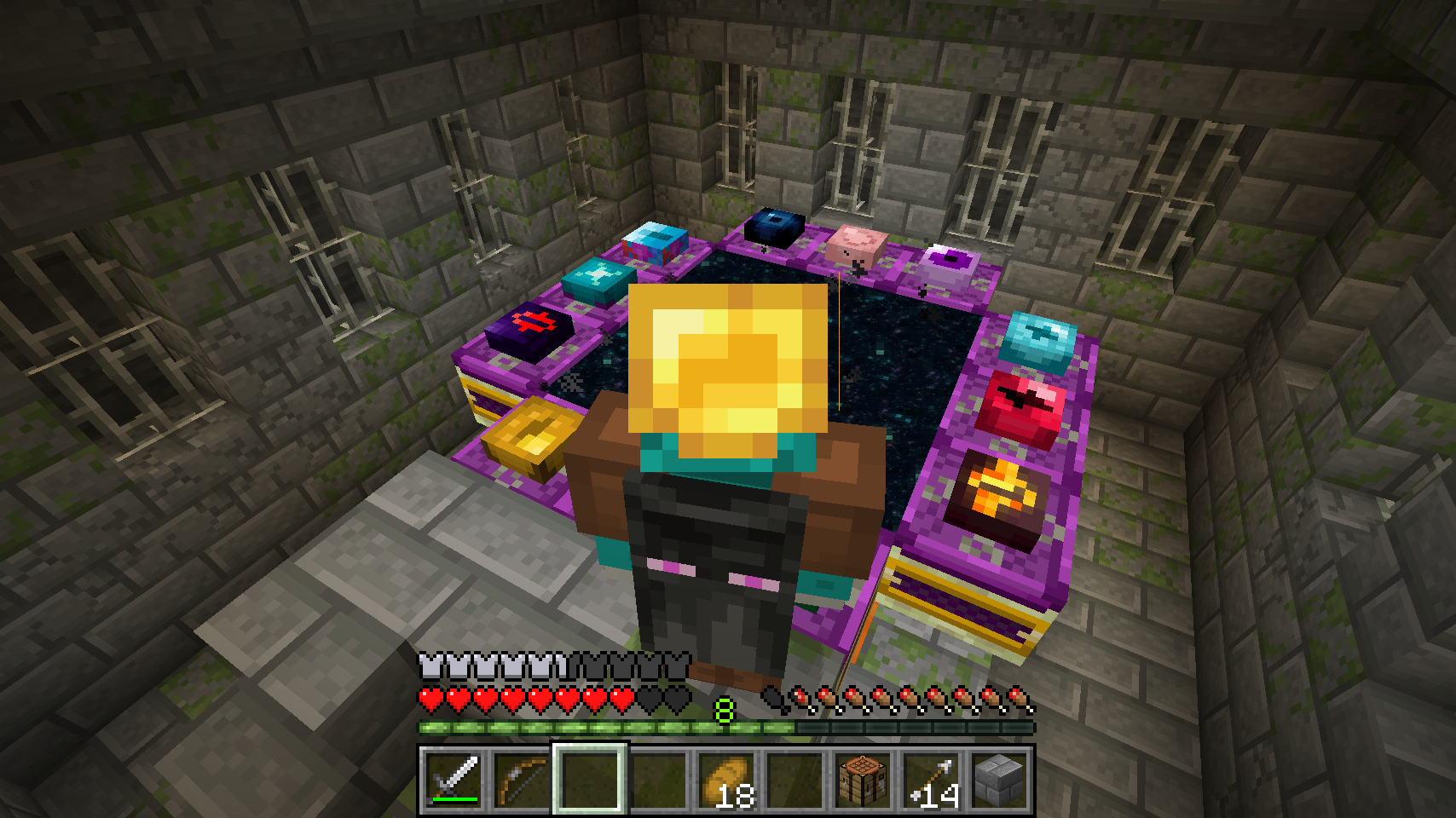
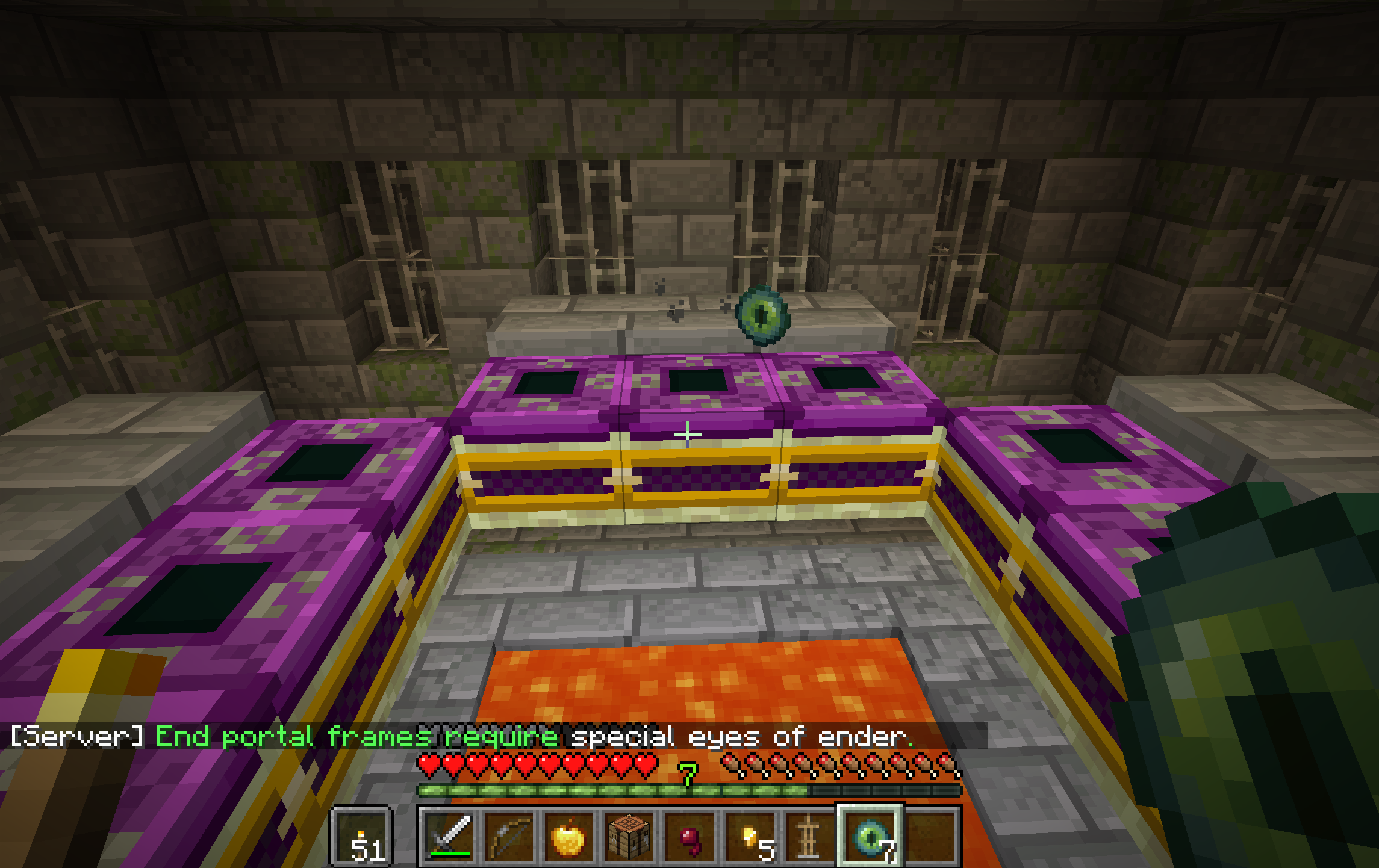
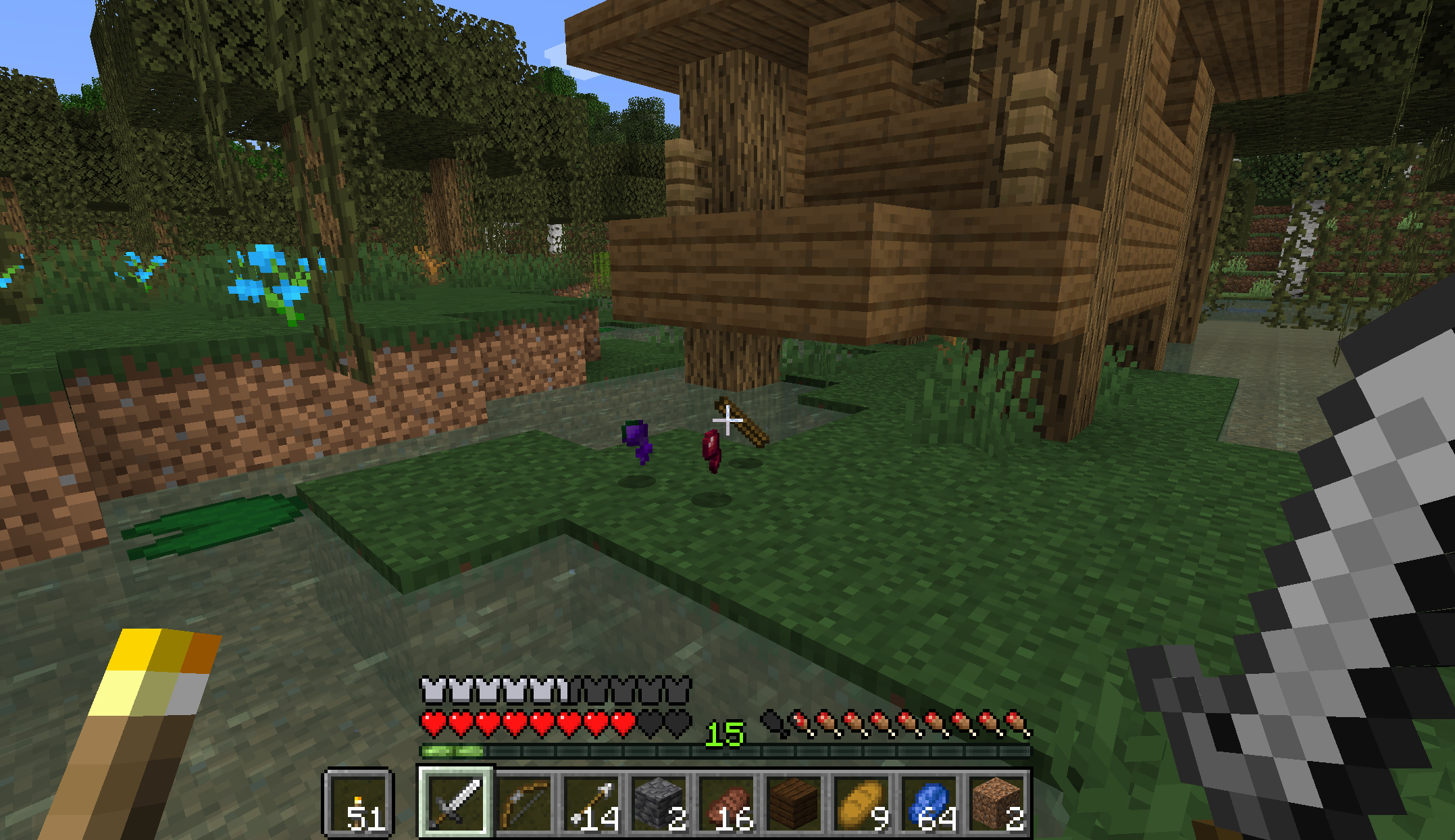
The End Remastered Datapack Resources: you are on the right page to download it.
The End Remastered Datapack itself: download here.
If you were looking for the End Remastered Mod by jack_bagel, you will find that webpage here.
End Remastered Datapack by GatKong, endorsed by jack_bagel.
End Remastered Mod by jack_bagel.