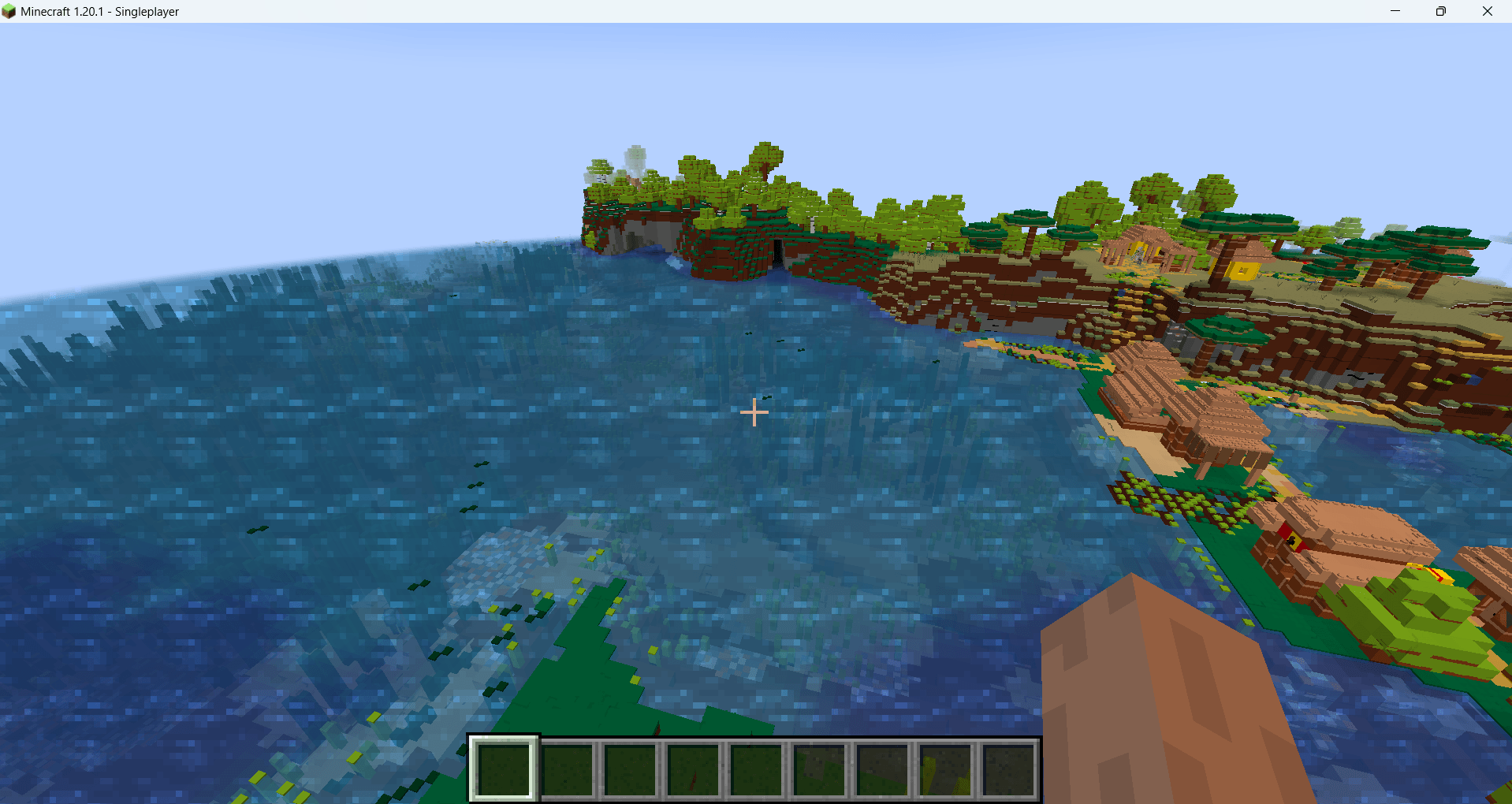
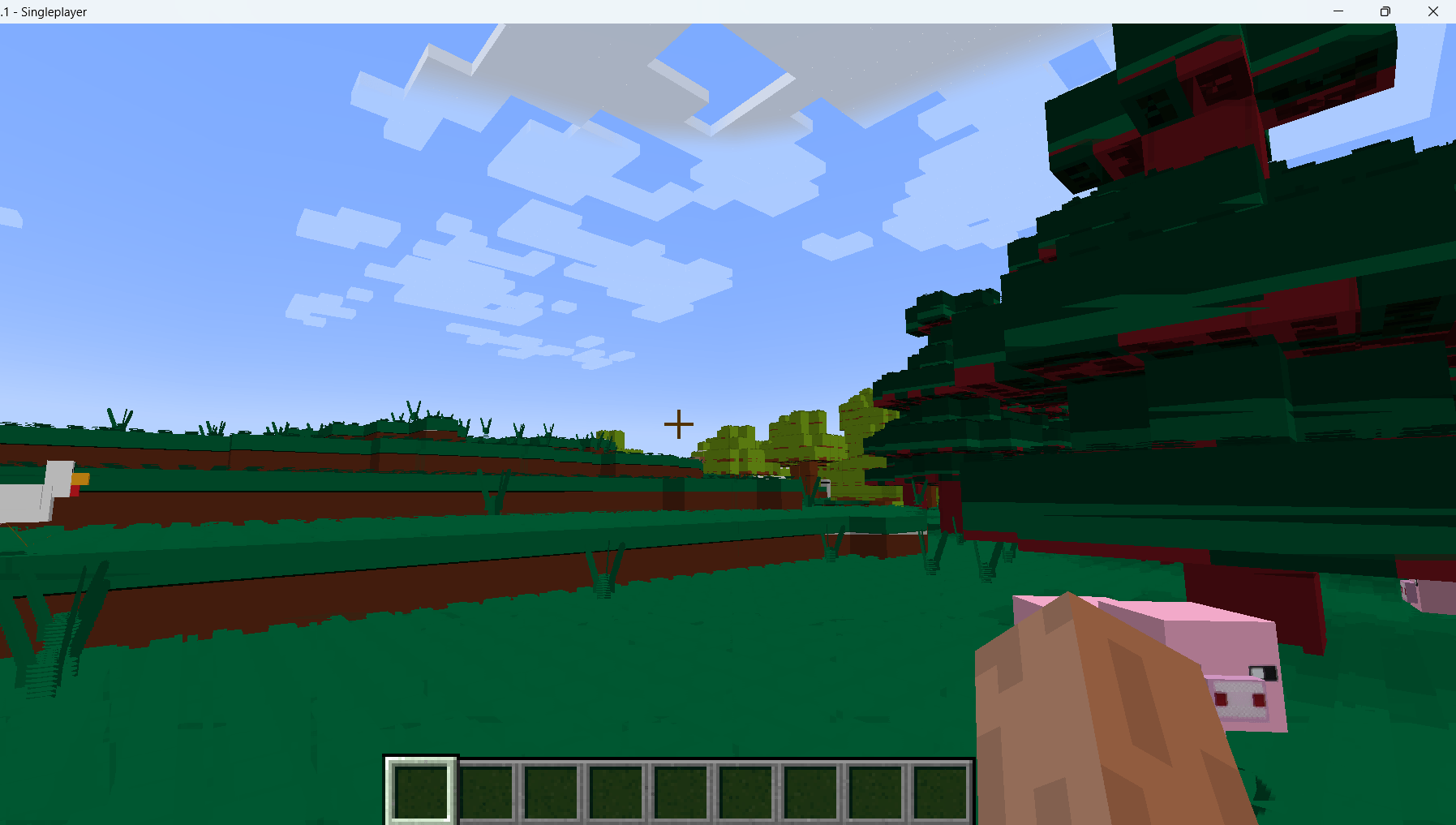
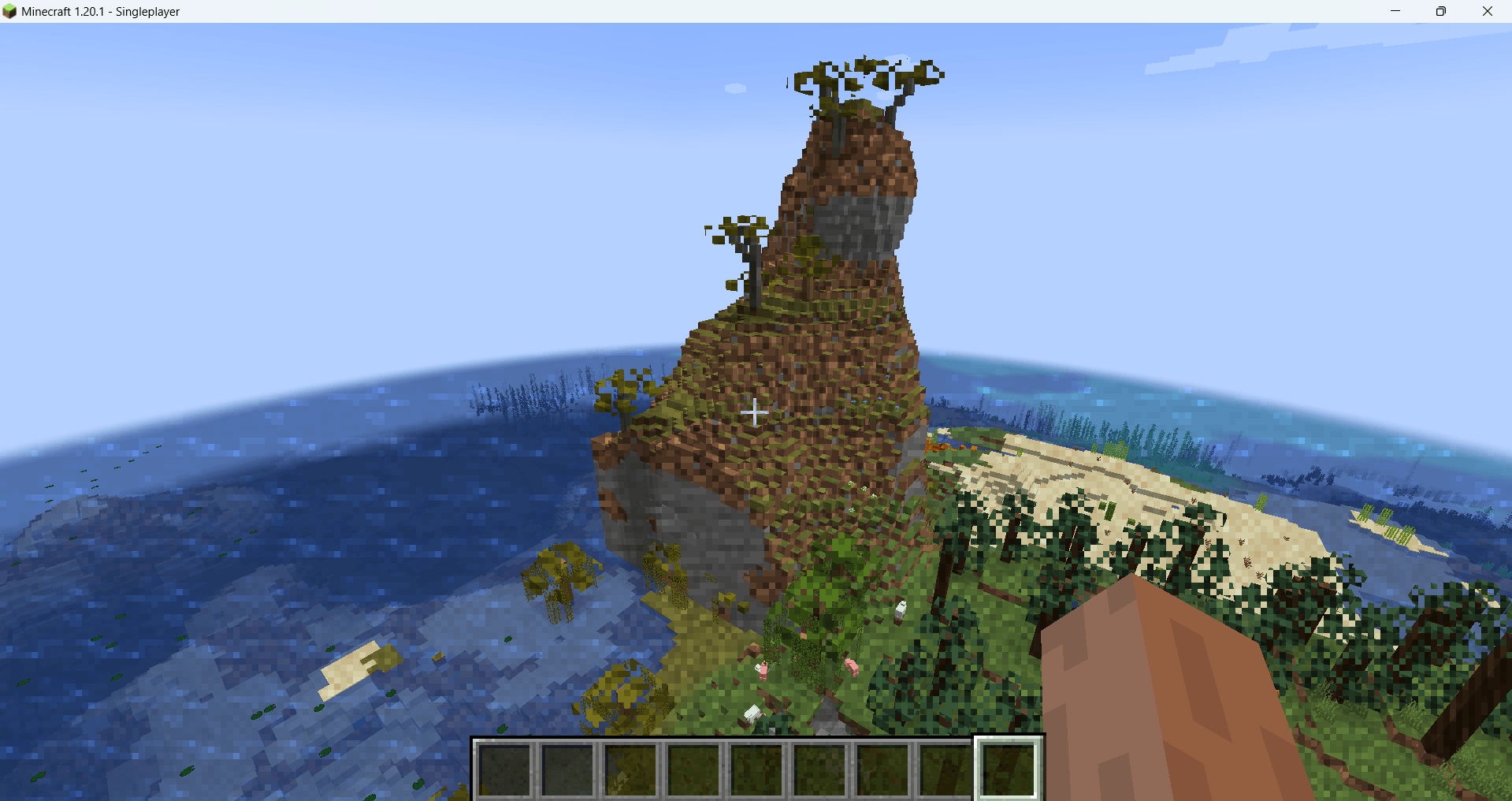
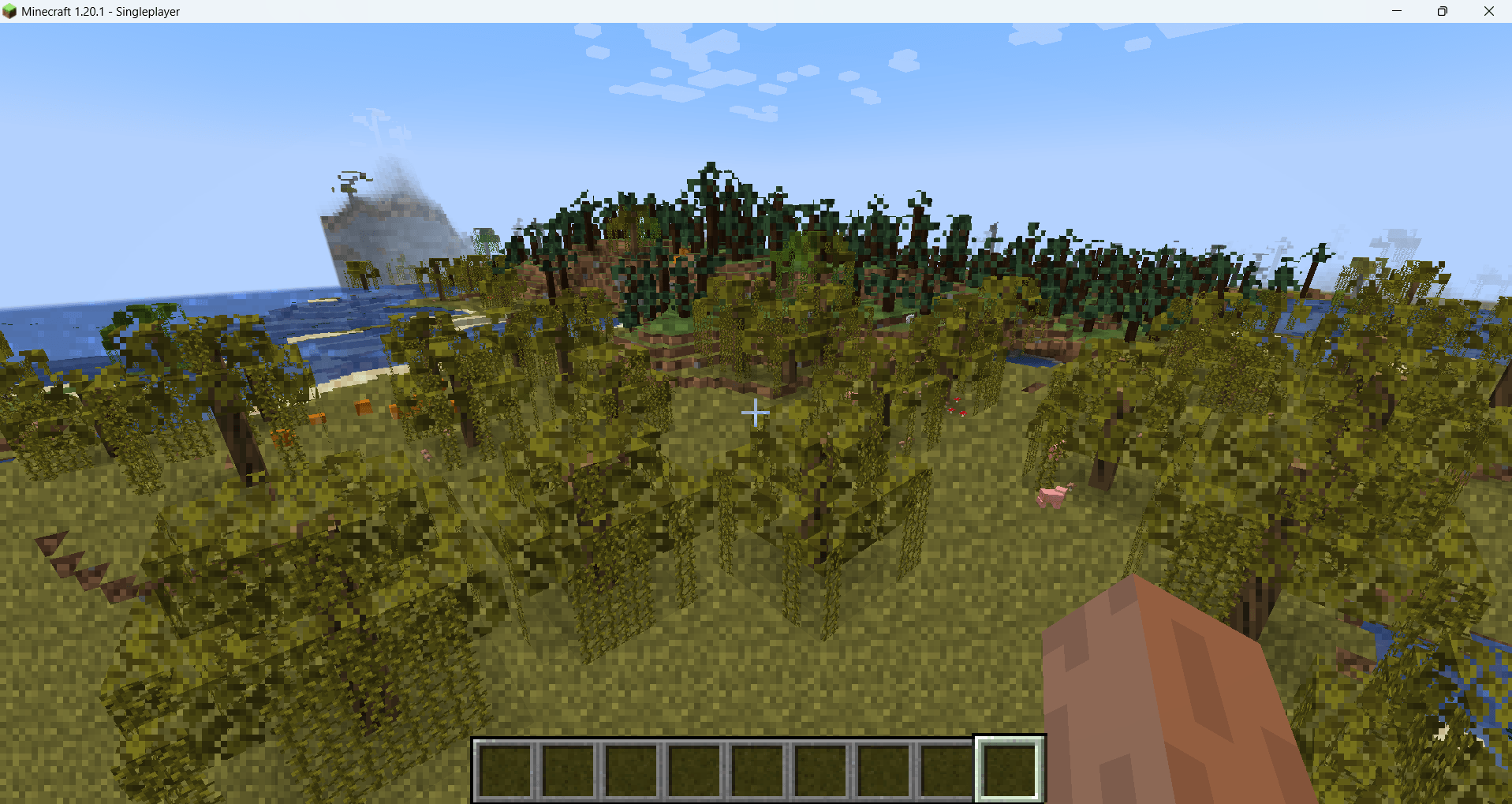
This unique and mind-bending addition completely changes the way you see your world by making every block texture stay still, just like the mesmerizing effect of an end portal, while the actual blocks themselves move around your screen. The result is a surreal, almost dreamlike experience that turns your game into something truly magical and unforgettable.
No matter where you go or what you’re doing, the static textures create a captivating visual effect that makes every block feel alive in a whole new way. Building, mining, and exploring become visually stunning adventures as the textures seem to stand still in space, even while the blocks themselves shift and move around you.
This shader is also designed to work seamlessly with ANY resource pack, so you can combine it with your favorite textures for a completely personalized look. Whether you prefer realistic packs, retro vibes, or ultra-modern designs, this shader will enhance them all with its unique style.
For the best experience, it’s recommended not to use Optifine or Iris, as these can interfere with the effect. Stick with compatible setups to fully enjoy the incredible visuals this shader provides.
Curious about how it works or want to explore the technical side? You can check out the source code here:
GitHub Link: https://github.com/Ancientkingg/shader-shenanigans/tree/master/projected_blocks
With this addition, your Minecraft world will feel like it’s been completely transformed into a surreal, otherworldly dimension. It’s perfect for anyone looking to add a fresh and exciting twist to their gameplay. Whether you’re showing it off to friends, experimenting with resource packs, or just enjoying the mind-bending visuals yourself, this shader is sure to deliver an unforgettable experience.
Dive in, explore the magic, and see your game like never before with this incredible feature!