IMPORTANT: Must have OptiFine in order to work!
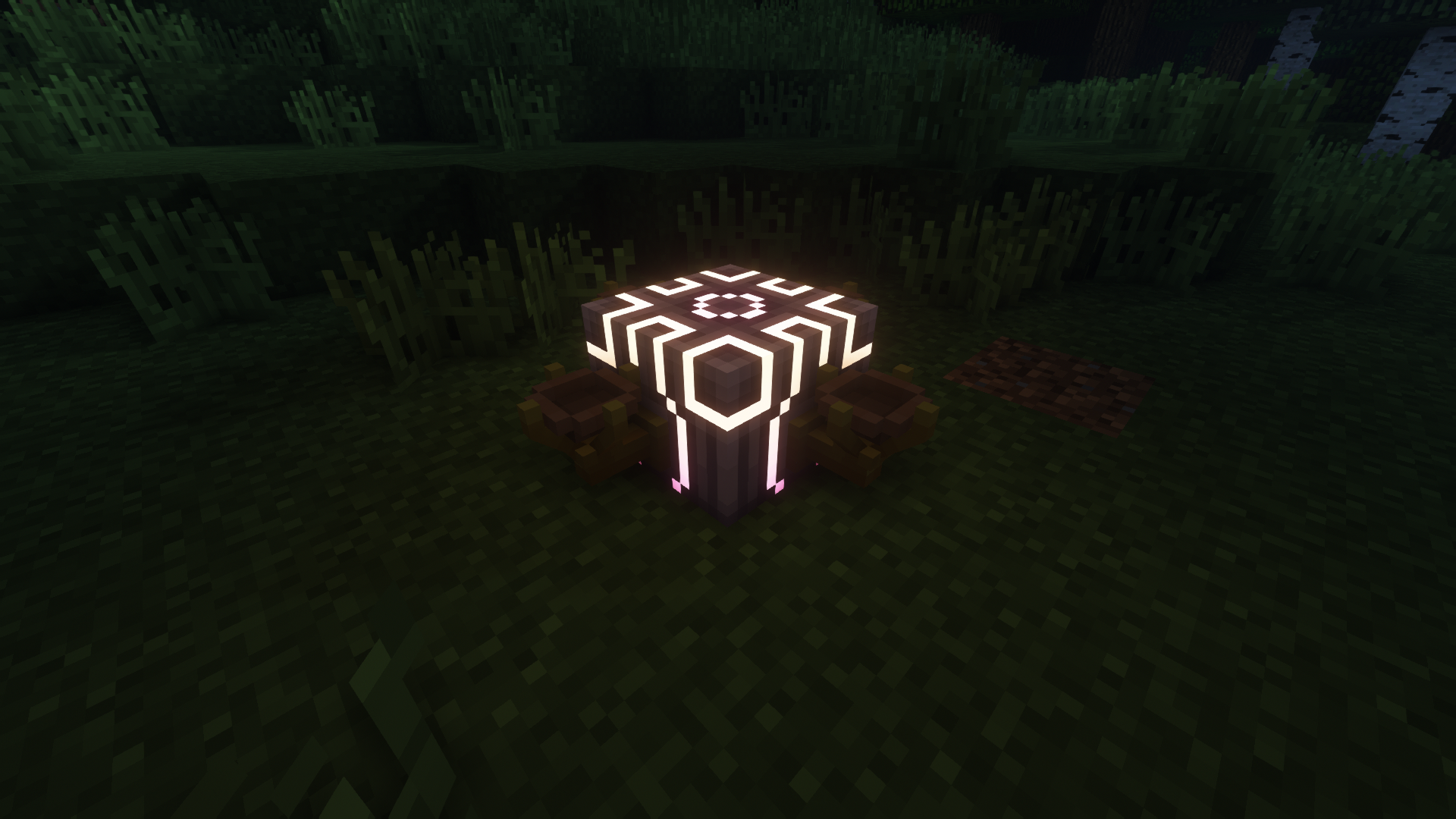
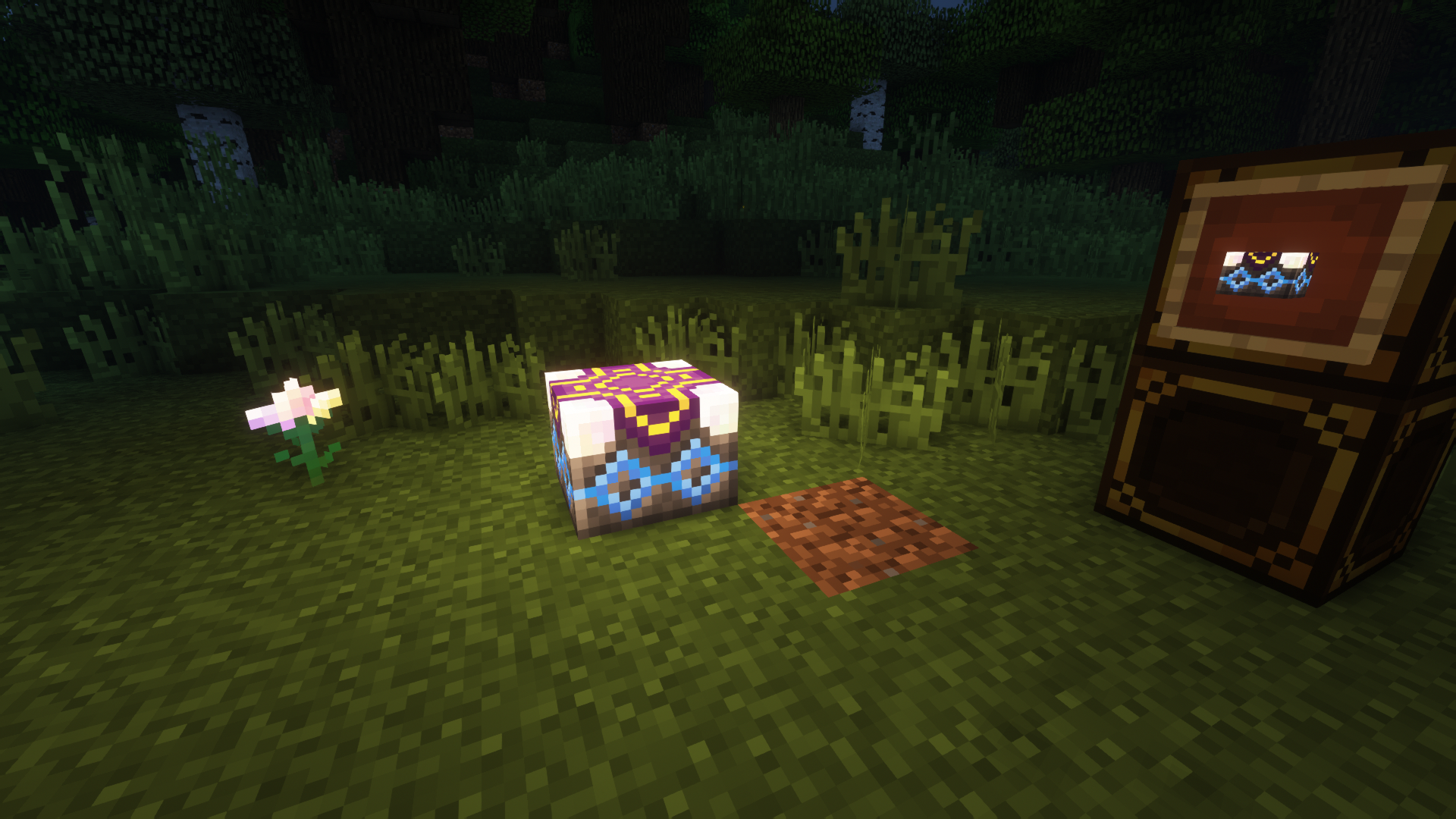
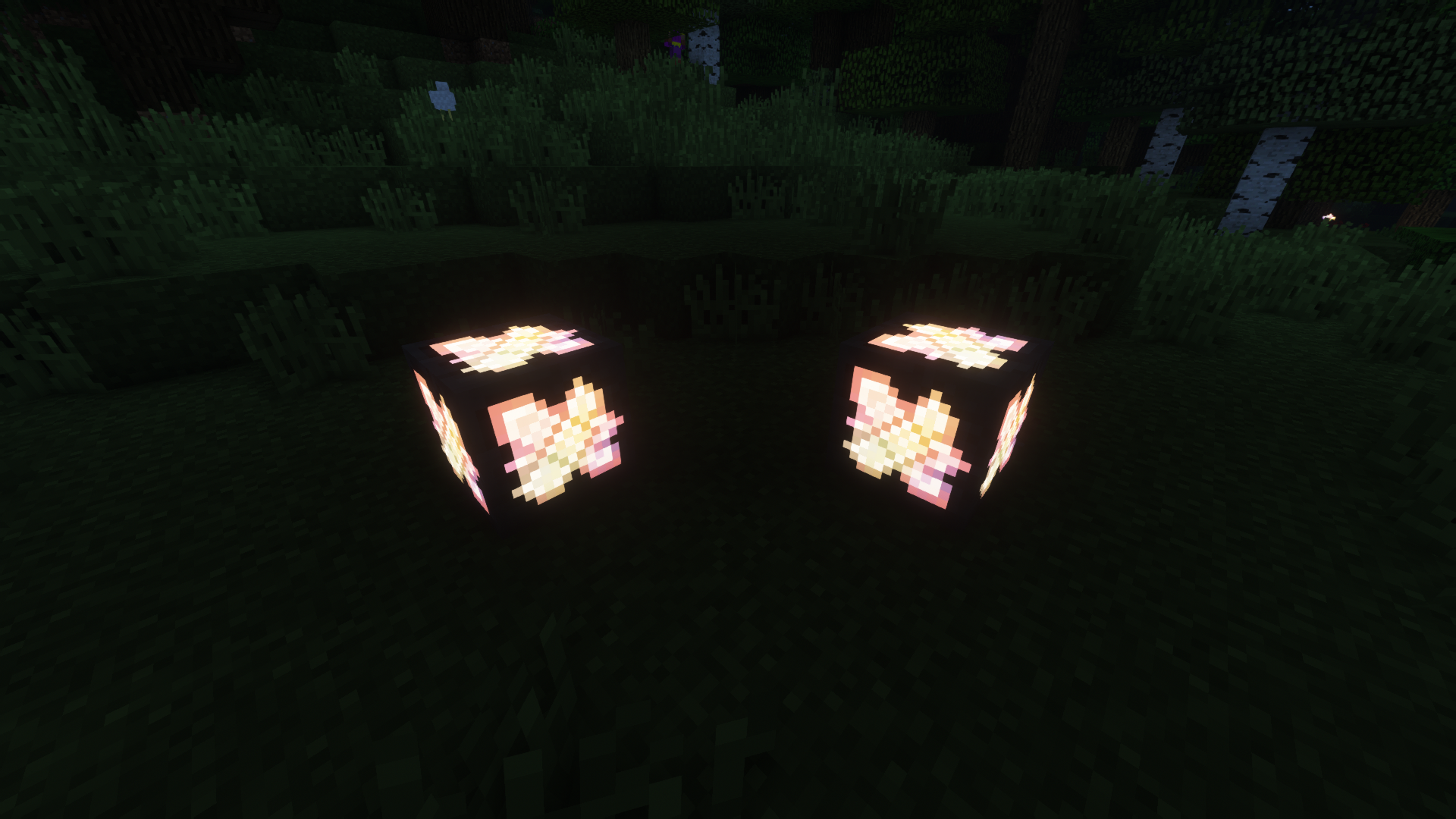
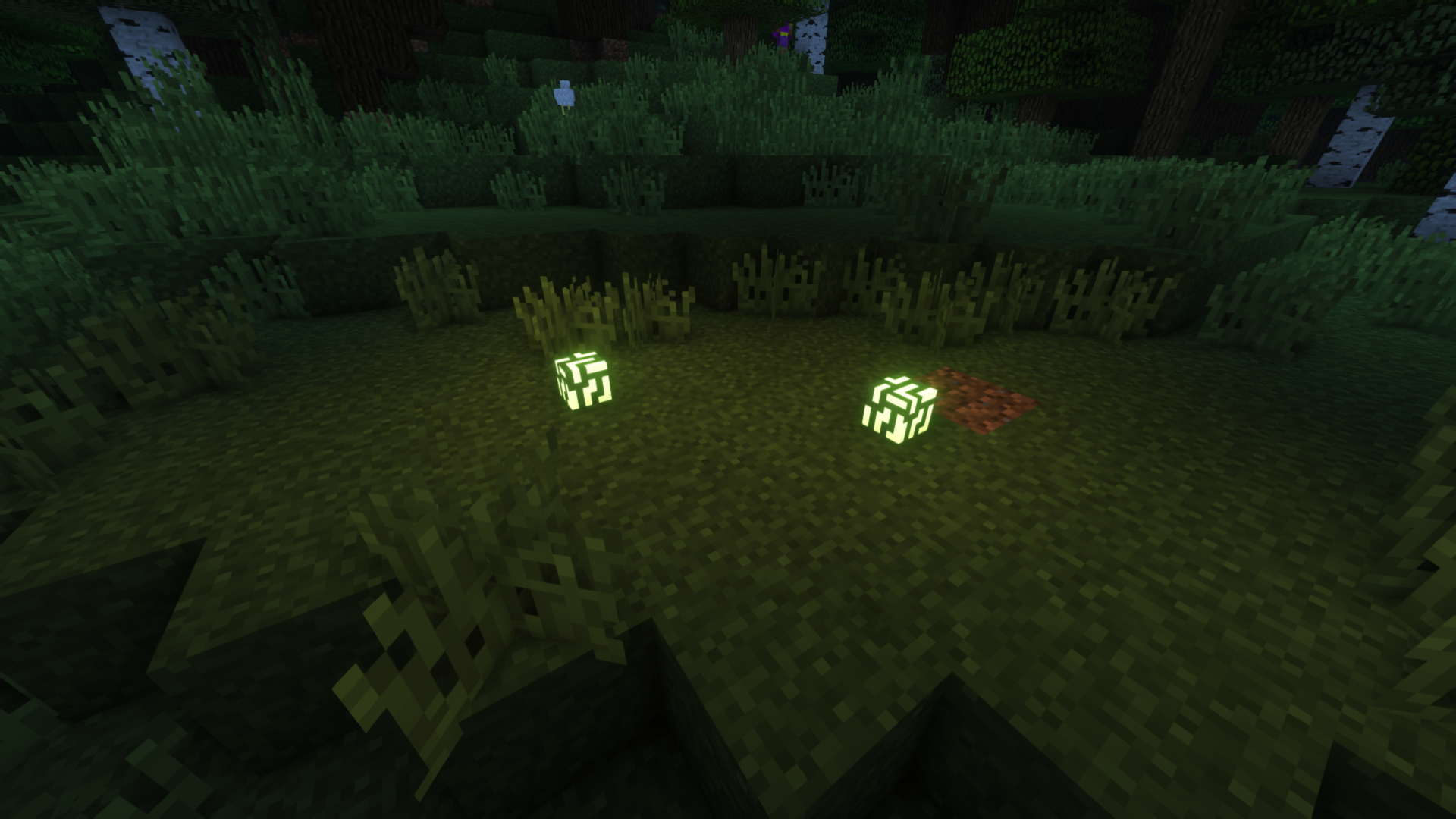
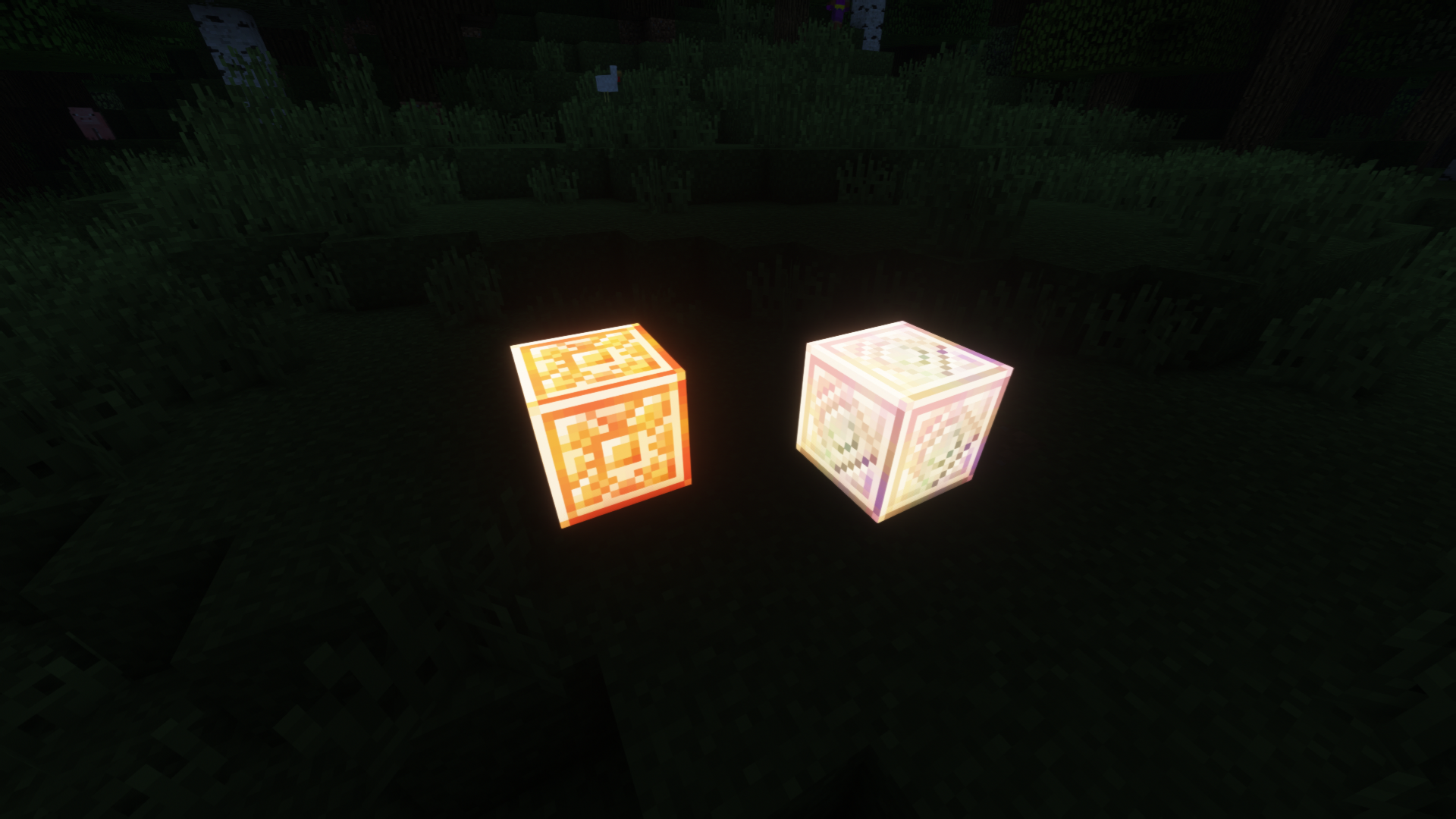
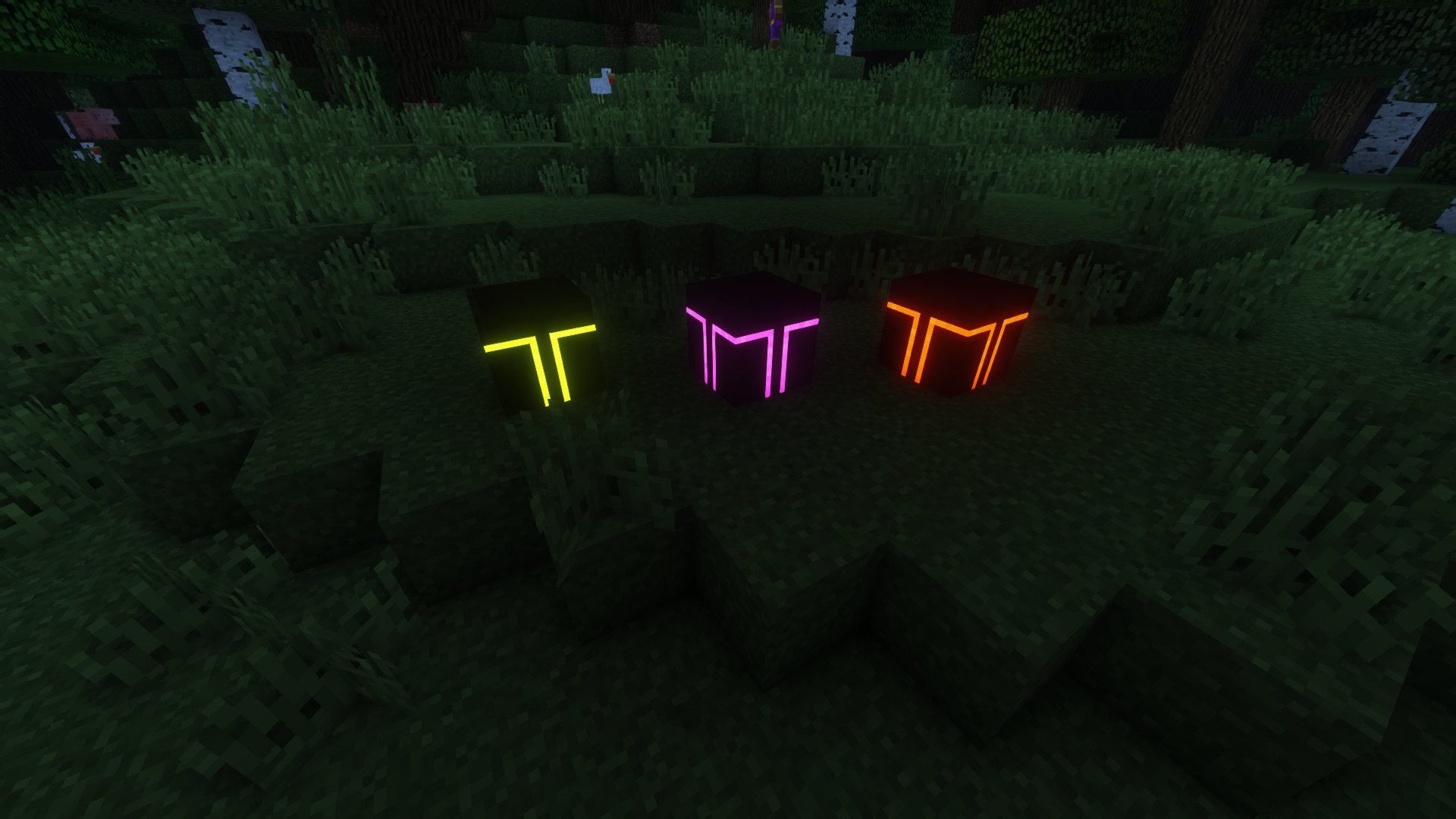
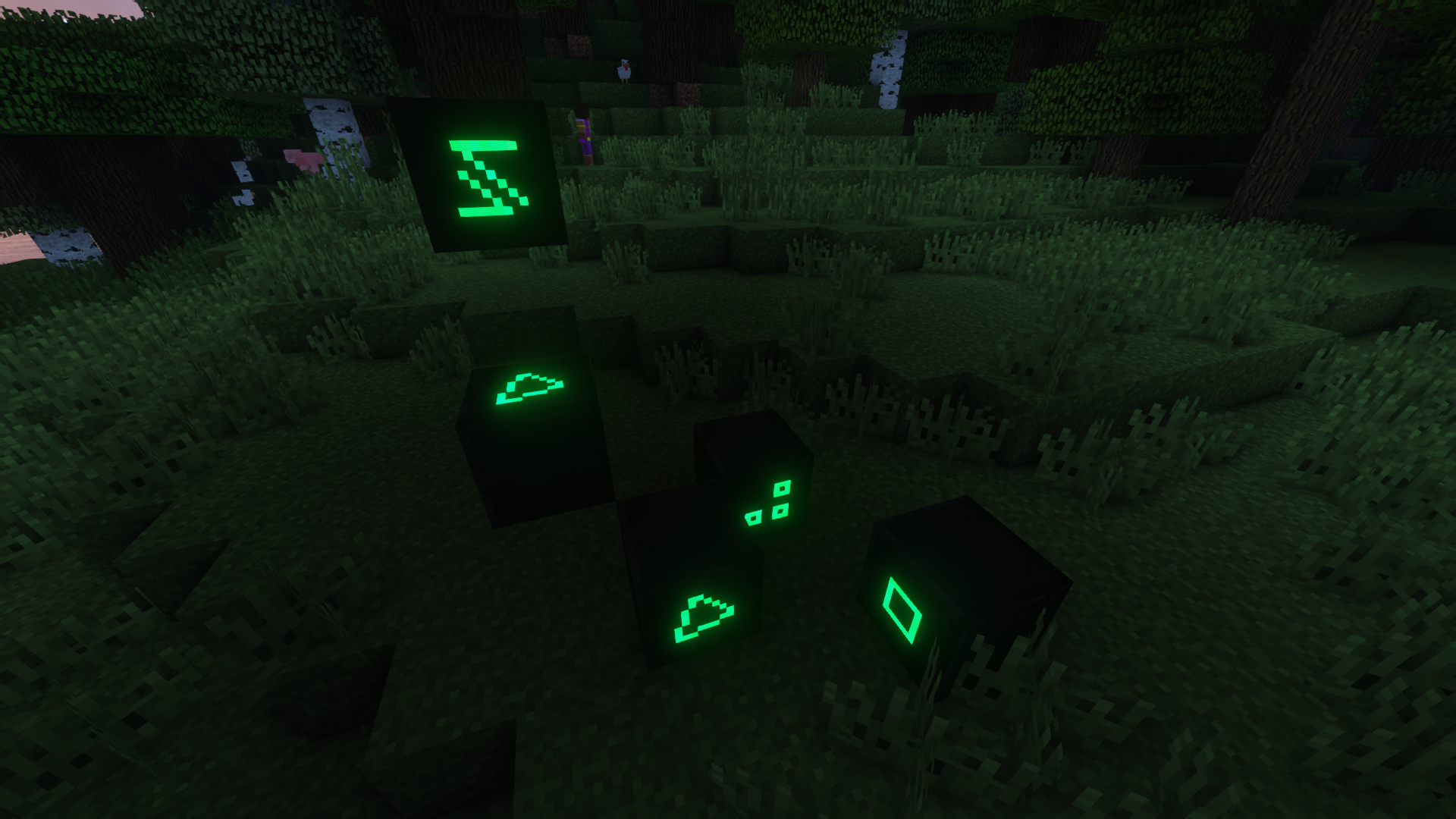
Ever wished those textures would have a glow for that true magical feel? If yes, then you're at the right destination.
This texture pack adds glow to the textures of Electroblob's Wizardry, Ancient Spellcraft, Mo' Spells and Electroblob's Twilight Forest Spell Pack.
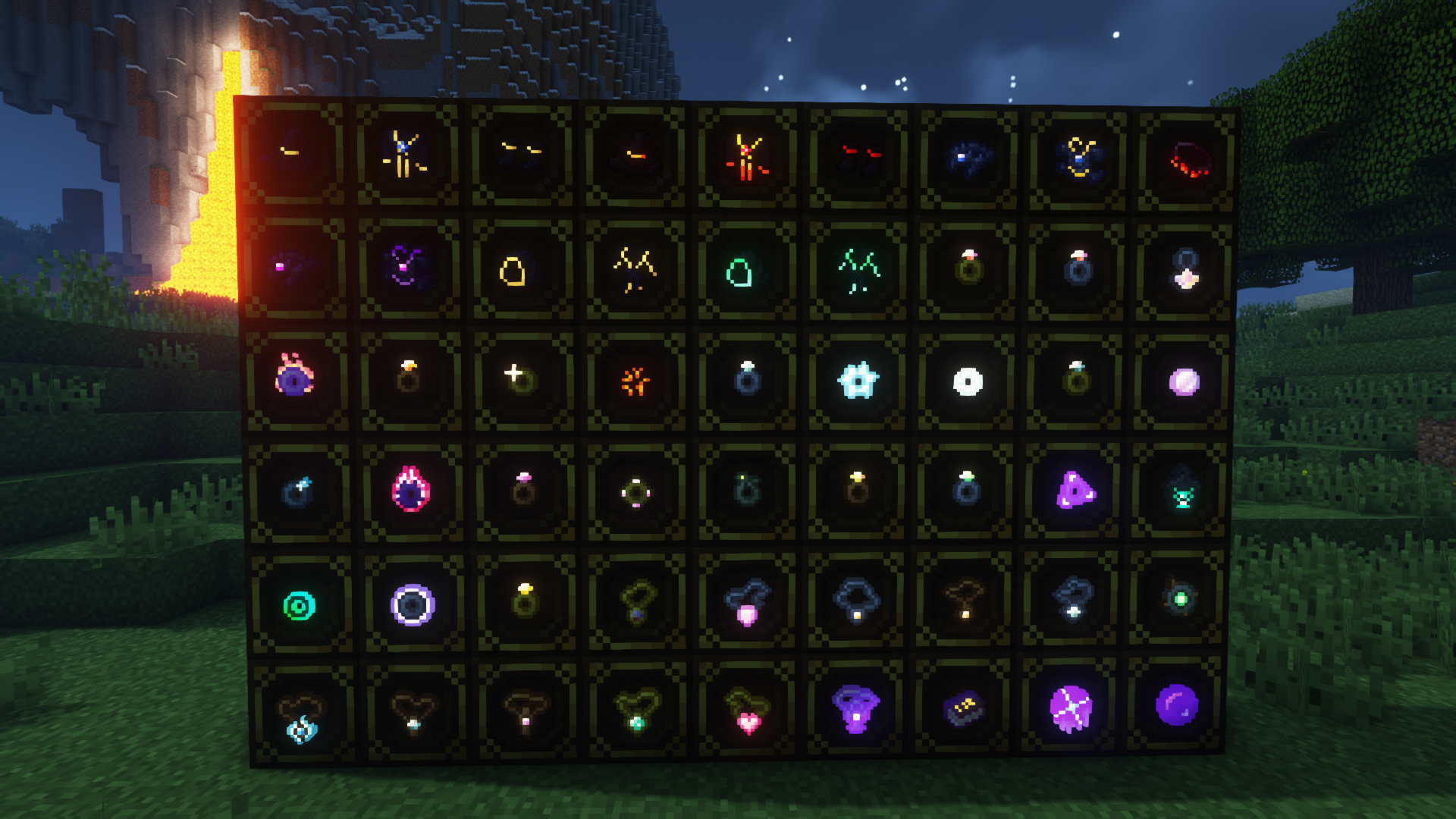
Currently supported are: All armours (except the festive variant, I mean glow would look ridiculous on that)
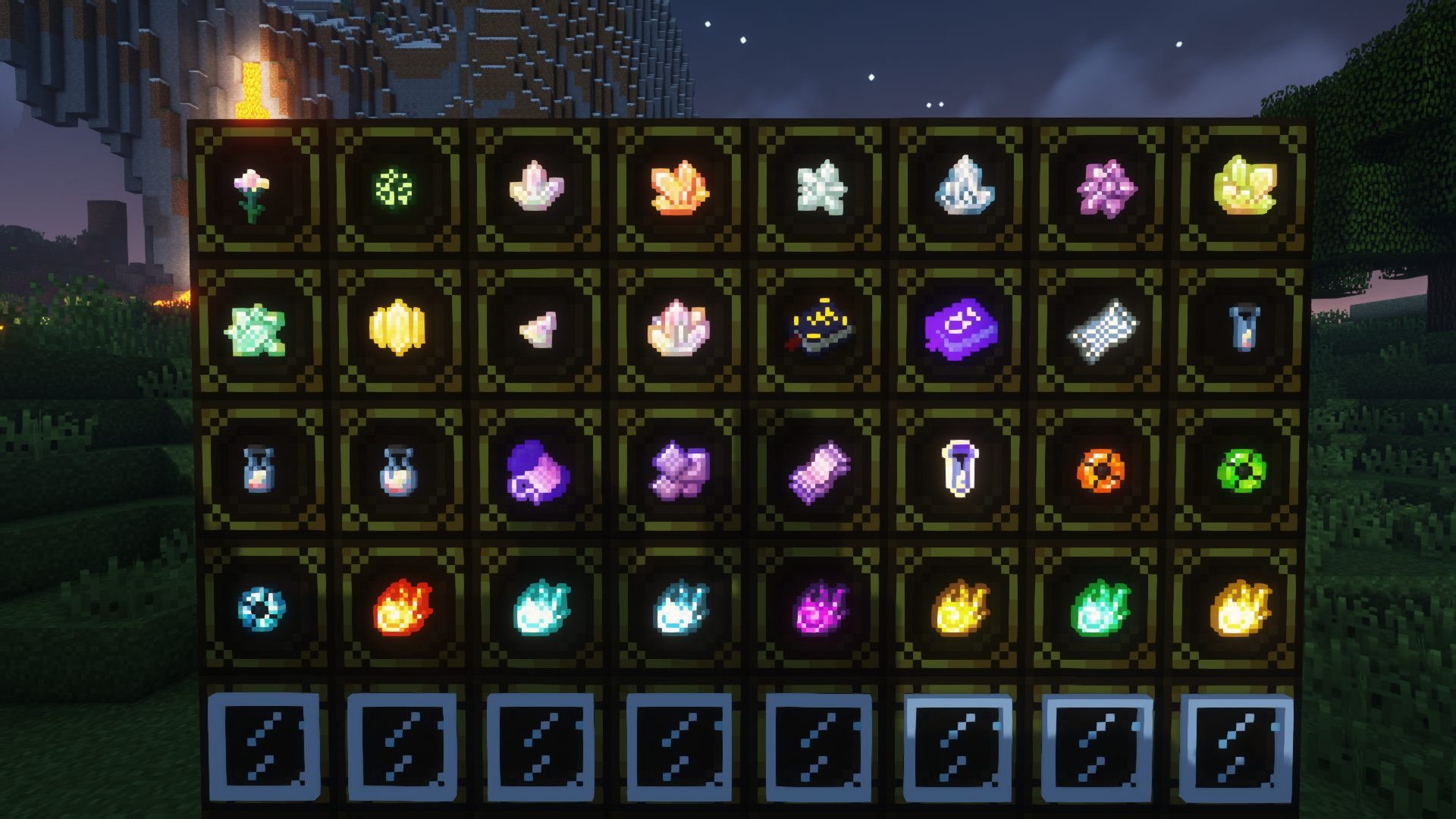
most blocks (where glow makes sense)
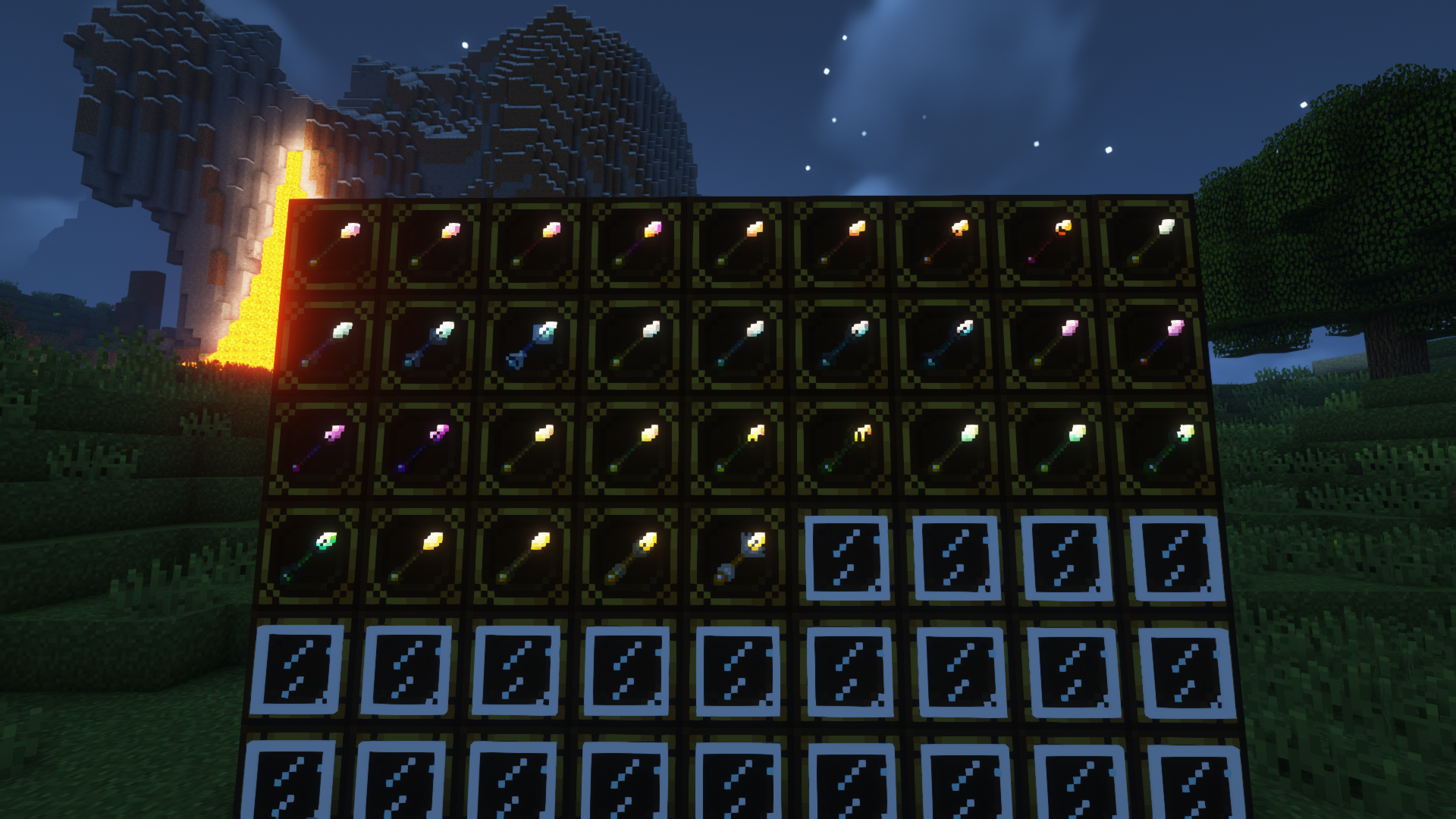
and Items (again, where glow makes sense)
There are 4 different versions of this:
Normal Version: Adds the glow that's promised. No unmentioned changes, no twists.
Light Version: This version is for the people that don't like extreme glow on some things.
Low Bob Addon: This is an Addon, it makes the low tier stuff glow as well, best used with the normal version.
Wandless Version: This is a version without wands, so you can use those other fancy wand resource packs.
Disclaimer: I did NOT make those textures, I just copied them, deleted the stuff that's not suppose to glow, and then just reapplied them.
So check Electroblob's Wizardry. (It's also required, so you have to anyways)
Also Check:
Electroblob's Twilight Forest Spell Pack
Upcoming texture glow effects are: I dunno, fixes and tweaks maybe?
Take a peek at the Images tab!
Report issues at the issue tracker. (Accessible via the "Issues" tab)


![Standard Robe Items [LB Addon]](https://media.forgecdn.net/attachments/356/795/2021-04-16_21.png)
![Standard Robes [LBAddon] (Dark)](https://media.forgecdn.net/attachments/355/587/2021-04-11_00.png)