Mineuniverse
Resource Packs
Emissive Metallurgy

Emissive Metallurgy

RESOURCE PACK
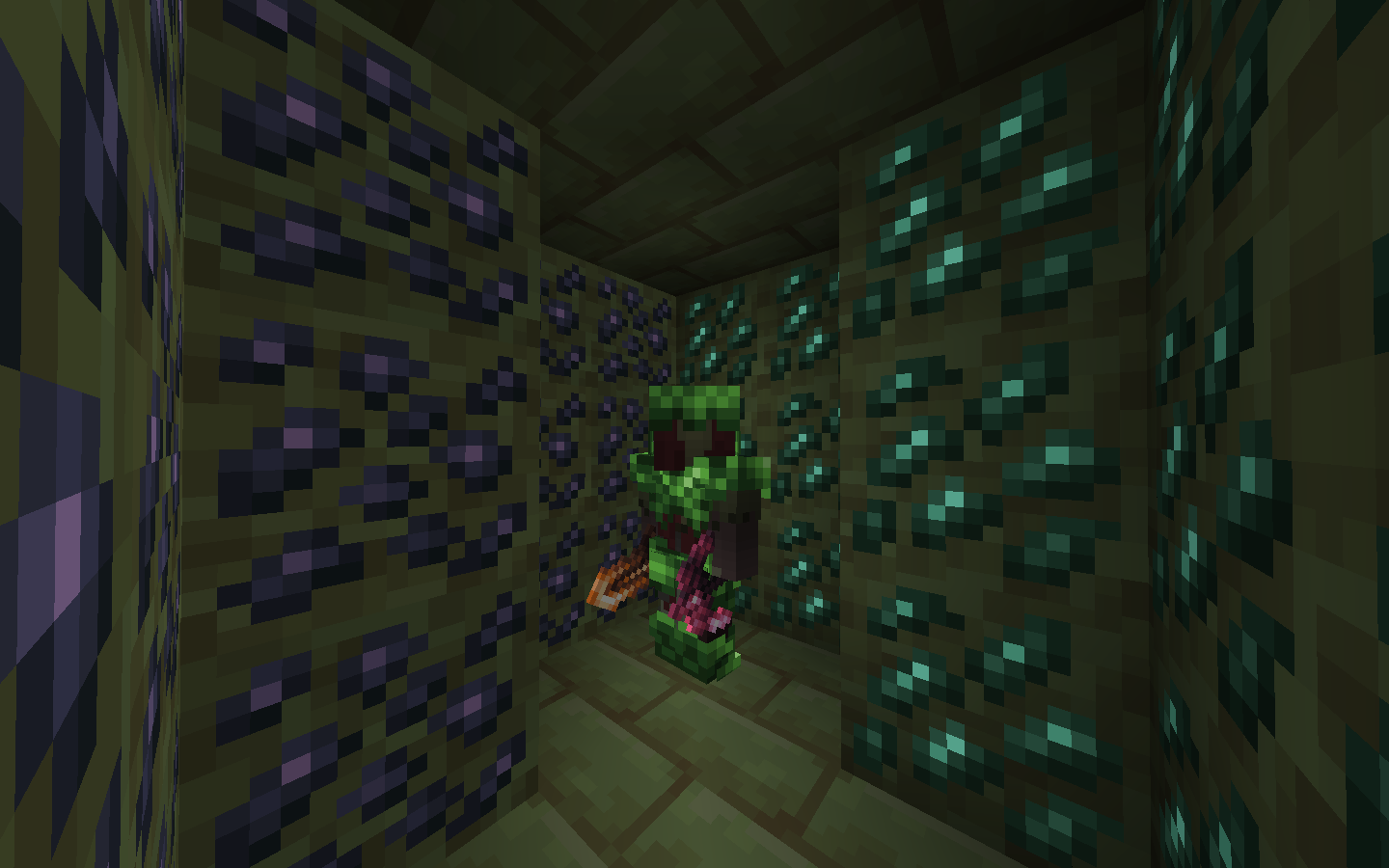
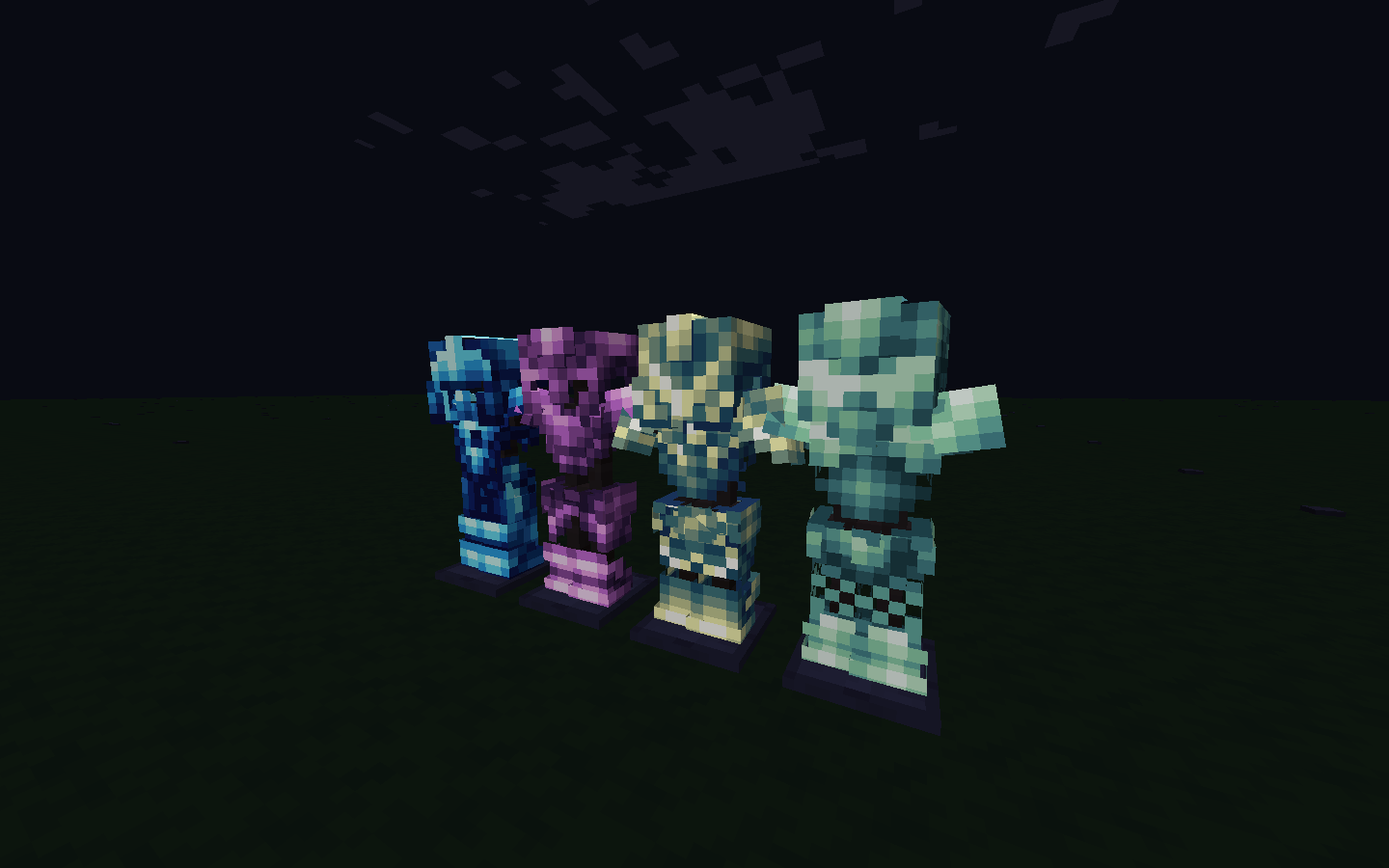
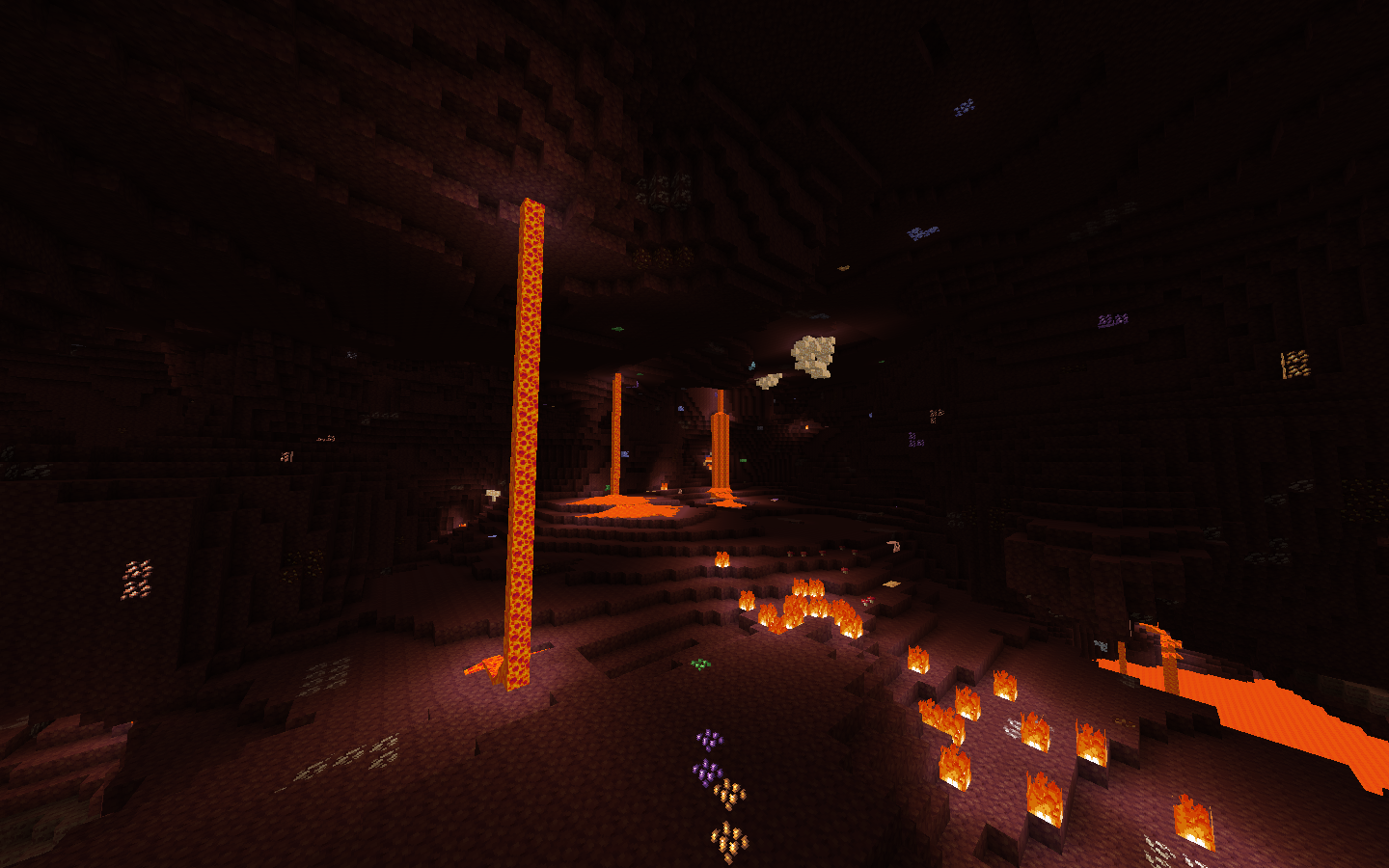
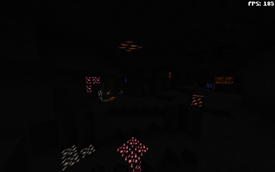
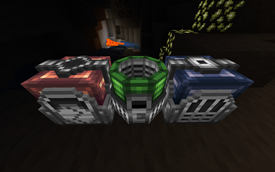
Adds glow to Metallurgy 4 Reforged
by Endermensch
Download Claim this project
174 downloads
0 likes
0 followers
Updated Oct 14, 2026
0 hypes
Follow0
16x Mod Support
Advertisement Remove ads with Premium →

IMPORTANT: Must have OptiFine in order to work!

Ever wished those textures would have a glow for that true magical feel? If yes, then you're at the right destination.

Liquids doesnt support yet.

Resource pack currently support:

blocks(like glasses,ores,ore blocks etc)

armors(every single set)

machines(alloyer,crusher etc)

and items(swords,axes,shovels etc)

P.S

(but I don't think I can make Liquids glow at all)
Disclaimer: I did NOT make those textures, I just copied them, deleted the stuff that's not suppose to glow, and then just reapplied them.
So check Metallurgy 4: Reforged - Mods - Minecraft - CurseForge. (It's also required, so you have to anyways)

Also check:Metallurgy Chests - Mods - Minecraft - CurseForge

 
Emissive Metallurgy
MC 1.12.2
Release 2023-01-04 Get
EmissiveMetallurgyBeta
MC 1.12.2
Beta 2023-01-03 Get
EmissiveMetallurgyAlpha.zip
MC 1.12.2
Alpha 2023-01-03 Get

Requirements & install

How to use this resource pack in Minecraft
Resolution
16x
Minecraft
1.12.2
Install folder
.minecraft/resourcepacks

How to install resource packs

  1. Download the resource pack .zip file (do not extract it).
  2. In Minecraft open Options → Resource Packs → Open Pack Folder.
  3. Drop the .zip into the resourcepacks folder (.minecraft/resourcepacks).
  4. Move the pack to the Selected column and click Done.
Browse more: 16x resource packs 32x resource packs 64x resource packs 128x resource packs 256x resource packs 512x+ resource packs Resource Packs for 1.12.2 All resource packs

More from Endermensch

Advertisement Remove ads with Premium →

You Might Also Like