Mineuniverse
Resource Packs
Emissive Jurassic World Reborn

Emissive Jurassic World Reborn

RESOURCE PACK
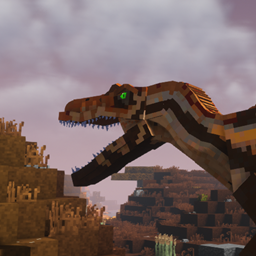
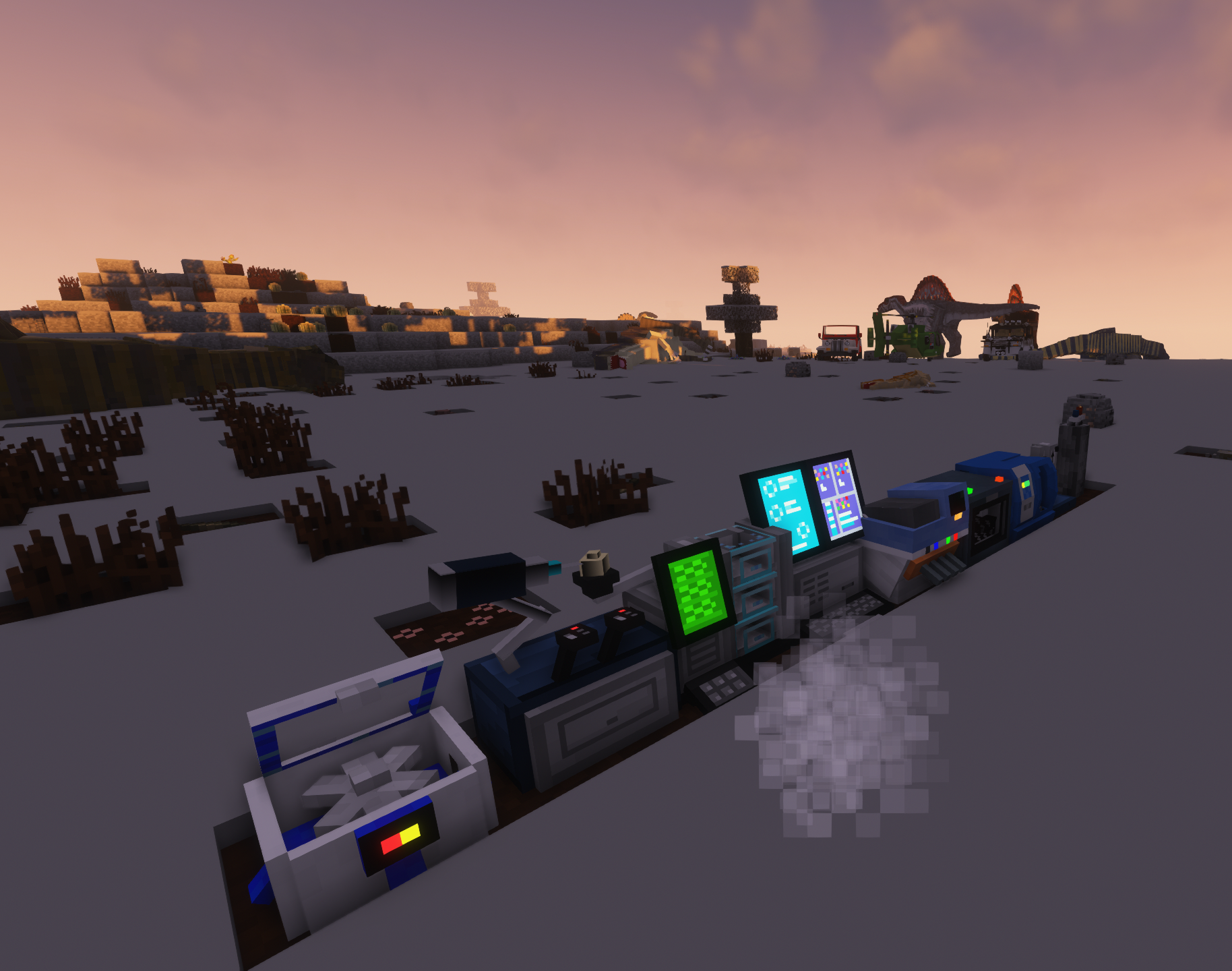
Adds Emissive Glow to Predator Dino Eyes and Machines
by Alcater_curse
Download Claim this project
Add a badge to your pageLink to Emissive Jurassic World Reborn from a README, website or forum post.
Preview: Badge

Badges update automatically and link to the resource pack page on MineUniverse.

18,237 downloads
0 likes
0 followers
Updated Oct 14, 2026
0 hypes
Follow0
16x Miscellaneous Mod Support Modern
Advertisement Remove ads with Premium →

Something is Watching


Jurassic World Reborn Textures Adds Glow to Dino Eyes and Machines


When night falls and the Raptors roam you can feel their eyes closely watching your steps as you try to escape. 


Jurassic World Reborn Mod is required

Optifine is recommended as it makes the eyes glow


This Ressouce Pack can be freely used in Modpacks, Videos and Pictures


Features:


  • Glowing to all Machines (Block and Item form)


  • Glowing Dino Eyes for
  • Achillobator
  • Allosaurus
  • Baryonix
  • Blue
  • Carcharodontosaurus
  • Carnotaurus
  • Charlie
  • Compsognathus
  • Delta
  • Dilophosaurus
  • Dunkleosteus
  • Echo
  • Gallimimus
  • Giganotosaurus
  • Herrerasaurus
  • Indominus Rex
  • Indoraptor
  • Megapiranha
  • Microraptor
  • Mosasaurus
  • Ornithomimus
  • Oviraptor
  • Raphusrex
  • Rugops
  • Spinoraptor
  • Spinosaurus
  • Suchomimus
  • Troodon
  • Tyrannosaurus
  • Velociraptor


  • Retexuring of
  • Brachiosaurus Male
  • Rugops Male
  • Spinosaurus Male and Female
  • Tylosaurus Male


  • Remodeling and retexturing of
  • Incubator


Textures of this Ressouce Pack are edits of the original Jurassic World Reborn Mod

Jurassic_World_Rebord_Textures.zip
MC 1.12.2
Release 2021-10-07 Get

Requirements & install

How to use this resource pack in Minecraft
Resolution
16x
Minecraft
1.12.2
Install folder
.minecraft/resourcepacks

How to install resource packs

  1. Download the resource pack .zip file (do not extract it).
  2. In Minecraft open Options → Resource Packs → Open Pack Folder.
  3. Drop the .zip into the resourcepacks folder (.minecraft/resourcepacks).
  4. Move the pack to the Selected column and click Done.
Browse more: 16x resource packs 32x resource packs 64x resource packs 128x resource packs 256x resource packs 512x+ resource packs Resource Packs for 1.12.2 All resource packs

More from Alcater_curse

Advertisement Remove ads with Premium →

You Might Also Like