Mineuniverse
Resource Packs
Embrace Pixels - 16x Default PBR

Embrace Pixels - 16x Default PBR

RESOURCE PACK
Enhanced Vanilla Look (no parallax!)
by Mwteusz
Download Claim this project
Add a badge to your pageLink to Embrace Pixels - 16x Default PBR from a README, website or forum post.
Preview: Badge

Badges update automatically and link to the resource pack page on MineUniverse.

75,394 downloads
0 likes
0 followers
Updated Oct 14, 2026
0 hypes
Follow0
16x Miscellaneous Photo Realistic
Advertisement Remove ads with Premium →

banner
at last...
EVERY block is here!


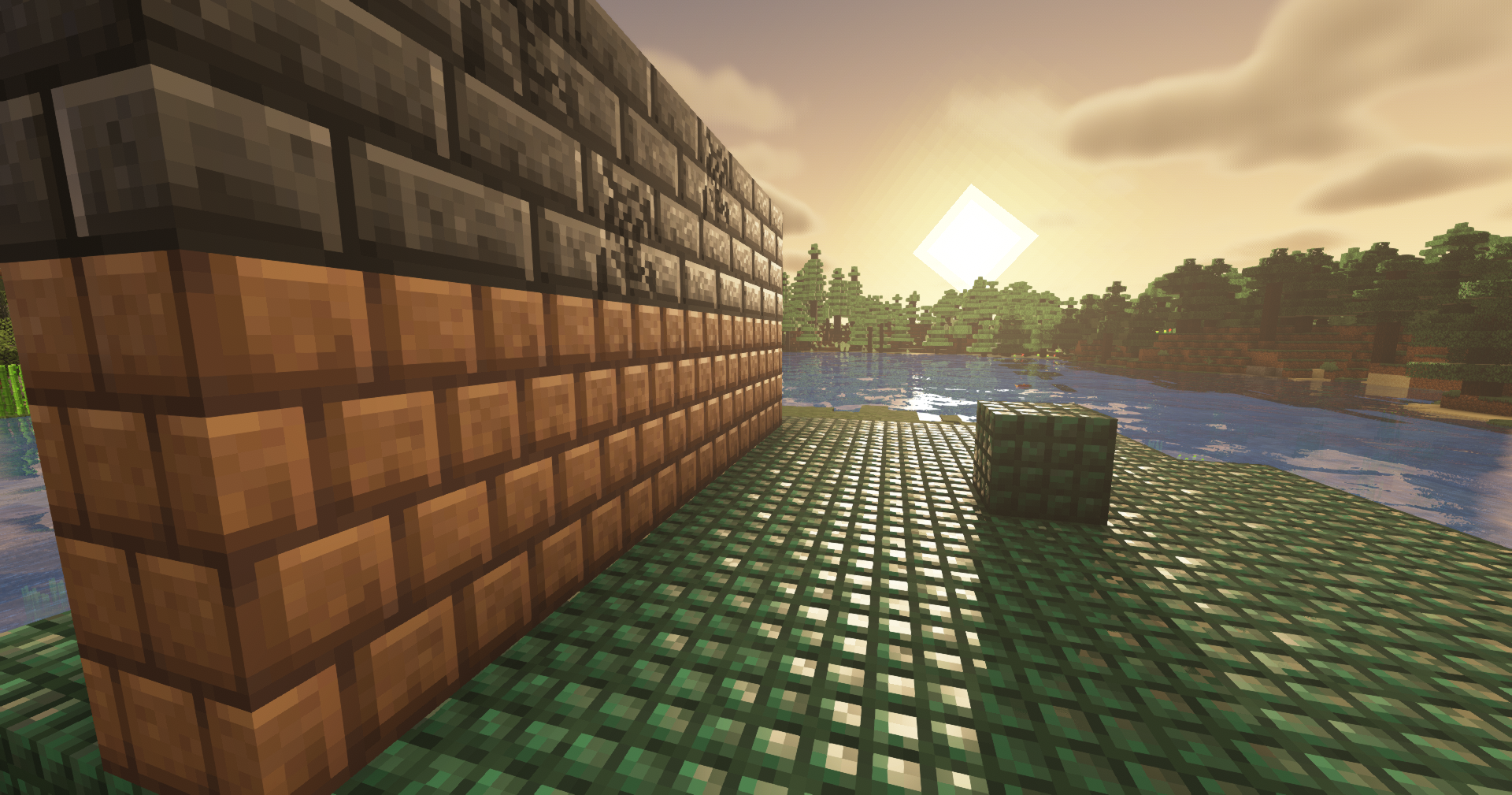
This pack is a tribute to default minecraft textures and pixel art overall

On top of default textures, 16x16 Normal and Specular maps are applied
Beds, Signs, Ores, Doors, Corals, Glazed Terracotta, Armor...
and also Slime, Iron Golem!
(command blocks & structure blocks are probably going to be made eventually, not a promise...)

In order to get the pack working, you need any labPBR supported shaders - I highly recommend BSL shaders
Suggested settings for BSL are included with this pack, drag txt file to your shader pack folder
Important settings include:
  Advanced Materials ON
  Parallax Mapping OFF
  Subsurface Scattering FULL

This pack is designed to be subtle - it does not interfere with vanilla gameplay
Most of the features will be clearly visible during sunrises and sunsets

Feedback is more than welcome
if you have ANY questions, please contact me. I will gladly respond

I am open to suggestions for any changes
DC: Mwti#9705 


Embrace Pixels 2.1
MC 1.19.4, 1.20.1, 1.20, 1.20-Snapshot
Release 2023-07-29 Get
Embrace Pixels 2.0
MC 1.19.3, 1.19.4, 1.19.2, 1.19.1, 1.19
Release 2023-03-29 Get

Requirements & install

How to use this resource pack in Minecraft
Resolution
16x
Minecraft
1.19 – 1.20.1
Install folder
.minecraft/resourcepacks

How to install resource packs

  1. Download the resource pack .zip file (do not extract it).
  2. In Minecraft open Options → Resource Packs → Open Pack Folder.
  3. Drop the .zip into the resourcepacks folder (.minecraft/resourcepacks).
  4. Move the pack to the Selected column and click Done.
Browse more: 16x resource packs 32x resource packs 64x resource packs 128x resource packs 256x resource packs 512x+ resource packs Resource Packs for 1.20.1 All resource packs

More from Mwteusz

Advertisement Remove ads with Premium →

You Might Also Like